Page 66 of 112
65
RX500h/RX350h_QG_U
Play back music files on an iPod/iPhone connected to the USB port. When an iPod/iPhone
is connected, a button with the device’s name is displayed on the source selection screen.
This may not be displayed for some devices.
Connect an iPod or iPhone.
1Touch [ ] from the main menu.
2Touch [Sources].
3Touch the device name or [USB].
4Operate the iPod or iPhone th at is playing as necessary.
● Perform operations from the screen
[ ]: Performs shuffle playback. Each touch switches the shuffle setting.
*
[ ]: Plays the currently playing track from the beginning. When at the start of the
track, the previous track will play from the beginning.
Touch and hold to fast rewind. Release to start playback from that position.
[ ]: Pauses playback.
[]: Plays.
[ ]: Switches the tracks. Touch and hold to fast forward. Release to start playback
from that position.
Playing iPod/iPhone
Page 67 of 112
66
RX500h/RX350h_QG_U
[ ]: Performs repeat playback. Each touch during repeat playback switches the
repeat setting.
*
[Browse]: Displays the playback mode in the submenu. Tracks can be selected from a
list sorted by artist, album, song, playlist, genre, Podcast, composer, audiobook, or
radio. [Shuffle play] is displayed when playin g a track selected from the list. Touch this to
return to the playback screen and perform shuffle playback.
*: The order in which shuffle or repeat settings switch depends on the connected device.
● Operating with the steering switches
Type A
[<]/[>]switches
Switches the tracks.
Hold to fast rewind or fast forward. Release
to start playback from that position.
Type B
[<]/[>]switches
This switch can be used if set as a favorite
steering switch thro ugh customization.
For the customization procedure, refer to
the “OWNER’S MANUAL”.
Switches the tracks.
Hold to fast rewind or fast forward. Release
to start playback from that position.
Page 68 of 112
67
RX500h/RX350h_QG_U
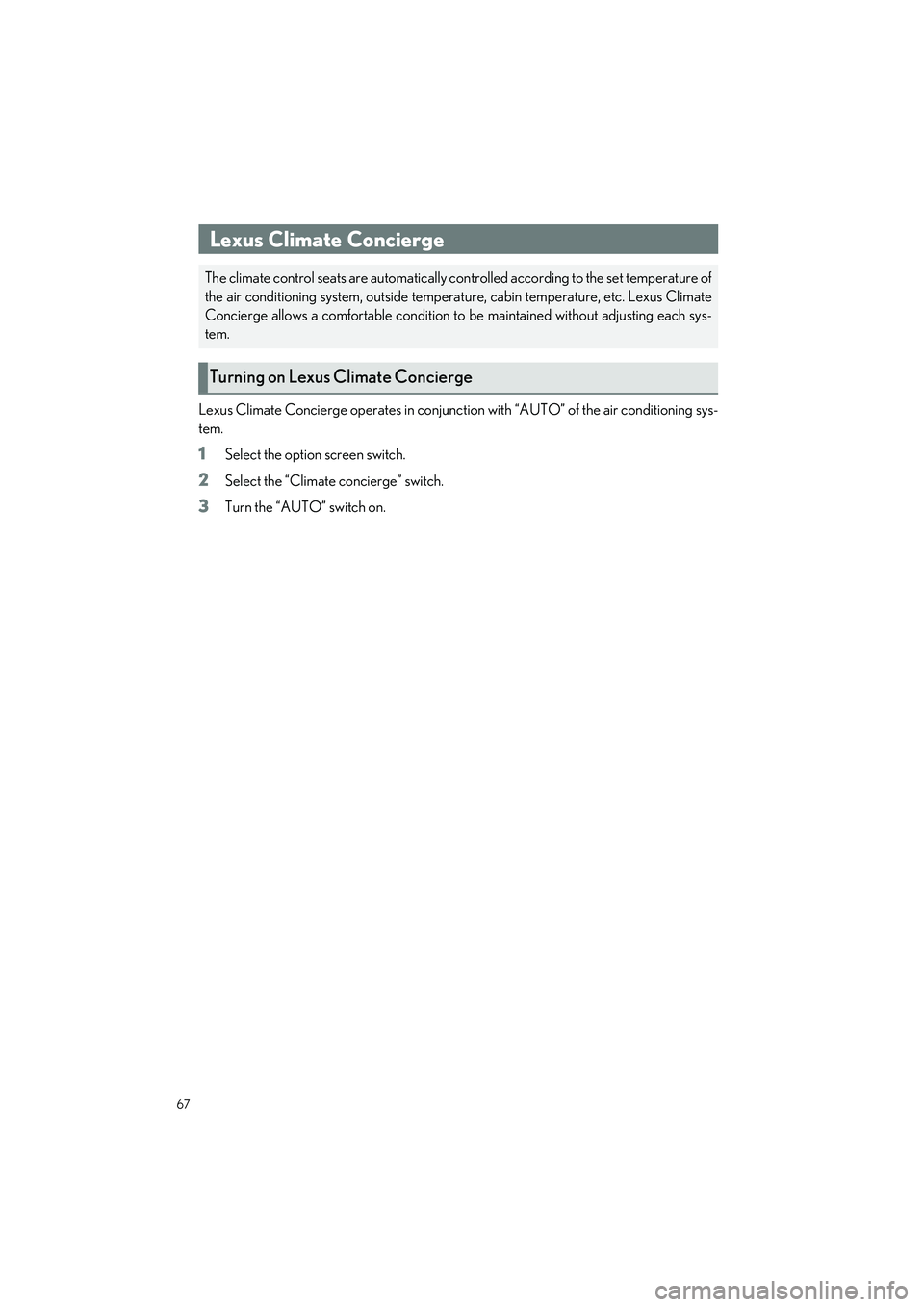
Lexus Climate Concierge operates in conjunction with “AUTO” of the air conditioning sys-
tem.
1Select the option screen switch.
2Select the “Climate concierge” switch.
3Turn the “AUTO” switch on.
Lexus Climate Concierge
The climate control seats are automatically co ntrolled according to the set temperature of
the air conditioning system, outside temperat ure, cabin temperature, etc. Lexus Climate
Concierge allows a comf ortable condition to be maintain ed without adjusting each sys-
tem.
Turning on Lexus Climate Concierge
Page 69 of 112
68
RX500h/RX350h_QG_U
14-inch center display model
Left-hand side temperature control switch
Airflow mode control switch
Option screen switch
Shortcut screen switch
Select to display shortcut icons for various functions.
Front/rear control screen switch
“Sync” switch
Right-hand side temperature control switch
“A/C” switch
Outside/recirculated air mode switch
Fan speed control switch
“Off” switch
“AUTO” switch
Front Automatic Air Conditioning System
When the “AUTO” switch is on, the air ou tlets and fan speed will automatically be
changed according to the set temperature.
Air conditioning controls
A
B
C
D
E
F
G
H
I
J
K
L
Page 74 of 112

73
RX500h/RX350h_QG_U
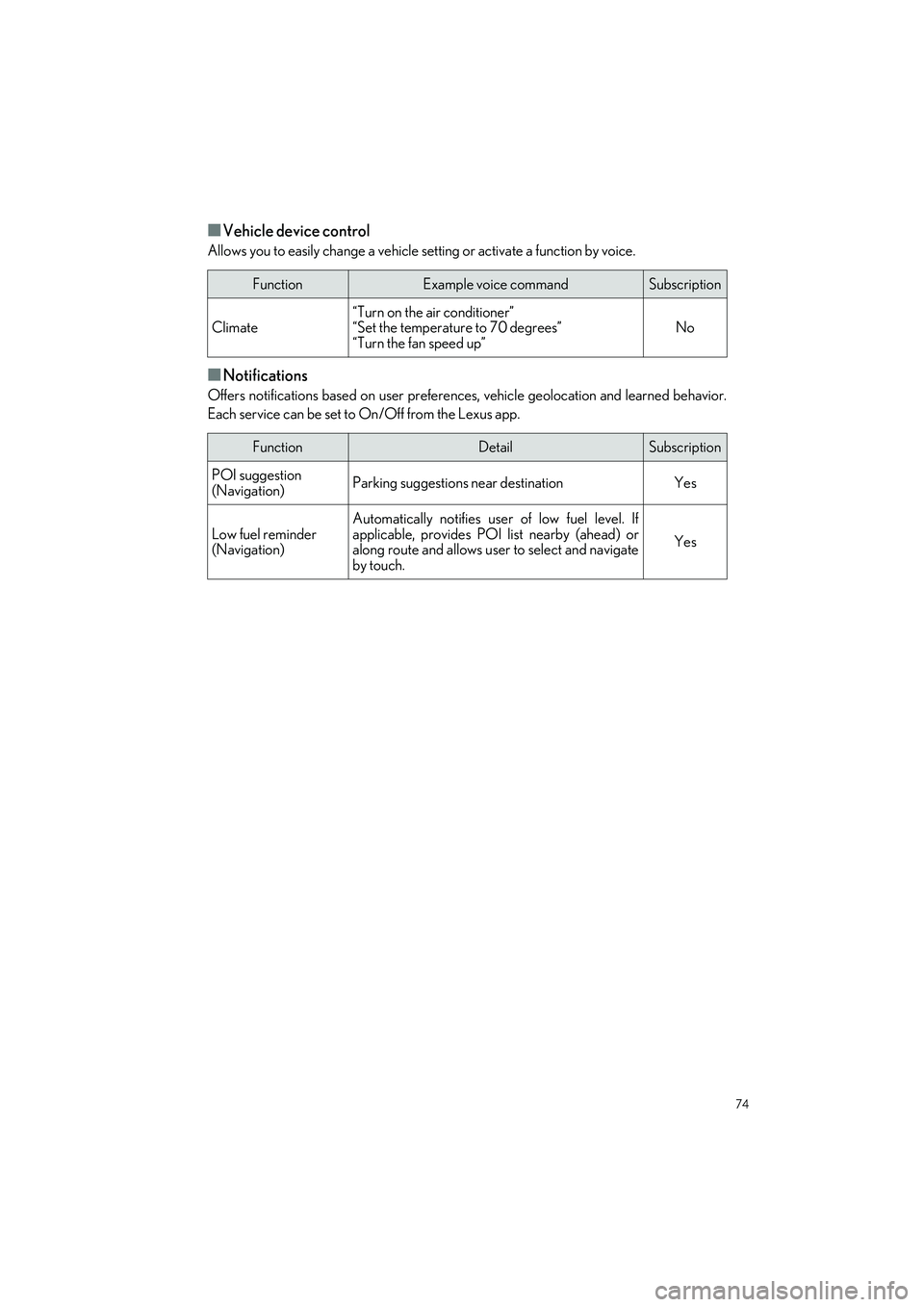
■Multimedia control
Allows you to engage in a dialog with the Intelligent Assistant to complete various multime-
dia tasks via voice input.
■Hands-free phone operation
Allows you to engage in a dialog with the Intelligent Assistant to complete various tasks via
voice input, such as making a phone call to a contact, or calling destination assist.
■Screen display switching
Allows you to easily change to various function screen by voice.
FunctionExample voice commandSubscription
Radio“Tune to 99.5 FM”
“Tune to Rock on FM”
“Tune to channel 2 on SiriusXM”No
Media
“Mute audio”
“Next”
“Previous”
No
Media Streaming“Play ”
“Play Frank Sinatra”Yes
FunctionExample voice commandSubscription
Phone call
“Call John Smith”
“Dial 0123456789”
“Call back”
“Redial”
No
Message“Send message to John Smith”
“Read message”No
FunctionExample voice commandSubscription
Navigation“Show map”Yes
Phone“Show recent calls”No
Multimedia“Show the FM station list”No
Settings“Show display settings”No
Page 75 of 112
74
RX500h/RX350h_QG_U
■Vehicle device control
Allows you to easily change a vehicle setting or activate a function by voice.
■Notifications
Offers notifications based on user preference s, vehicle geolocation and learned behavior.
Each service can be set to On/Off from the Lexus app.
FunctionExample voice commandSubscription
Climate“Turn on the air conditioner”
“Set the temperature to 70 degrees”
“Turn the fan speed up”No
FunctionDetailSubscription
POI suggestion
(Navigation)Parking suggestions near destinationYes
Low fuel reminder
(Navigation)
Automatically notifies user of low fuel level. If
applicable, provides POI list nearby (ahead) or
along route and allows user to select and navigate
by touch.
Yes
Page 82 of 112
81
RX500h/RX350h_QG_U
The door cannot be opened from inside the
vehicle when the lock is set.
1Unlock
2Lock
These locks can be set to prevent chil-
dren from opening the rear doors.
Push down on each rear door switch to
lock both rear doors.
Rear door child-protector lock
Page 90 of 112

89
RX500h/RX350h_QG_U
●Close the back door and lock all doors (close & lock function)*
*
: This setting can be customiz ed by your Lexus dealer.
Press the switch.
The power back door will close and all of
the doors will be locked at the same time.
A different buzzer than the normal one will
sound and the power back door will begin
closing automatically. When the power
back door is closed, all of the doors will lock
simultaneously and operation signals will
indicate that all of the doors have been
locked.
If the switch is pressed while the power
back door is closing, the operation will stop.
Pressing the switch again will open the
power back door automatically.
■Hands Free Power Back Door (if equipped)
1
While carrying an electronic key, stand with in the smart access system with push-but-
ton start operation range, approximately 19.7 to 23.6 in. (50 to 60 cm) from the rear
bumper.
Type A
Kick sensor
Hands Free Power Back Door opera-
tion detection area
Smart access system with push-button
start operation detection area
A
B
C

![LEXUS RX 2023 Owners Manual 66
RX500h/RX350h_QG_U
[ ]: Performs repeat playback. Each touch during repeat playback switches the
repeat setting.
*
[Browse]: Displays the playback mode in the submenu. Tracks can be selected from a](/manual-img/36/58962/w960_58962-66.png "LEXUS RX 2023 Owners Manual 66
RX500h/RX350h_QG_U
[ ]: Performs repeat playback. Each touch during repeat playback switches the
repeat setting.
*
[Browse]: Displays the playback mode in the submenu. Tracks can be selected from a")