2023 HYUNDAI TUCSON display
[x] Cancel search: displayPage 105 of 638
04
4 -7
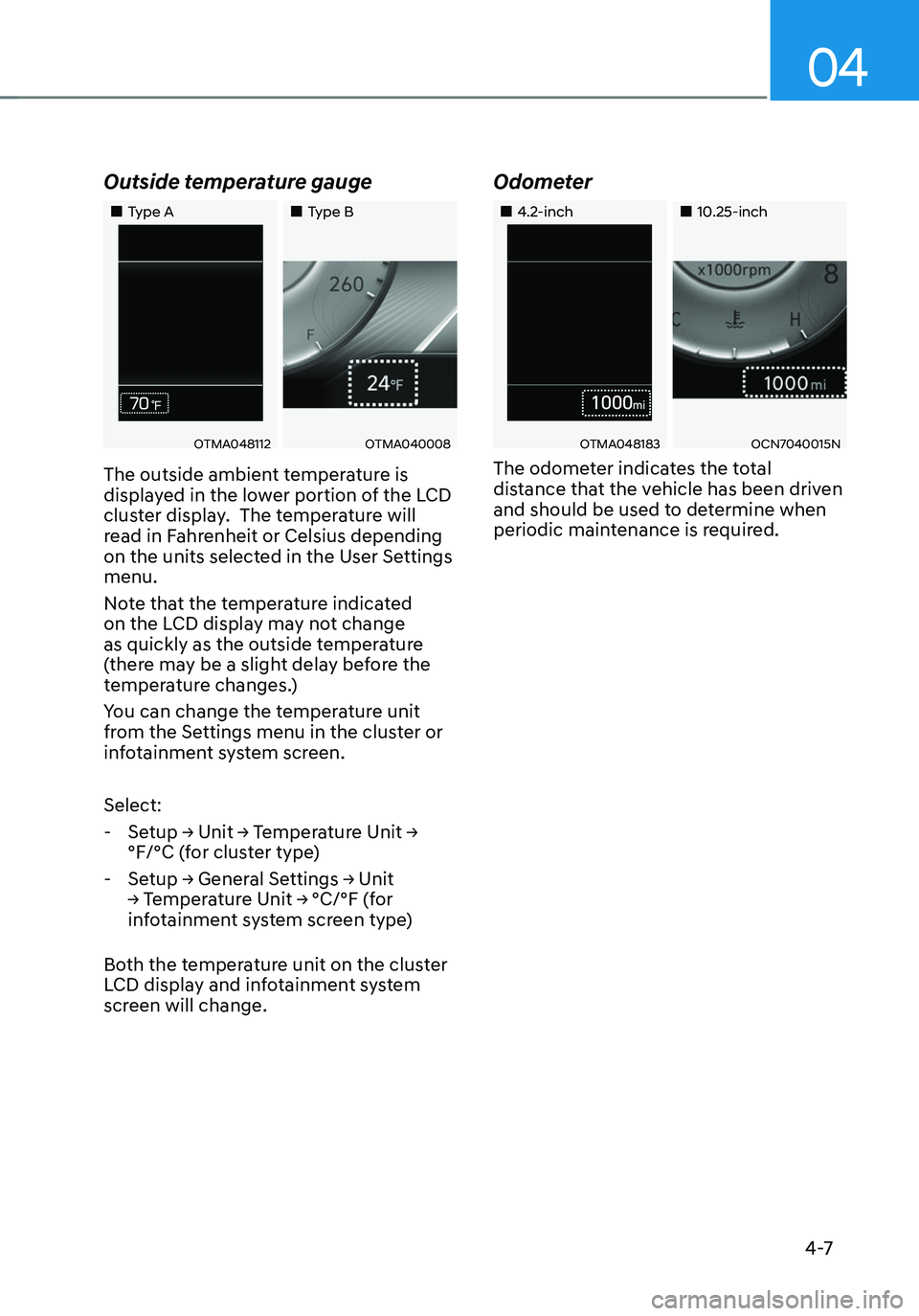
Outside temperature gauge
„„Type A„„Type B
OTMA048112OTMA040008
The outside ambient temperature is
displayed in the lower portion of the LCD
cluster display. The temperature will
read in Fahrenheit or Celsius depending
on the units selected in the User Settings
menu.
Note that the temperature indicated
on the LCD display may not change
as quickly as the outside temperature
(there may be a slight delay before the
temperature changes.)
You can change the temperature unit
from the Settings menu in the cluster or
infotainment system screen.
Select:
-Setup → Unit → Temperature Unit →
°F/°C (for cluster type)
-Setup → General Settings → Unit
→ Temperature Unit → °C/°F (for
infotainment system screen type)
Both the temperature unit on the cluster
LCD display and infotainment system
screen will change.
Odometer
„„4.2-inch„„10.25-inch
OTMA048183OCN7040015N
The odometer indicates the total
distance that the vehicle has been driven
and should be used to determine when
periodic maintenance is required.
Page 106 of 638

Instrument cluster
4-8
Distance to empty
„„4.2-inch„„10.25-inch
OAD048563LOCN7040016N
• The distance to empty is the
estimated mileage the vehicle can be
driven with the remaining fuel.
• If the estimated distance is below 1 mi.
(1 km), the trip computer will display
“---” as distance to empty. When this
occurs, the remaining fuel is very low.
Refuel the vehicle immediately.
Information
• If the vehicle is not on level ground or
the battery power has been interrupted,
the distance to empty function may not
operate correctly.
• The distance to empty may differ
from the actual driving distance as it
is an estimate of the available driving
distance.
• The Distance to Empty indicator may
not change accurately if less than 1.5
gallons of fuel are added to the vehicle.
• The distance to empty may vary
significantly based on driving
conditions, driving habits, and
condition of the vehicle.
Fuel economy (for 10.25-inch
cluster)
OTMA040002
The average fuel economy (1) and instant
fuel economy (2) is displayed at the
bottom of the cluster.
Automatic reset
To automatically reset the average fuel
economy, select between "After Ignition"
or "After Refueling" from the Settings
menu in the infotainment system screen.
Page 107 of 638
04
4-9
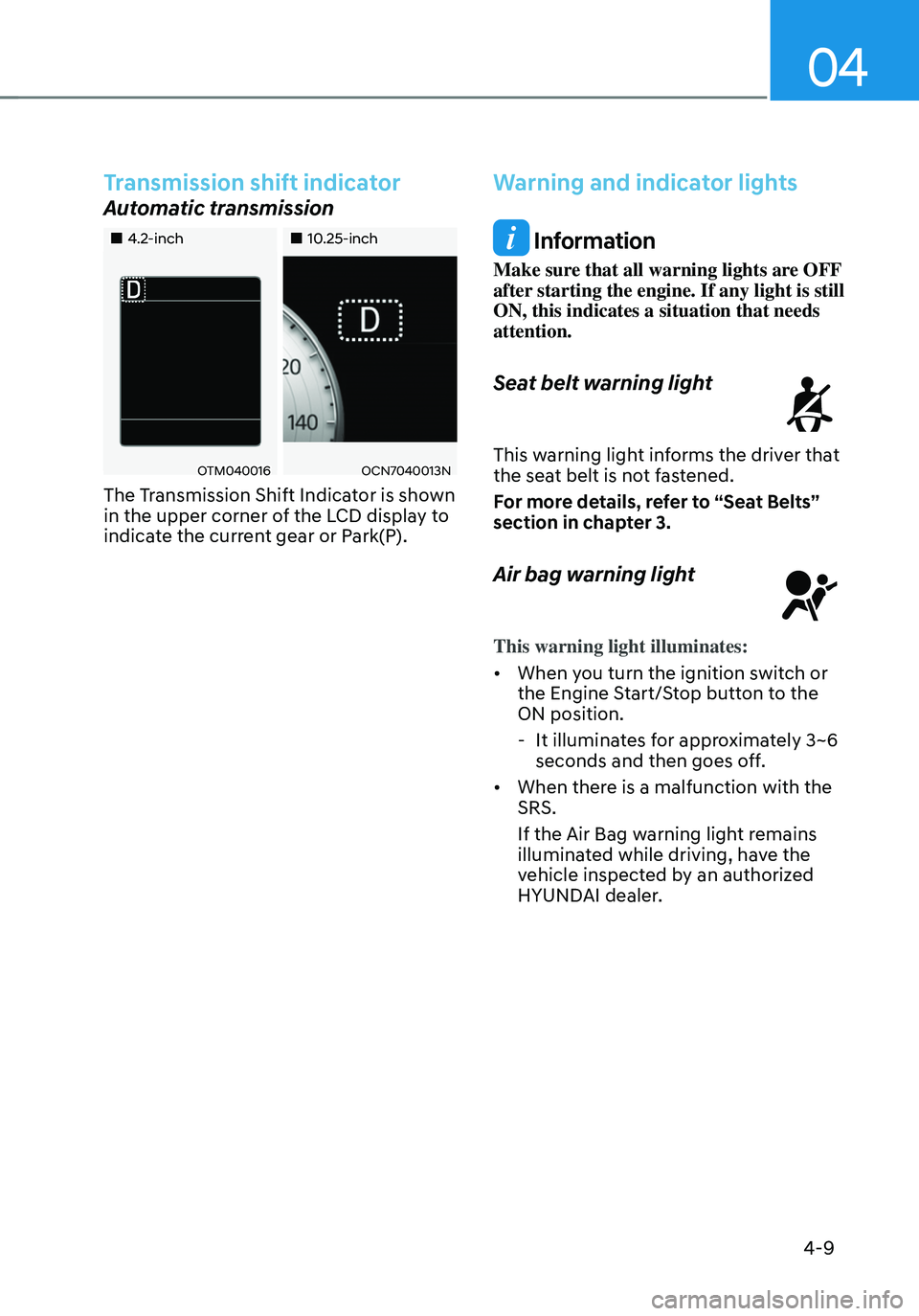
Transmission shift indicator
Automatic transmission
„„4.2-inch„„10.25-inch
OTM040016OCN7040013N
The Transmission Shift Indicator is shown
in the upper corner of the LCD display to
indicate the current gear or Park(P).
Warning and indicator lights
Information
Make sure that all warning lights are OFF
after starting the engine. If any light is still
ON, this indicates a situation that needs
attention.
Seat belt warning light
This warning light informs the driver that the seat belt is not fastened.
For more details, refer to “Seat Belts”
section in chapter 3.
Air bag warning light
This warning light illuminates:
• When you turn the ignition switch or
the Engine Start/Stop button to the
ON position.
-It illuminates for approximately 3~6
seconds and then goes off.
• When there is a malfunction with the
SRS.
If the Air Bag warning light remains
illuminated while driving, have the
vehicle inspected by an authorized
HYUNDAI dealer.
Page 112 of 638
Instrument cluster
4-14
NOTICE
• Driving with the Malfunction
Indicator Lamp (MIL) on may cause
damage to the emission control
system which could affect drivability
and/or fuel economy.
• If the enhanced engine protection
system becomes activated due to
lack of engine oil, engine power
will be limited. If such condition
continues repeatedly, the
Malfunction Indicator Lamp will
illuminate.
NOTICE
If the Malfunction Indicator Lamp
(MIL) illuminates, potential catalytic
converter damage is possible which
could result in loss of engine power.
If this occurs, we recommend that
you have the vehicle inspected by an
authorized HYUNDAI dealer as soon as
possible.
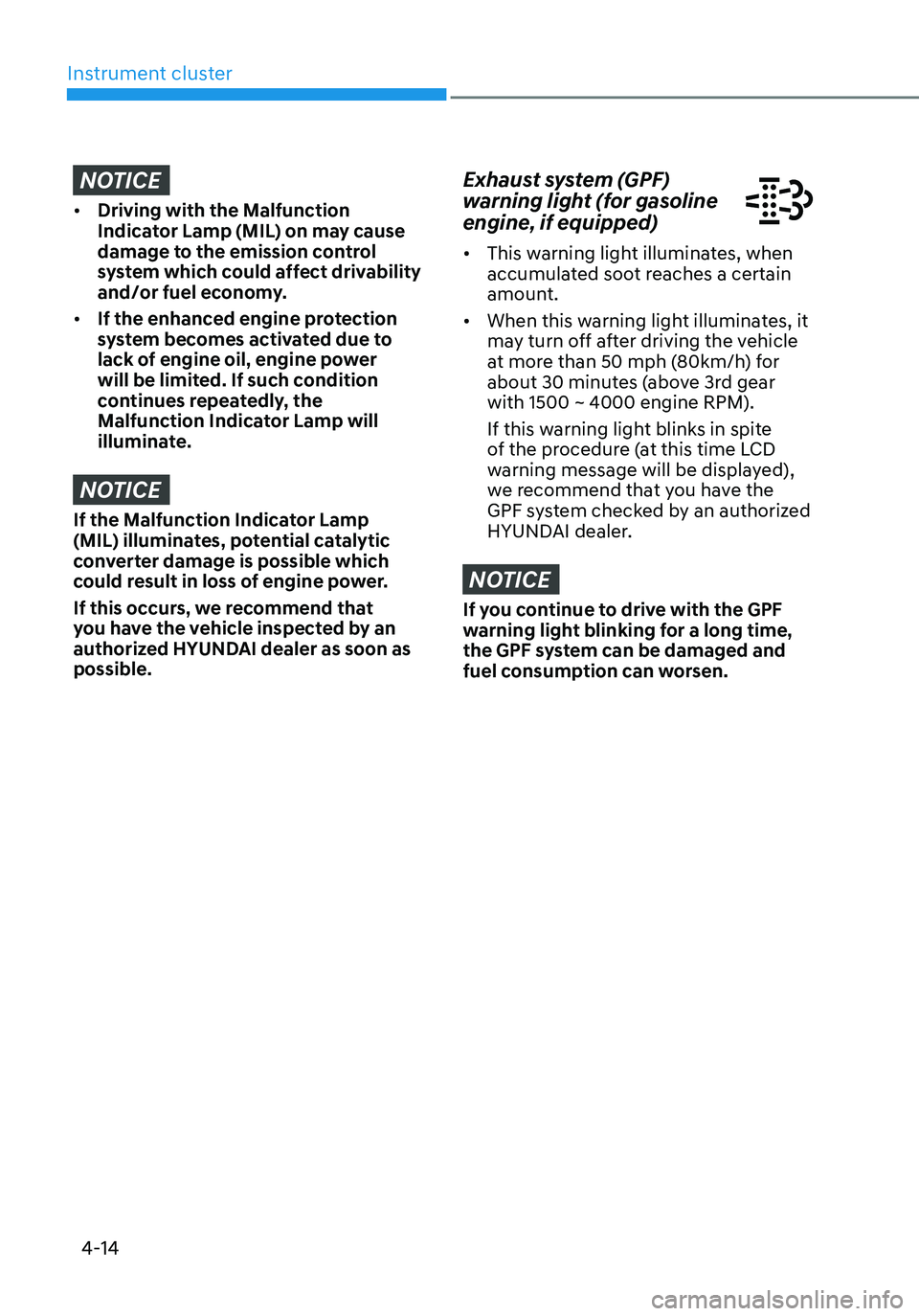
Exhaust system (GPF)
warning light (for gasoline
engine, if equipped)
• This warning light illuminates, when
accumulated soot reaches a certain
amount.
• When this warning light illuminates, it
may turn off after driving the vehicle
at more than 50 mph (80km/h) for
about 30 minutes (above 3rd gear
with 1500 ~ 4000 engine RPM).
If this warning light blinks in spite
of the procedure (at this time LCD
warning message will be displayed),
we recommend that you have the
GPF system checked by an authorized
HYUNDAI dealer.
NOTICE
If you continue to drive with the GPF
warning light blinking for a long time,
the GPF system can be damaged and
fuel consumption can worsen.
Page 113 of 638
04
4-15
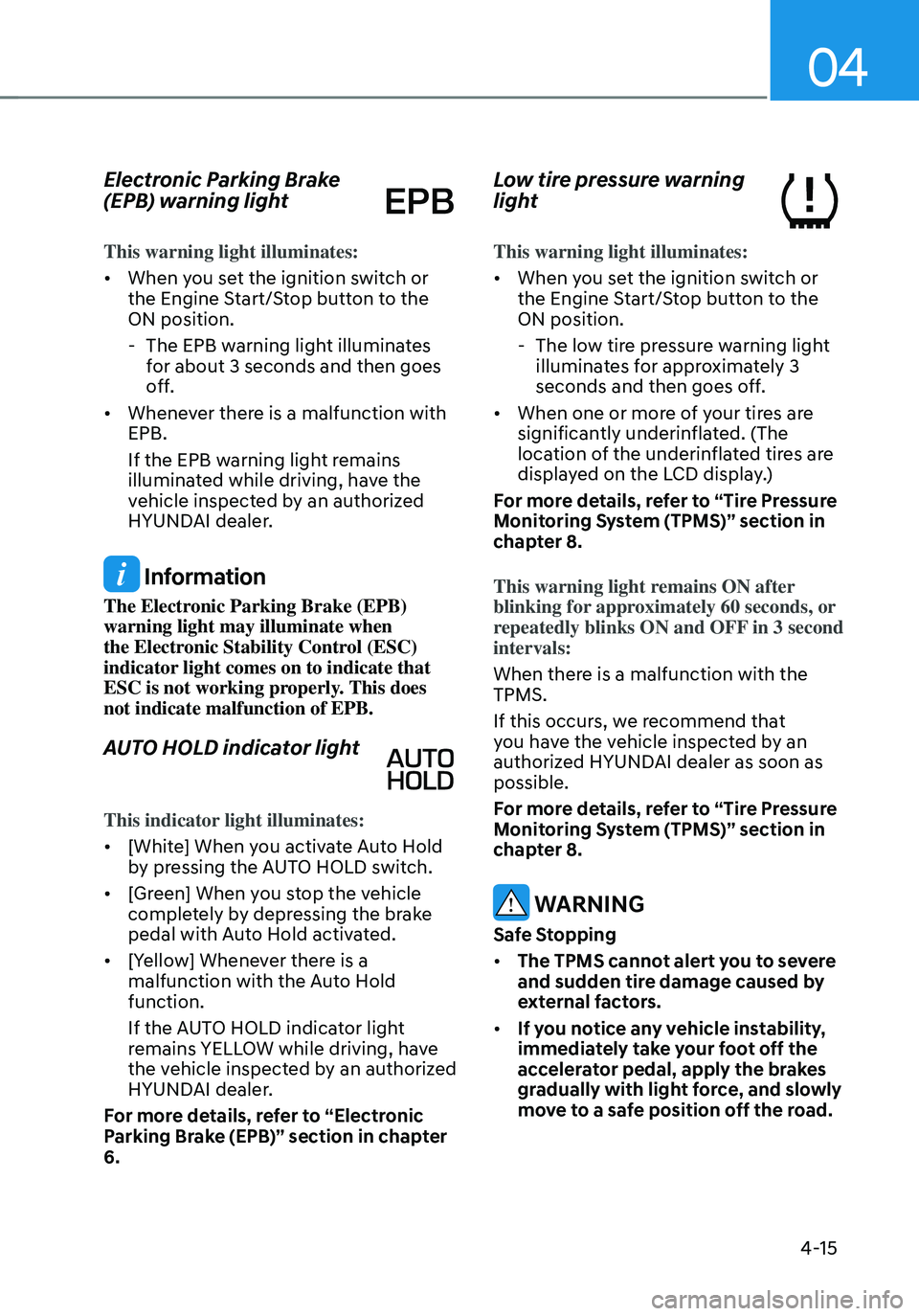
Electronic Parking Brake
(EPB) warning light
This warning light illuminates:
• When you set the ignition switch or
the Engine Start/Stop button to the
ON position.
-The EPB warning light illuminates
for about 3 seconds and then goes
off.
• Whenever there is a malfunction with
EPB.
If the EPB warning light remains
illuminated while driving, have the
vehicle inspected by an authorized
HYUNDAI dealer.
Information
The Electronic Parking Brake (EPB)
warning light may illuminate when
the Electronic Stability Control (ESC)
indicator light comes on to indicate that
ESC is not working properly. This does
not indicate malfunction of EPB.
AUTO HOLD indicator light
This indicator light illuminates:
• [White] When you activate Auto Hold
by pressing the AUTO HOLD switch.
• [Green] When you stop the vehicle
completely by depressing the brake
pedal with Auto Hold activated.
• [Yellow] Whenever there is a
malfunction with the Auto Hold
function.
If the AUTO HOLD indicator light
remains YELLOW while driving, have
the vehicle inspected by an authorized
HYUNDAI dealer.
For more details, refer to “Electronic
Parking Brake (EPB)” section in chapter
6.
Low tire pressure warning
light
This warning light illuminates:
• When you set the ignition switch or
the Engine Start/Stop button to the
ON position.
- The low tire pressure warning light
illuminates for approximately 3
seconds and then goes off.
• When one or more of your tires are
significantly underinflated. (The
location of the underinflated tires are
displayed on the LCD display.)
For more details, refer to “Tire Pressure
Monitoring System (TPMS)” section in
chapter 8.
This warning light remains ON after
blinking for approximately 60 seconds, or
repeatedly blinks ON and OFF in 3 second
intervals:
When there is a malfunction with the
TPMS.
If this occurs, we recommend that
you have the vehicle inspected by an
authorized HYUNDAI dealer as soon as
possible.
For more details, refer to “Tire Pressure
Monitoring System (TPMS)” section in
chapter 8.
WARNING
Safe Stopping
• The TPMS cannot alert you to severe
and sudden tire damage caused by
external factors.
• If you notice any vehicle instability,
immediately take your foot off the
accelerator pedal, apply the brakes
gradually with light force, and slowly
move to a safe position off the road.
Page 116 of 638
Instrument cluster
4-18
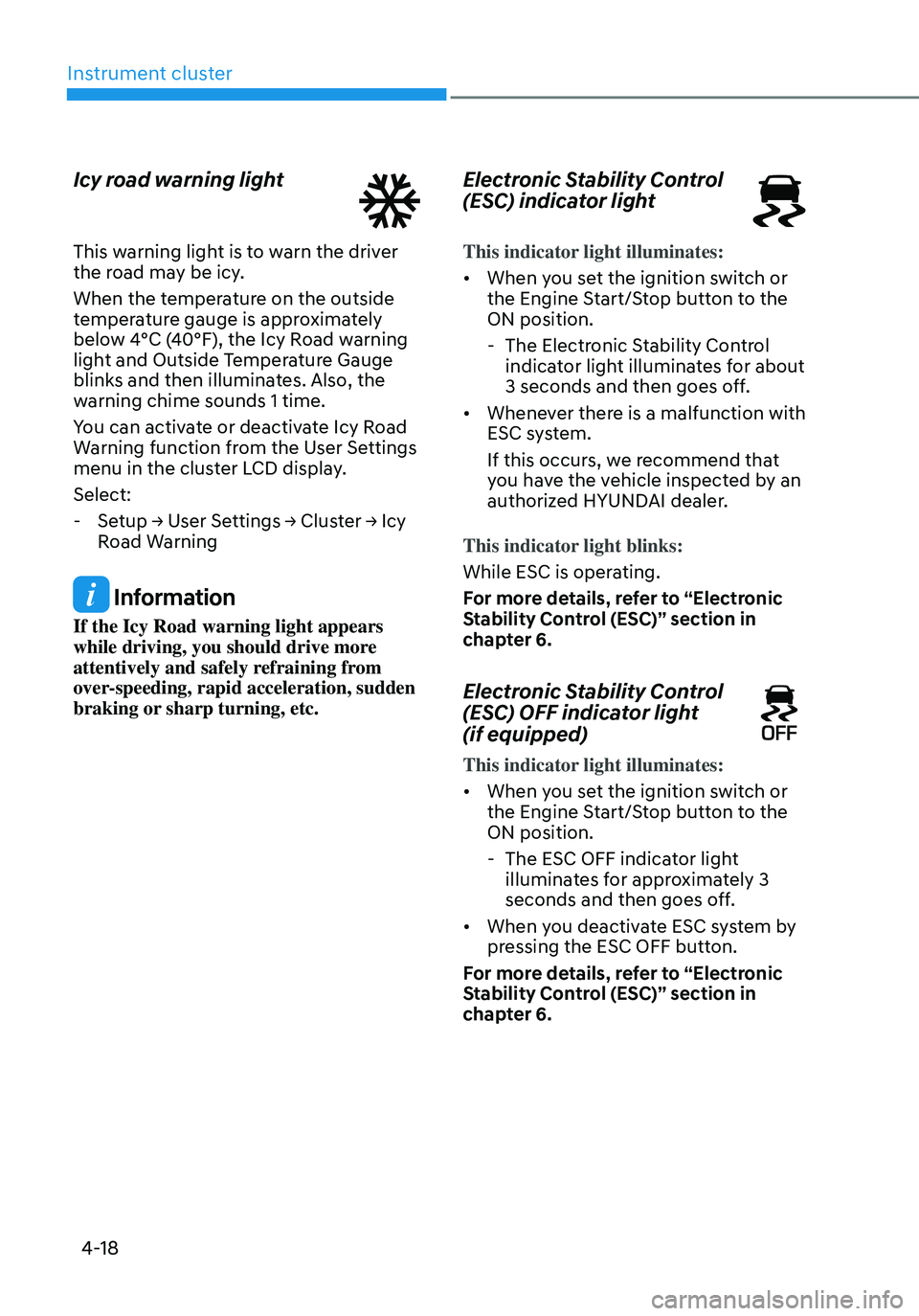
Icy road warning light
This warning light is to warn the driver
the road may be icy.
When the temperature on the outside
temperature gauge is approximately
below 4°C (40°F), the Icy Road warning
light and Outside Temperature Gauge
blinks and then illuminates. Also, the
warning chime sounds 1 time.
You can activate or deactivate Icy Road
Warning function from the User Settings
menu in the cluster LCD display.
Select:
-Setup → User Settings → Cluster → Icy
Road Warning
Information
If the Icy Road warning light appears
while driving, you should drive more
attentively and safely refraining from
over-speeding, rapid acceleration, sudden
braking or sharp turning, etc.
Electronic Stability Control
(ESC) indicator light
This indicator light illuminates:
• When you set the ignition switch or
the Engine Start/Stop button to the
ON position.
-The Electronic Stability Control
indicator light illuminates for about
3 seconds and then goes off.
• Whenever there is a malfunction with
ESC system.
If this occurs, we recommend that
you have the vehicle inspected by an
authorized HYUNDAI dealer.
This indicator light blinks:
While ESC is operating.
For more details, refer to “Electronic
Stability Control (ESC)” section in
chapter 6.
Electronic Stability Control
(ESC) OFF indicator light
(if equipped)
This indicator light illuminates:
• When you set the ignition switch or
the Engine Start/Stop button to the
ON position.
- The ESC OFF indicator light
illuminates for approximately 3
seconds and then goes off.
• When you deactivate ESC system by
pressing the ESC OFF button.
For more details, refer to “Electronic
Stability Control (ESC)” section in
chapter 6.
Page 120 of 638
Instrument cluster
4-22
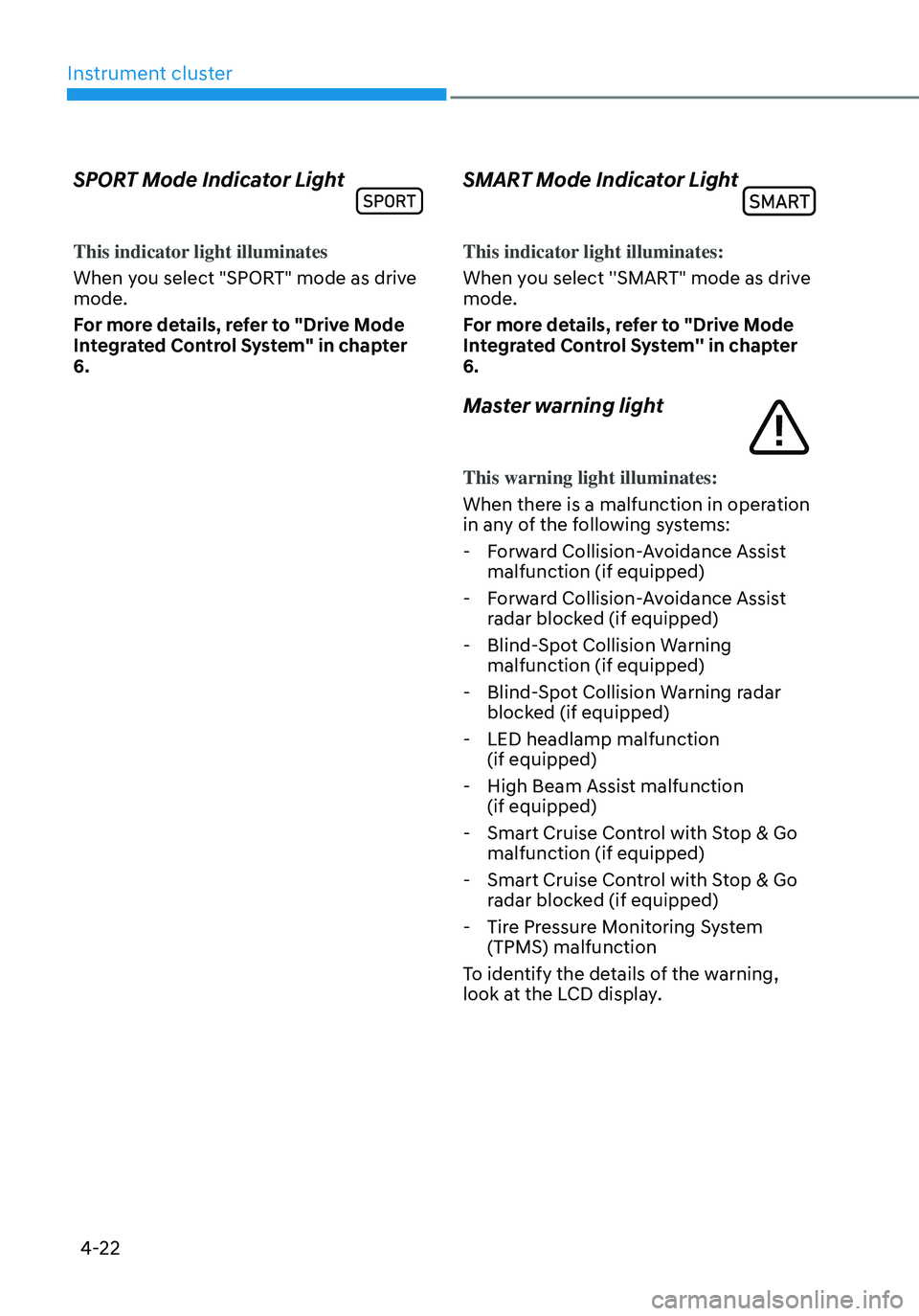
SPORT Mode Indicator Light
This indicator light illuminates
When you select "SPORT" mode as drive
mode.
For more details, refer to "Drive Mode
Integrated Control System" in chapter
6.
SMART Mode Indicator Light
This indicator light illuminates:
When you select ''SMART" mode as drive
mode.
For more details, refer to "Drive Mode
Integrated Control System'' in chapter
6.
Master warning light
This warning light illuminates:
When there is a malfunction in operation
in any of the following systems:
-Forward Collision-Avoidance Assist
malfunction (if equipped)
-Forward Collision-Avoidance Assist
radar blocked (if equipped)
-Blind-Spot Collision Warning
malfunction (if equipped)
-Blind-Spot Collision Warning radar
blocked (if equipped)
-LED headlamp malfunction
(if equipped)
-High Beam Assist malfunction
(if equipped)
-Smart Cruise Control with Stop & Go
malfunction (if equipped)
-Smart Cruise Control with Stop & Go
radar blocked (if equipped)
-Tire Pressure Monitoring System
(TPMS) malfunction
To identify the details of the warning,
look at the LCD display.
Page 121 of 638

04
4-23
LCD Display Messages for
Vehicles Equipped with Smart
Key
Shift to P
This message is displayed if you try to
turn off the vehicle without the gear in
the P (Park) position.
If this occurs, the Engine Start/Stop
button turns to the ACC position.
Low key battery
When the Engine Start/Stop button
is pressed to turn OFF the engine,
this message may be displayed. This
message indicates that the internal
battery of the Smart Key is low. Consider
replacing the Smart Key internal battery.
Press START button while turning
wheel
This message is displayed if the steering
wheel does not unlock normally when
the Engine Start/Stop button is pressed.
You should press the Engine Start/Stop
button while turning the steering wheel
right and left.
Check steering wheel lock system
This message is displayed if the steering
wheel does not lock normally while the
Engine Start/Stop button is pressed to
the OFF position.
Press brake pedal to start engine
This message is displayed if the Engine
Start/Stop button changes to the ACC
position twice by pressing the button
repeatedly without depressing the brake
pedal.
You can start the vehicle by depressing
the brake pedal and then pressing the
Engine Start/Stop button.
Key not in vehicle
This message is displayed if the smart
key is not in the vehicle when you leave
the vehicle with the Engine Start/Stop
button in the ON or Start position.
Always turn off the engine before leaving
your vehicle.
Key not detected
This message is displayed if the smart
key is not detected when you press the
Engine Start/Stop button.
Press START button again
This message is displayed if you were
unable to start the vehicle when the
Engine Start/Stop button was pressed.
If this occurs, attempt to start the engine
by pressing the Engine Start/ Stop button
again.
If the warning message appears each
time you press the Engine Start/Stop
button, we recommend that you have
the vehicle inspected by an authorized
HYUNDAI dealer.