Page 120 of 610
119
uuGauges and Displays uDriver Information Interface
Continued
Instrument Panel
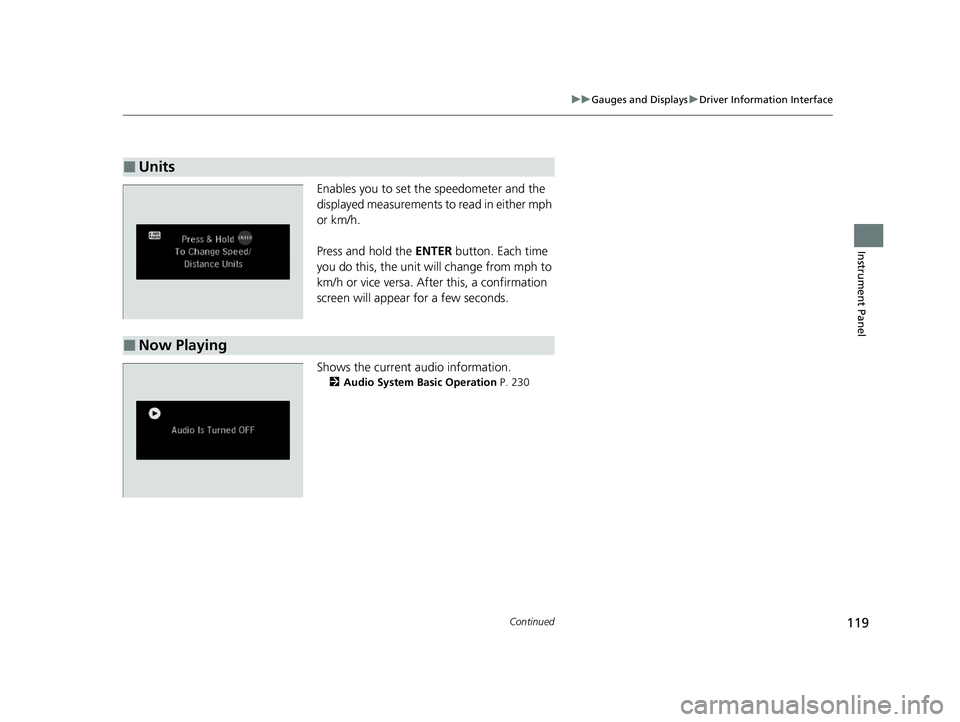
Enables you to set the speedometer and the
displayed measurements to read in either mph
or km/h.
Press and hold the ENTER button. Each time
you do this, the unit will change from mph to
km/h or vice versa. After this, a confirmation
screen will appear for a few seconds.
Shows the current audio information.
2 Audio System Basic Operation P. 230
■Units
■Now Playing
23 PASSPORT-31TGS6400.book 119 ページ 2022年8月5日 金曜日 午後9時2分
Page 121 of 610
120
uuGauges and Displays uDriver Information Interface
Instrument Panel
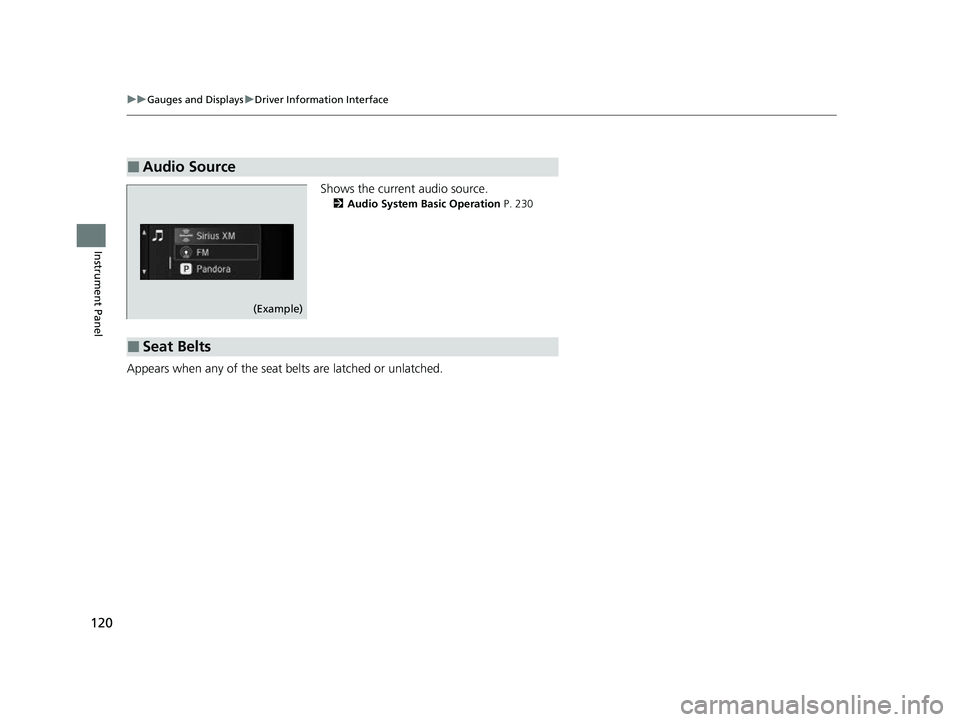
Shows the current audio source.
2 Audio System Basic Operation P. 230
Appears when any of the seat belts are latched or unlatched.
■Audio Source
(Example)
■Seat Belts
23 PASSPORT-31TGS6400.book 120 ページ 2022年8月5日 金曜日 午後9時2分
Page 122 of 610
Continued121
uuGauges and Displays uDriver Information Interface
Instrument Panel
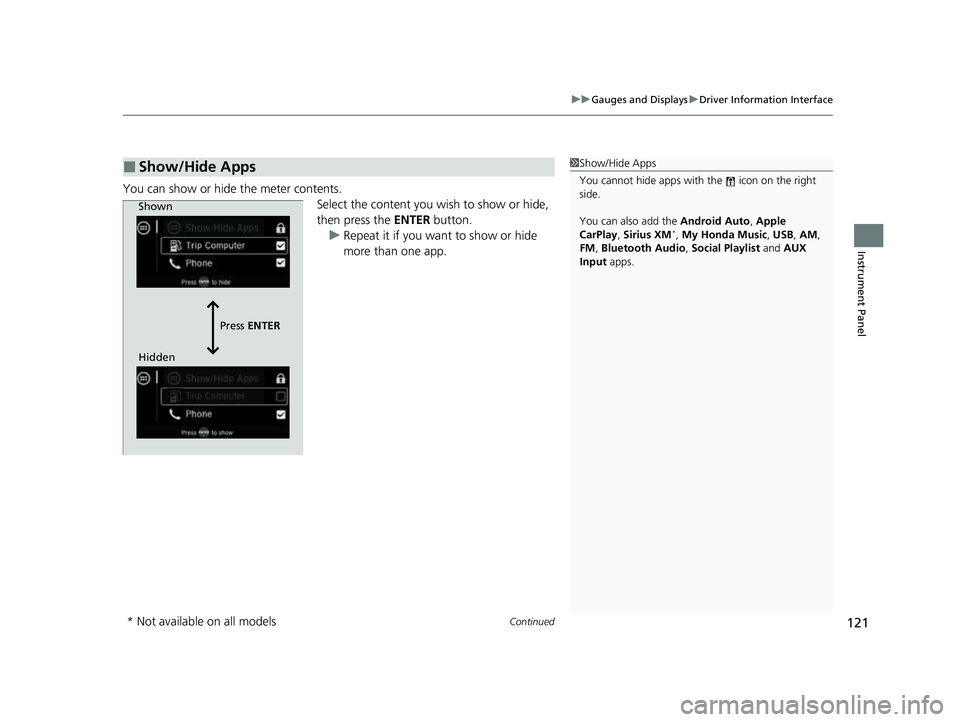
You can show or hide the meter contents.
Select the content you wish to show or hide,
then press the ENTER button.
u Repeat it if you want to show or hide
more than one app.
■Show/Hide Apps1Show/Hide Apps
You cannot hide apps with the icon on the right
side.
You can also add the Android Auto, Apple
CarPlay , Sirius XM
*, My Honda Music , USB , AM ,
FM , Bluetooth Audio , Social Playlist and AUX
Input apps.
Shown
Press ENTER
Hidden
* Not available on all models
23 PASSPORT-31TGS6400.book 121 ページ 2022年8月5日 金曜日 午後9時2分
Page 127 of 610
126
Controls
Clock
Adjusting the Clock
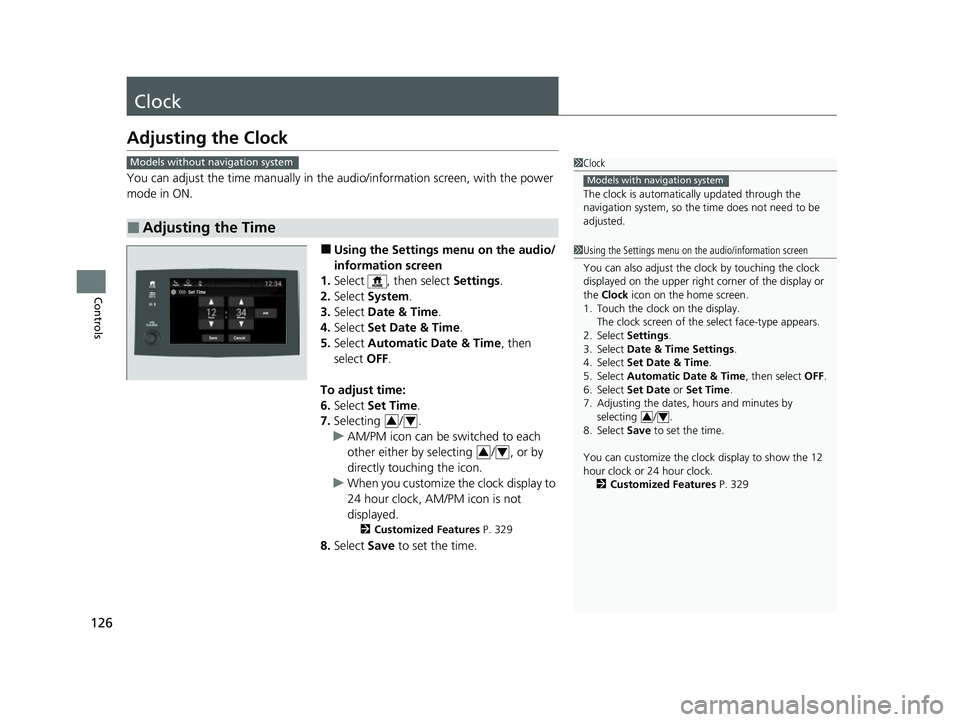
You can adjust the time manually in the audio/information screen, with the power
mode in ON.
■Using the Settings menu on the audio/
information screen
1. Select , then select Settings.
2. Select System .
3. Select Date & Time .
4. Select Set Date & Time .
5. Select Automatic Date & Time , then
select OFF.
To adjust time:
6. Select Set Time.
7. Selecting / .
u AM/PM icon can be switched to each
other either by selecting / , or by
directly touching the icon.
u When you customize the clock display to
24 hour clock, AM/PM icon is not
displayed.
2 Customized Features P. 329
8.Select Save to set the time.
■Adjusting the Time
1Clock
The clock is automatica lly updated through the
navigation system, so the ti me does not need to be
adjusted.
Models with navigation system
Models without navigation system
1 Using the Settings menu on the audio/information screen
You can also adjust the clock by touching the clock
displayed on the upper right corner of the display or
the Clock icon on the home screen.
1. Touch the clock on the display. The clock screen of the select face-type appears.
2. Select Settings .
3. Select Date & Time Settings .
4. Select Set Date & Time .
5. Select Automatic Date & Time , then select OFF.
6. Select Set Date or Set Time.
7. Adjusting the dates, hours and minutes by
selecting / .
8. Select Save to set the time.
You can customize the clock display to show the 12
hour clock or 24 hour clock. 2 Customized Features P. 329
3434
34
23 PASSPORT-31TGS6400.book 126 ページ 2022年8月5日 金曜日 午後9時2分
Page 134 of 610
Continued133
uuLocking and Unlocking the Doors uLocking/Unlocking the Doors from the Outside
Controls
■Unlocking the doors and tailgate
Grab the driver’s door handle:u The driver’s door unlocks.
u Some exterior lights flash twice and the
beeper sounds twice.
Grab the front passenger’s door handle:
u All doors and the tailgate unlock.
u Some exterior lights flash twice and the
beeper sounds twice.
Press the tailgate outer handle: u The tailgate unlocks and opens.
u Some exterior lights flash twice and the
beeper sounds twice.
2 Using the Tailgate Outer Handle P. 148
1Using the Keyless Access System
The light flash, beeper, a nd unlock settings can be
customized using the audio/information screen.
2 Customized Features P. 329
You can also unlock and open with the power
tailgate
*.
2 Using the Tailgate Outer Handle P. 148
Outer
Handle
* Not available on all models
23 PASSPORT-31TGS6400.book 133 ページ 2022年8月5日 金曜日 午後9時2分
Page 135 of 610

uuLocking and Unlocking the Doors uLocking/Unlocking the Doors from the Outside
134
Controls
■Locking the doors and tailgate (Walk away auto lock ®)
When you walk away from the vehicle with all
doors and tailgate closed while carrying the
keyless remote, the doors will automatically
lock.
The auto lock function activates when all
doors and tailgate are closed, and the keyless
remote is within about 5 feet (1.5 m) radius of
the outside door handle or tailgate outer
handle.
Exit vehicle while carry ing keyless remote and
close door(s) and tailgate.
1. While within about 5 feet (1.5 m) radius of
the vehicle.
u The beeper sounds; the auto lock
function will be activated.
2. Carry the keyless remote beyond about 5
feet (1.5 m) from the vehicle and remain
outside this range fo r 2 or more seconds.
u Some exterior lights flash; the beeper
sounds; all doors and tailgate will then
lock.1Locking the doors and tailg ate (Walk away auto lock®)
The auto lock function is set to OFF as the factory
default setting. The auto lo ck function can be set to
ON using the audio/information screen.
Turning ON auto lock function using the audio/
information screen, shall only activate the function in
remote transmitter that was used to unlock the
driver's door. 2 Customized Features P. 329
After the auto lock function has been activated, when
you stay within the locking/unlocking operation range,
the indicator on the keyless remote will continue to flash
until the doors are locked.
When you stay beside the vehicle within the
operation range, the doors wi ll automatically lock
approximately 30 seconds after the auto lock
function activating beeper sounds.
When you open a door after the auto lock function
activating beeper sounds, the auto lock function will
be delayed until all doors and tailgate are closed.
Under the following circumstances, the auto-lock
function will not activate:
•The remote is inside the vehicle.
u The buzzer will not sound.
•The remote is taken out of its operational range
before all the doors are closed.
u The buzzer will sound.
The activation range of
the auto lock function is
about 5 feet (1.5 m)
23 PASSPORT-31TGS6400.book 134 ページ 2022年8月5日 金曜日 午後9時2分
Page 141 of 610
uuLocking and Unlocking the Doors uLocking/Unlocking the Doors from the Inside
140
Controls
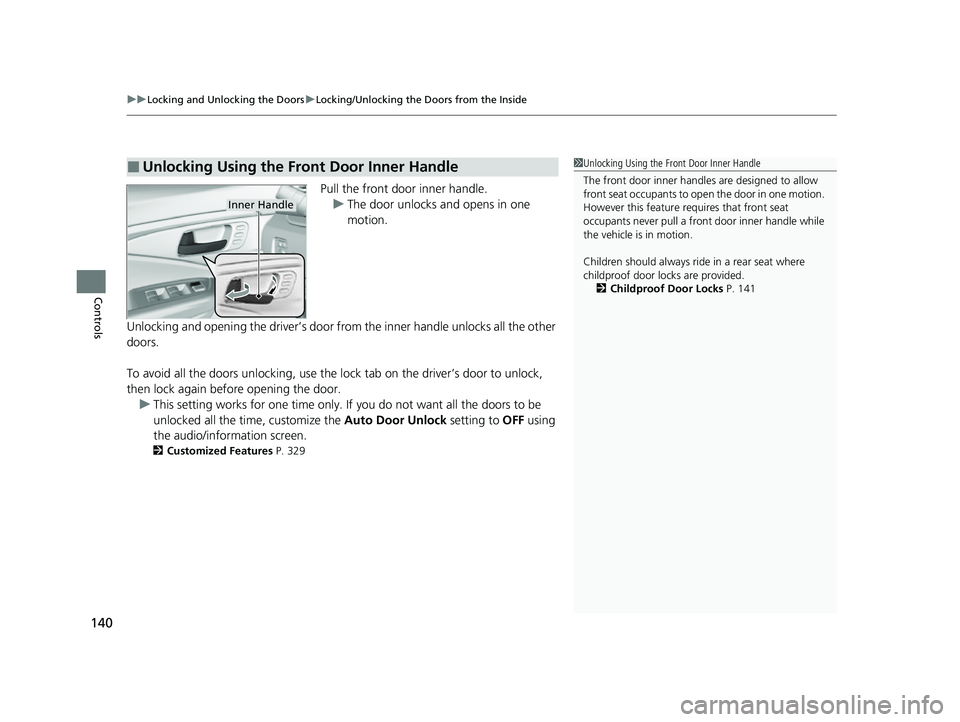
Pull the front door inner handle.
u The door unlocks and opens in one
motion.
Unlocking and opening the driver’s door from the inner handle unlocks all the other
doors.
To avoid all the doors unlocking, use the lock tab on the driver’s door to unlock,
then lock again before opening the door. u This setting works for one time only. If you do not want all the doors to be
unlocked all the time, customize the Auto Door Unlock setting to OFF using
the audio/information screen.
2 Customized Features P. 329
■Unlocking Using the Front Door Inner Handle1Unlocking Using the Front Door Inner Handle
The front door inne r handles are designed to allow
front seat occupants to ope n the door in one motion.
However this feature requires that front seat
occupants never pull a front door inner handle while
the vehicle is in motion.
Children should always ride in a rear seat where
childproof door locks are provided.
2 Childproof Door Locks P. 141
Inner Handle
23 PASSPORT-31TGS6400.book 140 ページ 2022年8月5日 金曜日 午後9時2分
Page 143 of 610
142
uuLocking and Unlocking the Doors uAuto Door Locking/Unlocking
Controls
Auto Door Locking/Unlocking
Your vehicle locks or unlocks all doors auto matically when a certain condition is met.
■Drive lock mode
All doors and tailgate lock when the ve hicle’s speed reaches about 10 mph (15
km/h).
■Driver’s door open mode
All doors and tailgate unlock when the driver’s door is opened.
■Auto Door Locking
■Auto Door Unlocking
1 Auto Door Locking/Unlocking
You can turn off or cha nge to another auto door
locking/unlocking sett ing using the audio/
information screen. 2 Customized Features P. 329
23 PASSPORT-31TGS6400.book 142 ページ 2022年8月5日 金曜日 午後9時2分