Page 9 of 664

Contents
Child Safety P. 70Exhaust Gas Hazard P. 83Safety Labels P. 84
Tailgate P. 153 Security System P. 156 Windows P. 159
Operating the Switches Around the Steering Wheel P. 163 Mirrors P. 178
Climate Control System P. 203
Audio Error Messages P. 314 General Information on the Audio System P. 316
Refuel Recommend P. 408
Off-Highway Driving Guidelines P. 416 When Driving P. 418 Honda Sensing® P. 449
Multi-View Rear Camera P. 545 Refueling P. 547 Fuel Economy and CO
2 Emissions P. 550
Maintenance Under the Hood P. 563 Replacing Light Bulbs P. 575
Checking and Maintaining Tires P. 581 Battery P. 592 Remote Transmitter Care P. 594
Cleaning P. 596 Accessories and Modifications P. 601
Engine Does Not Start P. 612If the Battery Is Dead P. 617 Shift Lever Does Not Move P. 619
Emergency Towing P. 634 If You Cannot Unlock the Fuel Fill Door P. 635
Devices that Emit Radio Waves P. 643 Reporting Safety Defects P. 644
Authorized Manuals P. 650 Customer Service Information P. 651 Open Source License P. 652
Quick Reference GuideP. 8
Safe DrivingP. 33
Instrument PanelP. 85
ControlsP. 133
FeaturesP. 211
DrivingP. 409
MaintenanceP. 551
Handling the UnexpectedP. 603
InformationP. 639
IndexP. 653
23 HR-V-313V06000_01.book 7 ページ 2022年4月4日 月曜日 午前10時49分
Page 11 of 664
9
Quick Reference Guide❚ Headlights/ Turn Signals (P166, 168)
❚Left Selector Wheel (P108)
❚ Adaptive Cruise Control (ACC) with
Low Speed Follow Buttons
(P471)
❚ Lane Keeping Assist System (LKAS)
Button
(P491)
❚ Interval Button (P451)
❚Steering Wheel Adjustments (P177)
❚ Heated Steering Wheel Button*
(P201)
$BOBEJBO�NPEFMT
❚Horn (Press an area around .)
❚ Wipers/Washers (P174)
❚Bluetooth ® HandsFreeLink ® Buttons (P369, 389)
❚Audio Remote Controls (P215)
❚ (home) Button (P107)
* Not available on all models
23 HR-V-313V06000_01.book 9 ページ 2022年4月4日 月曜日 午前10時49分
Page 135 of 664

133
Controls
This chapter explains how to operate the various controls necessary for driving.
Clock.................................................. 134
Locking and Unlocking the Doors Key .................................................. 136
Low Keyless Remote Signal Strength ... 138
Locking/Unlocking the Doors from the Outside .......................................... 139
Locking/Unlocking the Doors from the Inside ............................................. 149
Childproof Door Locks ..................... 151
Auto Door Locking/Unlocking .......... 152
Tailgate .............................................. 153
Security System
Immobilizer System .......................... 156
Security System Alarm ...................... 156
Windows ........................................... 159 Moonroof*........................................ 162
Operating the Switches Around the Steering Wheel
ENGINE START/STOP Button............. 163
Lights............................................... 166
Auto High-Beam .............................. 171
Wipers and Washers ........................ 174
Rear Defogger/Heat ed Door Mirror
*
Button ........................................... 176
Heated Windshield Button ............... 176
Adjusting the Steering Wheel........... 177
Canadian models
Mirrors Interior Rearview Mirror ................... 178
Power Door Mirrors ......................... 179
Seats Front Seats ...................................... 180
Rear Seats........................................ 183
Maintain a Proper Sitting Position .... 185
Head Restraints................................ 186
Armrest ........................................... 188
Interior Convenience Items .............. 189
Climate Control System Using Automatic Climate Control .... 203
Automatic Climate Control Sensors ... 209
* Not available on all models
23 HR-V-313V06000_01.book 133 ページ 2022年4月4日 月曜日 午前10時49分
Page 165 of 664
163Continued
Controls
Operating the Switches Around the Steering Wheel
ENGINE START/STOP Button
If you carry the keyless remote and press
ENGINE START/STOP button without
depressing the brake pedal, the power mode
will change in this order: VEHICLE
OFF ACCESSORY ON
VEHICLE OFF.
VEHICLE OFF:
Vehicle power is turned OFF.
ACCESSORY:
The audio system and some accessories can be
used.
ON:
All accessories can be used.
■Changing the Power Mode1 ENGINE START/STOP Button
If the keyless remote is set in a storage box or another
place where its signal can be interrupted, the power
mode may not change.
When the power mode is set to ON, the power mode
will change to ACCESSORY if the ENGINE START/
STOP button is pressed while th e transmission is in a
position other than
( P.
23 HR-V-313V06000_01.book 163 ページ 2022年4月4日 月曜日 午前10時49分
Page 166 of 664
164
uuOperating the Switches Around the Steering Wheel uENGINE START/STOP Button
Controls
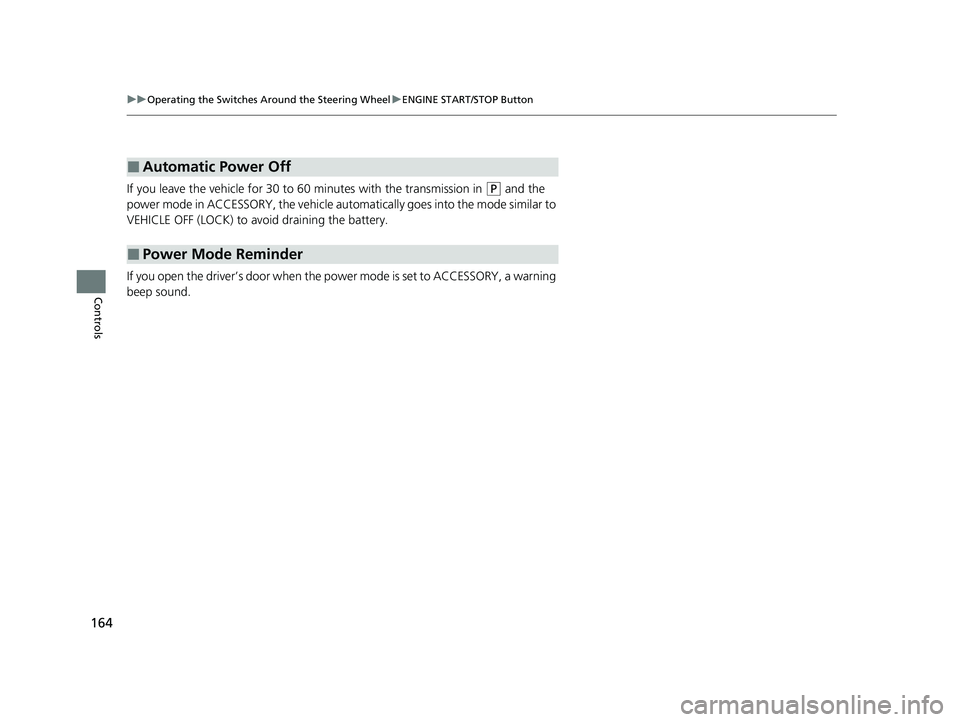
If you leave the vehicle for 30 to 60 minutes with the transmission in (P and the
power mode in ACCESSORY, the vehicle auto matically goes into the mode similar to
VEHICLE OFF (LOCK) to avoid draining the battery.
If you open the driver’s door when the power mode is set to ACCESSORY, a warning
beep sound.
■Automatic Power Off
■Power Mode Reminder
23 HR-V-313V06000_01.book 164 ページ 2022年4月4日 月曜日 午前10時49分
Page 167 of 664
165
uuOperating the Switches Around the Steering Wheel uENGINE START/STOP Button
Controls
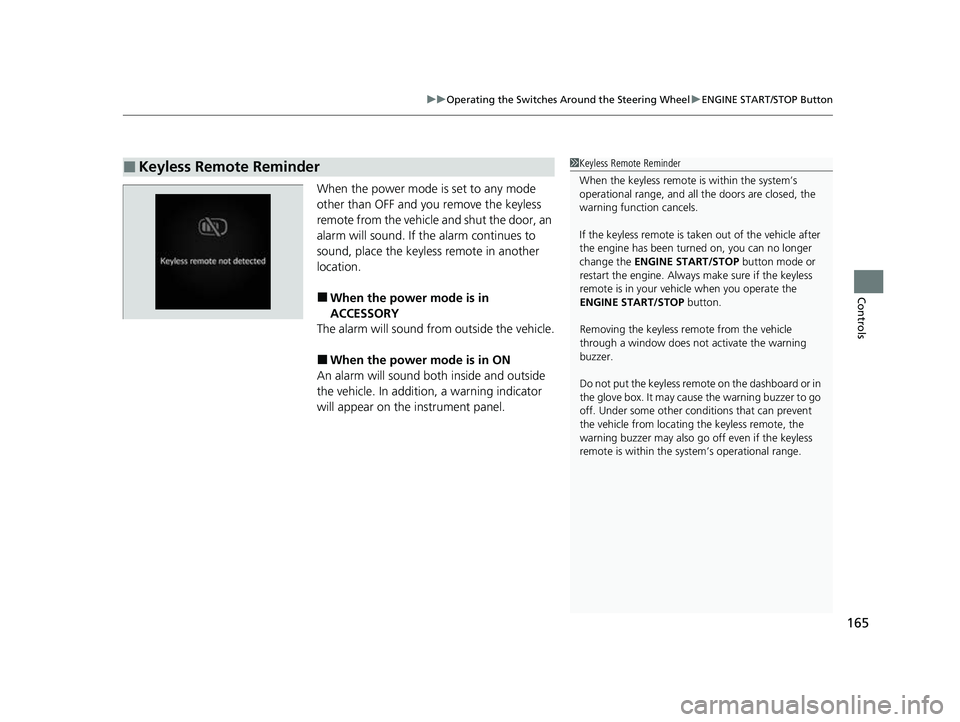
When the power mode is set to any mode
other than OFF and yo u remove the keyless
remote from the vehicle and shut the door, an
alarm will sound. If the alarm continues to
sound, place the keyless remote in another
location.
■When the power mode is in
ACCESSORY
The alarm will sound from outside the vehicle.
■When the power mode is in ON
An alarm will sound both inside and outside
the vehicle. In additi on, a warning indicator
will appear on the instrument panel.
■Keyless Remote Reminder1 Keyless Remote Reminder
When the keyless remote is within the system’s
operational range, and all the doors are closed, the
warning function cancels.
If the keyless remote is taken out of the vehicle after
the engine has been turned on, you can no longer
change the ENGINE START/STOP button mode or
restart the engine. Always make sure if the keyless
remote is in your vehi cle when you operate the
ENGINE START/STOP button.
Removing the keyless remote from the vehicle
through a window does not activate the warning
buzzer.
Do not put the keyless remo te on the dashboard or in
the glove box. It may cause the warning buzzer to go
off. Under some other cond itions that can prevent
the vehicle from locating the keyless remote, the
warning buzzer may also go off even if the keyless
remote is within the system’s operational range.
23 HR-V-313V06000_01.book 165 ページ 2022年4月4日 月曜日 午前10時49分
Page 168 of 664
166
uuOperating the Switches Around the Steering Wheel uLights
Controls
Lights
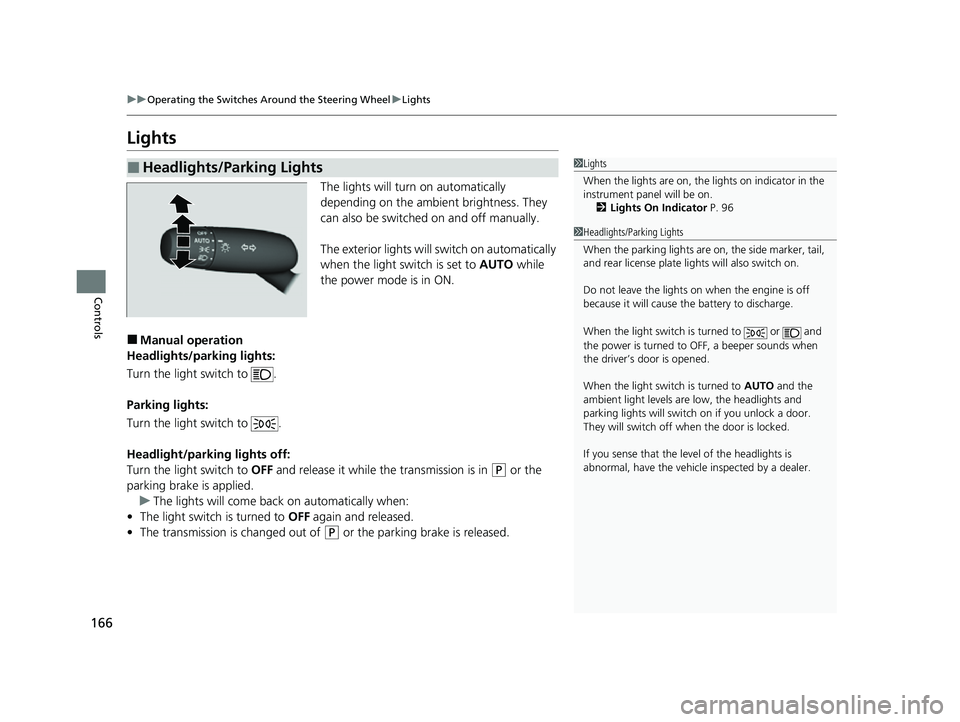
The lights will turn on automatically
depending on the ambient brightness. They
can also be switched on and off manually.
The exterior lights will switch on automatically
when the light switch is set to AUTO while
the power mode is in ON.
■Manual operation
Headlights/parking lights:
Turn the light switch to .
Parking lights:
Turn the light switch to .
Headlight/parking lights off:
Turn the light switch to OFF and release it while the transmission is in
(P or the
parking brake is applied. u The lights will come back on automatically when:
• The light switch is turned to OFF again and released.
• The transmission is changed out of
(P or the parking brake is released.
■Headlights/Parking Lights1Lights
When the lights are on, the lights on indicator in the
instrument pane l will be on.
2 Lights On Indicator P. 96
1Headlights/Parking Lights
When the parking lights are on, the side marker, tail,
and rear license plate li ghts will also switch on.
Do not leave the lights on when the engine is off
because it will cause the battery to discharge.
When the light switch is turned to or and
the power is turned to OFF, a beeper sounds when
the driver’s door is opened.
When the light switch is turned to AUTO and the
ambient light levels are low, the headlights and
parking lights will switch on if you unlock a door.
They will switch off when the door is locked.
If you sense that the le vel of the headlights is
abnormal, have the vehicl e inspected by a dealer.
23 HR-V-313V06000_01.book 166 ページ 2022年4月4日 月曜日 午前10時49分
Page 169 of 664
Continued167
uuOperating the Switches Around the Steering Wheel uLights
Controls
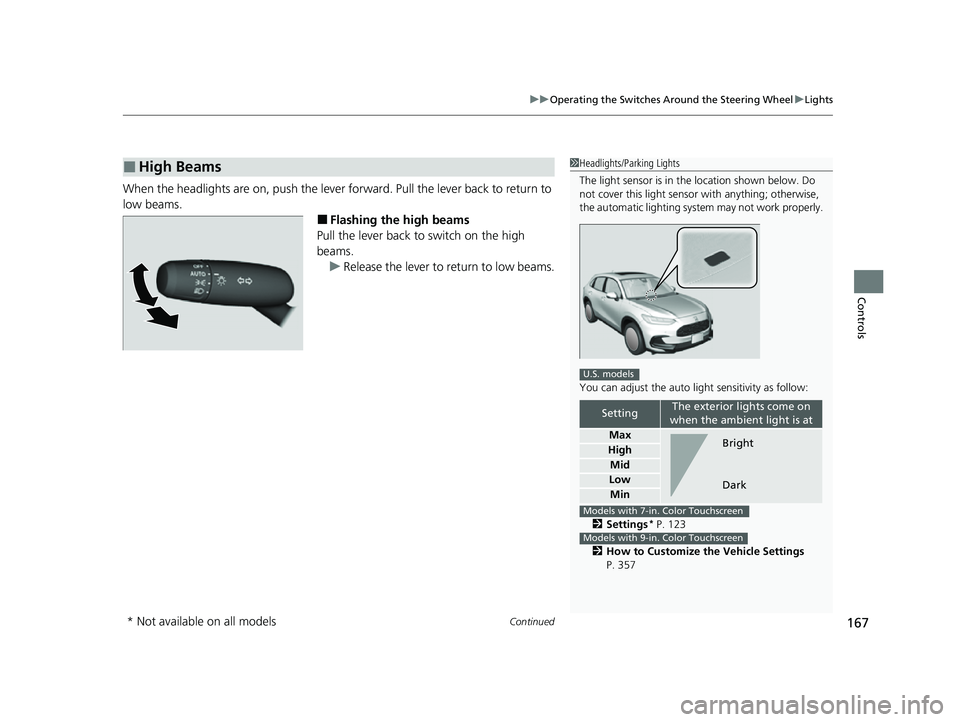
When the headlights are on, push the lever forward. Pull the lever back to return to
low beams.
■Flashing the high beams
Pull the lever back to switch on the high
beams.
u Release the lever to return to low beams.
■High Beams1Headlights/Parking Lights
The light sensor is in the location shown below. Do
not cover this light sensor with anything; otherwise,
the automatic lighting system may not work properly.
You can adjust the auto li ght sensitivity as follow:
2 Settings
* P. 123
2 How to Customize the Vehicle Settings
P. 357
SettingThe exterior lights come on
when the ambient light is at
Max
High
Mid
Low
Min
U.S. models
Bright
Dark
Models with 7-in. Color Touchscreen
Models with 9-in. Color Touchscreen
* Not available on all models
23 HR-V-313V06000_01.book 167 ページ 2022年4月4日 月曜日 午前10時49分