2023 GMC CANYON stop start
[x] Cancel search: stop startPage 265 of 371

GMC Canyon/Canyon Denali Owner Manual (GMNA-Localizing-U.S./Canada/
Mexico-16510661) - 2023 - CRC - 11/29/22
264 Vehicle Care
Warning (Continued)
including the pressure cap, is hot. Wait
for the cooling system and pressure cap
to cool.
Caution
Failure to follow the specific coolant fill
procedure could cause the engine to
overheat and could cause system
damage. If coolant is not visible in the
surge tank, contact your dealer.
The coolant surge tank pressure cap can be
removed when the cooling system, including
the surge tank pressure cap and upper
radiator hose, is no longer hot.
1. Turn the pressure cap slowly counterclockwise. If a hiss is heard, wait
for that to stop. A hiss means there is
still some pressure left. 2. Keep turning the cap and remove it.
3. Fill the coolant surge tank with the
proper mixture to the mark pointed to
on the front of the coolant surge tank.
4. With the coolant surge tank cap off, start the engine and let it run until the
upper radiator hose starts getting hot.
Watch out for the engine cooling fan. By
this time, the coolant level inside the
coolant surge tank may be lower. If the
level is lower, add more of the proper
mixture to the coolant surge tank until
the level reaches the mark pointed to on
the front of the coolant surge tank.
5. Replace the cap tightly. 6. Verify coolant level after the engine is
shut off and the coolant is cold.
If necessary, repeat coolant fill procedure
Steps 1–6.
Caution
If the pressure cap is not tightly installed,
coolant loss and engine damage may
occur. Be sure the cap is properly and
tightly secured.
Engine Overheating
The vehicle has an engine coolant
temperature gauge on the instrument
cluster to warn of engine overheating. See
Engine Coolant Temperature Gauge 086.
Caution
Do not run the engine if there is a leak
in the engine cooling system. This can
cause a loss of all coolant and can
damage the system and vehicle. Have
any leaks fixed right away.
If the decision is made not to lift the hood
when this warning appears, get service help
right away.
Page 266 of 371

GMC Canyon/Canyon Denali Owner Manual (GMNA-Localizing-U.S./Canada/
Mexico-16510661) - 2023 - CRC - 11/29/22
Vehicle Care 265
If the decision is made to lift the hood,
make sure the vehicle is parked on a level
surface.
Then check to see if the engine cooling fan
is running. If the engine is overheating, the
fan should be running. If it is not, do not
continue to run the engine and have the
vehicle serviced.
If Steam Is Coming from the Engine
Compartment
{Warning
Steam and scalding liquids from a hot
cooling system are under pressure.
Turning the pressure cap, even a little,
can cause them to come out at high
speed and you could be burned. Never
turn the cap when the cooling system,
including the pressure cap, is hot. Wait
for the cooling system and pressure cap
to cool.
If No Steam Is Coming from the Engine
Compartment
If an engine overheat warning is displayed
but no steam can be seen or heard, the
problem may not be too serious. Sometimes
the engine can get a little too hot when the
vehicle:
.Climbs a long hill on a hot day.
.Stops after high-speed driving.
.Idles for long periods in traffic.
If the overheat warning is displayed with no
sign of steam: 1. Turn the air conditioning off.
2. Turn the heater on to the highest temperature and to the highest fan
speed. Open the windows as necessary.
3. When it is safe to do so, pull off the road, shift to P (Park) or N (Neutral), and
let the engine idle.
If the engine coolant temperature gauge is
no longer in the overheat zone, the vehicle
can be driven. Continue to drive the vehicle
slowly for about 10 minutes. Keep a safe
distance from the vehicle in front. If the
warning does not come back on, continue to
drive normally and have the cooling system
checked for proper fill and function. If the warning continues, pull over, stop, and
park the vehicle right away.
If there is no sign of steam, idle the engine
for three minutes while parked. If the
warning is still displayed, turn off the
engine until it cools down.
Engine Fan
If the vehicle has a clutched engine cooling
fan, when the clutch is engaged, the fan
spins faster to provide more air to cool the
engine. In most everyday driving conditions,
the fan is spinning slower and the clutch is
not fully engaged. This improves fuel
economy and reduces fan noise. Under
heavy vehicle loading, trailer towing, and/or
high outside temperatures, the fan speed
increases as the clutch more fully engages,
so an increase in fan noise may be heard.
This is normal and should not be mistaken
as the transmission slipping or making extra
shifts. It is merely the cooling system
functioning properly. The fan will slow down
when additional cooling is not required and
the clutch disengages.
This fan noise may also be heard when
starting the engine. It will go away as the
fan clutch partially disengages.
Page 278 of 371

GMC Canyon/Canyon Denali Owner Manual (GMNA-Localizing-U.S./Canada/
Mexico-16510661) - 2023 - CRC - 11/29/22
Vehicle Care 277
4. If the fuse must be replacedimmediately, borrow a replacement fuse
with the same amperage from the fuse
block. Choose a vehicle feature that is
not needed to safely operate the vehicle.
Repeat Steps 2-3.
5. Insert the replacement fuse into the empty slot of the blown fuse.
At the next opportunity, see your dealer to
replace the blown fuse.
Headlamp Wiring
An electrical overload may cause the lamps
to go on and off, or in some cases to
remain off. Have the headlamp wiring
checked right away if the lamps go on and
off or remain off.
Windshield Wipers
If the wiper motor overheats due to heavy
snow or ice, the windshield wipers will stop
until the motor cools and will then restart.
Although the circuit is protected from
electrical overload, overload due to heavy
snow or ice may cause wiper linkage
damage. Always clear ice and heavy snow
from the windshield before using the
windshield wipers. If the overload is caused by an electrical
problem and not snow or ice, be sure to get
it fixed.
Fuses and Circuit Breakers
The wiring circuits in the vehicle are
protected from short circuits by a
combination of fuses and circuit breakers.
This greatly reduces the chance of damage
caused by electrical problems.
{Danger
Fuses and circuit breakers are marked
with their ampere rating. Do not exceed
the specified amperage rating when
replacing fuses and circuit breakers. Use
of an oversized fuse or circuit breaker can
result in a vehicle fire. You and others
could be seriously injured or killed.
{Warning
Installation or use of fuses that do not
meet GM’s original fuse specifications is
dangerous. The fuses could fail, and result
in a fire. You or others could be injured
or killed, and the vehicle could be
damaged.
See Accessories and Modifications 0253 and
General Information 0253.
To check or replace a blown fuse, see
Electrical System Overload 0276.
Engine Compartment Fuse Block
The engine compartment fuse block is in the
engine compartment, on the driver side of
the vehicle. See Engine Compartment
Overview 0256
Page 280 of 371
GMC Canyon/Canyon Denali Owner Manual (GMNA-Localizing-U.S./Canada/
Mexico-16510661) - 2023 - CRC - 11/29/22
Vehicle Care 279
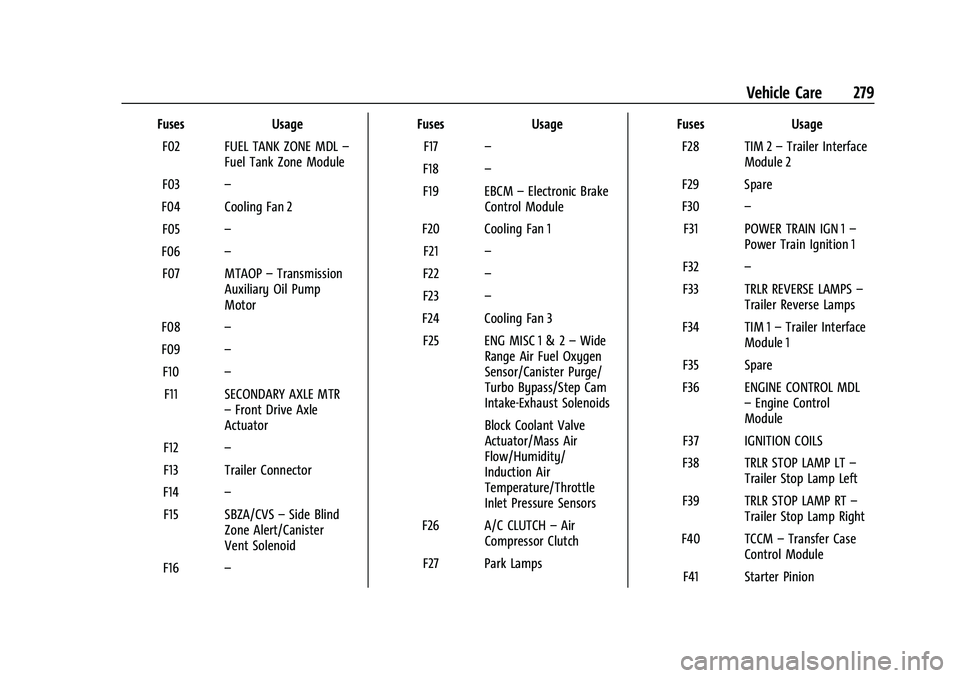
FusesUsage
F02 FUEL TANK ZONE MDL –
Fuel Tank Zone Module
F03 –
F04 Cooling Fan 2 F05 –
F06 –
F07 MTAOP –Transmission
Auxiliary Oil Pump
Motor
F08 –
F09 –
F10 –
F11 SECONDARY AXLE MTR –Front Drive Axle
Actuator
F12 –
F13 Trailer Connector
F14 –
F15 SBZA/CVS –Side Blind
Zone Alert/Canister
Vent Solenoid
F16 – Fuses
Usage
F17 –
F18 –
F19 EBCM –Electronic Brake
Control Module
F20 Cooling Fan 1 F21 –
F22 –
F23 –
F24 Cooling Fan 3 F25 ENG MISC 1 & 2 –Wide
Range Air Fuel Oxygen
Sensor/Canister Purge/
Turbo Bypass/Step Cam
Intake-Exhaust Solenoids
Block Coolant Valve
Actuator/Mass Air
Flow/Humidity/
Induction Air
Temperature/Throttle
Inlet Pressure Sensors
F26 A/C CLUTCH –Air
Compressor Clutch
F27 Park Lamps Fuses
Usage
F28 TIM 2 –Trailer Interface
Module 2
F29 Spare
F30 –
F31 POWER TRAIN IGN 1 –
Power Train Ignition 1
F32 –
F33 TRLR REVERSE LAMPS –
Trailer Reverse Lamps
F34 TIM 1 –Trailer Interface
Module 1
F35 Spare
F36 ENGINE CONTROL MDL –Engine Control
Module
F37 IGNITION COILS
F38 TRLR STOP LAMP LT –
Trailer Stop Lamp Left
F39 TRLR STOP LAMP RT –
Trailer Stop Lamp Right
F40 TCCM –Transfer Case
Control Module
F41 Starter Pinion
Page 281 of 371

GMC Canyon/Canyon Denali Owner Manual (GMNA-Localizing-U.S./Canada/
Mexico-16510661) - 2023 - CRC - 11/29/22
280 Vehicle Care
FusesUsage
F42 Starter
F43 –
F44 Spare F45 Spare
F46 Spare F47 Spare
F48 Spare
F49 TBPM/TRLR WRG –
Trailer Brake Control
Module/Trailer Wiring
Provisions
F50 Spare F51 CHMSL –Center High
Mounted Stop Lamp
F52 Side Markers
F53 Spare
F54 –
F55 REAR WNDW DEFOGGER –Rear Window
Defogger
F56 –
F57 – Fuses
Usage
F58 Front Wipers
F59 MISC WINDOWS LEFT - Driver Door Panel
Switch (Express Down)/
Window Motor Left
Front (Express
Up/Down)
Window Switch Left
Rear (Express Down)
Window Motor Left
Rear (Express Up/Down)
F60 –
F61 Spare
F62 Amplifier
F63 –
F64 –
F65 ELM 4 –Exterior
Lighting Module 4 –
Right Front Park Lamp/
Daytime Running Lamp/
Left Trailer Stop/Turn
Lamp/Left Rear Park
Lamp/Right High Beam Fuses
Usage
F66 LOW BEAMS –Low
Beam Left/Low Beam
Right
F67 –
F68 HTD ST MDL 1 –Heated
Seat Module 1
F69 U/B CAMERA WASHER –
Underbody Camera
Washer
F70 –
F71 DC/AC INVERTER –
Direct Current to
Alternate Current
Inverter
F72 Spare
F73 Aeroshutter
F74 ELM 6 –Exterior
Lighting Module 6 –
Left Low Beam/Right
Rear Stop/Turn Lamp
F75 Spare
F76 HTD ST MDL 2 –Heated
Seat Module 2
F77 –
Page 293 of 371

GMC Canyon/Canyon Denali Owner Manual (GMNA-Localizing-U.S./Canada/
Mexico-16510661) - 2023 - CRC - 11/29/22
292 Vehicle Care
will flash for approximately one minute and
then remain continuously illuminated. This
sequence will continue upon subsequent
vehicle start-ups as long as the malfunction
exists.
When the malfunction indicator is
illuminated, the system may not be able to
detect or signal low tire pressure as
intended. TPMS malfunctions may occur for
a variety of reasons, including the
installation of replacement or alternate tires
or wheels on the vehicle that prevent the
TPMS from functioning properly. Always
check the TPMS malfunction telltale after
replacing one or more tires or wheels on
your vehicle to ensure that the replacement
or alternate tires and wheels allow the
TPMS to continue to function properly.
SeeTire Pressure Monitor Operation 0292.
See Radio Frequency Statement 0346.
Tire Pressure Monitor Operation
This vehicle may have a Tire Pressure
Monitor System (TPMS). The TPMS is
designed to warn the driver when a low tire
pressure condition exists. TPMS sensors are
mounted onto each tire and wheel assembly, excluding the spare tire and
wheel assembly. The TPMS sensors monitor
the air pressure in the tires and transmit the
tire pressure readings to a receiver located
in the vehicle.
When a low tire pressure condition is
detected, the TPMS illuminates the low tire
pressure warning light located on the
instrument cluster. If the warning light
comes on, stop as soon as possible and
inflate the tires to the recommended
pressure shown on the Tire and Loading
Information label. See
Vehicle Load Limits
0 162.
A message to check the pressure in a
specific tire displays in the Driver
Information Center (DIC). The low tire
pressure warning light and the DIC warning
message come on each time the vehicle is
turned on until the tires are inflated to the
correct inflation pressure. If the vehicle has DIC buttons, tire pressure levels can be
viewed. For additional information and
details about the DIC operation and displays,
see
Driver Information Center (DIC) (Base
Level) 098 or
Driver Information Center (DIC) (Uplevel)
0 100.
The low tire pressure warning light may
come on in cool weather when the vehicle is
first started, and then turn off as the vehicle
is driven. This could be an early indicator
that the air pressure is getting low and
needs to be inflated to the proper pressure.
A Tire and Loading Information label shows
the size of the original equipment tires and
the correct inflation pressure for the tires
when they are cold. See Vehicle Load Limits
0 162, for an example of the Tire and
Loading Information label and its location.
Also see Tire Pressure 0290.
The TPMS can warn about a low tire
pressure condition but it does not replace
normal tire maintenance. See Tire Inspection
0 296, Tire Rotation 0296, and Tires0284.
Page 295 of 371
GMC Canyon/Canyon Denali Owner Manual (GMNA-Localizing-U.S./Canada/
Mexico-16510661) - 2023 - CRC - 11/29/22
294 Vehicle Care
{Warning
Overinflating a tire could cause the tire
to rupture and you or others could be
injured. Do not exceed the maximum
pressure listed on the tire sidewall. See
Tire Sidewall Labeling0285 and
Vehicle Load Limits 0162.
If the tire is overinflated by more than
35 kPa (5 psi), the horn will sound multiple
times and the turn signal lamp will continue
to flash for several seconds after filling
stops. To release and correct the pressure,
while the turn signal lamp is still flashing,
briefly press the center of the valve stem.
When the recommended pressure is reached,
the horn sounds once.
If the turn signal lamp does not flash within
15 seconds after starting to inflate the tire,
the tire fill alert has not been activated or is
not working.
If the hazard warning flashers are on, the
tire fill alert visual feedback will not work
properly. The TPMS will not activate the tire fill alert
properly under the following conditions:.There is interference from an external
device or transmitter.
.The air pressure from the inflation device
is not sufficient to inflate the tire.
.There is a malfunction in the TPMS.
.There is a malfunction in the horn or turn
signal lamps.
.The TPMS sensor identification code is not
registered to the system.
.The TPMS sensor battery is low.
If the tire fill alert does not operate due to
TPMS interference, move the vehicle about
1 m (3 ft) back or forward and try again.
If the tire fill alert feature is not working,
use a tire pressure gauge.
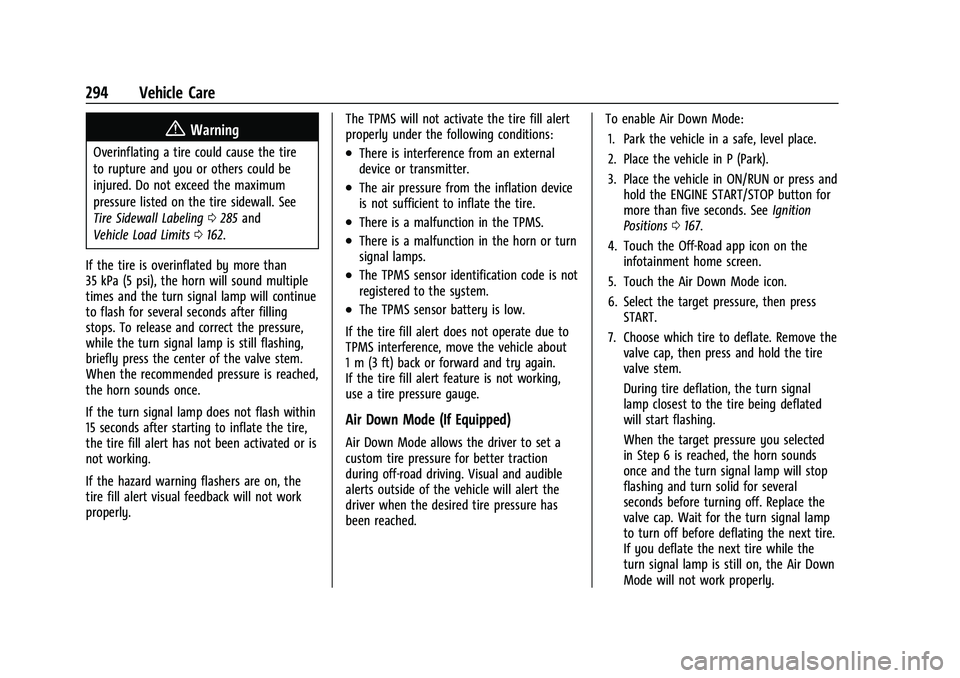
Air Down Mode (If Equipped)
Air Down Mode allows the driver to set a
custom tire pressure for better traction
during off-road driving. Visual and audible
alerts outside of the vehicle will alert the
driver when the desired tire pressure has
been reached. To enable Air Down Mode:
1. Park the vehicle in a safe, level place.
2. Place the vehicle in P (Park).
3. Place the vehicle in ON/RUN or press and hold the ENGINE START/STOP button for
more than five seconds. See Ignition
Positions 0167.
4. Touch the Off-Road app icon on the infotainment home screen.
5. Touch the Air Down Mode icon.
6. Select the target pressure, then press START.
7. Choose which tire to deflate. Remove the valve cap, then press and hold the tire
valve stem.
During tire deflation, the turn signal
lamp closest to the tire being deflated
will start flashing.
When the target pressure you selected
in Step 6 is reached, the horn sounds
once and the turn signal lamp will stop
flashing and turn solid for several
seconds before turning off. Replace the
valve cap. Wait for the turn signal lamp
to turn off before deflating the next tire.
If you deflate the next tire while the
turn signal lamp is still on, the Air Down
Mode will not work properly.
Page 296 of 371

GMC Canyon/Canyon Denali Owner Manual (GMNA-Localizing-U.S./Canada/
Mexico-16510661) - 2023 - CRC - 11/29/22
Vehicle Care 295
Repeat Step 7 until all tires have been
deflated. Same steps can be followed for
inflating all tires to target pressure.
While in Air Down Mode, after all tires have
been deflated lower than the vehicle’s
recommended tire pressure, the low tire
pressure warning light and the DIC warning
message may come on for all tires.
Due to late air adjustment in a tire, the tire
pressure may change by 4 to 8 kpa (0.6 to
1.2 psi) after a few minutes, once you have
stopped deflation.
Ensure that the target pressure you select is
above or below your vehicle’s current tire
pressures by a least 20 kpa (3 psi).
If the tire is underinflated or overinflated by
more than 35 kPa (5 psi) from the target
pressure you selected in Step 6, the horn
will sound multiple times and the turn
signal lamp will continue to flash for several
seconds after tire pressure adjustment stops.
To correct the pressure, while the turn
signal lamp is still flashing, add air to inflate
the tire or briefly press the center of the
valve stem to deflate the tire. When the
target pressure you selected in Step 6 is
reached, the horn sounds once and the turn
signal lamp will stop flashing and turn solid
for several seconds before turning off. If the turn signal lamp does not flash within
15 seconds after starting to inflate the tire,
the Air Down Mode has not been activated
or is not working.
If the hazard warning flashers are on, the
Air Down Mode visual feedback will not
work properly.
The Air Down Mode will not work properly
under the following conditions:
.There is interference from an external
device or transmitter.
.The air pressure from the inflation device
is not sufficient to inflate the tire.
.There is a malfunction in the TPMS.
.There is a malfunction in the horn or turn
signal lamps.
.The TPMS sensor identification code is not
registered to the system.
.The TPMS sensor battery is low.
.The vehicle is not in P (Park).
.The vehicle is off.
.START was not pressed after selecting the
target tire pressure in the Air Down
Mode app.
If the Air Down Mode does not operate due
to TPMS interference, move the vehicle
about 1 m (3 ft) back or forward and try again. If the Air Down Mode is not working,
use a tire pressure gauge to confirm tire
pressure.
{Warning
Neither tire underinflation nor
overinflation is good. Underinflated
tires, or tires that do not have
enough air, can result in:
.Tire overloading and overheating,
which could lead to a blowout
.Premature or irregular wear
.Poor handling
.Reduced fuel economy for
internal combustion engine
vehicles
.Reduced range for electric vehicles
Overinflated tires, or tires that have
too much air, can result in:
.Unusual wear
.Poor handling
.Rough ride
.Needless damage from road
hazards