2023 FORD SUPER DUTY pre-collision assist limitations
[x] Cancel search: pre-collision assist limitationsPage 15 of 738

Lane Keeping System
What Is the Lane Keeping System........317
How Does the Lane Keeping SystemWork..............................................................317
Lane Keeping System Precautions........317
Lane Keeping System Limitations.........317
Switching the Lane Keeping System Onand Off........................................................318
Switching the Lane Keeping SystemMode............................................................318
Alert Mode......................................................318
Aid Mode.........................................................319
Alert and Aid Mode.....................................319
Lane Keeping System Indicators..........320
Blind Spot Assist........................................320
Blind Spot Assist with Trailer Coverage........................................................................322
Lane Keeping System – Troubleshooting........................................................................324
Lane Keeping System Videos................326
Blind Spot InformationSystem
What Is Blind Spot Information System.........................................................................327
How Does Blind Spot InformationSystem Work.............................................327
Blind Spot Information SystemPrecautions...............................................327
Blind Spot Information SystemLimitations.................................................327
Blind Spot Information SystemRequirements...........................................327
Locating the Blind Spot InformationSystem Sensors......................................328
Blind Spot Information System WithTrailer Coverage......................................328
Blind Spot Information SystemIndicators...................................................330
Blind Spot Information System –Troubleshooting.......................................331
Blind Spot Information System Videos.........................................................................331
Exit Warning
What is Exit Warning.................................332
How Does Exit Warning Work................332
Exit Warning Precautions.........................332
Exit Warning Limitations..........................332
Exit Warning Indicators.............................333
Switching Exit Warning On and Off......333
Locating the Exit Warning Sensors......333
Exit Warning - Troubleshooting............334
Cross Traffic Alert
What Is Cross Traffic Alert.......................335
How Does Cross Traffic Alert Work......335
Cross Traffic Alert Precautions..............335
Cross Traffic Alert Limitations...............335
Switching Cross Traffic Alert On and Off........................................................................336
Switching Cross Traffic Alert On and Off........................................................................336
Locating the Cross Traffic Alert Sensors........................................................................336
Cross Traffic Alert Indicators...................337
Cross Traffic Alert – Troubleshooting........................................................................337
Pre-Collision Assist
What Is Pre-Collision Assist...................338
How Does Pre-Collision Assist Work........................................................................338
Pre-Collision Assist Precautions..........338
Pre-Collision Assist Limitations............339
Switching Pre-Collision Assist On andOff................................................................340
Locating the Pre-Collision Assist Sensors.........................................................................341
Distance Indication.....................................341
Distance Alert...............................................342
Automatic Emergency Braking..............342
Evasive Steering Assist.............................343
Pre-Collision Assist – Troubleshooting........................................................................343
11
2023 Super Duty (TFH) Canada/United States of America, enUSA, Edition date: 202211, DOMTable of Contents
Page 16 of 738
Pre-Collision Assist Videos.....................345
Driver Alert
What Is Driver Alert....................................346
How Does Driver Alert Work...................346
Driver Alert Precautions...........................346
Driver Alert Limitations............................346
Switching Driver Alert On and Off.......346
Driver Alert – Troubleshooting...............347
Speed Sign Recognition
What Is Speed Sign Recognition..........348
How Does Speed Sign Recognition Work........................................................................348
Speed Sign Recognition Precautions........................................................................348
Speed Sign Recognition Limitations........................................................................348
Speed Sign Recognition Indicators......348
Setting the Speed Sign RecognitionSpeed Warning.......................................349
Setting the Speed Sign RecognitionSpeed Tolerance....................................349
Speed Sign Recognition –Troubleshooting.....................................349
Load Carrying
Load Carrying Precautions.......................351
Using a Slide-In Camper..........................352
Locating the Safety ComplianceCertification Labels................................352
What Is the Gross Axle Weight Rating........................................................................352
What Is the Gross Vehicle Weight Rating........................................................................352
What Is the Gross Combined WeightRating..........................................................352
Calculating Payload...................................353
Calculating the Load Limit......................353
Pickup Bed
Pickup Bed Precautions...........................356
Pickup Bed Anchor Points......................356
Tailgate Anchor Points.............................358
Pickup Bed Videos.....................................358
Connecting a Trailer
Connecting a Trailer Precautions.........359
Hitches...........................................................359
Connecting a Trailer....................................361
Trailer Lighting Check...............................363
Connecting a Trailer – Troubleshooting........................................................................364
Connecting a Trailer Videos...................364
Towing a Trailer
Towing a Trailer Precautions..................365
Trailer Brake Precautions........................365
Towing a Trailer Limitations...................366
Loading Your Trailer...................................366
Trailer Towing Hints...................................366
Launching or Retrieving a Boat orPersonal Watercraft..............................367
Towing Weights and Dimensions.........368
Towing a Trailer – Troubleshooting......370
Towing a Trailer Videos..............................371
Integrated Trailer BrakeController
What Is the Integrated Trailer BrakeController...................................................372
Integrated Trailer Brake ControllerPrecautions...............................................372
Using the Integrated Trailer BrakeController...................................................372
Adjusting the Integrated Trailer BrakeController Mode......................................374
Integrated Trailer Brake Controller –Troubleshooting......................................375
Integrated Trailer Brake ControllerVideos.........................................................376
12
2023 Super Duty (TFH) Canada/United States of America, enUSA, Edition date: 202211, DOMTable of Contents
Page 342 of 738
WHAT IS PRE-COLLISION
ASSIST
Pre-collision assist detects and warns ofapproaching hazards in the roadway. Thesystem provides multiple levels ofassistance to help avoid a collision if yourvehicle is rapidly approaching anotherstationary vehicle, a vehicle traveling in thesame direction as yours, or a pedestrian orcyclist within your driving path.
HOW DOES PRE-COLLISION
ASSIST WORK
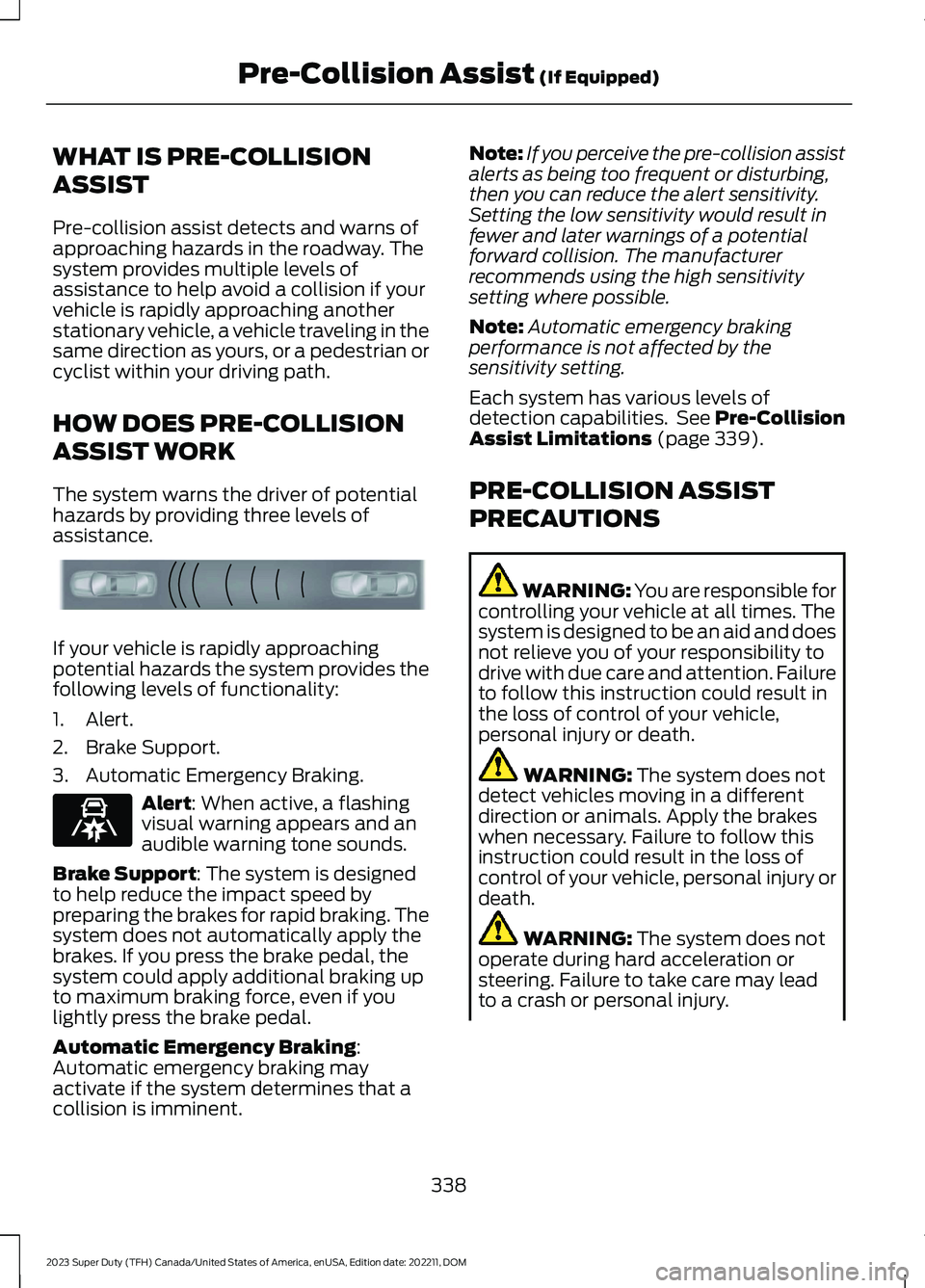
The system warns the driver of potentialhazards by providing three levels ofassistance.
If your vehicle is rapidly approachingpotential hazards the system provides thefollowing levels of functionality:
1.Alert.
2.Brake Support.
3.Automatic Emergency Braking.
Alert: When active, a flashingvisual warning appears and anaudible warning tone sounds.
Brake Support: The system is designedto help reduce the impact speed bypreparing the brakes for rapid braking. Thesystem does not automatically apply thebrakes. If you press the brake pedal, thesystem could apply additional braking upto maximum braking force, even if youlightly press the brake pedal.
Automatic Emergency Braking:Automatic emergency braking mayactivate if the system determines that acollision is imminent.
Note:If you perceive the pre-collision assistalerts as being too frequent or disturbing,then you can reduce the alert sensitivity.Setting the low sensitivity would result infewer and later warnings of a potentialforward collision. The manufacturerrecommends using the high sensitivitysetting where possible.
Note:Automatic emergency brakingperformance is not affected by thesensitivity setting.
Each system has various levels ofdetection capabilities. See Pre-CollisionAssist Limitations (page 339).
PRE-COLLISION ASSIST
PRECAUTIONS
WARNING: You are responsible forcontrolling your vehicle at all times. Thesystem is designed to be an aid and doesnot relieve you of your responsibility todrive with due care and attention. Failureto follow this instruction could result inthe loss of control of your vehicle,personal injury or death.
WARNING: The system does notdetect vehicles moving in a differentdirection or animals. Apply the brakeswhen necessary. Failure to follow thisinstruction could result in the loss ofcontrol of your vehicle, personal injury ordeath.
WARNING: The system does notoperate during hard acceleration orsteering. Failure to take care may leadto a crash or personal injury.
338
2023 Super Duty (TFH) Canada/United States of America, enUSA, Edition date: 202211, DOMPre-Collision Assist (If Equipped)E156130 E329466
Page 343 of 738

WARNING: The system mayoperate with reduced function duringcold and inclement weather conditions.Snow, ice, rain, spray and fog canadversely affect the system. Keep thefront camera and radar free of snow andice. Failure to follow this instruction mayresult in the loss of control of yourvehicle, serious personal injury or death.
WARNING: Take additional care ifyour vehicle is heavily loaded or you aretowing a trailer. These conditions couldresult in reduced performance of thissystem. Failure to follow this instructioncould result in the loss of control of yourvehicle, personal injury or death.
WARNING: The system cannothelp prevent all crashes. Do not rely onthis system to replace driver judgmentand the need to maintain a safe distanceand speed.
WARNING: System performancecould be reduced in situations where thevehicle camera has limited detectioncapability. These situations include butare not limited to direct or low sunlight,vehicles at night without tail lights,unconventional vehicle types, andpedestrians and cyclists with complex,partially obscured backgrounds. Failureto take care may result in the loss ofcontrol of your vehicle, personal injury ordeath.
PRE-COLLISION ASSIST
LIMITATIONS
Pre-collision assist depends on thedetection ability of its camera and sensors.Any obstructions or damage to these areascan limit detection or prevent the systemfrom functioning. See Locating thePre-Collision Assist Sensors (page 341).
The system is active at 3 mph (5 km/h)and above.
Note:The pre-collision assist systemautomatically disables when you manuallydisable AdvanceTrac™, 4X4 low, and RockCrawl (if available).
Note:Brake support and automaticemergency braking are active up to themaximum speed of the vehicle.
Pedestrian Detection Limitations
Pedestrian detection is active at speedsup to 50 mph (80 km/h).
Pedestrian detection operates optimallywhen detected hazards are clearlyidentifiable. System performance mayreduce in situations where pedestrians arerunning, partly obscured, have a complexbackground, or cannot be distinguishedfrom a group.
Cyclist Detection Limitations
Cyclist detection is active at speeds up to50 mph (80 km/h).
Cyclist detection functions optimally whendetected hazards are clearly identifiable.System performance may reduce insituations where cyclists are fast-moving,partly obscured, have a complexbackground, or cannot be distinguishedfrom a group.
339
2023 Super Duty (TFH) Canada/United States of America, enUSA, Edition date: 202211, DOMPre-Collision Assist (If Equipped)
Page 347 of 738
2.Press Driver Assistance.
3.Press Pre-Collision Assist.
4.Press Auto Emergency Braking.
5.Switch the feature on or off.
EVASIVE STEERING ASSIST
WHAT IS EVASIVE STEERINGASSIST
If your vehicle is rapidly approaching a roaduser, evasive steering assist helps you steeraround the road user.
After you turn the steering wheel in anattempt to avoid a crash with the roaduser, the system applies additional steeringtorque to help you steer around the roaduser. After you pass the road user, thesystem applies steering torque when youturn the steering wheel to steer back intothe lane. The system deactivates after youfully pass the road user.
Note:Road users are defined aspedestrians or bicyclists in your vehicle'spath or another stationary vehicle in thesame lane or a vehicle traveling in the samelane in the same direction as you. SeePre-Collision Assist Precautions (page338).
EVASIVE STEERING ASSISTLIMITATIONS
Evasive steering assist only activates whenall the following occur:
•Automatic emergency braking andevasive steering assist are on.
•The system detects a road user aheadand starts to apply the brakes.
•You significantly turn the steeringwheel to steer around a road user.
Note:Evasive steering assist does notautomatically steer around a road user. Ifyou do not turn the steering wheel, evasivesteering assist does not activate.
Note:Evasive steering assist does notactivate if the distance to the road userahead is too small and the system cannotavoid a crash.
SWITCHING EVASIVE STEERINGASSIST ON AND OFF
To switch the system on or off, use thetouchscreen:
1.Press Features on the touchscreen.
2.Press Driver Assistance.
3.Press Pre-Collision Assist.
4.Switch Evasive Steering on or off.
Note:If you switch automatic emergencybraking off, evasive steering assist turns off.
Note:Automatic emergency braking andevasive steering assist turn on every timeyou switch the ignition on.
PRE-COLLISION ASSIST –
TROUBLESHOOTING
PRE-COLLISION ASSIST –WARNING LAMPS
A telltale illuminates in theinstrument cluster display toindicate if the system is disabled,unavailable, or temporarily degraded dueto external environmental conditions.
Note:No action is needed if the telltaleilluminates without a correspondinginformation message. See Pre-CollisionAssist Precautions (page 338).
343
2023 Super Duty (TFH) Canada/United States of America, enUSA, Edition date: 202211, DOMPre-Collision Assist (If Equipped)E335612
Page 724 of 738

What Is Live Traffic............................................579Load Carrying.................................................351Load Carrying Precautions........................351Loading Your Trailer....................................366Locating the 360 DegreeCameras......................................................290Locating the Auxiliary Switches............586Locating the Auxiliary SwitchWiring............................................................586Locating the Blind Spot InformationSystem Sensors........................................328Locating the Brake Fluid Reservoir.......249Locating the Cross Traffic AlertSensors.........................................................336Locating the Exit Warning Sensors.......333Locating the Keyless Entry Keypad.........87Locating the Key Readers............................73Locating the Memory FunctionButtons...........................................................177Locating the Outlets...................................188Locating the Power Outlets......................185Locating the Pre-Collision AssistSensors..........................................................341Locating the Rear View Camera.............287Locating the Safety ComplianceCertification Labels..................................352Locating the Tire label...............................478Locating the USB Ports..............................183Locating the Wireless AccessoryCharger..........................................................195Locating Your Vehicle....................................74Locking the Rear Window Controls.......129
M
Maintenance.................................................44012V Battery...........................................................45612V Battery – Troubleshooting.....................459Coolant.................................................................450Engine Air Filter..................................................445Engine Oil.............................................................444Exterior Bulbs.......................................................461Interior Bulbs......................................................468Maintenance Precautions.......................440Making and Receiving a Phone Call.......571Manually Dimming the InteriorMirror...............................................................131
Manually Releasing the Electric ParkingBrake..............................................................253Manually Shifting Gears............................235Shifting Using the Buttons on the ColumnShifter................................................................235Manual Seats.................................................162Adjusting the Head Restraint.........................162Adjusting the Lumbar Support.....................164Adjusting the Seat Backrest...........................164Folding the Seats.................................................171Head Restraint Components.........................162Installing the Head Restraint.........................163Moving the Seat Backward andForward.............................................................163Removing the Head Restraint........................163Unfolding the Seats.............................................171Massage Seats...............................................167Adjusting the Massage Seat Settings........168Massage Seat Limitations...............................167Memory Function..........................................177Memory Function Precautions.................177Memory Function Videos...........................178Mislock...............................................................82Mislock Limitations..............................................82Switching Mislock On and Off.........................82What Is Mislock.....................................................82Mobile CommunicationsEquipment...................................................674Mobile Device Data........................................29Moonroof Bounce-Back.............................135Overriding Moonroof Bounce-Back.............135What Is Moonroof Bounce-Back..................135Moonroof.........................................................134Moonroof Bounce-Back...................................135Moonroof Videos..........................................135Motorcraft Parts - 6.7L Diesel.................523Motorcraft Parts - 6.8L, Gasoline..........524Motorcraft Parts - 7.3L, Gasoline...........525Muting the Audio.........................................554
N
Navigation Map Updates..........................579Navigation......................................................579Adjusting the Map.............................................579Live Traffic............................................................579Route Guidance.................................................580Setting a Destination........................................579
720
2023 Super Duty (TFH) Canada/United States of America, enUSA, Edition date: 202211, DOMIndex
Page 726 of 738
Passive Anti-Theft System.......................103How Does the Passive Anti-Theft SystemWork...................................................................103What Is the Passive Anti-TheftSystem...............................................................103Perchlorate.....................................................673Performing a System Reset....................584Personalized Settings.................................145Personal Profiles...........................................577Phone Menu..................................................569Phone..............................................................569Phone Precautions.....................................569Pickup Bed Anchor Points.......................356Installing and Removing the Pickup BedTie-Down Cleats............................................357Locating the Pickup Bed AnchorPoints................................................................356Pickup Bed Anchor Point LoadCapacities........................................................357Pickup Bed Anchor PointPrecautions.....................................................356Pickup Bed.....................................................356Pickup Bed Anchor Points..............................356Tailgate Anchor Points....................................358Pickup Bed Precautions............................356Pickup Bed Videos......................................358Playing Media Using Bluetooth®...........574Playing Media Using the USB Port.........183Playing or Pausing the AudioSource...........................................................553Post-Crash Alert System..........................423How Does the Post-Crash Alert SystemWork...................................................................423Post-Crash Alert System Limitations........423Switching the Post-Crash Alert SystemOff.......................................................................423What Is the Post-Crash AlertSystem..............................................................423Power Outlet Indicators.............................186Power Outlet Limitations..........................185Power Outlet..................................................185Power Outlet Precautions.........................185Power Outlet Videos...................................186Power Running Board Precautions........107Power Running Board Settings...............107Power Running Boards...............................107Power Running Boards –Troubleshooting............................................108
Power Running Boards –Troubleshooting........................................108Power Running Boards – Frequently AskedQuestions.........................................................108Power Running Boards Videos...............108Power Seats...................................................164Adjusting the Head Restraint.........................165Adjusting the Lumbar Support......................167Adjusting the Seat Backrest...........................166Adjusting the Seat Cushion............................166Adjusting the Seat Height................................167Head Restraint Components.........................164Installing the Head Restraint.........................166Moving the Seat Backward andForward.............................................................166Removing the Head Restraint.......................165Power Take-Off............................................236How Does the Power Take-Off Work.........236What is the Split Shaft Capability...............237Power-UpSee: Software Update Settings...................582See: Vehicle Software Updates...................582Pre-Collision Assist Limitations.............339Pre-Collision Assist Precautions...........338Pre-Collision Assist.....................................338Automatic Emergency Braking.....................342Distance Alert......................................................342Distance Indication............................................341Evasive Steering Assist....................................343Pre-Collision Assist –Troubleshooting............................................343Pre-Collision Assist –Troubleshooting........................................343Pre-Collision Assist – Frequently AskedQuestions........................................................345Pre-Collision Assist – InformationMessages.........................................................344Pre-Collision Assist – WarningLamps...............................................................343Pre-Collision Assist Videos......................345Predictive Speed Assist............................306Adjusting the Set Speed Tolerance............307How Does Predictive Speed AssistWork..................................................................306Predictive Speed Assist Alerts......................307Predictive Speed Assist Indicators.............308Predictive Speed Assist Limitations...........307Predictive Speed Assist Precautions.........306
722
2023 Super Duty (TFH) Canada/United States of America, enUSA, Edition date: 202211, DOMIndex