2023 FORD SUPER DUTY turn signal
[x] Cancel search: turn signalPage 559 of 738
Occupancy Mode (If Equipped)
1.Press Settings on the touchscreen.
2.Press Sound Settings.
3.Press Occupancy Mode.
4.Press a setting.
Sound Mode (If Equipped)
1.Press Settings on the touchscreen.
2.Press Sound Settings.
3.Press Sound Mode.
4.Press a setting.
SETTING THE CLOCK AND
DATE
1.Press Settings on the touchscreen.
2.Press Clock Settings.
3.Set the time.
Note:The AM and PM options are notavailable if 24-hour mode is on.
Switching Automatic TimeUpdates On and Off
1.Press Settings on the touchscreen.
2.Press Clock Settings.
3.Switch Auto Time Update on or off.
AM/FM RADIO
AM/FM RADIO LIMITATIONS
The further you travel from an AM or FMstation, the weaker the signal and theweaker the reception.
Hills, mountains, tall buildings, bridges,tunnels, freeway overpasses, parkinggarages, dense tree foliage andthunderstorms can interfere with thereception.
When you pass a ground-based broadcastrepeating tower, a stronger signal mayovertake a weaker one and result in theaudio system muting.
SELECTING A RADIO STATION
Manually Selecting a RadioStation
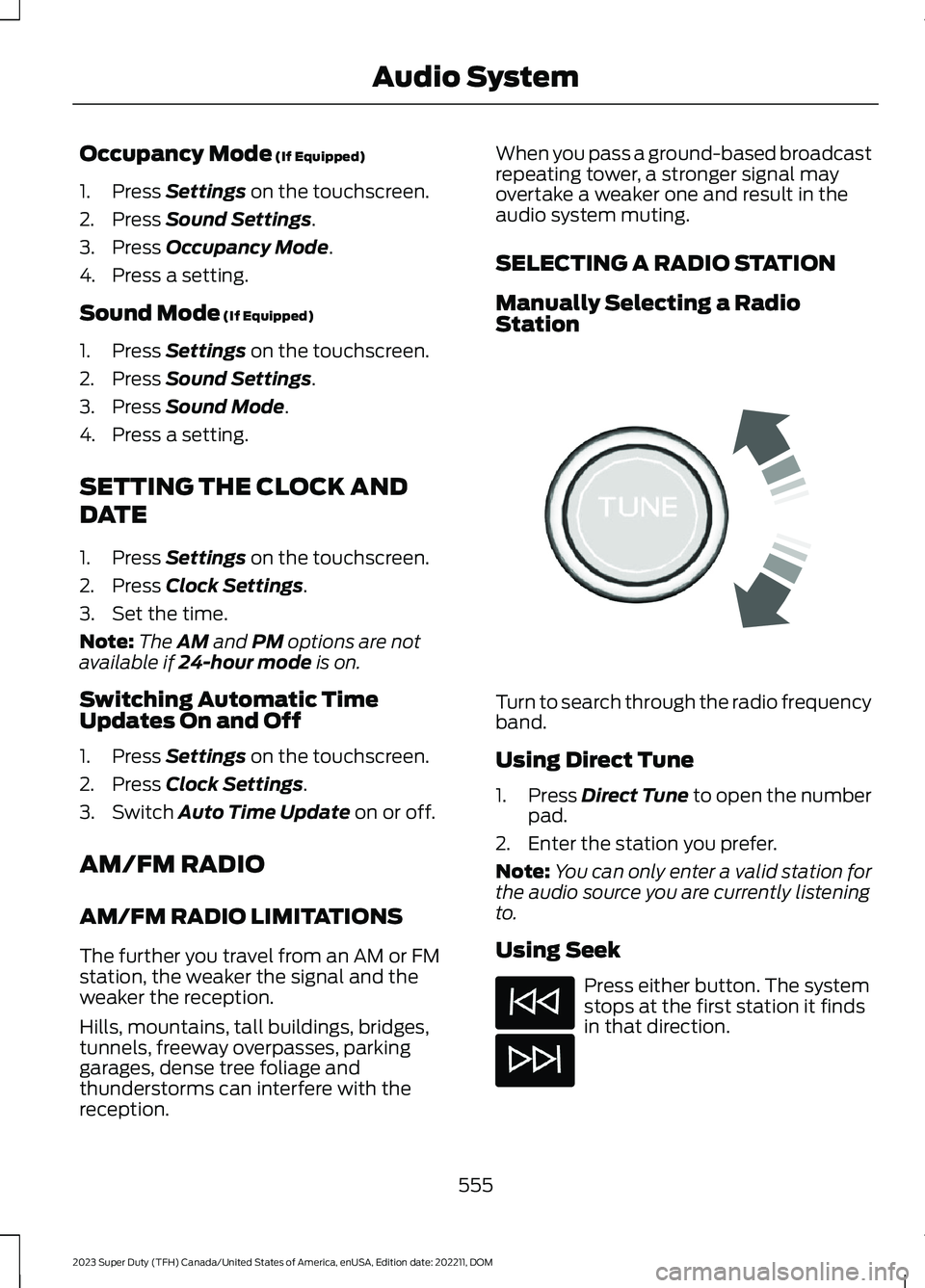
Turn to search through the radio frequencyband.
Using Direct Tune
1.Press Direct Tune to open the numberpad.
2.Enter the station you prefer.
Note:You can only enter a valid station forthe audio source you are currently listeningto.
Using Seek
Press either button. The systemstops at the first station it findsin that direction.
555
2023 Super Duty (TFH) Canada/United States of America, enUSA, Edition date: 202211, DOMAudio SystemE270235
Page 563 of 738
AUDIO SYSTEM – TROUBLESHOOTING
AUDIO SYSTEM – INFORMATION MESSAGES
Satellite Radio Troubleshooting
Recommended ActionPotential EffectsError Message
Internet connectivity isturned off. See ConnectedVehicle (page 548).
Internet streaming and OnDemand shows are unavail-able and some SiriusXMfeatures are disabled.
Connectivity Disabled
SYNC attempts to connect.See Satellite Radio Limit-ations (page 557).Switch toa satellite connection for thecurrent channel if the optionis available.
Audio system may mute.Switch to Satellite buttonmay be displayed on theSiriusXM audio screen if thechannel is also available viasatellite.
No Internet
Antenna may be obstructedor satellite reception is weakin your location. See Satel-lite Radio Limitations(page 557).Switch to aninternet connection for thecurrent channel if the optionis available.
Audio system may mute.Switch to Internet buttonmay be displayed on theSiriusXM audio screen if thechannel is also available viastreaming.
No Satellite Signal
Allow some time for theaudio to load or tune to adifferent channel.
Audio system may mutewhile the audio attempts toload.
Slow Network Connection
A temporary update may bein progress. Allow some timebefore retrying to tune to thechannel. If the issuecontinues, the channel mayno longer be available.
Audio system may mute.Radio may tune to adifferent channel.
Channel Unavailable
A temporary update may bein progress. Allow some timebefore retrying to play theepisode. If the issuecontinues, the episode mayno longer be available.
Audio system may mute.Radio may tune to adifferent channel.
Episode Unavailable
559
2023 Super Duty (TFH) Canada/United States of America, enUSA, Edition date: 202211, DOMAudio System
Page 682 of 738

TRADEMARKS: This EULA does not grantyou any rights in connection with anytrademarks or service marks of FORDMOTOR COMPANY, its affiliates, and thirdparty software and service providers.
PRODUCT SUPPORT: Please refer toFORD MOTOR COMPANY instructionsprovided in the documentation for theDEVICES product support, such as thevehicle owner guide.
Should you have any questions concerningthis EULA, or if you desire to contact FORDMOTOR COMPANY for any other reason,please refer to the address provided in thedocumentation for the DEVICES.
No Liability for Certain Damages:EXCEPT AS PROHIBITED BY LAW, FORDMOTOR COMPANY, ANY THIRD PARTYSOFTWARE OR SERVICES SUPPLIERS,AND THEIR AFFILIATES SHALL HAVE NOLIABILITY FOR ANY INDIRECT, SPECIAL,CONSEQUENTIAL OR INCIDENTALDAMAGES ARISING FROM OR INCONNECTION WITH THE USE ORPERFORMANCE OF THE SOFTWARE. THISLIMITATION SHALL APPLY EVEN IF ANYREMEDY FAILS OF ITS ESSENTIALPURPOSE. THERE ARE NO WARRANTIESOTHER THAN THOSE THAT MAY BEEXPRESSLY PROVIDED FOR YOUR NEWVEHICLE.
SYNC® Automotive Important SafetyInformation Read and followinstructions:
•Before using your SYNC® system, readand follow all instructions and safetyinformation provided in this end usermanual ("Owner Guide".) Notfollowing precautions found in theOwner Guide can lead to an accidentor other serious injuries.
General Operation
•Voice Command Control: Certainfunctions within the SYNC® systemmay be accomplished using voicecommands. Using voice commandswhile driving helps you to operate thesystem without removing your handsfrom the wheel or eyes from the road.
•Prolonged Views of Screen: Do notaccess any function requiring aprolonged view of the screen while youare driving. Pull over in a safe and legalmanner before attempting to access afunction of the system requiringprolonged attention.
•Volume Setting: Do not raise thevolume excessively. Keep the volumeat a level where you can still hearoutside traffic and emergency signalswhile driving. Driving while unable tohear these sounds could cause anaccident.
•Navigation Features: Any navigationfeatures included in the system areintended to provide turn by turninstructions to get you to a desireddestination. Please make certain allpersons using this system carefullyread and follow instructions and safetyinformation fully.
•Distraction Hazard: Any navigationfeatures may require manual(non-verbal) setup. Attempting toperform such set-up or insert datawhile driving can distract your attentionand could cause an accident or otherserious injury. Stop the vehicle in a safeand legal manner before attemptingthese operations.
•Let Your Judgment Prevail: Anynavigation features are provided onlyas an aid. Make your driving decisionsbased on your observations of localconditions and existing trafficregulations. Any such feature is not a
678
2023 Super Duty (TFH) Canada/United States of America, enUSA, Edition date: 202211, DOMCustomer Information
Page 719 of 738
Exit Warning - Troubleshooting.............334Exit Warning - InformationMessages.........................................................334Export Unique Options...............................701Extending the Exterior Mirrors..................133Extending the Remote StartDuration........................................................150Exterior Bulbs.................................................461Changing a Front Fog Lamp Bulb...............465Changing a Front Turn Signal LampBulb...................................................................464Changing a Headlamp Bulb..........................463Changing a High Mounted StoplampBulb....................................................................467Changing a License Plate Lamp Bulb........467Changing a Rear Lamp Bulb.........................465Changing a Rear Turn Signal LampBulb...................................................................466Changing a Reversing Lamp Bulb...............467Changing a Stoplamp Bulb...........................466Exterior Bulb Specification Chart.................461Removing a Rear Lamp Assembly..............463Exterior Lamps...............................................118Exterior Lamps On Audible Warning............121How Do Cornering Lamps Work....................119Switching the Cargo Lamps On....................120Switching the Daytime Running Lamps Onand Off................................................................119Switching the Spot Lamps On andOff.......................................................................120Switching Welcome Lighting On andOff.........................................................................121Using the Front Fog Lamps............................120Using the Turn Signal Lamps..........................118Exterior Lighting Control..............................117Exterior Lighting..............................................117Adaptive Front Lighting....................................124Autolamps..............................................................118Automatic High Beam Control.......................122Automatic High Beam Control –Troubleshooting.............................................124Exterior Lamps.....................................................118Exterior Zone Lighting........................................121Headlamps.............................................................117Headlamps – Troubleshooting.......................117Exterior Lighting Videos..............................125Exterior Mirrors...............................................132Exterior Mirrors Videos................................133
Exterior Zone Lighting..................................121Exterior Zone Lighting Settings.....................122Using the Exterior Zone Lighting....................121What Is Exterior Zone Lighting........................121
F
Fail-Safe Cooling.........................................425Driving When Fail-Safe Mode IsActivated..........................................................425Fail-Safe Cooling Indicators..........................426How Does Fail-Safe Cooling Work..............425What Is Fail-Safe Cooling...............................425Fastening and Unfastening theSeatbelts.........................................................51Feature Bar....................................................564Federal Highway AdministrationRegulation....................................................674Filling the Selective Catalytic ReductionSystem Tank...............................................228Filling the Selective Catalytic ReductionSystem Tank in Cold Weather..................228Filling the Selective Catalytic ReductionSystem Tank Using a Fuel StationPump.................................................................229Filling the Selective Catalytic ReductionSystem Tank Using a PortableContainer.........................................................229Flat TireSee: Changing a Flat Tire...............................509Flat TowSee: Recreationally Towing Your Vehicle -4x2......................................................................429See: Recreationally Towing Your Vehicle -4x4......................................................................427Floor Mats........................................................417Folding the Exterior Mirrors - VehiclesWith: Manual Folding Mirrors................132Folding the Exterior Mirrors - VehiclesWith: Power Folding Mirrors...................132Foot PedalsSee: Adjusting the Pedals.................................112Ford Assistant..............................................565Ford Assistant – Frequently AskedQuestions........................................................565Ford Assistant Settings...................................565Using Ford Assistant........................................565Ford Protect..................................................589
715
2023 Super Duty (TFH) Canada/United States of America, enUSA, Edition date: 202211, DOMIndex