2023 CITROEN DS4 Drive assist
[x] Cancel search: Drive assistPage 150 of 296

148
With a manual gearbox in STOP mode, if
a gear is engaged without fully depressing
the clutch pedal, a warning lamp comes
on or an alert message is displayed asking
you to depress the clutch pedal to restart
the engine.
Special cases: START mode
activated automatically
As a safety measure or to maintain comfort
levels in the vehicle, START mode is activated
automatically when:
-
y
ou open the driver's door,
-
y
ou unfasten the driver's seat belt,
-
t
he speed of the vehicle exceeds 16 mph
(25 km/h) with a manual gearbox (2 mph
(3
km/h) with PureTech 130 petrol and
BlueHDi 115 and 120 Diesel versions), or
2
mph (3 km/h) with an automatic gearbox.
-
t
he electric parking brake is being applied,
-
s
ome special conditions (battery charge,
engine temperature, braking assistance,
exterior temperature...) require the engine to
be running to assure control of a system. In this case, the "
ECO" warning
lamp flashes for a few seconds then
goes off.
This operation is perfectly normal.
Deactivation
At any time, press the ECO OFF switch to
d eactivate the system.
This is confirmed by the switch warning lamp
coming on accompanied by the display of a
message.
If the system has been deactivated
in STOP mode, the engine restarts
immediately.
Reactivation
F Press the ECO OFF switch again.
The system is active again; this is confirmed
by the switch warning lamp going off and the
display of a message. The system is reactivated automatically
at every new start using the key or the
"START/STOP" button.
Operating fault
In the event of a malfunction with the system,
the ECO OFF switch warning lamp flashes,
then comes on continuously.
Have it checked in the dealer network or by a
qualified workshop.
In the event of a fault in STOP mode, the
vehicle may stall: all the instrument panel
warning lamps come on.
Depending on version, an alert message
may also be displayed asking you to put
the gear lever into position N and put your
foot on the brake pedal.
It is then necessary to switch off the
ignition, then restart the engine using the
key or the "START/STOP" button.
06
Driving
Page 151 of 296

149
The Stop & Start system requires a
12 V battery of specific technology and
specification.
All work on this type of battery must only
be carried out in the dealer network or by
a qualified workshop.
For more information on the 12 V batter y ,
refer to the corresponding section.
Opening the bonnet
Driving on flooded roads
Before driving in a flooded area, it is
strongly recommended that you deactivate
the Stop & Start system.
For more information on Driving advice ,
particularly on flooded roads, refer to the
corresponding section. Before doing anything under the bonnet,
deactivate the Stop & Start system to
avoid any risk of injury resulting from an
automatic change to START mode.Hill start assist
System which keeps your vehicle immobilised
temporarily (approximately 2 seconds) when
starting on a gradient, the time it takes to
move your foot from the brake pedal to the
accelerator pedal.
This system only operates when:
-
t
he vehicle is completely stationary, with
your foot on the brake pedal,
-
c
ertain slope conditions are met,
-
w
ith the driver’s door closed.
The hill start assist function cannot be
deactivated.
Operation
On an ascending slope, with the vehicle
stationar y, the vehicle is held for a shor t
time when you release the brake pedal:
-
i
f you are in first gear or neutral with a
manual gearbox, On a descending slope, with the vehicle
stationary and reverse gear engaged, the
vehicle is held for a shor t time when you
release the brake pedal.
Do not leave the vehicle while it is being
held temporarily in the hill start assist
phase.
If you need to leave the vehicle with the
engine running, apply the parking brake
manually then ensure that the parking
brake warning lamps light up constantly on
the instrument panel.
-
i
f you are in position D or M with an
automatic gearbox.
06
Driving
Page 152 of 296

150
Operating fault
If a fault in the system occurs, these warning
lamps come on. Contact the dealer network
or a qualified workshop to have the system
checked.
Memorising speeds
This function allows speeds to be saved, which
can then be offered to set the two systems: the
speed limiter (to limit the speed of the vehicle)
or the cruise control (for a vehicle cruising
speed).
You can memorise up to five or six speed
settings in the system, depending on version.
Default speed settings have already been
stored.As a safety measure, the driver must only
modify a speed setting when stationary.
With your Audio system
Activating the function
Modifying a speed setting
F Go to the main menu by pressing the MENU
button.
F
Sel
ect the " Personalisation-
configuration " menu and confirm.
F
Sel
ect the " Vehicle settings " menu and
confirm.
F
Sel
ect the " Driving assistance " line and
confirm.
F
Sel
ect the " Memorised speeds " line and
confirm.
F
Sel
ect "Activation " to activate the function.
F
Sel
ect the speed setting to be modified and
confirm.
F
M
odify the value and confirm.
F
Sel
ect "OK" and confirm to save the
modifications.
"MEM" button
F Press this button to display the list of memorised speed settings.
06
Driving
Page 159 of 296

157
Detection may be impeded:
- i f the sensors are dirty (mud, snow...),
-
i
f the road markings are not clearly
visible,
-
i
f there is little contrast between the
markings on the road and the road
sur face.Blind spot monitoring
This driving assistance system warns the driver
of the presence of another vehicle in the blind
spot angle of their vehicle (areas hidden from
the driver's field of vision), as soon as this
presents a potential danger. This system is designed to improve safety
when driving and is in no circumstances
a substitute for the use of the interior rear
view mirror and door mirrors. It is the
driver's responsibility to constantly check
the traffic, to assess the distances and
relative speeds of other vehicles and to
predict their movements before deciding
whether to change lane.
The blind spot monitoring system can
never replace the need for vigilance on the
part of the driver.
A warning lamp appears in the door mirror on
the side in question:
- i
mmediately, when being overtaken,
- a fter a delay of about one second, when
overtaking a vehicle slowly.
06
Driving
Page 215 of 296

213
General recommendations
Obser ve the legislation in force in your
c o u nt r y.
Ensure that the weight of the towing
vehicle is higher than that of the towed
vehicle.
The driver must remain at the wheel of
the towed vehicle and must have a valid
driving licence.
When towing a vehicle with all four
wheels on the ground, always use an
approved towing arm; rope and straps are
prohibited.
The towing vehicle must move off gently.
When the vehicle is towed with its engine
off, there is no longer braking and steering
assistance.
In the following cases, you must always
call on a professional recovery ser vice:
-
v
ehicle broken down on a motor way or
fast road,
-
f
our-wheel drive vehicle,
-
w
hen it is not possible to put the
gearbox into neutral, unlock the
steering, or release the parking brake,
-
t
owing with only two wheels on the
ground,
-
w
here there is no approved towbar
available. Towing your vehicle
F On the front bumper, unclip the cover by pressing on its left side.
F
S
crew the towing eye in fully.
F
I
nstall the towing bar.
F
M
ove the gear lever into neutral (position N
for an automatic gearbox).
Failure to follow this instruction may cause
damage to some components (braking,
transmission...) and the absence of
braking assistance when the engine is
restarted.
F
U
nlock the steering and release the parking
brake.
F
S
witch on the hazard warning lamps on
both vehicles.
F
M
ove off gently, drive slowly and for a short
distance.
Towing another vehicle
F On the rear bumper, unclip the cover by pressing at the top.
F
S
crew the towing eye in fully.
F
I
nstall the towing bar.
F
S
witch on the hazard warning lamps on
both vehicles.
F
M
ove off gently, drive slowly and for a short
distance.
08
In the event of a breakdown
Page 238 of 296
14
TMC (Traffic Message
Channel)
TMC (Traffic Message Channel)
messages are linked to a European
standard on the broadcasting of traffic
information via the RDS system on FM
radio, transmitting traffic information in
real time.
The TMC information is then displayed
on a GPS Navigation system map and
taken into account straight away during
navigation, so as to avoid accidents, traffic
jams and closed roads.
The display of danger zones depends on
the legislation in force and subscription to
the service.
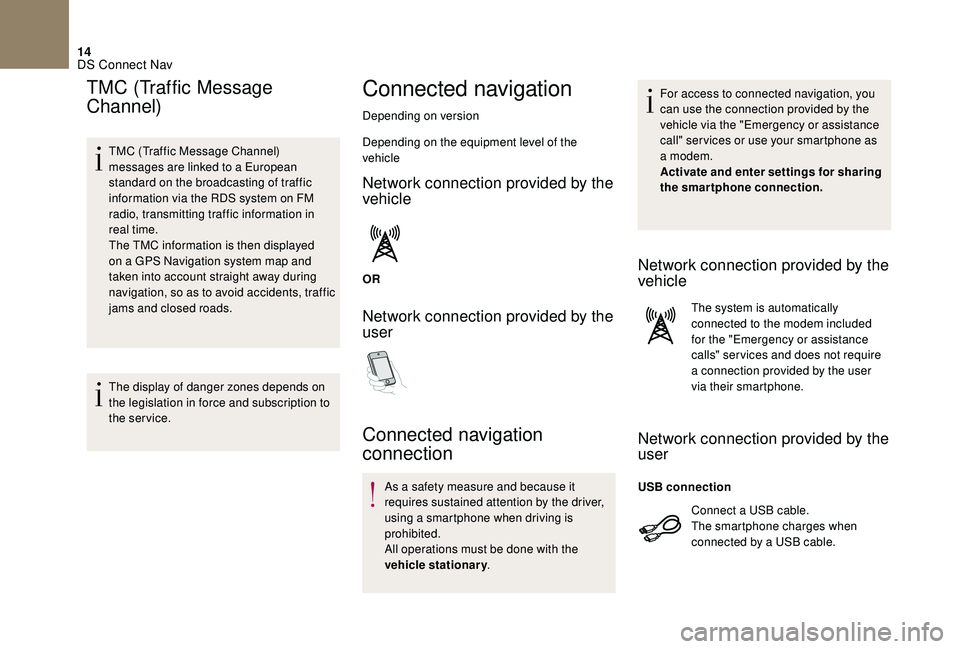
Connected navigation
Depending on version
Depending on the equipment level of the
vehicle
Network connection provided by the
vehicle
OR
Network connection provided by the
user
Connected navigation
connection
As a safety measure and because it
requires sustained attention by the driver,
using a smartphone when driving is
prohibited.
All operations must be done with the
vehicle stationary. For access to connected navigation, you
can use the connection provided by the
vehicle via the "Emergency or assistance
call" ser vices or use your smartphone as
a modem.
Activate and enter settings for sharing
the smartphone connection.
Network connection provided by the
vehicle
The system is automatically
connected to the modem included
for the "Emergency or assistance
calls" ser vices and does not require
a connection provided by the user
via their smartphone.
Network connection provided by the
user
Connect a USB cable.
The smartphone charges when
connected by a USB cable.
USB connection
DS Connect Nav
Page 245 of 296
21
Bluetooth® connection
As a safety measure and because they
require prolonged attention on the part
of the driver, the operations for pairing
of the Bluetooth mobile telephone with
the Bluetooth hands-free system of your
audio system must be carried out with the
vehicle stationary and the ignition on.
Activate the Bluetooth function on the
telephone and ensure that it is "visible to
all" (telephone configuration).
Procedure from the telephone
Select the system name in the list of
devices detected.
In the system, accept the connection request
from the telephone. To complete the pairing, whichever
procedure used (from the telephone or
from the system), ensure that the code
is the same in the system and in the
telephone.
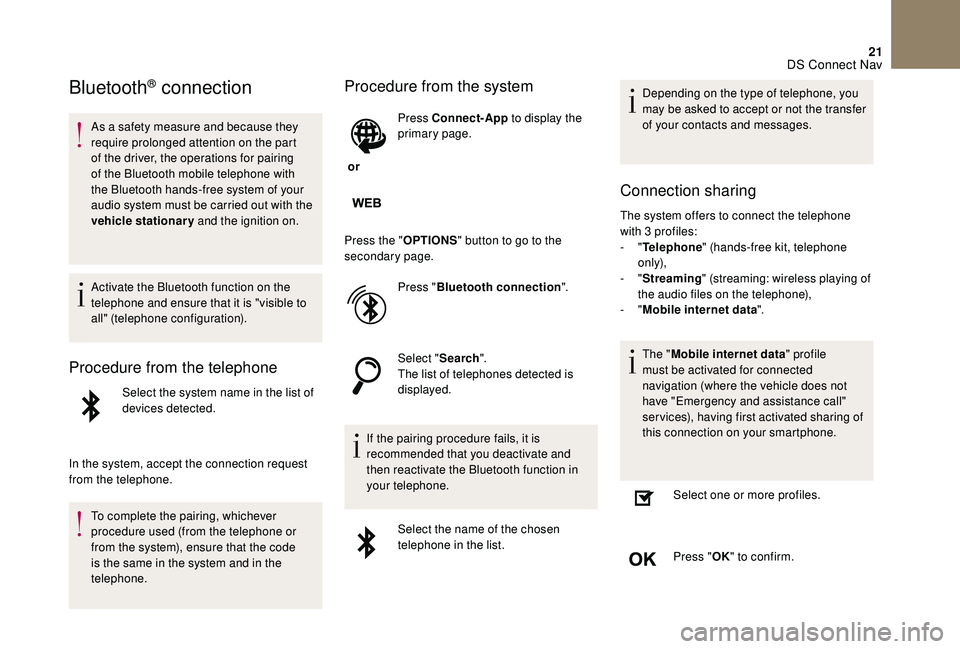
Procedure from the system
or Press Connect-App
to display the
primary page.
Press the " OPTIONS" button to go to the
secondary page.
Press "Bluetooth connection ".
Select " Search".
The list of telephones detected is
displayed.
If the pairing procedure fails, it is
recommended that you deactivate and
then reactivate the Bluetooth function in
your telephone. Select the name of the chosen
telephone in the list. Depending on the type of telephone, you
may be asked to accept or not the transfer
of your contacts and messages.
Connection sharing
The system offers to connect the telephone
with 3 profiles:
-
"Telephone " (hands-free kit, telephone
only),
-
"Streaming " (streaming: wireless playing of
the audio files on the telephone),
-
"Mobile internet data ".
The " Mobile internet data " profile
must be activated for connected
navigation (where the vehicle does not
have "Emergency and assistance call"
services), having first activated sharing of
this connection on your smartphone.
Select one or more profiles.
Press " OK" to confirm.
DS Connect Nav