Page 178 of 416
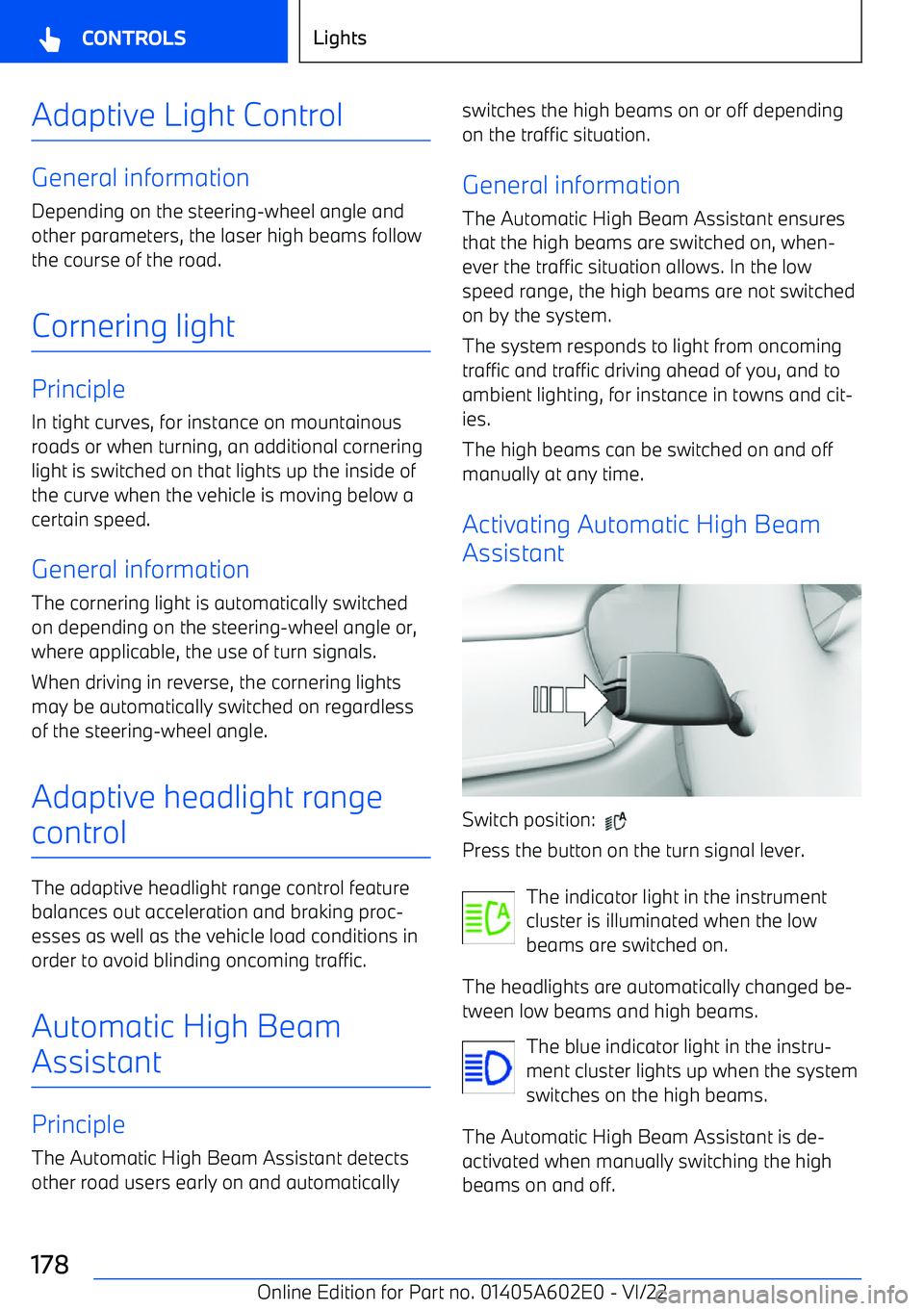
Adaptive Light Control
General information
Depending on the steering
Page 180 of 416
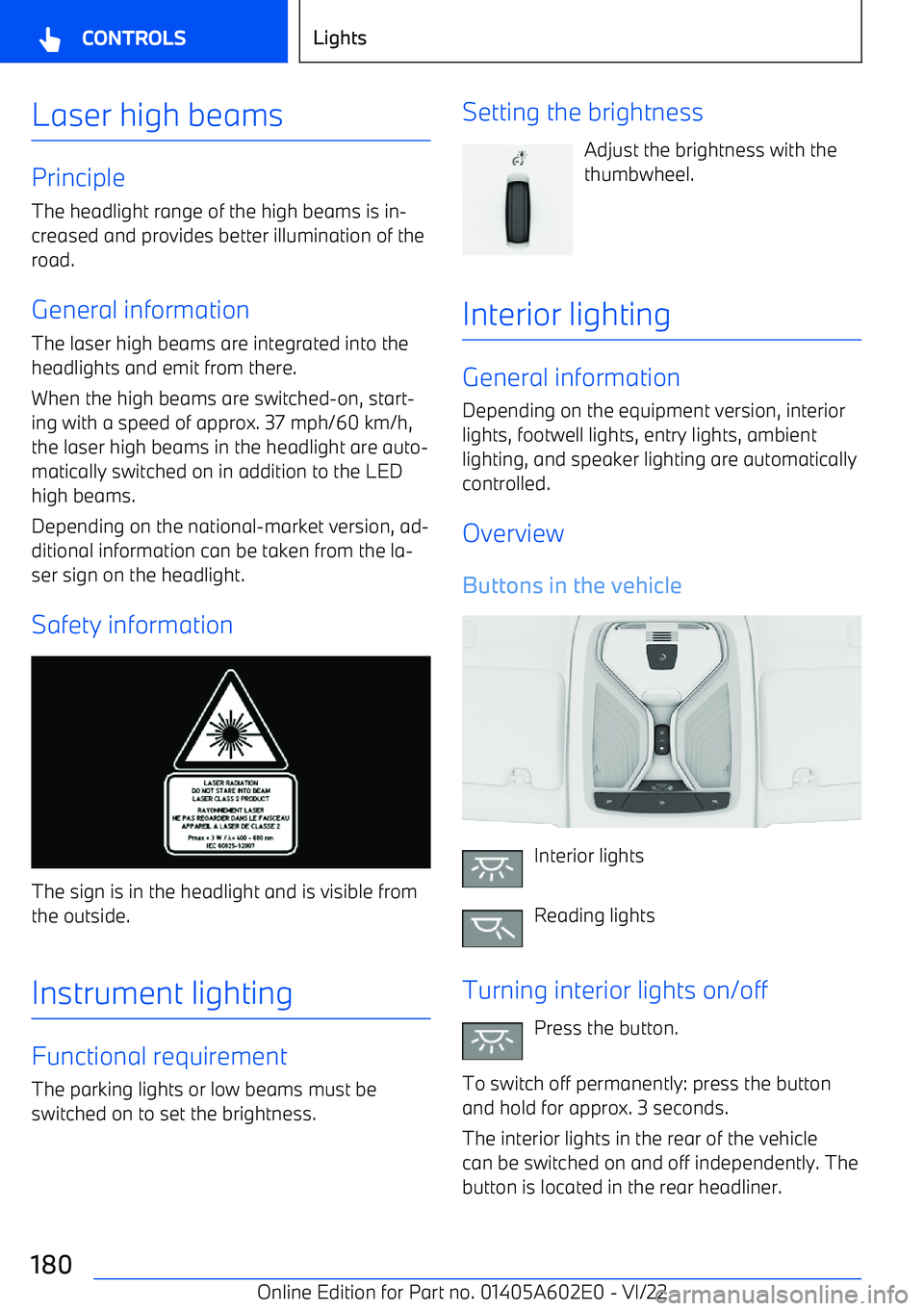
Laser high beams
PrincipleThe headlight range of the high beams is in
Page 181 of 416
Turning reading lights on/offPress the button.
Depending on the vehicle equipment, the read
Page 187 of 416
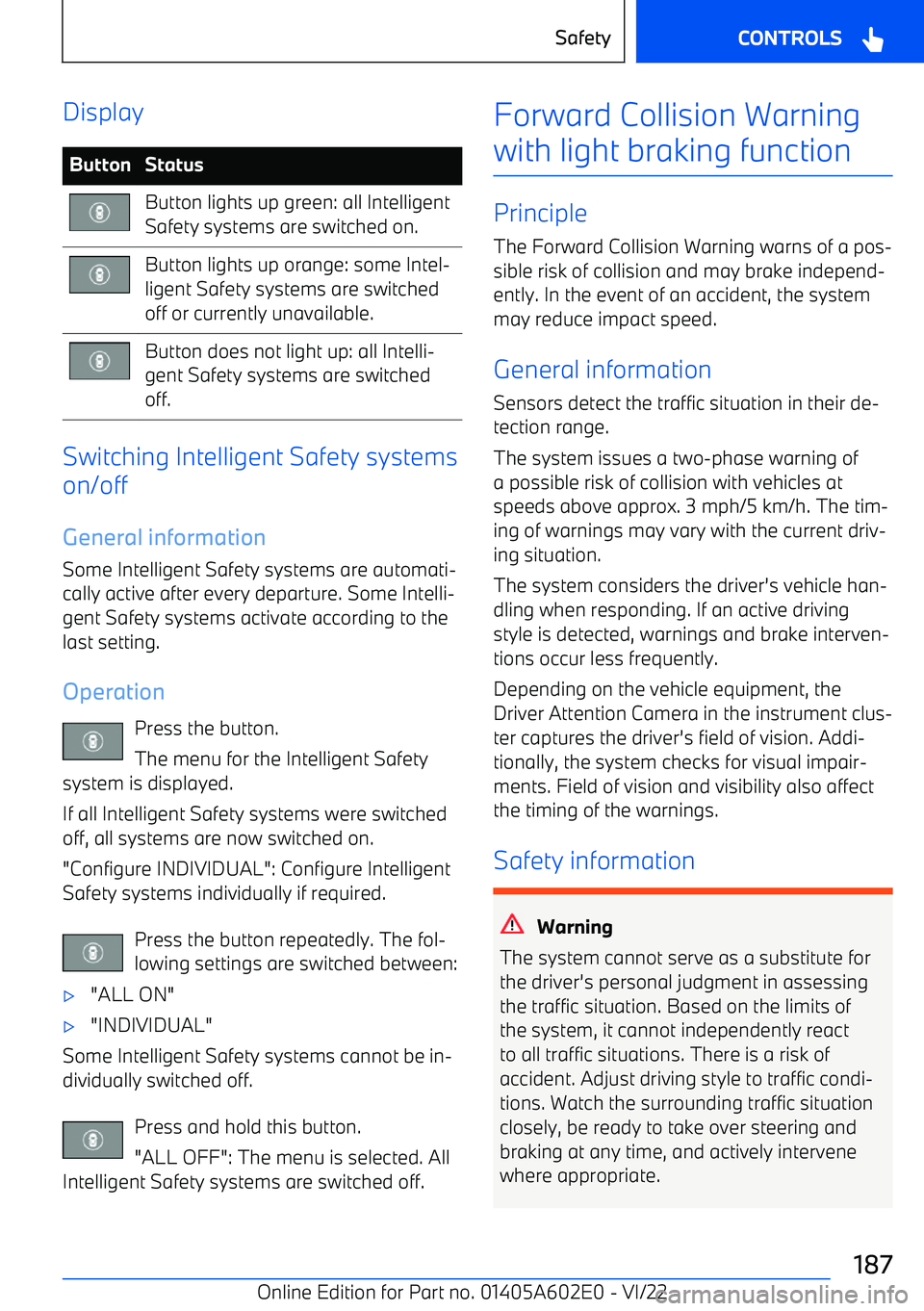
DisplayButtonStatusButton lights up green: all Intelligent
Safety systems are switched on.Button lights up orange: some Intel
Page 202 of 416
Additional information:
Assisted Driving View, refer to page 155.
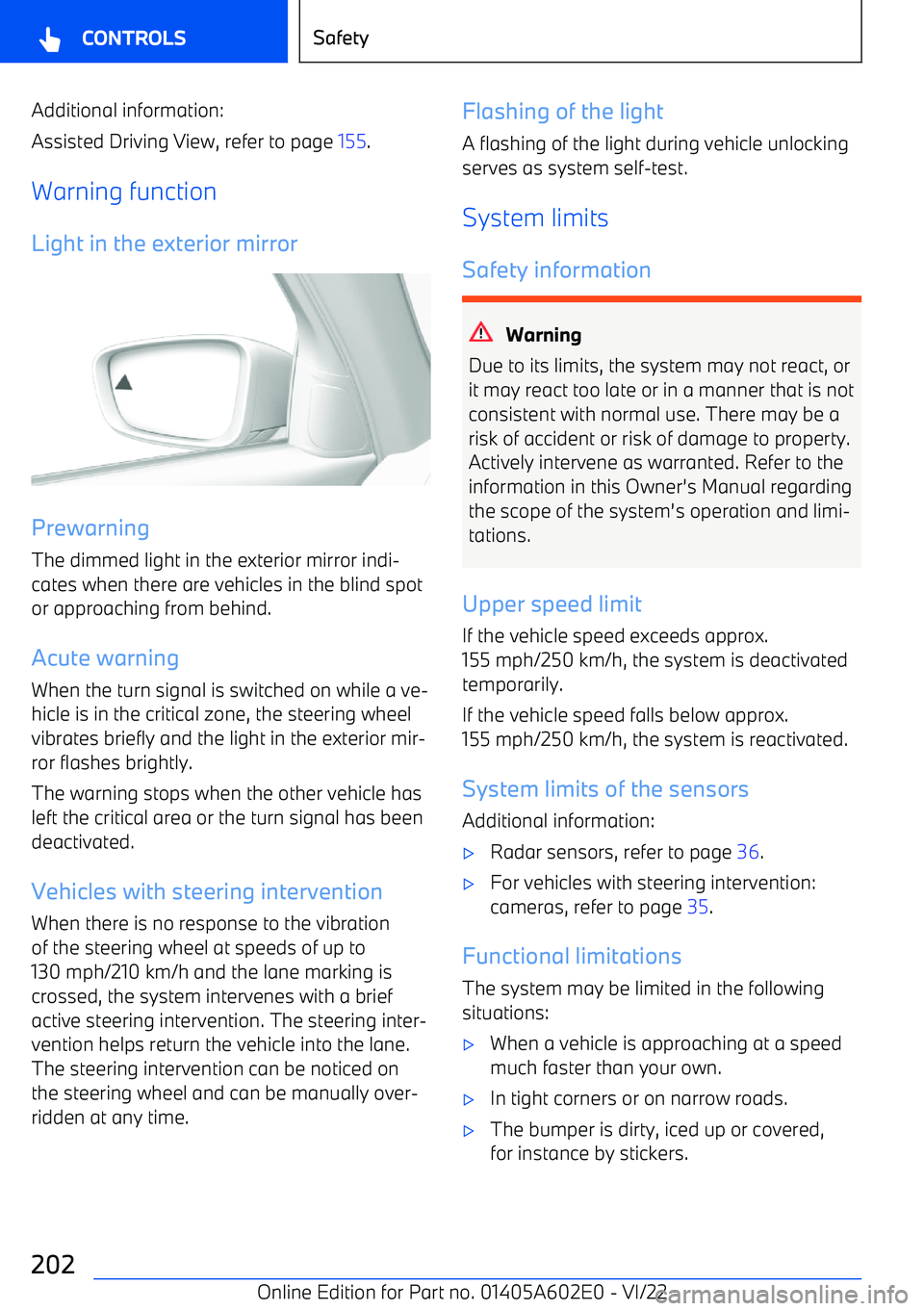
Warning function Light in the exterior mirror
Prewarning
The dimmed light in the exterior mirror indi
Page 223 of 416
Page 228 of 416

Setting the functionWhen the system is active, press the
button repeatedly until the desired function is selected in the toolbar. The
toolbar for Assisted Driving mode is displayed
at the bottom of the instrument cluster.IconFunctionCruise Control with Distance Control.Depending on the equipment version,
cruise control with distance control
and Steering Assistant.
The selected function is shown in green.
Turning on
With Steering Assistant:
1. Press the button on the steering
wheel.2. If necessary, set the cruise control.
Without Steering Assistant:
Press the button on the steering
wheel.
The indicator lights in the instrument cluster light up and the mark on the speedometer is
set to the current speed.
Cruise control is active. The current speed is
maintained and stored as set speed.
If necessary, the Dynamic Stability Control willbe turned on.
Turning off
To switch off the system while stationary, step on brake pedal at the same time.
Press the button on the steering wheel:
With Steering Assistant.
Without Steering Assistant.
The displays turn off. The stored set speed is deleted.
Interrupting manually When active, press the button on the steering
wheel:
With Steering Assistant.
Without Steering Assistant.
If interrupting the system while stationary,
press on the brake pedal at the same time.
Interrupting automatically The system is automatically interrupted in the
following situations:
Page 232 of 416
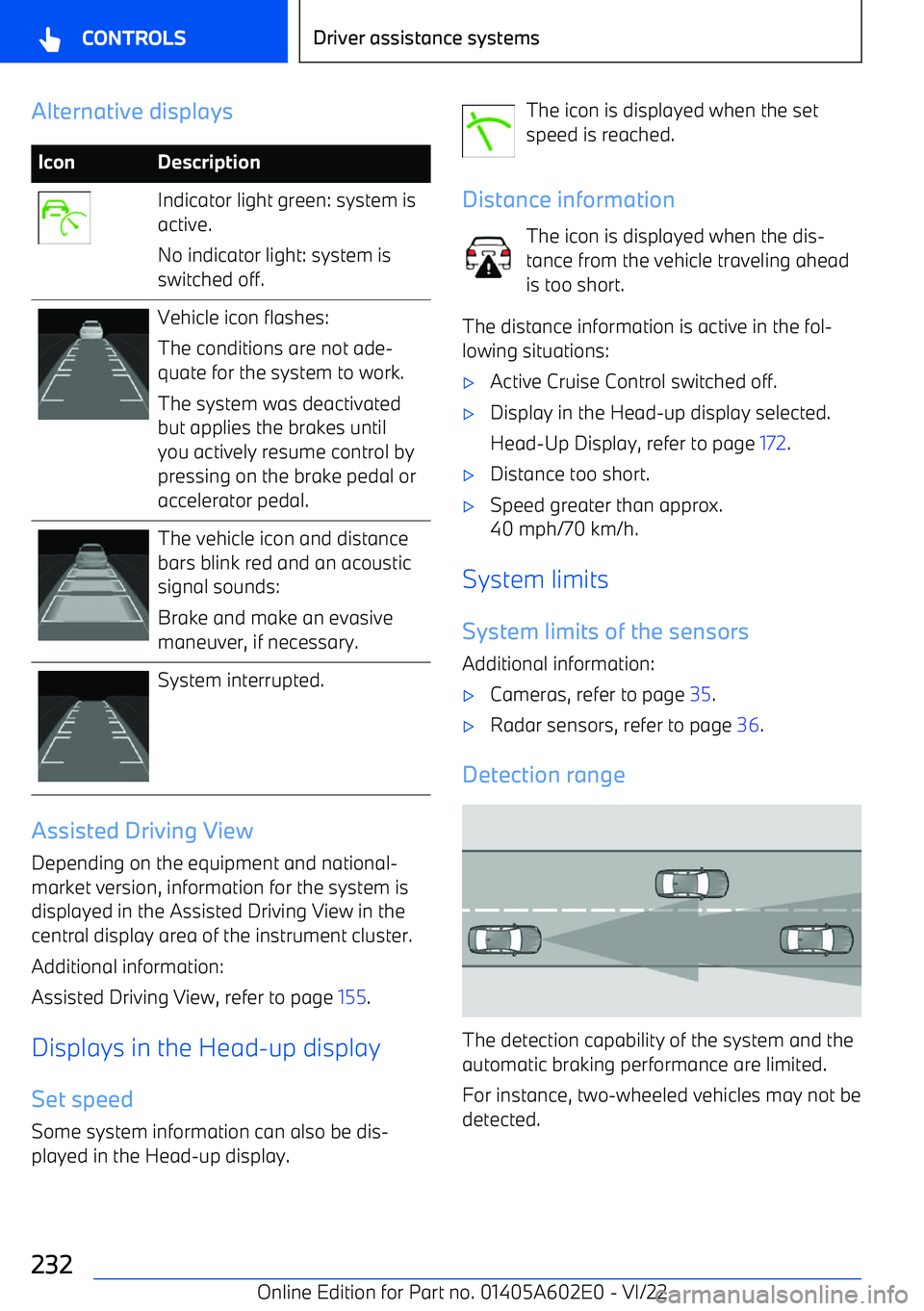
Alternative displaysIconDescriptionIndicator light green: system is
active.
No indicator light: system is
switched off.Vehicle icon flashes:
The conditions are not ade