2022 TOYOTA YARIS Fog light
[x] Cancel search: Fog lightPage 249 of 590

247
4
HV Owner's Manual_Europe_M52N30_en
4-5. Using the driving support systems
Driving
*3: Displayed when system detects driv-
ing on ramp way.
In the following situations, the RSA
system will notify the driver.
When the vehicle speed exceeds
the speed notification threshold
of the speed limit sign displayed,
the sign display will be empha-
sized and a buzzer will sound.
When the RSA system recog-
nizes a no-entry sign and detects
that the vehicle has entered a
no-entry area based on the map
information of the navigation sys-
tem, the no-entry sign flashes
and a buzzer will sound. (For
vehicles with 7-inch/8-inch dis-
play navigation system)
If it is detected that your vehicle
is overtaking when a no overtak-
ing sign is displayed on the multi-
information display, the dis-
played sign will flash and a
buzzer will sound.
Depending on the situation, traffic
environment (traffic direction,
speed unit) may be detected incor-
rectly and a notification function
may not operate properly.
■Setting procedure
1 Press / (vertical display) or
/ (horizontal display) of the
meter control switches and select
.
2 Press / (vertical display) or
/ (horizontal display) of the
meter control switches and select
, then press .
■Automatic turn-off of RSA sign dis-
play
One or more signs automatically turn off in the following situations.
●No sign has been recognized for a certain distance.
●The road changes due to a left or right turn, etc.
■Conditions in which the function
may not operate or detect correctly
In the following situations, RSA does not operate normally and may not recognize
signs, display the incorrect sign, etc. However, this does not indicate a mal-function.
●The front camera is misaligned due to a strong impact being applied to the
sensor, etc.
●Dirt, snow, stickers, etc., are on the
windshield near the front camera.
●In inclement weather such as heavy
rain, fog, snow or sand storms.
●Light from an oncoming vehicle, the
sun, etc., enters the front camera.
●The sign is dirty, faded, tilted or bent.
●The contrast of electronic sign is low.
●All or part of the sign is hidden by the leaves of a tree, a pole, etc.
●The sign is only visible to the front camera for a short amount of time.
●The driving scene (turning, lane change, etc.) is judged incorrectly.
●If a sign not appropriate for the cur-rently traveled lane, but the sign exists
directly after a freeway branches, or in an adjacent lane just before merging.
●S t ic ke r s a r e a t t ac he d to t he r e ar o f th e preceding vehicle.
Notification function
Page 256 of 590

254
HV Owner's Manual_Europe_M52N30_en
4-5. Using the driving support systems
tance to the object. (As the distance
to the object becomes short, the
distance segments may blink.)
Front corner sensor detection
Front center sensor detection
Rear corner sensor detection
Rear center sensor detection
Use the meter control switches to
enable/disable the Toyota parking
assist-sensor. ( P.104, 110)
1 Press / (vertical display)
or / (horizontal display)
of the meter control switch to
select .
2 Press / (vertical display)
or / (horizontal display)
of the meter control switch to
select and then press .
When the Toyota parking assist-
sensor function is disabled, the
Toyota parking assist-sensor OFF
indicator ( P.92) illuminates.
To re-enable the system when it
was disabled, select on the
multi-information display, select
and then on. If disabled using this
method, the system will not be re-
enabled by turning the power
switch off and then to ON.
Turning Toyota parking
assist-sensor on/off
WARNING
■Cautions regarding the use of
the system
There is a limit to the degree of recog- nition accuracy and control perfor-
mance that this system can provide, do not overly rely on this system. The driver is always responsible for paying
attention to the vehicle’s surroundings and driving safely.
■To ensure the system can oper-ate properly
Observe the following precautions.
Failing to do so may result in the vehi- cle being unable to be driven safely and possibly cause an accident.
●Do not damage the sensors, and always keep them clean.
●Do not a sticker or an electronic component, such as a backlit
license plate (especially fluorescent type), fog lights, fender pole or wire-less antenna is installed near a
radar sensor.
Page 289 of 590
5
287
HV Owner's Manual_Europe_M52N30_en
5
Interior features
Interior features
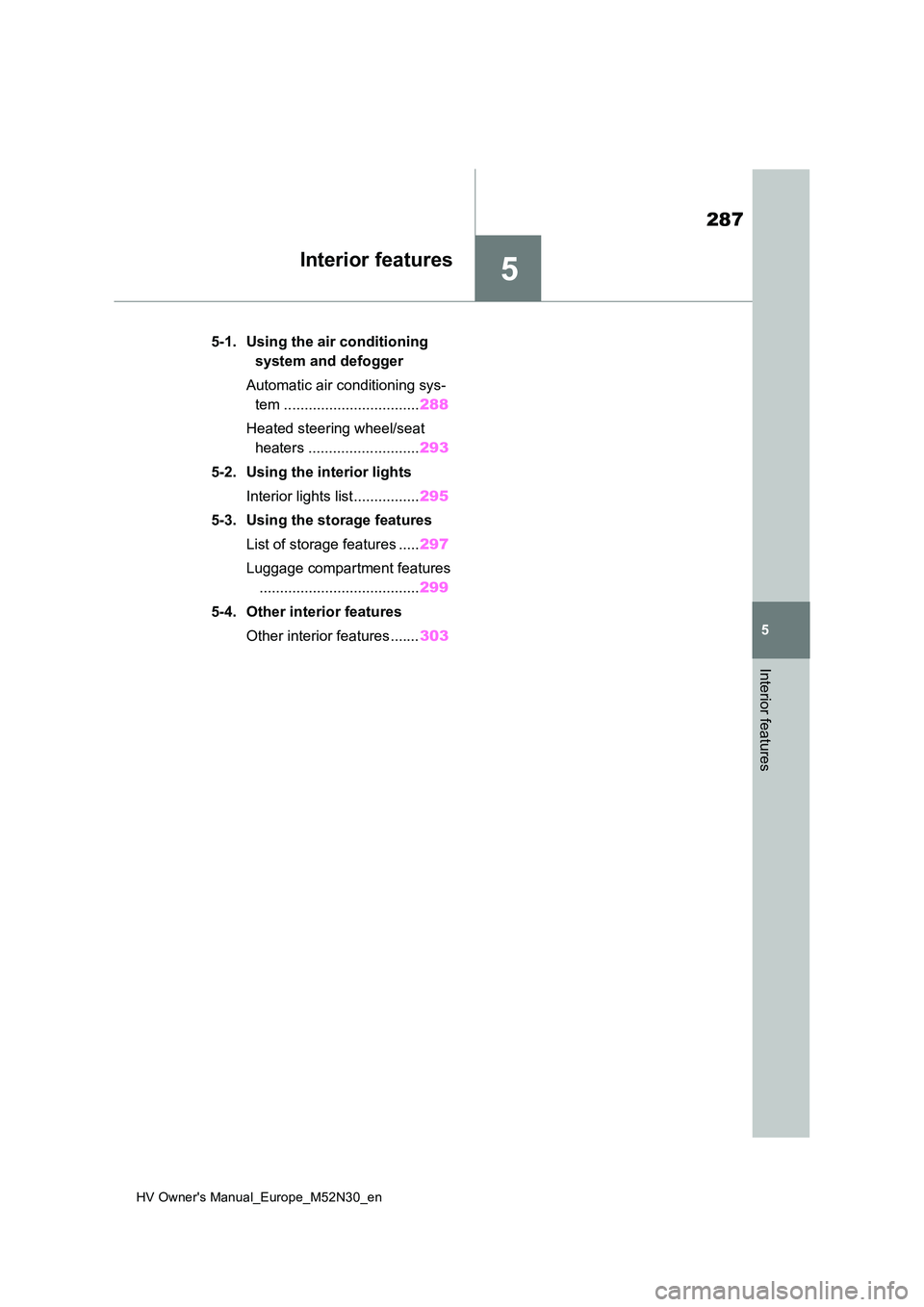
5-1. Using the air conditioning
system and defogger
Automatic air conditioning sys-
tem ................................. 288
Heated steering wheel/seat
heaters ........................... 293
5-2. Using the interior lights
Interior lights list................ 295
5-3. Using the storage features
List of storage features ..... 297
Luggage compartment features
....................................... 299
5-4. Other interior features
Other interior features....... 303
Page 318 of 590

316
HV Owner's Manual_Europe_M52N30_en
6-1. Maintenance and care
Remove dirt using a water-
dampened soft cloth or synthetic
chamois.
Wipe the surface with a dry, soft
cloth to remove any remaining
moisture.
■Cleaning the areas with satin-finish
metal accents
The metal areas use a layer of real metal for the surface. It is necessary to
clean them regularly. If dirty areas are left uncleaned for long periods of time, they may be difficult to clean.
Remove dirt and dust using a
vacuum cleaner.
Wipe off any excess dirt and dust
with a soft cloth dampened with
diluted detergent.
Use a diluted water solution of approxi-
mately 5% neutral wool detergent.
Wring out any excess water from
NOTICE
• Seats: Alkaline or acidic solutions, such as thinner, benzene, and alco-
hol
●Do not use a polish wax or polish
cleaner. The instrument panel’s or other interior part’s painted surface may be damaged.
■Preventing damage to leather surfaces
Observe the following precautions to avoid damage to and deterioration of leather surfaces:
●Remove any dust or dirt from leather surfaces immediately.
●Do not expose the vehicle to direct sunlight for extended periods of time. Park the vehicle in the shade,
especially during summer.
●Do not place items made of vinyl,
plastic, or containing wax on the upholstery, as they may stick to the leather surface if the vehicle interior
heats up significantly.
■Water on the floor
Do not wash the vehicle floor with water.Vehicle systems such as the audio
system may be damaged if water comes into contact with electrical components such as the audio sys-
tem above or under the floor of the vehicle. Water may also cause the body to rust.
■When cleaning the inside of the windshield (vehicles with Toyota
Safety Sense)
Do not allow glass cleaner to contact the lens. Also, do not touch the lens.
( P.204)
■Cleaning the inside of the rear window
●Do not use glass cleaner to clean
the rear window, as this may cause damage to the rear window defog-ger heater wires or antenna. Use a
cloth dampened with lukewarm water to gently wipe the window clean. Wipe the window in strokes
running parallel to the heater wires or antenna.
●Be careful not to scratch or damage the heater wires or antenna.
Cleaning the areas with
satin-finish metal accents
Cleaning the leather areas
Page 359 of 590

357
6
HV Owner's Manual_Europe_M52N30_en
6-3. Do-it-yourself maintenance
Maintenance and care
Check the wattage of the light bulb
to be replaced. ( P.428)
Front
Front position lights (bulb type)
Front turn signal lights (bulb
type)
Front fog lights (bulb type)
Headlights (bulb type)
NOTICE
■Before replacing fuses
Have the cause of electrical overload
determined and repaired by any authorized Toyota retailer or Toyota authorized repairer, or any reliable
repairer as soon as possible.
■When installing the fuse box
cover (Engine compartment: type A and type B fuse boxes)
Press the fuse box cover, when
installing, after aligning all of the claw positions. Otherwise, the claws may be damaged.
Light bulbs
You may replace the following
bulbs by yourself. The diffi-
culty level of replacement var-
ies depending on the bulb. As
there is a danger that compo-
nents may be damaged, we
recommend that replacement
is carried out by any autho-
rized Toyota retailer or Toyota
authorized repairer, or any reli-
able repairer.
Preparing for light bulb
replacement
Bulb locations
Page 360 of 590

358
HV Owner's Manual_Europe_M52N30_en
6-3. Do-it-yourself maintenance
Rear
License plate light
Rear turn signal lights (bulb
type)
■Lights that need to be
replaced by any authorized
Toyota retailer or Toyota
authorized repairer, or any reli-
able repairer
Headlights (LED type)
Front fog lights (LED type)
Front position lights (LED type)
Front turn signal lights (LED
type)
Daytime running lights
Side turn signal lights
Tail lights
Stop lights
Back-up light
Rear fog light
Rear turn signal lights (LED type)
High mounted stoplight
■LED light bulbs
The lights other than the following lights
each consist of a number of LEDs. If any of the LEDs burn out, take your vehicle
to any authorized Toyota retailer or
Toyota authorized repairer, or any reli- able repairer to have the light replaced.
●Headlights (bulb type)
●Front position lights (bulb type)
●Front turn signal lights (bulb type)
●Front fog lights (bulb type)
●Rear turn signal lights (bulb type)
●License plate light
■Condensation build-up on the inside of the lens
Temporary condensation build-up on the inside of the headlight lens does not indicate a malfunction. Contact any
authorized Toyota retailer or Toyota authorized repairer, or any reliable repairer for more information in the fol-
lowing situations:
●Large drops of water have built up on
the inside of the lens.
●Water has built up inside the head-
light.
■When replacing light bulbs
P. 3 5 6
■Headlights (bulb type)
1 Unplug the connector.
Replacing light bulbs
Page 362 of 590

360
HV Owner's Manual_Europe_M52N30_en
6-3. Do-it-yourself maintenance
■Front turn signal lights (bulb
type)
1 Turn the bulb base counter-
clockwise.
2 Remove the light bulb.
3 When installing, reverse the
steps listed.
■Front fog lights (bulb type)
1 To allow enough working space,
turn the steering wheel.
2 Remove the screws and clips.
3 Partly remove the fender liner.
4 Unplug the connector.
Page 363 of 590

361
6
HV Owner's Manual_Europe_M52N30_en
6-3. Do-it-yourself maintenance
Maintenance and care
5Turn the bulb base counter-
clockwise.
6 Set a new light bulb.
Align the 3 tabs on the light bulb with the mounting, and insert. Turn it clock-
wise to set.
7 Set the connector.
Shake the bulb base gently to check that it is not loose, turn the front fog
lights on once and visually confirm that no light is leaking through the mount-ing.
8 Reinstall the fender liner.
9 Reinstall the screws and clips.
■Rear turn signal lights (bulb
type)
1 Open the back door.
2 Remove the 2 bolts and pull the
lamp assembly toward the rear
of the vehicle to remove it.