2022 TOYOTA SIENNA HYBRID lane assist
[x] Cancel search: lane assistPage 339 of 600
3384-5. Using the driving support systems
during operation
●The accelerator pedal is
depressed a large amount
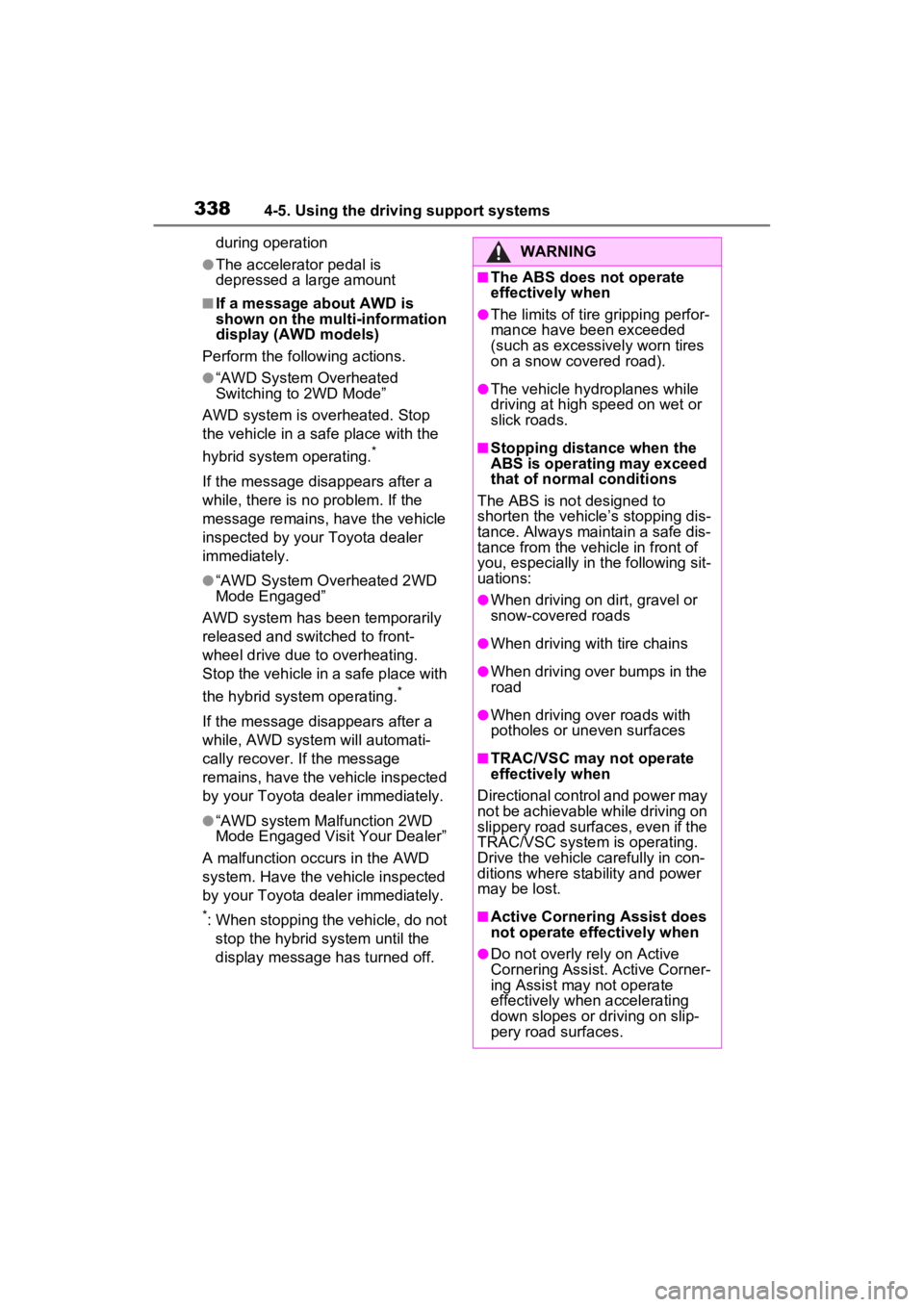
■If a message about AWD is
shown on the multi-information
display (AWD models)
Perform the following actions.
●“AWD System Overheated
Switching to 2WD Mode”
AWD system is overheated. Stop
the vehicle in a safe place with the
hybrid system operating.
*
If the message disappears after a
while, there is n o problem. If the
message remains, have the vehicle
inspected by your Toyota dealer
immediately.
●“AWD System Overheated 2WD
Mode Engaged”
AWD system has been temporarily
released and switched to front-
wheel drive due to overheating.
Stop the vehicle in a safe place with
the hybrid system operating.
*
If the message disappears after a
while, AWD system will automati-
cally recover. If the message
remains, have the vehicle inspected
by your Toyota dealer immediately.
●“AWD system Malfunction 2WD
Mode Engaged Visit Your Dealer”
A malfunction occurs in the AWD
system. Have the vehicle inspected
by your Toyota dealer immediately.
*: When stopping the vehicle, do not stop the hybrid system until the
display message has turned off.
WARNING
■The ABS does not operate
effectively when
●The limits of tire gripping perfor-
mance have been exceeded
(such as excessively worn tires
on a snow covered road).
●The vehicle hydroplanes while
driving at high speed on wet or
slick roads.
■Stopping distance when the
ABS is operating may exceed
that of normal conditions
The ABS is not designed to
shorten the vehicle’s stopping dis-
tance. Always maintain a safe dis-
tance from the veh icle in front of
you, especially in the following sit-
uations:
●When driving on dirt, gravel or
snow-covered roads
●When driving with tire chains
●When driving over bumps in the
road
●When driving over roads with
potholes or uneven surfaces
■TRAC/VSC may not operate
effectively when
Directional control and power may
not be achievable while driving on
slippery road surfaces, even if the
TRAC/VSC system is operating.
Drive the vehicle carefully in con-
ditions where stability and power
may be lost.
■Active Cornering Assist does
not operate effectively when
●Do not overly rely on Active
Cornering Assist. Active Corner-
ing Assist may not operate
effectively when accelerating
down slopes or driving on slip-
pery road surfaces.
Page 343 of 600
3434-6. Driving tips
4
Driving
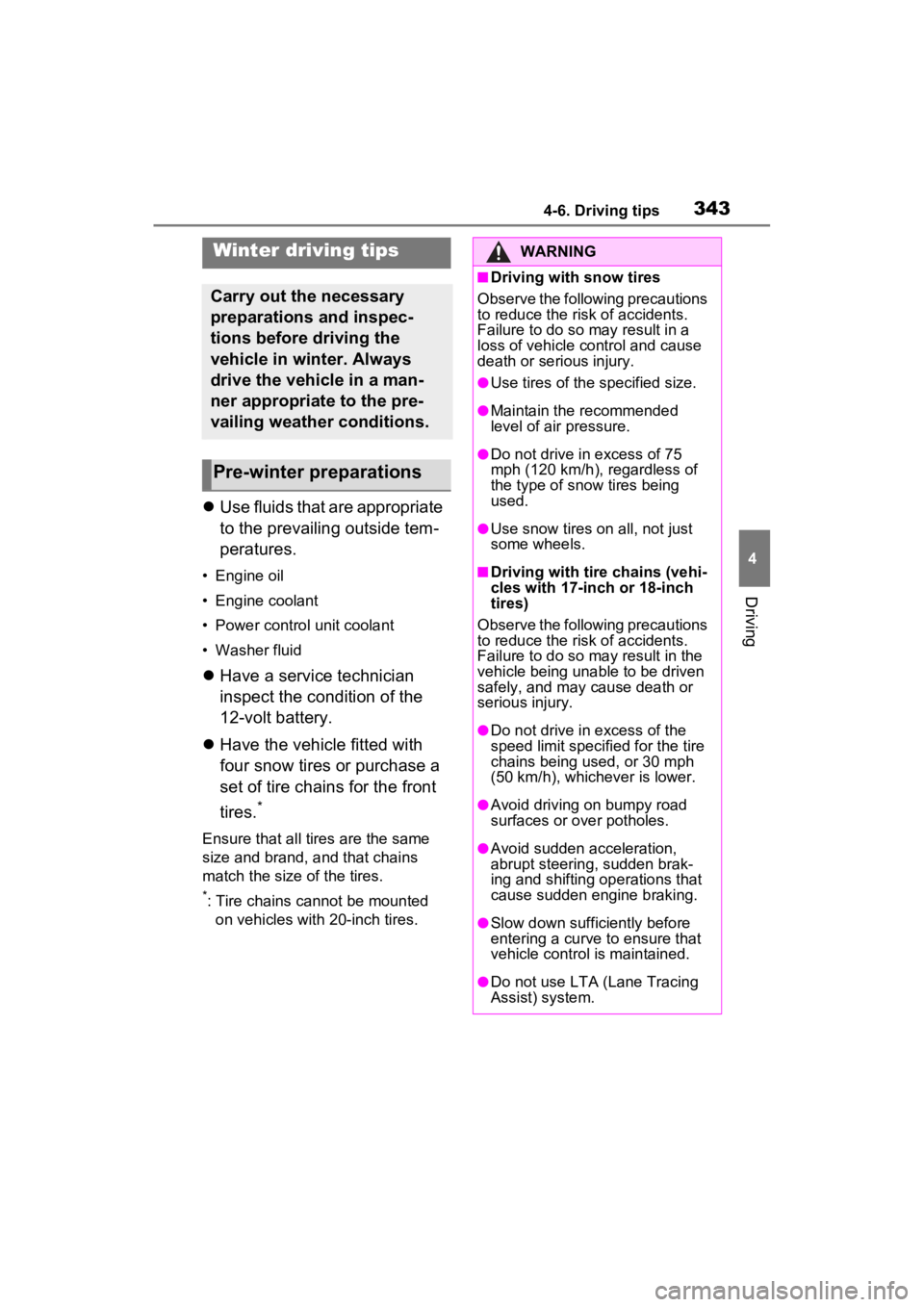
Use fluids that are appropriate
to the prevailing outside tem-
peratures.
• Engine oil
• Engine coolant
• Power control unit coolant
• Washer fluid
Have a service technician
inspect the condition of the
12-volt battery.
Have the vehicle fitted with
four snow tires or purchase a
set of tire chains for the front
tires.
*
Ensure that all tires are the same
size and brand, and that chains
match the size of the tires.
*: Tire chains cannot be mounted
on vehicles with 20-inch tires.
Winter driving tips
Carry out the necessary
preparations and inspec-
tions before driving the
vehicle in winter. Always
drive the vehicle in a man-
ner appropriate to the pre-
vailing weather conditions.
Pre-winter preparations
WARNING
■Driving with snow tires
Observe the following precautions
to reduce the risk of accidents.
Failure to do so may result in a
loss of vehicle control and cause
death or serious injury.
●Use tires of the specified size.
●Maintain the recommended
level of air pressure.
●Do not drive in excess of 75
mph (120 km/h), regardless of
the type of snow tires being
used.
●Use snow tires on all, not just
some wheels.
■Driving with tire chains (vehi-
cles with 17-inch or 18-inch
tires)
Observe the following precautions
to reduce the risk of accidents.
Failure to do so may result in the
vehicle being unable to be driven
safely, and may cause death or
serious injury.
●Do not drive in excess of the
speed limit specifi ed for the tire
chains being used, or 30 mph
(50 km/h), whichever is lower.
●Avoid driving on bumpy road
surfaces or over potholes.
●Avoid sudden acceleration,
abrupt steering, sudden brak-
ing and shifting operations that
cause sudden engine braking.
●Slow down sufficiently before
entering a curve to ensure that
vehicle control is maintained.
●Do not use LTA (Lane Tracing
Assist) system.
Page 467 of 600
4677-2. Steps to take in an emergency
7
When trouble arises
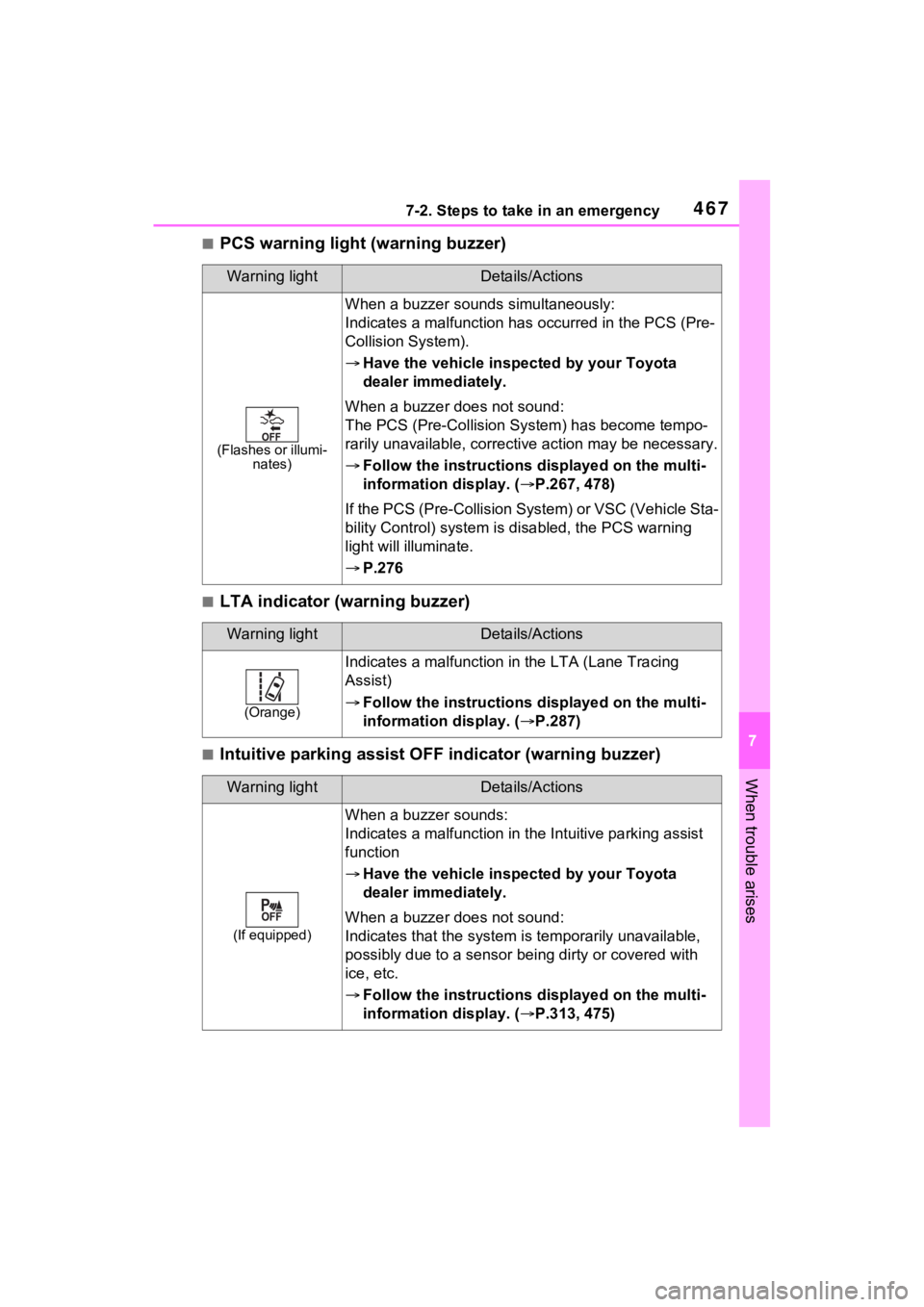
■PCS warning light (warning buzzer)
■LTA indicator (warning buzzer)
■Intuitive parking assist OFF indicator (warning buzzer)
Warning lightDetails/Actions
(Flashes or illumi-
nates)
When a buzzer sounds simultaneously:
Indicates a malfunction has occurred in the PCS (Pre-
Collision System).
Have the vehicle insp ected by your Toyota
dealer immediately.
When a buzzer does not sound:
The PCS (Pre-Collision System) has become tempo-
rarily unavailable, correctiv e action may be necessary.
Follow the instructions d isplayed on the multi-
information display. ( P.267, 478)
If the PCS (Pre-Collision S ystem) or VSC (Vehicle Sta-
bility Control) syst em is disabled, the PCS warning
light will illuminate.
P.276
Warning lightDetails/Actions
(Orange)
Indicates a malfunction in the LTA (Lane Tracing
Assist)
Follow the instructions d isplayed on the multi-
information display. ( P.287)
Warning lightDetails/Actions
(If equipped)
When a buzzer sounds:
Indicates a malfunction in t he Intuitive parking assist
function
Have the vehicle insp ected by your Toyota
dealer immediately.
When a buzzer does not sound:
Indicates that the system i s temporarily unavailable,
possibly due to a sensor bei ng dirty or covered with
ice, etc.
Follow the instructions d isplayed on the multi-
information display. ( P.313, 475)
Page 478 of 600

4787-2. Steps to take in an emergency
■If “Traction Battery Needs to be
Protected Shift into P to
Restart” is shown
This message is displayed when the
hybrid battery (traction battery)
charge has become extremely low
because the shift lever has been left
in N for a certain amount of time.
When operating the vehicle, shift to
P and restart the hybrid system.
■If “Shift to P Before Exiting
Vehicle” is shown
Message is displayed when the
driver’s door is opened without turn-
ing the power switch to OFF with the
shift lever in any position other than
P.
Shift the shift lever to P.
■If “Shift Is in N Release Acceler-
ator Before Shif ting” is shown
Message is displayed when the
accelerator pedal has been
depressed and the shift lever is in N.
Release the accelerator pedal and
shift the shift lever to D or R.
■If “Accelerator Pedal is
Pressed” is displayed
The accelerator pedal has been
depressed when the shift lever is in
P. Release the accelerator pedal.
■If “Press Brake When Vehicle Is
Stopped Hybrid System May
Overheat” is shown
Message is displayed when the
accelerator pedal is depressed to
maintain the vehicle position when
stopped on a upward slope, etc.
If this continues, the hybrid system
may overheat.
Release the accelerator pedal and
depress the brake pedal.
■If “Auto Power Off to Conserve
Battery” is shown
Power was turned off due to the
automatic power off function.
Next time when starting the hybrid
system, operate th e hybrid system for approximately 5 minutes to
recharge the 12-
volt battery.
■If “High Power Consumption
Power to Climate Temporarily
Limited” is displayed
Turn off unnecessary electronic
equipment to re duce power con-
sumption.
Please wait until the power supply
returns to normal.
■If “Headlight System Malfunc-
tion Visit Your Dealer” is dis-
played
The following systems may be mal-
functioning.
Have the vehicle inspected by your
Toyota dealer immediately.
●The LED headlight system
●AHB (Automatic High Beam)
■If “Radar Cruise Control
Unavailable” is shown
The dynamic radar cruise control
with full-speed range system is sus-
pended temporarily or until the prob-
lem shown in the message is
resolved. (causes and coping meth-
ods: P.267)
■If a message that indicates the
malfunction of front camera is
displayed
The following systems may be sus-
pended until the problem shown in
the message is resolved. (P.267,
464)
●PCS (Pre-Collision System)
●LTA (Lane Tracing Assist)
●AHB (Automatic High Beam)
●RSA (Road Sign Assist) (if
equipped)
●Dynamic radar cruise control with
full-speed range
■If a message that indicates the
malfunction of radar sensor is
displayed
The following systems may be sus-
pended until the problem shown in
Page 479 of 600
4797-2. Steps to take in an emergency
7
When trouble arises
the message is resolved. ( P.267,
464)
●PCS (Pre-Collis ion System)
●LTA (Lane Tracing Assist)
●Dynamic radar cruise control with
full-speed range
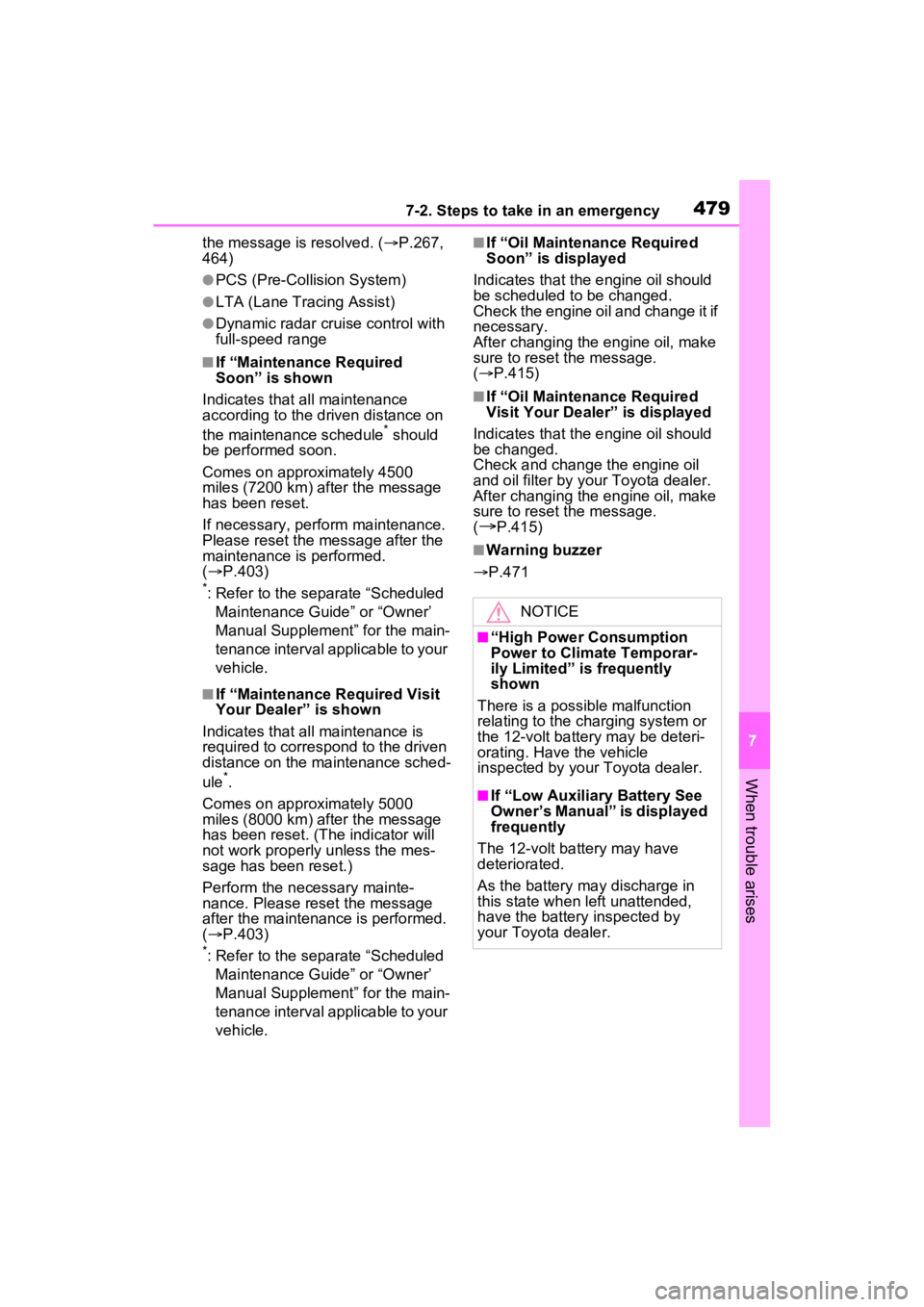
■If “Maintenance Required
Soon” is shown
Indicates that all maintenance
according to the driven distance on
the maintenance schedule
* should
be performed soon.
Comes on approximately 4500
miles (7200 km) after the message
has been reset.
If necessary, perform maintenance.
Please reset the message after the
maintenance is performed.
( P.403)
*: Refer to the separate “Scheduled
Maintenance Guide” or “Owner’
Manual Supplement” for the main-
tenance interval applicable to your
vehicle.
■If “Maintenance Required Visit
Your Dealer” is shown
Indicates that all maintenance is
required to correspond to the driven
distance on the maintenance sched-
ule
*.
Comes on approximately 5000
miles (8000 km) after the message
has been reset. (The indicator will
not work properly unless the mes-
sage has been reset.)
Perform the necessary mainte-
nance. Please reset the message
after the maintenance is performed.
( P.403)
*: Refer to the separate “Scheduled
Maintenance Guide” or “Owner’
Manual Supplement” for the main-
tenance interval applicable to your
vehicle.
■If “Oil Maintenance Required
Soon” is displayed
Indicates that the engine oil should
be scheduled to be changed.
Check the engine oil and change it if
necessary.
After changing the engine oil, make
sure to reset t he message.
( P.415)
■If “Oil Maintenance Required
Visit Your Dealer” is displayed
Indicates that the engine oil should
be changed.
Check and change the engine oil
and oil filter by yo ur Toyota dealer.
After changing the engine oil, make
sure to reset t he message.
(
P.415)
■Warning buzzer
P.471
NOTICE
■“High Power Consumption
Power to Climate Temporar-
ily Limited” is frequently
shown
There is a possible malfunction
relating to the charging system or
the 12-volt battery may be deteri-
orating. Have the vehicle
inspected by your Toyota dealer.
■If “Low Auxiliary Battery See
Owner’s Manual” is displayed
frequently
The 12-volt battery may have
deteriorated.
As the battery may discharge in
this state when left unattended,
have the battery inspected by
your Toyota dealer.
Page 497 of 600
4977-2. Steps to take in an emergency
7
When trouble arises
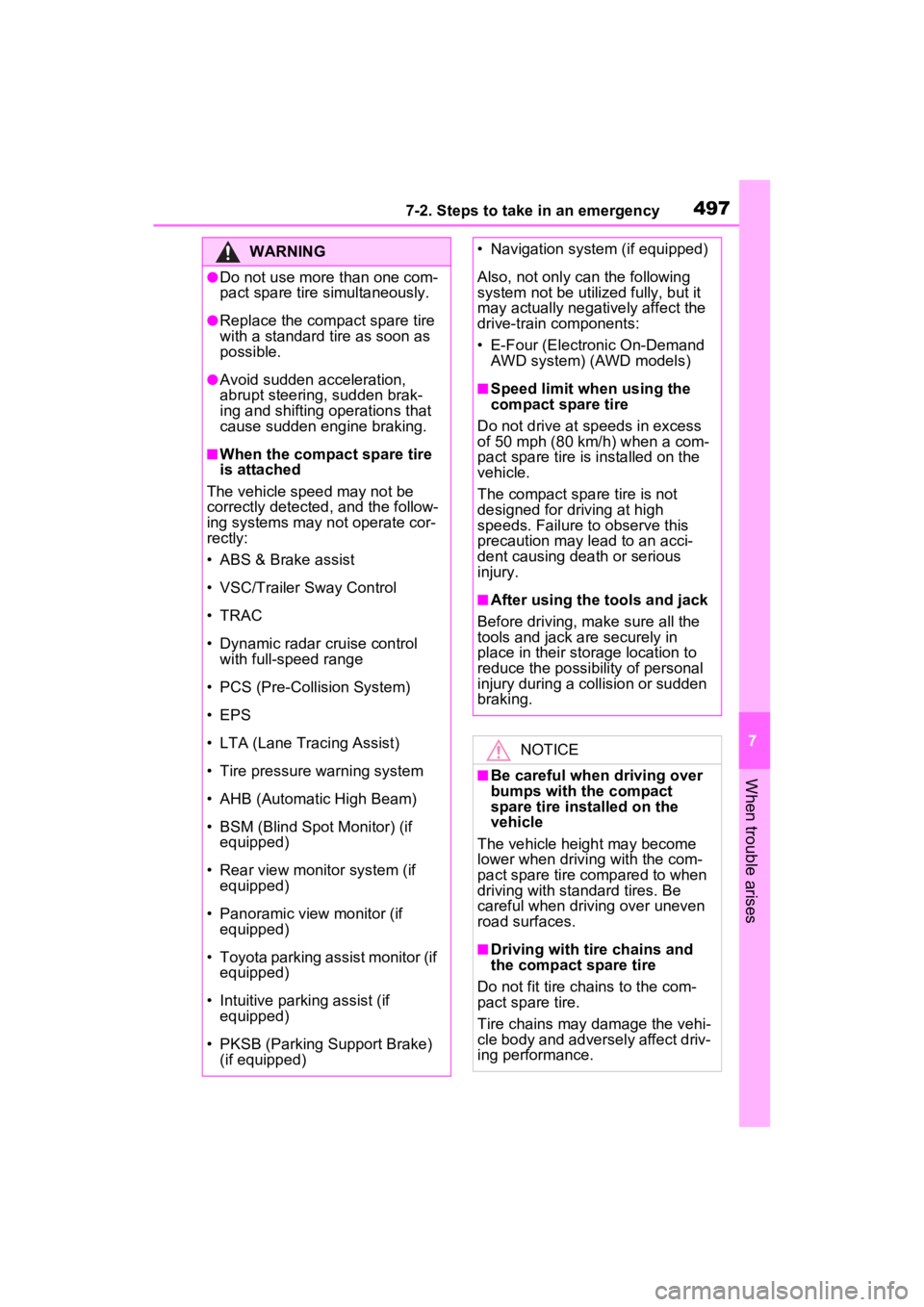
WARNING
●Do not use more than one com-
pact spare tire simultaneously.
●Replace the compact spare tire
with a standard tire as soon as
possible.
●Avoid sudden acceleration,
abrupt steering, sudden brak-
ing and shifting operations that
cause sudden engine braking.
■When the compact spare tire
is attached
The vehicle speed may not be
correctly detecte d, and the follow-
ing systems may not operate cor-
rectly:
• ABS & Brake assist
• VSC/Trailer Sway Control
• TRAC
• Dynamic radar cruise control with full-speed range
• PCS (Pre-Collision System)
• EPS
• LTA (Lane Tracing Assist)
• Tire pressure warning system
• AHB (Automatic High Beam)
• BSM (Blind Spot Monitor) (if equipped)
• Rear view monitor system (if equipped)
• Panoramic view monitor (if equipped)
• Toyota parking assist monitor (if equipped)
• Intuitive parking assist (if equipped)
• PKSB (Parking Support Brake) (if equipped)
• Navigation system (if equipped)
Also, not only c an the following
system not be utilized fully, but it
may actually negatively affect the
drive-train components:
• E-Four (Electronic On-Demand
AWD system) (AWD models)
■Speed limit when using the
compact spare tire
Do not drive at speeds in excess
of 50 mph (80 km /h) when a com-
pact spare tire is installed on the
vehicle.
The compact spare tire is not
designed for driving at high
speeds. Failure to observe this
precaution may lead to an acci-
dent causing death or serious
injury.
■After using the tools and jack
Before driving, ma ke sure all the
tools and jack are securely in
place in their storage location to
reduce the possibility of personal
injury during a collision or sudden
braking.
NOTICE
■Be careful when driving over
bumps with the compact
spare tire installed on the
vehicle
The vehicle height may become
lower when drivi ng with the com-
pact spare tire compared to when
driving with standard tires. Be
careful when driving over uneven
road surfaces.
■Driving with tire chains and
the compact spare tire
Do not fit tire chains to the com-
pact spare tire.
Tire chains may damage the vehi-
cle body and adversely affect driv-
ing performance.
Page 547 of 600
5478-2. Customization
8
Vehicle specifications
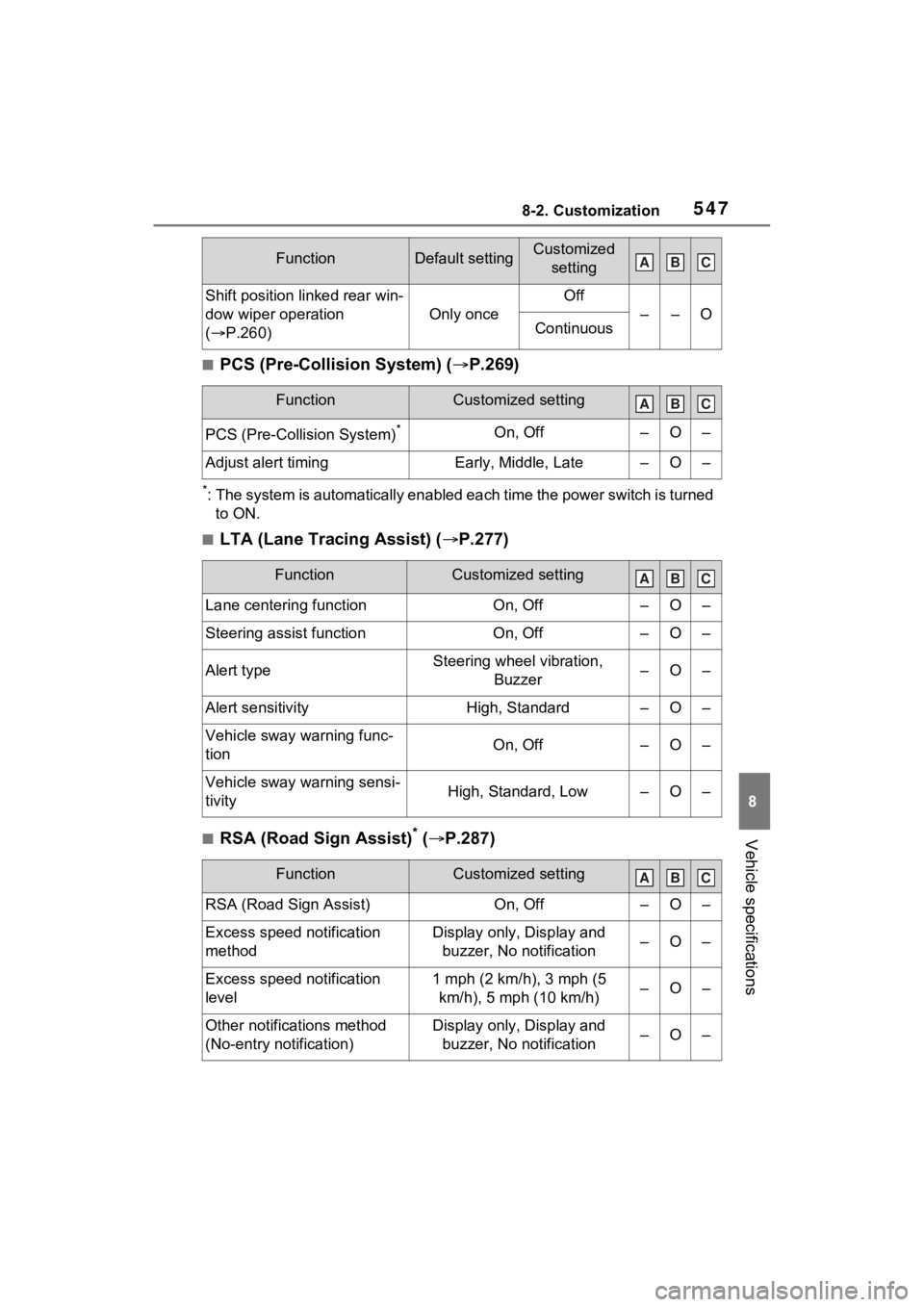
■PCS (Pre-Collision System) (P.269)
*: The system is automatically enabled each time the power switch is turned
to ON.
■LTA (Lane Tracing Assist) ( P.277)
■RSA (Road Sign Assist)* ( P.287)
Shift position linked rear win-
dow wiper operation
( P.260)
Only once
Off
––OContinuous
FunctionCustomized setting
PCS (Pre-Collision System)*On, Off–O–
Adjust alert timingEarly, Middle, Late–O–
FunctionCustomized setting
Lane centering functionOn, Off–O–
Steering assist functionOn, Off–O–
Alert typeSteering wheel vibration,
Buzzer–O–
Alert sensitivityHigh, Standard–O–
Vehicle sway warning func-
tionOn, Off–O–
Vehicle sway warning sensi-
tivityHigh, Standard, Low–O–
FunctionCustomized setting
RSA (Road Sign Assist)On, Off–O–
Excess speed notification
methodDisplay only, Display and buzzer, No notification–O–
Excess speed notification
level1 mph (2 km/h), 3 mph (5 km/h), 5 mph (10 km/h)–O–
Other notifications method
(No-entry notification)Display only, Display and buzzer, No notification–O–
FunctionDefault settingCustomized settingABC
ABC
ABC
ABC
Page 571 of 600

Alphabetical Index571
Seat belts ............................. 399
Clock ............................... 100, 104
Coat hooks .............................. 387
Condenser .............................. 417
Console box ............................ 367
Consumption screen.............. 122
Conversation mirror ............... 370
Coolant Checking .............................. 416
Preparing and c hecking before
winter.................................. 343
Warning light ........................ 465
Cooling system ...................... 416 Hybrid system overheating... 509
Cruise control Dynamic radar cruise control with full-speed range .......... 290
Cup holders ............................ 368
Current fuel consumption ..... 125
Current fuel economy ............ 106
Curtain shield airbags ............. 41
Customizable features ........... 538
D
Daytime running light system250 Replacing light bulbs ............ 448
Defogger Outside rear view mirrors ..... 350
Rear window ........................ 350
Windshield............................ 349
Digital Rear-view Mirror ......... 189 Adjustment ........................... 191
Cleaning ............................... 194
Dinghy towing ........................ 232
Display BSM (Blind Spot Monitor)..... 302
Consumption screen ............ 122
Driving information ............... 106
Dynamic radar cruise control with full-speed range .......... 290
Energy monitor ..................... 122
Head-up display ................... 118 Intuitive parking assist ..........311
LTA (Lane Traci
ng Assist) ....283
Multi-information display.......104
RCD (Rear Camera Detection) ...........................................319
RCTA (Rear Cross Traffic Alert) ...........................................302
Warning messages ...............475
Do-it-yourself maintenance .403, 408
Door lock Back door .............................150
Front doors ...........................132
Sliding doors.........................137
Smart key system .................165
Wireless remote control........130
Door pockets...........................370
Doors Automatic door locking and unlocking system ................136
Back door .............................150
Door glasses ........................202
Door lock ..............................132
Front doors ...........................132
Open door warning buzzer ...136
Outside rear view mirrors .....199
Sliding door child-protectors .142
Sliding doors.........................137
Driver’s seat belt reminder light ...............................................471
Drive-start control ..................211
Driving Break-in tips .........................211
Correct posture .......................33
Driving mode select switch ...333
Hybrid vehicle dri ving tips .....341
Procedures ...........................210
Winter drive tips....................343
Driving informatio n display ...106
Driving mode select switch ...333
Driving position memory .......179 Memory recall function .........181