2022 SUZUKI JIMNY indicator lights
[x] Cancel search: indicator lightsPage 71 of 421
BEFORE DRIVING
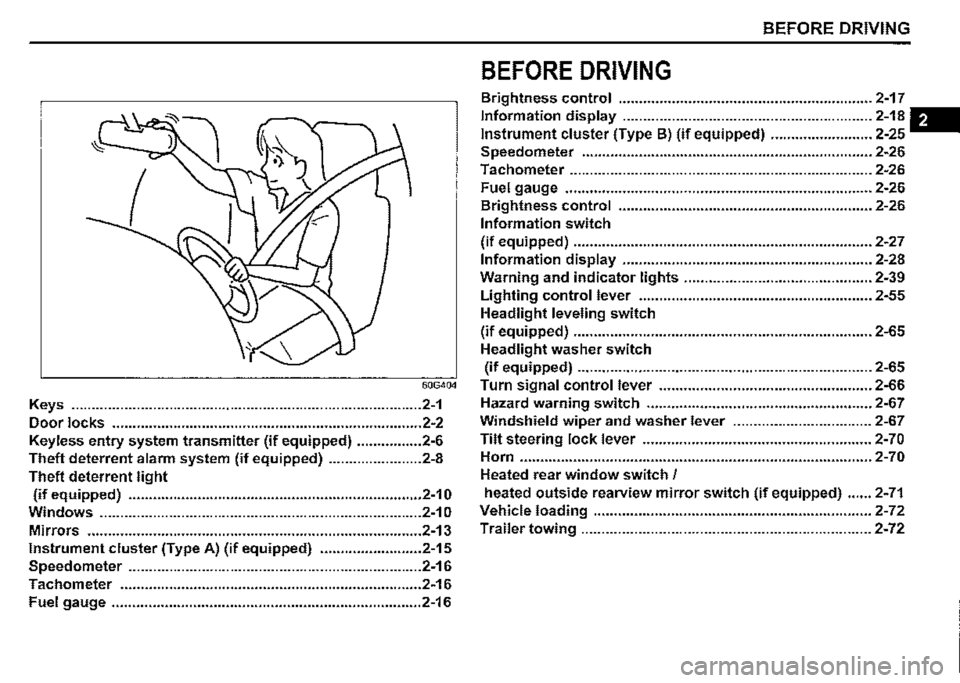
BEFORE DRIVING
Brightness control .............................................................. 2-17
Information display ............................................................. 2-18 -
Instrument cluster (Type B) (if equipped) ......................... 2-25
Speedometer ....................................................................... 2-26
Tachometer .......................................................................... 2-26
Fuel gauge ........................................................................... 2-26
Brightness control .............................................................. 2-26
Information switch
(if equipped) ......................................................................... 2-27
Information display ............................................................. 2-28
Warning and indicator lights .............................................. 2-39
Lighting control lever ......................................................... 2-55
Headlight leveling switch
(if equipped) ......................................................................... 2-65
Headlight washer switch
(if equipped) ........................................................................ 2-65
60G404 Turn signal control lever .................................................... 2-66
Keys ...................................................................................... 2-1 Hazard warning switch ....................................................... 2-67
Door locks ............................................................................ 2-2 Windshield wiper and washer lever .................................. 2-67
Keyless entry system transmitter (if equipped) ................ 2-6 Tilt steering lock lever ........................................................ 2-70
Theft deterrent alarm system (if equipped) ....................... 2-8 Horn ...................................................................................... 2-70
Theft deterrent light Heated rear window switch /
(if equipped) ........................................................................ 2-10 heated outside rearview mirror switch (if equipped) ...... 2-71
Windows ............................................................................... 2-1 o Vehicle loading .................................................................... 2-72
Mirrors .................................................................................. 2-13 Trailer towing ....................................................................... 2-72
Instrument cluster (Type A) (if equipped) ......................... 2-15
Speedometer ........................................................................ 2-16
Tachometer .......................................................................... 2-16
Fuel gauge ............................................................................ 2-16
Page 86 of 421

BEFORE DRIVING
Instrument cluster (Type A) (if equipped)
1. Speedometer 2. Tachometer 3. Information display 4. Trip meter selector knob 5. Indicator selector knob 6. Warning and indicator lights
6 1
4 6 3 6 5
· 78RB20203
2-15
Page 87 of 421

Speedometer
The speedometer indicates vehicle speed.
Tachometer
The tachometer indicates engine speed in revolutions per minute.
NOTICE
Never drive the vehicle with the engine revving in the red zone or severe engine damage can result. Keep the engine speed below the red zone even when downshifting to a lower gear position.
Refer to 11Downshifting maximum allowable speeds" in "OPERATING YOUR VEHICLE" section.
Fuel gauge
' (1)
"
~
I
)
ill•E-F
(2)
78RB02030
When the ignition switch is "ON", this gauge gives an approximate indication of the amount of fuel in the fuel tank. "F" stands for full and "E" stands for empty. If the indicator shows only one segment to "E", refill the tank as soon as possible.
BEFORE DRIVING
If the last segment blinks, it means that the fuel is almost empty. If the low fuel warning light (1) comes on, fill the fuel tank immediately. Refer to "Low fuel warning light" in "Warning and indicator lights" in this section for details. The mark (2) indicates that the fuel filler door is located on the right side of the vehicle.
2-16
Page 88 of 421

BEFORE DRIVING
Brightness control
000000_
78RB02091
,:!>J 100-16□ MPH ,.
(1)
78RB02031
2-17
When the ignition switch is turned "ON", the instrument panel lights come on.
Your vehicle has a system to automatically dim the brightness of the instrument panel lights when the position lights or headlights
are on.
When the position lights and/or head lights are turned "ON", you can adjust the brightness of the instrument cluster lights in seven levels of intensity.
To increase the brightness of the instrument panel lights, turn the indicator selector knob (1) clockwise.
To reduce the brightness of the instrument panel lights, turn the indicator selector knob (1) counterclockwise.
A WARNING
Do not adjust the brightness of the instrument panel lights while driving. Otherwise, you could lose control of
the vehicle.
NOTE: ff you do not tum the knob within several seconds, the brightness control display will be cance/ed automatically. When you reconnect the lead-acid battery, the brightness of the instrument panel fights wi/1 be reinitialized. Readjust the brightness according to your prefer
ence.
NOTE: If you adjust to the maximum brightness level when the position fights or headlights are on, the following functions will be cancelled. The function which automatically dims the brightness of instrument panel fights The function which operates with the brightness control, except maximum brightness level
Page 96 of 421

BEFORE DRIVING
Instrument cluster (Type B) (if equipped)
1. Speedometer 2. Tachometer 3. Information display 4. Trip meter selector knob 5. Indicator selector knob 6. Warning and indicator lights
2
4 6
2-25
6
~~ *DID~@ +lAil+
3 6 5
78RB02098
Page 97 of 421

Speedometer
The speedometer indicates vehicle speed.
Tachometer
The tachometer indicates engine speed in revolutions per minute.
NOTICE
Never drive the vehicle with the engine revving in the red zone or severe engine damage can result. Keep the engine speed below the red zone even when downshifting to a lower gear position. Refer to 11Downshifting maximum allowable speeds" in "OPERATING YOUR VEHICLE" section.
Fuel gauge
(1) ' I
~
~
I
1
-'
(2)
78RB02036
When the ignition switch is "ON", this gauge gives an approximate indication of the amount of fuel in the fuel tank. "F" stands for full and "E" stands for empty. • If the indicator shows only one segment to "E", refill the tank as soon as possible.
If the last segment blinks, it means that the fuel is almost empty. If the low fuel warning light (1) comes on, fill the fuel tank immediately. Refer to "Low fuel warning light" in "Warning and indicator lights" in this section for details. The mark (2) indicates that the fuel filler door is located on the right side of the vehicle.
BEFORE DRIVING
Brightness control
Brightness
.11111
LO\"/ Hi
52RS20160
~ 10'·16□ MPH ~
(1)
78RB02037
2-26
Page 98 of 421

BEFORE DRIVING
When the ignition switch is turned "ON", the instrument panel lights come on.
Your vehicle has a system to automatically dim the brightness of the instrument panel lights when the position lights or headlights are on.
When the position lights and/or headlights are on, you can adjust the meter illumination brightness.
To increase the brightness of the instrument panel lights, turn the indicator selector knob (1) clockwise.
2-27
To reduce the brightness of the instrument panel lights, turn the indicator selector knob (1) counterclockwise.
A WARNING
Do not adjust the brightness of the instrument panel lights while driving. Otherwise, you could lose control of the vehicle.
NOTE: If you do not turn the knob within several seconds, the brightness control display will be cance!ed automatically. When you reconnect the lead-acid battery, the brightness of the instrument panel lights will be reinitialized. Readjust the brightness according to your preference.
NOTE: If you adjust to the maximum brightness level when the position lights or headlights are on, the following functions will be cancelled. The function which automatically dims the brightness of instrument panel lights The function which operates with the brightness control, except maximum brightness level
Information switch
(if equipped)
You can use the information switch to switch the display indication when the ignition switch is in "ON" position and the vehicle is stationary.
78RB02099
(1) Information switch (2) Indicator selector knob
Page 105 of 421
(Selecting 12H/24H format) Switch the time indication between 12-hour and 24-hour format by selecting "Clock setting" in "Setting mode". Then, select "12H" or "24H".
Door lock (Door unlock setting) You can choose either once or twice operation(s) to unlock all doors (including the tailgate) by turning the key or operating the keyless entry system transmitter.
You can also turn off or on the buzzer sound when the door(s) is (are) locked or unlocked.
Lights (Lane change setting) The turn signal and its indicator can be set whether they flash three times even if you return the turn signal control lever shortly after operating it. To change the lane change setting, select "Lane change" in "Setting mode". Then, select "ON" or "OFF" If you want to change the number of flashing, consult a SUZUKI dealer.
Guide me light setting (Light setting) (if equipped) You can change the lighting time of "To car" function or "To home" function.
Oil change (Oil life monitoring system reset setting) (if equipped) The oil life monitoring system must be reset after changing the engine oil and oil filter. To reset the system, push and hold the indicator selector knob (3) for a while.
TPMS (Tyre pressure monitoring system setting) (if equipped) You can check the current tyre pressure on the information display. You can set one of the initial values of tyre pressure below that are indicated on the tyre information label. -Comfort Mode -Load Mode
Refer to "Tyre pressure monitoring system (TPMS)" in the "OPERATING YOUR VEHICLE" section for details.
Traffic sign recognition (Traffic sign recognition setting) (if equipped) If you select "ON" the traffic sign recognition function can be activated.
Refer to "Traffic sign recognition" in the "OPERATING YOUR VEHICLE" section for details.
BEFORE DRIVING
Default (Initialization setting) If you select "YES" and push the indicator selector knob (3), all settings will be reinitialized.
2-34