Page 299 of 630
Driving your vehicle
14
5
Even if the smart key is in the vehi-
cle, if it is far away from you, the
engine may not start.
When the ENGINE START/STOP button is in the ACC position or
above, if any door is opened, the
system checks for the smart key. If
the smart key is not in the vehicle,
a message "key is not in the vehi-
cle" will appear on the LCD display.
And if all doors are closed, the
chime will sound for 5 seconds. The
indicator or warning will turn off
while the vehicle is moving. Always
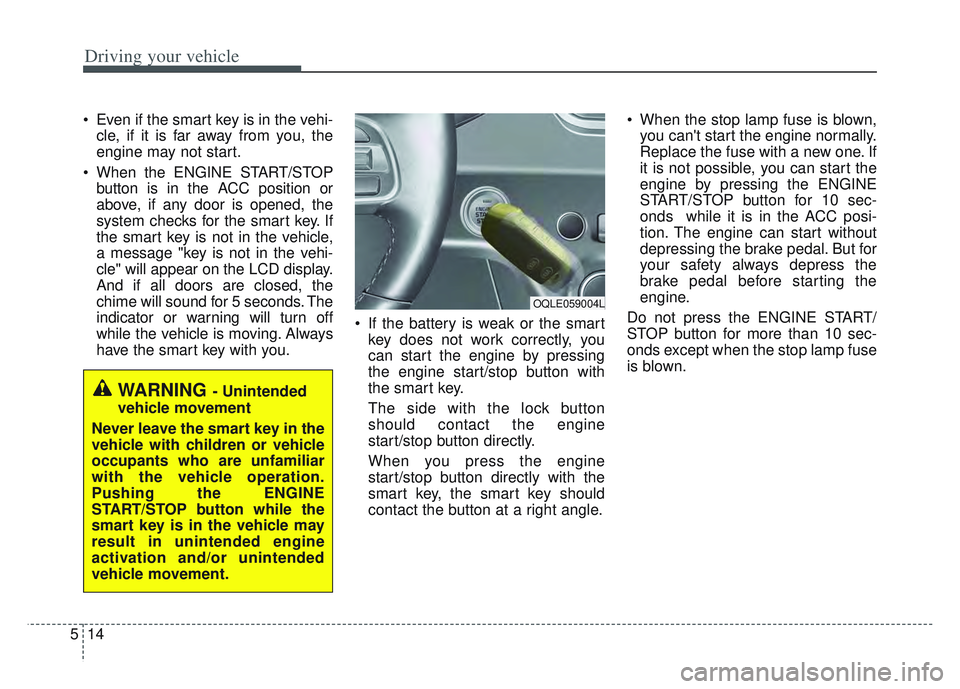
have the smart key with you. If the battery is weak or the smart
key does not work correctly, you
can start the engine by pressing
the engine start/stop button with
the smart key.
The side with the lock button
should contact the engine
start/stop button directly.
When you press the engine
start/stop button directly with the
smart key, the smart key should
contact the button at a right angle. When the stop lamp fuse is blown,
you can't start the engine normally.
Replace the fuse with a new one. If
it is not possible, you can start the
engine by pressing the ENGINE
START/STOP button for 10 sec-
onds while it is in the ACC posi-
tion. The engine can start without
depressing the brake pedal. But for
your safety always depress the
brake pedal before starting the
engine.
Do not press the ENGINE START/
STOP button for more than 10 sec-
onds except when the stop lamp fuse
is blown.
WARNING - Unintended
vehicle movement
Never leave the smart key in the
vehicle with children or vehicle
occupants who are unfamiliar
with the vehicle operation.
Pushing the ENGINE
START/STOP button while the
smart key is in the vehicle may
result in unintended engine
activation and/or unintended
vehicle movement.
OQLE059004L
Page 322 of 630
537
Driving your vehicle
System warning
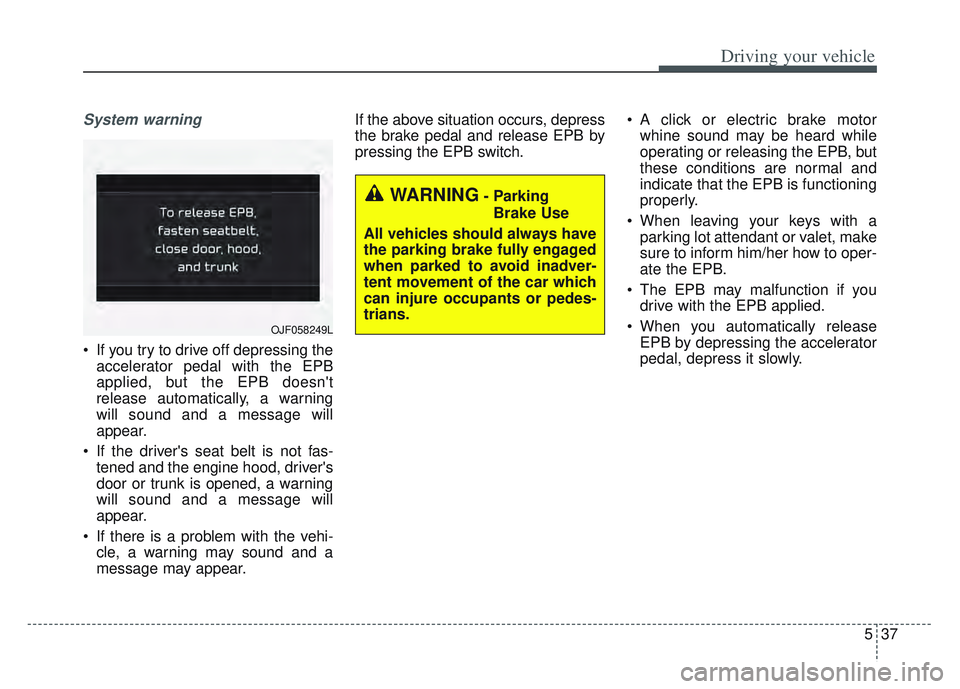
If you try to drive off depressing theaccelerator pedal with the EPB
applied, but the EPB doesn't
release automatically, a warning
will sound and a message will
appear.
If the driver's seat belt is not fas- tened and the engine hood, driver's
door or trunk is opened, a warning
will sound and a message will
appear.
If there is a problem with the vehi- cle, a warning may sound and a
message may appear. If the above situation occurs, depress
the brake pedal and release EPB by
pressing the EPB switch.
A click or electric brake motor
whine sound may be heard while
operating or releasing the EPB, but
these conditions are normal and
indicate that the EPB is functioning
properly.
When leaving your keys with a parking lot attendant or valet, make
sure to inform him/her how to oper-
ate the EPB.
The EPB may malfunction if you drive with the EPB applied.
When you automatically release EPB by depressing the accelerator
pedal, depress it slowly.
OJF058249L
WARNING- Parking
Brake Use
All vehicles should always have
the parking brake fully engaged
when parked to avoid inadver-
tent movement of the car which
can injure occupants or pedes-
trians.
Page 327 of 630
Driving your vehicle
42
5
4. If you press the accelerator pedal
with the shift lever in D (Drive) or
manual mode, the Auto Hold will
be released automatically and the
vehicle will start to move. The indi-
cator changes from green to white
indicating the Auto Hold is in
standby and the EPB is released.
When driving off from Auto Hold by
depressing the accelerator pedal,
always check the surrounding area
near your vehicle.
Slowly depress the accelerator pedal
for a smooth launch.Cancel
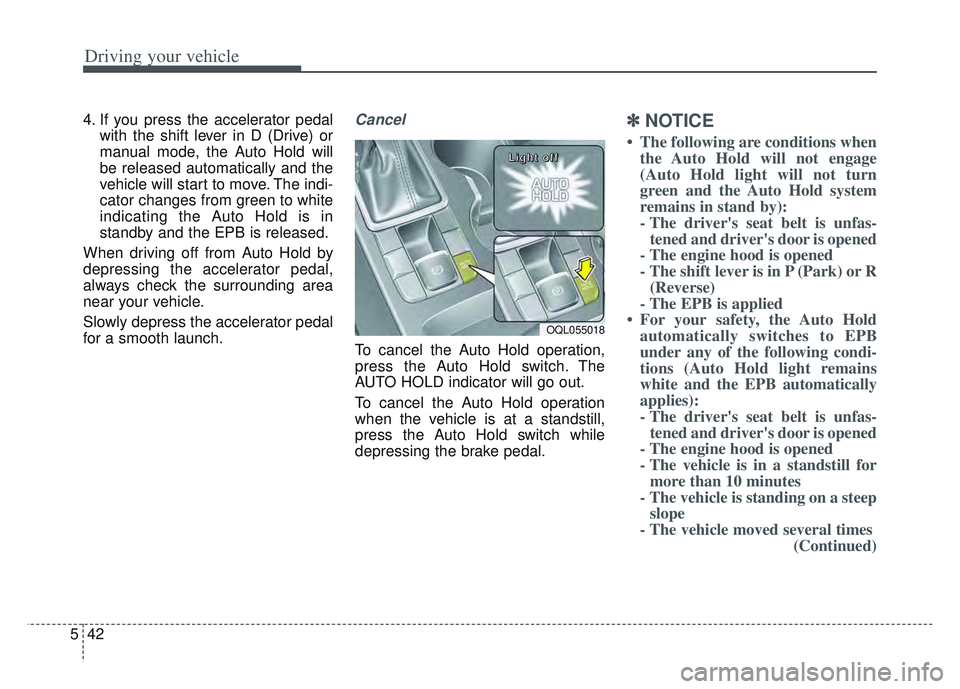
To cancel the Auto Hold operation,
press the Auto Hold switch. The
AUTO HOLD indicator will go out.
To cancel the Auto Hold operation
when the vehicle is at a standstill,
press the Auto Hold switch while
depressing the brake pedal.
✽ ✽ NOTICE
• The following are conditions when
the Auto Hold will not engage
(Auto Hold light will not turn
green and the Auto Hold system
remains in stand by):
- The driver's seat belt is unfas-tened and driver's door is opened
- The engine hood is opened
- The shift lever is in P (Park) or R (Reverse)
- The EPB is applied
• For your safety, the Auto Hold automatically switches to EPB
under any of the following condi-
tions (Auto Hold light remains
white and the EPB automatically
applies):
- The driver's seat belt is unfas-tened and driver's door is opened
- The engine hood is opened
- The vehicle is in a standstill for more than 10 minutes
- The vehicle is standing on a steep slope
- The vehicle moved several times (Continued)
OQL055018
L L
L L
i i
i i
g g
g g
h h
h h
t t
t t
o o
o o
f f
f f
f f
f f
Page 328 of 630
543
Driving your vehicle
(Continued)In these cases, the brake warning
light comes on, the AUTO HOLD
indicator changes from green to
white, and a warning sounds and a
message will appear to inform you
that EPB has been automatically
engaged. Before driving off again,
press foot brake pedal, check the
surrounding area near your vehi-
cle and release parking brake
manually with the EPB switch.
• If the AUTO HOLD indicator lights up yellow, the Auto Hold is
not working properly. Take your
vehicle to an authorized Kia deal-
er and have the system checked.If there is a malfunction with the dri-
ver’s door, engine hood open detec-
tion system, the Auto Hold may not
work properly.
Take your vehicle to an authorized Kia
dealer and have the system checked.
✽ ✽ NOTICE
A click or electric brake motor
whine sound may be heard while
operating or releasing the EPB, but
these conditions are normal and
indicate that the EPB is functioning
properly.
Warning messages
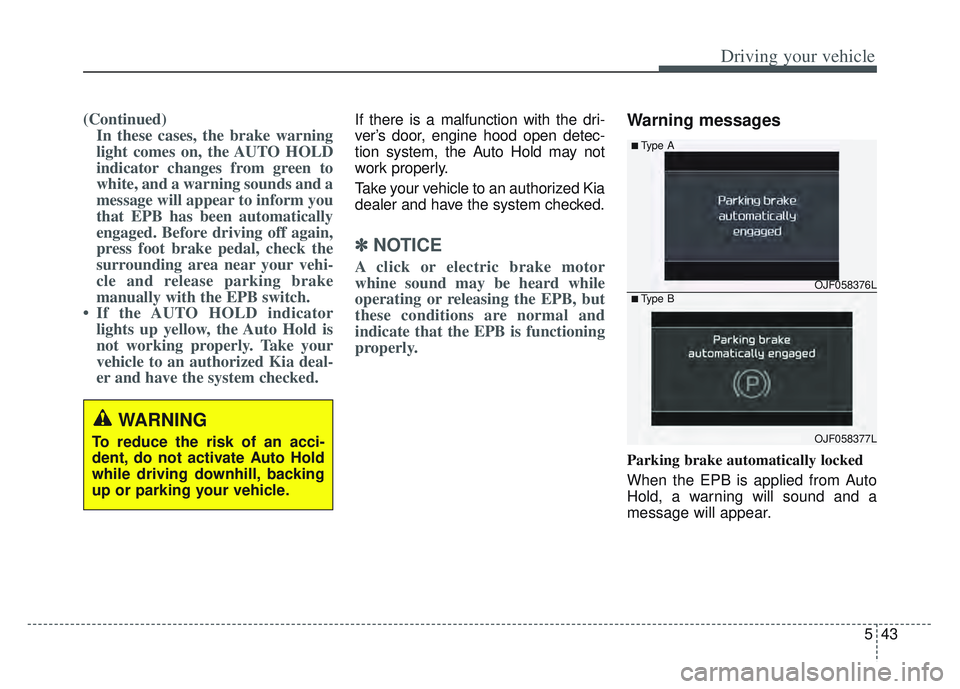
Parking brake automatically locked
When the EPB is applied from Auto
Hold, a warning will sound and a
message will appear.
WARNING
To reduce the risk of an acci-
dent, do not activate Auto Hold
while driving downhill, backing
up or parking your vehicle.
OJF058376L
OJF058377L
■Type A
■Type B
Page 350 of 630
565
Driving your vehicle
Warning message and warninglight
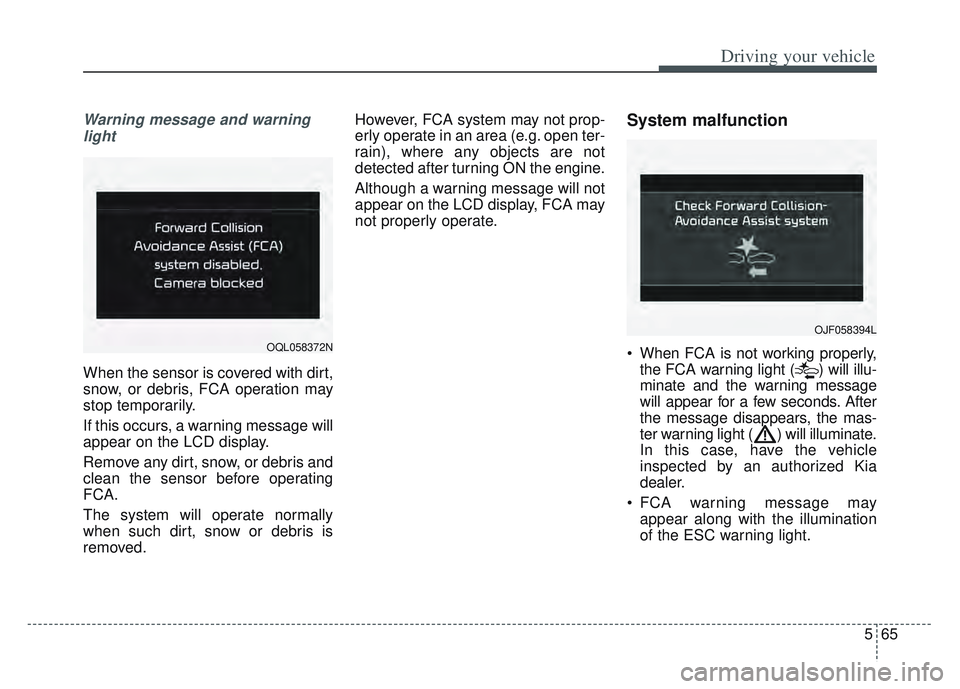
When the sensor is covered with dirt,
snow, or debris, FCA operation may
stop temporarily.
If this occurs, a warning message will
appear on the LCD display.
Remove any dirt, snow, or debris and
clean the sensor before operating
FCA.
The system will operate normally
when such dirt, snow or debris is
removed. However, FCA system may not prop-
erly operate in an area (e.g. open ter-
rain), where any objects are not
detected after turning ON the engine.
Although a warning message will not
appear on the LCD display, FCA may
not properly operate.
System malfunction
When FCA is not working properly,
the FCA warning light ( ) will illu-
minate and the warning message
will appear for a few seconds. After
the message disappears, the mas-
ter warning light ( ) will illuminate.
In this case, have the vehicle
inspected by an authorized Kia
dealer.
FCA warning message may appear along with the illumination
of the ESC warning light.OQL058372N
OJF058394L
Page 366 of 630
581
Driving your vehicle
Warning message and warninglight
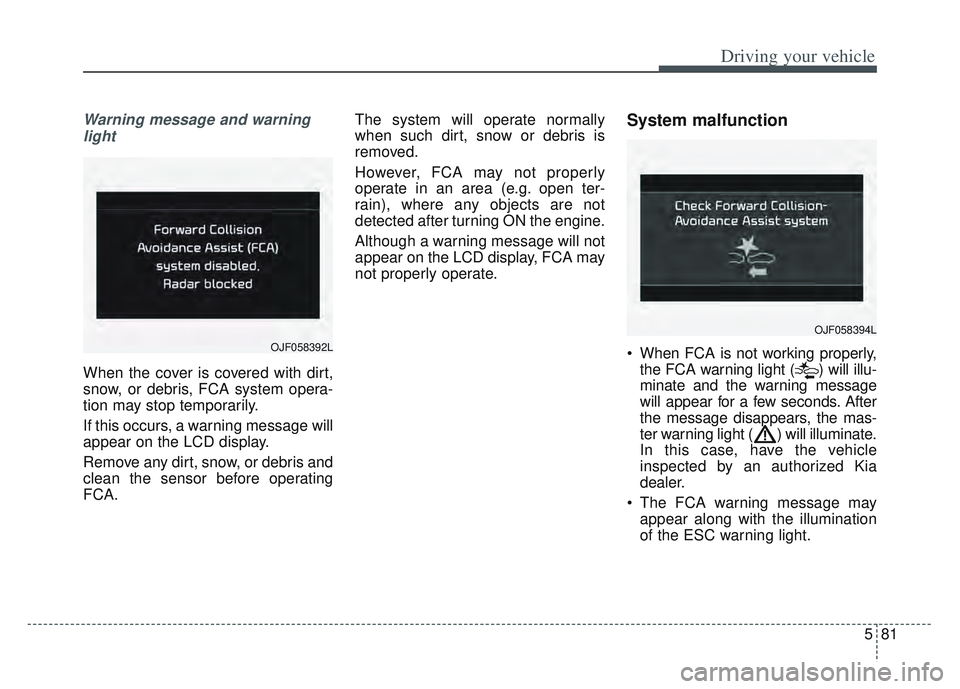
When the cover is covered with dirt,
snow, or debris, FCA system opera-
tion may stop temporarily.
If this occurs, a warning message will
appear on the LCD display.
Remove any dirt, snow, or debris and
clean the sensor before operating
FCA. The system will operate normally
when such dirt, snow or debris is
removed.
However, FCA may not properly
operate in an area (e.g. open ter-
rain), where any objects are not
detected after turning ON the engine.
Although a warning message will not
appear on the LCD display, FCA may
not properly operate.
System malfunction
When FCA is not working properly,
the FCA warning light ( ) will illu-
minate and the warning message
will appear for a few seconds. After
the message disappears, the mas-
ter warning light ( ) will illuminate.
In this case, have the vehicle
inspected by an authorized Kia
dealer.
The FCA warning message may appear along with the illumination
of the ESC warning light.
OJF058394L
OJF058392L
Page 396 of 630
5111
Driving your vehicle
Resetting the system
The last break time is set to 00:00and the driver's attention level is
set to 5 (very attentive) when the
driver resets Driver Attention
Warning.
Driver Attention Warning resets in the following situations.
- The engine is turned OFF.
- The driver unfastens the seat beltand then opens the driver’s door
in stop.
- The driver takes a break from driving that lasts more than 10
minutes.
Driver Attention Warning operates again, when the driver restarts
driving.
System standby
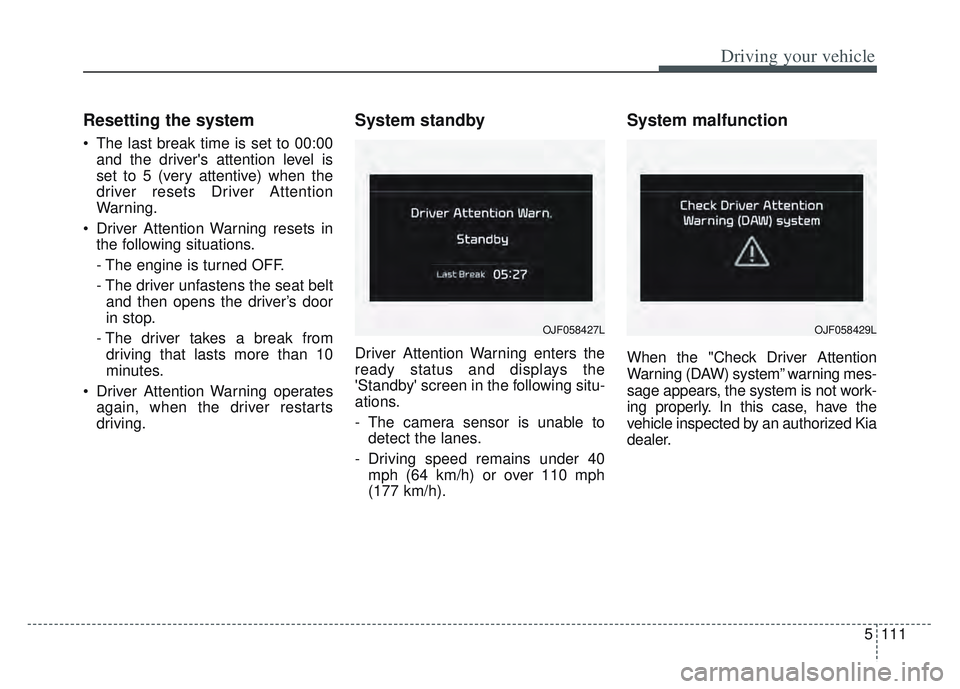
Driver Attention Warning enters the
ready status and displays the
'Standby' screen in the following situ-
ations.
- The camera sensor is unable todetect the lanes.
- Driving speed remains under 40 mph (64 km/h) or over 110 mph
(177 km/h).
System malfunction
When the "Check Driver Attention
Warning (DAW) system” warning mes-
sage appears, the system is not work-
ing properly. In this case, have the
vehicle inspected by an authorized Kia
dealer.
OJF058427LOJF058429L
Page 399 of 630
Driving your vehicle
114
5
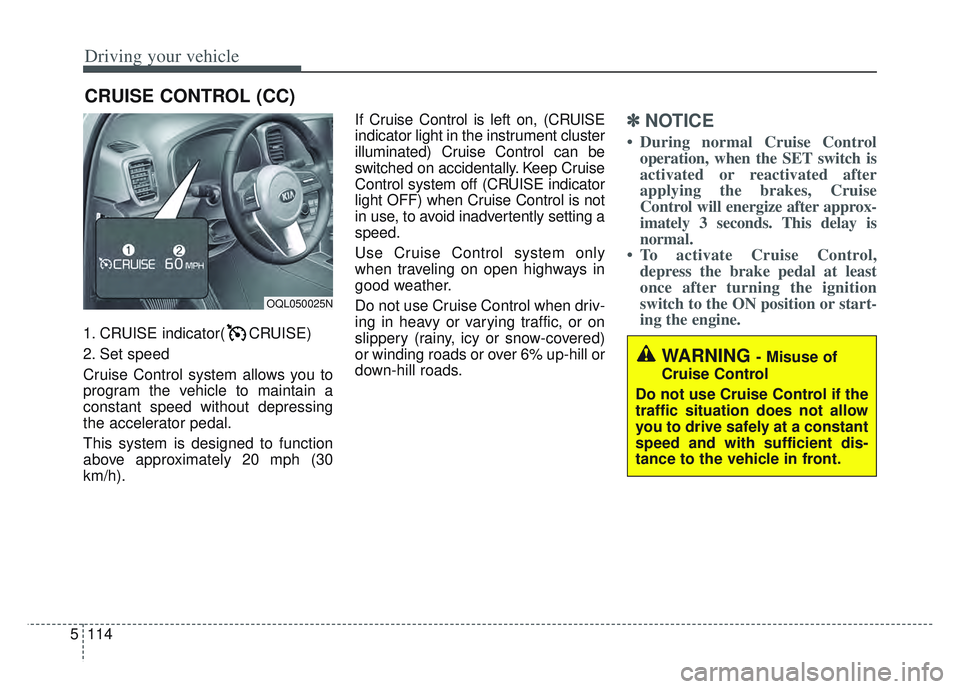
1. CRUISE indicator( CRUISE)
2. Set speed
Cruise Control system allows you to
program the vehicle to maintain a
constant speed without depressing
the accelerator pedal.
This system is designed to function
above approximately 20 mph (30
km/h). If Cruise Control is left on, (CRUISE
indicator light in the instrument cluster
illuminated) Cruise Control can be
switched on accidentally. Keep Cruise
Control system off (CRUISE indicator
light OFF) when Cruise Control is not
in use, to avoid inadvertently setting a
speed.
Use Cruise Control system only
when traveling on open highways in
good weather.
Do not use Cruise Control when driv-
ing in heavy or varying traffic, or on
slippery (rainy, icy or snow-covered)
or winding roads or over 6% up-hill or
down-hill roads.
✽ ✽
NOTICE
• During normal Cruise Control
operation, when the SET switch is
activated or reactivated after
applying the brakes, Cruise
Control will energize after approx-
imately 3 seconds. This delay is
normal.
• To activate Cruise Control, depress the brake pedal at least
once after turning the ignition
switch to the ON position or start-
ing the engine.
CRUISE CONTROL (CC)
WARNING - Misuse of
Cruise Control
Do not use Cruise Control if the
traffic situation does not allow
you to drive safely at a constant
speed and with sufficient dis-
tance to the vehicle in front.
OQL050025N