2-19
Using the Quiet mode in the rear seat
(if equipped)
To allow occupants in the rear seat to have rest and sleep, you can set to adjust the system
volume.
1 On the All Menus screen, press Quiet Mode.
2 Press Quiet Mode.
The audio volume in the rear seat is muted. When the volume for the front seats is set too
high, the volume decreases automatically.
0000
A
To end the Quiet mode, press Quiet Mode once more.
0000ATo access the online user's manual on the Quiet Mode screen, press >
User's
Manual on Web (QR Code) and then scan the displayed QR code.
10-10
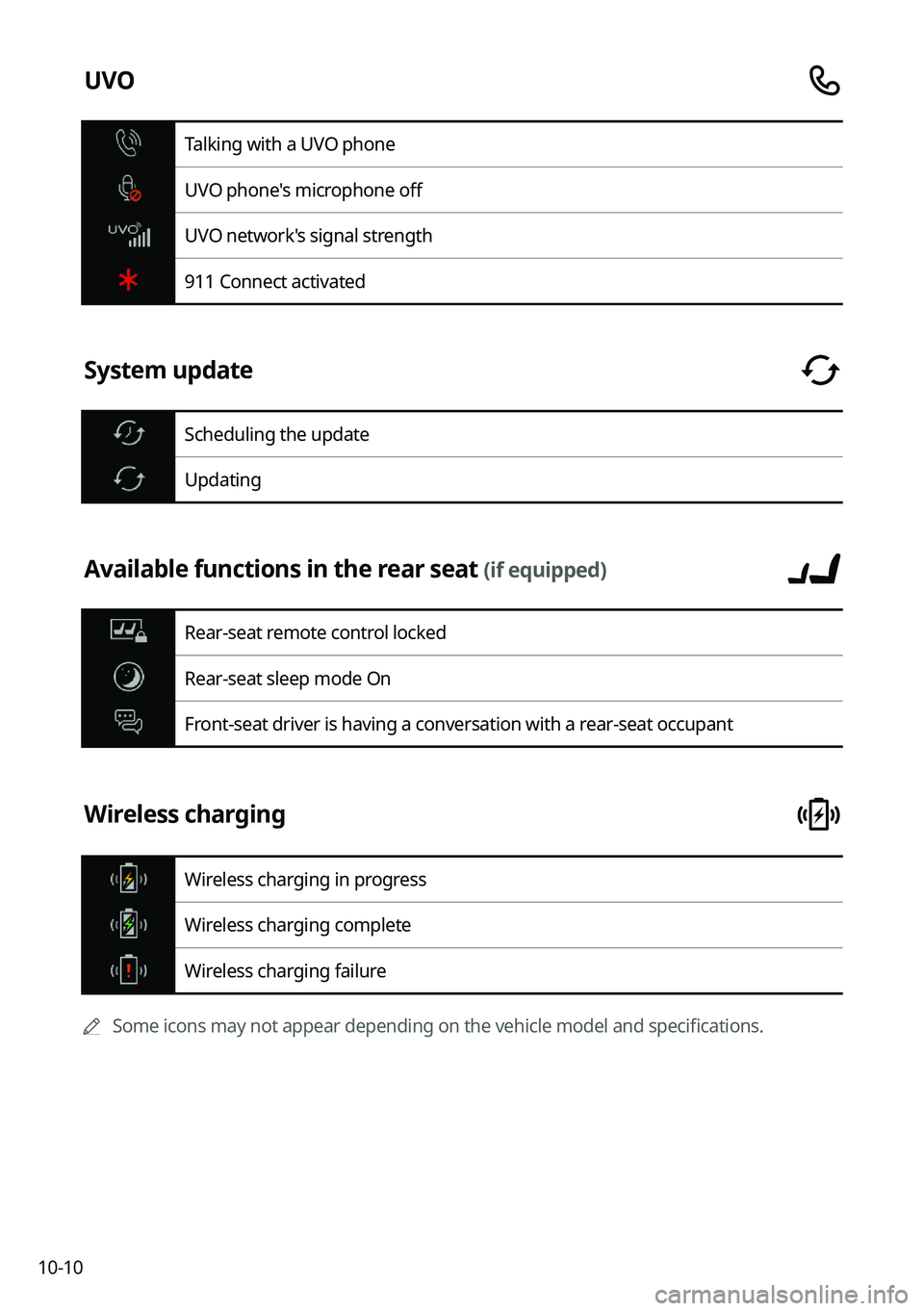
UVO
Talking with a UVO phone
UVO phone's microphone off
UVO network's signal strength
911 Connect activated
System update
Scheduling the update
Updating
Available functions in the rear seat (if equipped)
Rear-seat remote control locked
Rear-seat sleep mode On
Front-seat driver is having a conversation with a rear-seat occupant
Wireless charging
Wireless charging in progress
Wireless charging complete
Wireless charging failure
0000
A
Some icons may not appear depending on the vehicle model and specifications.