Page 420 of 637
Driver assistance system
7-42
OTM070145LOTM070145L
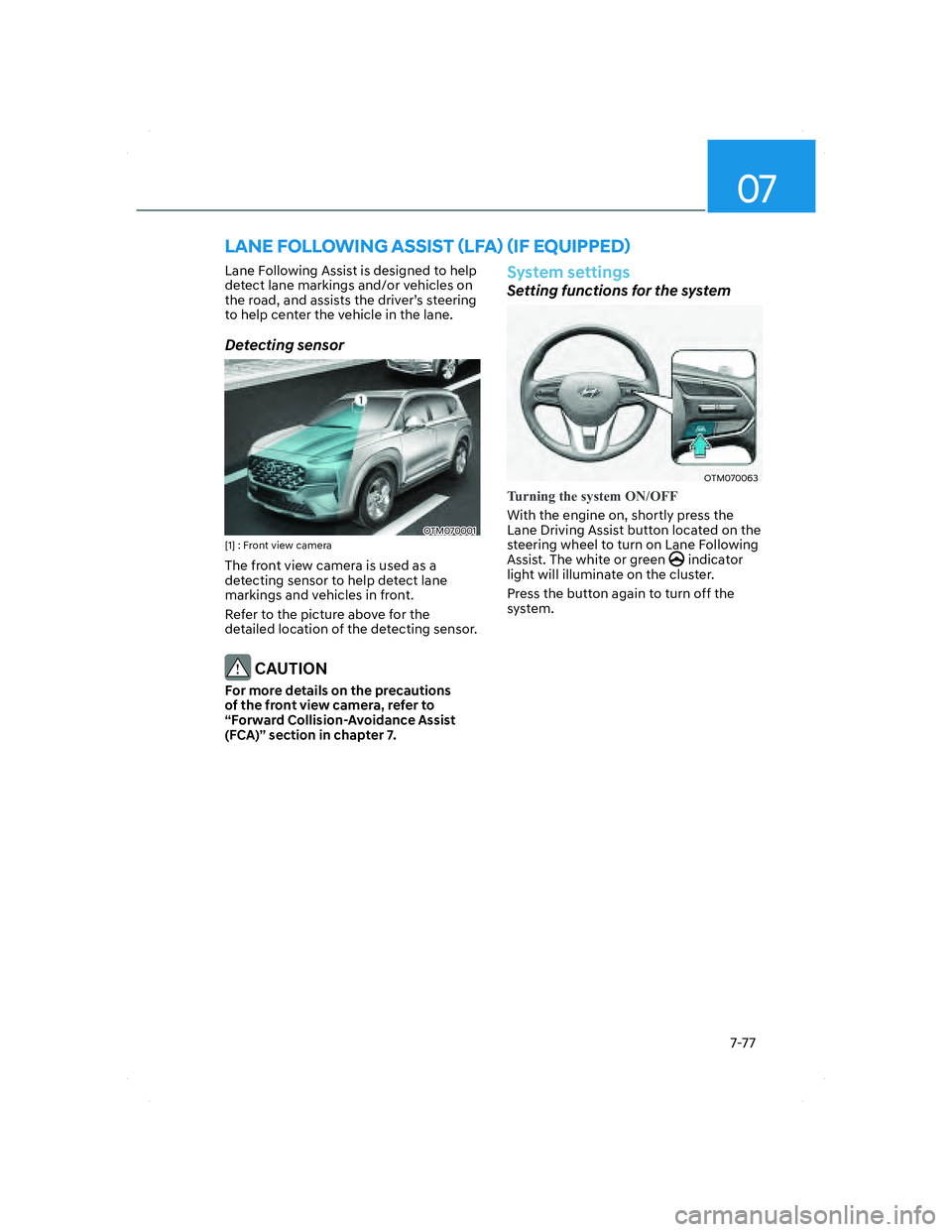
System linked with Electronic child safety
lock
• When Electric child safety lock is
operating and an approaching vehicle
from the rear area is detected, the
rear doors cannot be unlocked even
if the driver tries to unlock the rear
doors using the electronic child safety
lock button. The ‘Check surroundings
then try again’ warning message will
appear on the cluster.
• Safe Exit Assist will warn the driver
when vehicle speed is below 2
mph (3 km/h) and the speed of the
approaching vehicle from the rear is
above 3 mph (5 km/h).
• For more details on electric child
safety lock button, refer to “Electronic
Child Safety Lock” section in chapter
5.
CAUTION
If the driver presses the electronic child
lock button again within 10 seconds
after the warning message appears,
Safe Exit Assist judges that the driver
has unlocked the doors acknowledging
the rear status. The electronic child
safety lock will turn off (button
indicator OFF) and the rear doors will
unlock. Always check the surroundings
before turning off the electronic child
safety lock button.
WARNING
Take the following precautions when
using Safe Exit Assist:
• For your safety, change the Settings
after parking the vehicle at a safe
location.
• If any other system’s warning
message is displayed or audible
warning is generated, Safe Exit
Assist warning message may not be
displayed and audible warning may
not be generated.
• You may not hear the warning sound
of Safe Exit Assist if the surrounding
is noisy.
• Safe Exit Assist does not operate in
all situations or cannot prevent all
collisions.
• Safe Exit Assist may warn the driver
late or may not warn the driver
depending on the road and driving
conditions. Always check vehicle
surroundings.
007_TMa_HMA.indd 7-422021-08-26 9:26:23
Page 432 of 637
![HYUNDAI SANTA FE 2022 Owners Manual Driver assistance system
7-54
System settings
Setting functions for the system
OTM070205LOTM070205L[A] : Type A, [B] : Type B
To turn on the system
• Press the Driving Assist button to turn
on th](/manual-img/35/41172/w960_41172-431.png "HYUNDAI SANTA FE 2022 Owners Manual Driver assistance system
7-54
System settings
Setting functions for the system
OTM070205LOTM070205L[A] : Type A, [B] : Type B
To turn on the system
• Press the Driving Assist button to turn
on th")
Driver assistance system
7-54
System settings
Setting functions for the system
OTM070205LOTM070205L[A] : Type A, [B] : Type B
To turn on the system
• Press the Driving Assist button to turn
on the s
ystem. The speed will be set
to the current speed on the cluster.
• If there is no vehicle in front of you,
the set speed will be maintained, but
if there is a vehicle in front of you,
the speed may decrease to maintain
the distance to the vehicle ahead. If
the vehicle ahead accelerates, your
vehicle will travel at a steady cruising
speed after accelerating to the set
speed.
Information
• If your vehicle speed is between 0~20
mph (0~30 km/h) when you press the
Driving Assist button, the Smart Cruise
Control speed will be set to 20 mph (30
km/h).
• The Driving Assist button symbol may
vary depending on your vehicle option.
OTM070206LOTM070206L[A] : Type A, [B] : Type B
To set vehicle distance
Each time the button is pressed, the
v
ehicle distance changes as follows:
Distance 4 Distance 3
Distance 1Distance 2
Information
• If you drive at 56 mph (90km/h), the
distance is maintained as follows:
Distance 4 -
approximately 172 ft. (53 m)
Distance 3 -
approximately 130 ft. (40m)
Distance 2 -
approximately 106 ft. (30m)
Distance 1 -
approximately 82 ft. (25m)
• The distance is set to the last set
distance when the engine is restarted,
or when the system was temporarily
canceled.
007_TMa_HMA.indd 7-542021-08-26 9:26:30
Page 434 of 637
![HYUNDAI SANTA FE 2022 Owners Manual Driver assistance system
7-56
OTM070207LOTM070207L[A] : Type A, [B] : Type B
To temporarily cancel the system
Press the switch or depress the
brake pedal to temporarily cancel Smart
Cruise Control.](/manual-img/35/41172/w960_41172-433.png "HYUNDAI SANTA FE 2022 Owners Manual Driver assistance system
7-56
OTM070207LOTM070207L[A] : Type A, [B] : Type B
To temporarily cancel the system
Press the switch or depress the
brake pedal to temporarily cancel Smart
Cruise Control.")
Driver assistance system
7-56
OTM070207LOTM070207L[A] : Type A, [B] : Type B
To temporarily cancel the system
Press the switch or depress the
brake pedal to temporarily cancel Smart
Cruise Control.
OTM070208LOTM070208L[A] : Type A, [B] : Type B
To resume the system
To resume Smart Cruise Control after the
system was canceled, push the +, - or
switch.
If you push the + switch up or - switch
down, vehicle speed will be set to the
current speed on the cluster.
If you push the
switch, vehicle speed
will resume to the preset speed.
WARNING
Check the driving condition before
using the switch. Driving speed
may sharply increase or decrease when
you press the
switch.
OTM070205LOTM070205L[A] : Type A, [B] : Type B
To turn off the system
Press the Driving Assist button to turn
Smart Cruise Con
trol system off.
Information
If your vehicle is equipped with Manual
Speed Limit Assist, press and hold the
Driving Assist button to turn off Smart
Cruise Control. However, Manual Speed
Limit Assist will turn on.
007_TMa_HMA.indd 7-562021-08-26 9:26:31
Page 438 of 637
Driver assistance system
7-60
System temporarily canceled
OTM070113NOTM070113N
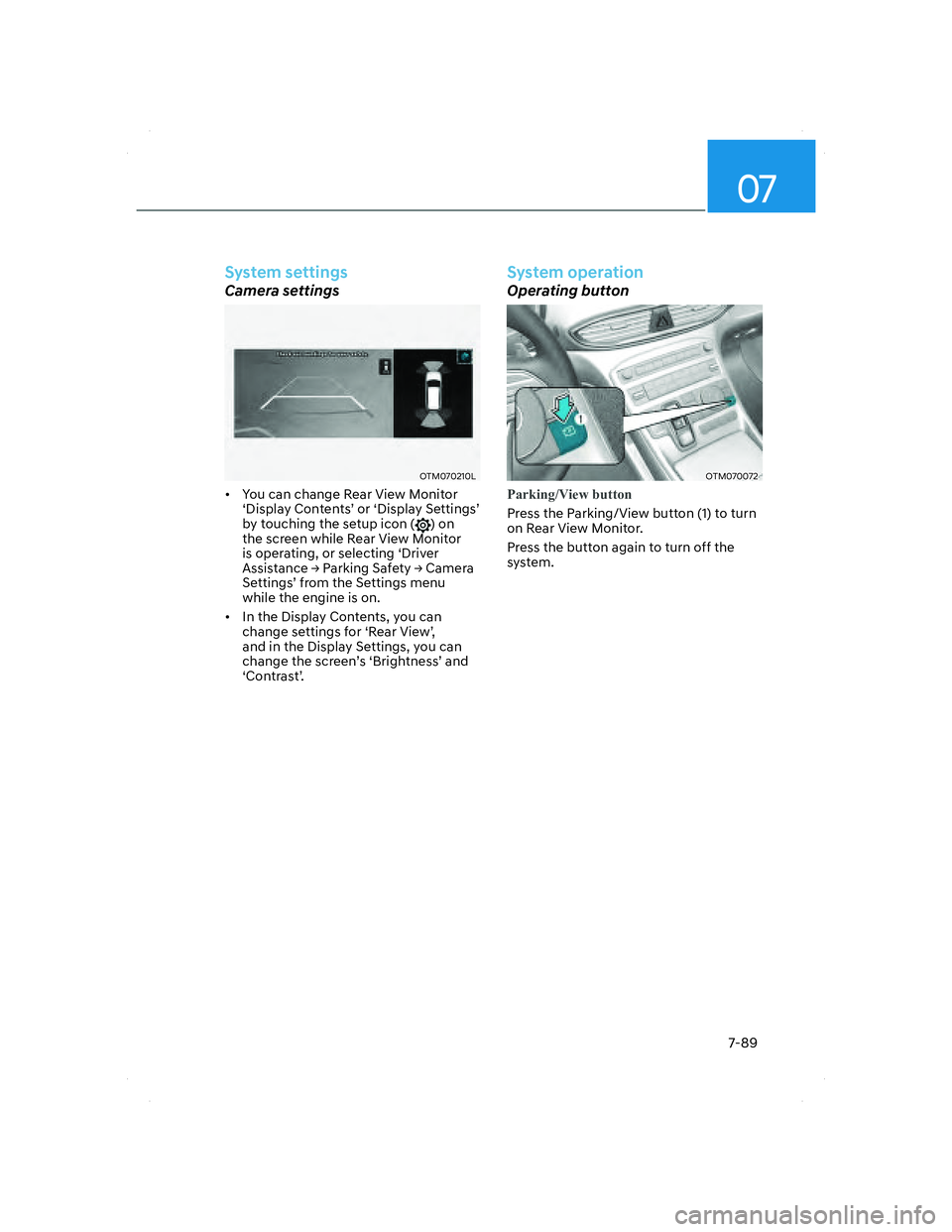
Smart Cruise Control will be temporarily
canceled automatically when:
• The vehicle speed is above 120 mph
(190 km/h)
• The vehicle is stopped for a certain
period of time
• The accelerator pedal is continuously
depressed for a certain period of time
• The conditions for the Smart Cruise
Control to operate is not satisfied
If the system is temporarily canceled
automatically, the ‘Smart Cruise Control
canceled’ warning message will appear
on the cluster, and an audible warning
will sound to warn the driver.
If the Smart Cruise Control is temporarily
canceled while the vehicle is at a
standstill with the system operating,
EPB (Electronic Parking Brake) maybe
applied.
WARNING
When the system is temporarily
canceled, distance with the front
vehicle will not be maintained. Always
have your eyes on the road while
driving, and if necessary, depress the
brake pedal to reduce your driving
speed in order to maintain a safe
distance.
System conditions not satisfied
OTM070112NOTM070112N
If the Driving Assist button, + switch,
- switch or switch is pushed when
the system’s operating conditions are
not satisfied, the ‘Smart Cruise Control
conditions not met’ will appear on the
cluster, and an audible warning will
sound.
007_TMa_HMA.indd 7-602021-08-26 9:26:34
Page 455 of 637
07
7-77
LANE FOLLOWING ASSIST (LFA) (IF EQUIPPED)
Lane Following Assist is designed to help
detect lane markings and/or vehicles on
the road, and assists the driver’s steering
to help center the vehicle in the lane.
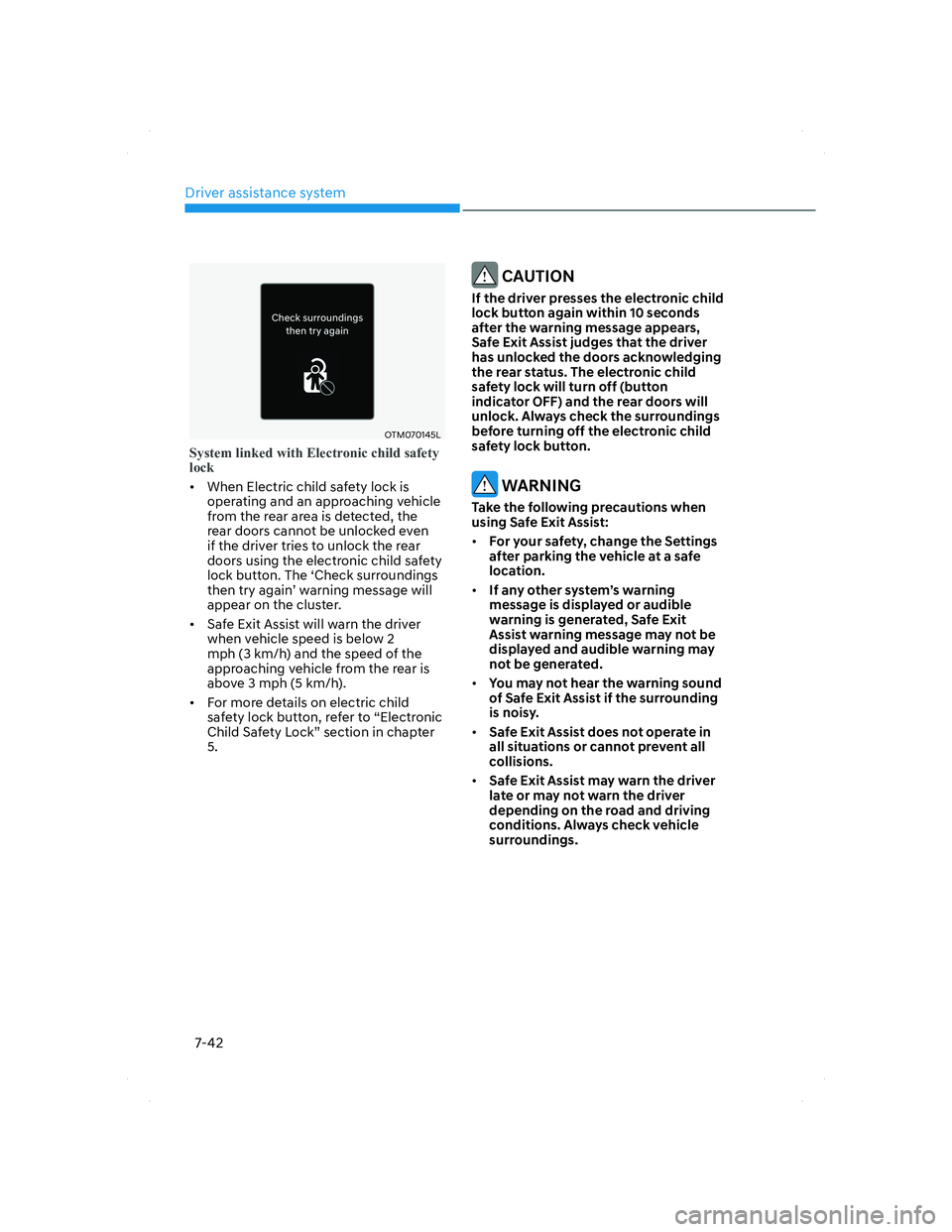
Detecting sensor
OTM070001OTM070001[1] : Front view camera
The front view camera is used as a
detecting sensor to help detect lane
markings and vehicles in front.
Refer to the picture above for the
detailed location of the detecting sensor.
CAUTION
For more details on the precautions
of the front view camera, refer to
“Forward Collision-Avoidance Assist
(FCA)” section in chapter 7.
System settings
Setting functions for the system
OTM070063OTM070063
Turning the system ON/OFF
With the engine on, shortly press the
Lane Driving Assis
t button located on the
steering wheel to turn on Lane Following
Assist. The white or green
indicator
light will illuminate on the cluster.
Press the button again to turn off the
system.
007_TMa_HMA.indd 7-772021-08-26 9:26:40
Page 467 of 637
07
7-89
System settings
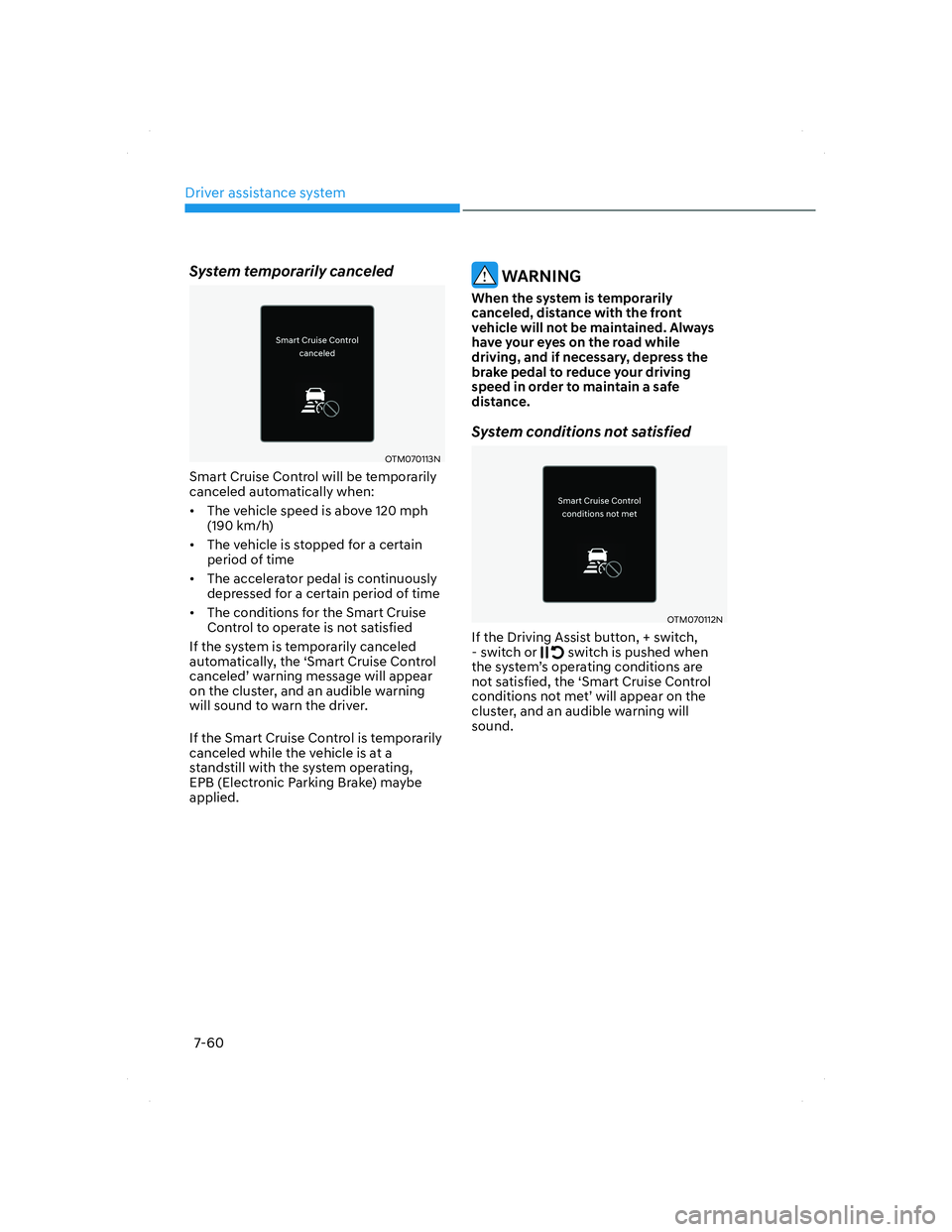
Camera settings
OTM070210LOTM070210L
• You can change Rear View Monitor
‘Display Contents’ or ‘Display Settings’
by touching the setup icon (
) on
the screen while Rear View Monitor
is operating, or selecting ‘Driver
Assistance �Ÿ Parking Safety �Ÿ Camera
Settings’ from the Settings menu
while the engine is on.
• In the Display Contents, you can
change settings for ‘Rear View’,
and in the Display Settings, you can
change the screen’s ‘Brightness’ and
‘Contrast’.
System operation
Operating button
OTM070072OTM070072
Parking/View button
Press the Parking/View button (1) to turn
on R
ear View Monitor.
Press the button again to turn off the
system.
007_TMa_HMA.indd 7-892021-08-26 9:26:47
Page 468 of 637
Driver assistance system
7-90
Rear view
Operating conditions
• Shift the gear to R (Reverse), the
image will appear on the scr
een.
• Press the Parking/View button (1)
while the gear is in P (Park), the image
will appear on the screen. However,
parking guidance is not displayed.
Off conditions
• The rear view cannot be turned off
when the gear is in R (Reverse).
• Press the Parking/View button (1)
again while the gear is in P (Park) with
the rear view on the screen, the rear
view will turn off.
• Shift the gear from R (Reverse) to P
(Park), the rear view will turn off.
Maintaining rear view
The rear view will maintain showing on
the screen to help you when parking.
However, parking guidance is not
displayed.
Operating conditions
Shift the gear from R (Reverse) to N
(Neutral) or D (Drive), the rear view will
appear on the screen.
Off conditions
• When vehicle speed is above 6 mph
(10 km/h), the rear view will turn off.
• Shift the gear to P (Park), the rear view
will turn off.
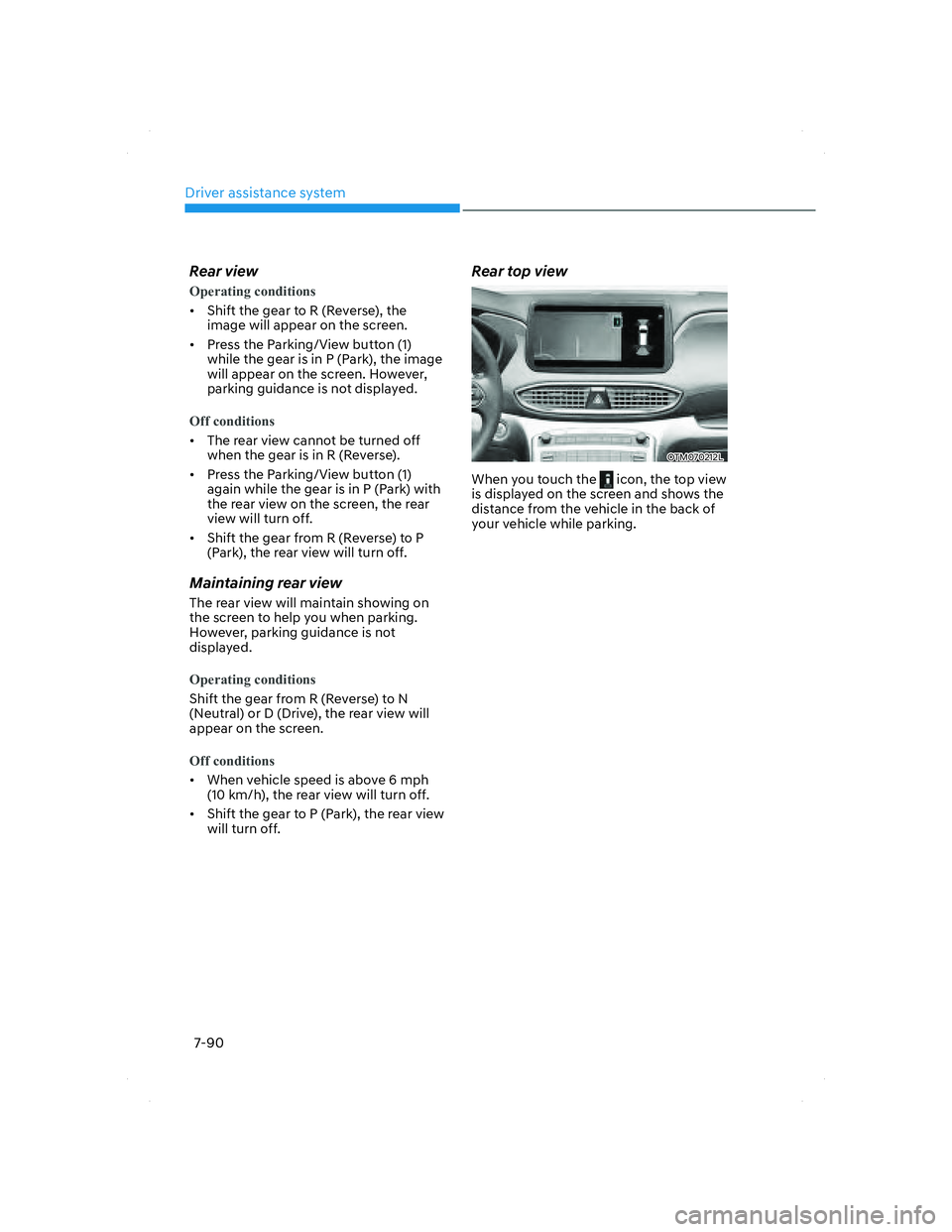
Rear top view
OTM070212LOTM070212L
When you touch the icon, the top view
is displayed on the screen and shows the
distance from the vehicle in the back of
your vehicle while parking.
007_TMa_HMA.indd 7-902021-08-26 9:26:48
Page 472 of 637
Driver assistance system
7-94
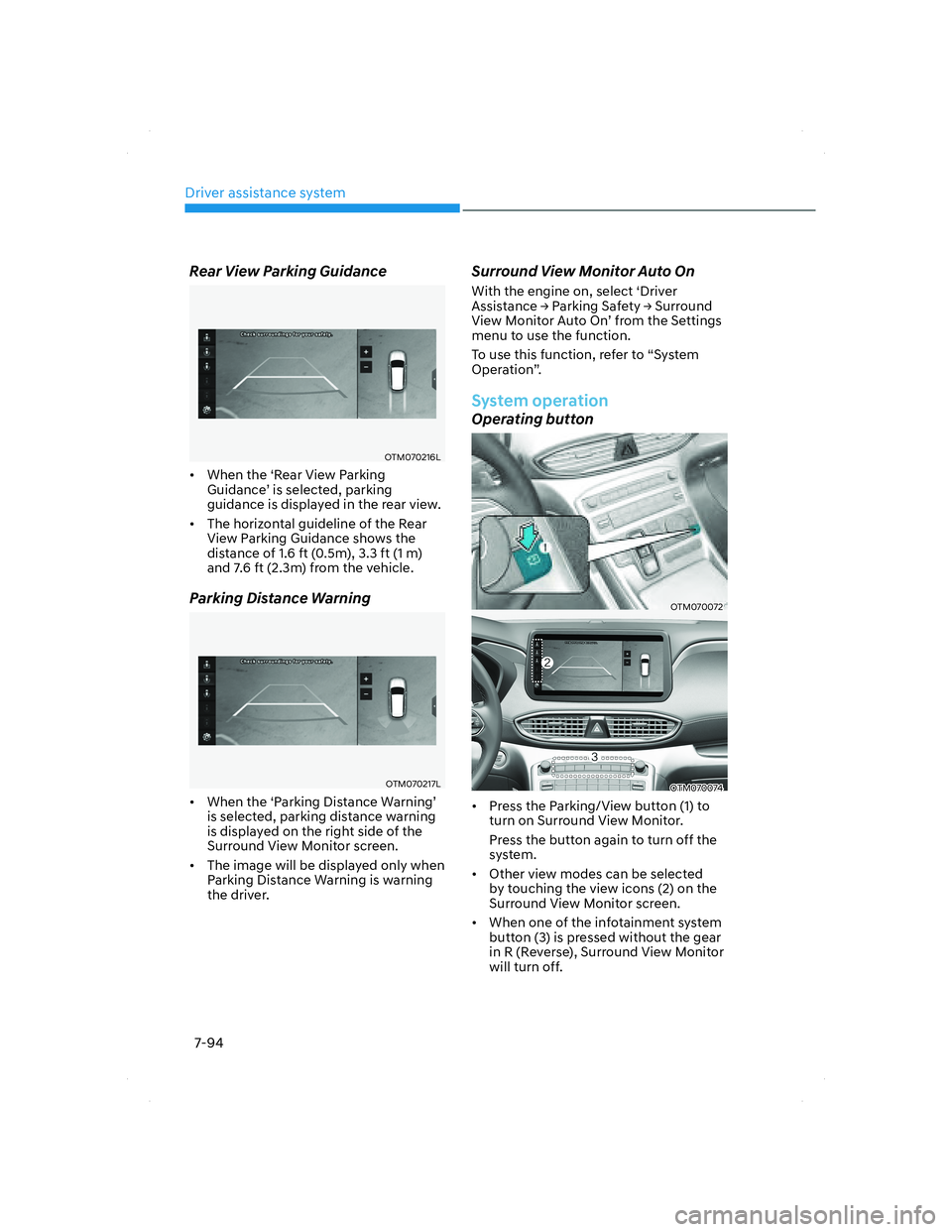
Rear View Parking Guidance
OTM070216LOTM070216L
• When the ‘Rear View Parking
Guidance’ is selected, parking
guidance is displayed in the rear view.
• The horizontal guideline of the Rear
View Parking Guidance shows the
distance of 1.6 ft (0.5m), 3.3 ft (1 m)
and 7.6 ft (2.3m) from the vehicle.
Parking Distance Warning
OTM070217LOTM070217L
• When the ‘Parking Distance Warning’
is selected, parking distance warning
is displayed on the right side of the
Surround View Monitor screen.
• The image will be displayed only when
Parking Distance Warning is warning
the driver.
Surround View Monitor Auto On
With the engine on, select ‘Driver
Assistance �Ÿ Parking Safety �Ÿ Surround
View Monitor Auto On’ from the Settings
menu to use the function.
To use this function, refer to “System
Operation”.
System operation
Operating button
OTM070072OTM070072
OTM070074OTM070074
• Press the Parking/View button (1) to
turn on Surround View Monitor.
Press the button again to turn off the
system.
• Other view modes can be selected
by touching the view icons (2) on the
Surround View Monitor screen.
• When one of the infotainment system
button (3) is pressed without the gear
in R (Reverse), Surround View Monitor
will turn off.
007_TMa_HMA.indd 7-942021-08-26 9:26:49