Page 229 of 607
227
uuAudio System uAudio Remote Controls
Features
/ / / /ENTER Buttons
• When selecting the audio mode
Press or to select Now Playing on the home screen of the driver
information interface, and then press the ENTER button.
Press or : To cycles through the audio modes as follows:
Android Auto/Apple CarPlay SiriusXM ®
*AUX Input AM
Bluetooth ® AudioSocial Playlist FM My Honda Music USB/iPod
• When listening to the radio
Press : To select the next preset radio station.
Press : To select the previous preset radio station.
• When listening to an iPod, USB flash drive, My Honda Music, or Bluetooth® Audio
Press : To skip to the next song.
Press : To go back to the beginning of the current or previous song.
34
34
34
* Not available on all models
22 PASSPORT-31TGS6300.book 227 ページ 2021年10月6日 水曜日 午前10時2分
Page 232 of 607
230
uuAudio System Basic Operation uAudio/Information Screen
Features
■Phone
Displays the HFL information.
2 Bluetooth ® HandsFreeLink ® P. 349
■Trip Computer
Displays the trip co mputer information.
• Current Drive tab: Displays the current trip information.
• Trip A /Trip B tab: Displays information for the current and three previous drives.
The information is stored every time you reset Trip A/B.
To reset Trip A/B, select Reset.
To change the setting of how to reset Trip A/B, select Settings, then select Trip
A Reset Method or Trip B Reset Method .
■Clock
Displays the clock.
■System Updates
Updates the software version of the audio system.
2 System Updates P. 242
■FM/AM/Sirius XM*/USB/Bluetooth Audio/AUX Input/My Honda Music/
Social Playlist
Displays the audio information.
■Settings
Enters the customiz ing menu screen.
2Customized Features P. 327
* Not available on all models
22 PASSPORT-31TGS6300.book 230 ページ 2021年10月6日 水曜日 午前10時2分
Page 233 of 607
231
uuAudio System Basic Operation uAudio/Information Screen
Continued
Features
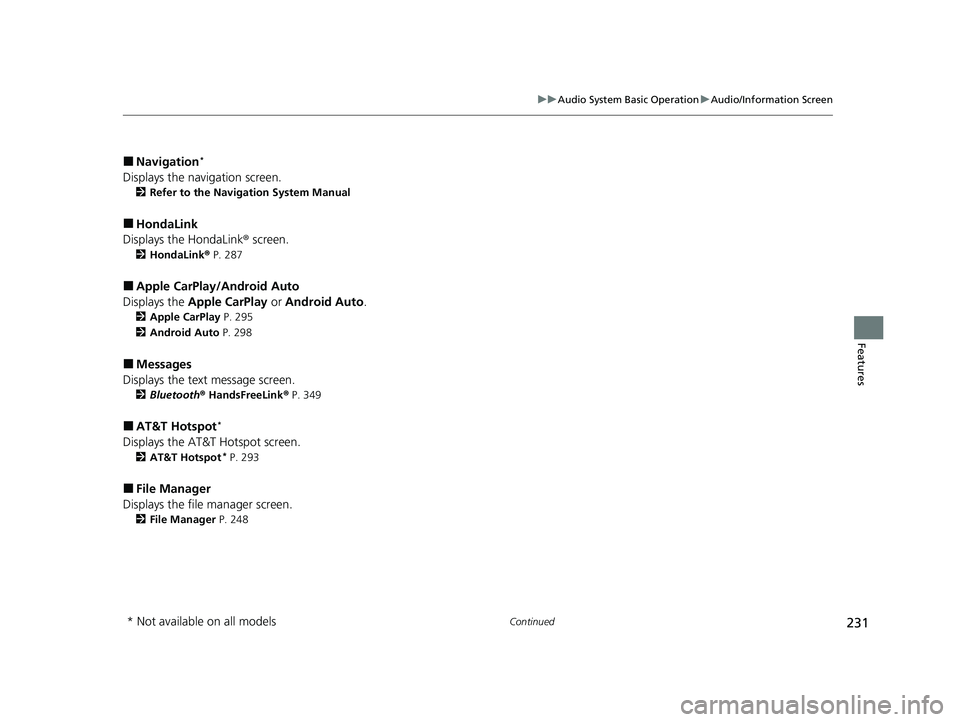
■Navigation*
Displays the navigation screen.
2 Refer to the Navigation System Manual
■HondaLink
Displays the HondaLink ® screen.
2HondaLink ® P. 287
■Apple CarPlay/Android Auto
Displays the Apple CarPlay or Android Auto.
2Apple CarPlay P. 295
2 Android Auto P. 298
■Messages
Displays the text message screen.
2 Bluetooth ® HandsFreeLink ® P. 349
■AT&T Hotspot*
Displays the AT&T Hotspot screen.
2AT&T Hotspot* P. 293
■File Manager
Displays the file manager screen.
2 File Manager P. 248
* Not available on all models
22 PASSPORT-31TGS6300.book 231 ページ 2021年10月6日 水曜日 午前10時2分
Page 242 of 607
uuAudio System Basic Operation uAudio/Information Screen
240
Features
Some of the audio system’s apps can be updated wirelessly when connected via Wi-
Fi, or Bluetooth ® in conjunction with the HondaLink ® app installed on a compatible
iOS or Android device. If an update is available, a notification is displayed at the top
of the screen with the resp ective app’s update icon.
■To update an app:
1.A notification appears and notifies you of
an update message on the header area.
2. Select the system stat us icon, and then
select the software update notification
from the list.
■Updating Apps1 Updating Apps
The wireless updates are for the apps on the audio
system only.
To update compatible a pps on your iPhone or
Android phone, please visit the App Store or Google
Play Store, respectively.
22 PASSPORT-31TGS6300.book 240 ページ 2021年10月6日 水曜日 午前10時2分
Page 285 of 607

283
uuAudio System Basic Operation uPlaying Bluetooth ® Audio
Continued
Features
Playing Bluetooth ® Audio
Your audio system allows you to listen to music from your Bluetooth-compatible
phone.
This function is available when the phone is paired an d connected to the vehicle’s
Bluetooth ® HandsFreeLink ® (HFL) system.
2Phone Setup P. 354
*1: Depending on the
Bluetooth® device you connect, this function may not be displayed.
1 Playing Bluetooth ® Audio
Not all Bluetooth-enabled phones with streaming
audio capabilities are compatible with the system.
For a list of compatible phones:
•U.S.: Visit automobiles.honda.com /handsfreelink/,
or call 1-888-528-7876.
•Canada: For more info rmation on smartphone
compatibility, call 1-855-490-7351.
It may be illegal to pe rform some data device
functions while driving.
Only one phone can be used with HFL at a time.
When there is more than one paired phone in the
vehicle, the first paired phone the system finds is
automatically connected.
If more than one phone is paired to the HFL system,
there may be a delay before the system begins to
play.
In some cases, the name of the artist, album, or track
may not appear correctly.
Some functions may not be available on some
devices.
If a phone is currently conne cted via Apple CarPlay or
Android Auto, Bluetooth® Audio from that phone
will be unavailable. Howe ver, you can have a second
previously paired phone stream Bluetooth® Audio by
selecting from the Bluetooth® device list.
2 Phone Setup P. 354Audio/Information
Screen
(Back) Icon
Select to go b
ack to
the previous display.
VOL/ AUDIO
(Volume/Power)
Knob
Push to turn the
audio system on
and off.
Turn to adjust
the volume.
Repeat Icon*1
Select to repeat the current
file. Random Icon
*1
Select to play all files in
the current category in
random order.
Play/Pause Icon
Bluetooth Indicator
Appears when your
phone is connected
to HFL.
Track Icons
Select or to change tracks.
22 PASSPORT-31TGS6300.book 283 ページ 2021年10月6日 水曜日 午前10時2分
Page 286 of 607

uuAudio System Basic Operation uPlaying Bluetooth ® Audio
284
Features
1. Make sure that your phone is paired and
connected to the system.
2 Phone Setup P. 354
2.Select the Bluetooth® Audio mode.
If the phone is not recognized, another HFL-
compatible phone, which is not compatible
for Bluetooth ® Audio, may already be
connected.
■To pause or resume a file
Select the play/pause icon.
1.Select Browse .
2. Select a search cate gory (e.g., Albums).
3. Select an item.
u The selection begins playing.
■To Play Bluetooth ® Audio Files1 To Play Bluetooth ® Audio Files
To play the audio files, y ou may need to operate your
phone. If so, follow the phone maker’s operating
instructions.
Switching to another mode pauses the music playing
from your phone.
You can change the connected phone by selecting
Change Device .
2 Phone Setup P. 354
■Searching for Music1Searching for Music
Depending on the Bluetooth® device you connect,
some or all of the list s may not be displayed.
22 PASSPORT-31TGS6300.book 284 ページ 2021年10月6日 水曜日 午前10時2分
Page 289 of 607

287
uuAudio System Basic Operation uHondaLink ®
Continued
Features
HondaLink ®
HondaLink® connects you to the latest info rmation from Honda. You can connect
your phone wirelessly through Wi-Fi or Bluetooth®.
2Wi-Fi Connection P. 292
2 Phone Setup P. 354
Use the following procedure to connect to HondaLink ® service.
■To enable the HondaLink® service
You must consent to location sharing to enable the HondaLink ® service.
Disable : Does not allow this consent.
Enable Once : Allows only one time. (Shows
again next time.)
Always Enable: Allows anytime. (Never
show again.)
■To Connect to HondaLink ® Service
1 HondaLink ®
The HondaLink® connect app is compatible with most
iPhone and Android phones.
Some cell phone carriers charge for tethering and
smartphone data use. Check your phone’s data
subscription package.
When Apple CarPlay or Andr oid Auto is connected to
the audio system, HondaLink ® can be accessed even
without a Wi-Fi connection.
22 PASSPORT-31TGS6300.book 287 ページ 2021年10月6日 水曜日 午前10時2分
Page 296 of 607
294
uuAudio System Basic Operation uSiri Eyes Free
Features
Siri Eyes Free
You can talk to Siri using the (Talk) button on the steering wheel when your
iPhone is paired to the Bluetooth® HandsFreeLink ® (HFL) system.
2Phone Setup P. 354
■Using Siri Eyes Free
1Siri Eyes Free
Siri is a trademark of Apple Inc.
Check Apple Inc. website for features available for
Siri.
While driving we recomme nd only using Siri through
the button on the steering wheel (Siri Eyes Free).
1Using Siri Eyes Free
Some commands work only on specific phone
features or apps.
(Talk) Button
Press and hold until the display
changes as shown.
(Back) Button
Press to deactivate Siri.
While in Siri Eyes Free:
The display remains the same.
No feedback or commands
appears. Appears when Siri is
activated in Siri Eyes Free
22 PASSPORT-31TGS6300.book 294 ページ 2021年10月6日 水曜日 午前10時2分