Page 86 of 782
85
Safe Driving
Exhaust Gas Hazard
Carbon Monoxide Gas
The engine exhaust from this vehicle contains carbon monoxide, a colorless,
odorless, and highly toxic gas. As long as you properly maintain your vehicle, carbon
monoxide gas will not get into the interior.
■Have the exhaust system in spected for leaks whenever
• The exhaust system is making an unusual noise.
• The exhaust system may have been damaged.
• The vehicle is raised for an oil change.
When you operate a vehicle with the tailga te open, airflow can pull exhaust gas into
the interior and create a hazardous conditio n. If you must drive with the tailgate
open, open all the windows and set the climate control system as shown below.
1. Select the fresh air mode.
2. Select the mode.
3. Set the fan speed to high.
4. Set the temperature control to a comfortable setting.
Adjust the climate control system in the same manner if you sit in your parked
vehicle with the engine running.
1 Carbon Monoxide Gas
An enclosed area such as a garage can quickly fill up
with carbon monoxide gas.
Do not run the engine with the garage door closed.
Even when the garage door is open, drive out of the
garage immediat ely after starting the engine.
3WARNING
Carbon monoxide gas is toxic.
Breathing it can cause unconsciousness and
even kill you.
Avoid any enclosed areas or activities that
expose you to carbon monoxide.
22 US ODYSSEY-31THR6400.book 85 ページ 2020年11月16日 月曜日 午後1時41分
Page 105 of 782
104
uuIndicators u
Instrument Panel
IndicatorNameOn/BlinkingExplanationMessage
Cruise Mode
Indicator
(White/Green)•Lights up in white when you
change to cruise mode.
• Lights up in green when you have
set a speed for cruise control.
2 To Switch ACC with Low Speed
Follow to Cruise Control P. 614—
Safety Support
Indicator
(Amber)
•Comes on if there is a problem
with RDM, CMBSTM, or Blind spot
information System*.
• Stays on constantly - Have your
vehicle checked by a dealer.
• Indicator may come on
temporarily when the Maximum
Load Limit is exceeded.•Make sure the total lo ad is within the
Maximum Load Limit.
2 Maximum Load Limit P. 541
* Not available on all models
22 US ODYSSEY-31THR6400.book 104 ページ 2020年11月16日 月曜日 午後1時41分
Page 113 of 782
112
uuIndicators uDriver Information Interface Wa rning and Information Messages
Instrument Panel
MessageConditionExplanation
•Appears when you set the power mode to
ACCESSORY or ON.2 Starting the Engine P. 550
•Appears when the engine does not restart
automatically due to the following reason:
• The hood is open.
• There is a problem in the sy stem that disables Auto
Idle Stop.• Follow the normal procedure to start the engine.
2 Starting the Engine P. 550
•Close the hood.
•Appears when the steering wheel is locked.•Move the steering wheel left and right while pressing
the ENGINE START/STOP button.
•Appears when the power mode is in ACCESSORY.
—
•Appears after the driver’s door is opened when the
power mode is in ACCESSORY.•Change the power mode to VEHICLE OFF.
2 ENGINE START/STOP Button P. 198
Canadian models
22 US ODYSSEY-31THR6400.book 112 ページ 2020年11月16日 月曜日 午後1時41分
Page 114 of 782
113
uuIndicators uDriver Information Interface Wa rning and Information Messages
Continued
Instrument Panel
MessageConditionExplanation
•Appears when you close the door with the power
mode in ON without the remote inside the vehicle.•Disappears when you bring the remote back inside the
vehicle and close the door.
2 Keyless Remote Reminder P. 200
•Appears when the remote battery becomes weak.•Replace the battery as soon as possible.
2 Replacing the Remote Battery P. 708
•Appears if the remote battery is too weak to start the
engine or the key is not within operating range to
start the engine.
A beeper sounds six times.•Bring the remote in front of the ENGINE START/STOP
button to be touched with.
2 If the Remote Battery is Weak P. 733
•Appears if you press the ENGINE START/STOP
button while the vehicle is moving.
2 Emergency Engine Stop P. 734
•Appears after the driver’s door is opened when the
power mode is in ACCESSORY.• Press and hold the ENGINE START/STOP button with
your foot off the brake pedal to change the power
mode to VEHICLE OFF.
• Appears when you attempt to change to another
gear position with the transmission in
(P and the
engine OFF.
• To select another gear position while in (P, the engine
must be ON.
• Appears when you set the power mode to OFF while
driving.•Immediately stop in a safe place, set the parking brake,
then restart the engine. If the message disappears,
continue driving.
22 US ODYSSEY-31THR6400.book 113 ページ 2020年11月16日 月曜日 午後1時41分
Page 115 of 782
114
uuIndicators uDriver Information Interface Wa rning and Information Messages
Instrument Panel
MessageConditionExplanation
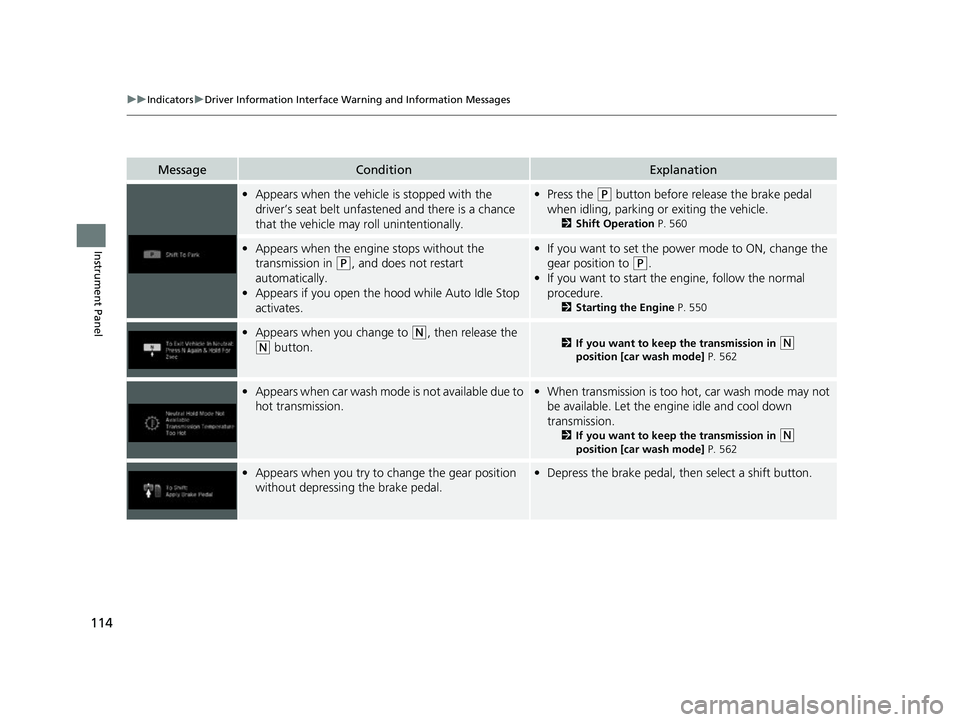
•Appears when the vehicle is stopped with the
driver’s seat belt unfastened and there is a chance
that the vehicle may roll unintentionally.•Press the (P button before release the brake pedal
when idling, parking or exiting the vehicle.
2 Shift Operation P. 560
•Appears when the engine stops without the
transmission in
(P, and does not restart
automatically.
• Appears if you open the hood while Auto Idle Stop
activates.
•If you want to set the power mode to ON, change the
gear position to
(P.
• If you want to start the engine, follow the normal
procedure.
2 Starting the Engine P. 550
•Appears when you change to (N, then release the
(N button.2 If you want to keep the transmission in (N
position [car wash mode] P. 562
•Appears when car wash mode is not available due to
hot transmission.• When transmission is too hot, car wash mode may not
be available. Let the engine idle and cool down
transmission.
2 If you want to keep the transmission in (N
position [car wash mode] P. 562
•Appears when you try to change the gear position
without depressing the brake pedal.• Depress the brake pedal, then select a shift button.
22 US ODYSSEY-31THR6400.book 114 ページ 2020年11月16日 月曜日 午後1時41分
Page 116 of 782
115
uuIndicators uDriver Information Interface Wa rning and Information Messages
Continued
Instrument Panel
MessageConditionExplanation
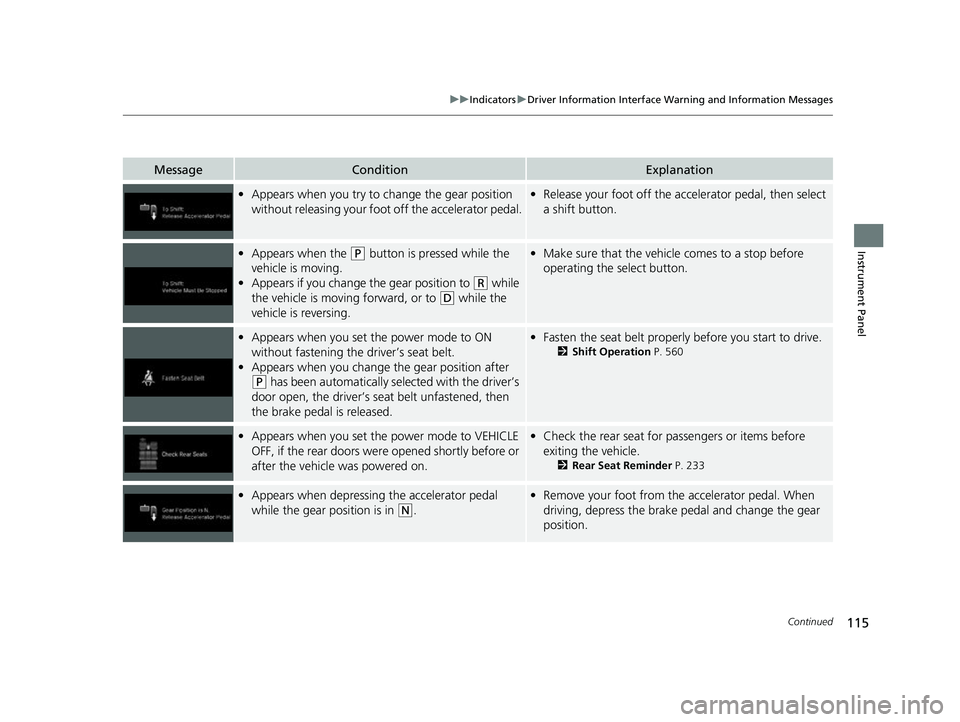
•Appears when you try to ch ange the gear position
without releasing your foot off the accelerator pedal.• Release your foot off the acce lerator pedal, then select
a shift button.
• Appears when the (P button is pressed while the
vehicle is moving.
• Appears if you change the gear position to
(R while
the vehicle is moving forward, or to
(D while the
vehicle is reversing.
• Make sure that the vehicle comes to a stop before
operating the select button.
•Appears when you set the power mode to ON
without fastening the driver’s seat belt.
• Appears when you change the gear position after
(P has been automatically se lected with the driver’s
door open, the driver’s seat belt unfastened, then
the brake pedal is released.
• Fasten the seat belt properly before you start to drive.
2 Shift Operation P. 560
•Appears when you set the power mode to VEHICLE
OFF, if the rear doors were opened shortly before or
after the vehicle was powered on.•Check the rear seat for passengers or items before
exiting the vehicle.
2 Rear Seat Reminder P. 233
•Appears when depressing the accelerator pedal
while the gear position is in
(N.
•Remove your foot from the accelerator pedal. When
driving, depress the brake pedal and change the gear
position.
22 US ODYSSEY-31THR6400.book 115 ページ 2020年11月16日 月曜日 午後1時41分
Page 119 of 782
118
uuIndicators uDriver Information Interface Wa rning and Information Messages
Instrument Panel
MessageConditionExplanation
•Appears when you pull the electric parking brake
switch without depressing the brake pedal.•Depress the brake pedal to release the parking brake.
2 Parking Brake P. 638
•Appears as soon as a problem is detected in the
keyless access system.
•Appears constantly - Have your vehicle checked by a
dealer.
• Appears as soon as a problem is detected in the push
button starting system.•Appears constantly - Have your vehicle checked by a
dealer.
• Appears if there is a prob lem with the Auto high-
beam.• Manually operate the headlight switch.
• If you are driving with th e high-beam headlights when
this happens, the headlights are changed to low beams.
Models with keyless access system
22 US ODYSSEY-31THR6400.book 118 ページ 2020年11月16日 月曜日 午後1時41分
Page 121 of 782

120
uuIndicators uDriver Information Interface Wa rning and Information Messages
Instrument Panel
MessageConditionExplanation
•Appears when you unlock and open the driver’s
door while the engine is running by remote engine
start.2 Remote Engine Start with Vehicle Feedback* P. 552
•Flashes when the system senses a likely collision with
a vehicle in front of you.•Take appropriate action to prevent a collision (apply the
brakes, change lanes, etc.)
2 Collision Mitigation Braking SystemTM (CMBSTM)
P. 589
2 Adaptive Cruise Control (ACC) with Low Speed
Follow P. 600
•Appears when ACC with Low Speed Follow has
been automatically canceled.•You can resume the set speed after the condition that
caused ACC with Low Speed Fo llow to cancel improves.
Press the RES/+ button.
2Adaptive Cruise Control (ACC) with Low Speed
Follow P. 600
•Appears when pressing the –/SET button while the
vehicle is moving and the brake pedal is depressed.• ACC with Low Speed Follow cannot be set.
2 Adaptive Cruise Control (ACC) with Low Speed
Follow P. 600
•Appears if the VSA ® or traction control function
operates while ACC with Low Speed Follow is in
operation.• ACC with Low Speed Follow has been automatically
canceled.
2 Adaptive Cruise Control (ACC) with Low Speed
Follow P. 600
Models with remote engine starter
* Not available on all models
22 US ODYSSEY-31THR6400.book 120 ページ 2020年11月16日 月曜日 午後1時41分