Page 248 of 692
246
uuAudio System uUSB Port(s)
Features
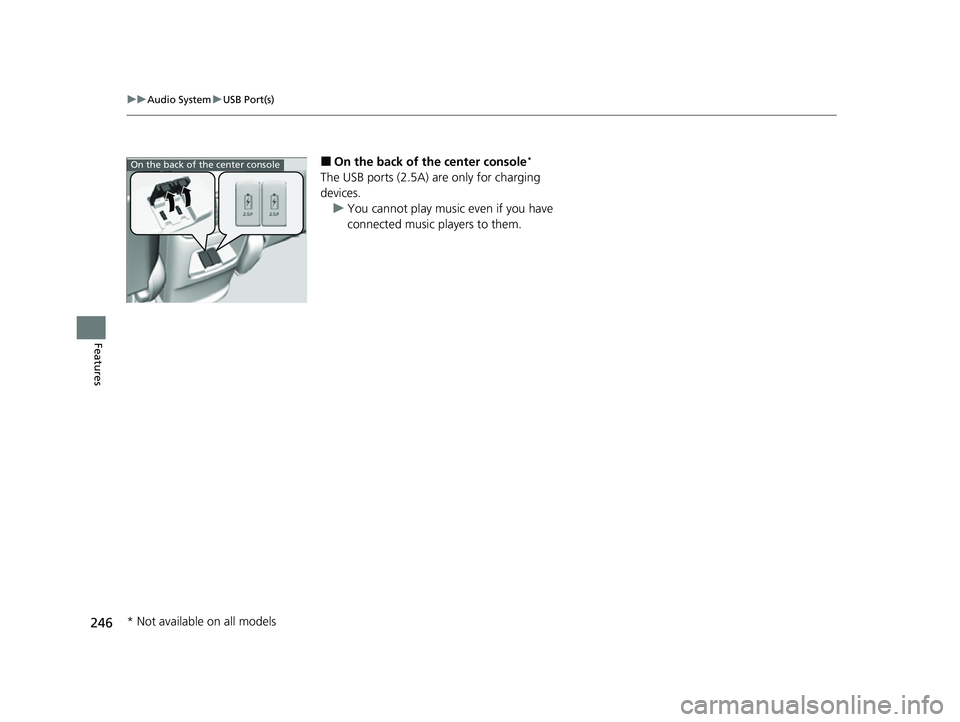
■On the back of the center console*
The USB ports (2.5A) are only for charging
devices.
u You cannot play music even if you have
connected music players to them.
On the back of the center console
* Not available on all models
22 CR-V HEV ELP-31TPG6200.book 246 ページ 2021年6月30日 水曜日 午前11時6分
Page 249 of 692
247
uuAudio System uAudio System Theft Protection
Features
Audio System Theft Protection
The audio system is disabled when it is disconnected from the power source, such as
when the battery is disconnected or goes dead. In certain conditions, the system
may display a code entry screen. If this occurs, reactivate the audio system.
■Reactivating the audio system
1. Set the power mode to ON.
2. Turn on the audio system.
3. Press and hold the audio system powe r button for more than two seconds.
u The audio system is reac tivated when the audio co ntrol unit establishes a
connection with the vehicl e control unit. If the control unit fails to recognize
the audio unit, you must go to a dealer and have the audio unit checked.
22 CR-V HEV ELP-31TPG6200.book 247 ページ 2021年6月30日 水曜日 午前11時6分
Page 250 of 692
248
uuAudio System uAudio Remote Controls
Features
Audio Remote Controls
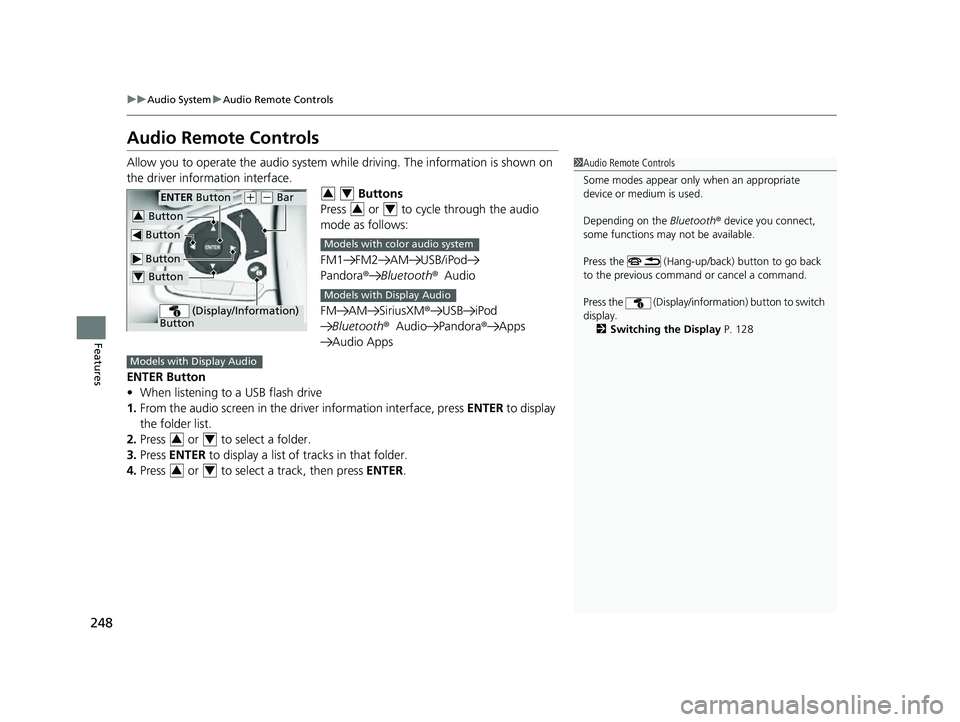
Allow you to operate the audio system wh ile driving. The information is shown on
the driver information interface. Buttons
Press or to cycle through the audio
mode as follows:
FM1 FM2 AM USB/iPod
Pandora ®Bluetooth ®Audio
FM AM SiriusXM® USB iPod
Bluetooth ®Audio Pandora ®Apps
Audio Apps
ENTER Button
• When listening to a USB flash drive
1. From the audio screen in the dr iver information interface, press ENTER to display
the folder list.
2. Press or to select a folder.
3. Press ENTER to display a list of tracks in that folder.
4. Press or to select a track, then press ENTER.1Audio Remote Controls
Some modes appear only when an appropriate
device or medium is used.
Depending on the Bluetooth® device you connect,
some functions may not be available.
Press the (Hang-up/back) button to go back
to the previous command or cancel a command.
Press the (Display/informa tion) button to switch
display. 2 Switching the Display P. 128
Button
ENTER Button
Button
(+ (- Bar
(Display/Information)
Button
Button3
Button4
34
34
Models with color audio system
Models with Display Audio
Models with Display Audio
34
34
22 CR-V HEV ELP-31TPG6200.book 248 ページ 2021年6月30日 水曜日 午前11時6分
Page 251 of 692
249
uuAudio System uAudio Remote Controls
Continued
Features
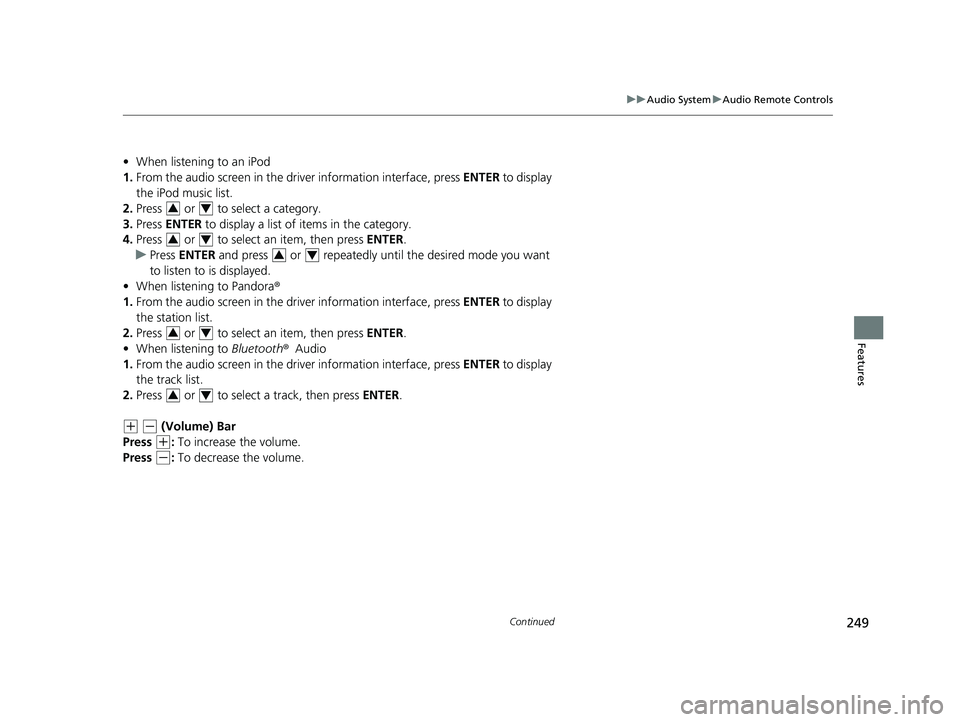
• When listening to an iPod
1. From the audio screen in the dr iver information interface, press ENTER to display
the iPod music list.
2. Press or to select a category.
3. Press ENTER to display a list of items in the category.
4. Press or to select an item, then press ENTER.
u Press ENTER and press or repeatedly until the desired mode you want
to listen to is displayed.
• When listening to Pandora ®
1. From the audio screen in the dr iver information interface, press ENTER to display
the station list.
2. Press or to select an item, then press ENTER.
• When listening to Bluetooth ®Audio
1. From the audio screen in the dr iver information interface, press ENTER to display
the track list.
2. Press or to select a track, then press ENTER.
(+ (- (Volume) Bar
Press
(+: To increase the volume.
Press
(-: To decrease the volume.
34
34
34
34
34
22 CR-V HEV ELP-31TPG6200.book 249 ページ 2021年6月30日 水曜日 午前11時6分
Page 252 of 692
250
uuAudio System uAudio Remote Controls
Features
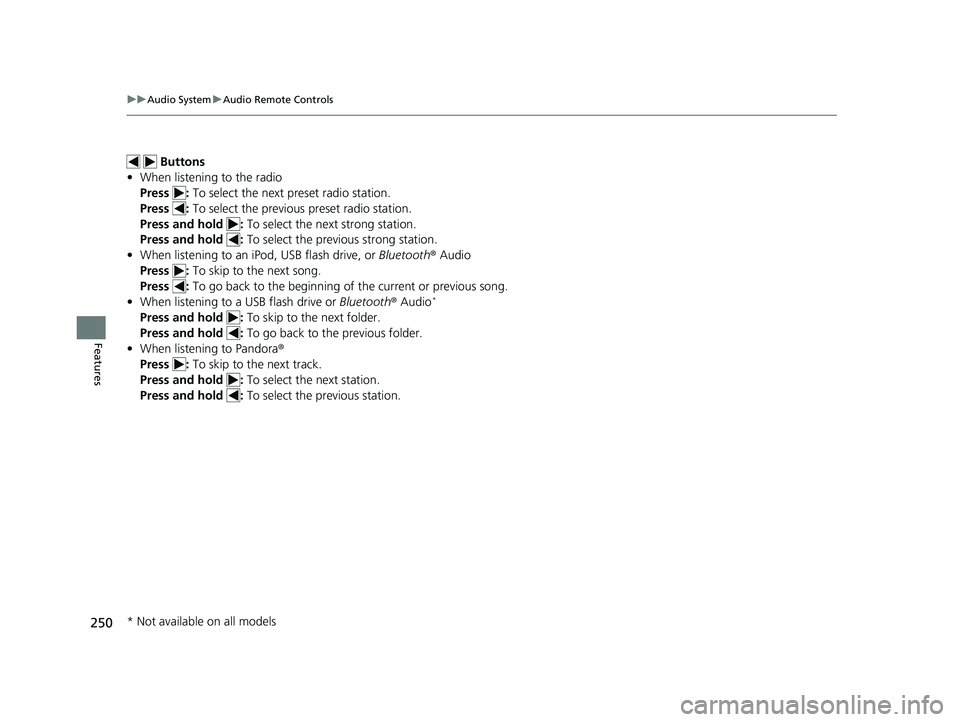
Buttons
• When listening to the radio
Press : To select the next preset radio station.
Press : To select the previous preset radio station.
Press and hold : To select the next strong station.
Press and hold : To select the previous strong station.
• When listening to an iPod, USB flash drive, or Bluetooth ® Audio
Press : To skip to the next song.
Press : To go back to the beginning of the current or previous song.
• When listening to a USB flash drive or Bluetooth® Audio
*
Press and hold : To skip to the next folder.
Press and hold : To go back to the previous folder.
• When listening to Pandora ®
Press : To skip to the next track.
Press and hold : To select the next station.
Press and hold : To select the previous station.
* Not available on all models
22 CR-V HEV ELP-31TPG6200.book 250 ページ 2021年6月30日 水曜日 午前11時6分
Page 253 of 692

251
Features
Audio System Basic Operation
To use the audio system, the power mode must be in ACCESSORY or ON.Use the selector knob or MENU/CLOCK
button to access some audio functions.
Press to switch between the normal and
extended display fo r some functions.
Selector knob: Rotate left or right to scroll
through the available choices. Press to set
your selection.
MENU/CLOCK button: Press to select any
mode.
The available modes include wallpaper,
display, clock, language setup, and play
modes. Play mode choices include scan,
random, repeat, and so on.
(Back) button: Press to go back to the previous display.
(Sound) button: Press to select the sound setting mode.
(Day/Night) button: Press to change the audio/information screen
brightness.
Press the button, then adjust the brightness using . u Each time you press the button, the mode switches between the daytime
mode, nighttime mode and off mode.
Models with color audio system1 Audio System Basic Operation
These indications are used to show how to operate
the selector knob.
Rotate to select.
Press to enter.
Menu Items 2 Adjust Clock P. 150
2 Wallpaper Setup P. 254
2 Display Setup P. 257
2 Customized Features P. 362
Press the buttons on the steering wheel to change
any audio setting. 2 Audio Remote Controls P. 248
(Back)
Button
Selector Knob MENU/
CLOCK
Button
(Day/Night) Button
(Sound) Button
Menu
Display
22 CR-V HEV ELP-31TPG6200.book 251 ページ 2021年6月30日 水曜日 午前11時6分
Page 254 of 692
252
uuAudio System Basic Operation uAudio/Information Screen
Features
Audio/Information Screen
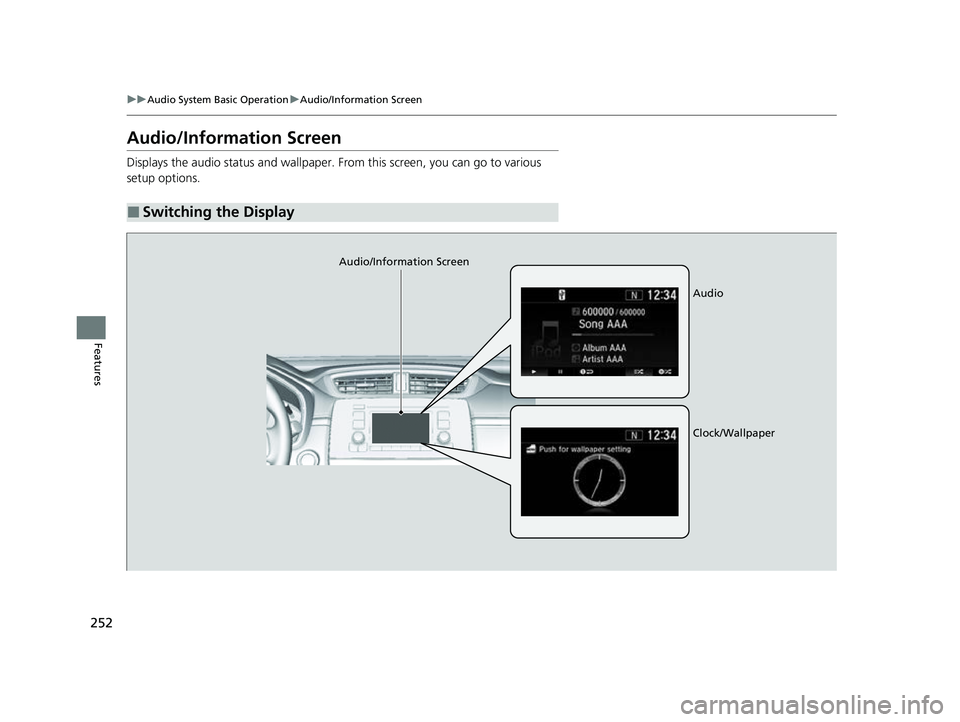
Displays the audio status and wallpaper. From this screen, you can go to various
setup options.
■Switching the Display
Audio/Information Screen
Audio
Clock/Wallpaper
22 CR-V HEV ELP-31TPG6200.book 252 ページ 2021年6月30日 水曜日 午前11時6分
Page 255 of 692
253
uuAudio System Basic Operation uAudio/Information Screen
Continued
Features
■Audio
Shows the current audio information.
■Clock/Wallpaper
Shows a clock screen or an image you import.
■Change display
1. Press the MENU/CLOCK button.
2. Rotate to select Settings, then press .
3. Rotate to select Display Change, then press .
4. Rotate to select Wallpaper, then press .
u If you want to return to the audio/information screen, select Audio.
22 CR-V HEV ELP-31TPG6200.book 253 ページ 2021年6月30日 水曜日 午前11時6分