Page 5 of 372

Interior equipment ............................................................................................ 261
Storage compartments .................................................................................. 270
Cargo area ........................................................................................................ 273
DRIVING TIPS
Things to remember when driving ............................................................... 280
Increasing range ............................................................................................. 285
MOBILITY
Charging the vehicle ....................................................................................... 290
Wheels and tires ............................................................................................... 301
Hood .................................................................................................................. 327
Operating materials ........................................................................................ 328
Maintenance .................................................................................................... 330
Replacing components ................................................................................... 332
Breakdown Assistance .................................................................................. 336
Vehicle Care ..................................................................................................... 343
REFERENCE
Technical data ................................................................................................. 350
Appendix ........................................................................................................... 352
Everything from A to Z ................................................................................... 354
Page 16 of 372
Actions in the event of a messageWhile driving1.Stop immediately.2.Park the vehicle in a safe place.3.Exit the vehicle.4.Establish and keep a sufficient distance tothe vehicle.5.Alert emergency personnel.
During and shortly after the charging
process
1.If necessary, exit the vehicle.2.Establish and keep a sufficient distance to the vehicle.3.Alert emergency personnel.
Automatic deactivation
If an accident occurs, the high
Page 26 of 372
Page 100 of 372
Safety information
Warning
There is a risk of jamming when moving the seats. There is a risk of injury or risk of dam
Page 115 of 372
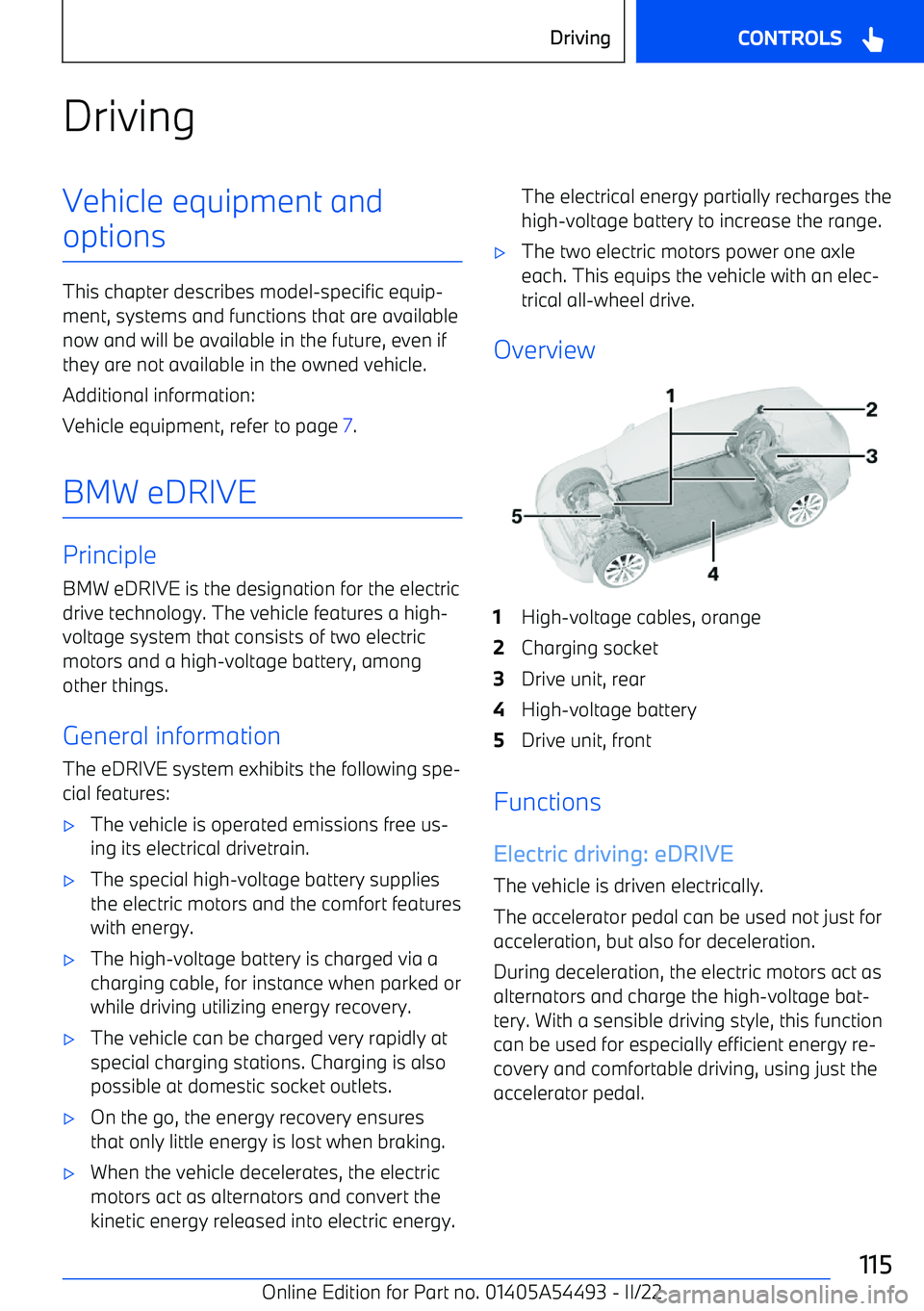
DrivingVehicle equipment andoptions
This chapter describes model
Page 120 of 372
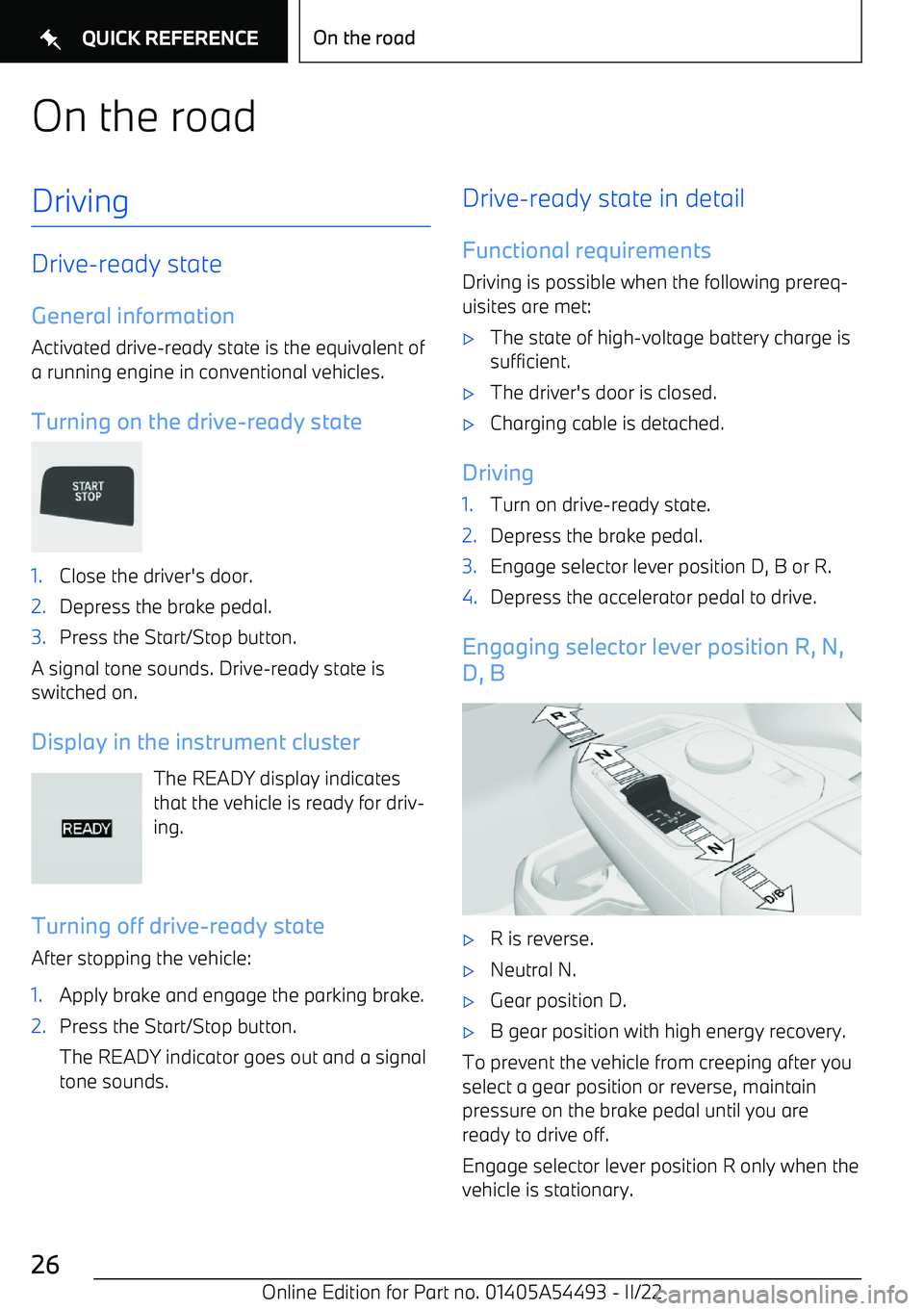
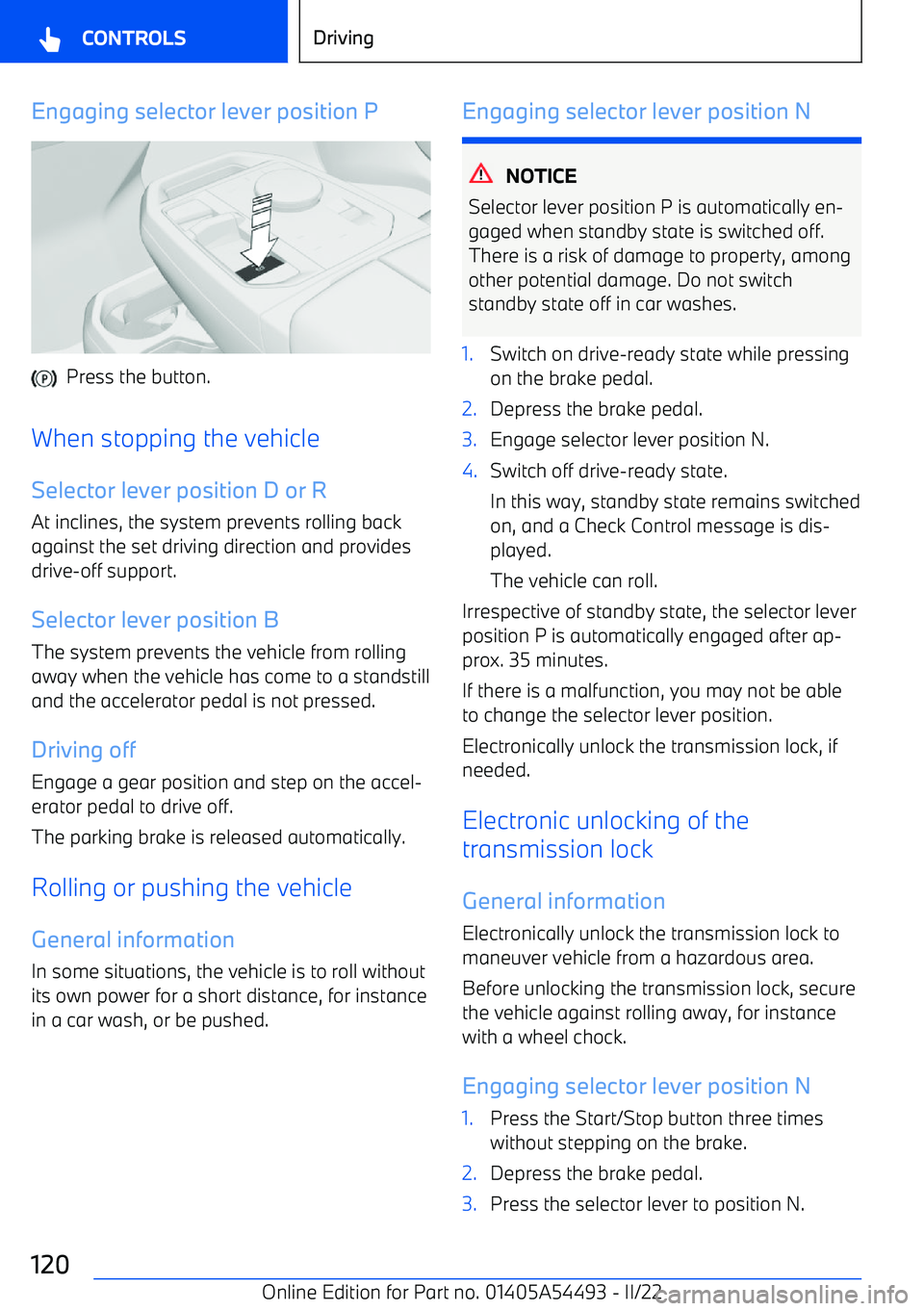
Engaging selector lever position P
Press the button.
When stopping the vehicle
Selector lever position D or R At inclines, the system prevents rolling backagainst the set driving direction and provides
drive
Page 122 of 372
Deceleration and recuperative
braking
Deceleration
The degree of the deceleration depends on the
selector lever position, the energy recovery setting and the driving situation.
Depending on the degree of the deceleration, the brake lights will come on without steppingon the brake pedal.
The deceleration very fast in selector lever po
Page 126 of 372
OverviewButton in the vehicle
Parking brake
Setting the parking brake
With a stationary vehicle Press the button.
The LED lights up.
The indicator light in the instrument cluster illuminates red.
The parking brake is engaged and
transmission lock is engaged.
While driving
Using while driving serves as an emergency
braking function.
Press and hold this button. The vehicle
brakes hard as long as the button is
pressed.
The indicator light in the instrument
cluster illuminates red, a signal sounds,
and the brake lights illuminate.
A Check Control message is displayed.
The parking brake is engaged and the trans