Page 16 of 372
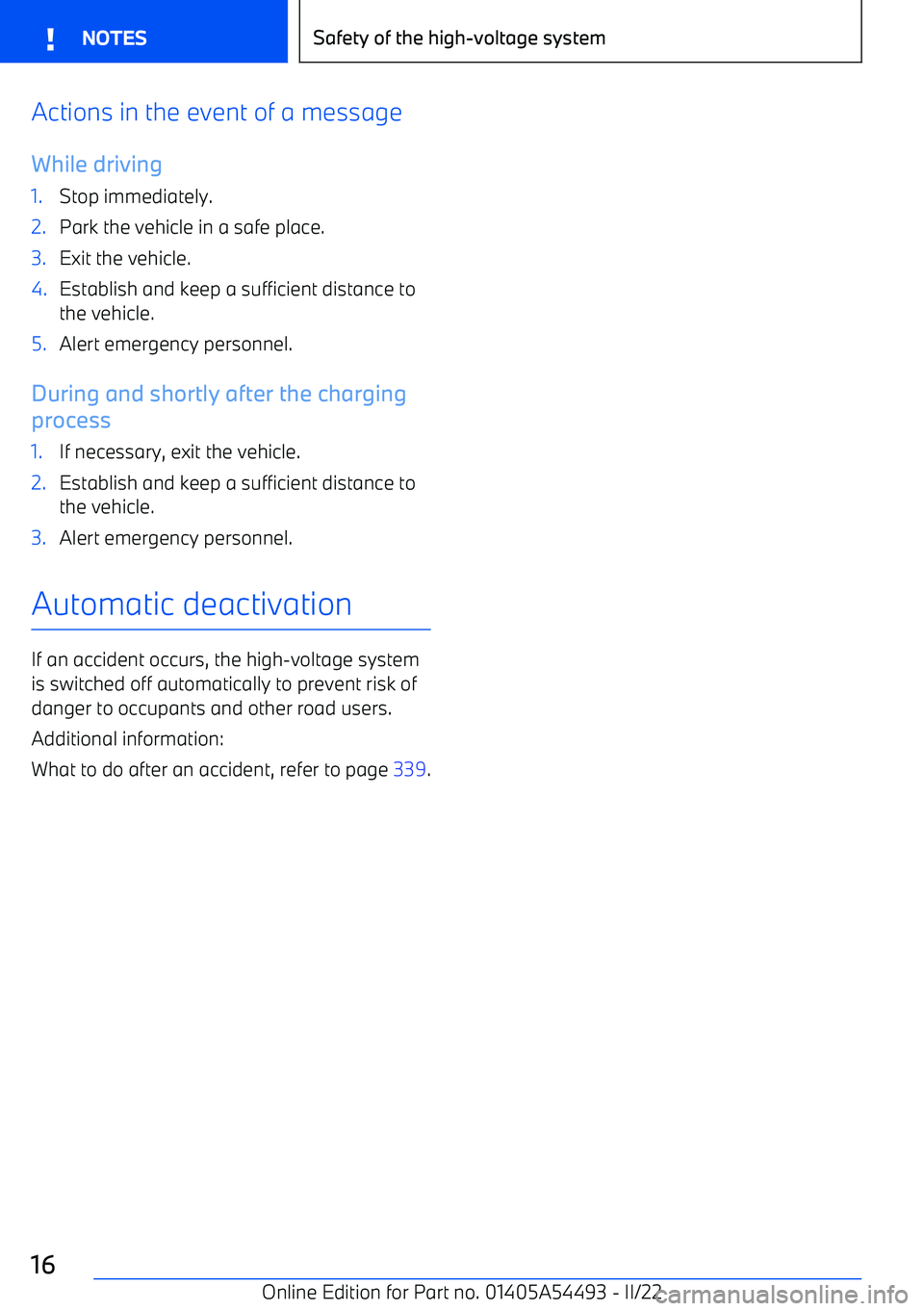
Actions in the event of a messageWhile driving1.Stop immediately.2.Park the vehicle in a safe place.3.Exit the vehicle.4.Establish and keep a sufficient distance tothe vehicle.5.Alert emergency personnel.
During and shortly after the charging
process
1.If necessary, exit the vehicle.2.Establish and keep a sufficient distance to the vehicle.3.Alert emergency personnel.
Automatic deactivation
If an accident occurs, the high
Page 22 of 372
7Exterior mirror adjustment button8Door emergency unlocking9Cargo area
Switch console
1Start/Stop button2Controller3My Modes4Assistance systems5Parking brake, Automatic Hold6Selector lever
BMW iDrivePrinciple
BMW iDrive is the vehicle
Page 28 of 372
Lights and lightingButtons in the vehicleIconFunctionExterior lighting menu.Automatic headlight control.
Low beams.
Lights off.Lights off.
Functions via iDrive
IconFunctionAutomatic headlight control.Low beams.Parking lights.Lights off.Left roadside parking light.Right roadside parking light.Window wiper system
Turn on window wiper system
Press the lever up until the desired position is reached.
Page 37 of 372
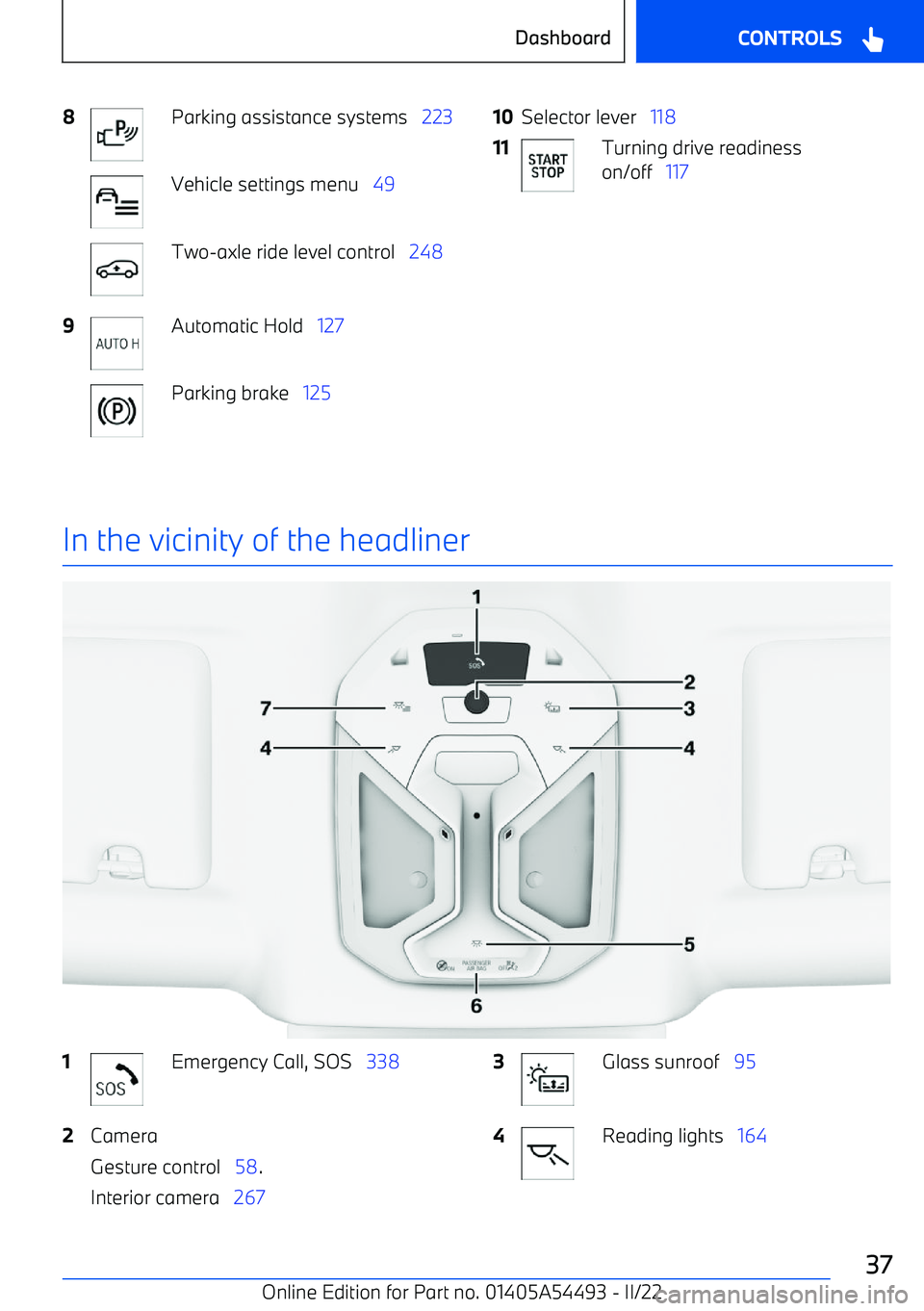
8Parking assistance systems 223Vehicle settings menu 49Two
Page 42 of 372
Ultrasonic sensors, side
The ultrasonic sensors of the parking assis
Page 48 of 372
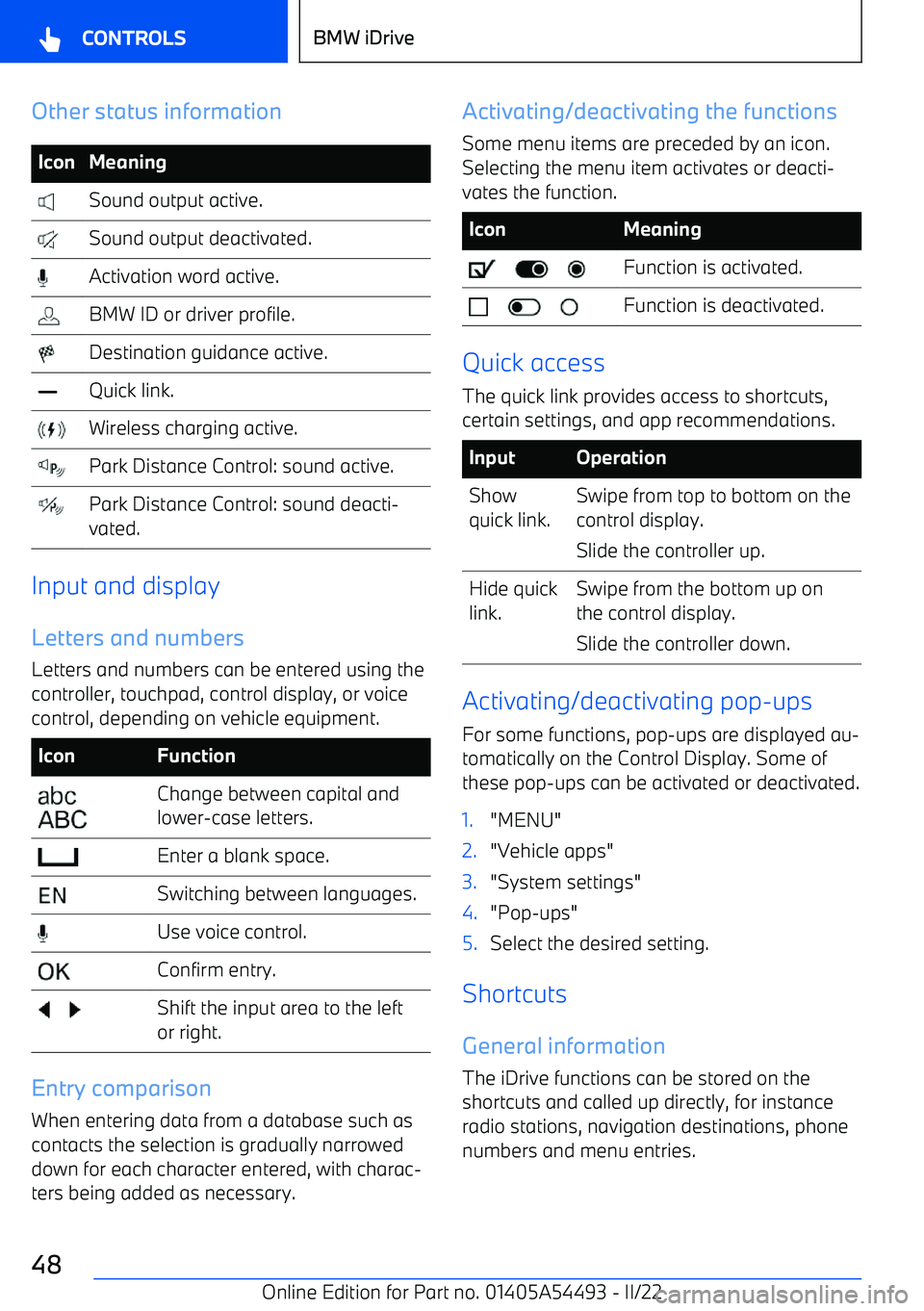
Other status informationIconMeaning Sound output active. Sound output deactivated. Activation word active. BMW ID or driver profile. Destination guidance active. Quick link. Wireless charging active. Park Distance Control: sound active. Park Distance Control: sound deacti
Page 89 of 372
Valet parking mode
Principle
In the valet parking mode, the Control Display
is disabled.
E.g., this mode can be used when the vehicle is handed over for valet parking.
General information
Depending on the national
Page 119 of 372
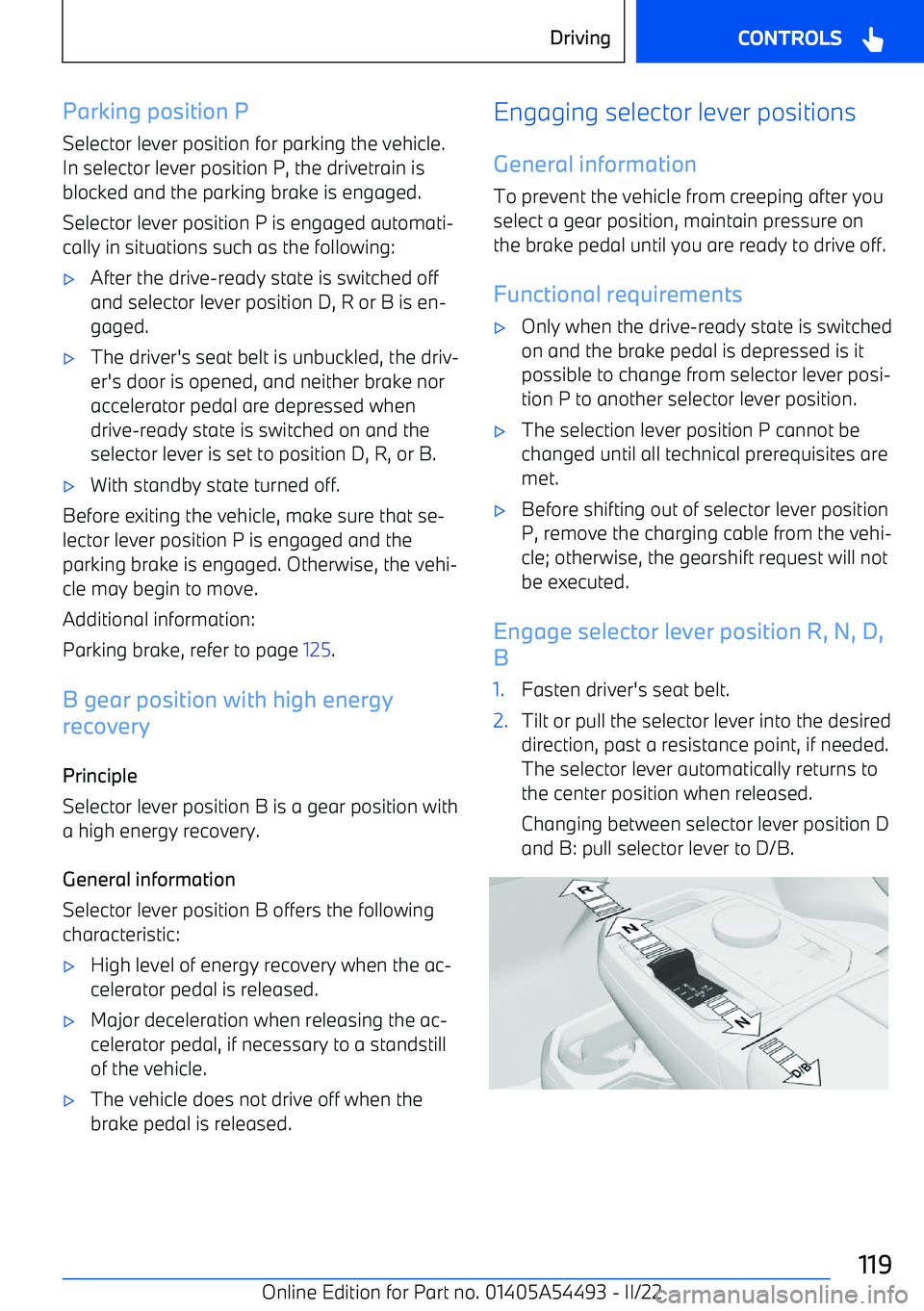
Parking position PSelector lever position for parking the vehicle.
In selector lever position P, the drivetrain is blocked and the parking brake is engaged.
Selector lever position P is engaged automati