Page 7 of 709

Contents
Child Safety P. 64Exhaust Gas Hazard P. 77Safety Labels P. 78
Tailgate P. 173 Security System P. 183Windows P. 186
Operating the Switches Around the Steering Wheel P. 193 Mirrors P. 213
Interior Convenience Items P. 230 Climate Control System P. 247
Audio Error Messages P. 332General Information on the Audio System P. 336
Bluetooth ® HandsFreeLink ® P. 389 AcuraLink ® P. 419
Off-Highway Driving Guidelines P. 441 When Driving P. 443 AcuraWatchTM P. 483
Multi-View Rear Camera* P. 564 Surround View Camera System*P. 566 Refueling P. 574
Maintenance Under the Hood P. 590 Replacing Light Bulbs P. 603
Checking and Maintaining Tires P. 612 Battery P. 621 Remote Transmitter Care P. 623
Accessories and Modifications P. 633
Handling of the Jack P. 659 Engine Does Not Start P. 660 If the Battery Is Dead P. 663
Fuses P. 674 Emergency Towing P. 681
If You Cannot Open the Tailgate P. 683 Refueling P. 684
Devices that Emit Radio Waves P. 689 Reporting Safety Defects P. 690 Emissions Testing P. 691
Client Service Information P. 697
Quick Reference GuideP. 6
Safe DrivingP. 31
Instrument PanelP. 79
ControlsP. 153
FeaturesP. 253
DrivingP. 429
MaintenanceP. 579
Handling the UnexpectedP. 635
InformationP. 685
IndexP. 698
22 ACURA RDX-31TJB6300.book 5 ページ 2021年8月2日 月曜日 午前11時0分
Page 8 of 709
6
Quick Reference Guide
Quick Reference Guide
Visual Index
❚Steering Wheel Adjustments (P 212)
❚ENGINE START/STOP Button (P 193)
❚Rear Defogger (P 207)
❚Heated Door Mirror Button (P 207)
❚Climate Control System (P 247)
❚Audio System (P 254)
❚Hazard Warning Button
❚Audio/Information Screen (P 264)
❚Navigation System*
() See the Navigation System Manual
❚Front Seat Heater Buttons (P 245)
❚Front Seat Ventilator Buttons* (P 245)
❚Auto Idle Stop OFF Button (P 466)
❚ (Vehicle Stability AssistTM (VSA ®) System OFF) Button (P 472)
❚Parking Sensor System Button* (P 557)
❚Safety Support Switch (P481, 490, 499, 532)
❚Heated Windshield Button* (P 207)
❚Head-Up Display Buttons* (P 148, 209)
❚Automatic Brake Hold Button (P 550)
❚Electric Parking Brake Switch (P 545)
❚Multi-Information Display (P 137)
❚System Indicators (P 80 )
❚Gauges (P 136)
22 ACURA RDX-31TJB6300.book 6 ページ 2021年8月2日 月曜日 午前11時0分
Page 9 of 709
7
Quick Reference Guide❚Headlights/Turn Signals (P 196, 197)
❚Fog Lights* (P 200)
❚Brightness Control (P 208)
❚Paddle Shifter (Shift down) (P 458)
❚Paddle Shifter (Shift up) (P 458)
❚Wipers/Washers (P 204)
❚Lane Keeping Assist System (LKAS)
Button
(P 524)
❚Horn (Press an area around .)
❚CAMERA Button* (P 567)
❚Interval Button (P 513)
❚Adaptive Cruise Control (ACC) with Low
Speed Follow Buttons
(P 503)
❚Heated Steering Wheel Button* (P 244)
❚Left Selector Wheel (P 258)
❚Audio Remote Controls (P 258)
❚Voice Control Buttons (P 290)
❚Bluetooth® HandsFreeLink ® System Voice
Control Buttons
(P 389)
❚Right Selector Wheel (P 139)
* Not available on all models
22 ACURA RDX-31TJB6300.book 7 ページ 2021年8月2日 月曜日 午前11時0分
Page 14 of 709
12
Quick Reference Guide
Safe Driving (P 31)
Airbags (P 46)
●Your vehicle is fitted with airbags to help protect you and
your passengers during a moderate-to-severe collision.
Child Safety (P 64)
●All children 12 and younger should be seated in the rear seat.●Smaller children should be properly restra ined in a forward-facing child seat.●Infants must be properly restrained in a rear-facing child seat.
Exhaust Gas Hazard (P 77)
●Your vehicle emits dangerous exhaust gases that contain carbon
monoxide. Do not run the engine in confined spaces where carbon
monoxide gas can accumulate.
Before Driving Checklist (P 36)
●Before driving, check that the front seats, head restraints,
steering wheel, and mirrors have been properly adjusted.
Seat Belts (P 37)
●Fasten your seat belt and sit upright well
back in the seat.
●Check that your passengers are wearing
their seat belts correctly.
Fasten your lap belt as
low as possible.
22 ACURA RDX-31TJB6300.book 12 ページ 2021年8月2日 月曜日 午前11時0分
Page 17 of 709

15
Quick Reference Guide
Wipers and Washers
(P 204)
Wiper/Washer Control LeverAdjustment Ring
(-: Low Sensitivity*1
: Lower speed, fewer sweeps*2
(+: High Sensitivity*1
: Higher speed, more sweeps*2
MIST
OFF
AUTO
*1: Wiper speed varies automatically
INT*2: Low speed with intermittent
LO : Low speed wipe
HI : High speed wipe Pull toward
you to spray
washer fluid.
*1 : Models with automatic intermittent wipers
*2 : Models without automatic intermittent
wipers
AUTO should always be turned OFF before
the following situations in order to prevent
severe damage to the wiper system:
●Cleaning the windshield●Driving through a car wash●No rain present
Steering Wheel (P 212)
●To adjust, push the adjustment lever
down, adjust to the desired position, then
lock the lever back in place.
Models with automatic intermittent wipersUnlocking the Front
Doors from the Inside
(P 170)
●Pull either front door inner handle to
unlock and open it at the same time.
22 ACURA RDX-31TJB6300.book 15 ページ 2021年8月2日 月曜日 午前11時0分
Page 21 of 709

19
Quick Reference Guide
Features (P 253)
Audio Remote Controls
(P 258)
●VOL(+/VOL( - (Volume) Switch
Press up or down to adjust the volume.
● (Power) Button
Press to turn the audio system on and off.
●Left Selector Wheel
When selecting the audio mode
Press the APPS button, then roll up or
down to select an item on the multi-
information display or the head-up
display
*, and then press the left selector
wheel.
Left Selector Wheel
APPS Button
VOL
( +/VOL(- (Volume) Switch
(Power) Button
Roll up or down: To cycle through the
following items, roll up or down and then
press the left selector wheel:
You can add or remove the items and
change their order on multi-information
display or the head-up display
*.
*1 : Model with head-up display
Navigation*1
Phone
Audio Modes ( FM Radio, USB
Audio , etc.)
Select Driving View*1
Customize Apps
●When listening to the radio
Move to a side to change the favorite
radio station or channel.
●When listening to an iPod, USB flash
drive, Bluetooth ® Audio, or Smartphone
Connection
Move to a side to skip to the beginning of
the next song or return to the beginning
of the current or previous song.
* Not available on all models
22 ACURA RDX-31TJB6300.book 19 ページ 2021年8月2日 月曜日 午前11時0分
Page 28 of 709
26
Quick Reference Guide
Maintenance (P 579)
Under the Hood (P 590)
●Check engine oil, engine coolant, and windshield washer
fluid. Add when necessary.
●Check brake fluid.●Check the battery condition monthly.
aPull the hood release handle under the corner of the
dashboard.
bLocate the hood latch lever, push it to the side, and then
raise the hood. Once you have raised the hood slightly, you
can release the lever.
cWhen finished, close the hood and make sure it is firmly
locked in place.
Lights (P 603)
●Inspect all lights regularly.
Wiper Blades (P 607)
●Replace blades if they leave streaks
across the windshield or become
noisy.
Tires (P 612)
●Inspect tires and wheels regularly.●Check tire pressures regularly.●Install snow tires for winter
driving.
22 ACURA RDX-31TJB6300.book 26 ページ 2021年8月2日 月曜日 午前11時0分
Page 49 of 709
47
uuAirbags uAirbag System Components
Continued
Safe Driving
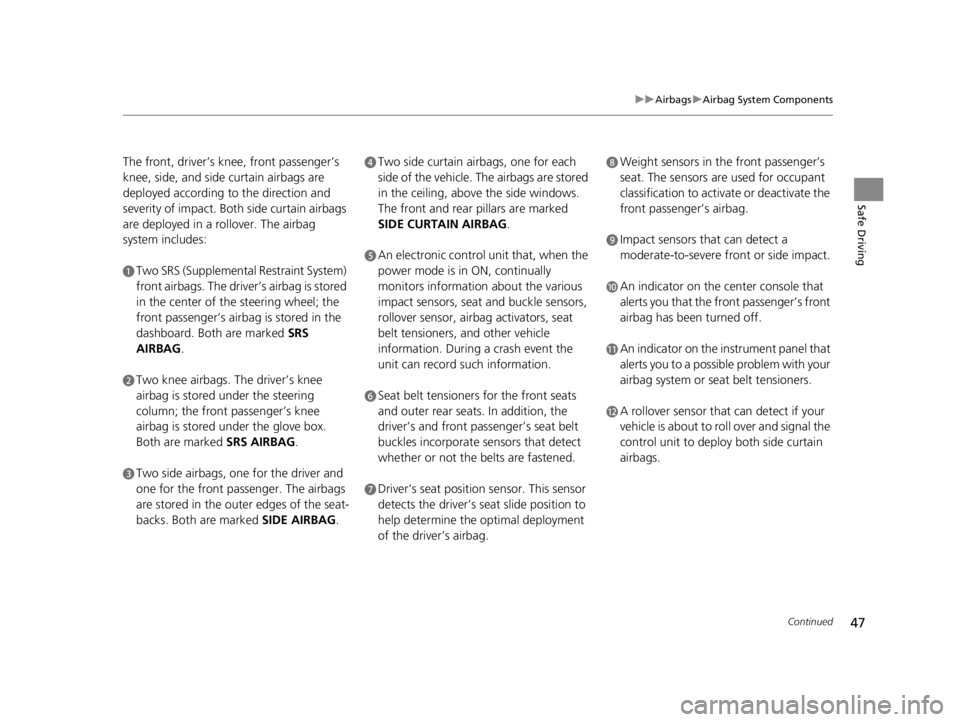
The front, driver’s kn ee, front passenger’s
knee, side, and side curtain airbags are
deployed according to the direction and
severity of impact. Both side curtain airbags
are deployed in a rollover. The airbag
system includes:
aTwo SRS (Supplemental Restraint System)
front airbags. The driver’s airbag is stored
in the center of the steering wheel; the
front passenger’s airbag is stored in the
dashboard. Both are marked SRS
AIRBAG.
bTwo knee airbags. The driver’s knee
airbag is stored under the steering
column; the front passenger’s knee
airbag is stored under the glove box.
Both are marked SRS AIRBAG.
cTwo side airbags, one for the driver and
one for the front passenger. The airbags
are stored in the outer edges of the seat-
backs. Both are marked SIDE AIRBAG.
dTwo side curtain airbags, one for each
side of the vehicle. The airbags are stored
in the ceiling, abov e the side windows.
The front and rear pillars are marked
SIDE CURTAIN AIRBAG .
eAn electronic control unit that, when the
power mode is in ON, continually
monitors information about the various
impact sensors, seat and buckle sensors,
rollover sensor, airbag activators, seat
belt tensioners, and other vehicle
information. During a crash event the
unit can record such information.
fSeat belt tensioners for the front seats
and outer rear seats. In addition, the
driver’s and front passenger’s seat belt
buckles incorporate sensors that detect
whether or not the belts are fastened.
gDriver’s seat position sensor. This sensor
detects the driver’s seat slide position to
help determine the optimal deployment
of the driver’s airbag.
hWeight sensors in the front passenger’s
seat. The sensors are used for occupant
classification to activa te or deactivate the
front passenger’s airbag.
iImpact sensors that can detect a
moderate-to-severe front or side impact.
jAn indicator on the center console that
alerts you that the front passenger’s front
airbag has been turned off.
kAn indicator on the instrument panel that
alerts you to a possib le problem with your
airbag system or seat belt tensioners.
lA rollover sensor that can detect if your
vehicle is about to ro ll over and signal the
control unit to deploy both side curtain
airbags.
22 ACURA RDX-31TJB6300.book 47 ページ 2021年8月2日 月曜日 午前11時0分


