217
TOYOTA Connect Radio
11
Information and advice
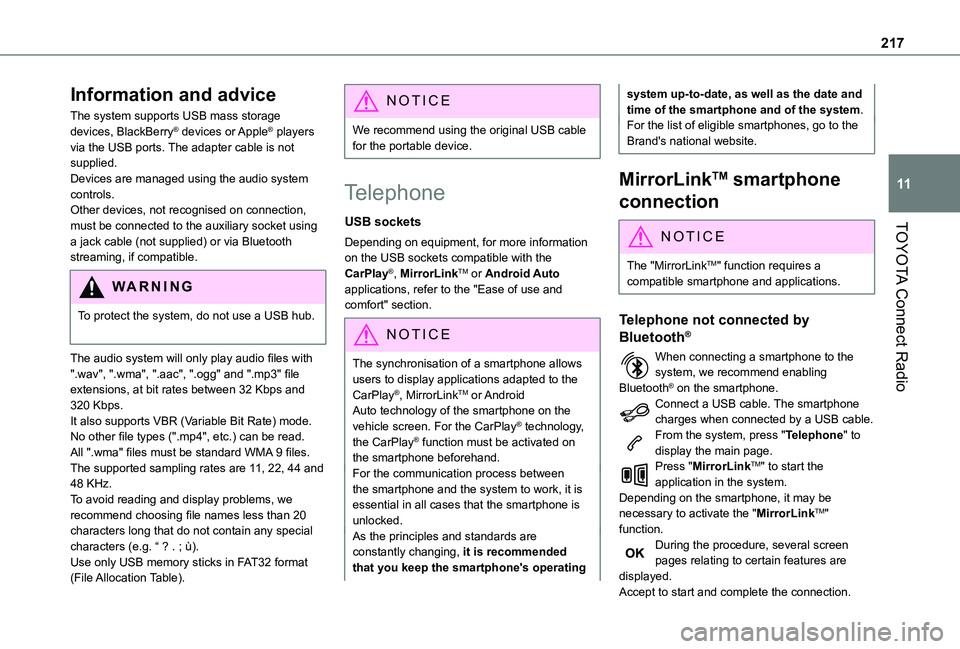
The system supports USB mass storage devices, BlackBerry® devices or Apple® players via the USB ports. The adapter cable is not supplied.Devices are managed using the audio system controls.Other devices, not recognised on connection, must be connected to the auxiliary socket using a jack cable (not supplied) or via Bluetooth streaming, if compatible.
WARNI NG
To protect the system, do not use a USB hub.
The audio system will only play audio files with ".wav", ".wma", ".aac", ".ogg" and ".mp3" file extensions, at bit rates between 32 Kbps and 320 Kbps.It also supports VBR (Variable Bit Rate) mode.No other file types (".mp4", etc.) can be read.All ".wma" files must be standard WMA 9 files.The supported sampling rates are 11, 22, 44 and 48 KHz.To avoid reading and display problems, we recommend choosing file names less than 20 characters long that do not contain any special characters (e.g. “ ? . ; ù).Use only USB memory sticks in FAT32 format (File Allocation Table).
NOTIC E
We recommend using the original USB cable for the portable device.
Telephone
USB sockets
Depending on equipment, for more information on the USB sockets compatible with the CarPlay®, MirrorLinkTM or Android Auto applications, refer to the "Ease of use and comfort" section.
NOTIC E
The synchronisation of a smartphone allows users to display applications adapted to the CarPlay®, MirrorLinkTM or Android Auto technology of the smartphone on the vehicle screen. For the CarPlay® technology, the CarPlay® function must be activated on the smartphone beforehand.For the communication process between the smartphone and the system to work, it is essential in all cases that the smartphone is unlocked.As the principles and standards are constantly changing, it is recommended that you keep the smartphone's operating
system up-to-date, as well as the date and time of the smartphone and of the system.For the list of eligible smartphones, go to the Brand's national website.
MirrorLinkTM smartphone
connection
NOTIC E
The "MirrorLinkTM" function requires a compatible smartphone and applications.
Telephone not connected by
Bluetooth®
When connecting a smartphone to the system, we recommend enabling Bluetooth® on the smartphone.Connect a USB cable. The smartphone charges when connected by a USB cable.From the system, press "Telephone" to display the main page.Press "MirrorLinkTM" to start the application in the system.Depending on the smartphone, it may be necessary to activate the "MirrorLinkTM" function.During the procedure, several screen pages relating to certain features are displayed.Accept to start and complete the connection.
252
A
ABS 82Accessories 79, 104Access to the spare wheel 172Active Safety Brake 133–135AdBlue® 163AdBlue® tank 165Additive, Diesel 161–162Adjusting headlamps 74Adjusting head restraints 49Adjusting seat 43Adjusting the air distribution 62–63Adjusting the air flow 62–63Adjusting the date 222, 248Adjusting the height and reach of the steering wheel 45Adjusting the lumbar support 43Adjusting the temperature 62–63Adjusting the time 222, 248Advanced Grip Control 85–86Advice on care and maintenance 166
Advice on driving 7, 99–100Airbags 90, 92–93, 95Airbags, curtain 91, 93Airbags, front 90, 92, 96Airbags, lateral 91–92Air conditioning 60, 63Air conditioning, digital 65Air conditioning, dual-zone automatic 62–63Air conditioning, manual 61–62Air intake 62–63
Air vents 60Alarm 38–40Alarm, volumetric 38Android Auto connection 238Anti-lock braking system (ABS) 82–83Antitheft / Immobiliser 24Apple CarPlay connection 218, 237Applications 238Area, loading 25–26, 34, 53Armrest 43Armrest, front 49Assistance call 80–81Assistance, emergency braking 83, 135Audible warning 82Audio streaming (Bluetooth) 203, 216, 242
B
Battery 156, 183, 185–186Battery, 12 V 161–162, 183–184Battery, charging 184–185
Battery, remote control 32, 68Blind spot monitoring system 140Blind spot monitoring system, active 141Blind spot sensors 139, 141Bluetooth (hands-free) 204–205, 219, 243–244Bluetooth (telephone) 219–220, 243–244Bodywork 167Bonnet 158Boot lid 29, 31
Bottle holder 49Brake discs 162Brake lamps 179Brakes 162Braking assistance system 82–83Braking, automatic emergency 133–135Braking, dynamic emergency 106–108Brightness 221Bulbs 176Bulbs (changing) 175–176Bulbs (changing, type) 176
C
Capacity, fuel tank 150–152Cap, fuel filler 151–152Care of the bodywork 167CD 203, 216CD, MP3 203, 216Central locking 24, 29Changing a bulb 175–176
Changing a fuse 181–183Changing a wheel 169, 172Changing a wiper blade 76–77Changing the remote control battery 32Charger, induction 51Charger, wireless 51Checking the levels 159–161Checking tyre pressures (using the kit) 169, 171Checks 159, 161–162