25
LS500h_QG_U
1Press the parking brake switch to check that the parking brake is set.
The parking brake indicator will come on.
2Firmly depress the brake pedal.
and a message will be displayed on the multi-information display.
If it is not displayed, the hybrid system cannot be started.
When the shift position is N, the hybrid system cannot start. Shift the shift position to P
when starting the hybrid system.
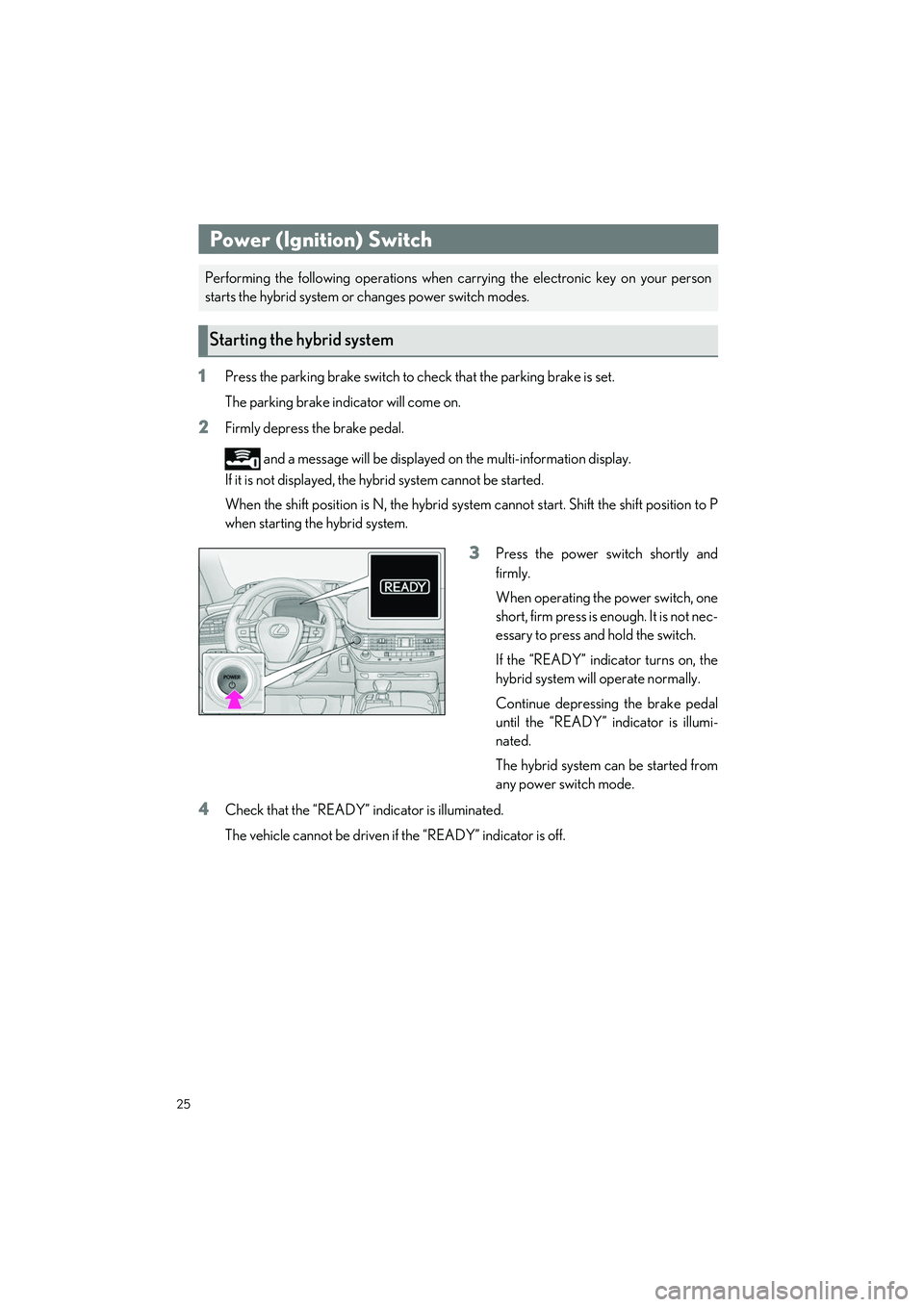
3Press the power switch shortly and
firmly.
When operating the power switch, one
short, firm press is enough. It is not nec-
essary to press and hold the switch.
If the “READY” indicator turns on, the
hybrid system will operate normally.
Continue depressing the brake pedal
until the “READY” indicator is illumi-
nated.
The hybrid system can be started from
any power switch mode.
4Check that the “READY” in dicator is illuminated.
The vehicle cannot be driven if the “READY” indicator is off.
Power (Ignition) Switch
Performing the following operations when ca rrying the electronic key on your person
starts the hybrid system or changes power switch modes.
Starting the hybrid system
26
LS500h_QG_U
1Stop the vehicle completely.
2If the parking brake is in manual mode, set the parking brake.
3Shift the shift position to P. (P.28)
Check that the shift po sition indicator shows P and the parking brake indicator is illumi-
nated.
4Press the power switch.
5Release the brake pedal an d check that “ACCESSORY” or “IGNITION ON” is not
shown on the meter.
Modes can be changed by pressing the power switch with the brake pedal released. (The
mode changes each time the switch is pressed.)
1Off
The emergency flashers can be used.
2ACCESSORY mode
Some electrical components such as
the audio system can be used.
“ACCESSORY” will be displayed on
the meter.
3ON mode
All electrical components can be used.
“IGNITION ON” will be displayed on
the meter.
Stopping the hybrid system
Changing power switch modes