Page 214 of 300
9-34
Predefined Messages
Edit message templates for quick replies.0000
A
This option may not be available in some phone models.
Bluetooth Voice Prompts
Set whether to hear voice prompts for events related to Bluetooth connections.
Privacy Mode
Enable or disable Privacy Mode. Hide data including contacts and call history from showing
up on the system screen to protect privacy.
Bluetooth System Info
You can see and edit the Bluetooth information of the system.
Android Auto
You can activate the Android Auto function to pair your Android smartphone with the system.
Apple CarPlay
You can activate the Apple CarPlay function to pair your iPhone with the system.
Page 244 of 300
9-64
Configuring the UVO settings (Type1)
You can subscribe to the UVO service or see the modem information.
1 On the All Menus screen, press Setup >
UVO .
The UVO settings screen appears.
2 Configure the settings required:
0000
A
Press Menu >
Search for Settings or press and enter a keyword to search for a
setting item. You can also search for a setting item by voice.
Activate UVO
You can subscribe to the UVO service by using the UVO settings menu.
0000A
For more information: > see "Subscribing to the service."
911 Connect
This feature provides you with immediate assistance when an accident occurs and an airbag
is deployed.
1 On the All Menus screen, press Setup >
UVO .
2 Press 911 Connect to activate it.
Page 245 of 300
9-65
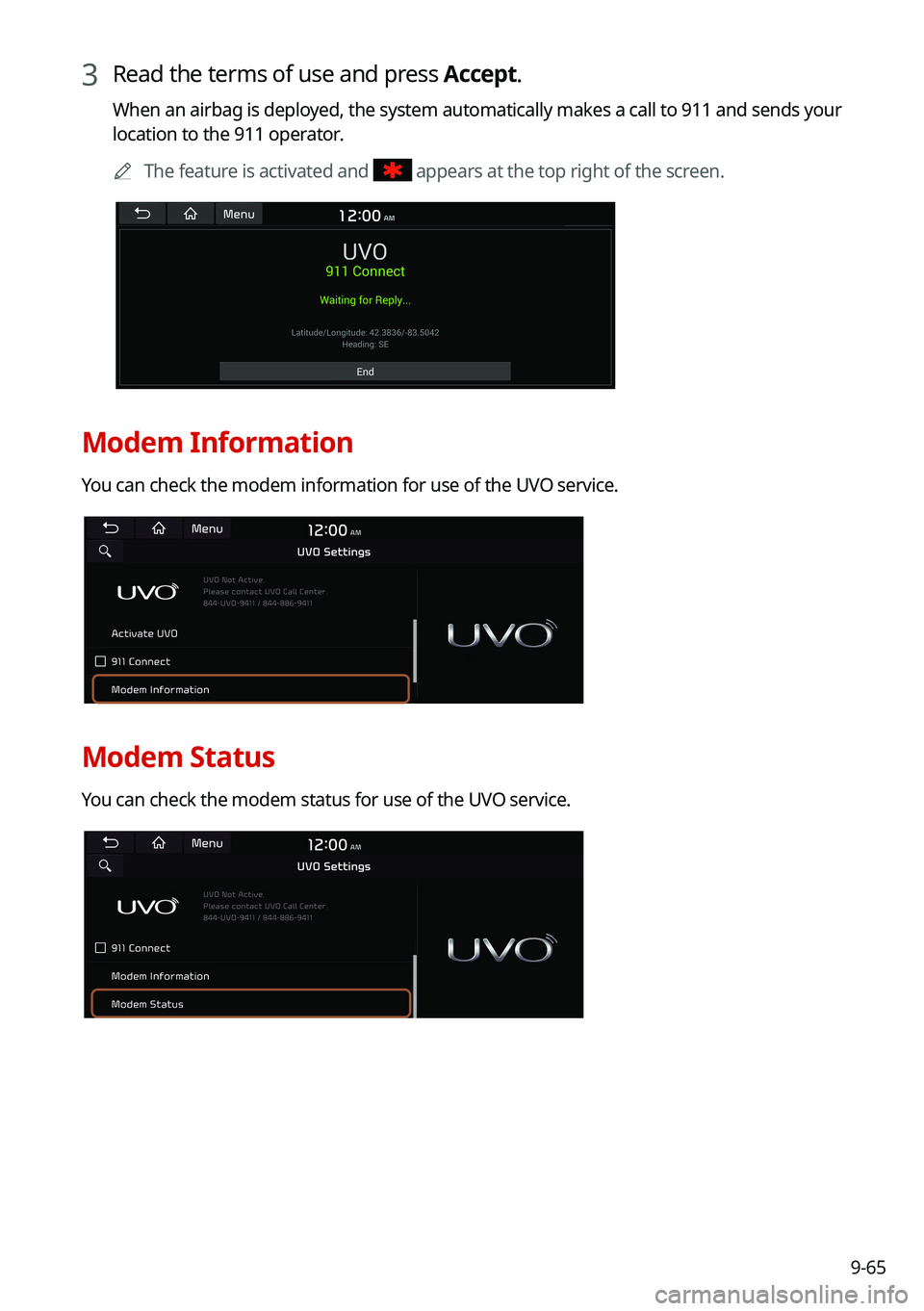
3 Read the terms of use and press Accept.
When an airbag is deployed, the system automatically makes a call to 911 and sends your
location to the 911 operator.0000
A
The feature is activated and
appears at the top right of the screen.
Modem Information
You can check the modem information for use of the UVO service.
Modem Status
You can check the modem status for use of the UVO service.
Page 246 of 300
9-66
Configuring the UVO settings (Type2)
You can subscribe to the UVO service or see the modem information.
1 On the All Menus screen, press Setup >
UVO .
The UVO settings screen appears.
2 Configure the settings required:
0000
A
Press >
Search for Settings or press and enter a keyword to search for a
setting item. You can also search for a setting item by voice.
Activate UVO
You can subscribe to the UVO service by using the UVO settings menu.
0000A
For more information: > see "Subscribing to the service."
911 Connect
This feature provides you with immediate assistance when an accident occurs and an airbag
is deployed.
1 On the All Menus screen, press Setup >
UVO .
2 Press 911 Connect to activate it.
Page 247 of 300
9-67
3 Read the terms of use and press Accept.
When an airbag is deployed, the system automatically makes a call to 911 and sends your
location to the 911 operator.0000
A
The feature is activated and
appears at the top right of the screen.
Modem Information
You can check the modem information for use of the UVO service.
Modem Status
You can check the modem status for use of the UVO service.