2020 TOYOTA PROACE VERSO service
[x] Cancel search: servicePage 275 of 418

275
Changing the coolant
The coolant does not have to be replaced at routine services.
Fluid specification
The coolant must conform to the manufacturer's recommendations.
The check and top-up must be done with the engine cold.A low coolant level presents the risk of serious damage to your engine.
If the ambient temperature is high, it is recommended that the engine be allowed to idle for 1 to 2 minutes after the vehicle comes to a stop, to facilitate its cooling.
Avoid prolonged contact of used oil or fluids with the skin.Most of these fluids are harmful to health or indeed very corrosive.
Do not discard used oil or fluids into sewers or onto the ground.Take used oil to an authorized Toyota dealer or repairer, or another duly qualified and equipped professional (France) or to an authorised waste disposal site.
Used products
To p p i n g - u p
This additive must be topped-up by an authorized Toyota dealer or repairer, or another duly qualified and equipped professional without delay.
Diesel additive level (Diesel
engine with particle filter)
A low additive level is indicated by illumination of this warning lamp, accompanied by an audible warning and a message in the instrument panel screen.
Fluid specification
For optimum cleaning and to avoid freezing, this fluid must not be topped up with or replaced with plain water.
Screenwash and headlamp
wash fluid
In the case of vehicles fitted with headlamp washers, the low fluid level is indicated by an audible signal and a message in the instrument panel screen.Top up the reser voir when you next stop the vehicle.
In wintry conditions, the use of an ethyl alcohol or methanol base fluid is recommended.
7
Practical information
Page 276 of 418

276
Checks
12 V battery
The battery does not require any maintenance.However, check regularly that the terminals are correctly tightened (versions without quick release terminals) and that the connections are clean.
Refer to the manufacturer's ser vice schedule for details of the replacement inter vals for these components.
Air filter and passenger compartment filter
Replace the oil filter each time the engine oil is changed.Refer to the manufacturer's ser vice schedule for details of the replacement inter val for this component.
Oil filter
Particle filter (Diesel)
The start of saturation of the particle filter is indicated by the temporary illumination of this warning lamp accompanied by a message in the multifunction screen.
As soon as the traffic conditions permit, regenerate the filter by driving at a speed of at least 40 mph (60 km/h) until
the warning lamp goes off.If the warning lamp stays on, this indicates a low additive level.For more information on Checking levels, refer to the corresponding section.
On a new vehicle, the first particle filter regeneration operations may be accompanied by a "burning" smell, which is per fectly normal.Following prolonged operation of the vehicle at very low speed or at idle, you may, in exceptional circumstances, notice the emission of water vapour at the exhaust on acceleration. This does not affect the behaviour of the vehicle or the environment.
Unless other wise indicated, check these components in accordance with the manufacturer's service schedule and according to your engine.Other wise, have them checked by an authorized Toyota dealer or repairer, or another duly qualified and equipped professional.
For more information and the precautions to take before starting work on the 12 V batter y, refer to the corresponding section.
Depending on the environment (e.g. dusty atmosphere) and the use of the vehicle (e.g. city driving), replace them twice as often if necessary.A clogged passenger compartment filter may have an adverse effect on the per formance of the air conditioning system and generate undesirable odours.
Versions equipped with Stop & Start are fitted with a 12 V lead-acid battery of specific technology and specification.Its replacement should be carried out only by an authorized Toyota dealer or repairer, or another duly qualified and equipped professional.
Practical information
Page 277 of 418
277
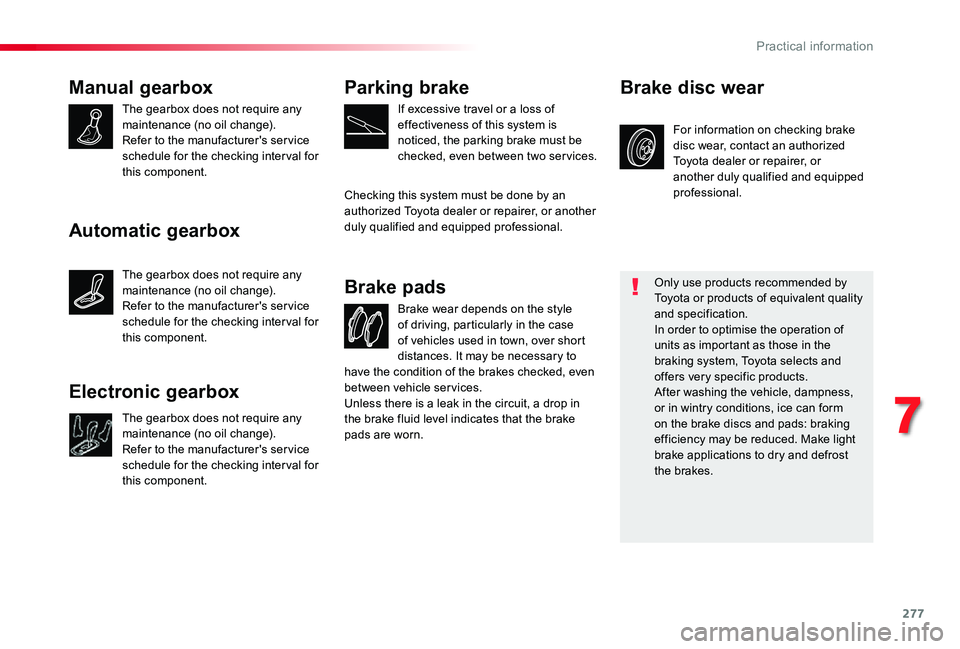
Manual gearbox
The gearbox does not require any maintenance (no oil change).Refer to the manufacturer's service schedule for the checking inter val for this component.
Brake wear depends on the style of driving, particularly in the case of vehicles used in town, over short distances. It may be necessary to
Brake pads
For information on checking brake disc wear, contact an authorized Toyota dealer or repairer, or another duly qualified and equipped professional.
Brake disc wear
Only use products recommended by Toyota or products of equivalent quality and specification.In order to optimise the operation of units as important as those in the braking system, Toyota selects and offers very specific products.After washing the vehicle, dampness, or in wintry conditions, ice can form on the brake discs and pads: braking efficiency may be reduced. Make light brake applications to dry and defrost the brakes.
Parking brake
If excessive travel or a loss of effectiveness of this system is noticed, the parking brake must be checked, even between two ser vices.
Checking this system must be done by an authorized Toyota dealer or repairer, or another duly qualified and equipped professional.
have the condition of the brakes checked, even between vehicle services.Unless there is a leak in the circuit, a drop in the brake fluid level indicates that the brake pads are worn.
Automatic gearbox
The gearbox does not require any maintenance (no oil change).Refer to the manufacturer's service schedule for the checking inter val for this component.
Electronic gearbox
The gearbox does not require any maintenance (no oil change).
Refer to the manufacturer's service schedule for the checking inter val for this component.
7
Practical information
Page 328 of 418
328
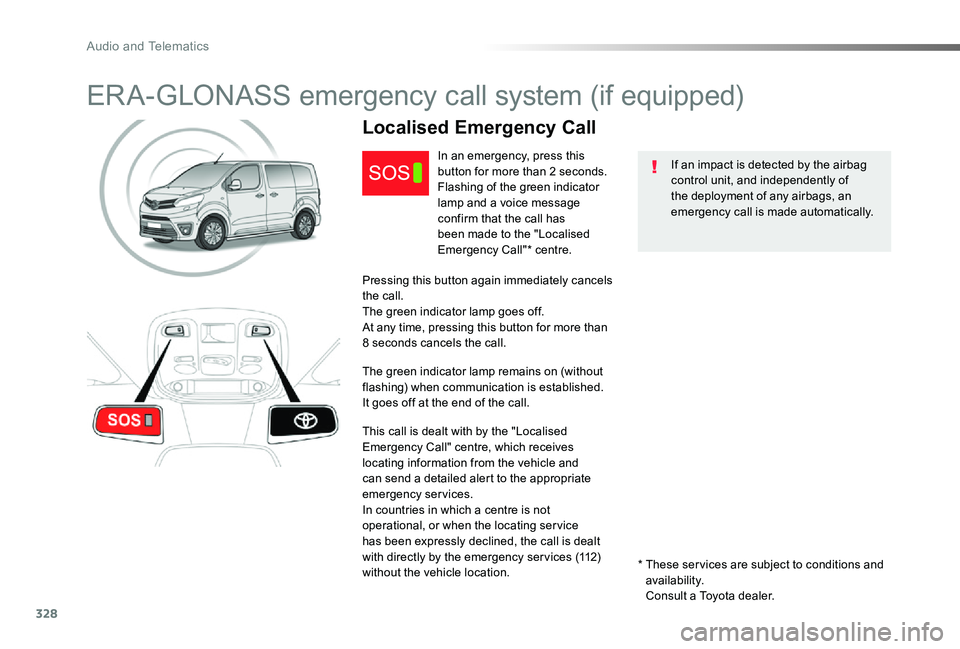
ERA-GLONASS emergency call system (if equipped)
If an impact is detected by the airbag control unit, and independently of the deployment of any airbags, an emergency call is made automatically.
Localised Emergency Call
In an emergency, press this button for more than 2 seconds.Flashing of the green indicator lamp and a voice message confirm that the call has been made to the "Localised Emergency Call"* centre.
Pressing this button again immediately cancels the call.The green indicator lamp goes off.At any time, pressing this button for more than 8 seconds cancels the call.
The green indicator lamp remains on (without flashing) when communication is established.It goes off at the end of the call.
This call is dealt with by the "Localised Emergency Call" centre, which receives locating information from the vehicle and can send a detailed alert to the appropriate emergency services.In countries in which a centre is not operational, or when the locating ser vice has been expressly declined, the call is dealt with directly by the emergency ser vices (112) without the vehicle location.* These ser vices are subject to conditions and availability. Consult a Toyota dealer.
Audio and Telematics
Page 332 of 418
332
The touch screen is of the "capacitive" type.To clean the screen, use a soft, non-abrasive cloth (e.g. spectacles cloth) with no additional product.Do not use sharp objects on the screen.Do not touch the screen with wet hands.
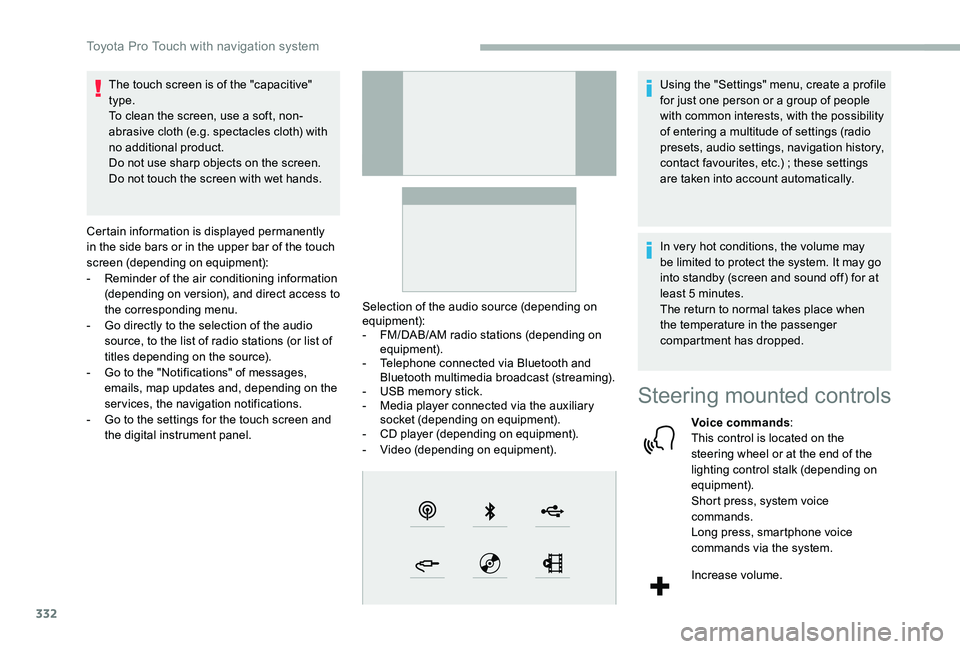
Certain information is displayed permanently in the side bars or in the upper bar of the touch screen (depending on equipment):- Reminder of the air conditioning information (depending on version), and direct access to the corresponding menu.- Go directly to the selection of the audio source, to the list of radio stations (or list of titles depending on the source).- Go to the "Notifications" of messages, emails, map updates and, depending on the services, the navigation notifications.- Go to the settings for the touch screen and the digital instrument panel.
Selection of the audio source (depending on equipment):- FM/DAB/AM radio stations (depending on equipment).- Telephone connected via Bluetooth and Bluetooth multimedia broadcast (streaming).- USB memory stick.- Media player connected via the auxiliary socket (depending on equipment).- CD player (depending on equipment).- Video (depending on equipment).
Using the "Settings" menu, create a profile for just one person or a group of people with common interests, with the possibility of entering a multitude of settings (radio presets, audio settings, navigation history, contact favourites, etc.) ; these settings are taken into account automatically.
In very hot conditions, the volume may be limited to protect the system. It may go into standby (screen and sound off) for at least 5 minutes.The return to normal takes place when the temperature in the passenger compartment has dropped.
Steering mounted controls
Voice commands:This control is located on the steering wheel or at the end of the lighting control stalk (depending on equipment).Short press, system voice commands.Long press, smartphone voice commands via the system.
Increase volume.
Toyota Pro Touch with navigation system
Page 344 of 418
344
And
Press this button to enter the value for "Longitude" using the virtual keypad.
TMC (Traffic Message
Channel)
TMC (Traffic Message Channel) messages are linked to a European standard on the broadcasting of traffic information via the RDS system on FM radio, transmitting traffic information in real time.The TMC information is then displayed on a GPS Navigation system map and taken into account straight away during navigation, so as to avoid accidents, traffic jams and closed roads.
The display of danger zones depends on the legislation in force and subscription to the service.
Connected navigation
Depending on version
Depending on the equipment level of the vehicle
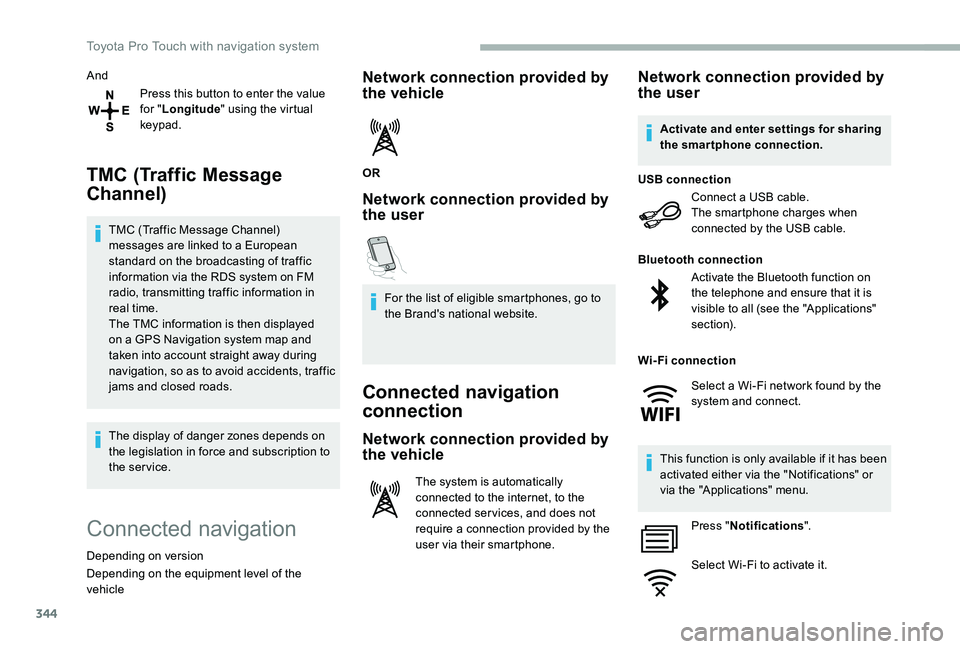
Network connection provided by the vehicle
OR
Network connection provided by the user
For the list of eligible smartphones, go to the Brand's national website.
Connected navigation
connection
Network connection provided by
the vehicle
The system is automatically connected to the internet, to the connected ser vices, and does not require a connection provided by the user via their smartphone.
Network connection provided by the user
Connect a USB cable.The smartphone charges when connected by the USB cable.
USB connection
Activate the Bluetooth function on the telephone and ensure that it is visible to all (see the "Applications" section).
Bluetooth connection
This function is only available if it has been activated either via the "Notifications" or via the "Applications" menu.
Press "Notifications".
Select Wi-Fi to activate it.
Activate and enter settings for sharing the smartphone connection.
Wi-Fi connection
Select a Wi-Fi network found by the system and connect.
Toyota Pro Touch with navigation system
Page 346 of 418
346
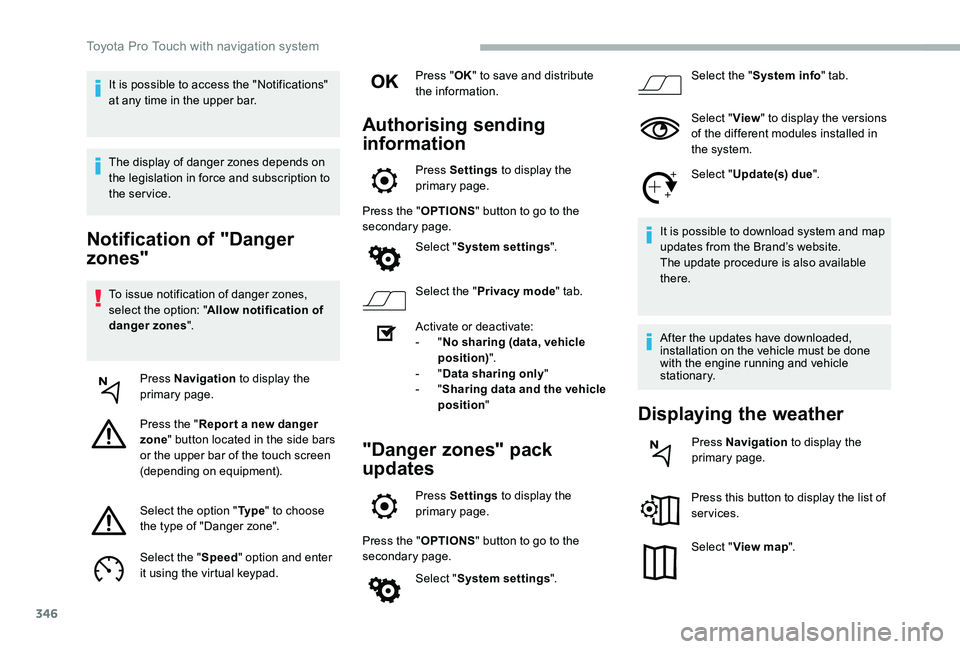
Notification of "Danger
zones"
To issue notification of danger zones, select the option: "Allow notification of danger zones".
Press Navigation to display the primary page.
Press the "Repor t a new danger zone" button located in the side bars or the upper bar of the touch screen (depending on equipment).
Select the option "Ty p e" to choose the type of "Danger zone".
Select the "Speed" option and enter it using the virtual keypad.
Press "OK" to save and distribute the information.
Authorising sending
information
Press Settings to display the primary page.
Press the "OPTIONS" button to go to the secondary page.
Select "System settings".
Select the "Privacy mode" tab.
Activate or deactivate:- "No sharing (data, vehicle position)".- "Data sharing only"- "Sharing data and the vehicle position"
"Danger zones" pack
updates
Press Settings to display the primary page.
Press the "OPTIONS" button to go to the secondary page.
Select "System settings".
Select the "System info" tab.
Select "View" to display the versions of the different modules installed in the system.
Select "Update(s) due".
It is possible to download system and map updates from the Brand’s website.The update procedure is also available there.
After the updates have downloaded, installation on the vehicle must be done with the engine running and vehicle stationary.
Displaying the weather
Press Navigation to display the primary page.
Press this button to display the list of services.
Select "View map".
It is possible to access the "Notifications" at any time in the upper bar.
The display of danger zones depends on the legislation in force and subscription to the service.
Toyota Pro Touch with navigation system
Page 349 of 418
349
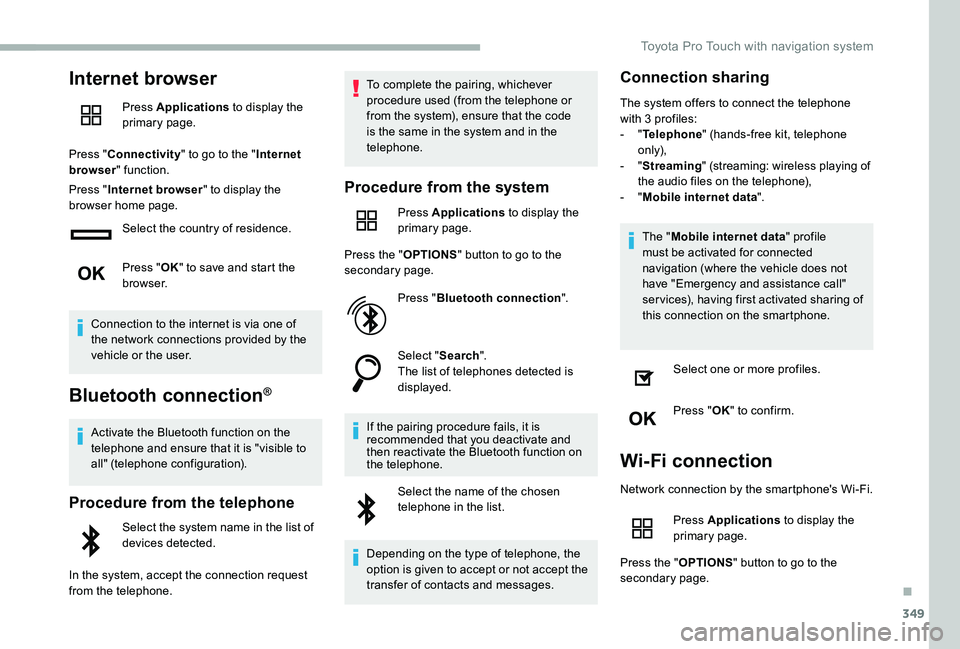
Internet browser
Press Applications to display the primary page.
Press "Connectivity" to go to the "Internet browser" function.
Press "Internet browser" to display the browser home page.
Select the country of residence.
Press "OK" to save and start the browser.
Connection to the internet is via one of the network connections provided by the vehicle or the user.
Bluetooth connection®
Activate the Bluetooth function on the telephone and ensure that it is "visible to all" (telephone configuration).
Procedure from the telephone
Select the system name in the list of devices detected.
In the system, accept the connection request from the telephone.
To complete the pairing, whichever procedure used (from the telephone or from the system), ensure that the code is the same in the system and in the telephone.
Procedure from the system
Press Applications to display the primary page.
Press the "OPTIONS" button to go to the secondary page.
Press "Bluetooth connection".
Select "Search".The list of telephones detected is displayed.
If the pairing procedure fails, it is recommended that you deactivate and then reactivate the Bluetooth function on the telephone.
Select the name of the chosen telephone in the list.
Depending on the type of telephone, the option is given to accept or not accept the transfer of contacts and messages.
Connection sharing
The system offers to connect the telephone with 3 profiles:- "Telephone" (hands-free kit, telephone only),- "Streaming" (streaming: wireless playing of the audio files on the telephone),- "Mobile internet data".
The "Mobile internet data" profile must be activated for connected navigation (where the vehicle does not have "Emergency and assistance call" services), having first activated sharing of this connection on the smartphone.
Select one or more profiles.
Press "OK" to confirm.
Wi-Fi connection
Network connection by the smartphone's Wi-Fi.
Press Applications to display the primary page.
Press the "OPTIONS" button to go to the secondary page.
.
Toyota Pro Touch with navigation system