2020 Ram 1500 mirror
[x] Cancel search: mirrorPage 565 of 674

MULTIMEDIA 563
Safety/Assistance
After pressing the Safety/Assistance button on the touchscreen, the following settings will be available:Setting Name Selectable Options
Forward Collision Warning — If Equipped OffWarning Only Warning & Braking
Forward Collision Warning Sensitivity — If Equipped Near
Med Far
Lane Sense Warning — If Equipped EarlyMedLate
Lane Sense Strength — If Equipped LowMedHigh
ParkSense — If Equipped Sound OnlySounds & Display
NOTE:
The ParkSense system scans for objects behind the vehicle when the transmission gear selector is in REVERSE and the vehicle
speed is less than 7 mph (11 km/h). It provides an alert (audible and/or visual) to indicate the proximity to other objects. Front ParkSense Chime Volume — If Equipped Low
MedHigh
Rear ParkSense Chime Volume — If Equipped LowMedHigh
Tilt Side Mirrors In Reverse — If Equipped OnOff
NOTE:
When the “Tilt Side Mirrors In Reverse” feature is selected, the exterior side-view mirrors tilt downward when the ignition
is in the ON/RUN position and the transmission gear selector is in the REVERSE position. The mirrors move back to their
previous position when the transmission is shifted out of REVERSE.
9
2020_DT_1500_OM_US.book Page 563
Page 578 of 674
576 MULTIMEDIA
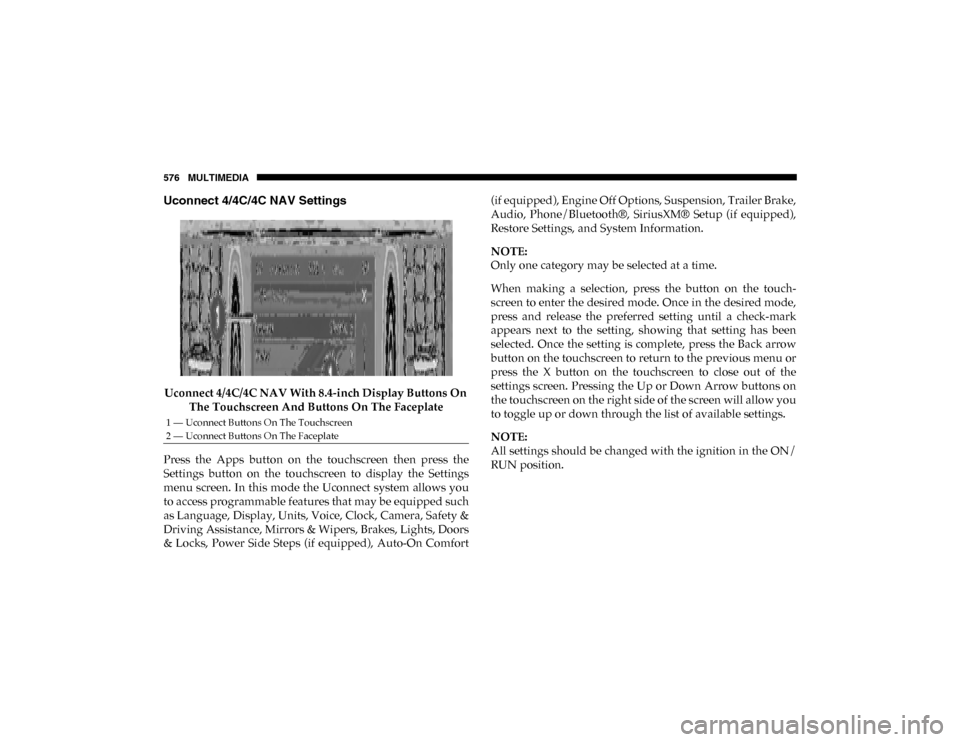
Uconnect 4/4C/4C NAV Settings
Uconnect 4/4C/4C NAV With 8.4-inch Display Buttons On The Touchscreen And Buttons On The Faceplate
Press the Apps button on the touchscreen then press the
Settings button on the touchscreen to display the Settings
menu screen. In this mode the Uconnect system allows you
to access programmable features that may be equipped such
as Language, Display, Units, Voice, Clock, Camera, Safety &
Driving Assistance, Mirrors & Wipers, Brakes, Lights, Doors
& Locks, Power Side Steps (if equipped), Auto-On Comfort (if equipped), Engine Off Options, Suspension, Trailer Brake,
Audio, Phone/Bluetooth®, SiriusXM® Setup (if equipped),
Restore Settings, and System Information.
NOTE:
Only one category may be selected at a time.
When making a selection, press the button on the touch
-
screen to enter the desired mode. Once in the desired mode,
press and release the preferred setting until a check-mark
appears next to the setting, showing that setting has been
selected. Once the setting is complete, press the Back arrow
button on the touchscreen to return to the previous menu or
press the X button on the touchscreen to close out of the
settings screen. Pressing the Up or Down Arrow buttons on
the touchscreen on the right side of the screen will allow you
to toggle up or down through the list of available settings.
NOTE:
All settings should be changed with the ignition in the ON/
RUN position.
1 — Uconnect Buttons On The Touchscreen
2 — Uconnect Buttons On The Faceplate
2020_DT_1500_OM_US.book Page 576
Page 585 of 674

MULTIMEDIA 583
Mirrors & Wipers
After pressing the Mirrors & Wipers button on the touchscreen, the following settings will be available:Trailer Length For Blind
Spot Alert — If Equipped Auto
Max (39.5 feet)
NOTE:
Auto detects the length of the trailer. Max sets all trailers to 39.5 ft (12 m). Hill Start Assist — If Equipped On
Off
Tire Fill Assist — If Equipped On
Off
Setting Name
Selectable Options
Setting NameSelectable Options
Tilt Side Mirrors In Reverse — If Equipped On
Off
NOTE:
When the “Tilt Side Mirrors In Reverse” feature is selected, the outside side-view mirrors will tilt downward when the igni -
tion is in the ON/RUN position and the transmission gear selector is in the REVERSE position. The mirrors will move back
to their previous position when the transmission is shifted out of REVERSE.
9
2020_DT_1500_OM_US.book Page 583
Page 602 of 674
600 MULTIMEDIA
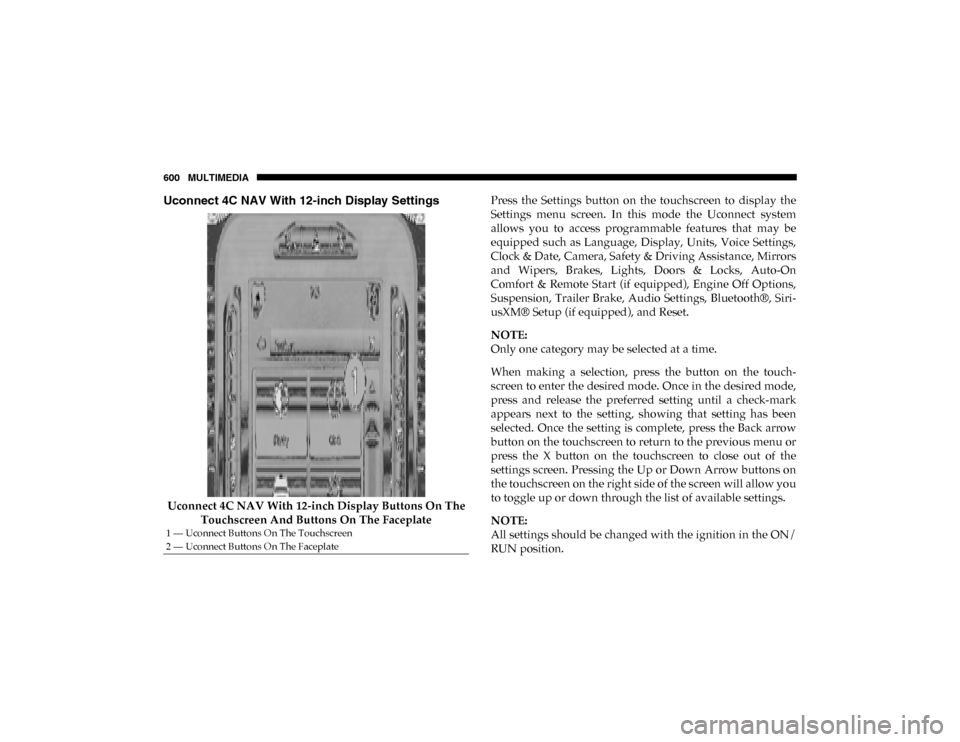
Uconnect 4C NAV With 12-inch Display Settings
Uconnect 4C NAV With 12-inch Display Buttons On The Touchscreen And Buttons On The Faceplate Press the Settings button on the touchscreen to display the
Settings menu screen. In this mode the Uconnect system
allows you to access programmable features that may be
equipped such as Language, Display, Units, Voice Settings,
Clock & Date, Camera, Safety & Driving Assistance, Mirrors
and Wipers, Brakes, Lights, Doors & Locks, Auto-On
Comfort & Remote Start (if equipped), Engine Off Options,
Suspension, Trailer Brake, Audio Settings, Bluetooth®, Siri
-
usXM® Setup (if equipped), and Reset.
NOTE:
Only one category may be selected at a time.
When making a selection, press the button on the touch -
screen to enter the desired mode. Once in the desired mode,
press and release the preferred setting until a check-mark
appears next to the setting, showing that setting has been
selected. Once the setting is complete, press the Back arrow
button on the touchscreen to return to the previous menu or
press the X button on the touchscreen to close out of the
settings screen. Pressing the Up or Down Arrow buttons on
the touchscreen on the right side of the screen will allow you
to toggle up or down through the list of available settings.
NOTE:
All settings should be changed with the ignition in the ON/
RUN position.
1 — Uconnect Buttons On The Touchscreen
2 — Uconnect Buttons On The Faceplate
2020_DT_1500_OM_US.book Page 600
Page 609 of 674

MULTIMEDIA 607
Mirrors & Wipers
After pressing the Mirror and Wipers button on the touchscreen, the following settings will be available:Power Side Step — If
Equipped Auto
Store
Hill Start Assist — If Equipped On
Off
Tire Fill Assist — If Equipped On
Off
Setting Name
Selectable Options
Setting NameSelectable Options
Tilt Side Mirrors In Reverse — If Equipped On
Off
NOTE:
When the “Tilt Side Mirrors In Reverse” feature is selected, the outside side-view mirrors will tilt downward when the igni -
tion is in the ON/RUN position and the transmission gear selector is in the REVERSE position. The mirrors will move back
to their previous position when the transmission is shifted out of REVERSE .
Rain Sensing Auto Wipers OnOff
NOTE:
Automatically adjusts the wiper speed based on the amount of precipitation. Headlights with Wipers OnOff
9
2020_DT_1500_OM_US.book Page 607
Page 621 of 674

MULTIMEDIA 619
Bluetooth®
After pressing the Bluetooth® button on the touchscreen, the following settings will be available:Setting Name Selectable Options
Phone Pop-Ups Displayed in Cluster OnOff
Do Not Disturb List of Settings
NOTE:
Press “Do Not Disturb” to access the available settings. The following settings are: Auto Reply (both, text, call), Auto Reply
Message (custom, default), and Custom Auto Reply Message (create message). Paired Phones and Audio Devices List Of Paired Phones and Audio Sources
NOTE:
The “Paired Phones and Audio Sources” feature shows which phones and audio sources are paired to the Phone and Audio
Sources Settings system. For further information, refer to the Uconnect Owner’s Manual Supplement. Projection Manager Smartphone Device Mirroring On Smartphone Device Mirroring Off
Enable CarPlay Projections OnOff
Automatically Display Pop-Ups in Cluster On
Off
Set as Default Device OnOff
9
2020_DT_1500_OM_US.book Page 619
Page 664 of 674

662
Gross Vehicle Weight Rating ................................................ 407
GuideBody Builders ........................................................................ 14
GVWR ....................................................................................... 405 H
Hazard Driving Through Flowing, Rising, Or Shallow
Standing Water .................................................................... 427
Hazard Warning Flashers ...................................................... 431
Head Restraints ......................................................................... 54
Head Rests ................................................................................. 54
Headlights ................................................................................ 438 Cleaning................................................................................ 540
High Beam.............................................................................. 68
High Beam/Low Beam Select Switch ................................ 68
Lights On Reminder ............................................................. 71
Passing .................................................................................... 69
Switch...................................................................................... 66
Heated Mirrors .......................................................................... 65
Heater, Engine Block .............................................................. 296
High Beam/Low Beam Select (Dimmer) Switch ................. 68
Hill Descent Control ............................................................... 205
Hill Descent Control Indicator .............................................. 205
Hill Start Assist........................................................................ 207
Hitches Trailer Towing ..................................................................... 411 Hoisting ....................................................................................516
HomeLink (Garage Door Opener) ........................................109
Hood Prop ................................................................................105
Hood Release ...........................................................................105
I
Ignition........................................................................................25 Switch ......................................................................................25
Illuminated Entry ......................................................................75
In Vehicle Help Vehicle User Guide ...............................................................16
Inside Rearview Mirror ..............................................59, 60, 431 Instrument Cluster Descriptions .........................................................................193
Display ..................................................................................166
Instrument Panel Lens Cleaning...........................................545
Integrated Trailer Brake Control...........................................416
Interior Appearance Care ......................................................543
Interior Lights ............................................................................73 Intermittent Wipers (Delay Wipers) .......................................76
Introduction ...............................................................................13
Inverter Outlet (115V).............................................................131
iPod/USB/MP3 Control ........................................................623 J
Jack Location ............................................................................454
Jump Starting ...........................................................................472
2020_DT_1500_OM_US.book Page 662
Page 666 of 674

664
Traction Control .................................................................. 204
Turn Signals ........................................... 71, 193, 289, 438, 441
Warning Instrument Cluster Descriptions .............. 181, 193
Limited-Slip Differential ................................................ 332, 515
Load Shed Battery Saver Mode............................................. 176
Load Shed Battery Saver On ................................................. 176
Load Shed Electrical Load Reduction .................................. 176
Load Shed Intelligent Battery Sensor ................................... 176
Loading Vehicle ...................................................................... 405 Tires....................................................................................... 521
Locks Automatic Door..................................................................... 41
Child Protection .................................................................... 42
Power Door ............................................................................ 36
Low Tire Pressure System ..................................................... 227
Lubrication, Body ................................................................... 502
Lug Nuts................................................................................... 547
Lug Nuts/Bolts ....................................................................... 546 M
Maintenance..................................................................... 100, 105
Maintenance Free Battery ...................................................... 491
Maintenance Schedule ........................................................... 482
Malfunction Indicator Light (Check Engine) ...................... 183
Manual Service ................................................................................... 656
Media Hub ............................................................................... 623 Memory Seat ..............................................................................47
Methanol...................................................................................550
Mirrors ........................................................................................59
Electric Powered ....................................................................61
Heated .....................................................................................65
Memory...................................................................................47
Outside....................................................................................61
Rearview ................................................................... 59, 60, 431 Trailer Towing .......................................................................64
Modifications/Alterations Vehicle.....................................................................................15
Monitor, Tire Pressure System ..............................................227
Mopar Parts..............................................................................655
MP3 Control ............................................................................. 623
Multi-Function Control Lever .................................................68 N
New Vehicle Break-In Period ................................................297 O
Occupant Restraints ................................................................234
Octane Rating, Gasoline (Fuel)......................................548, 549
Off-Pavement Driving (Off-Road) ........................................429
Off-Road Driving (Off-Pavement) ........................................429
Oil Filter, Change .................................................................... 494
Oil Filter, Selection ..................................................................494
Oil Pressure Light ...................................................................181
Oil, Engine ........................................................................492, 554
2020_DT_1500_OM_US.book Page 664