Page 100 of 346
CAUTION
Use the headlights with the engine run-
ning to avoid discharging the vehicle
battery.
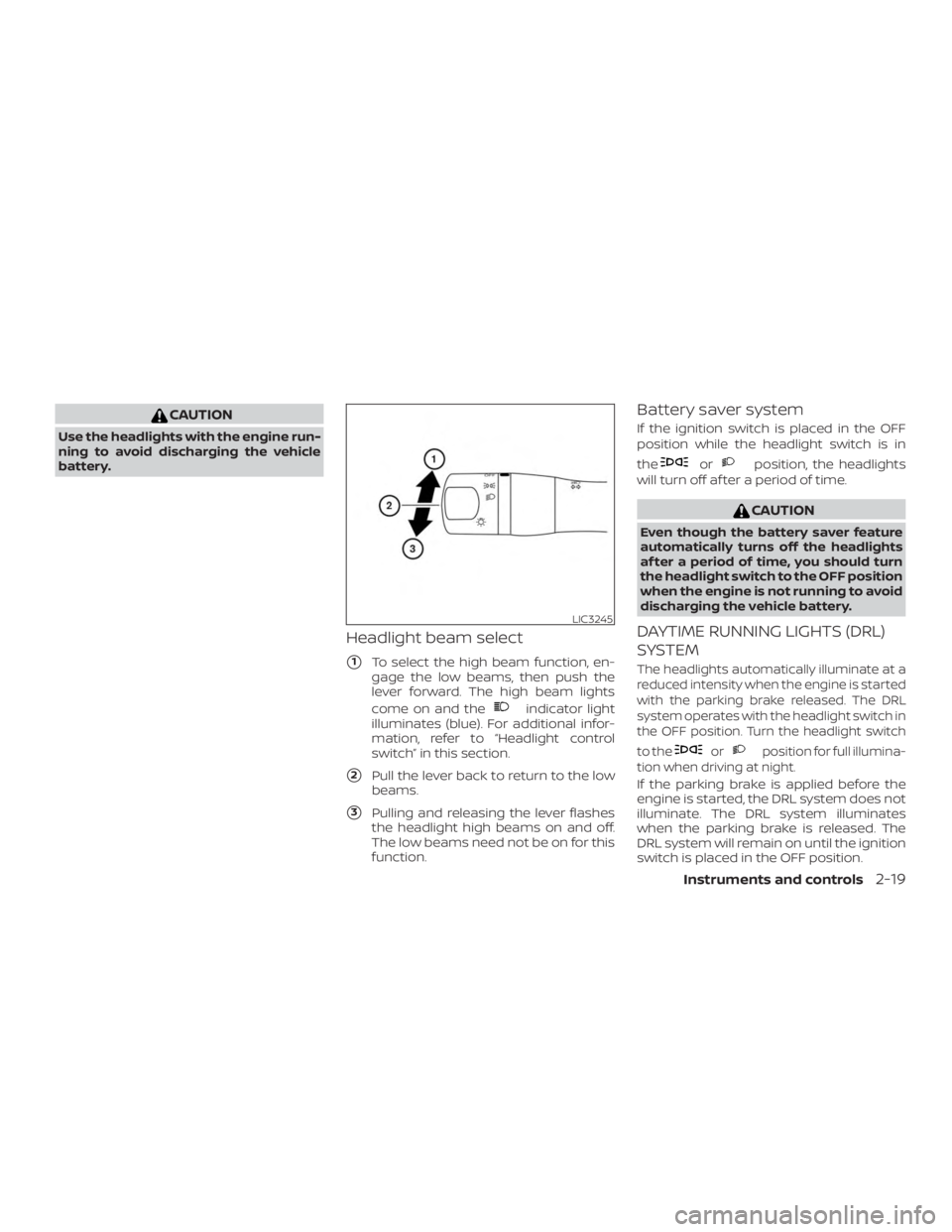
Headlight beam select
�1To select the high beam function, en-
gage the low beams, then push the
lever forward. The high beam lights
come on and the
Page 101 of 346
WARNING
When the DRL system is active, tail
lights on your vehicle are not on. It is
necessary at dusk to turn on your head-
lights. Failure to do so could cause an
accident injuring yourself and others.
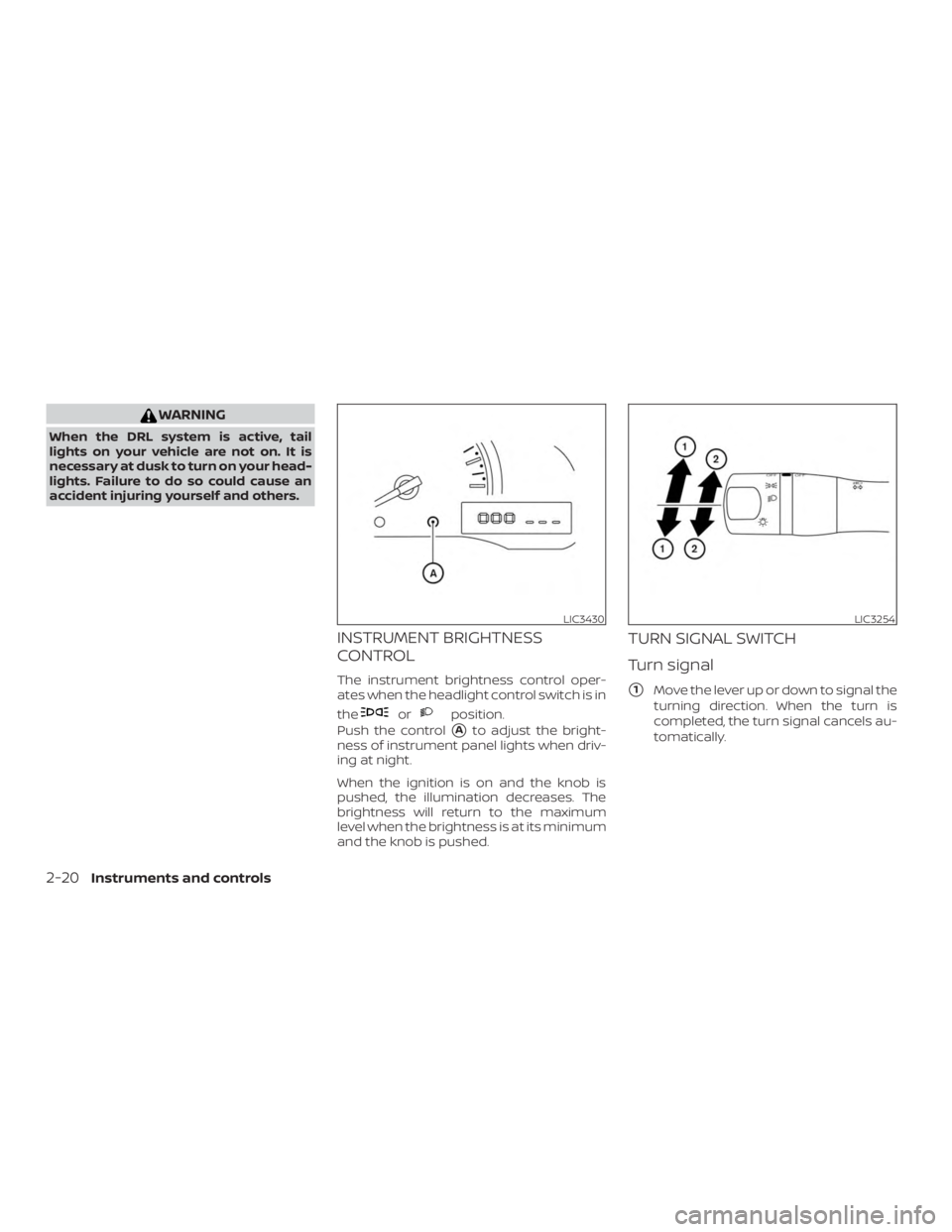
INSTRUMENT BRIGHTNESS
CONTROL
The instrument brightness control oper-
ates when the headlight control switch is in
the
Page 102 of 346
NOTE:
In case of a turn signal light malfunction,
the turn signal indicator will flash at a
higher frequency when the turn signal is
activated.
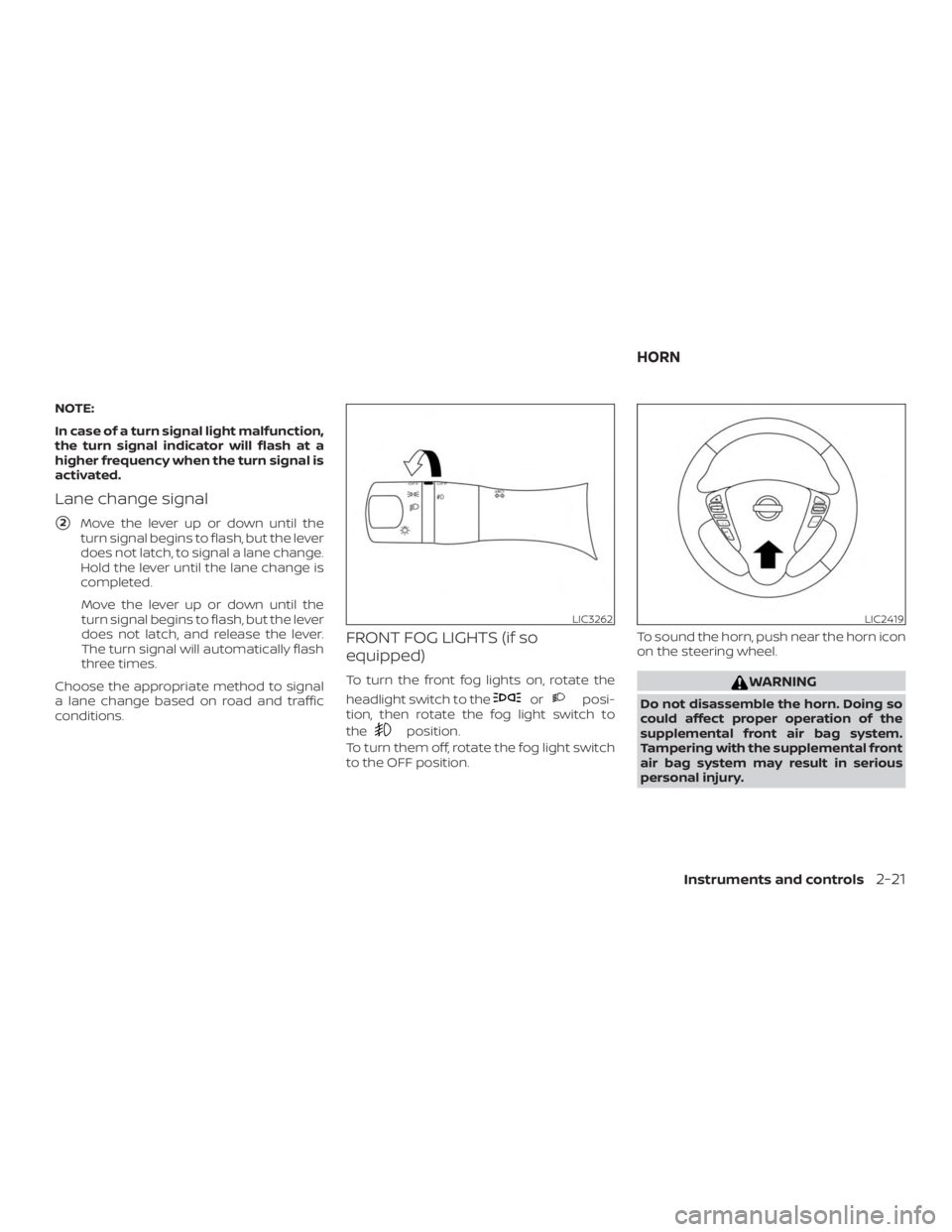
Lane change signal
�2Move the lever up or down until the
turn signal begins to flash, but the lever
does not latch, to signal a lane change.
Hold the lever until the lane change is
completed.
Move the lever up or down until the
turn signal begins to flash, but the lever
does not latch, and release the lever.
The turn signal will automatically flash
three times.
Choose the appropriate method to signal
a lane change based on road and traffic
conditions.
FRONT FOG LIGHTS (if so
equipped)
To turn the front fog lights on, rotate the
headlight switch to the
Page 104 of 346
∙ Do not use with accessories that ex-ceed a 12 volt, 120W (10A) power draw.
∙ Do not use double adapters or more than one electrical accessory.
∙ Use power outlets with the engine running to avoid discharging the ve-
hicle battery.
∙ Avoid using power outlets when the air conditioner (if so equipped), head-
lights or rear window defroster (if so
equipped) is on.
∙ Before inserting or disconnecting a plug, be sure the electrical accessory
being used is turned off.
∙ Push the plug in as far as it will go. If good contact is not made, the plug
may overheat or the internal tem-
perature fuse may open.
∙ When not in use, be sure to close the cap. Do not allow water or any other
liquid to contact the outlet.
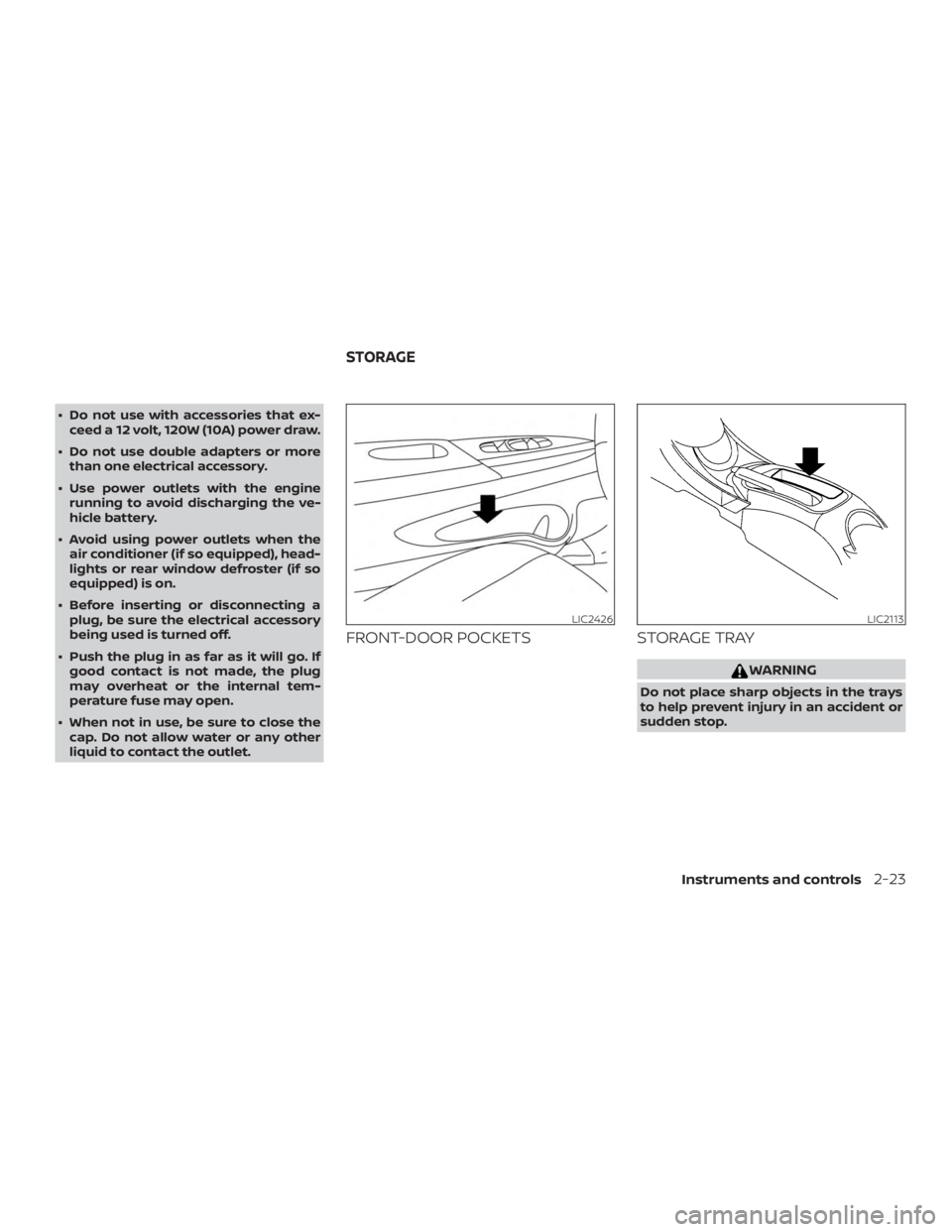
FRONT-DOOR POCKETS STORAGE TRAY
Page 111 of 346
CAUTION
Do not use for extended periods of time
with the engine stopped. This could re-
sult in a discharged battery.The light illuminates when the rear hatch is
opened. When the rear hatch is closed, the
light will turn off.
The light also illuminates with other interior
lights when the interior light switch is in the
DOOR position. For additional information,
refer to “Interior light” in this section.
LUGGAGE COMPARTMENT LIGHT
2-30Instruments and controls
Page 120 of 346
Using the interior light
Press the
Page 126 of 346
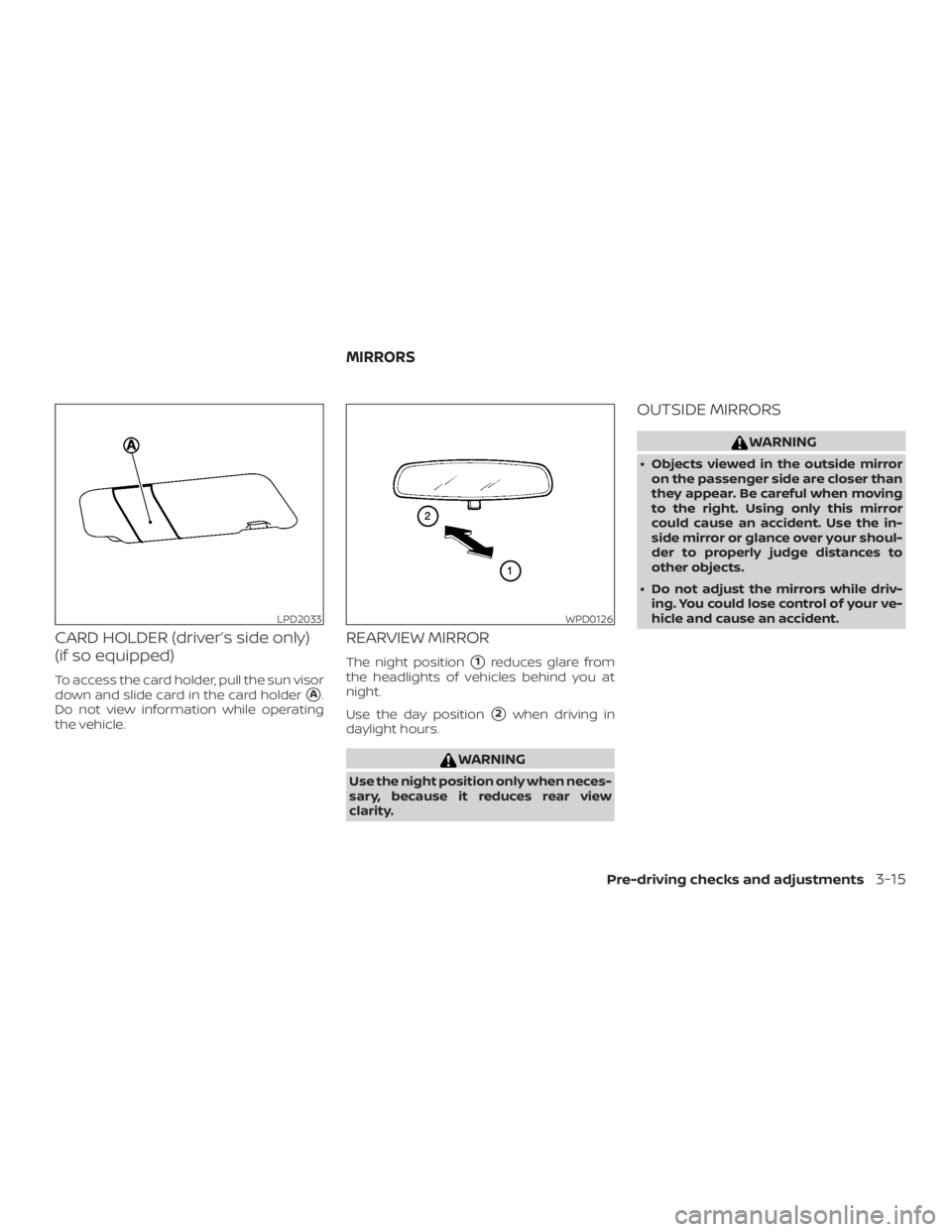
CARD HOLDER (driver’s side only)
(if so equipped)
To access the card holder, pull the sun visor
down and slide card in the card holder
�A.
Do not view information while operating
the vehicle.
REARVIEW MIRROR
The night position�1reduces glare from
the headlights of vehicles behind you at
night.
Use the day position
�2when driving in
daylight hours.
Page 141 of 346
∙ Use the displayed lines as a reference.The lines are highly affected by the
number of occupants, fuel level, ve-
hicle position, road conditions and
road grade.
∙ Make sure that the rear hatch is se- curely closed when backing up.
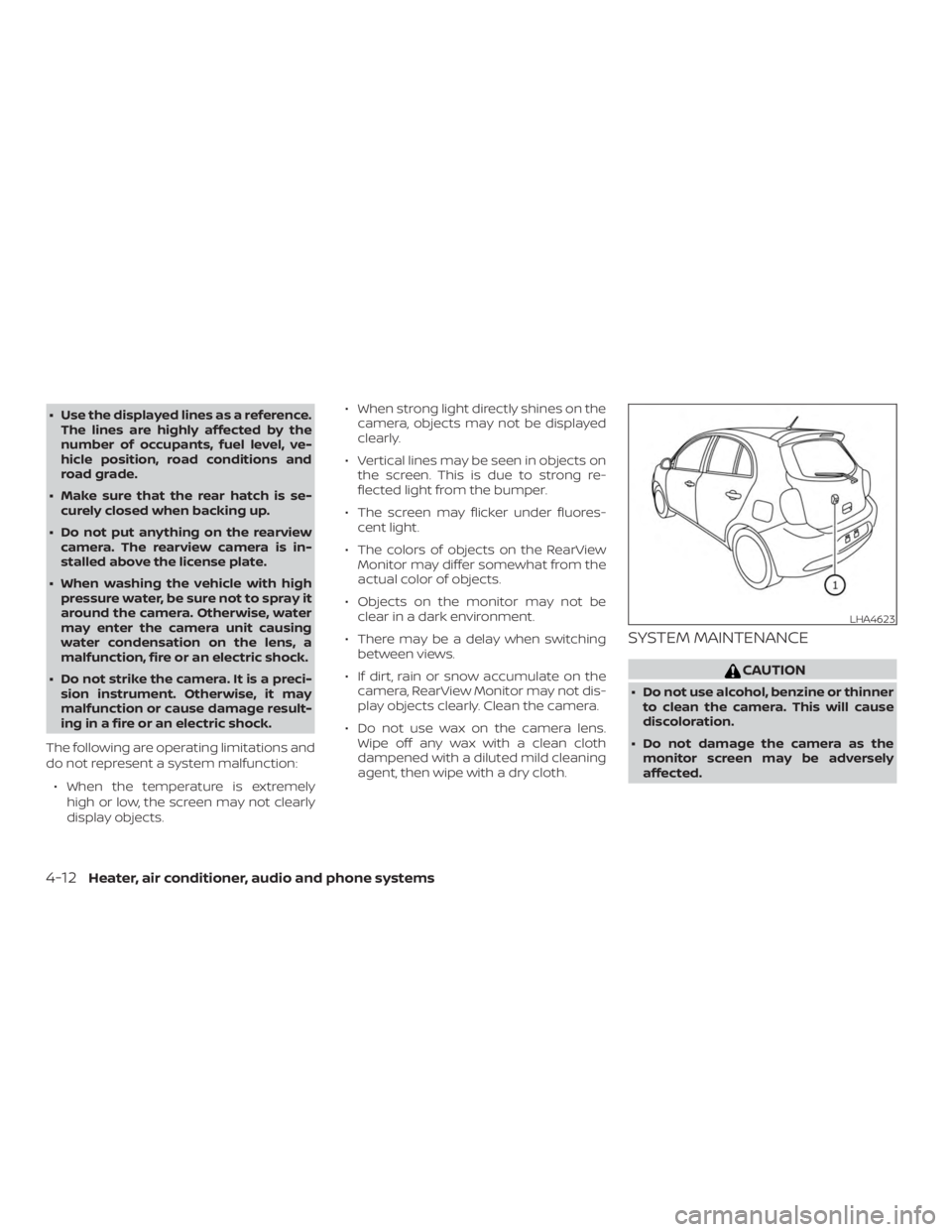
∙ Do not put anything on the rearview camera. The rearview camera is in-
stalled above the license plate.
∙ When washing the vehicle with high pressure water, be sure not to spray it
around the camera. Otherwise, water
may enter the camera unit causing
water condensation on the lens, a
malfunction, fire or an electric shock.
∙ Do not strike the camera. It is a preci- sion instrument. Otherwise, it may
malfunction or cause damage result-
ing in a fire or an electric shock.
The following are operating limitations and
do not represent a system malfunction: ∙ When the temperature is extremely high or low, the screen may not clearly
display objects. ∙ When strong light directly shines on the
camera, objects may not be displayed
clearly.
∙ Vertical lines may be seen in objects on the screen. This is due to strong re-
flected light from the bumper.
∙ The screen may flicker under fluores- cent light.
∙ The colors of objects on the RearView Monitor may differ somewhat from the
actual color of objects.
∙ Objects on the monitor may not be clear in a dark environment.
∙ There may be a delay when switching between views.
∙ If dirt, rain or snow accumulate on the camera, RearView Monitor may not dis-
play objects clearly. Clean the camera.
∙ Do not use wax on the camera lens. Wipe off any wax with a clean cloth
dampened with a diluted mild cleaning
agent, then wipe with a dry cloth.
SYSTEM MAINTENANCE