2020 MERCEDES-BENZ GLS SUV brake pads
[x] Cancel search: brake padsPage 194 of 549

This also applies when
the engine or parts of the
driv etra in ha vebeen replaced.
Please also obser vethefo llowing running-in
no tes:
R in cer tain driving and driving saf ety sy stems,
th e sensors adjust automatically while a cer‐
ta in dis tance is being driven af terth eve hicle
has been delivered or af terre pairs. Full sys‐
te m ef fectiveness is not reached until the
end of this teach-in process.
R brakepads, brake discs and tyres that are
either new or ha vebeen replaced only ach‐
ie ve optimum braking ef fect and grip af ter
se veral hundred kilom etre s of driving. Com‐
pensate forth ere duced braking ef fect by
applying greater forc eto the brake pedal. Note
s on optimised acceleration If all necessary
requirements and activation con‐
ditions are fulfilled, the best possible accelera‐
tion can be achie ved from a standstill.
Do not use the optimised acceleration on public
ro ads. Individual wheels could spin and youcould lose control of
theve hicle. There is an
increased risk of skidding and/or accident.
Be sure toobser vethe saf ety no tes and informa‐
tion on ESP ®
(/ page 227). Moving
away with optimised acceleration &
WARNING Risk of skidding and having
an accident from wheels spinning
When you use optimised acceleration, indi‐
vidual wheels could spin and you could lose
cont rol of theve hicle.
If ESP ®
is deactivated, there is a risk of skid‐
ding and accident! #
Make sure that no persons or obstacles
are in the close vicinity of your vehicle. Re
quirements:
R theve hicle is run in (/ page 190).
R theve hicle and tyres are in good condition.
R you are on a high-g rip ro adw ay.
R the engine and transmission are at normal
operating temp erature. *
NO
TEIncreased wear due tooptimised
acceleration When pulling
away with optimised accelera‐
tion, all components of the driv etra in are
subjected toave ry high load.
This can lead toinc reased component wear. #
Do not alw ays pull away with optimised
acceleration. #
Engage theh drive position (/ page 206). #
Movethesteering wheel tothest ra ight-
ahead position. #
Select the sportiest available drive program
B orC(/ page 203). #
Deactivating ESP ®
(/ page 229). #
Depress and hold the brake pedal firm ly wi th
yo ur left foot. #
With your right foot , fully depress the accel‐
erator pedal. Driving and parking
191
Page 197 of 549
Non-combus
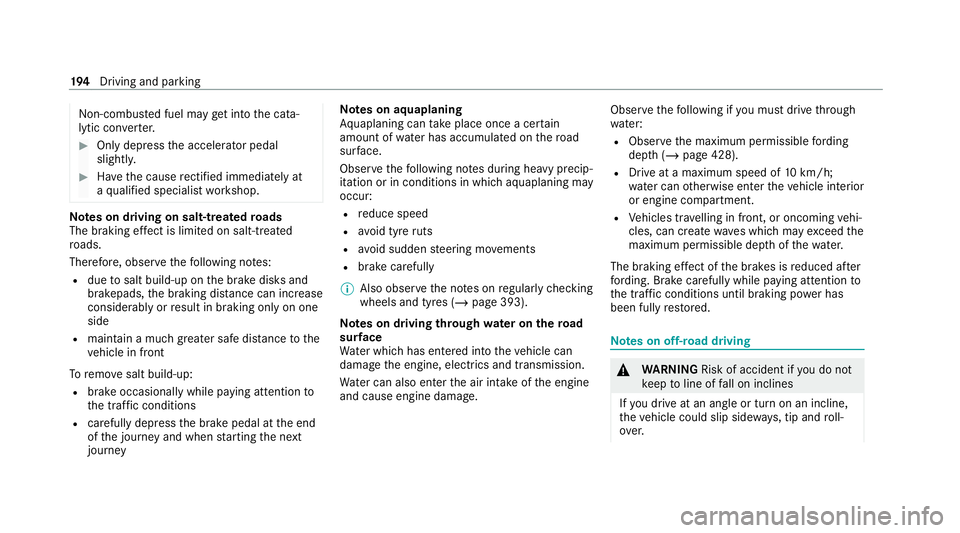
ted fuel may get into the cata‐
lytic con verter. #
Only depress the accelera tor pedal
slightl y. #
Have the cause rectified immediately at
a qu alified specialist workshop. Note
s on driving on salt-treated roads
The braking ef fect is limited on salt-trea ted
ro ads.
Therefore, obse rveth efo llowing no tes:
R due tosalt build-up on the brake disks and
brakepads, the braking dis tance can increase
considerab lyor result in braking only on one
side
R maintain a much greater safe dis tance tothe
ve hicle in front
To remo vesalt build-up:
R brake occasionally while paying attention to
th e tra ffic conditions
R carefully depress the brake pedal at the end
of the journey and when starting the next
journey Note
s on aquaplaning
Aq uaplaning can take place once a cer tain
amount of water has accumulated on thero ad
sur face.
Obser vethefo llowing no tes during heavy precip‐
itation or in conditions in which aquaplaning may
occur:
R reduce speed
R avoid tyre ruts
R avoid sudden steering mo vements
R brake carefully
% Also obser vethe no tes on regular lych ecking
wheels and tyres (/ page 393).
Note s on driving through water on the road
sur face
Wa ter which has entered into theve hicle can
damage the engine, electrics and transmission.
Wa ter can also enter the air intake of the engine
and cause engine damage. Obser
vethefo llowing if you must drive thro ugh
wate r:
R Obser vethe maximum permissible ford ing
dep th (/ page 428).
R Drive at a maximum speed of 10km/h;
wa ter can otherwise enter theve hicle interior
or engine compartment.
R Vehicles tr avelling in front, or oncoming vehi‐
cles, can create waves which may exceed the
maximum permissible dep thofthewa ter.
The braking ef fect of the brakes is reduced af ter
fo rd ing. Brake carefully while paying attention to
th e traf fic conditions until braking po wer has
been fully restored. Note
s on off-road driving &
WARNING Risk of accident if you do not
ke ep toline of fall on inclines
If yo u drive at an angle or turn on an incline,
th eve hicle could slip side ways, tip and roll‐
ove r. 194
Driving and pa rking
Page 200 of 549

Also obser
vethefo llowing information when
driving in moun tainous terrain:
R Obse rveth eva lues of the approach/depar‐
ture angle and of the maximum gradient
(/ page 428).
R Avoid high engine speeds.
R Use the braking po wer of the engine when
driving downhill.
R Shift toa lo werge ar on uphill gradients and
on long, steep downhill gradients.
R Activate DSR be fore driving downhill, if nec‐
essary (/ page244).
Checklis t after driving off-road
Driving off-road places grea ter demands on your
ve hicle than driving on no rmalroads. Check the
entire vehicle for dama geand fore ign bodies
eve rytime af ter driving off-road. Foreign bodies
in the wheels or driv etra in can lead toimbalan‐
ces and therefore vibrations.
R Ifth eF orG drive prog ram is selec‐
te d: select ano ther drive prog ram.
R Shift the transfer case tothe on-ro ad posi‐
tion HIGH RANGE. R
Deactivate DSR.
R Lowe rth eve hicle le vel again toa le vel suita‐
ble tothero ad conditions, e.g. tothe normal
le ve l.
R Apply the brakes todry them af terfo rd ing.
R Check that the service brake is working nor‐
mally af ter a long downhill stre tch.
R Clean thefo llowing components everytime
af te r driving off-road:
- licence plate number
- headlamps and tail lamps
- tyres, wheels and wheel ar ches
- underbody
R After driving thro ugh sand, mud, water or
gr ave l, ha vethefo llowing components
ch ecked and cleaned:
- brake disks and brakepads
- tyres and wheels
- axle joints ECO
start/s top function Ope
ration of the ECO start/s top function
% The ECO start/ stop function is not available
in all drive prog rams, depending on the
engine. Obser vethest atus display in the
multifunction display forth is.
The engine is switched off automatically in the
fo llowing situations if all vehicle conditions for
an automatic engine stop are me t:
R you brake theve hicle toast andstill in trans‐
mission position hori.
R vehicles with a 48 V on-board electrical
sy stem: you depress the brake pedal when
tra velling at a low speed.
If th e sy stem has de tected one of thefo llowing
situations, the engine will not stop:
R youstop at a stop sign and there is no vehi‐
cle in front of you.
R theve hicle that stopped in front of youstarts
up again.
R you manoeuv re, turn thesteering wheel
sharply or engage reve rsege ar. Driving and parking
197
Page 372 of 549
Note
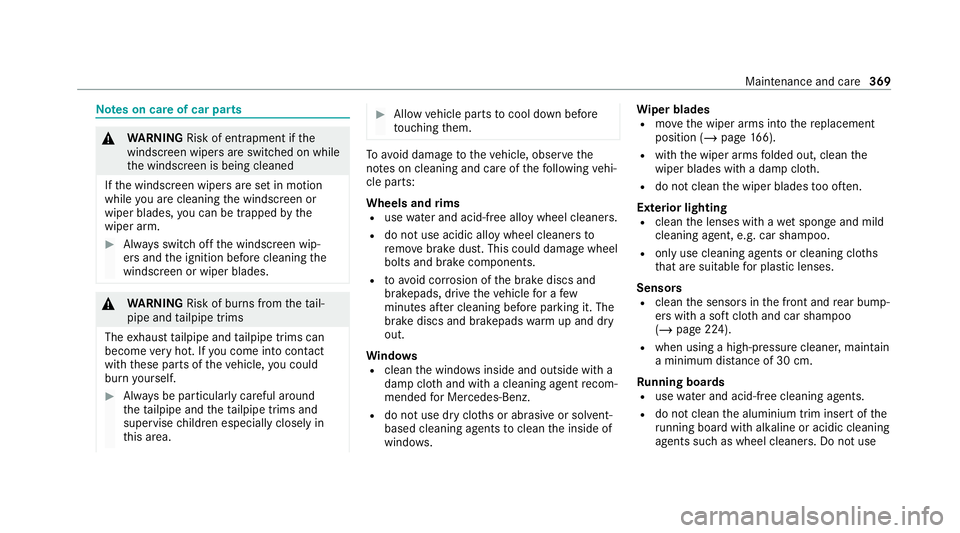
s on care of car parts &
WARNING Risk of entrapment if the
windscreen wipers are swit ched on while
th e windscreen is being cleaned
If th e windscreen wipers are set in motion
while you are cleaning the windscreen or
wiper blades, you can be trapped bythe
wiper arm. #
Alw ays switch off the windscreen wip‐
ers and the ignition before cleaning the
windscreen or wiper blades. &
WARNING Risk of bu rns from theta il‐
pipe and tailpipe trims
The exhaust tailpipe and tailpipe trims can
become very hot. If you come into contact
with these parts of theve hicle, you could
burn yourself. #
Alw ays be particular lycareful around
th eta ilpipe and theta ilpipe trims and
supervise children especially closely in
th is area. #
Allow vehicle parts tocool down before
to uching them. To
avo id damage totheve hicle, obser vethe
no tes on cleaning and care of thefo llowing vehi‐
cle parts:
Wheels and rims
R use wate r and acid-free alloy wheel cleaners.
R do not use acidic alloy wheel cleaners to
re mo vebrake dust. This could damage wheel
bolts and brake components.
R to av oid cor rosion of the brake discs and
brakepads, drive theve hicle for a few
minutes af ter cleaning before parking it. The
brake discs and brakepads warm up and dry
out.
Wi ndo ws
R clean the windo wsinside and outside with a
damp clo thand with a cleaning agent recom‐
mended for Mercedes-Benz.
R do not use dry clo ths or abrasive or solvent-
based cleaning agents toclean the inside of
windo ws. Wi
per blades
R movethe wiper arms into there placement
position (/ page166).
R with the wiper arms folded out, clean the
wiper blades with a damp clo th.
R do not clean the wiper blades too of ten.
Ex terior lighting
R clean the lenses with a wet sponge and mild
cleaning agent, e.g. car sha mpoo.
R only use cleaning agents or cleaning clo ths
th at are suitable for plast ic lenses.
Sensors
R clean the sensors in the front and rear bump‐
ers with a soft clo thand car shampoo
(/ page 224).
R when using a high-pressure cleaner, main tain
a minimum dis tance of 30 cm.
Ru nning boards
R use wate r and acid-free cleaning agents.
R do not clean the aluminium trim insert of the
ru nning board wi thalkaline or acidic cleaning
agents such as wheel cleaners. Do not use Main
tenance and care 369
Page 462 of 549
Display messages
Possible causes/consequences and M
MSolutions
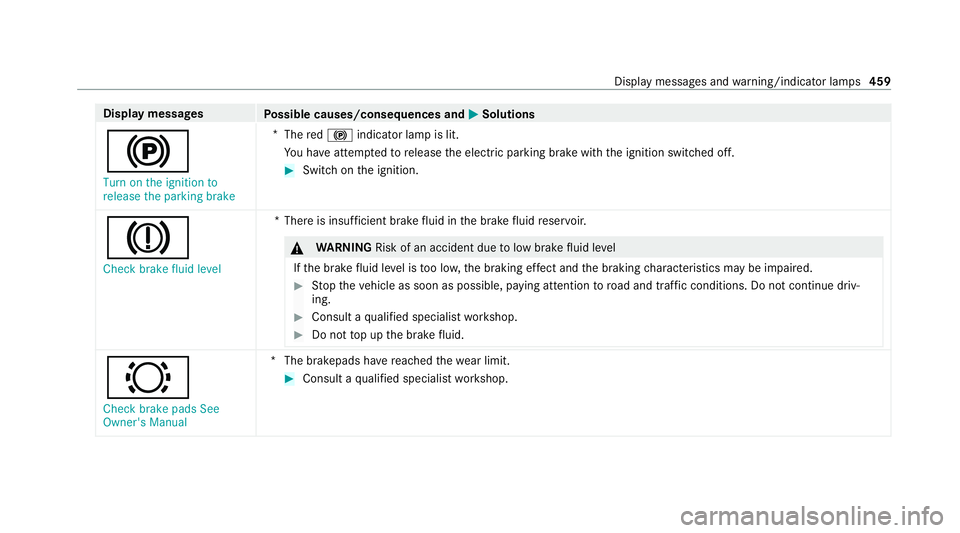
! Turn on the ignition to
release the parking brake *
The red! indicator lamp is lit.
Yo u ha veattem ptedto release the electric parking brake with the ignition switched off. #
Switch on the ignition.
J Check brake fluid level *T
here is insuf ficient brake fluid in the brake fluid reser voir. &
WARNING Risk of an accident due tolow brake fluid le vel
If th e brake fluid le vel is too lo w,the braking ef fect and the braking characteristics may be impaired. #
Stop theve hicle as soon as possible, paying attention toroad and traf fic conditions. Do not continue driv‐
ing. #
Consult a qualified specialist workshop. #
Do not top up the brake fluid. #
Check brake pads See
Owner's Manual *T
he brakepads ha vereached thewe ar limit. #
Consult a qualified specialist workshop. Display messages and
warning/indicator lamps 459
Page 513 of 549
Fu
nction................................................ 257
Sy stem limitations................................. 257
Blo wer
see Climate control
BlueTEC see AdBlue ®
Boot lid see Tailgate
Brake Assist Sy stem
see BAS (Brake Assi stSystem)
Brake fluid Notes..................................................... 424
Brake forc e distribution
EBD (Elect ronic Brake forc e Distribu‐
tion).......................................................2 30
Brakes ABS (Anti-lock Braking Sy stem).............2 26
Ac tive Brake Assi st................................ 24 8
Ad aptive brake light s............................ .231
BA S (Brake Assi stSystem).................... 227
Driving tips............................................ 19 2
EBD (Electronic Brake forc e Distribu‐
tion)....................................................... 230 HOLD function......................................2
30
Limi ted braking ef fect (salt-trea ted
ro ads).................................................... 19 2
New/replaced brakepads/brake
discs...................................................... 19 0
Po st-collision brake................................. 54
Ru nning-in no tes.................................... 19 0
Braking assistance see BAS (Brake Assi stSystem)
Breakdown Overview of the help functions................ 18
To w- starting.......................................... 390
To wing away.......................................... 386
Tr ansporting theve hicle........................ 388
Wheel chang e....................................... .402
Breakdown see Flat tyre
Buttons Steering wheel...................................... 306 C
Calls Mercedes me........................................ 335
Camera....................................................... 272Camera
see 360° Camera
see Reversing camera
Car key
see Key
Car wash
see Care
Car wash (care)......................................... 364
Car-to-X-Communication Displaying hazard warnings.................. .329
Care 360° camera......................................... 369
Air-water duct....................................... .364
Au tomatic car wash...............................3 64
Carpe t.................................................. .370
Decorative foil...................................... .368
Displ ay.................................................. 370
Exterior lighting.................................... .369
High-p ressure cleaner........................... 366
Pa int wo rk.............................................. 367
Plastic trim............................................ 370
Re alwo od/trim elements..................... 370
Re versing camera................................. .369
Ro of lining............................................. 37051 0
Index
Page 517 of 549
¯
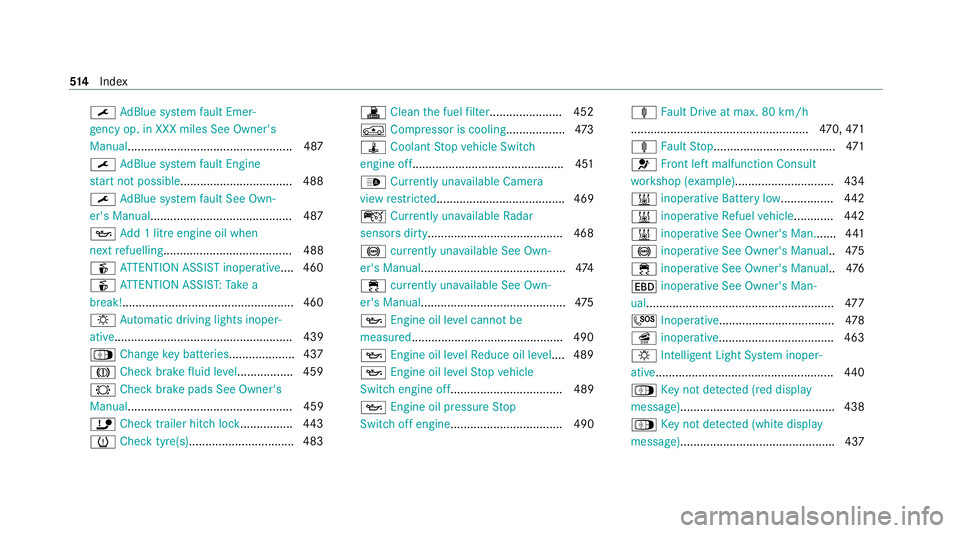
AdBlue sy stem fault Emer‐
ge ncy op. in XXX miles See Owner's
Manual.................................................. 487
¯ AdBlue sy stem fault Engine
st art not possible................................. .488
¯ AdBlue sy stem fault See Own‐
er's Manual .......................................... .487
5 Add 1 litre engine oil when
next refuelling....................................... 488
é ATTENTION ASSIST inoperative ....460
é ATTENTION ASSIS T:Take a
break!....................................................4 60
: Automatic driving lights inoper‐
ative...................................................... 439
Á Change key bat teries .................... 437
J Check brake fluid le vel................. 459
# Check brake pads See Owner's
Manual.................................................. 459
ï Check trailer hitch lo ck................ 443
h Check tyre(s)............................... .483 !
Clean the fuel filter ...................... 452
Á Compressor is cooling ..................473
ÿ Coolant Stop vehicle Switch
engine off..............................................4 51
_ Currently una vailable Camera
view restricted....................................... 469
ç Currently unavailable Radar
sensors dirty.........................................4 68
! currently una vailable See Own‐
er's Manual ............................................ 474
÷ currently una vailable See Own‐
er's Manual ............................................ 475
5 Engine oil le vel cannot be
measured .............................................. 490
5 Engine oil le velRe duce oil le vel.... 489
5 Engine oil le velSt op vehicle
Switch engine off.................................. 489
5 Engine oil pressure Stop
Switch off engine.................................. 490 ä
Fault Drive at max. 80 km/h
...................................................... 470, 471
ä Fault Stop.....................................4 71
6 Front left malfunction Consult
wo rkshop (e xample).............................. 434
& inoperative Battery low................ 442
& inoperative Refuel vehicle ............ 442
& inoperative See Owner's Man....... 441
! inoperative See Owner's Manual ..475
÷ inoperative See Owner's Manual ..476
T inoperative See Owner's Man‐
ual......................................................... 477
G Inoperative................................... 478
î inoperative................................... 463
: Intelligent Light Sy stem inoper‐
ative...................................................... 440
Á Key not de tected (red displ ay
messa ge)............................................... 438
Á Key not de tected (white displ ay
messa ge)............................................... 437 514
Index