2020 MERCEDES-BENZ CLS phone
[x] Cancel search: phonePage 243 of 546
#
Press thelef t-hand Touc hCon trol.
If th ereis onl yone telephone number
sa ve dto an entr y:thete lephon enumb er
will beselec ted. #
Ifth erear emu ltip letelephone numbers
sa ve dto an entr y:swipe upwards ordown‐
wa rdson thelef t-hand Touc hCon trol to
select thedesir edtelephon enumb er. #
Press thelef t-hand Touc hCon trol.
The telephon enumb erwill bedialed.
The follo wing displa ysma yapp ear instead ofthe
te lephon enumb ersdialed:
R Please Wait...:th eapplication isstar tin g.Ifa
Blue tooth®
connecti ontothemobile phone
is no tes tablished, themenu forau thor izing
and conn ectin gamobile phonewillbedis‐
pla yedon themultimedia system
(/ page31 0).
R Upda tingdata ...:thecall listis being upda‐
te d.
R Import ingCont acts...: con tacts arebei ng
im por tedfrom themobile phoneorast or ag e
medium. Ac
cep ting/r eject inganincom ingcall
Ve hicl eswith Head-up Display:when you
re cei veacall, theInc oming Callmessag ewill
appear ontheHead-up Display. #
Swi peupwa rdsor down wardson thelef t-
hand Touc hCon trol and select0061 (Acc ep t)
or 0076 (Reject ). #
Press thelef t-hand Touc hCon trol.
Yo uma yacc eptor reject thecall using the0061
or 0076 buttononthesteer ing wheel. Ad
jus tingthe Head-up Displ aysettings on
th eon-boa rdcom puter On-boar
dcom puter:
4 Head-up Disp.
The follo wing Head- upDisp lay se ttings canbe
adjus ted:
R Position
R Bright ness
R Display Content #
Toselect ase tting: swipe upwards ordown‐
wa rdson thelef t-hand Touc hCon trol. #
Press thelef t-hand Touc hCon trol. #
Toadjus ta va lue: swipe upwards ordown‐
wa rdson thelef t-hand Touc hCon trol. #
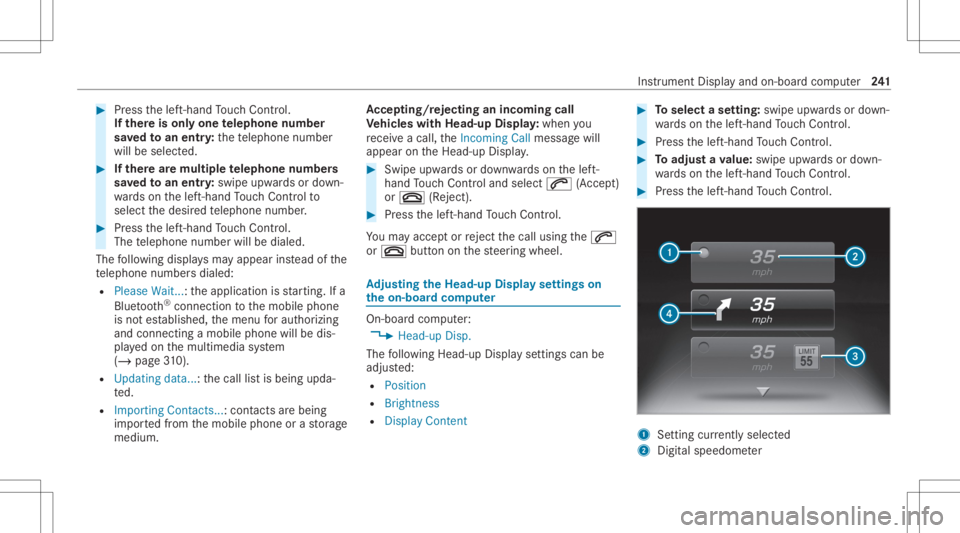
Press thelef t-hand Touc hCon trol. 1
Setting currently select ed
2 Digital spe edome ter Ins
trument Displayand on-boar dcom puter 24
1
Page 249 of 546
R
avoid loud noises that caus eint erfere nce
wh ile ma king avo ice com mand entry,e.g.
th eblo wer.
A vo ice tagin theaddr essbook isno tre cog‐
nized :
R only crea te sensible addressbook entriesin
th esy stem/mo bilephone, e.g.entersur‐
name andfirs tnam ein thecor rect field. R
donotuse anyabbr eviation s,unn eces sary
spaces orspec ialcharact ers.
If ast atio nlis tent ryisno tre cogni zed:
R sayth eRead outstationlistvoice com mand . Essentia
lvo ice comm ands Ov
ervie wof switc hvo ice comm ands Swit
chvoice com mand scan beused toopen
cer tain applicat ions.The voice com mand selec‐
tion canbeused rega rdless oftheapplication
th at iscur rently active.
Switc hvo ice comm ands Vo
ice comm and Function
Navigation To
switc hto navig ation mod e
Ma p To
switc hto map display
Address book To
switc hto addr essbook
Telep hone To
switc hto telephon emode
Text mess age To
switc hto text mes sage s
Radio To
switc hto radio mode
Media To
switc hto media mode Vo
ice Cont rolSy stem 24
7
Page 254 of 546
Ov
ervie wof telephone voice comm ands Yo
ucan usethete lephon evo ice com mand sto
mak ephone callsor sear chthro ugh theaddr ess
book .
Te lephone voice comm ands Vo
ice comm and Function
Call
esaphone call.Alladdr essbook names areav ailable.
Sear chfor con tact
ches forand displays acon tact. Alladdress bookname sar eav ailable.
Out goin gcalls Dis
playsthelas tcall
Redial Select
sth elas tphone number dialed Ov
ervie wof radio voice comm ands Ra
dio voice com mand scan also beused when
th era dio application isrunning inthebac k‐
gr ound. 252
Voice Cont rolSy stem
Page 272 of 546
#
Con firm chang eswhen exitin gth emenu.
The dateis setaut omaticall yvia GPS. Connectivity
Switc
hingtransmission oftheve hicl eposi ‐
tion on/off
Mul timedi asy stem:
4 System 5
ö Connec tivity #
Select Transm itVehicle Pos.. #
Activate0073 ordeacti vate 0053 thefunc tion. Blue
tooth® Inf
orma tion abou tBlu etoo th®
Bl ue tooth®
tech nol ogy isast andar dfo rshor t-
ra ng ewi reless datatransf erup toappr oximat ely
32. 8ft (10 m).
Yo ucan useBlue tooth®
to connect your mob ile
phon eto themultimedia system and usethefo l‐
lo wing functions,forex am ple:
R Han ds-free system withaccess tothefo llo w‐
ing option s: -
con tacts (/ page 314)
- calllist s(/ page31 7)
- text mes sage (/ pag e31 7)
R Interne tconnection (/page329)
R Listening tomusi cvia Blue tooth®
audio
R Trans ferring busine sscar ds(vCar ds)intoth e
ve hicle
Blue tooth®
is are gis tere dtrademar kof Blue‐
to othSpecial Interes tGr oup (SIG) Inc.
% Interne tconn ection viaBlue tooth®
is no t
av ailable inall coun tries.
Ac tiv atin g/deac tivatin gBlue tooth®
Re quirement s:
R Deac tivateBlue tooth®
:Appl eCa rPlay™ isno t
activ e.
Mul timed iasystem:
4 System 5
ö Connec tivity #
Activate0073 ordeacti vate 0053 Bluetoo th®
.
If Andr oidAutoisact ive, apr om ptappear sask ‐
ing whe ther Blue tooth®
should bedeactiv ated. #
Select Yes.
Andr oidAutoisclos edand Bluetooth®
is
deact ivat ed. Wi
-Fi Wi
-Fico nne ctio nove rview
Yo ucan useWi-Fi toestablish acon nection with
a Wi -Fi networkand toacc ess theInt erne tor
ot her networkde vices.
The follo wing connection option sar eav ailable:
R Wi-Fi conne ction
The Wi-Fi conne ctionto aWi -Fi-ca pable
de vice ,e.g .th ecus tomer's mobilephone or
a ta ble tPC ises tablished.
R Multimedia system asaWi -Fi hotspo t
Usi ngthis func tion,a ta ble tPC ornotebook
can becon nected, forex am ple.
To establish acon nection ,yo ucan usethefo l‐
lo wing methods:
R WPS PIN
The conn ection toasec ureWi -Fi networkis
mad evia aPIN . 27
0
Multimedia system
Page 279 of 546
Se
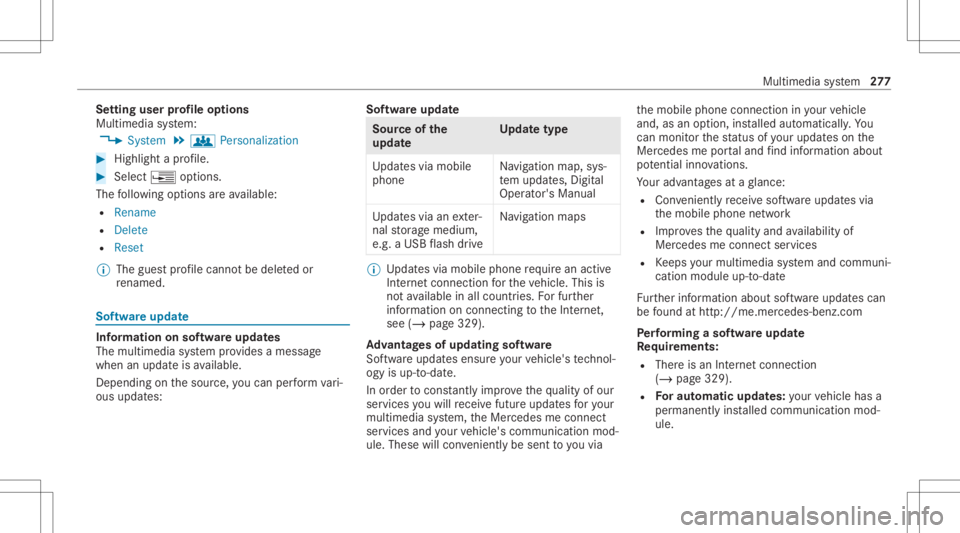
tting userprofile options
Multimedia system:
4 System 5
g Person alization #
Highlight apr ofile. #
Select ¥option s.
The follo wing option sar eav ailable:
R Renam e
R Delete
R Reset
% The gues tpr ofile can notbe dele tedor
re nam ed. So
ftwa reupdat e Inf
ormation onsof twareupdat es
The multimedi asy stem prov ides amess age
when anupdat eis available.
De pen dingon thesour ce,youcan perform vari‐
ous updat es: Sof
twareupd ate Sour
ceofthe
updat e Up
dat etype
Up dat esvia mobile
phone Na
vig ation map,sys‐
te m upd ates, Digit al
Oper ator's Manua l
Up dat esvia anexter‐
nal stor ag emedium,
e.g. aUSB flash drive Na
vig ation maps %
Updat esvia mobile phonerequ ire an act ive
Int erne tcon nection forth eve hicle. Thisis
no tav ailable inall coun tries. Forfur ther
inf ormation oncon nect ingtotheInt erne t,
see (/page329).
Ad vantag esofupd ating software
Sof twareupdat esensur eyo ur vehicle's tech nol ‐
ogy isup -to-d ate.
In orde rto cons tantl yimpr ovethequ alit yof our
ser vices youwill recei vefutur eupd ates foryo ur
mult imed iasystem, theMer cedes meconnect
ser vices andyour vehicle's communication mod‐
ule. These willconvenie ntly besent toyouvia th
emobile phoneconnect ioninyour vehicle
and, asan option, installed automat ically.Yo u
can moni torth est atus ofyour updat eson the
Mer cedes meportaland find informa tionab ou t
po tentia linno vatio ns.
Yo ur adv antages ataglanc e:
R Con venie ntly recei vesof twareupda tesvia
th emobile phonenetwork
R Improve sth equ alit yand availabilit yof
Mer cedesme connectser vices
R Keeps your mult imed iasystem and comm uni‐
cation module up-to-dat e
Fu rther information aboutsoftwareupdat escan
be found athttp :/ /m e.m erced es-ben z.co m
Pe rfor min gasof twareup date
Re quirement s:
R Ther eis an Interne tcon nection
(/ page329).
R Foraut omat icupdat es:yo ur vehicle hasa
per manent lyins talled com munic ationmod‐
ule. Multim
ediasystem 27
7
Page 281 of 546
Re
setfunction Multimedia
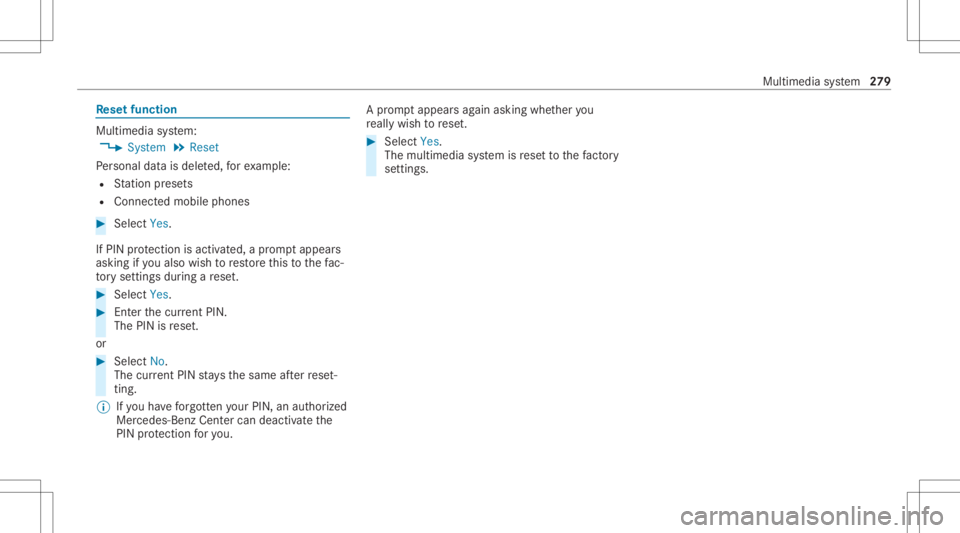
system:
4 System 5
Reset
Pe rsonal datais dele ted, forex am ple:
R Statio npr ese ts
R Con nectedmobile phones #
Select Yes.
If PIN protect ion isactiv ated, apr om ptappear s
ask ing ifyo ualso wish torestor eth is to thefa c‐
to ry settin gsdur ing are se t. #
Select Yes. #
Enterthecur rent PIN .
The PINisrese t.
or #
Select No.
The current PIN stay sth esame afte rre se t‐
ting.
% Ifyo uha ve forg ottenyo ur PIN ,an aut hor ized
Mer cedes-Ben zCen tercan deactivateth e
PIN protect ion foryo u. A
pr om ptappear sag ain asking whe ther you
re all ywish torese t. #
Select Yes.
The multimedia system isrese tto thefa ct or y
se ttings. Mu
ltimed iasystem 27
9
Page 290 of 546
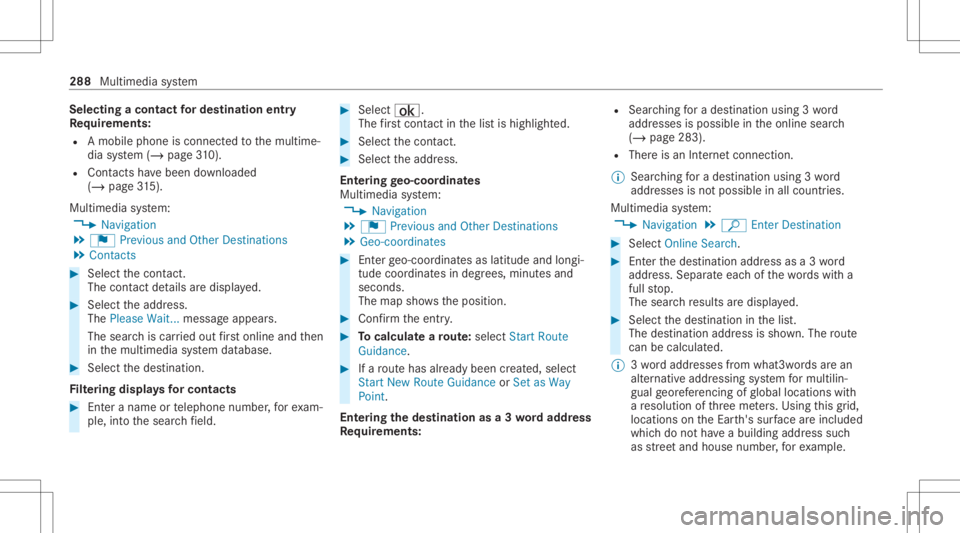
Selec
tingacont actfordes tinatio nen try
Re quirement s:
R Amobile phoneis con nectedto themultime‐
dia system (/ page31 0).
R Cont acts have been downloaded
(/ page31 5).
Mul timediasystem:
4 Navigation
5 ¬ Previous andOther Destination s
5 Contac ts #
Select thecon tact.
The cont actdetails aredispla yed. #
Select theaddr ess.
The Please Wait...messag eappear s.
The sear chiscar ried out firs tonl ine and then
in themultimedia system database. #
Select thedes tinat ion.
Fi lter ing disp lays forco ntac ts #
Enteranam eor telephon enumb er,fo rex am‐
ple, intoth esear chfield. #
Select ¡.
The firs tcont actinthelis tis highlight ed. #
Select thecon tact. #
Sele cttheaddr ess.
Ent ering geo-coor dinates
Multimedia system:
4 Navigation
5 ¬ Previous andOther Destination s
5 Geo-coor dinates #
Enterge o-coor dinatesaslatitude andlongi‐
tude coordinat esindegr ees, minut esand
seconds.
The map showstheposition . #
Conf irm theent ry. #
Tocalcu latearo ut e: sele ctStart Route
Gu ida nce. #
Ifaro utehas already been creat ed, sele ct
St art New RouteGuidan ceorSet asWay
Poin t.
Ent ering thedes tina tion asa3 wo rdaddr ess
Re quirement s: R
Sear ching fora des tination using 3wo rd
addr esse sis poss ibleintheonline search
( / pag e283) .
R Ther eis an Interne tcon nection .
% Sear ching fora des tination using 3wo rd
addr esse sis no tposs ibleinall coun tries.
Mult imed iasystem:
4 Navigation 5
ª Enter Dest ination #
Select Online Search. #
Enterth edes tinat ionaddr essasa3 wo rd
addr ess. Separateeac hof thewo rdswit ha
full stop.
The sear chresults aredispla yed. #
Select thedes tinat ioninthelis t.
The destinat ionaddr essissho wn. The route
can becalc ulated.
% 3wo rdaddr esse sfrom what 3words arean
alt ernat ive addr essingsystem formulti lin‐
gua lge orefer encin gof global locations with
a re solution ofthre eme ters.Usi ngthis grid,
locat ionsontheEar th's sur face areincl uded
whi chdo notha ve abuildin gaddr esssuch
as stre et and house number,fo rex am ple. 288
Multimed iasystem
Page 292 of 546
#
Slide thecon troller tothelef tor right.
The prev ious ornext POI ishighligh tedon the
map. Thename ortheaddr essissho wn. #
Tofilt er thedisp layby POI categor y:
swipe down ontheTo uc hCon trol or the
to uc hpad.
or #
Slid eth econ troller down. #
Select thePOI categor y.
% User Defined allowspersonal POIsymbols to
be select ed(/ page303 ). Ro
ute Calc
ulating aro ut e
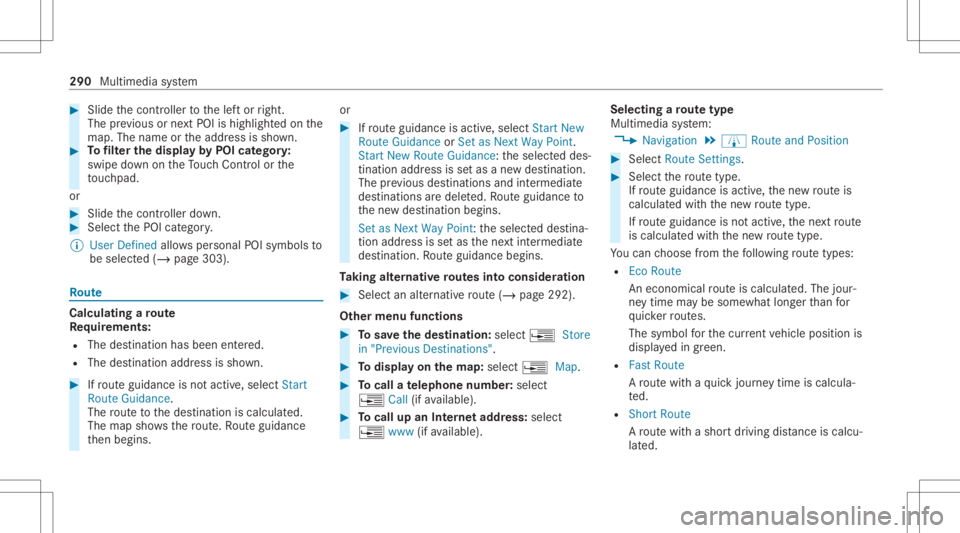
Re quirement s:
R The destination hasbeen entered.
R The destination addressissho wn. #
Ifro uteguidan ceisno tact ive, sele ctStart
Rout eGuidan ce.
The routeto thedes tinat ioniscalculat ed.
The map showsthero ute. Ro uteguidan ce
th en begins. or #
Ifro uteguidan ceisact ive, sele ctStart New
Rout eGuidan ceorSet asNex tWay Point.
St art New RouteGuidan ce:th eselect eddes‐
tinat ionaddr essissetas ane wdes tinat ion.
The prev ious destination sand intermediat e
des tination sar edele ted. Ro uteguidan ceto
th ene wdes tinat ionbegins.
Set asNext WayPoint :th eselect eddes tina‐
tion addr essissetas thene xt int ermediat e
des tinat ion.Routeguidan cebegin s.
Ta king alternativ ero utes intoco nside ratio n #
Select analte rn ativ ero ute(/ page29 2).
Ot her men ufu nct ions #
Tosave thedes tina tion: select¥ Store
in "Prev iousDestination s". #
Todispl ayon thema p:selec t¥ Map. #
Tocall ate lephone number: select
¥ Call(ifavailable). #
Tocall upanInterne tad dress: selec t
¥ www(ifavailable). Select
ingaro ut etype
Mul timedi asy stem:
4 Navigation 5
À Route andPosition #
Select RouteSetting s. #
Select thero utetyp e.
If ro uteguidan ceisact ive, thene wrouteis
calc ulatedwithth ene wroutetype .
If ro uteguidan ceisno tact ive, thene xt route
is calc ulatedwithth ene wroutetype .
Yo ucan choose from thefo llo wing routetype s:
R EcoRout e
An eco nomic alrouteis calc ulated. The jour‐
ne ytim ema ybe som ewhat long erthan for
qu icke rro utes.
The symb olforth ecur rent vehicle position is
displa yedin green.
R Fast Route
A ro utewit haqu ick jour neytim eis calc ula‐
te d.
R Shor tRoute
A ro utewit hasho rtdriving distance iscal cu‐
la te d. 290
Multimedia system