2020 MAZDA MODEL 3 HATCHBACK Trans
[x] Cancel search: TransPage 135 of 598

NOTE
The theft-deterrent system can also be
armed by activating the auto relock
function with all the doors, the liftgate/
trunk lid and the hood closed.
Refer to Transmitter on page 3-5.
The system will disarm if one of the
following operations takes place within
20 seconds after pressing the lock
button:
Unlocking any door.
Opening any door.
Opening the hood.
Switching the ignition ON.
To rearm the system, do the arming
procedure again.
When the doors are locked by pressing
the lock button on the transmitter while
the theft-deterrent system is armed, the
hazard warning lights will flash once to
indicate that the system is armed.
▼ To Turn Off an Armed System
An armed system can be turned off using
any one of the following methods:
Pressing the unlock button on the
transmitter.
Starting the engine with the push button
start.
(With the advanced keyless function)
Touching the sensing area of the door
release touch sensor.
The hazard warning lights will flash twice.
NOTE
When the doors are unlocked by pressing
the unlock button on the transmitter while
the theft-deterrent system is turned off, the
hazard warning lights will flash twice to
indicate that the system is turned off.
▼ To S t o p t h e A l a r m
A triggered alarm can be turned off using
any one of the following methods:
Pressing the unlock button or the trunk
button (4–door) on the transmitter.
Starting the engine with the push button
start.
(With the advanced keyless function)
Touching the sensing area of the door
release touch sensor.
Pressing the electric liftgate/trunk lid
opener while the key is being carried.
The hazard warning lights will flash twice.
Before Driving
Security System
3-43
Mazda3_8HZ1-EA-19G_Edition1_old 2019-5-17 13:49:03
Page 138 of 598

Floor Mat
▼Floor Mat
We recommend the use of Genuine
Mazda floor mats.
WA R N I N G
Make sure the
floor mats are hooked on the
retention pins to prevent them from
bunching up under the foot pedals:
Using a floor mat that is not secured is
dangerous as it will interfere with the
accelerator and brake pedal operation,
which could result in an accident.
Do not install two floor mats, one on top of
the other, on the driver's side:
Installing two floor mats, one on top of the
other, on the driver's side is dangerous as
the retention pins can only keep one floor
mat from sliding forward.
Loose floor mat(s) will interfere with the
foot pedals and could result in an accident.
If using an all-weather mat for winter use
always remove the original floor mat.
When setting a floor mat, position the
floor mat so that its grommets are inserted
over the pointed end of the retention posts.
Rocking the Vehicle
▼Rocking the Vehicle
WA R N I N G
Do not spin the wheels at more than 56
km/h (35 mph), and do not allow anyone
to stand behind a wheel when pushing the
vehicle:
When the vehicle is stuck, spinning the
wheels at high speed is dangerous. The
spinning tire could
overheat and explode.
This could cause serious injuries.
CAUTION
Too much rocking may cause engine
overheating, transmission failure, and tire
damage.
If you must rock the vehicle to free it from
snow, sand or mud, depress the accelerator
slightly and slowly mo ve the shift lever/
selector lever from 1 (D) to R position.
Before Driving
Driving Tips
3-46
Mazda3_8HZ1-EA-19G_Edition1_old 2019-5-17 13:49:03
Page 142 of 598

Driving on Uneven Road
▼Driving on Uneven Road
Your vehicle's suspension and underbody
can be damaged if driven on rough/uneven
roads or over speed bumps at excessive
speeds. Use care and reduce speed when
traveling on rough/uneven roads or over
speed bumps.
Use care not to damage the vehicle's
underbody, bumpers or muffler(s) when
driving under the following conditions:
Ascending or descending a slope with a
sharp transition angle
Ascending or descending a driveway or
trailer ramp with a
sharp transition angle
This vehicle is equi pped with low profile
tires allowing class-leading performance
and handling. As a result, the sidewall of
the tires are very th in and the tires and
wheels can be damaged if driven through
potholes or on rough/uneven roads at
excessive speeds. Use care and reduce
speed when traveling on rough/uneven
roads or through potholes.
Before Driving
Driving Tips
3-50
Mazda3_8HZ1-EA-19G_Edition1_old 2019-5-17 13:49:03
Page 143 of 598

Trailer Towing
▼Trailer Towing
Your Mazda is not designed for towing.
Never tow a trailer
with your Mazda.
Recreational Towing
▼Recreational Towing
An example of "recreational towing" is
towing your vehicle behind a motorhome.
The transmission is not designed for
towing this vehicle on all 4 wheels.
When doing recreational towing refer to
"Towing Description
" (page 7-23) and
"Tiedown Hooks" (page 7-24) and
carefully follow the instructions.
Before Driving
To w i n g
3-51
Mazda3_8HZ1-EA-19G_Edition1_old 2019-5-17 13:49:03
Page 145 of 598

4When Driving
Information concerning safe driving and stopping.
Start/Stop Engine.............................. 4-4 Ignition Switch........ ..................... 4-4
Starting the Engine....................... 4-5
Turning the Engine Off...............4-10
Cylinder Deactivation
*............... 4-11
Instrument Cluster and Display ............
........................................................... 4-12 Instrument Cluster and
Display........................................4-12
Instrument Cluster...................... 4-12
Active Driving Display
*............. 4-29
Manual Transmission
Operation......................................... 4-31 Manual Transmission Shift
Pattern......................................... 4-31
Automatic Transmission................. 4-33 Automatic Transmission
Controls...................................... 4-33
Shift-Lock System...................... 4-34
Transmission Ranges.................. 4-35
Manual Shift Mode..................... 4-36
Direct Mode
*.............................. 4-42
Driving Tips................................4-43
Switches and Controls..................... 4-44 Lighting Control......................... 4-44
Turn and Lane-Change
Signals........................................ 4-50
Windshield Wipers and
Washer........................................ 4-51
Rear Window Wiper and Washer
*.....
.................................................... 4-55
Rear Window Defogg er.............. 4-56
Horn............................................ 4-57
Hazard Warning Flasher............. 4-58
HomeLink Wireless Control
System
*.......................................4-58
Brake................................................ 4-63 Brake System.............................. 4-63
AUTOHOLD.............................. 4-69
Hill Launch Assist (HLA).......... 4-73
ABS/TCS/DSC................................. 4-75 Antilock Brake System
(ABS)..........................................4-75
Traction Control System
(TCS).......................................... 4-76
Dynamic Stability Control
(DSC)..........................................4-77
Drive Selection................................. 4-79 Drive Selection
*..........................4-79
i-ACTIV AWD................................. 4-81 i-ACTIV AWD Operation
*.........4-81
*Some models.4-1
Mazda3_8HZ1-EA-19G_Edition1_old 2019-5-17 13:49:03
Page 146 of 598
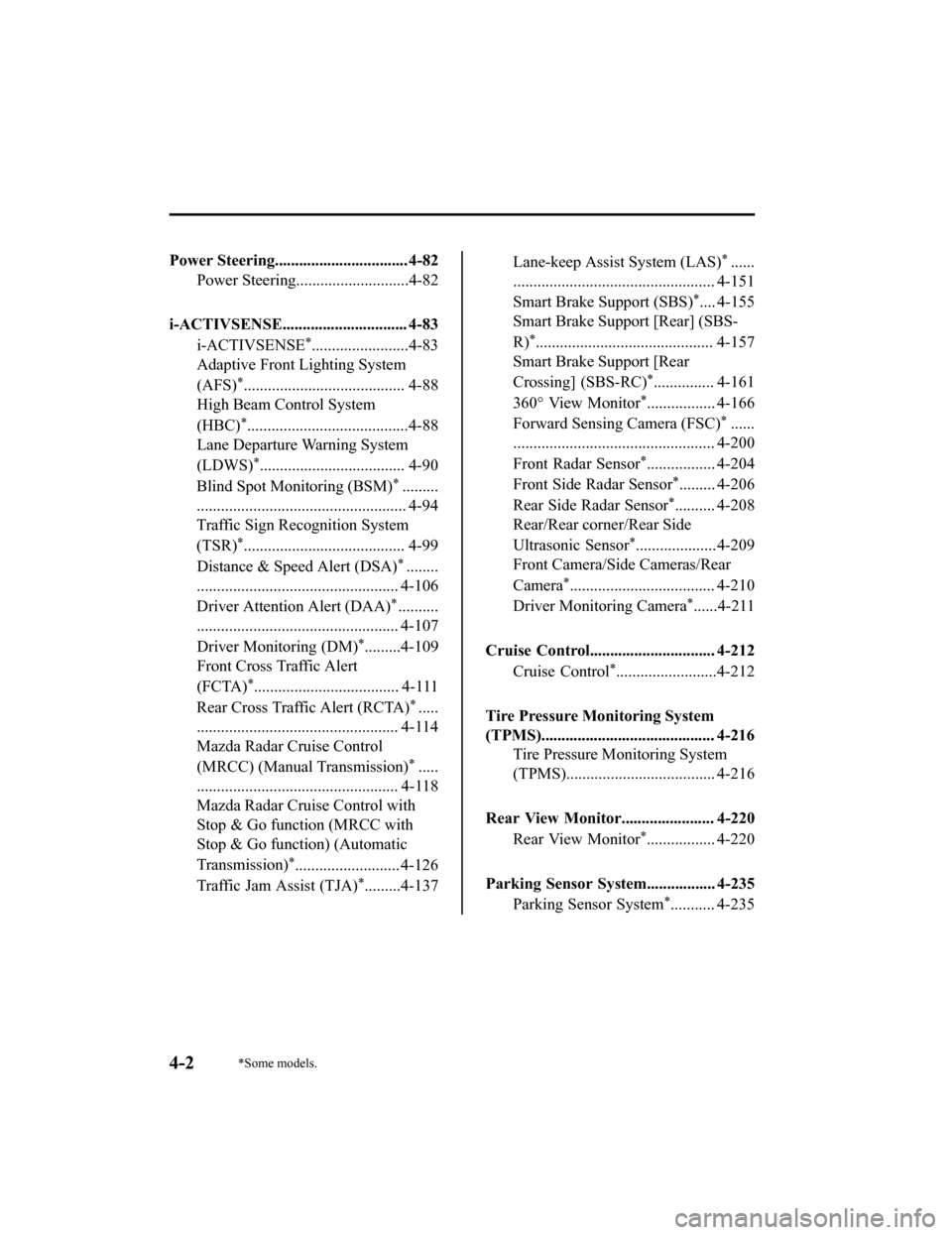
Power Steering................................. 4-82Power Steering............................4-82
i-ACTIVSENSE............................... 4-83 i-ACTIVSENSE
*........................4-83
Adaptive Front Lighting System
(AFS)
*........................................ 4-88
High Beam Control System
(HBC)
*........................................4-88
Lane Departure Warning System
(LDWS)
*.................................... 4-90
Blind Spot Monitoring (BSM)
*.........
.................................................... 4-94
Traffic Sign Recognition System
(TSR)
*........................................ 4-99
Distance & Speed Alert (DSA)
*........
.................................................. 4-106
Driver Attenti on Alert (DAA)
*..........
.................................................. 4-107
Driver Monitoring (DM)
*.........4-109
Front Cross Traffic Alert
(FCTA)
*.................................... 4-111
Rear Cross Traffic Alert (RCTA)
*.....
.................................................. 4-114
Mazda Radar Cruise Control
(MRCC) (Manual Transmission)
*.....
.................................................. 4-118
Mazda Radar Cruise Control with
Stop & Go function (MRCC with
Stop & Go function) (Automatic
Transmission)
*.......................... 4-126
Traffic Jam Assist (TJA)
*.........4-137
Lane-keep Assist System (LAS)*......
.................................................. 4-151
Smart Brake Support (SBS)
*.... 4-155
Smart Brake Support [Rear] (SBS-
R)
*............................................ 4-157
Smart Brake Support [Rear
Crossing] (SBS-RC)
*............... 4-161
360° View Monitor
*................. 4-166
Forward Sensing Camera (FSC)
*......
.................................................. 4-200
Front Radar Sensor
*................. 4-204
Front Side Radar Sensor
*......... 4-206
Rear Side Radar Sensor
*.......... 4-208
Rear/Rear corner/Rear Side
Ultrasonic Sensor
*....................4-209
Front Camera/Side Cameras/Rear
Camera
*.................................... 4-210
Driver Monitoring Camera
*......4-211
Cruise Control............................... 4-212 Cruise Control
*.........................4-212
Tire Pressure Monitoring System
(TPMS)........................................... 4-216 Tire Pressure Monitoring System
(TPMS)..................................... 4-216
Rear View Monitor....................... 4-220 Rear View Monitor
*................. 4-220
Parking Sensor System................. 4-235 Parking Sensor System
*........... 4-235
4-2*Some models.
Mazda3_8HZ1-EA-19G_Edition1_old 2019-5-17 13:49:03
Page 148 of 598

Ignition Switch
▼Push Button Start Positions
The system operates only when the key is
within operational range.
Each time the push button start is pressed,
the ignition switches
in the order of off,
ACC, and ON. Pressing the push button
start again from ON switches the ignition
off.
1. Indicator light
2. Push button start
NOTE
The engine starts by pressing the push
button start while depressing the clutch
pedal (manual transmission) or the
brake pedal (automatic transmission).
To switch the ignition position, press the
push button start without depressing the
pedal.
Do not leave the ignition switched ON
while the engine is not running. Doing
so could result in the battery going
dead. If the ignition is left in ACC (For
automatic transmission, the selector
lever is in the P position, and the
ignition is in ACC), the ignition switches
off automatically af ter about 25 minutes.
Off
The power supply to electrical devices
turns off and the indicator light (amber)
also turns off.
WA R N I N G
Before leaving the driver's seat, always
switch the ignition off, set the parking
brake, and make sure the selector lever is in
P (automatic transmission) position or in
1st gear or R (manual transmission):
Leaving the driver's seat without switching
the ignition off, setting the parking brake,
and shifting the selector lever to P
(automatic transmission) position or to 1st
gear or R (manual transmission) is
dangerous. Unexpected vehicle movement
could occur which could result in an
accident.
In addition, if your intention is to leave the
vehicle for even a short period, it is
important to switch the ignition off, as
leaving it in another position will disable
some of the vehicle's security systems and
run the battery down.
ACC (Accessory)
Some electrical accessories will operate
and the indicator light (amber) illuminates.
NOTE
The keyless entry system does not function
while the push button start has been
pressed to ACC, and the doors will not
lock/unlock even if they have been locked
manually.
When Driving
Start/Stop Engine
4-4
Mazda3_8HZ1-EA-19G_Edition1_old 2019-5-17 13:49:03
Page 150 of 598

After starting a cold engine, the engine
speed increases and a whining sound
from the engine compartment can be
heard.
This is for improved exhaust gas
purification and does not indicate any
parts defect.
Engine-starting is controlled by the
spark ignition system.
This system meets all Canadian
Interference-Causing Equipment
Standard requirements regulating the
impulse electrical field strength of radio
noise.
1. Make sure you are carrying the key.
2. Occupants should fasten their seat belts.
3. Make sure the parking brake is on.
4. Continue to depress the brake pedal firmly until the engine has completely
started.
5. (Manual transmission)
Continue to depress the clutch pedal
firmly until the engine has completely
started.
(Automatic transmission)
Put the vehicle in park (P). If you must
restart the engine while the vehicle is
moving, shift into neutral (N).
NOTE
(Manual transmission)
The starter will not operate if the
clutch pedal is not depressed
sufficiently.
(Automatic transmission)
The starter will not operate if the
selector lever is not in P or N
position and the brake pedal is not
depressed sufficiently.
6. Make sure that the push button start
indicator light (green) turns on.
1. Indicator light
2. Push button start
NOTE
If the push button start indicator
light (green) flashes, make sure that
the key is being carried.
If the push button start indicator
light (green) flashes with the key
being carried, touch the key to the
push button start and start the
engine.
Refer to Engine Start Function When
Key Battery is Dead on page 4-8.
CAUTION
If the KEY warning indication (red) is
displayed, or the push button start
indicator light (amber) flashes, this
could indicate a problem with the
engine starting system. This may
prevent the engine from starting or
from switching the ignition to ACC or
ON.
Refer to KEY Warning Indication/
Warning Light (Red) on page 7-33.
When Driving
Start/Stop Engine
4-6
Mazda3_8HZ1-EA-19G_Edition1_old 2019-5-17 13:49:03