2020 Lexus ES300h blind
[x] Cancel search: blindPage 3 of 462

3TABLE OF CONTENTS
1
2
3
4
5
6
7
8
9
4-2. Driving proceduresPower (ignition) switch ............... 143
EV drive mode ............................... 148
Hybrid transmission ..................... 150
Turn signal lever............................. 154
Parking brake ................................. 155
Brake Hold....................................... 157
4-3. Operating the lights and wipers Headlight switch ............................ 159
Automatic High Beam ................ 162
Windshield wipers and washer 164
4-4. Refueling Opening the fuel tank cap......... 170
4-5. Using the driving support systems Lexus Safety System + 2.0 ........ 172
PCS (Pre-Collision System)..... 178
LTA (Lane Tracing Assist)......... 185
RSA (Road Sign Assist) .............. 194
Dynamic radar crui se control with
full-speed range.......................... 196
BSM (Blind Spot Monitor) ....... 206
Driving Mode Select switch ..... 212
PKSA (Parking Support Alert) 214
Intuitive parking assist ................. 215
RCTA (Rear Cross Traffic Alert) function ........................................... 221
RCD (Rear Camera Detection) function .......................................... 225
PKSB (Parking Support Brake) ........................................................... 228
Parking Support Brake function (static objects) ............................ 234
Parking Support Brake function (rear-crossing vehicles).......... 240
Parking Support Brake function (rear pedestrians) ..................... 244Driving assist systems .................
247
4-6. Driving tips Hybrid vehicle driving tips ......... 251
Winter driving tips ....................... 253
5-1. Remote Touch Remote Touch............................... 258
5-2. Lexus Climate Concierge Lexus Climate Concierge........ 263
5-3. Using the air conditioning system Automatic air conditioning system.......................................................... 265
Heated steering wheel/seat heat- ers/seat ventilators................... 273
5-4. Using the interior lights Interior lights list ............................ 277
5-5. Using the storage features List of storage features .............. 280
Trunk features ............................... 283
5-6. Using the other interior features Other interior features .............. 284
Garage door opener ................. 296
Compass ......................................... 302
6-1. Maintenance and care Cleaning and protecting the vehi-cle exterior................................... 306
Cleaning and protecting
the vehi-
cle interior .................................... 309
6-2. Maintenance Maintenance re quirements .......312
General maintenance................. 313
5Interior features
6Maintenance and care
Page 135 of 462

133
4
4
Driving
Driving
4-1. Before drivingDriving the vehicle ..................... 134
Cargo and luggage ................... 139
Vehicle load limits ....................... 141
Trailer towing ............................... 142
Dinghy towing ............................. 142
4-2. Driving procedures Power (ignition) switch ............ 143
EV drive mode ............................ 148
Hybrid transmission .................. 150
Turn signal lever.......................... 154
Parking brake .............................. 155
Brake Hold.................................... 157
4-3. Operating the lights and wipers Headlight switch ......................... 159
Automatic High Beam ............. 162
Windshield wipers and washer ......................................................... 164
4-4. Refueling Opening the fuel tank cap...... 170
4-5. Using the driving support sys- tems
Lexus Safety System + 2.0 ..... 172
PCS (Pre-Collision System).. 178
LTA (Lane Tracing Assist)...... 185
RSA (Road Sign Assist) ........... 194
Dynamic radar cruise control with full-speed range....................... 196
BSM (Blind Spot Monitor) .... 206
Driving Mode Select switch .. 212PKSA (Parking Support Alert)
......................................................... 214
Intuitive parking assist .............. 215
RCTA (Rear Cross Traffic Alert) function......................................... 221
RCD (Rear Camera Detection) function....................................... 225
PKSB (Parking Support Brake) ....................................................... 228
Parking Support Brake function (static objects) ......................... 234
Parking Support Brake function (rear-crossing vehicles) ...... 240
Parking Support Brake function (rear pedestrians) .................. 244
Driving assist systems.............. 247
4-6. Driving tips Hybrid vehicle driving tips ..... 251
Winter driving tips .................... 253
Page 208 of 462

2064-5. Using the driving support systems
*: If equipped
Meter control switches
Turn the Blind Spot Monitor on/off.
Outside rear view mirror indicators
When a vehicle is detected in a blind spot
of the outside rear view mirrors or
approaching rapidly from behind into a
blind spot, the outside rear view mirror
indicator on the detected side will illumi-
nate. If the turn signal lever is operated
toward the detected side, the outside rear
view mirror indicator will flash.
BSM indicator
When the Blind Spot Monitor is turned on,
the indicator comes on.
1Press or of the meter con-
trol switches, select .
2
Press or of the meter con-
trol switches, select “BSM”, and
then press “OK”.
■Outside rear view mirror indicator visi-
bility
In strong sunlight, the outside rear view mir-
ror indicator may be difficult to see.
■When “Blind Spot Monitor Unavailable”
is shown on the multi-information dis-
play
Ice, snow, mud, etc., may be attached to the
rear bumper around the sensors.
( P.208) Remove the ice, snow, mud, etc.,
attached to the rear bumper around the
sensors to return the function to normal.
Additionally, the sensors may not operate
normally when driving in extremely hot or
cold environments.
■Customization
Some functions can be customized. (Cus-
tomizable features: P.418)
BSM (Blind Spot Monitor)*
The Blind Spot Monitor is a system
that uses rear side radar sensors
installed on the inner side of the
rear bumper on the left and right
side to assist the driver in confirm-
ing safety when changing lanes.
WARNING
■Cautions regarding the use of the
function
The driver is solely responsible for safe
driving. Always driv e safely, taking care
to observe your surroundings.
The Blind Spot Monitor is a supplemen-
tary function which alerts the driver that a
vehicle is in a blind spot of the outside
rear view mirrors or is approaching rap-
idly from behind into a blind spot. Do not
overly rely on the Blind Spot Monitor. As
the function cannot judge if it is safe to
change lanes, over reliance could lead to
an accident resulting in death or serious
injury.
As the system may not function correctly
under certain conditions, the driver’s own
visual confirmation of safety is necessary.
System components
A
Turning the Blind Spot Monitor
on/off
B
C
Page 209 of 462
2074-5. Using the driving support systems
4
Driving
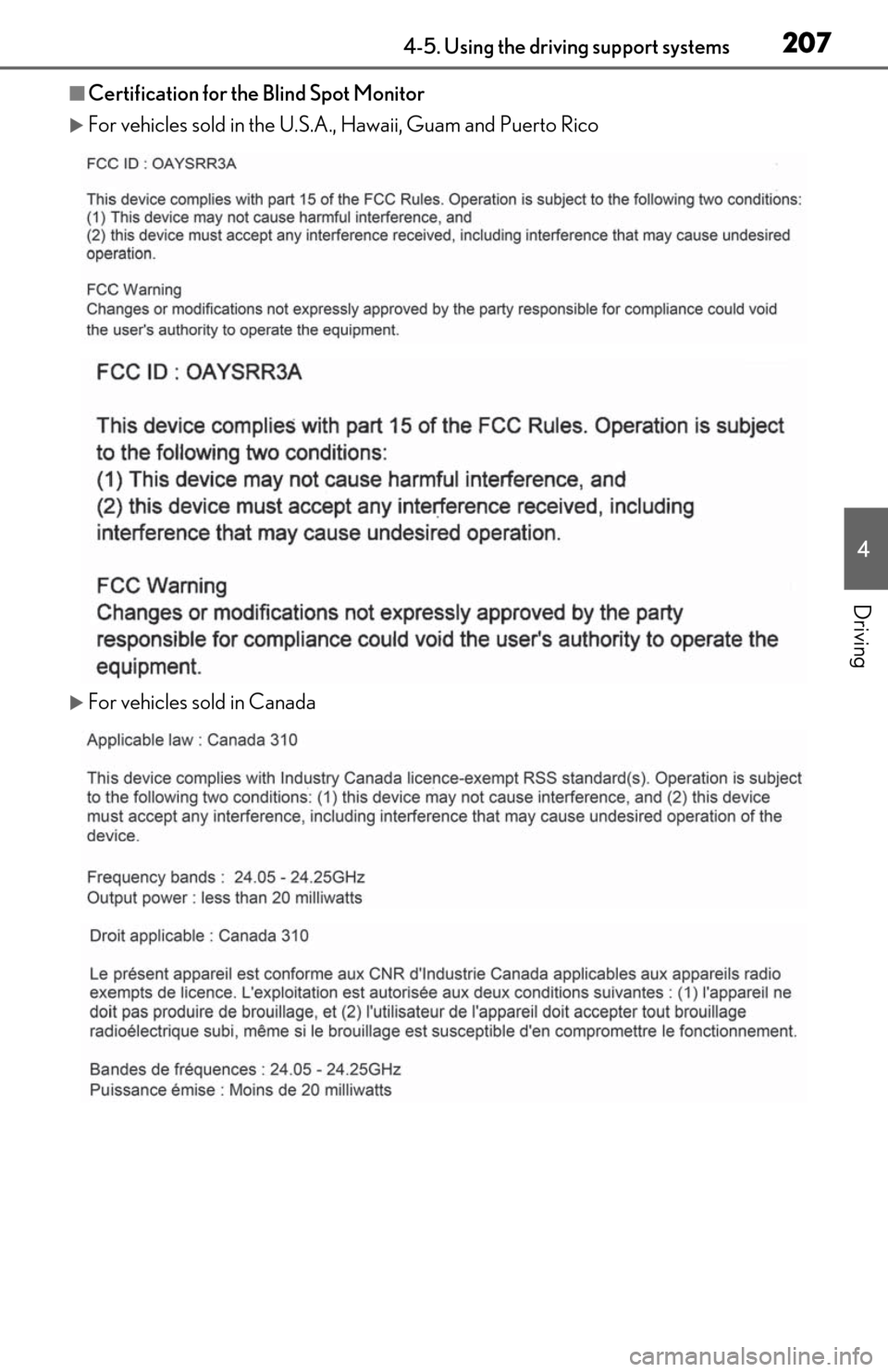
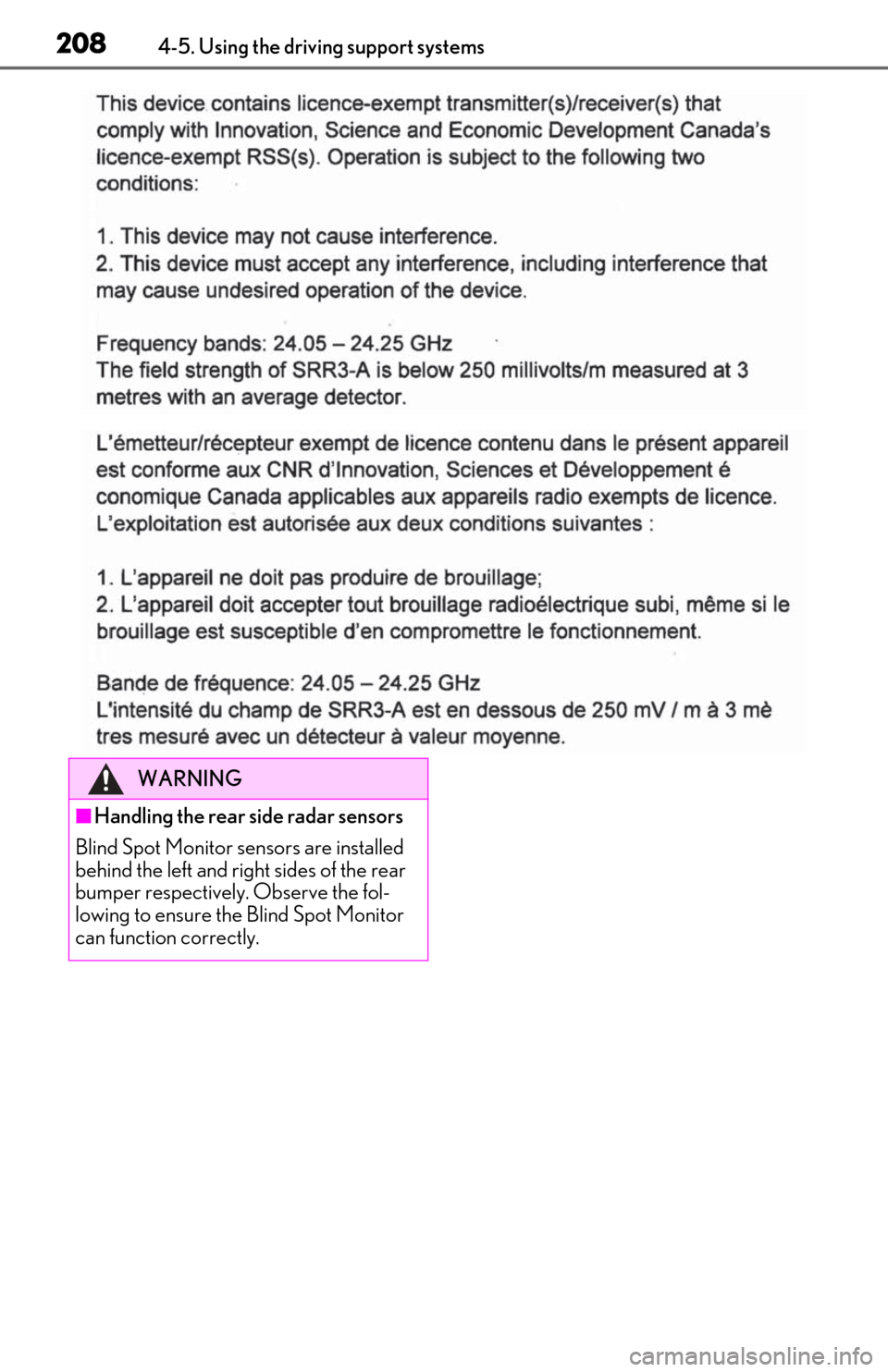
■Certification for the Blind Spot Monitor
For vehicles sold in the U.S.A., Hawaii, Guam and Puerto Rico
For vehicles sold in Canada
Page 210 of 462
2084-5. Using the driving support systems
WARNING
■Handling the rear side radar sensors
Blind Spot Monitor se nsors are installed
behind the left and right sides of the rear
bumper respectively. Observe the fol-
lowing to ensure the Blind Spot Monitor
can function correctly.
Page 211 of 462

2094-5. Using the driving support systems
4
Driving
WARNING
●Keep the sensors and the surrounding
areas on the rear bumper clean at all
times.
If a sensor or its surrounding area on
the rear bumper is dirty or covered
with snow, the Blind Spot Monitor may
not operate and a warning message
( P.206) will be displayed. In this sit-
uation, clear off the dirt or snow and
drive the vehicle with the operation
conditions of the BSM function
( P.211) satisfied for approximately 10
minutes. If the warning message does
not disappear, have the vehicle
inspected by your Lexus dealer.
●Do not subject a sensor or its sur-
rounding area on the rear bumper to a
strong impact.
If a sensor is moved even slightly off
position, the system may malfunction
and vehicles may not be detected cor-
rectly.
In the following situations, have your
vehicle inspected by your Lexus
dealer.
• A sensor or its surrounding area is subject to a strong impact.
• If the surrounding area of a sensor is scratched or dented, or part of them
has become disconnected.
●Do not disassemb le the sensor.
●Do not attach accessories, stickers
(including transparent stickers), alumi-
num tape, etc. to a sensor or its sur-
rounding area on the rear bumper.
●Do not modify the sensor or surround-
ing area on the rear bumper.
●If a sensor or the rear bumper needs to
be removed/installed or replaced,
contact your Lexus dealer.
●Do not paint the rear bumper any
color other than an official Lexus color.
Page 212 of 462

2104-5. Using the driving support systems
■Vehicles that can be detected by the Blind Spot Monitor
The Blind Spot Monitor uses rear side ra dar sensors to detect the following vehi-
cles traveling in adjacent lanes and advises the driver of the presence of such vehi-
cles via the indicators on th e outside rear view mirrors.
Vehicles that are traveling in areas that are not visible using the outside rear
view mirrors (the blind spots)
Vehicles that are approaching rapidly from behind in areas that are not visible
using the outside rear view mirrors (the blind spots)
■Blind Spot Monitor detection areas
The areas that vehicles can be detected in are outlined below.
The range of each detection area is:
Approximately 1.6 ft. (0.5 m) to 11.5 ft. (3.5 m) from either side of the vehicle*1
Approximately 3.3 ft. (1 m) forward of the rear bumper
Approximately 9.8 ft. (3 m) from the rear bumper
Approximately 9.8 ft. (3 m) to 19 7 ft. (60 m) from the rear bumper
*2
*1: The area between the side of the vehicle and 1.6 ft. (0.5 m) from the side of the vehicle
cannot be detected.
Blind Spot Monitor operation
A
B
A
B
C
D
Page 213 of 462

2114-5. Using the driving support systems
4
Driving
*2: The greater the difference in speed between your vehicle and the detected vehicle is, the farther away the vehicle will be detected, causing the outside rear view mirror indi-
cator to illuminate or flash.
■The Blind Spot Monitor is operational
when
The Blind Spot Monitor is operational when
all of the following conditions are met:
●The Blind Spot Monitor is on.
●The shift lever is in a position other than R.
●The vehicle speed is greater than approx-
imately 10 mph (16 km/h).
■The Blind Spot Monitor will detect a
vehicle when
The Blind Spot Monitor will detect a vehicle
present in the detection area in the follow-
ing situations:
●A vehicle in an adj acent lane overtakes
your vehicle.
●You overtake a vehicle in adjacent lane
slowly.
●Another vehicle enters the detection
area when it changes lanes.
■Conditions under wh ich the Blind Spot
Monitor will not detect a vehicle
The Blind Spot Monitor is not designed to
detect the following types of vehicles and/or
objects:
●Small motorcycles, bicycles, pedestrians,
etc.*
●Vehicles traveling in the opposite direc-
tion
●Guardrails, walls, signs, parked vehicles
and similar stationary objects*
●Following vehicles th at are in the same
lane*
●Vehicles traveling 2 lanes away from your
vehicle*
●Vehicles which are being overtaken rap-
idly by your vehicle.*
*
: Depending on the conditions, detection of a vehicle and/or object may occur.
■Conditions under which the Blind Spot
Monitor may not function correctly
●The Blind Spot Monitor may not detect
vehicles correctly in the following situa-
tions:
• When the sensor is misaligned due to a strong impact to the sensor or its sur-
rounding area
• When mud, snow, ice, a sticker, etc. is covering the sensor or surrounding area
on the rear bumper
• When driving on a road surface that is wet with standing water during bad
weather, such as heavy rain, snow, or fog
• When multiple vehicles are approaching with only a small gap between each vehi-
cle
• When the distance between your vehicle and a following vehicle is short
• When there is a significant difference in
speed between your vehicle and the vehi-
cle that enters the detection area
• When the difference in speed between
your vehicle and another vehicle is
changing
• When a vehicle enters a detection area
traveling at about the same speed as your
vehicle
• As your vehicle starts from a stop, a vehi-
cle remains in the detection area
• When driving up and down consecutive steep inclines, such as hills, dips in the
road, etc.
• When driving on roads with sharp bends, consecutive curves, or uneven surfaces
• When vehicle lanes are wide, or when driving on the edge of a lane, and the
vehicle in an adjacent lane is far away
from your vehicle
• When an accessory (such as a bicycle carrier) or towing eyelet is installed to the
rear of the vehicle
• When there is a significant difference in height between your vehicle and the
vehicle that enters the detection area
• Immediately after the Blind Spot Monitor is turned on
●Instances of the Blind Spot Monitor
unnecessarily detecting a vehicle and/or