2020 FORD ECOSPORT ignition
[x] Cancel search: ignitionPage 324 of 448

Action and DescriptionMenu ItemItem
This bar displays icons and messages pertaining to currentsystem activities including climate settings, voicecommands and phone functions such as text messages.
Status BarA
This button is available on the main screens. Pressing ittakes you to the home screen view.HomeB
This shows the current time. You can set the clock manuallyor have it controlled by the vehicle's GPS location. SeeSettings (page 355).
ClockC
This displays the current outside temperature.OutsideTemperatureD
You can touch any of the buttons on this bar to select afeature.Feature BarE
The touchscreen allows you quick accessto all of your comfort, navigation,communication and entertainmentoptions. Using the status and feature baryou can quickly select the feature you wantto use.
Note:Your system is equipped with afeature that allows you to access andcontrol audio features for 10 minutes afteryou switch the ignition off (and no doorsopen).
The Status Bar
Additional icons also display in the statusbar depending on market, vehicle optionsand current operation. If a feature is notactive, the icon does not display. Certainicons may move to the left or rightdepending on what options are active.
320
EcoSport (CBW) Canada/United States of America, Vehicles Built From: 17-06-2019, LN1J-19A321-ZFA enUSA, Edition date: 201904, First-PrintingSYNC™ 3
Page 330 of 448

To install the update in your vehicle,remove anything that is plugged in the USBports on the media hub and plug in theUSB drive containing the update. Whenthe USB drive is plugged in, the installationshould begin immediately. After asuccessful installation, the update isavailable the next time the vehicle isstarted.
The installation of most files occurs in thebackground, and does not interrupt youruse of the system. Navigation updatescannot be installed in the background,because the files are too large.
Please refer to the website for any furtheractions.
Updating Over Wi-Fi
To update your System over Wi-Fi yourvehicle must be within the range of a Wi-Fiaccess point. Data rates may apply.
To enable automatic updates usingWi-Fi, select:
Menu Item
Settings
Wi-fi & Hotspot
System Wi-Fi
You can then select yourWi-Fi network. You mayhave to enter the securitycode if the network issecured. The systemconfirms when it hasconnected to the network.
AvailableWi-FiNetworks
You must also give the system permissionto update automatically. Upon vehicledelivery, the System asks you if you wouldlike to use the automatic update feature.If you agree to automatic updates, you canpress OK to confirm. If this selection doesnot appear upon vehicle delivery you canaccess it through the General Settings.See Settings (page 355). You can alsoperform a master reset. See SYNC™ 3Troubleshooting (page 357).
If you would like to switch this featureon later, select:
Menu Item
Settings
From this menu, you canenable automatic updates.If you have not done soalready, the systemprompts you to set up aWi-Fi connection when youenable this feature.
AutomaticSystemUpdates
When Wi-Fi and automatic updates areenabled, your system checks for softwareupdates periodically. If a new version isavailable, it downloads at that time.Software downloads can take place for upto 30 minutes after you have switched yourvehicle off. The updates do not interruptthe normal use of your SYNC 3 system. Ifa download does not complete for anyreason, the download continues where itleft off at the next Wi-Fi connectedopportunity. Upon activation of an update,a banner displays on the touchscreenindicating the system update. Select theicon to see more detail. This icon displaysfor two ignition cycles.
326
EcoSport (CBW) Canada/United States of America, Vehicles Built From: 17-06-2019, LN1J-19A321-ZFA enUSA, Edition date: 201904, First-PrintingSYNC™ 3
Page 342 of 448

Troubleshooting tips
ActionCauseMessage
No action required. Thismessage should disappearshortly.
Radio requires more than twoseconds to produce audio forthe selected channel.
Acquiring Signal
If this message does not clearshortly, or with an ignition keycycle, your receiver may havea fault. See an authorizeddealer for service.
There is an internal module orsystem failure present.Satellite antenna fault
SIRIUS system failure
Tune to another channel orchoose another preset.The channel is no longer avail-able.Invalid Channel
Contact SiriusXM at 1-888-539-7474 to subscribe to thechannel, or tune to anotherchannel.
Your subscription does notinclude this channel.Unsubscribed Channel
The signal is blocked. Whenyou move into an open area,the signal should return.
The signal is lost from the Siri-usXM satellite or SiriusXMtower to your vehicle antenna.
Satellite acquiringsignal…
No action required. Theprocess may take up to threeminutes.
Update of channel program-ming in progress.Updating…
Contact SiriusXM at 1-888-539-7474 to resolve subscrip-tion issues.
Your satellite service is nolonger available.Questions? Call 1-888-539-7474
Use the channel guide to turnoff the Lock or Skip function onthat station.
All the channels in the selectedcategory are either skipped orlocked.
None found. Checkchannel guide.
No action required.SiriusXM has updated thechannels available for yourvehicle.
SIRIUS Subscriptionupdated
HD Radio™ Information (IfAvailable)
Note: This feature may not be available inall markets.
To activate HD radio, please see the RadioSettings in the Settings Chapter. SeeSettings (page 355).
338
EcoSport (CBW) Canada/United States of America, Vehicles Built From: 17-06-2019, LN1J-19A321-ZFA enUSA, Edition date: 201904, First-PrintingSYNC™ 3
Page 365 of 448

Phone
Possible Cause and ResolutionSymptom
During a call, I can hearexcessive background noise.–Incorrect cell phone settings.
•Check and adjust the audio settings on your cellphone. Refer to your cell phone's user manual.
–Cell phone malfunction.
•Switch your cell phone off, reset it and try again.
–Cell phone microphone muted.
•Unmute your cell phone microphone.
During a call, I can hear theother person but theycannot hear me.
During a call, I cannot hearthe other person and theycannot hear me.
–System restart required.
•Restart the system. Switch the ignition off andopen the door. Close the door and lock the vehicle.Wait until the touchscreen is off and any illumin-ated USB ports are not illuminated. Unlock thevehicle, switch the ignition on and try again.
I cannot download phone-book.–Incompatible cell phone.
•Check the compatibility of your cell phone on ourwebsite.
–Incorrect cell phone settings.
•Allow the system to retrieve contacts from yourcell phone. Refer to your cell phone's user manual.
–Incorrect system settings.
•Switch automatic phonebook download on. SeeSettings (page 355).
–Cell phone malfunction.
•Switch your cell phone off, reset it and try again.
–Incorrect cell phone settings.
•Allow the system to retrieve contacts from yourcell phone. Refer to your cell phone's user manual.
•Check the location of the missing contacts on yourcell phone. If they are stored on the SIM card, movethem to the cell phone memory.
–Incorrect system settings.
•Switch automatic phonebook download on. SeeSettings (page 355).
A message displayssuggesting that my phone-book has downloaded but itis empty or it has missingcontacts.
361
EcoSport (CBW) Canada/United States of America, Vehicles Built From: 17-06-2019, LN1J-19A321-ZFA enUSA, Edition date: 201904, First-PrintingSYNC™ 3
Page 371 of 448

Possible Cause and ResolutionSymptom
I cannot see SYNC when Isearch for Wi-Fi networks onmy cell phone or otherdevice.
–System limitation.
•SYNC does not provide a Wi-Fi hotspot at this time.
–Weak network signal
•Move your vehicle closer to the Wi-Fi hotspot or toa place where the network signal is not obstructed.
–Wi-Fi hotspot in high demand or has a slow Internetconnection.
•Use a more reliable Wi-Fi hotspot.
Software downloads taketoo long.
–No software update available.
–Wi-Fi network requires a subscription or acceptanceof terms and conditions.
•Test the connection using another device. If thenetwork requires a subscription or acceptance ofterms and conditions, contact the network serviceprovider.
The system seems toconnect to a Wi-Fi networkand the signal strength isexcellent but the softwaredoes not update.
Personal Profiles (If Equipped)
Possible Cause and SolutionSymptom
You have not set up Personal Profiles.
I cannot create a profile.
You entered an invalid profile.
You did not select a memory button when prompted.
You did not have the ignition on or in park (P), or youshifted out park (P) when creating a profile.
Personal Profiles has been switched off.
You did not select the lock button on the remote control.
I cannot link a remotecontrol.
The remote control selected was already associated withanother profile and the system declined to overwrite.
The system performed a profile recall when linking aremote control.
You did not have the ignition on or in park (P), or youshifted out park (P) when creating a profile.
367
EcoSport (CBW) Canada/United States of America, Vehicles Built From: 17-06-2019, LN1J-19A321-ZFA enUSA, Edition date: 201904, First-PrintingSYNC™ 3
Page 440 of 448

Heated Rear Window - Vehicles With:Electronic Manual TemperatureControl (EMTC)...........................................112Heated Seats..................................................125Heated Steering Wheel................................72HeatingSee: Climate Control.........................................106Hill Start Assist..............................................158Switching the System On and Off...............159Using Hill Start Assist.......................................159Hints on Controlling the Interior Climate- Vehicles With: Electronic AutomaticTemperature Control (EATC).................110Defogging or Clearing the Windshield ofThin Ice...............................................................110Defogging the Side Windows in ColdWeather..............................................................110General Hints........................................................110Quickly Cooling the Interior.............................110Recommended Settings for Cooling...........110Recommended Settings for Heating...........110Hints on Controlling the Interior Climate- Vehicles With: Electronic ManualTemperature Control (EMTC).................111Defogging or Clearing the Windshield ofThin Ice.................................................................111Defogging the Side Windows in ColdWeather...............................................................111General Hints..........................................................111Quickly Cooling the Interior...............................111Quickly Heating the Interior..............................111Recommended Settings for Cooling.............111Recommended Settings for Heating.............111Hints on Driving With Anti-LockBrakes............................................................158Hood LockSee: Opening and Closing the Hood............212
I
Ignition Switch...............................................130Starting the Engine.............................................131Switching the Ignition Off...............................130Switching the Ignition On................................130Switching the Ignition to AccessoryMode..................................................................130In California (U.S. Only)..............................197Information Display Control.......................72
Information Displays.....................................93General Information............................................93Information Messages.................................96Accessory Power..................................................97Airbag........................................................................97Alarm.........................................................................97Battery and Charging System.........................98Brake System........................................................98Engine......................................................................99Fuel System...........................................................99Hill Start Assist.....................................................99Keyless Vehicle...................................................100Lighting..................................................................100Maintenance........................................................100MyKey......................................................................101Park Aid..................................................................102Park Brake.............................................................102Power Steering....................................................103Stability Control..................................................103Starting System .................................................103Tire Pressure Monitoring System...................98Traction Control..................................................104Transmission........................................................104Vehicle Settings..................................................105Installing Child Restraints...........................20Child Seats..............................................................20Using Lap and Shoulder Belts.........................20Using Lower Anchors and Tethers forCHildren (LATCH)............................................23Using Tether Straps.............................................24Instrument Cluster........................................88Instrument Lighting Dimmer.....................80Interior Lamps.................................................82Courtesy lamp.......................................................82Reading lamps......................................................82Vanity lamp............................................................83Interior Mirror...................................................86Auto-Dimming Mirror.........................................86Introduction.........................................................7
J
Jump Starting the Vehicle.........................192Connecting the Jumper Cables.....................193Jump Starting......................................................194Preparing Your Vehicle......................................192Removing the Jumper Cables........................194
436
EcoSport (CBW) Canada/United States of America, Vehicles Built From: 17-06-2019, LN1J-19A321-ZFA enUSA, Edition date: 201904, First-PrintingIndex
Page 442 of 448

Normal Scheduled Maintenance...........376Intelligent Oil-Life Monitor™.........................376Normal Maintenance Intervals......................377
O
Oil Change Indicator Reset.......................216Resetting the Oil Life MonitoringSystem...............................................................216Oil CheckSee: Engine Oil Check.......................................215Opening and Closing the Hood...............212Closing the Hood.................................................213Opening the Hood..............................................212Ordering Additional Owner'sLiterature......................................................201Obtaining a French Owner’s Manual..........201
P
Parking Aids....................................................162Principle of Operation.......................................162Parking Brake.................................................158All Vehicles............................................................158Vehicles With AutomaticTransmission...................................................158Vehicles With Manual Transmission...........158Passive Anti-Theft System.........................67Principle of Operation.........................................67SecuriLock®...........................................................67PATSSee: Passive Anti-Theft System.....................67Perchlorate........................................................13Personal Safety System™..........................38How Does the Personal Safety SystemWork?..................................................................38Phone...............................................................343During a Phone Call...........................................347Making Calls........................................................346Pairing Your Cell Phone for the FirstTime...................................................................344Phone Menu........................................................344Receiving Calls....................................................347Smartphone Connectivity..............................348Text Messaging...................................................347Post-Crash Alert System...........................195Power Door LocksSee: Locking and Unlocking............................60
Power Seats....................................................119Adjust Four Way Position..................................121Adjust the Lumbar Support............................120Adjust the Seat Back Recliner.........................121Power Windows.............................................84Accessory Delay...................................................85Bounce-Back.........................................................84One-Touch Down................................................84One-Touch Up......................................................84Window Lock.........................................................85Programming a MyKey.................................58Optional Settings.................................................58Protecting the Environment........................17Push Button Ignition Switch......................131Failure to Start......................................................131Starting the Engine.............................................131Stopping the Engine When the Vehicle isMoving................................................................132Stopping the Engine with the VehicleStationary.........................................................132Switching the Ignition On (AccessoryMode)..................................................................131
R
Rear Parking Aid............................................162Rear Seats........................................................122Flip and Fold Seat...............................................122Folding the Seatback Down...........................123Lifting the Seat Cushion...................................122Rear Under Floor Storage..........................174Adjustable Load Floor.......................................174Rear View Camera.......................................163Enhanced Park Aids..........................................166Using the Rear View Camera System.........164Rear View CameraSee: Rear View Camera....................................163Rear Window Wiper and Washers............77Rear Window Washer..........................................77Rear Window Wiper.............................................77Recommended Towing Weights............182Refueling...........................................................141Refueling System Overview.............................141Refueling System Warning..............................143Refueling Your Vehicle.......................................141Remote Control...............................................51Remote Control With a Folding KeyBlade.....................................................................51
438
EcoSport (CBW) Canada/United States of America, Vehicles Built From: 17-06-2019, LN1J-19A321-ZFA enUSA, Edition date: 201904, First-PrintingIndex
Page 444 of 448
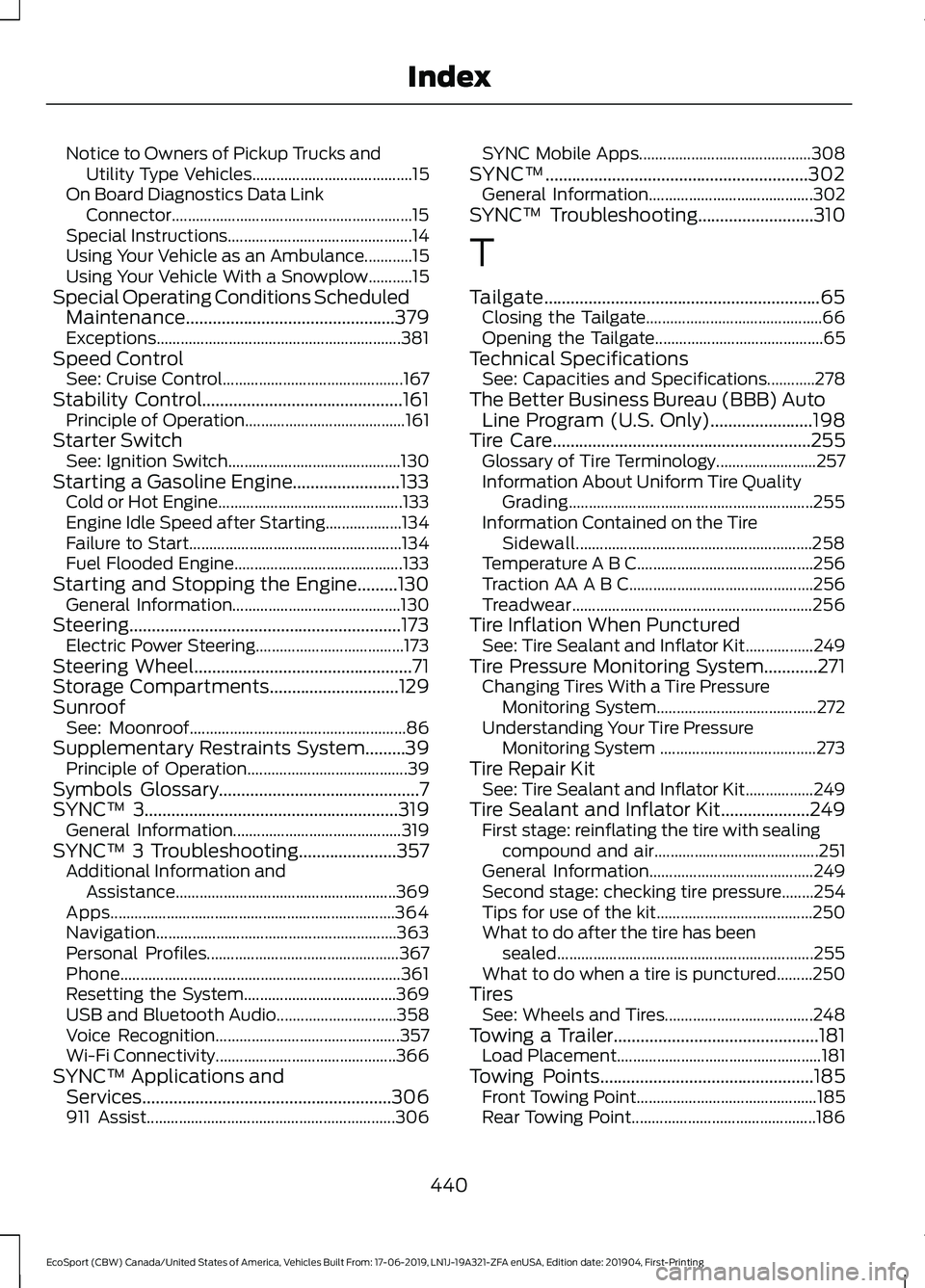
Notice to Owners of Pickup Trucks andUtility Type Vehicles........................................15On Board Diagnostics Data LinkConnector............................................................15Special Instructions..............................................14Using Your Vehicle as an Ambulance............15Using Your Vehicle With a Snowplow...........15Special Operating Conditions ScheduledMaintenance...............................................379Exceptions.............................................................381Speed ControlSee: Cruise Control.............................................167Stability Control.............................................161Principle of Operation........................................161Starter SwitchSee: Ignition Switch...........................................130Starting a Gasoline Engine........................133Cold or Hot Engine..............................................133Engine Idle Speed after Starting...................134Failure to Start.....................................................134Fuel Flooded Engine..........................................133Starting and Stopping the Engine.........130General Information..........................................130Steering.............................................................173Electric Power Steering.....................................173Steering Wheel.................................................71Storage Compartments.............................129SunroofSee: Moonroof......................................................86Supplementary Restraints System.........39Principle of Operation........................................39Symbols Glossary.............................................7SYNC™ 3.........................................................319General Information..........................................319SYNC™ 3 Troubleshooting......................357Additional Information andAssistance.......................................................369Apps.......................................................................364Navigation............................................................363Personal Profiles................................................367Phone......................................................................361Resetting the System......................................369USB and Bluetooth Audio..............................358Voice Recognition..............................................357Wi-Fi Connectivity.............................................366SYNC™ Applications andServices........................................................306911 Assist..............................................................306
SYNC Mobile Apps...........................................308SYNC™...........................................................302General Information.........................................302SYNC™ Troubleshooting..........................310
T
Tailgate..............................................................65Closing the Tailgate............................................66Opening the Tailgate..........................................65Technical SpecificationsSee: Capacities and Specifications............278The Better Business Bureau (BBB) AutoLine Program (U.S. Only).......................198Tire Care..........................................................255Glossary of Tire Terminology.........................257Information About Uniform Tire QualityGrading.............................................................255Information Contained on the TireSidewall...........................................................258Temperature A B C............................................256Traction AA A B C..............................................256Treadwear............................................................256Tire Inflation When PuncturedSee: Tire Sealant and Inflator Kit.................249Tire Pressure Monitoring System............271Changing Tires With a Tire PressureMonitoring System........................................272Understanding Your Tire PressureMonitoring System .......................................273Tire Repair KitSee: Tire Sealant and Inflator Kit.................249Tire Sealant and Inflator Kit....................249First stage: reinflating the tire with sealingcompound and air.........................................251General Information.........................................249Second stage: checking tire pressure........254Tips for use of the kit.......................................250What to do after the tire has beensealed................................................................255What to do when a tire is punctured.........250TiresSee: Wheels and Tires.....................................248Towing a Trailer..............................................181Load Placement...................................................181Towing Points................................................185Front Towing Point.............................................185Rear Towing Point..............................................186
440
EcoSport (CBW) Canada/United States of America, Vehicles Built From: 17-06-2019, LN1J-19A321-ZFA enUSA, Edition date: 201904, First-PrintingIndex