Page 535 of 701

uuBraking uBrake System
534
Driving
■The system automatically cancels when:
• You depress the brake pedal and change to
(P or (R.
• You engage the parking brake.
■The system automatically cancels and the parking brake is applied when:
• Braking is kept for more than 10 minutes.
• The driver’s seat belt is unfastened.
• The engine is turned off.
• Brake Hold System Problem appears on the MID.
■Turning off the automatic brake hold system
While the system is on, press the automatic
brake hold button again.
u The automatic brake hold system
indicator goes off.
If you want to turn off automatic brake hold
while the system is in operation, press the
automatic brake hold button with the brake
pedal depressed.
1 Automatic Brake Hold
While the system is activated, you can turn off the
engine or park the ve hicle through the same
procedure as you normally do. 2 When Stopped P. 546
Whether the system is on, or the system is activated,
the automatic brake hold turn s off once the engine is
off.
1 Turning off the automatic brake hold system
Make sure to turn off the automatic brake hold
system before using an automated car wash.
You may hear an operating noi se if the vehicle moves
while the automatic brake hold system is in
operation.
Automatic Brake
Hold Button
Goes
Off
20 ACURA MDX-31TZ56600.book 534 ページ 2019年4月24日 水曜日 午後5時44分
Page 543 of 701
542
uuBraking uCollision Mitigation Braking SystemTM (CMBSTM)
Driving
■Vehicle conditions
• Headlight lenses are dirty or the headlights are not properly adjusted.
• The outside of the windshie ld is blocked by dirt, mud, leaves, wet snow, etc.
• The inside of the windshield is fogged.
• An abnormal tire or wheel condition (wrong sized, varied size or construction,
improperly inflated, compact spare tire
*, etc.).
• When tire chains are installed.
• The vehicle is tilted due to a heav y load or suspension modifications.
• The camera temperature gets too high.
• Driving with the parking brake applied.
• When the radar sensor behind the emblem gets dirty.
• The vehicle is towing a trailer.
* Not available on all models
20 ACURA MDX-31TZ56600.book 542 ページ 2019年4月24日 水曜日 午後5時44分
Page 546 of 701

545
uuBraking uCollision Mitigation Braking SystemTM (CMBSTM)
Driving
The CMBSTM may activate even when you are aware of a vehicle ahead of you, or
when there is no vehicle ahead. Some examples of this are:
■When Passing
Your vehicle approaches another vehicle ah ead of you and you change lanes to pass.
■At an intersection
Your vehicle approaches or passes another ve hicle that is making a left or right turn.
■On a curve
When driving through curves, your vehicle comes to a point where an oncoming
vehicle is right in front of you.
■Through a low bridge at high speed
You drive under a low or na rrow bridge at high speed.
■Speed bumps, road work sites, tra in tracks, roadside objects, etc.
You drive over speed bumps, st eel road plates, etc., or your vehicle approaches train
tracks or roadside objects [such as a traffi c sign and guard rail] on a curve or, when
parking, stationary vehicles and walls.
■With Little Chance of a Collision1 Collision Mitigation Braking SystemTM (CMBSTM)
For the CMBS
TM to work properly:
Always keep the radar sensor cover clean.
Never use chemical solvents or polishing powder for
cleaning the sensor cover. Clean it with water or a
mild detergent.
Do not put a sticker on the radar sensor cover or
replace the radar sensor cover.
20 ACURA MDX-31TZ56600.book 545 ページ 2019年4月24日 水曜日 午後5時44分
Page 549 of 701

548
uuParking Your Vehicle uParking Sensor System*
Driving
Parking Sensor System*
The corner and center sensors monitor obstacles around your vehicle, and the
beeper and information screen let you know the approximate distance between
your vehicle and the obstacle.
■The sensor location and range
1 Parking Sensor System*
Even when the system is on, always confirm if there is
no obstacle near your ve hicle before parking.
The system may not work properly when:
•The sensors are covered with snow, ice, mud or
dirt.
•The vehicle is on uneven su rface, such as grass,
bumps, or a hill.
•The vehicle has been out in hot or cold weather.•The system is affected by devices that emit
ultrasonic waves.
•Driving in bad weather.
The system may not sense:
•Thin or low objects.•Sonic-absorptive materials, such as snow, cotton,
or sponge.
•Objects directly under the bumper.
Do not put any accessories on or around the sensors.
Within about 28 in (70 cm) or less
Front Corner Sensors
Rear Corner Sensors
Rear Center Sensors
Front: Within about 39 in (100 cm) or less
Rear: Within about 45 in (115 cm) or lessFront Center Sensors
* Not available on all models
20 ACURA MDX-31TZ56600.book 548 ページ 2019年4月24日 水曜日 午後5時44分
Page 550 of 701
549
uuParking Your Vehicle uParking Sensor System*
Continued
Driving
■Parking sensor system on and off
With the power mode in ON, press the
parking sensor system button to turn on or off
the system. The indicator in the button comes
on when the system is on.
The rear center and corner sensors start to
detect an obstacle when the transmission is in
(R, and the vehicle speed is less than 5 mph
(8 km/h).
The front corner sensors start to detect an
obstacle when the transmission is not in
(P,
and the vehicle speed is less than 5 mph (8
km/h).
20 ACURA MDX-31TZ56600.book 549 ページ 2019年4月24日 水曜日 午後5時44分
Page 551 of 701
550
uuParking Your Vehicle uParking Sensor System*
Driving
■When the distance between your ve hicle and obstacles becomes shorter
*1: At this stage, only the ce nter sensors detect obstacles.
Length of the
intermittent beepDistance between the Bumper and ObstacleIndicatorInformation ScreenCorner SensorsCenter Sensors
Moderate—
Rear: About 45-28 in (115-70 cm)
Front: About 39-28 in
(100-70 cm)
Blinks in Yellow*1
ShortAbout 28-18 in (70-45 cm) About 28-18 in (70-45 cm)
Blinks in Amber
Very shortAbout 18-14 in (45-35 cm) About 18-14 in (45-35 cm)
ContinuousAbout 14 in
(35 cm) or lessAbout 14 in
(35 cm) or lessBlinks in Red
Models with multi-view rear camera
system
Indicators light where the
sensor detects an obstacle.
Models with surround view camera
system
Indicators light where the
sensor detects an obstacle.
20 ACURA MDX-31TZ56600.book 550 ページ 2019年4月24日 水曜日 午後5時44分
Page 552 of 701
551
uuParking Your Vehicle uParking Sensor System*
Driving
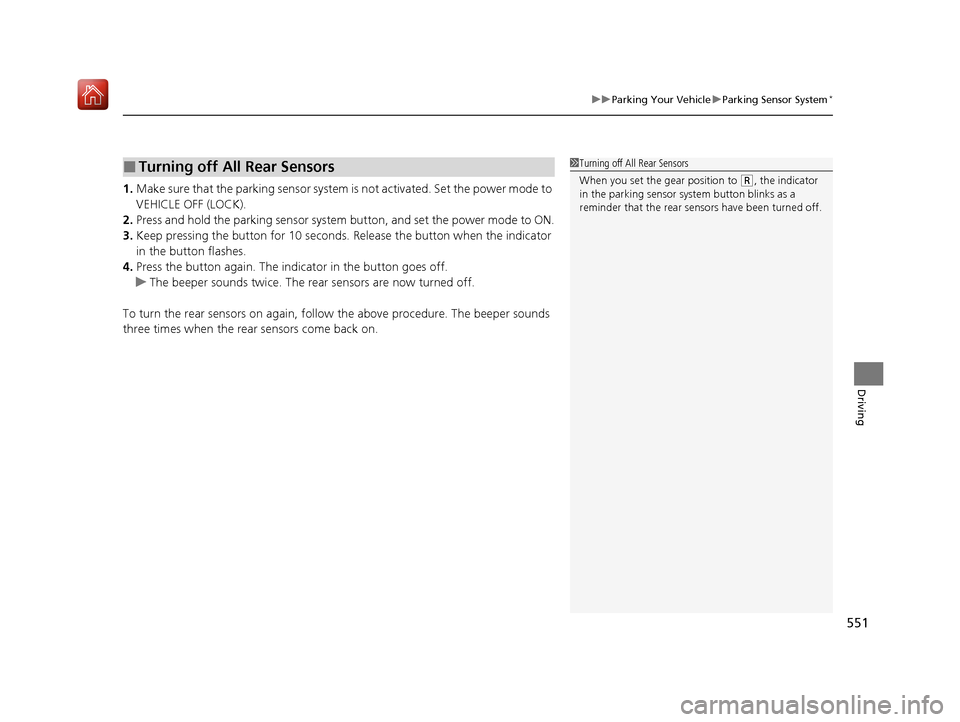
1. Make sure that the parking sensor system is not activated. Set the power mode to
VEHICLE OFF (LOCK).
2. Press and hold the parking sensor system button, and set the power mode to ON.
3. Keep pressing the button for 10 seconds. Release the button when the indicator
in the button flashes.
4. Press the button again. The indi cator in the button goes off.
u The beeper sounds twice. The r ear sensors are now turned off.
To turn the rear sensors on again, follo w the above procedure. The beeper sounds
three times when the rear sensors come back on.
■Turning off All Rear Sensors1 Turning off All Rear Sensors
When you set the gear position to
(R, the indicator
in the parking sensor system button blinks as a
reminder that the rear sens ors have been turned off.
20 ACURA MDX-31TZ56600.book 551 ページ 2019年4月24日 水曜日 午後5時44分
Page 553 of 701
552
uuParking Your Vehicle uCross Traffic Monitor*
Driving
Cross Traffic Monitor*
Monitors the rear corner areas using the radar sensors when reversing, and alerts
you if a vehicle approaching fro m a rear corner is detected.
The system is convenient when you are backing out of a parking space.1 Cross Traffic Monitor*
3CAUTION
Cross Traffic Monitor cannot detect all
approaching vehicles and may not detect
an approaching vehicle at all.
Failure to visually confirm that it is safe to
back up the vehicle before doing so may
result in a collision.
Do not solely rely on the system when
reversing; always also use your mirrors, and
look behind and to the sides of your vehicle
before reversing.
* Not available on all models
20 ACURA MDX-31TZ56600.book 552 ページ 2019年4月24日 水曜日 午後5時44分