Page 90 of 360
Operation
The steering wheel includes a multifunction
modul e fr
om wher e it is possibl
e t
o controlthe audio, telephone and radio/navigation
functions without needing to distract the driv-
er.
Applies to v
ehicles with analogue instrument panel Button
RadioMedia (except AUX) AUXTelephone* Navigation*
A Turn
Turn volume up/down. Turn volume up/down. Turn volume up/down. Turn volume up/down. Turn announcement volume
up/down.
A Press
Mute volume.
Mute volume.Mute volume. Mute incoming call. Mute voice navigation
B a)
Activate/deactivate voice control. b)
This function can be used from any mode, ex cept in the case of an activ
e call.
C /
D Search for the previous/next
station
c)
. Short press: S
wit
ch to the
pr e
vious/next track.
Long press: Fast rewind/for-
ward d)
. No function
Page 91 of 360
Instruments and warning/control lamps
Button
RadioMedia (except AUX) AUXTelephone* Navigation*
H Press
Acts on the instrument panel or confirms the instrument panel menu optio\
n depending on the menu option. a)
According to the vehicle
Page 94 of 360
Operation
Button
RadioMedia (except AUX) AUXTelephone* Navigation*
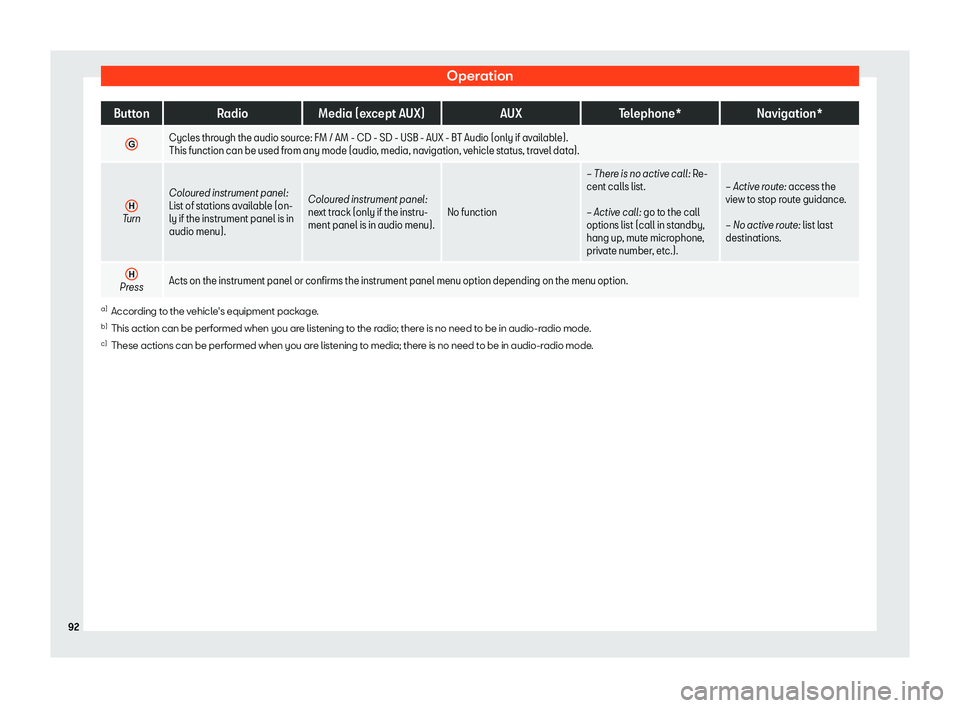
G Cycles through the audio source: FM / AM - CD - SD - USB - AUX - BT Audio (only if available).
This function can be used from any mode (audio, media, navigation, vehicl
e st
atus, travel data).
H Turn
Coloured instrument panel:
List of stations availabl
e (on-
ly if the instrument panel is in
audio menu). Col
oured instrument panel:
next track (only if the instru-
ment panel is in audio menu). No function
Page 206 of 360
Infotainment System
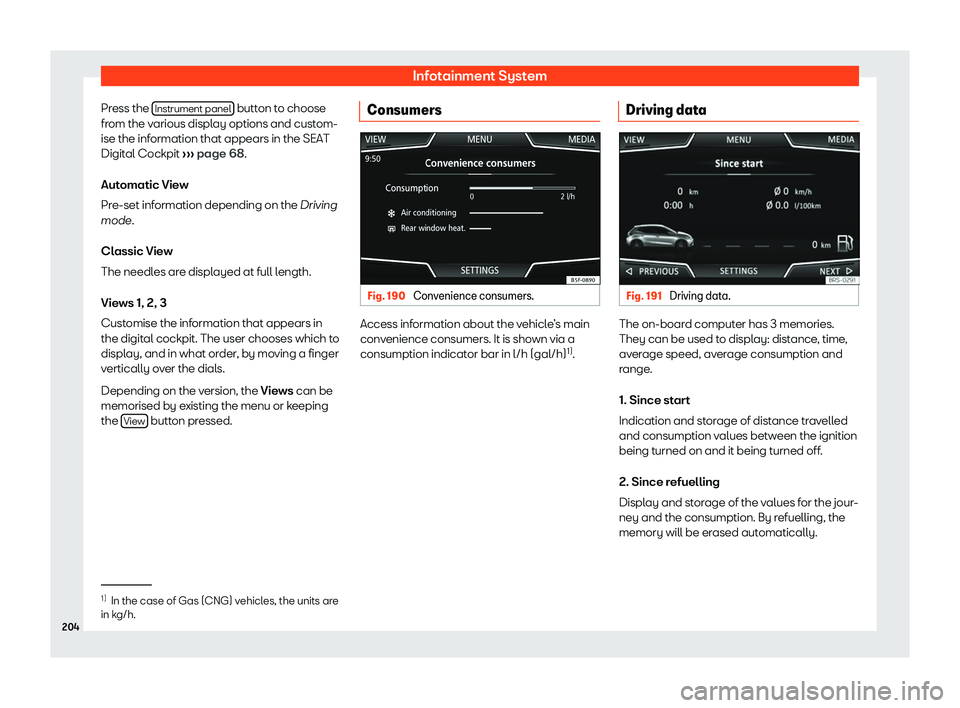
Press the Instrument panel button to choose
fr om the v
arious displ ay options and cust
om-
ise the inf
ormation that appears in the SEAT
Digital Cockpit
Page 207 of 360
Operating modes
3. Long-term
The memory r ecor
ds the v alues f
or a specific
number of partial trips, up t
o a total of 19
hours and 59 minutes or 99 hours and 59 mi-
nutes, or 1999.9 km (mi) or 9999 km (mi), de-
pending on the model of instrument panel.
When one of these values is reached (de-
pending on the version of the instrument pan-
el), the memory is automatically deleted and
starts counting again from 0.
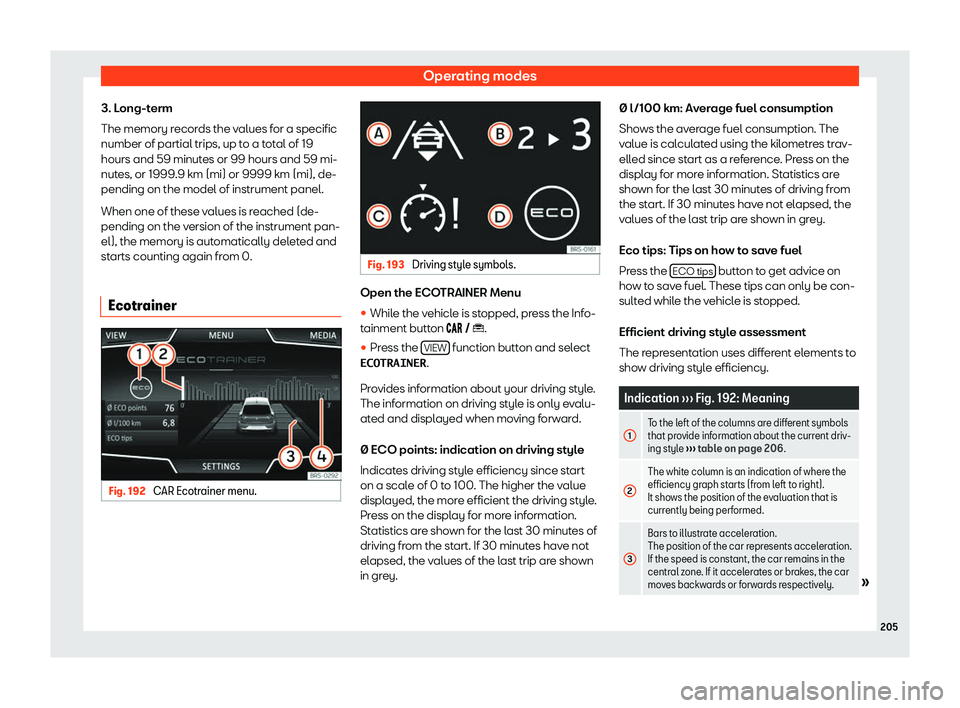
Ecotrainer Fig. 192
CAR Ecotrainer menu. Fig. 193
Driving style symbols. Open the ECOTRAINER Menu
�
Page 271 of 360
Help with parking and manoeuvring
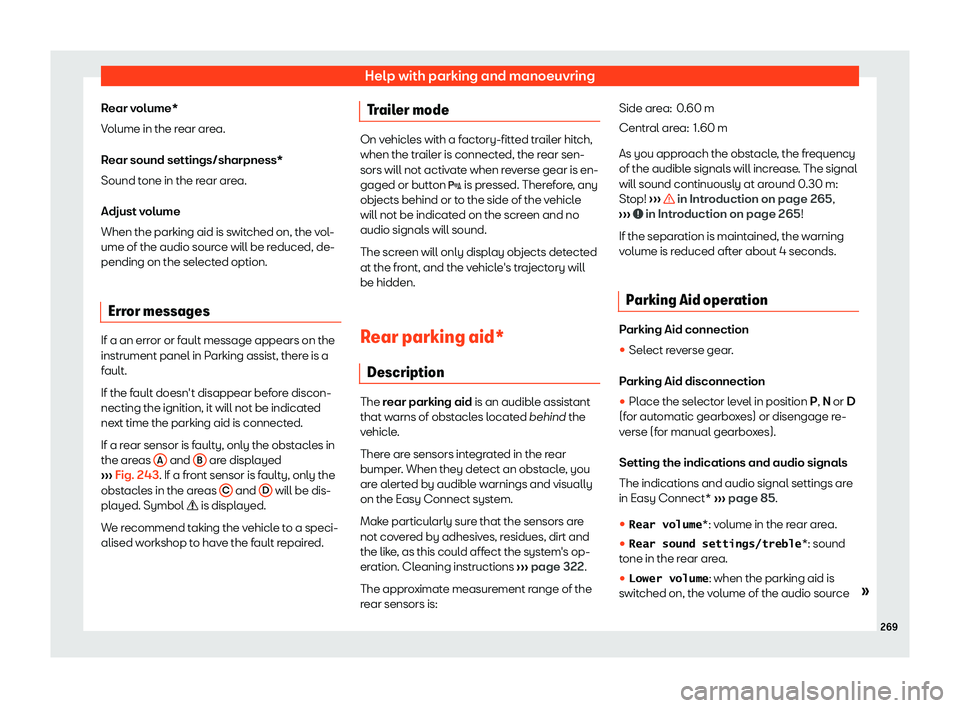
Rear volume*
V olume in the r
ear area.
R ear sound settings/sharpness*
Sound t
one in the rear area.
Adjust volume
When the parking aid is switched on, the vol-
ume of the audio source will be reduced, de-
pending on the selected option.
Error messages If a an error or fault message appears on the
instrument panel in P
arking assist, ther
e is a
f ault.
If the f ault doesn
Page 272 of 360
Driving
will be reduced, depending on the selected
option.
Err or messages
If a an err or or fault message appears on the
instrument panel in P arking assist, ther
e is a
fault.
If the fault doesn
Page 294 of 360
Practical tips
comprehensive draining before applying a
diff er
ent qualit y gas.
Updat ed inf
ormation relating to natural gas
quality is displayed on the instrument panel

 AUXTelephone* Navigation*
H Press
Acts on the instrument panel or confirms the instrument panel menu optio\
n depending on the menu")