2019 NISSAN KICKS ECU
[x] Cancel search: ECUPage 84 of 444
2 Instruments and controls
Instrument panel................................2-2
Meters and gauges ..............................2-4
Speedometer and odometer .................2-5
Tachometer .................................. 2-7
Fuel gauge ...................................2-8
Distance To Empty (DTE) ......................2-8
Trip computer (if so equipped) ................2-9
Warning lights, indicator lights and audible
reminders ....................................... 2-11
Checking lights .............................. 2-12
Warning lights ............................... 2-12
Indicator lights .............................. 2-18
Audible reminders ........................... 2-21
Vehicle information display (if so equipped) .....2-22
How to use the vehicle information
display ...................................... 2-22
Startup display .............................. 2-23
Settings ..................................... 2-23
Vehicle information display warnings
and indicators ............................... 2-31
Security systems (if so equipped) ...............2-35
Vehicle security system .....................2-35
NISSAN Anti-Thef t System (NATS)
(if so equipped) .............................. 2-37NISSAN Vehicle Immobilizer System
(if so equipped)
.............................. 2-37
Wiper and washer switch .......................2-39
Switch operation ............................ 2-39
Rear switch operation .......................2-40
Rear window or outside mirror defroster
switch (if so equipped) .......................... 2-41
Headlight and turn signal switch ...............2-42
Headlight control switch .....................2-42
Daytime Running Lights (DRL) system
(if so equipped) .............................. 2-45
Instrument brightness control ...............2-45
Turn signal switch ........................... 2-46
Fog light switch (if so equipped) .............2-46
Horn ...........................................2-47
Heated seat switches (if so equipped) ..........2-47
Automatic Emergency Braking (AEB) switch
(if so equipped) ................................. 2-48
Vehicle Dynamic Control (VDC) OFF switch ......2-48
P
ower outlets .................................. 2-49
12v outlets ................................... 2-49
Extended storage switch .......................2-50
Storage ........................................ 2-51
Seatback pockets ........................... 2-51
Page 95 of 444
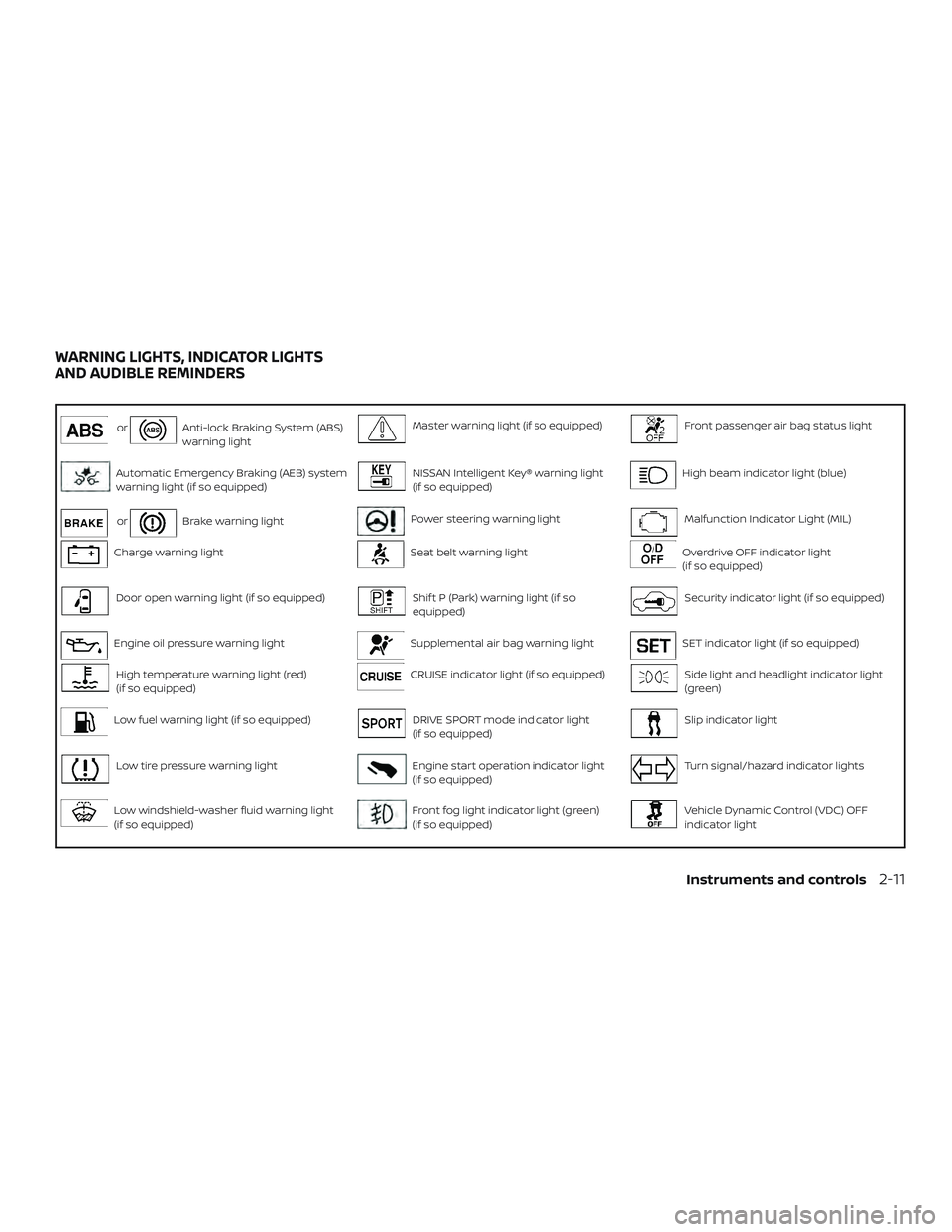
orAnti-lock Braking System (ABS)
warning lightMaster warning light (if so equipped)Front passenger air bag status light
Automatic Emergency Braking (AEB) system
warning light (if so equipped)NISSAN Intelligent Key® warning light
(if so equipped)High beam indicator light (blue)
orBrake warning lightPower steering warning lightMalfunction Indicator Light (MIL)
Charge warning lightSeat belt warning lightOverdrive OFF indicator light
(if so equipped)
Door open warning light (if so equipped)Shif t P (Park) warning light (if so
equipped)Security indicator light (if so equipped)
Engine oil pressure warning lightSupplemental air bag warning lightSET indicator light (if so equipped)
High temperature warning light (red)
(if so equipped)CRUISE indicator light (if so equipped)Side light and headlight indicator light
(green)
Low fuel warning light (if so equipped)DRIVE SPORT mode indicator light
(if so equipped)Slip indicator light
Low tire pressure warning lightEngine start operation indicator light
(if so equipped)Turn signal/hazard indicator lights
Low windshield-washer fluid warning light
(if so equipped)Front fog light indicator light (green)
(if so equipped)Vehicle Dynamic Control (VDC) OFF
indicator light
WARNING LIGHTS, INDICATOR LIGHTS
AND AUDIBLE REMINDERS
Instruments and controls2-11
Page 97 of 444
2. If the brake fluid level is correct, havethe warning system checked. It is rec-
ommended that you visit a NISSAN
dealer for this service.
WARNING
∙ Your brake system may not be work-ing properly if the warning light is on.
Driving could be dangerous. If you
judge it to be safe, drive carefully to
the nearest service station for repairs.
Otherwise, have your vehicle towed
because driving it could be
dangerous.
∙ Pressing the brake pedal with the en- gine stopped and/or a low brake fluid
level may increase your stopping dis-
tance and braking will require greater
pedal effort as well as pedal travel.
∙ If the brake fluid level is below the MINIMUM or MIN mark on the brake
fluid reservoir, do not drive until the
brake system has been checked. It is
recommended that you visit a NISSAN
dealer for this service. Anti-lock Braking System (ABS) warning
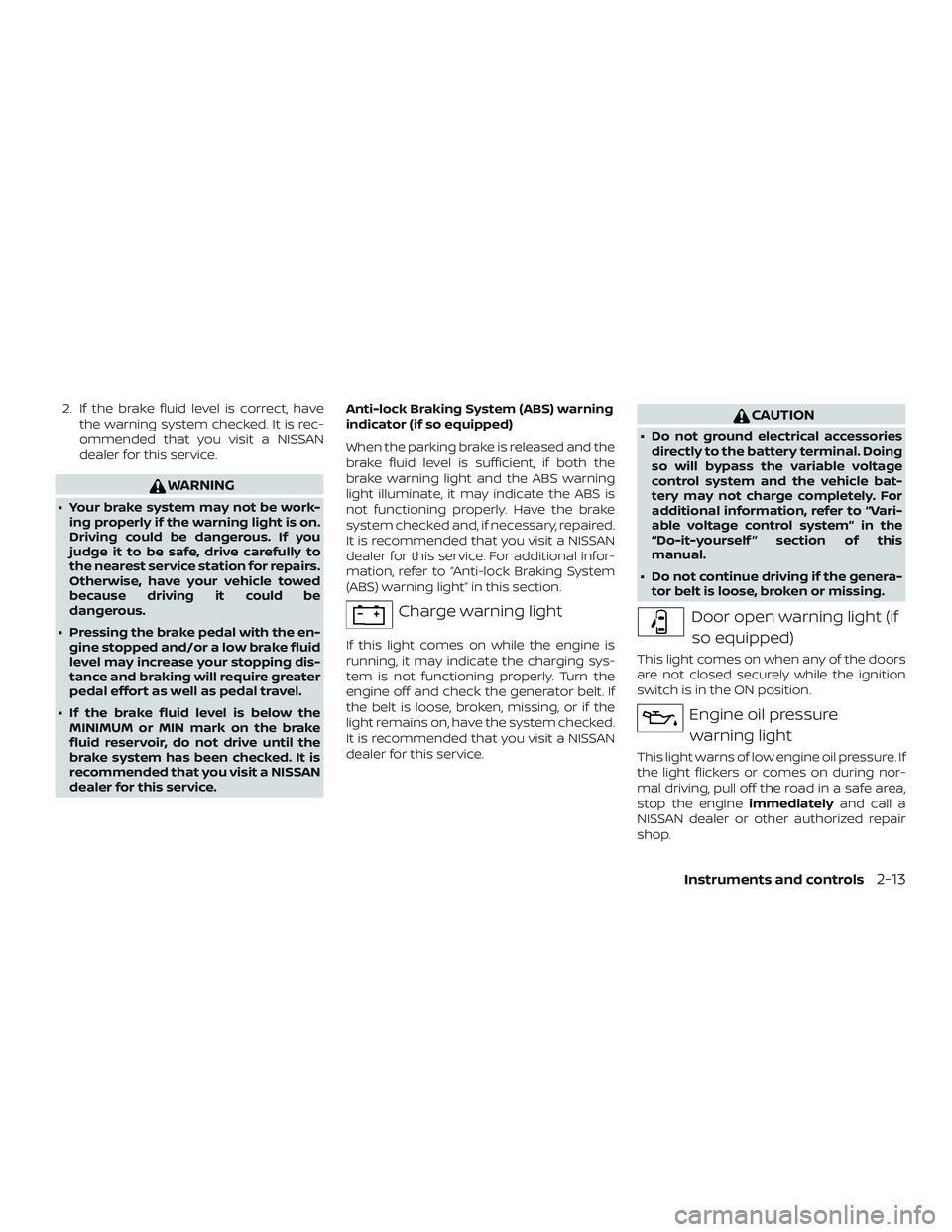
indicator (if so equipped)
When the parking brake is released and the
brake fluid level is sufficient, if both the
brake warning light and the ABS warning
light illuminate, it may indicate the ABS is
not functioning properly. Have the brake
system checked and, if necessary, repaired.
It is recommended that you visit a NISSAN
dealer for this service. For additional infor-
mation, refer to “Anti-lock Braking System
(ABS) warning light” in this section.
Charge warning light
If this light comes on while the engine is
running, it may indicate the charging sys-
tem is not functioning properly. Turn the
engine off and check the generator belt. If
the belt is loose, broken, missing, or if the
light remains on, have the system checked.
It is recommended that you visit a NISSAN
dealer for this service.
CAUTION
∙ Do not ground electrical accessories
directly to the battery terminal. Doing
so will bypass the variable voltage
control system and the vehicle bat-
tery may not charge completely. For
additional information, refer to “Vari-
able voltage control system” in the
“Do-it-yourself ” section of this
manual.
∙ Do not continue driving if the genera- tor belt is loose, broken or missing.
Door open warning light (if
so equipped)
This light comes on when any of the doors
are not closed securely while the ignition
switch is in the ON position.
Engine oil pressurewarning light
This light warns of low engine oil pressure. If
the light flickers or comes on during nor-
mal driving, pull off the road in a safe area,
stop the engine immediatelyand call a
NISSAN dealer or other authorized repair
shop.
Instruments and controls2-13
Page 104 of 444
The MIL may stop blinking and come on
steady. Have the vehicle inspected. It is rec-
ommended that you visit a NISSAN dealer
for this service. You do not need to have
your vehicle towed to the dealer.
CAUTION
Continued vehicle operation without
having the emission control system
checked and repaired as necessary
could lead to poor driveability, reduced
fuel economy, and possible damage to
the emission control system.
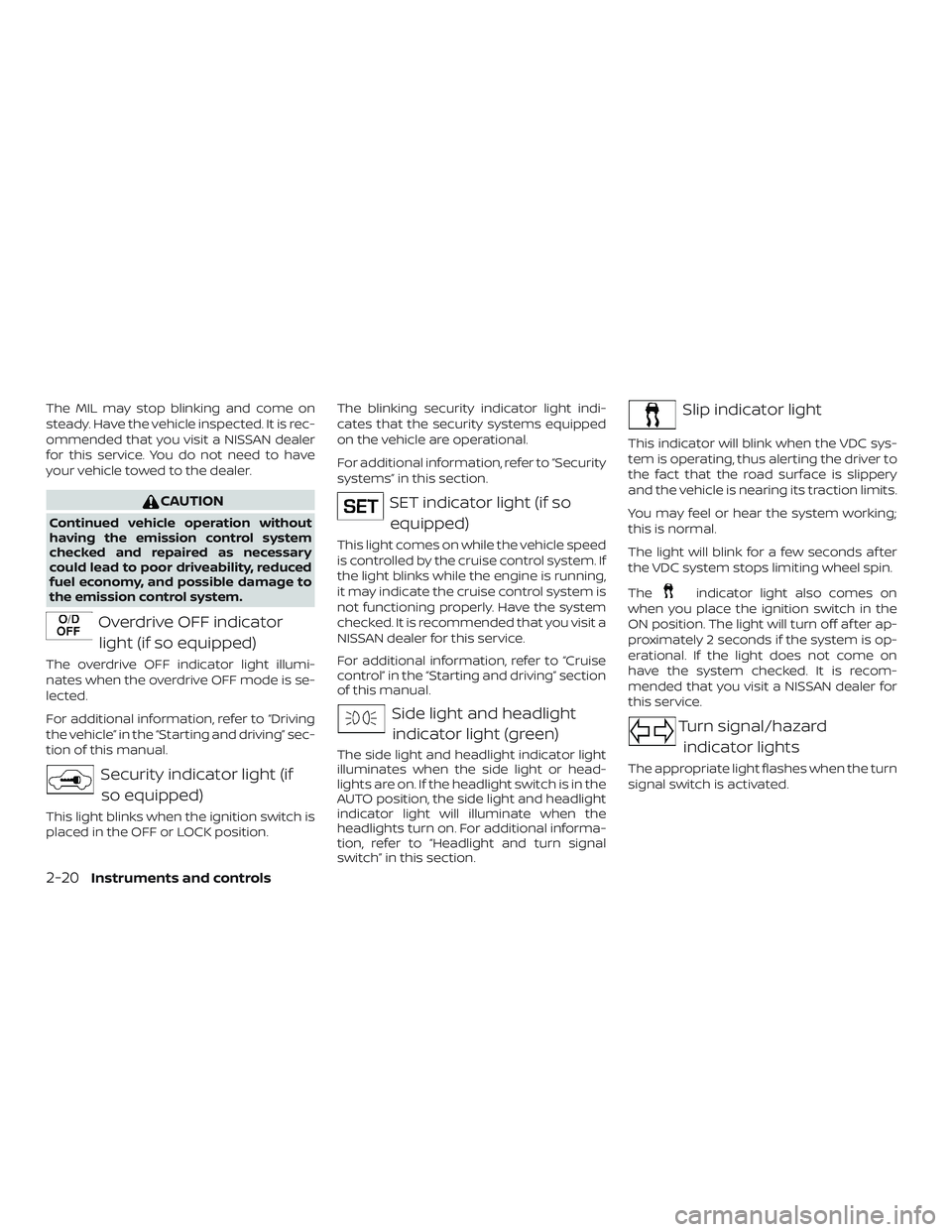
Overdrive OFF indicatorlight (if so equipped)
The overdrive OFF indicator light illumi-
nates when the overdrive OFF mode is se-
lected.
For additional information, refer to “Driving
the vehicle” in the “Starting and driving” sec-
tion of this manual.
Security indicator light (ifso equipped)
This light blinks when the ignition switch is
placed in the OFF or LOCK position. The blinking security indicator light indi-
cates that the security systems equipped
on the vehicle are operational.
For additional information, refer to “Security
systems” in this section.
SET indicator light (if so
equipped)
This light comes on while the vehicle speed
is controlled by the cruise control system. If
the light blinks while the engine is running,
it may indicate the cruise control system is
not functioning properly. Have the system
checked. It is recommended that you visit a
NISSAN dealer for this service.
For additional information, refer to “Cruise
control” in the “Starting and driving” section
of this manual.
Side light and headlightindicator light (green)
The side light and headlight indicator light
illuminates when the side light or head-
lights are on. If the headlight switch is in the
AUTO position, the side light and headlight
indicator light will illuminate when the
headlights turn on. For additional informa-
tion, refer to “Headlight and turn signal
switch” in this section.
Slip indicator light
This indicator will blink when the VDC sys-
tem is operating, thus alerting the driver to
the fact that the road surface is slippery
and the vehicle is nearing its traction limits.
You may feel or hear the system working;
this is normal.
The light will blink for a few seconds af ter
the VDC system stops limiting wheel spin.
The
indicator light also comes on
when you place the ignition switch in the
ON position. The light will turn off af ter ap-
proximately 2 seconds if the system is op-
erational. If the light does not come on
have the system checked. It is recom-
mended that you visit a NISSAN dealer for
this service.
Turn signal/hazard
indicator lights
The appropriate light flashes when the turn
signal switch is activated.
2-20Instruments and controls
Page 119 of 444
Other
This indicator appears when the customer
set distance is reached for checking or re-
placing maintenance items other than the
engine oil, oil filter and tires. Other mainte-
nance items can include such things as air
filter or tire rotation. The distance for
checking or replacing the items can be set
or reset.
Front Radar Obstruction (if so
equipped)
This warning appears when there is a radar
obstruction detected. For additional infor-
mation, refer to “Automatic Emergency
Braking (AEB)” in the “Starting and driving”
section of this manual.
Side Radar Obstruction (if so equipped)
This message appears when the Blind
Spot Warning (BSW) or Rear Cross Traffic
Alert (RCTA) systems become unavailable
because a radar blockage is detected. For
additional information, refer to “Blind Spot
Warning (BSW)” or “Rear Cross Traffic Alert
(RCTA)” in the “Starting and driving” section
of this manual.Drive Sport mode indicator (if so
equipped)
A small “S” appears to the right of the Trans-
mission Shif t Position indicator in the ve-
hicle information display when the Drive
Sport mode is engaged.
Activate the Drive Sport mode by pressing
the switch on the shif t lever while the shif t
lever is in the D (Drive) position.
For additional information, refer to “Driving
the vehicle” in the “Starting and driving” sec-
tion of this manual.
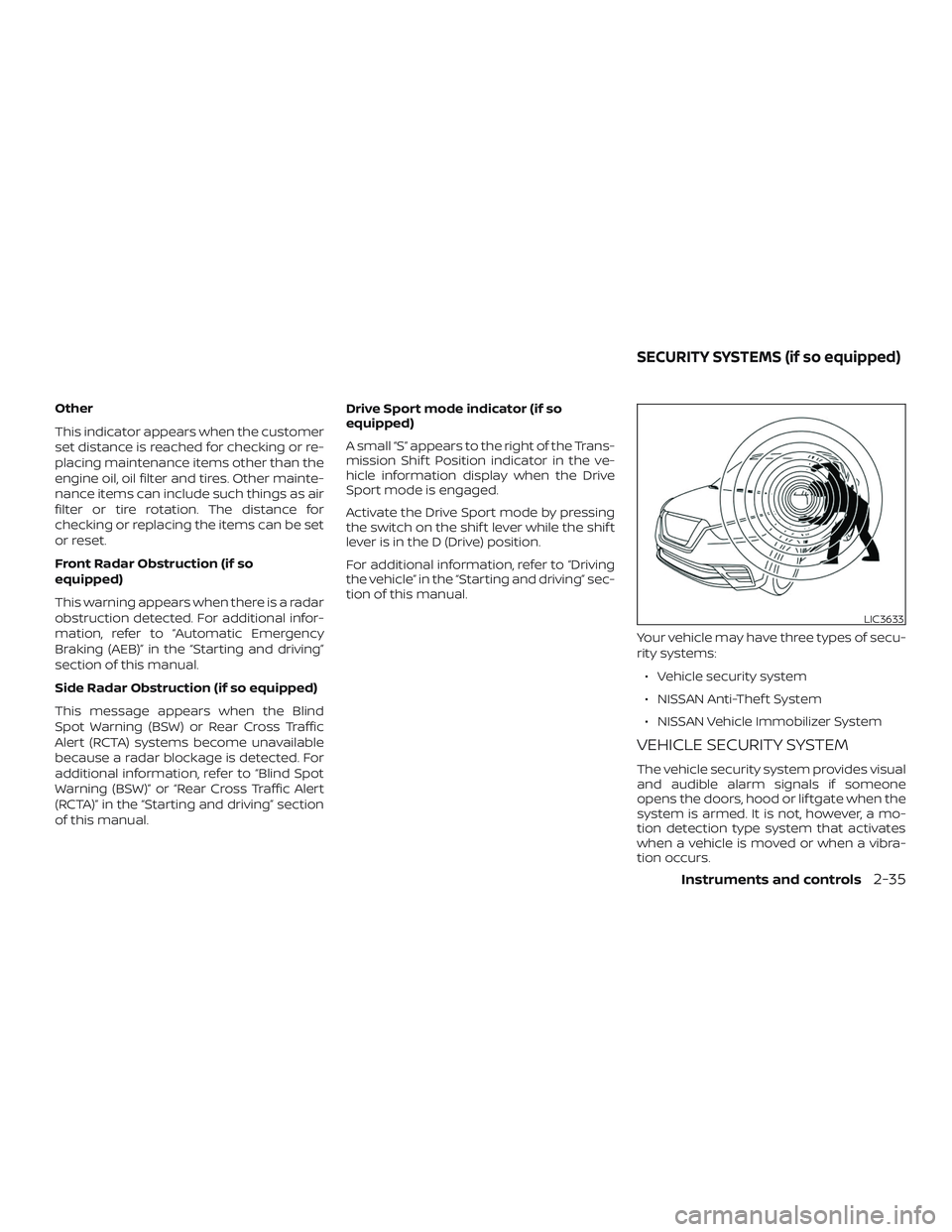
Your vehicle may have three types of secu-
rity systems:∙ Vehicle security system
∙ NISSAN Anti-Thef t System
∙ NISSAN Vehicle Immobilizer System
VEHICLE SECURITY SYSTEM
The vehicle security system provides visual
and audible alarm signals if someone
opens the doors, hood or lif tgate when the
system is armed. It is not, however, a mo-
tion detection type system that activates
when a vehicle is moved or when a vibra-
tion occurs.
LIC3633
SECURITY SYSTEMS (if so equipped)
Instruments and controls2-35
Page 120 of 444
The system helps deter vehicle thef t but
cannot prevent it, nor can it prevent the
thef t of interior or exterior vehicle compo-
nents in all situations. Always secure your
vehicle even if parking for a brief period.
Never leave your keys in the vehicle, and
always lock the vehicle when unattended.
Be aware of your surroundings, and park in
secure, well-lit areas whenever possible.
Many devices offering additional protection,
such as component locks, identification
markers, and tracking systems, are available
at auto supply stores and specialty shops. A
NISSAN dealer may also offer such equip-
ment. Check with your insurance company
to see if you may be eligible for discounts for
various thef t protection features.
How to arm the vehicle security
system
1. Close all windows.(The system can be
armed even if the windows are open.)
2. Remove the keys from the vehicle.
3. Close all doors, hood and lif tgate. Lock all doors. The doors can be locked with
the key fob (if so equipped), Intelligent
Key (if so equipped), door handle re-
quest switch, or mechanical key (if so
equipped). 4. Confirm that the
security indica-
tor light stays on for about 30 seconds.
The vehicle security system is now pre-
armed. The vehicle security system will
automatically shif t into the armed
phase. The
security light begins
to flash once every three seconds. If
during the pre-armed phase one of the
following occurs, the system will not
arm:
∙ Any door is unlocked with the key fob (if so equipped), the Intelligent Key (if so
equipped), mechanical key (if so
equipped), or door request switch.
∙ Ignition switch is placed in the ON posi- tion.
∙ Even when the driver and/or passen-
gers are in the vehicle, the system will
activate with all the doors, hood and
lif tgate locked with the ignition
switch placed in the LOCK position.
When placing the ignition switch in
the ON position, the system will be
released.
Vehicle security system activation
The vehicle security system will give the
following alarm:
∙ The headlights or turn lamps blink and the horn sounds intermittently but syn-
chronously.
∙ The alarm automatically turns off af ter a period of time. However, the alarm
reactivates if the vehicle is tampered
with again.
The alarm is activated by: ∙ opening any door, hood or the lif tgate without using the key or Intelligent Key
(even if the door is unlocked by releas-
ing the door inside lock knob).
How to stop an activated alarm
The alarm stops only by unlocking a door
or the lif tgate with the key fob (if so
equipped), pressing the
button on
the Intelligent Key (if so equipped), or push-
ing the request switch on the driver’s or
passenger’s door with the Intelligent Key (if
so equipped) in range of the door handle.
2-36Instruments and controls
Page 122 of 444
For Canada:
This device complies with Industry
Canada licence-exempt RSS standard(s).
Operation is subject to the following two
conditions: (1) this device may not cause
interference, and (2) this device must ac-
cept any interference, including interfer-
ence that may cause undesired opera-
tion of the device.
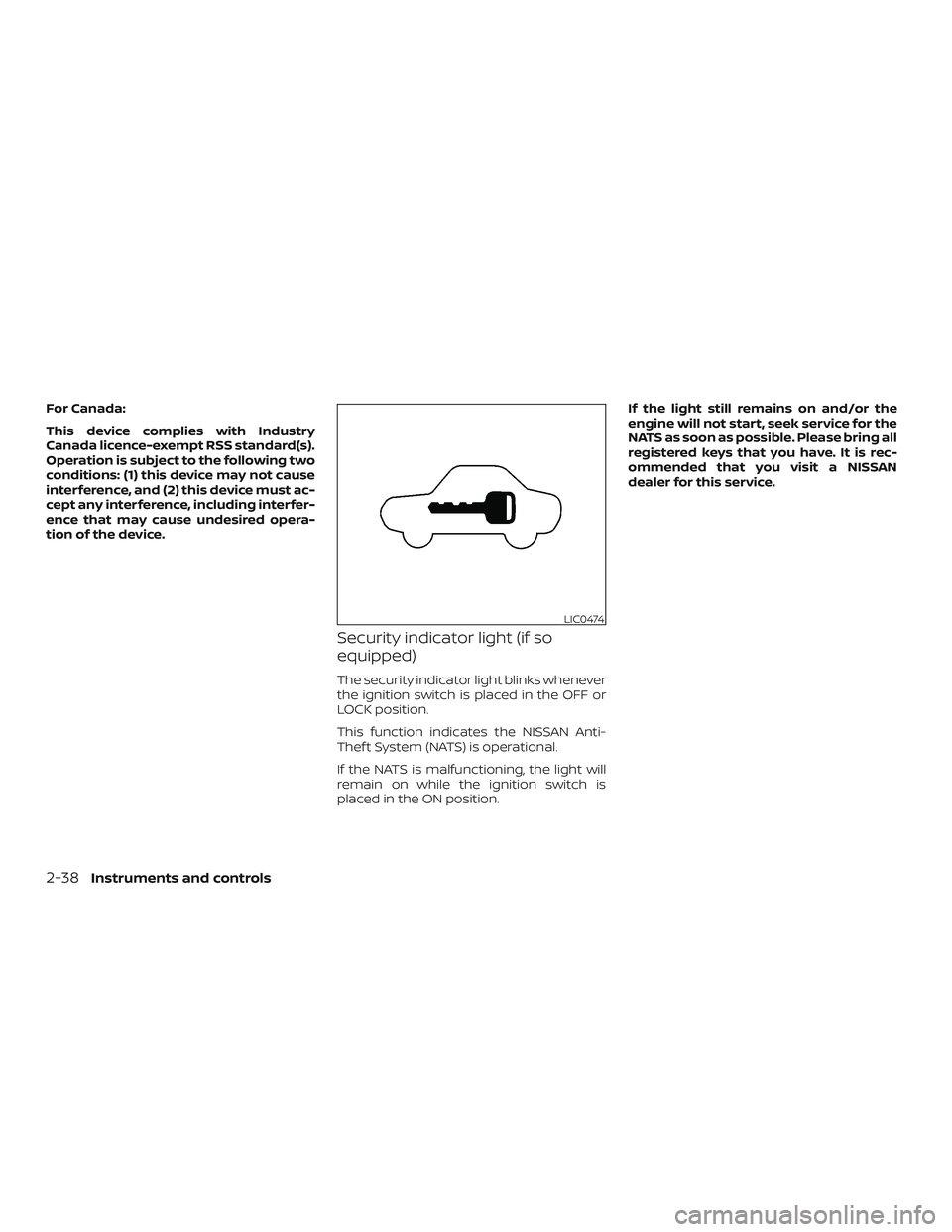
Security indicator light (if so
equipped)
The security indicator light blinks whenever
the ignition switch is placed in the OFF or
LOCK position.
This function indicates the NISSAN Anti-
Thef t System (NATS) is operational.
If the NATS is malfunctioning, the light will
remain on while the ignition switch is
placed in the ON position.If the light still remains on and/or the
engine will not start, seek service for the
NATS as soon as possible. Please bring all
registered keys that you have. It is rec-
ommended that you visit a NISSAN
dealer for this service.
LIC0474
2-38Instruments and controls
Page 138 of 444
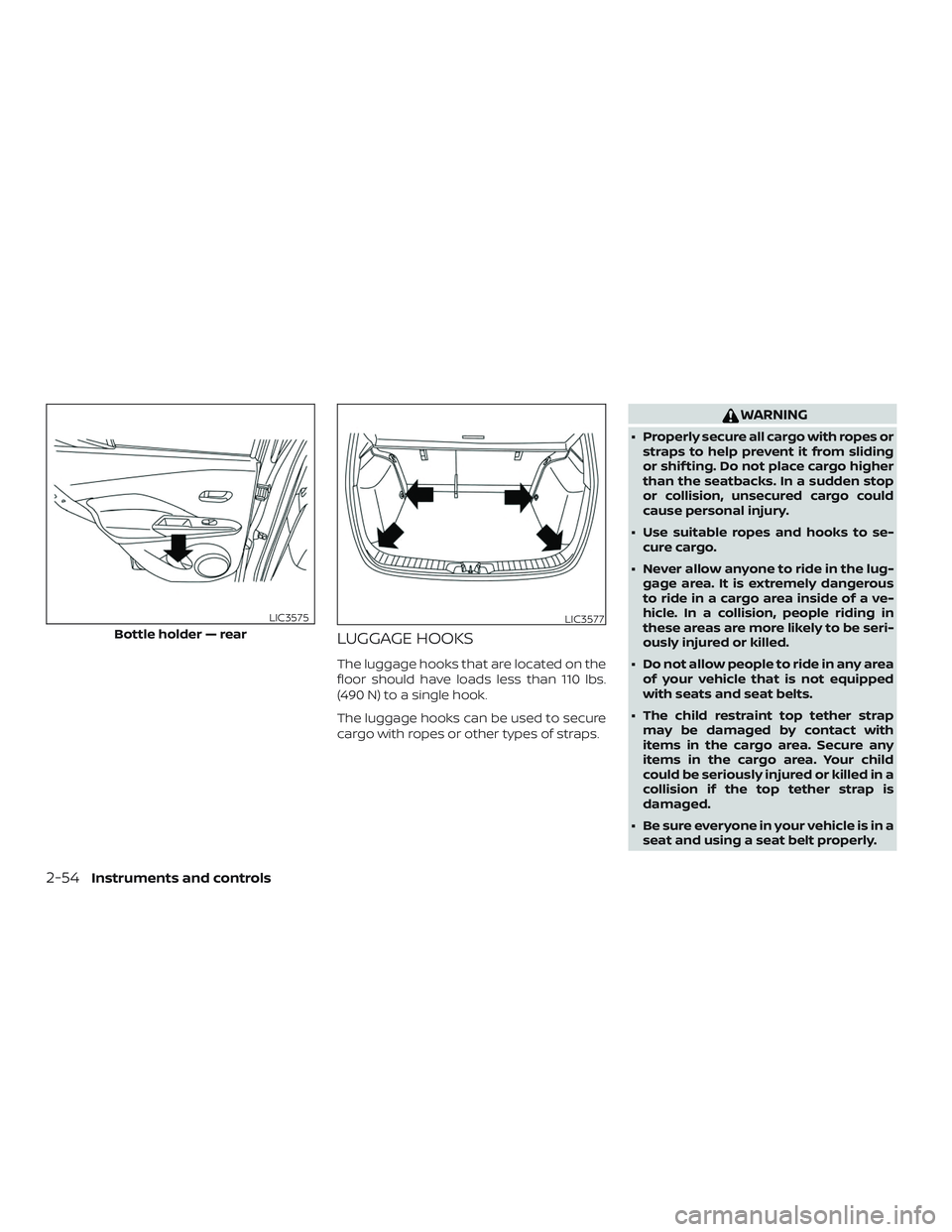
LUGGAGE HOOKS
The luggage hooks that are located on the
floor should have loads less than 110 lbs.
(490 N) to a single hook.
The luggage hooks can be used to secure
cargo with ropes or other types of straps.
WARNING
∙ Properly secure all cargo with ropes orstraps to help prevent it from sliding
or shif ting. Do not place cargo higher
than the seatbacks. In a sudden stop
or collision, unsecured cargo could
cause personal injury.
∙ Use suitable ropes and hooks to se- cure cargo.
∙ Never allow anyone to ride in the lug- gage area. It is extremely dangerous
to ride in a cargo area inside of a ve-
hicle. In a collision, people riding in
these areas are more likely to be seri-
ously injured or killed.
∙ Do not allow people to ride in any area of your vehicle that is not equipped
with seats and seat belts.
∙ The child restraint top tether strap may be damaged by contact with
items in the cargo area. Secure any
items in the cargo area. Your child
could be seriously injured or killed in a
collision if the top tether strap is
damaged.
∙ Be sure everyone in your vehicle is in a seat and using a seat belt properly.
Bottle holder — rear
LIC3575LIC3577
2-54Instruments and controls