2019 NISSAN ALTIMA turn signal
[x] Cancel search: turn signalPage 309 of 592

Illustration 4:If the driver activates the
turn signal while another vehicle is in the
detection zone, then the system chimes
(twice) and the side indicator light flashes. NOTE:
∙ When overtaking several vehicles in a
row, the vehicles af ter the first vehicle
may not be detected if they are trav-
eling close together.
∙ The radar sensors may not detect
slower moving vehicles if they are
passed quickly.
∙ If the driver activates the turn signal
before a vehicle enters the detection
zone, the side indicator light will flash
but no chime will sound when the
other vehicle is detected.Entering from the side
Illustration 5: The side indicator light illu-
minates if a vehicle enters the detection
zone from either side.
Illustratio n4–Over taking another
vehicle
LSD2303
Illustratio n 5 – Entering from the side
LSD2305
Starting and driving5-51
Page 310 of 592

Illustration 6:If the driver activates the
turn signal while another vehicle is in the
detection zone, then the system chimes
(twice) and the side indicator light flashes. NOTE:
∙ If the driver activates the turn signal
before a vehicle enters the detection
zone, the side indicator light will flash
but no chime will sound when the
other vehicle is detected.
∙ The radar sensors may not detect a
vehicle which is traveling at about the
same speed as your vehicle when it
enters the detection zone.
Illustratio n 6 – Entering from the side
LSD2308
5-52Starting and driving
Page 336 of 592

Approach warning
If your vehicle comes closer to the vehicle
ahead due to rapid deceleration of that
vehicle or if another vehicle cuts in, the sys-
tem warns the driver with the chime and
ICC system display. Decelerate by depress-
ing the brake pedal to maintain a safe ve-
hicle distance if:∙ The chime sounds.
∙ The vehicle ahead detection indicator blinks.
The warning chime may not sound in
some cases when there is a short distance
between vehicles. Some examples are: ∙ When the vehicles are traveling at the same speed and the distance between
vehicles is not changing.
∙ When the vehicle ahead is traveling faster and the distance between ve-
hicles is increasing.
∙ When a vehicle cuts in near your vehicle. The warning chime will not sound when:
∙ The vehicle approaches other vehicles that are parked or moving slowly.
∙ The accelerator pedal is depressed, overriding the system.
NOTE:
The approach warning chime may sound
and the system display may blink when
the ICC sensor detects objects on the
side of the vehicle or on the side of the
road. This may cause the ICC system to
decelerate or accelerate the vehicle. The
ICC sensor may detect these objects
when the vehicle is driven on winding
roads, narrow roads, hilly roads, or when
entering or exiting a curve. In these
cases you will have to manually control
the proper distance ahead of your ve-
hicle.
Also, the sensor sensitivity can be affected
by vehicle operation (steering maneuver or
driving position in the lane) or traffic or ve-
hicle condition (for example, if a vehicle is
being driven with some damage).
Automatic cancellation
A chime sounds under the following condi-
tions and the control is automatically can-
celed: ∙ When the vehicle ahead is not detected and your vehicle is traveling below the
speed of 15 mph (24 km/h)
∙ When the system judges the vehicle is at a standstill
∙ When the shif t lever is not in the D (Drive) position, Manual mode or L (Low) range.
∙ When the parking brake system is ap- plied
∙ When the VDC system is turned off
∙ When VDC operates
∙
When distance measurement becomes
impaired due to adhesion of dirt or ob-
struction to the sensor
∙ When a wheel slips
∙ When the radar signal is temporarily in- terrupted
5-78Starting and driving
Page 338 of 592

∙ Do not use the ICC system if you aretowing a trailer. The system may not
detect a vehicle ahead.
∙ In some road or traffic conditions, a vehicle or object can unexpectedly
come into the sensor detection zone
and cause automatic braking. Always
stay alert and avoid using the ICC sys-
tem where not recommended in this
warning section.
The radar sensor will not detect the follow-
ing objects: ∙ Stationary and slow moving vehicles
∙ Pedestrians or objects in the roadway
∙ Oncoming vehicles in the same lane
∙ Motorcycles traveling offset in the travel lane
The sensor generally detects the signals
returned from the vehicle ahead. Therefore,
if the sensor cannot detect the reflection
from the vehicle ahead, the ICC system
may not maintain the selected distance. The following are some conditions in which
the sensor cannot properly detect a ve-
hicle ahead and the system may not oper-
ate properly:
∙ When snow or road spray from traveling vehicles reduces the sensor’s detection.
∙ When your vehicle is towing a trailer, etc.
∙ When excessively heavy baggage is loaded in the rear seat or cargo area of
your vehicle.
The ICC system is designed to automati-
cally check the sensor’s operation within
the limitations of the system.
When the sensor is covered with dirt or is
obstructed, the system will automatically
be canceled. If the sensor is covered with
ice, a transparent or translucent vinyl bag,
etc., the ICC system may not detect them.
In these instances, the vehicle-to-vehicle
distance control mode may not cancel and
may not be able to maintain the selected
following distance from the vehicle ahead.
Be sure to check and clean the sensor
regularly. The detection zone of the radar sensor is
limited. A vehicle ahead must be in the de-
tection zone for the vehicle-to-vehicle dis-
tance detection mode to maintain the se-
lected distance from the vehicle ahead.
A vehicle ahead may move outside of the
detection zone due to its position within
the same lane of travel. Motorcycles may
not be detected in the same lane ahead if
they are traveling offset from the centerline
of the lane. A vehicle that is entering the
lane ahead may not be detected until the
vehicle has completely moved into the
lane.
If this occurs, the ICC system may warn
you by blinking the system indicator and
sounding the chime. The driver may
have to manually control the proper dis-
tance away from vehicle traveling ahead.
5-80Starting and driving
Page 341 of 592
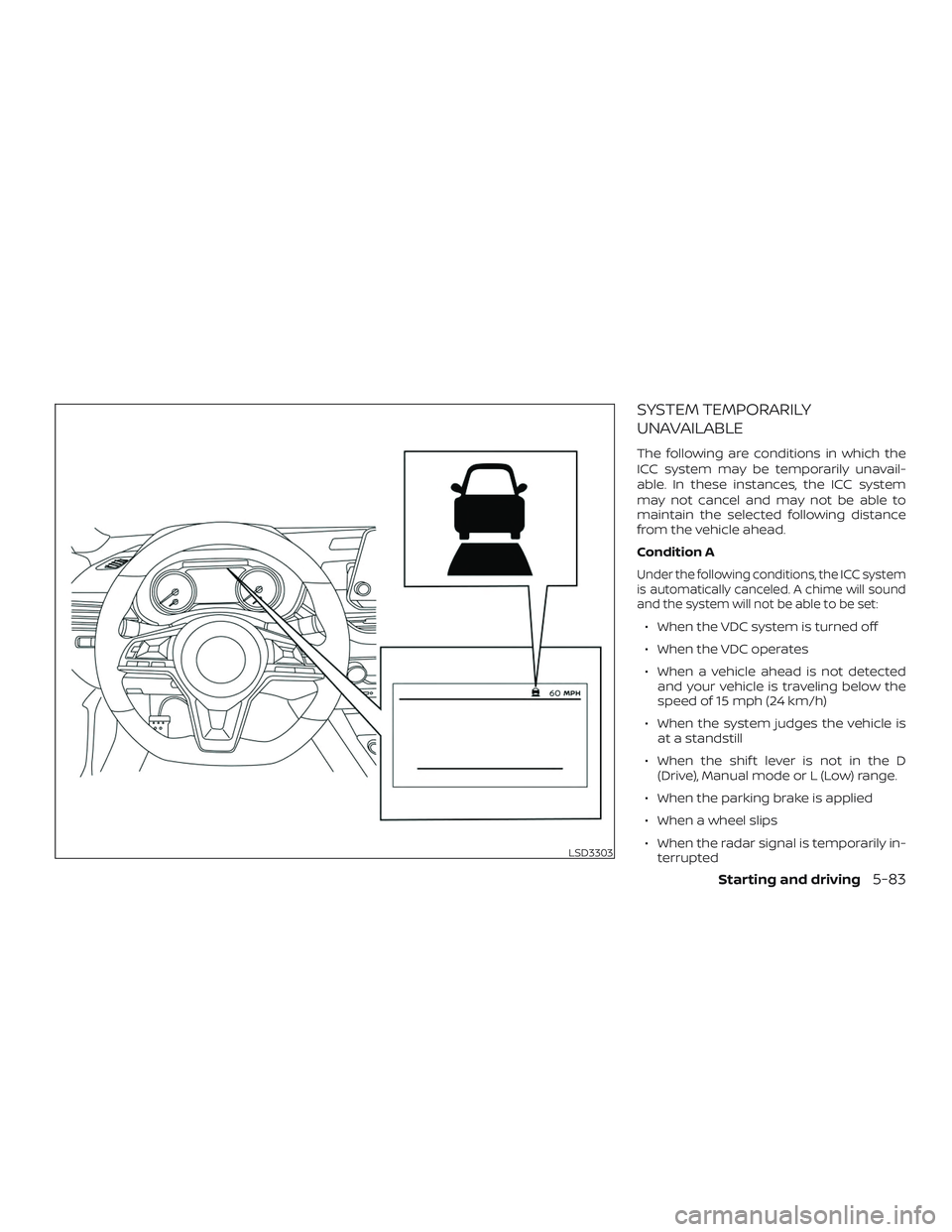
SYSTEM TEMPORARILY
UNAVAILABLE
The following are conditions in which the
ICC system may be temporarily unavail-
able. In these instances, the ICC system
may not cancel and may not be able to
maintain the selected following distance
from the vehicle ahead.
Condition A
Under the following conditions, the ICC system
is automatically canceled. A chime will sound
and the system will not be able to be set:
∙ When the VDC system is turned off
∙ When the VDC operates
∙ When a vehicle ahead is not detectedand your vehicle is traveling below the
speed of 15 mph (24 km/h)
∙ When the system judges the vehicle is at a standstill
∙ When the shif t lever is not in the D (Drive), Manual mode or L (Low) range.
∙ When the parking brake is applied
∙ When a wheel slips
∙ When the radar signal is temporarily in- terrupted
LSD3303
Starting and driving5-83
Page 342 of 592

Action to take
When the conditions listed above are no
longer present, turn the system off using
the ICC switch. Turn the ICC system back on
to use the system.
Condition B
When the radar sensor area of the front
bumper is covered with dirt or is ob-
structed, the ICC system will automatically
be canceled.
The chime will sound and the “Not Avail-
able: Front Radar Blocked” warning mes-
sage will appear in the vehicle information
display.
Action to take
If the warning message appears, stop the
vehicle in a safe place, place the shif t lever
in the P (Park) position, and turn the engine
off. When the radar signal is temporarily
interrupted, clean the sensor area of the
front bumper and restart the engine. If the
“Not Available: Front Radar Blocked” warn-
ing message continues to be displayed,
have the system checked. It is recom-
mended that you visit a NISSAN dealer for
this service.When driving on roads with limited road
structures (for example, long bridges, des-
erts, snow fields, driving next to long walls),
the system may illuminate the system
warning light and display the “Not Available:
Front Radar Blocked” message.
Action to take
When the above driving conditions no lon-
ger exist, turn the system back on.
Condition C
When the ICC system is not operating
properly, a chime sounds and the ICC sys-
tem warning light (orange) will come on.
LSD3245
5-84Starting and driving
Page 366 of 592
Acceleration when passing
When the ICC system is engaged above
37 mph and following a slower vehicle (be-
low ICC set speed), and the turn signal is
activated to the lef t, the ICC system will
automatically start to accelerate the ve-
hicle to help initiate passing on the lef t and
will begin to reduce the distance to vehicle
directly ahead. Only the lef t side turn signal
operates this feature. As the driver steers
the vehicle and moves into the passing
lane, if no vehicle is detected ahead the ICC
system will continue to accelerate to the
ICC system set speed. If another vehicle is
detected ahead, then the vehicle will accel-
erate up to the following speed of that ve-
hicle. If the vehicle is not steered into the
lef t lane to pass, the acceleration will stop
af ter a short time and regain the set follow-
ing distance. Acceleration can be stopped
at any point by depressing the brake pedal
or the CANCEL switch on the steering
wheel.
WARNING
In order to reduce the risk of a collision
that may result in serious injury or
death, please be aware of the following:
∙ This function is only activated withthe lef t turn signal and will briefly ac-
celerate the vehicle even if a lane
change is not initiated. This can in-
clude non-passing situations such as
lef t side exits.
∙ Ensure that when passing another ve- hicle, the adjacent lane is clear before
initiating the pass. Sudden changes
in traffic may occur while passing -
always manually steer or brake as
needed- never solely rely on the
system.
ICC system limitations
WARNING
Listed below are the system limitations
for the ICC system. Failure to operate
the vehicle in accordance with these
system limitations could result in seri-
ous injury or death:
∙ The ICC system is primarily intendedfor use on straight, dry, open roads
with light traffic. It is not advisable to
use the ICC system in city traffic or
congested areas.
∙ The ICC system will not adapt auto- matically to road conditions. This sys-
tem should be used in evenly flowing
traffic. Do not use the system on roads
with sharp curves or on icy roads, in
heavy rain or in fog.
5-108Starting and driving
Page 370 of 592

When driving on some roads, such as wind-
ing, hilly, curved, narrow roads, or roads
which are under construction, the radar
sensor may detect vehicles in a different
lane, or may temporarily not detect a ve-
hicle traveling ahead. This may cause the
radar system to decelerate or accelerate
the vehicle.
The detection of vehicles may also be af-
fected by vehicle operation (steering ma-
neuver or traveling position in the lane, etc.)
or vehicle condition.If this occurs, the ICC system may warn you
by blinking the system indicator and
sounding the chime unexpectedly. You will
have to manually control the proper dis-
tance away from the vehicle traveling
ahead.
Automatic cancellation
The following are conditions in which the
ICC system may be temporarily unavail-
able. In these instances, the ICC system
may not cancel and may not be able to
maintain the selected following distance
from the vehicle ahead.Condition A
Under the following conditions, the ICC system
is automatically canceled. A chime will sound
and the system will not be able to be set:
∙ Any door is open.
∙ The driver’s seat belt is not fastened.
∙ The vehicle ahead is not detected and
your vehicle is traveling below the
speed of 15 mph (24 km/h).
∙ Your vehicle has been stopped by the ICC system for approximately 3 minutes
or longer.
∙ The shif t lever is not in the D (Drive) po- sition or manual shif t mode.
∙ The electronic parking brake is applied.
∙ The VDC system is turned off.
∙ The AEB applies harder braking.
∙ VDC (including the traction control sys- tem) operates.
∙ A wheel slips.
∙ When distance measurement be- comes impaired due to adhesion of dirt
or obstruction to the sensor.
∙ When the radar signal is temporarily in- terrupted.
SSD0253
5-112Starting and driving