Page 299 of 578

Software update
Source oftheupdateUpdate type
Updates via mobilephoneNavigation map, sys‐tem updates, DigitalOperator's Manual
Updates via anexter‐nalstorage medium,e.g. a USBflash drive
Navigation maps
%Updates via mobile phonerequire an activeInternet connectionforthevehicle. This isnotavailable in all countries.For furtherinformation on connectingtothe Internet,see (→page 348).
Advantages of updating softwareThankstothe software update,yourvehiclesta‐tus is up-to-date.
In ordertoconstantly improvethequality of ourservicesyou willreceivefuture updatesforyourmultimedia system,the Mercedes me connectservices andyourvehicle's communication mod‐ule. These will conveniently be sentto you via
the mobile phone connection inyourvehicleand, as an option, installed automatically.Yo ucan monitorthestatus ofyour updates ontheMercedes me portal andfind information aboutpotential innovations.
Your advantages at aglance:
Rconvenientlyreceivesoftware updates viathe mobile phone network
Rimprovesthequality andavailability ofMercedes me connect services
Rkeepsyour multimedia system and communi‐cation module up-to-date
Further information about software updates canbefound at http://me.mercedes-benz.com
Performing a software update
Requirements:RThere is an Internet connection(→page 348).
RFor automatic updates:yourvehicle has apermanently installed communication mod‐ule.
Multimedia system:
,System.Software Update
Automatic update
#SwitchAutomatic Online Updateons.Updates are performed.
The currentstatus ofthe updates is dis‐played.
Manual update
#DeactivateSAutomatic Online Update.
#Select an update fromthe list andstarttheupdate.
Activating the softwareupdate
#Restartthe system.
Function of important system updatesImportant system updates may be necessaryforthe security ofyour multimedia system's data.Please installthese updates, or elsethe securityofyour multimedia system cannotbe ensured.
%If automatic software updates are activated,the system updates will be downloaded auto‐matically (→page 297).
Multimedia system297
Page 320 of 578

RRear Seat Entertainment System
%Received destinations are saved inthe previ‐ous destinations.
A promptappears onthe media display.
#A destination has beenreceived withoutpicture information:selectYes.
#Ifroute guidance is not active, selectStartRoute Guidance.Theroutetothe destination is calculated.The map shows theroute.Route guidancethen begins.
or
#Ifroute guidance is active, selectStart NewRoute GuidanceorSet as Next Way Point.Start New Route Guidance:thereceived des‐tination address is set as a new destination.The previous destinations and intermediatedestinations are deleted.Route guidancetothe new destination begins.
Set as Next Way Point:thereceived destina‐tion address is set asthe next intermediatedestination.Route guidance begins.
#A destination has beenreceived with pic‐tureinformation:selectStart Route Guid-ance.Route guidancestarts.#Aroute has beenreceived:selectStartRoute Guid. from Beginning of Route.
or
#SelectStart Route Guidance from CurrentPosition.Route guidancestarts fromthe selectedposition.
Route guidance with current trafficreports
Traffic informationoverviewTrafficreports arereceived using LiveTrafficInformation and are usedforroute guidance.
This service is unavailable in some countries.
There may be differences betweenthe trafficreportsreceived andthe actualroad and trafficconditions.
Important information on LiveTraffic Informa‐tion:
RCurrent trafficreports arereceived viatheInternet connection.
RThe traffic situation is updated at short,regu‐lar intervals.
RThe subscription information shows thesta‐tus (→page318).
Information onthevehicle's position isregularlysenttoDaimlerAG. The datais immediatelyren‐dered anonymousbyDaimlerAGandforwardedtothe traffic data provider. Usingthis data, traf‐ficreportsrelevanttothevehicle's position aresenttothevehicle. Thevehicle acts as a sensorfortheflowof traffic and helpstoimprovethequality ofthe trafficreports.
Ifyou do not wishtotransmityourvehicle posi‐tion,you can havethis service deactivated at anauthorized Mercedes-Benz Center.
Displaying subscription information
Requirements:RThevehicle is equipped with LiveTrafficInformation.
318Multimedia system
Page 337 of 578
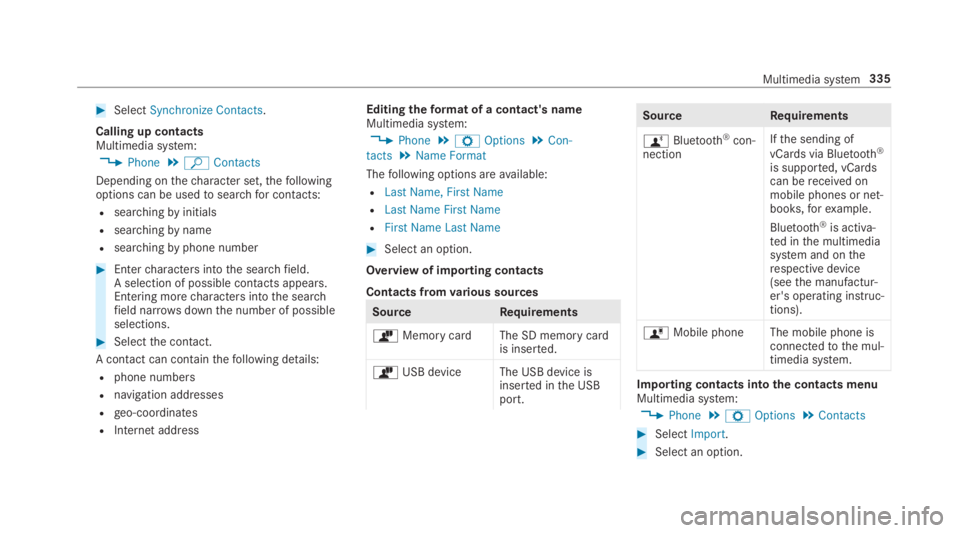
#SelectSynchronize Contacts.
Calling up contactsMultimedia system:
,Phone.ªContacts
Depending onthecharacter set,thefollowingoptions can be usedtosearchfor contacts:
Rsearchingbyinitials
Rsearchingbyname
Rsearchingbyphone number
#Entercharacters intothe searchfield.A selection of possible contacts appears.Entering morecharacters intothe searchfield narrowsdownthe number of possibleselections.
#Selectthe contact.
A contact can containthefollowing details:
Rphone numbers
Rnavigation addresses
Rgeo-coordinates
RInternet address
Editingtheformat of a contact's nameMultimedia system:
,Phone.ZOptions.Con-
tacts.Name Format
Thefollowing options areavailable:
RLast Name, First Name
RLast Name First Name
RFirst Name Last Name
#Select an option.
Overview of importing contacts
Contacts fromvarious sources
SourceRequirements
òMemory cardThe SD memory cardis inserted.
òUSB device The USB device isinserted inthe USBport.
SourceRequirements
ñBluetooth®con‐nection
Ifthe sending of
vCards via Bluetooth®
is supported, vCardscan bereceived onmobile phones or net‐books,forexample.
Bluetooth®is activa‐ted inthe multimediasystem and ontherespective device(seethe manufactur‐er's operating instruc‐tions).
óMobile phone The mobile phone isconnectedtothe mul‐timedia system.
Importing contacts intothe contacts menuMultimedia system:
,Phone.ZOptions.Contacts
#SelectImport.
#Select an option.
Multimedia system335
Page 344 of 578
RThe AndroidAutoapp is installed onthemobile phone.
RIn ordertousethetelephone functions,themobile phone must be connectedtothe mul‐
timedia system via Bluetooth®(→page 329).
Iftherewas no prior Internet connection,thisis established withthe use ofthe mobilephone with AndroidAuto.
RThe mobile phone is connectedtothe multi‐media system viathe USB port
Page 356 of 578
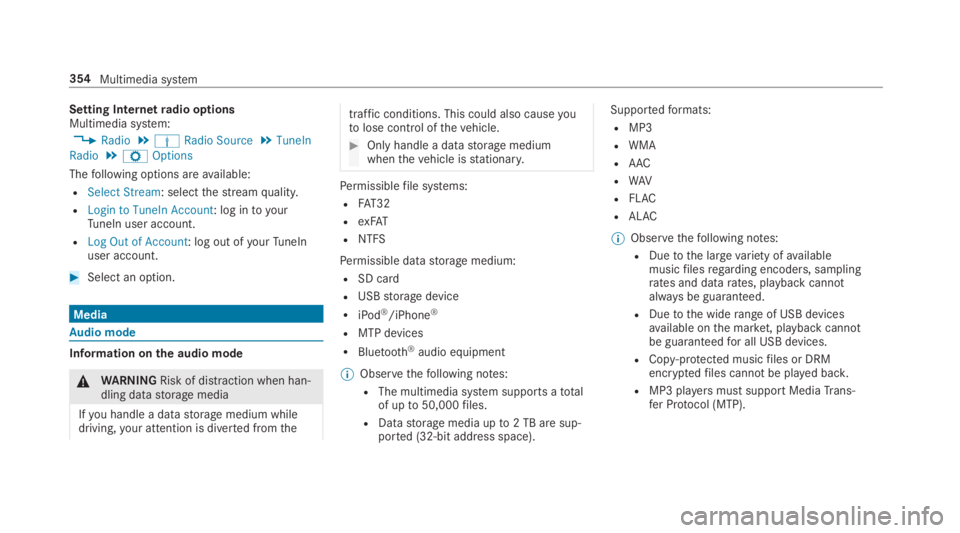
Setting Internetradio optionsMultimedia system:
,Radio.ÞRadio Source.TuneIn
Radio.ZOptions
Thefollowing options areavailable:
RSelect Stream: selectthestreamquality.
RLogin to TuneIn Account: log intoyourTuneIn user account.
RLog Out of Account: log out ofyourTuneInuser account.
#Select an option.
Media
Audio mode
Information onthe audio mode
&WARNINGRisk of distraction when han‐dling datastorage media
Ifyou handle a datastorage medium whiledriving,your attention is diverted fromthe
traffic conditions. This could also causeyoutolose control ofthevehicle.
#Only handle a datastorage mediumwhenthevehicle isstationary.
Permissiblefile systems:
RFAT32
RexFAT
RNTFS
Permissible datastorage medium:
RSD card
RUSBstorage device
RiPod®/iPhone®
RMTP devices
RBluetooth®audio equipment
%Observethefollowing notes:
RThe multimedia system supports atotalof upto50,000files.
RDatastorage media upto2 TB are sup‐ported (32‑bit address space).
Supportedformats:
RMP3
RWMA
RAAC
RWAV
RFLAC
RALAC
%Observethefollowing notes:
RDuetothe largevariety ofavailablemusicfilesregarding encoders, samplingrates and datarates, playback cannotalways be guaranteed.
RDuetothe widerange of USB devicesavailable onthe market, playback cannotbe guaranteedfor all USB devices.
RCopy-protected musicfiles or DRMencryptedfiles cannot be played back.
RMP3 playersmust support MediaTrans‐fer Protocol (MTP).
354Multimedia system
Page 360 of 578
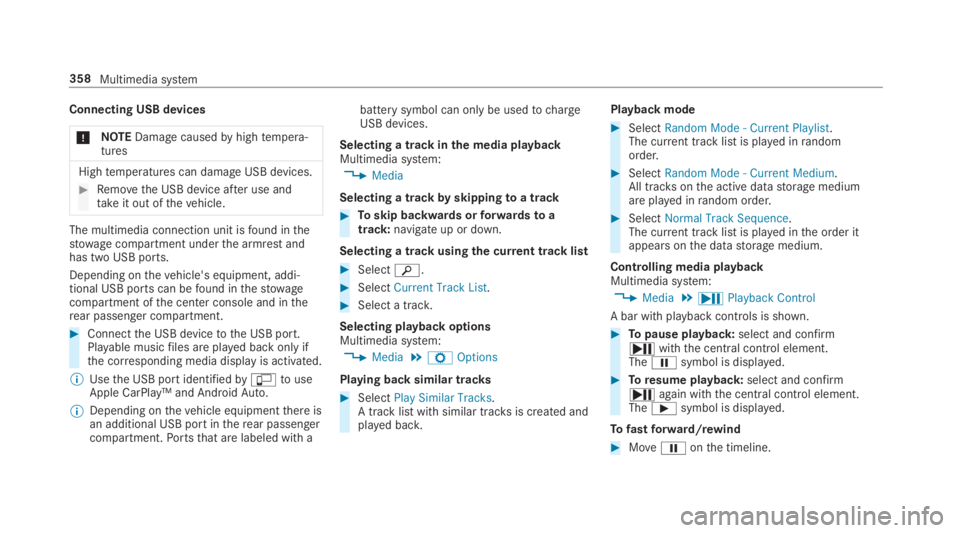
Connecting USB devices
*NOTEDamagecausedbyhightempera‐tures
Hightemperatures can damage USB devices.
#Removethe USB device after use andtakeit out ofthevehicle.
The multimedia connection unit isfound inthestowage compartment underthe armrest andhas two USB ports.
Depending onthevehicle's equipment, addi‐tional USB ports can befound inthestowagecompartment ofthe center console and intherear passenger compartment.
#Connectthe USB devicetothe USB port.Playable musicfiles are played back only ifthe corresponding media display is activated.
%Usethe USB port identifiedby
Page 363 of 578
Activating/deactivating full-screen modeMultimedia system:
,Media.àMedia Sources
#Select a datastorage medium.Playable videofiles are played back.
#Toactivate full-screen mode:select�Full Screen.
#Todeactivate full-screen mode:pressthetouchpad.
Changing video settingsMultimedia system:
,Media.ZOptions.Picture For-
mat
Thefollowing pictureformats areavailable:
RAutomatic
R16:9
R4:3
RZoom
#Select a pictureformat.
Adjusting the brightness manuallyIftheAutomaticpictureformat is switched off,you can adjustthe brightnessyourself.
#SelectBrightness.
#Adjustthe brightness.
Media search
Startingthe media searchMultimedia system:
,Media.ªSearch
Depending onthe connected media sources andfiles,thefollowing categories are listed:
RCurrent Track List
RKeyword Search
RPlaylists
RArtists
RAlbums
RTracks
RFolders
RMusic Genres
RYear
RComposers
RVideos
RPodcasts(Apple®devices)
RAudiobooks(Apple®devices)
#Select a category.
%The categories areavailable as soon astheentire media content has beenread in andanalyzed.
Media Interface
Information aboutthe Media InterfaceMedia Interface is a universal interfacefortheconnection of mobile audio equipment. The mul‐timedia system has two USB ports. The USBports are located inthestowage compartmentunderthe armrest.
Supported devices
The Media Interface allowsyoutoconnectthefollowing datastorage media:
RiPod®
RiPhone®
Multimedia system361
Page 364 of 578
RMP3 player
RUSB devices
For details and a list of supported devices, visitourwebsite at http://www.mercedes-benz.com/connect.Followthe instructions inthe "Media Interface" section.
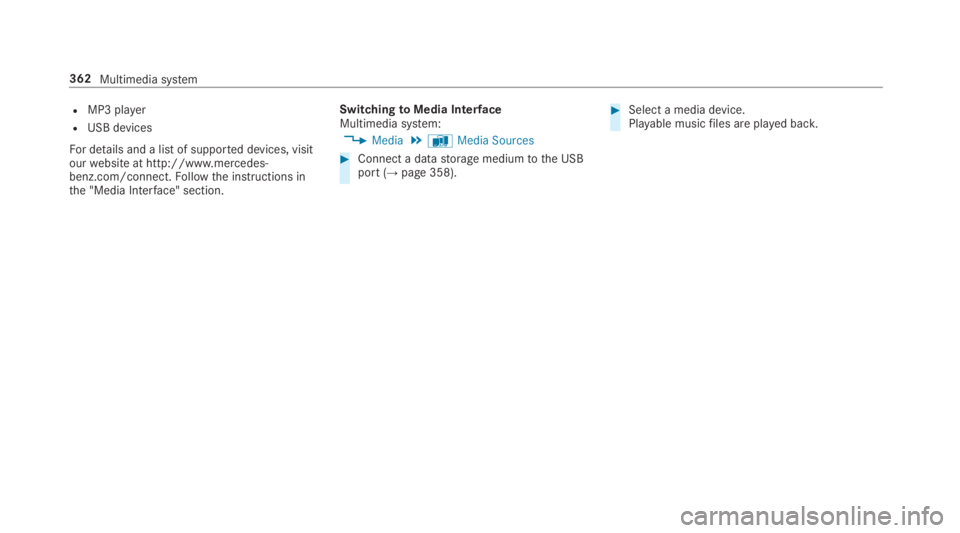
SwitchingtoMedia InterfaceMultimedia system:
,Media.àMedia Sources
#Connect a datastorage mediumtothe USBport (→page 358).
#Select a media device.Playable musicfiles are played back.
362Multimedia system