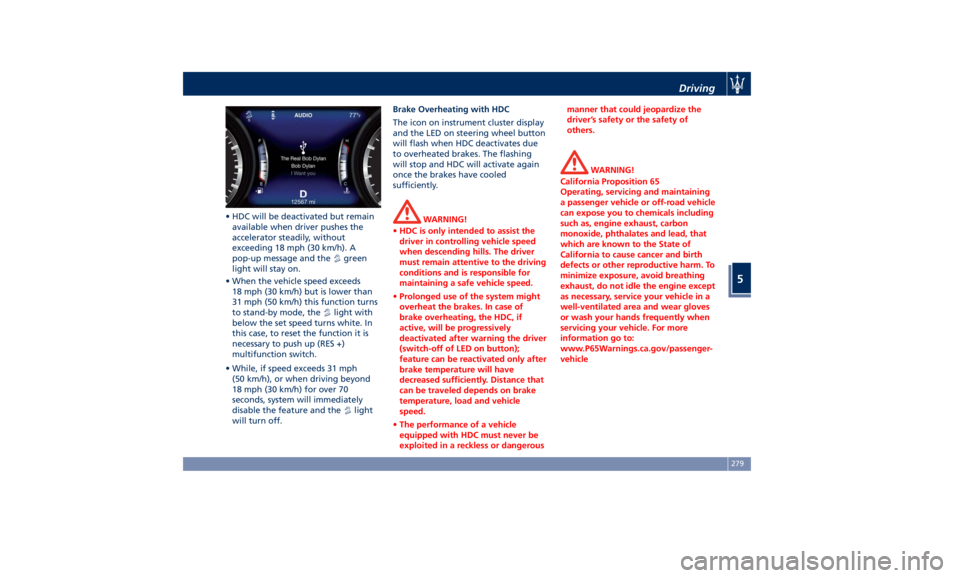
• HDC will be deactivated but remain
available when driver pushes the
accelerator steadily, without
exceeding 18 mph (30 km/h). A
pop-up message and the
green
light will stay on.
• When the vehicle speed exceeds
18 mph (30 km/h) but is lower than
31 mph (50 km/h) this function turns
to stand-by mode, the
light with
below the set speed turns white. In
this case, to reset the function it is
necessary to push up (RES +)
multifunction switch.
• While, if speed exceeds 31 mph
(50 km/h), or when driving beyond
18 mph (30 km/h) for over 70
seconds, system will immediately
disable the feature and the
light
will turn off. Brake Overheating with HDC
The icon on instrument cluster display
and the LED on steering wheel button
will flash when HDC deactivates due
to overheated brakes. The flashing
will stop and HDC will activate again
once the brakes have cooled
sufficiently.
WARNING!
• HDC is only intended to assist the
driver in controlling vehicle speed
when descending hills. The driver
must remain attentive to the driving
conditions and is responsible for
maintaining a safe vehicle speed.
• Prolonged use of the system might
overheat the brakes. In case of
brake overheating, the HDC, if
active, will be progressively
deactivated after warning the driver
(switch-off of LED on button);
feature can be reactivated only after
brake temperature will have
decreased sufficiently. Distance that
can be traveled depends on brake
temperature, load and vehicle
speed.
• The performance of a vehicle
equipped with HDC must never be
exploited in a reckless or dangerous manner that could jeopardize the
driver’s safety or the safety of
others.
WARNING!
California Proposition 65
Operating, servicing and maintaining
a passenger vehicle or off-road vehicle
can expose you to chemicals including
such as, engine exhaust, carbon
monoxide, phthalates and lead, that
which are known to the State of
California to cause cancer and birth
defects or other reproductive harm. To
minimize exposure, avoid breathing
exhaust, do not idle the engine except
as necessary, service your vehicle in a
well-ventilated area and wear gloves
or wash your hands frequently when
servicing your vehicle. For more
information go to:
www.P65Warnings.ca.gov/passenger-
vehicleDriving
5
279
by the gauge reaches the
recommended level (see “Tire
Inflation Pressure” in section
“Features and Specifications”) and
screw the cap on the compact spare
wheel valve.
WARNING!
• In order to obtain a more accurate
reading, the compressor should be
switched off when checking the tire
pressure of the compact spare wheel
on the pressure gauge.
• Do not run the compressor for more
than 20 minutes: there is a risk it
could overheat. Also, prolonged
power absorption may discharge the
battery, subsequently preventing
the engine from starting. • The compressor has been designed
exclusively to inflate compact spare
wheels; do not use it to inflate air
mattresses, dinghies etc.
• Remove the center cover of the
wheel
rim (if provided) levering into
the provided groove on the outer
edge of the cover.
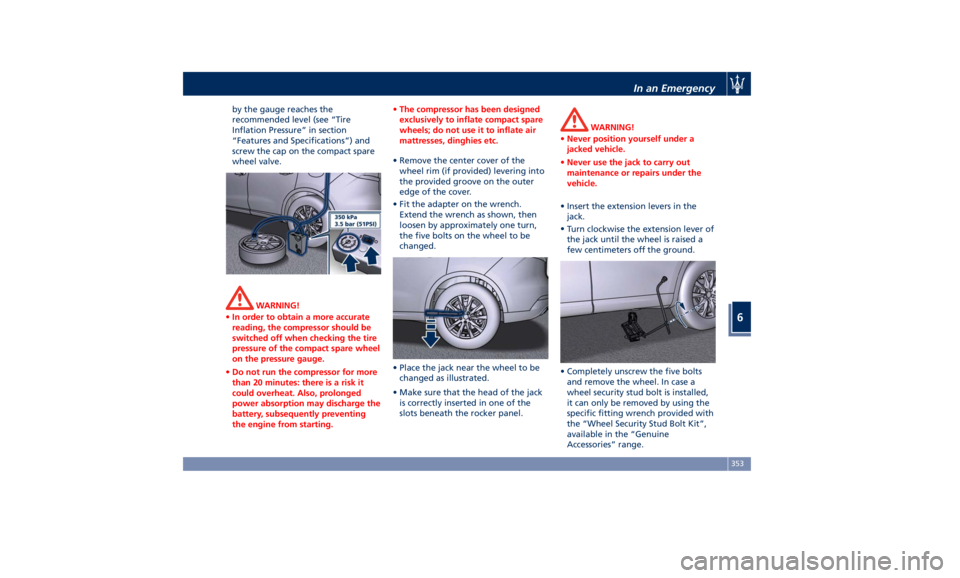
• Fit the adapter on the wrench.
Extend the wrench as shown, then
loosen by approximately one turn,
the five bolts on the wheel to be
changed.
• Place the jack near the wheel to be
changed as illustrated.
• Make sure that the head of the jack
is correctly inserted in one of the
slots beneath the rocker panel. WARNING!
• Never position yourself under a
jacked vehicle.
• Never use the jack to carry out
maintenance or repairs under the
vehicle.
• Insert the extension levers in the
jack.
•
Turn clockwise
the extension lever of
the jack until the wheel is raised a
few centimeters off the ground.
• Completely unscrew the five bolts
and remove the wheel. In case a
wheel security stud bolt is installed,
it can only be removed by using the
specific fitting wrench provided with
the “Wheel Security Stud Bolt Kit”,
available in the “Genuine
Accessories” range.In an Emergency
6
353