2019 LEXUS UX200 air
[x] Cancel search: airPage 108 of 452

1083-2. Opening, closing and locking the doors
smart access system with push-button
start (P.98) or the wireless remote
control. ( P.96)
A buzzer sounds and the emergency flash-
ers flash to indicate that all the doors have
been closed and locked.
Before leaving the vehicle, make sure that
all the doors are closed and locked. The
doors may not be locked due to the jam
protection function or door lock prevention
function.
■Close & lock function
When the power back door is open, this
function closes the power back door and
then locks all of the doors simultaneously.
When the following procedures are per-
formed and there are no electronic keys for
the vehicle within the vehicle, all of the
doors will lock when th e power back door is
completely closed.
1 Close all of the doors except the power
back door.
2 While carrying an electronic key, press
the switch on the lower part of
the power back door ( P.105).
A different buzzer than the normal one will
sound and then the power back door will
begin closing automatically. When the
power back door is closed, all of the doors
will lock simultaneously and operation sig-
nals will indicate that all of the doors have
been locked.
■Situations in which the close & lock
function may not operate properly
In the following situations, the close & lock
function may not operate properly:
●If the switch on the lower part of
the power back door ( P.105) is
pressed by a hand which is holding an
electronic key
●If the switch on the lower part of
the power back door ( P.105) is
pressed when the electronic key is in a
bag, etc. that is placed on the ground
●If the switch on the lower part of
the power back door ( P.105) is pressed with the electronic key not near
the vehicle
■Situations in which the Hands Free
Power Back Door may not operate
properly
In the following situations, the Hands Free
Power Back Door may not operate prop-
erly:
●When a foot remain s under the rear
bumper
●If the rear bumper is strongly hit with a
foot or is touched for a while
If the rear bumper has been touched for a
while, wait for a short time before
attempting to operate the Hands Free
Power Back Door again.
●When operated while a person is too
close to the rear bumper
●When an external radio wave source
interferes with the communication
between the electronic key and the vehi-
cle ( P.115)
●When the vehicle is parked near an elec-
trical noise source which affects the sen-
sitivity of the Hands Free Power Back
Door, such as a pay parking spot, gas sta-
tion, electrically heated road, or fluores-
cent light
●When the vehicle is near a TV tower,
electric power plant, radio station, large
display, airport or ot her facility that gen-
erates strong radio waves or electrical
noise
●When a large amount of water is applied
to the rear bumper, such as when the
vehicle is being washed or in heavy rain
●When mud, snow, ice, etc. is attached to
the rear bumper
●When the vehicle has been parked for a
while near objects that may move and
contact the rear bumper, such as plants
●When an accessory is installed to the rear
bumper
If an accessory has been installed, turn
the Hands Free Power Back Door opera-
tion setting off.
Page 109 of 452

1093-2. Opening, closing and locking the doors
3
Before driving
■Preventing unintentional operation of
the Hands Free Power Back Door
When an electronic ke y is in the operation
range, the Hands Free Power Back Door
may operate unintentiona lly, so be careful in
the following situations.
●When a large amount of water is applied
to the rear bumper, such as when the
vehicle is being washed or in heavy rain
●When dirt is wiped off the rear bumper
●When a small animal or small object, such
as a ball, moves under the rear bumper
●When an object is moved from under the
rear bumper
●If someone is swinging their legs while sit-
ting on the rear bumper
●If the legs or another part of someone’s
body contacts the rear bumper while
passing by the vehicle
●When the vehicle is parked near an elec-
trical noise source which affects the sen-
sitivity of the Hands Free Power Back
Door, such as a pay parking spot, gas sta-
tion, electrically heated road, or fluores-
cent light
●When the vehicle is near a TV tower,
electric power plant, radio station, large
display, airport or other facility that gen-
erates strong radio waves or electrical
noise
●When the vehicle is parked in a place
where objects such as plants are near the
rear bumper
●If luggage, etc. is set near the rear
bumper
●If accessories or a vehicle cover is
installed/removed near the rear bumper
●When the vehicle is being towed
To prevent unintentional operation, turn the
Hands Free Power Back Door operation
setting off.
■When reconnecting the battery
To enable the power back door to operate
properly, close the back door manually.
■Jam protection function
Sensors are installed in the right and left sides of the power back door. When the
door is automatically closing and the sen-
sors are pushed due to an object being
clamped, etc., the jam protection function
operates.
From that position the door automatically
moves a little in the opposite direction and
then the function stops.
■If the back door opener is inoperative
The back door can be unlocked from the
inside.
1 Remove the cover.
To protect the cover, place a rag between
the flathead screwdri ver and the cover as
shown in the illustration.
2 Move the lever.
■Customization
Some functions can be customized. (Cus-
tomizable features: P.412)
Page 115 of 452

1153-2. Opening, closing and locking the doors
3
Before driving■If “Key Detected in Vehicle” is shown on
the multi-information display
An attempt was made to lock the doors
using the smart access system with push-
button start while the electronic key was still
inside the vehicle. Retrieve the electronic
key from the vehicle and lock the doors
again.
■Battery-saving function
The battery-saving fu nction will be acti-
vated in order to prevent the electronic key
battery and the battery from being dis-
charged while the vehicl e is not in operation
for a long time.
●In the following situations, the smart
access system with pu sh-button start may
take some time to unlock the doors.
• The electronic key has been left in an
area of approximately 6 ft. (2 m) of the
outside of the vehicle for 10 minutes or
longer.
• The smart access system with push-but- ton start has not been used for 5 days or
longer.
●If the smart access system with push-but-
ton start has not been used for 14 days or
longer, the doors cannot be unlocked at
any doors except the driver’s door. In this
case, take hold of the driver’s door han-
dle, or use the wireless remote control or
the mechanical key, to unlock the doors.
■Turning an electronic key to battery-
saving mode
●When battery-saving mode is set, battery
depletion is minimized by stopping the
electronic key from receiving radio
waves.
Press twice while pressing and
holding .
Confirm that the electronic key indicator
flashes 4 times. While the battery-saving
mode is set, the smart access system with
push-button start cannot be used. To cancel
the function, press any of the electronic key
buttons.
●Electronic keys that will not be used for
long periods of time can be set to the bat-
tery-saving mode in advance.
■Conditions affecting operation
The smart access system with push-button
start uses weak radio waves. In the following
situations, the communication between the
electronic key and the vehicle may be
affected, preventing the smart access sys-
tem with push-button start, wireless remote
control and engine immobilizer system
from operating properly. (Ways of coping:
P.380)
●When the electronic key battery is
depleted
●Near a TV tower, electric power plant,
gas station, radio stat ion, large display,
airport or other fac ility that generates
strong radio waves or electrical noise
●When carrying a portable radio, cellular
phone, cordless phone or other wireless
communication device
●When the electronic key is in contact
with, or is covered by the following metal-
lic objects
SituationCorrection proce-
dure
The engine switch
was turned to ACC while the driver’s
door was open (The driver’s door was
opened when the
engine switch was in ACC).
Turn the engine
switch off and close the driver’s door.
The engine switch
was turned off while
the driver’s door was open.
Close the driver’s door.
Page 145 of 452

1454-1. Before driving
4
Driving
WARNING
●Be careful not to shift the shift lever
with the accelerator pedal depressed.
Shifting the shift lever to any position
other than P or N may lead to unex-
pected rapid acceleration of the vehi-
cle that may cause an accident and
result in death or serious injury.
■If you hear a squealing or scraping
noise (brake pad wear limit indica-
tors)
Have the brake pads checked and
replaced by your Lexus dealer as soon as
possible. Rotor damage may result if the
pads are not replaced when needed.
It is dangerous to drive the vehicle when
the wear limits of the brake pads and/or
those of the brake discs are exceeded.
■When the vehicle is stopped
●Do not race the engine.
If the shift lever is in any position other
than P or N, the vehicle may acceler-
ate suddenly and unexpectedly, caus-
ing an accident.
●In order to prevent accidents due to
the vehicle rolling away, always keep
depressing the brake pedal while the
engine is running, and apply the park-
ing brake as necessary.
●If the vehicle is stopped on an incline,
in order to prevent accidents caused
by the vehicle rolling forward or back-
ward, always depress the brake pedal
and securely apply the parking brake
as needed.
●Avoid revving or racing the engine.
Running the engine at high speed
while the vehicle is stopped may cause
the exhaust system to overheat, which
could result in a fire if combustible
material is nearby.
■When the vehicle is parked
●Do not leave glasses, cigarette lighters,
spray cans, or soft drink cans in the
vehicle when it is in the sun.
Doing so may result in the following:
• Gas may leak from a cigarette lighter or spray can, and may lead to a fire.
• The temperature inside the vehicle may cause the plastic lenses and plas-
tic material of glasses to deform or
crack.
• Soft drink cans may fracture, causing the contents to spray over the interior
of the vehicle, and may also cause a
short circuit in the vehicle’s electrical
components.
●Do not leave cigarette lighters in the
vehicle. If a cigare tte lighter is in a
place such as the glove box or on the
floor, it may be lit accidentally when
luggage is loaded or the seat is
adjusted, causing a fire.
●Do not attach adhesive discs to the
windshield or windows. Do not place
containers such as air fresheners on
the instrument panel or dashboard.
Adhesive discs or containers may act
as lenses, causing a fire in the vehicle.
●Do not leave a door or window open if
the curved glass is coated with a met-
allized film such as a silver-colored
one. Reflected sunlight may cause the
glass to act as a lens, causing a fire.
●Always apply the parking brake, shift
the shift lever to P, stop the engine and
lock the vehicle.
Do not leave the vehicle unattended
while the engine is running.
If the vehicle is parked with the shift
lever in P but the parking brake is not
set, the vehicle may start to move, pos-
sibly leading to an accident.
●Do not touch the exhaust pipes while
the engine is running or immediately
after turning the engine off.
Doing so may cause burns.
Page 150 of 452
1504-1. Before driving
■Total load capacity and seating capacity
These details are also described on the tire
and loading information label. ( P.337)
Vehicle load limits
Vehicle load limits include total
load capacity, seating capacity,
towing capacity and cargo capac-
ity.
Total load capacity (vehicle
capacity weight):
P.390
Total load capacity means the com-
bined weight of occupants, cargo
and luggage.
Seating capacity: 5 occupants
(Front 2, Rear 3)
Seating capacity means the maxi-
mum number of occupants whose
estimated average weight is 150 lb.
(68 kg) per person.
Towing capacity
Lexus does not recommend towing
a trailer with your vehicle.
Cargo capacity
Cargo capacity may increase or
decrease depending on the weight
and the number of occupants.
WARNING
■Overloading the vehicle
Do not overload the vehicle.
It may not only cause damage to the tires,
but also degrade steering and braking
ability, resulting in an accident.
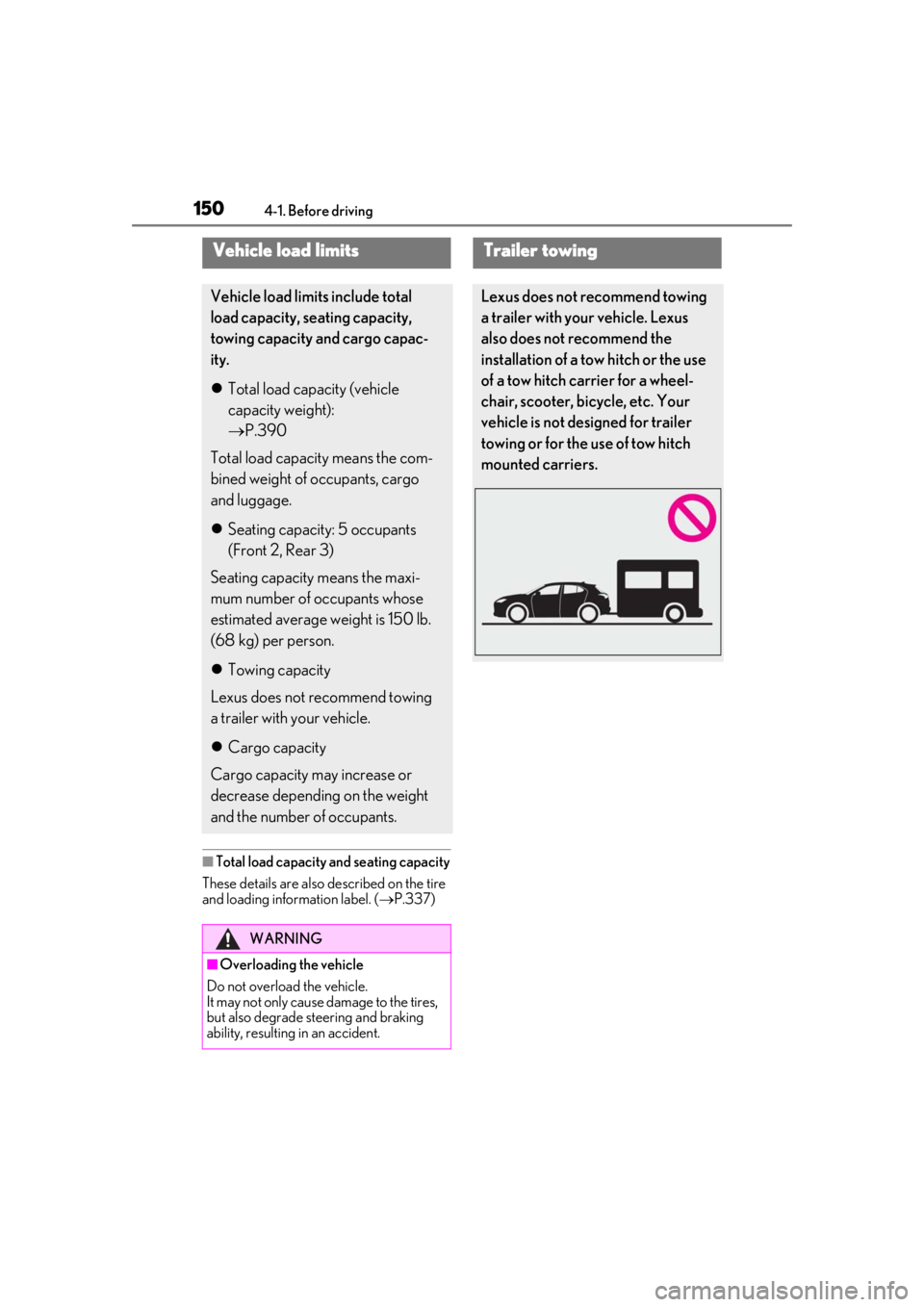
Trailer towing
Lexus does not recommend towing
a trailer with your vehicle. Lexus
also does not recommend the
installation of a tow hitch or the use
of a tow hitch carrier for a wheel-
chair, scooter, bicycle, etc. Your
vehicle is not designed for trailer
towing or for the use of tow hitch
mounted carriers.
Page 184 of 452

1844-5. Using the driving support systems
■If a warning message is displayed on the multi-information display
A system may be temporarily unavailable or there may be a malfunction in the system.
●In the following situations, perform the actions specified in the table. When the normal
operating conditions are detected, the message will disappear and the system will
become operational.
If the message does not disappear, contact your Lexus dealer.
SituationActions
When the area around a sensor is covered
with dirt, moisture (f ogged up, covered with
condensation, ice, etc. ), or other foreign
matterTo clean the part of the windshield in front of
the front camera, use the windshield wipers
or the windshield defogger of the air condi-
tioning system ( P.263).
Page 185 of 452

1854-5. Using the driving support systems
4
Driving
●In the following situations, if the situation has changed (or the vehicle has been driven for
some time) and the normal operating conditions are detected, the message will disappear
and the system will become operational.
If the message does not disappea r, contact your Lexus dealer.
When the temperature around the radar sensor is outside of the operational range, such as
when the vehicle is in the sun or in an extremely cold environment
When the front camera cannot detect objects in fr ont of the vehicle, such as when driving in
the dark, snow, or fog, or when bright lights are shining into the front camera
When the temperature around the front
camera is outside of the operational range,
such as when the vehicle is in the sun or in an
extremely cold environment
If the front camera is hot, such as after the
vehicle had been parked in the sun, use the
air conditioning system to decrease the tem-
perature around the front camera.
If a sunshade was used when the vehicle was
parked, depending on its type, the sunlight
reflected from the surface of the sunshade
may cause the temperature of the front cam-
era to become excessively high.
If the front camera is cold, such after the
vehicle is parked in an extremely cold envi-
ronment, use the air conditioning system to
increase the temperature around the front
camera.
The area in front of the front camera is
obstructed, such as when the hood is open
or a sticker is attached to the part of the
windshield in front of the front camera.
Close the hood, remove the sticker, etc. to
clear the obstruction.
SituationActions
Page 188 of 452

1884-5. Using the driving support systems
■Enabling/disabling the pre-colli-
sion system
The pre-collision system can be
enabled/disabled on ( P.79) of
the multi-information display.
The system is automatically enabled each
time the engine switch is turned to ON.
If the system is disabled, the PCS warn-
ing light will turn on and a message will
be displayed on the multi-information
display.
■Changing the pre-collision warn-
ing timing
The pre-collision warning timing can
be changed on ( P.79) of the
multi-information display.
The warning timing setting is retained
when the engine switch is turned off. How-
ever, if the pre-collisio n system is disabled
and re-enabled, the operation timing will
return to the default setting (middle).
1Early
2
Middle
This is the default setting.
3Late
■Operational conditions
The pre-collision system is enabled and the system determines that the possibility of a frontal
collision with a detect ed object is high.
WARNING
●When the tires are very worn
●When tires of a size other than speci-
fied are installed
●When tire chains are installed
●When a compact spare tire or an
emergency tire puncture repair kit is
used
●If equipment (snow plow, etc.) that may
obstruct the radar sensor or front cam-
era is temporarily installed to the vehi-
cle
Changing settings of the pre-col-
lision system