2019 LEXUS RCF wheel
[x] Cancel search: wheelPage 205 of 636
2054-1. Before driving
4
Driving
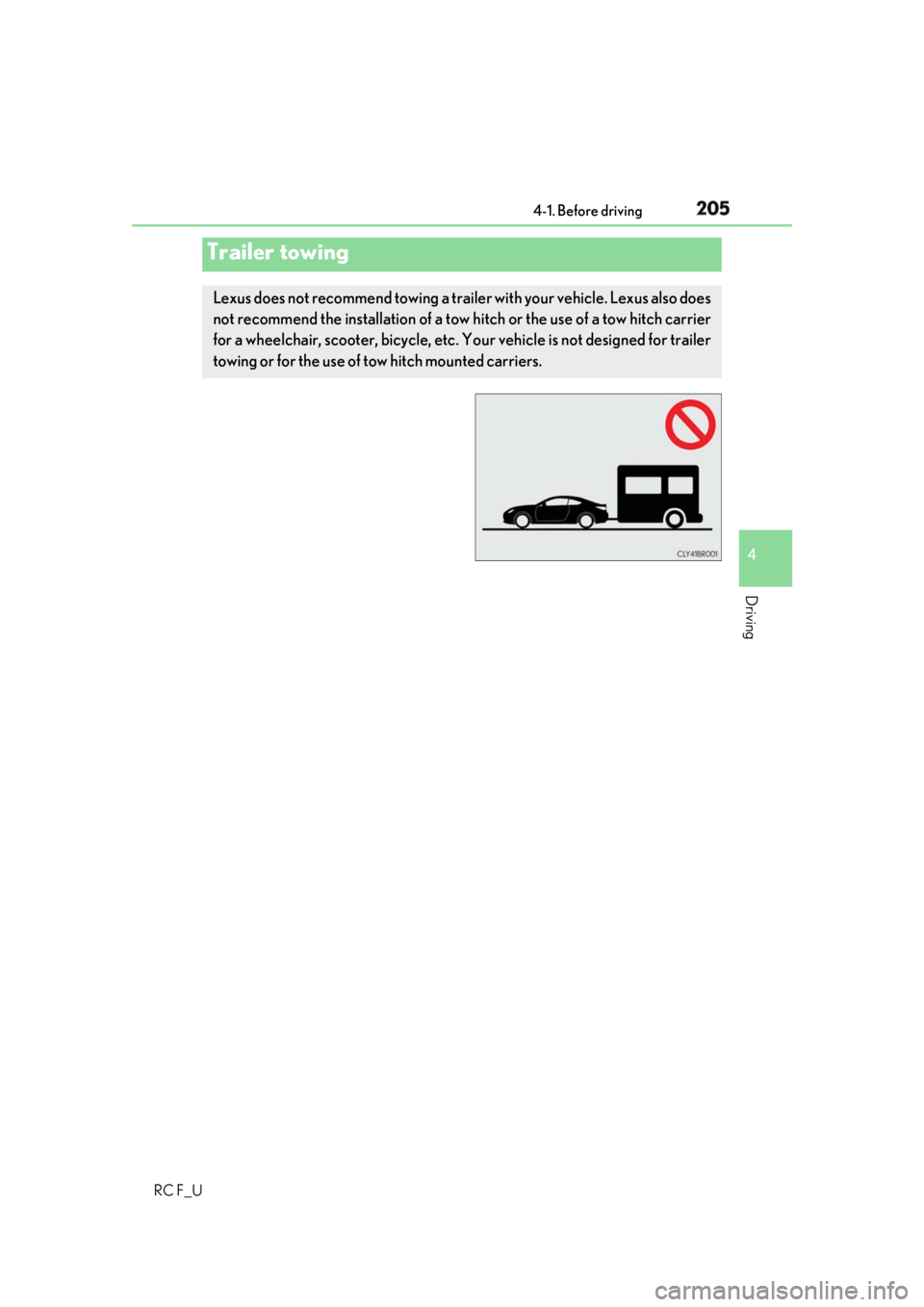
RC F_UTrailer towing Lexus does not recommend towing a trailer with your vehicle. Lexus also does
not recommend the installation of a tow hitch or the use of a tow hitch carrier
for a wheelchair, scooter, bicycle, etc. Your vehicle is not designed for trailer
towing or for the use of tow hitch mounted carriers.
Page 206 of 636
206 4-1. Before driving
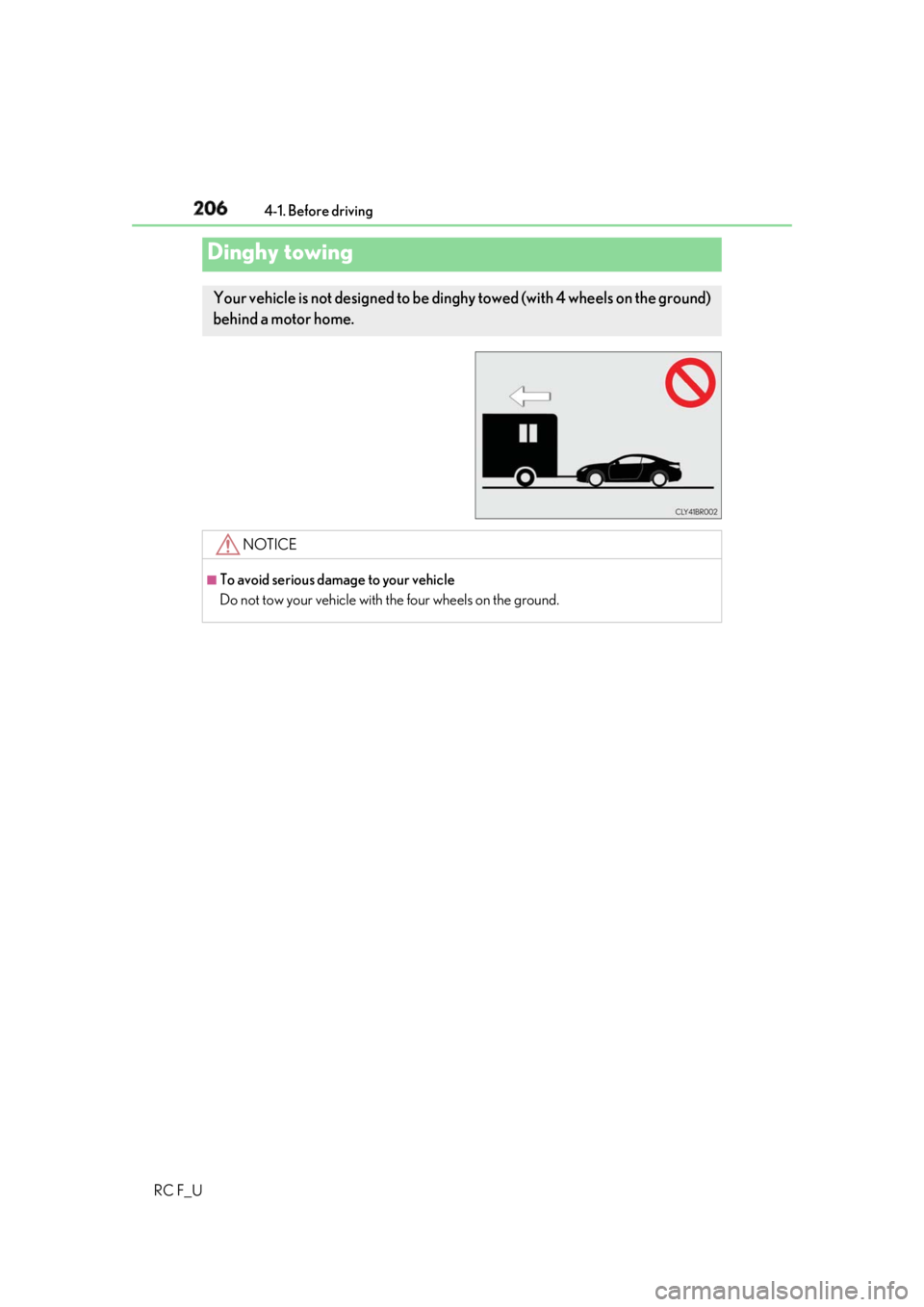
RC F_UDinghy towing Your vehicle is not designed to be dinghy towed (with 4 wheels on the ground)
behind a motor home.
NOTICE ■
To avoid serious damage to your vehicle
Do not tow your vehicle with the four wheels on the ground.
Page 210 of 636

210 4-2. Driving procedures
RC F_U ■
Auto power off function
If the vehicle is left in ACCESSORY mode for more than 20 minutes or IGNITION ON
mode (the engine is not running) for more than an hour with the shift lever in P, the engine
switch will automatically turn off. However, this function cannot entirely prevent battery
discharge. Do not leave the vehicle with the engine switch in ACCESSORY or IGNI-
TION ON mode for long periods of ti me when the engine is not running.■
Electronic key battery depletion
P. 143 ■
Conditions affe cting operation
P. 158 ■
Notes for the entry function
P. 159 ■
If the engine does not start ●
Check that the shift lever is se curely set in P. The engine ma y not start if the shift lever is
displaced out of P. ●
The engine immobilizer system ma y not have been deactivated. ( P. 79)
Contact your Lexus dealer. ■
Steering lock
After turning the engine switch off and opening and closing the doors, the steering wheel
will be locked due to the steering lock func tion. Operating the engine switch again auto-
matically cancels the steering lock. ■
When the steering lock cannot be released
■
Steering lock motor overheating prevention
To prevent the steering lock motor from overheating, operation of the motor may be sus-
pended if the engine is turned on and off repeat edly in a short period of time. In this case,
refrain from operating the engine switch. After about 10 seconds, the steering lock
motor will resume functioning. ■
When “Access System with Elec. Key Malf unction See Owner’s Manual” is displayed
on the multi-information display
The system may be malfunctio ning. Have the vehicle inspected by your Lexus dealer
immediately. ■
If the electronic key battery is depleted
P. 427“Steering Wheel Lock Press Engine Switch
while Turning Wheel” w ill be displayed on the
multi-information display.
Check that the shift leve r is in P. Press the
engine switch while turn ing the steering wheel
left and right.
Page 230 of 636

230 4-3. Operating the lights and wipers
RC F_U ■
Conditions to turn the high beams on/off automatically●
When all of the following conditions are met, the high beams will be turned on automat-
ically (after approximately 1 second):
• The vehicle speed is approximately 21 mph (34 km/h) or more.
• The area ahead of the vehicle is dark.
• There are no vehicles ahead with headlights or tail lights turned on.
• There are few streetlights on the road ahead. ●
If any of the following condit ions is met, the high beams will turn off automatically:
• The vehicle speed is below ap proximately 17 mph (27 km/h).
• The area ahead of the vehicle is not dark.
• Vehicles ahead have th eir headlights or tail lights turned on.
• There are many streetlights on the road ahead. ■
Camera sensor detection information ●
The high beams may not be automatically turned off in the following situations:
• When a vehicle suddenly appears from around a curve
• When the vehicle is cut in front of by another vehicle
• When vehicles ahead cannot be detected du e to repeated curves , road dividers or
roadside trees
• When vehicles ahead appear in a faraway lane on a wide road
• When the lights of vehicles ahead are not on ●
The high beams may be turned off if a vehicl e ahead that is using fog lights without its
headlights turned on is detected. ●
House lights, street lights, traffic signals, and illuminated billboards or signs and other
reflective objects may cause the high beams to change to the low beams, or the low
beams to remain on. ●
The following factors may affect the amount of time taken for the high beams to turn on
or off:
• The brightness of the headlights, fog lights, and tail lights of vehicles ahead
• The movement and direction of vehicles ahead
• When a vehicle ahead only has operational lights on one side
• When a vehicle ahead is a two-wheeled vehicle
• The condition of the road (gradient, cu rve, condition of the road surface, etc.)
• The number of passengers and amount of luggage in the vehicle ●
The high beams may turn on or off unexpectedly.
Page 251 of 636

2514-5. Using the driving support systems
4
Driving
RC F_U ◆ Pre-collision warning
When the system determines that
the possibility of a frontal collision is
high, a buzzer will sound and a warn-
ing message will be displayed on the
multi-information display to urge the
driver to take evasive action.
◆ Pre-collision brake assist
When the system determines that the po ssibility of a frontal collision is high,
the system applies greater braking force in relation to how strongly the brake
pedal is depressed.
◆ Pre-collision braking
When the system determines that the po ssibility of a frontal collision is high,
the system warns the driver. If the syst em determines that the possibility of a
frontal collision is extremely high, the br akes are automatically applied to help
avoid the collision or reduce the collision speed.
◆ Suspension control (if equipped)
When the system determines that the po ssibility of a frontal collision is high,
the Adaptive Variable Suspension System ( P. 313) will control the damping
force of the shock absorbers to help ma intain an appropriate vehicle posture.
◆ Steering control (if equipped)
When the system determines that the possibility of a frontal collision is high
and the driver is operating the steering wheel, the LDH system ( P. 313) will
control the turning angle of the front an d rear wheels and effort necessary to
turn the steering wheel to help enhance steering responsiveness.
Page 252 of 636

252 4-5. Using the driving support systems
RC F_U WARNING ■
Limitations of the pre-collision system●
The driver is solely responsible for safe driving. Always drive safely, taking care to
observe your surroundings.
Do not use the pre-collision sy stem instead of normal braking operations under any
circumstances. This system will not preven t collisions or lessen collision damage or
injury in every situation. Do not overly rely on this system. Failure to do so may lead to
an accident, resulting in death or serious injury. ●
Although this system is designed to help avoid a collision or help reduce the impact of
the collision, its effectivenes s may change according to various conditions, therefore
the system may not always be able to achieve the same level of performance.
Read the following conditions carefully. Do not overly rely on this system and always
drive carefully.
• Conditions under which the system may oper ate even if there is no possibility of a
collision: P. 256
• Conditions under which the system may not operate properly: P. 258●
Do not attempt to test the operation of the pre-collision system yourself, as the system
may not operate properly, possib ly leading to an accident.■
Pre-collision braking ●
When the pre-collision braking function is operating, a large amount of braking force
will be applied. ●
If the vehicle is stopped by the operation of the pre-collision braking function, the pre-
collision braking function operation will be canceled after approximately 2 seconds.
Depress the brake pedal as necessary. ●
The pre-collision braking fu nction may not operate if certain operations are per-
formed by the driver. If the accelerator pedal is being depressed strongly or the steer-
ing wheel is being turned, the system may de termine that the driver is taking evasive
action and possibly prevent the pre-coll ision braking function from operating.●
In some situations, wh ile the pre-collision braking function is operating, operation of
the function may be canceled if the accele rator pedal is depressed strongly or the
steering wheel is turned and the system de termines that the driv er is taking evasive
action. ●
If the brake pedal is being depressed, the sy stem may determine that the driver is tak-
ing evasive action and possibly delay the op eration timing of the pre-collision braking
function.
Page 253 of 636

2534-5. Using the driving support systems
4
Driving
RC F_U WARNING ■
When to disable the pre-collision system
In the following situations, di sable the system, as it may not operate properly, possibly
leading to an accident resultin g in death or serious injury:●
When the vehicle is being towed ●
When your vehicle is towing another vehicle ●
When transporting the vehicle via truck, bo at, train or similar means of transportation●
When the vehicle is raised on a lift with the engine running and the tires are allowed to
rotate freely ●
When inspecting the vehicle using a drum tester such as a chassis dynamometer or
speedometer tester, or when using an on vehicle wheel balancer ●
When a strong impact is applied to the fron t bumper or front grille, due to an accident
or other reasons ●
If the vehicle cannot be driven in a stable manner, such as when the vehicle has been
in an accident or is malfunctioning ●
When the vehicle is driven in a sporty manner or off-road●
When the tires are not properly inflated ●
When the tires are very worn ●
When tires of a size other than specified are installed ●
When tire chains are installed ●
When a compact spare tire or an emergency tire puncture repair kit is used ●
If equipment (snow plow, etc.) that may obstruct the radar sensor or camera sensor is
temporarily installed to the vehicle
Page 255 of 636

2554-5. Using the driving support systems
4
Driving
RC F_U ■
Operational conditions
The pre-collision system is enabled and the sy stem determines that the possibility of a
frontal collision with a vehicle or pedestrian is high.
Each function is operationa l at the following speeds:●
Pre-collision warning:
• Vehicle speed is between approximately 7 and 110 mph (10 and 180 km/h). (For
detecting a pedestrian, vehicle speed is between approximately 7 and 50 mph [10
and 80 km/h].)
• The relative speed between your vehicle and the vehicle or pedestrian ahead is
approximately 7 mph (10 km/h) or more. ●
Pre-collision brake assist:
• Vehicle speed is between approximately 20 and 110 mph (30 and 180 km/h). (For
detecting a pedestrian, vehicle speed is between approximately 20 and 50 mph
[30 and 80 km/h].)
• The relative speed between your vehicle and the vehicle or pedestrian ahead is
approximately 20 mph (30 km/h) or more. ●
Pre-collision braking:
• Vehicle speed is between approximately 7 and 110 mph (10 and 180 km/h). (For
detecting a pedestrian, vehicle speed is between approximately 7 and 50 mph [10
and 80 km/h].)
• The relative speed between your vehicle and the vehicle or pedestrian ahead is
approximately 7 mph (10 km/h) or more.
The system may not operate in the following situations: ●
If a battery terminal has been disconnected and reconnected and then the vehicle has
not been driven for a certain amount of time ●
If the shift lever is in R ●
If VSC is disabled (only the pre-collis ion warning function will be operational)■
Pedestrian detection function
■
Cancelation of the pre-collision braking
If either of the following occur while the pre-co llision braking function is operating, it will
be canceled: ●
The accelerator pedal is depressed strongly. ●
The steering wheel is turned sharply or abruptly.The pre-collision system detects pedestrians
based on the size, prof ile, and motion of a
detected object. However, a pedestrian may not
be detected depending on the surrounding
brightness and the motion, posture, and angle of
the detected object, preventing the system from
operating properly. ( P. 259)