Page 175 of 573
487
Features of your vehicle
Assist mode (if equipped)
Assist mode displays the state of
below systems.
- Smart Cruise Control with Stop &Go (if equipped)
- Lane keeping Assist(if equipped)
- In AWD AUTO MODE (if equipped), the cluster displays the
traction force distribution status of
front-wheels and rear-wheels, but
in AWD LOCK MODE (if
equipped), the cluster doesn’t dis-
play the status.
OUM068042L
OUM068041L
■
SCC with S&G
■ LKA
OUMA048505
OUMA048493
■AWD AUTO
■AWD LOCK
Page 179 of 573

491
Features of your vehicle
Rear Cross-Traffic CollisionWarning Sound (if equipped)
- If this item is checked, the rearcross traffic collision warning
sound will be activated.
❈ For more details, refer to “Blind-spot
Collision Warning” in chapter 5. Door/Liftgate
Automatically Lock :
- Enable on Speed : All doors willbe automatically locked when the
vehicle speed exceeds 15 km/h
(9.3 mph).
- Enable on Shift : All doors will be automatically locked if the auto-
matic transmission shift lever is
shifted from the P (Park) position
to the R (Reverse), N (Neutral), or
D (Drive) position.
Automatically Unlock : - Disable : The auto door unlockoperation will be canceled.
- Vehicle Off : All doors will be auto- matically unlocked when the
Engine Star/Stop Button or igni-
tion switch is set to the OFF posi-
tion.
- On Shift to P : All doors will be automatically unlocked if the
automatic transmission shift lever
is shifted to the P (Park) position. Two Press Unlock (if equipped)
If this item checked, the two press
unlock function will be activated.
(Only the driver’s door will unlock
when unlock button is pressed once
and all doors will unlock when the
same button is pressed again within
4 seconds.)
Power Liftgate (if equipped)
- If this item is checked, the powerliftgate function will be activated.
❈ For more details, refer to “Power
Liftgate” in this chapter.
Smart Liftgate (if equipped) - If this item is checked, the smartliftgate function will be activated.
- If the power liftgate function is not activated, you cannot activate
this function.
❈ For more details, refer to “Smart
Liftgate” in this chapter.
Page 182 of 573

Features of your vehicle
94
4
Language
Choose the language
Reset
You can reset the menus in the User
Settings Mode. All menus in the User
Settings Mode are initialized, except
language and service interval.Warning Messages
Shift to P position
(for smart key system)
This warning message illuminates if you try to turn off the engine without
the shift lever in P (Park) position.
At this time, the Engine Start/Stop Button turns to the ACC position (If
you press the Engine Start/Stop
Button once more, it will turn to the
ON position).
Low Key Battery
(for smart key system)
This warning message illuminates if the battery of the smart key is
discharged when the Engine
Start/Stop Button changes to the
OFF position.
Press start button while turn
steering (for smart key system)
This warning message illuminates if the steering wheel does not
unlock normally when the Engine
Start/Stop Button is pressed.
It means that you should press the Engine Start/Stop Button while turn-
ing the steering wheel right and left.
Steering wheel unlocked
(for smart key system)
This warning message illuminates if the steering wheel does not lock
when the Engine Start/Stop Button
changes to the OFF position.
Page 183 of 573
495
Features of your vehicle
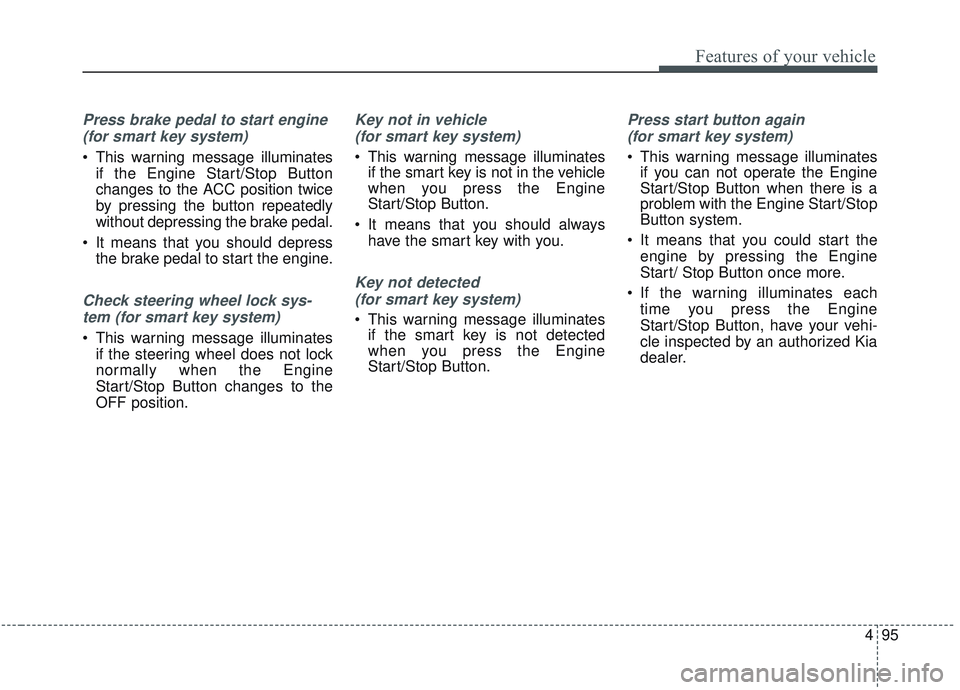
Press brake pedal to start engine (for smart key system)
This warning message illuminates if the Engine Start/Stop Button
changes to the ACC position twice
by pressing the button repeatedly
without depressing the brake pedal.
It means that you should depress the brake pedal to start the engine.
Check steering wheel lock sys-
tem (for smart key system)
This warning message illuminates if the steering wheel does not lock
normally when the Engine
Start/Stop Button changes to the
OFF position.
Key not in vehicle
(for smart key system)
This warning message illuminates if the smart key is not in the vehicle
when you press the Engine
Start/Stop Button.
It means that you should always have the smart key with you.
Key not detected
(for smart key system)
This warning message illuminates if the smart key is not detected
when you press the Engine
Start/Stop Button.
Press start button again
(for smart key system)
This warning message illuminates if you can not operate the Engine
Start/Stop Button when there is a
problem with the Engine Start/Stop
Button system.
It means that you could start the engine by pressing the Engine
Start/ Stop Button once more.
If the warning illuminates each time you press the Engine
Start/Stop Button, have your vehi-
cle inspected by an authorized Kia
dealer.
Page 189 of 573
4101
Features of your vehicle
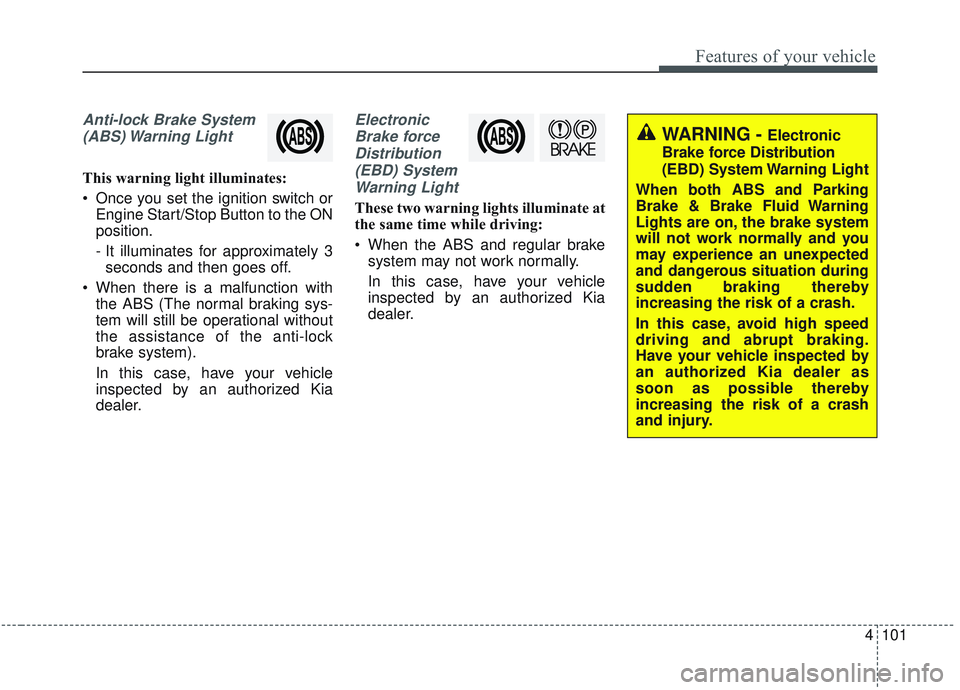
Anti-lock Brake System(ABS) Warning Light
This warning light illuminates:
Once you set the ignition switch or Engine Start/Stop Button to the ON
position.
- It illuminates for approximately 3seconds and then goes off.
When there is a malfunction with the ABS (The normal braking sys-
tem will still be operational without
the assistance of the anti-lock
brake system).
In this case, have your vehicle
inspected by an authorized Kia
dealer.
Electronic
Brake forceDistribution(EBD) SystemWarning Light
These two warning lights illuminate at
the same time while driving:
When the ABS and regular brake system may not work normally.
In this case, have your vehicle
inspected by an authorized Kia
dealer.
WARNING - Electronic
Brake force Distribution
(EBD) System Warning Light
When both ABS and Parking
Brake & Brake Fluid Warning
Lights are on, the brake system
will not work normally and you
may experience an unexpected
and dangerous situation during
sudden braking thereby
increasing the risk of a crash.
In this case, avoid high speed
driving and abrupt braking.
Have your vehicle inspected by
an authorized Kia dealer as
soon as possible thereby
increasing the risk of a crash
and injury.
Page 197 of 573
4109
Features of your vehicle
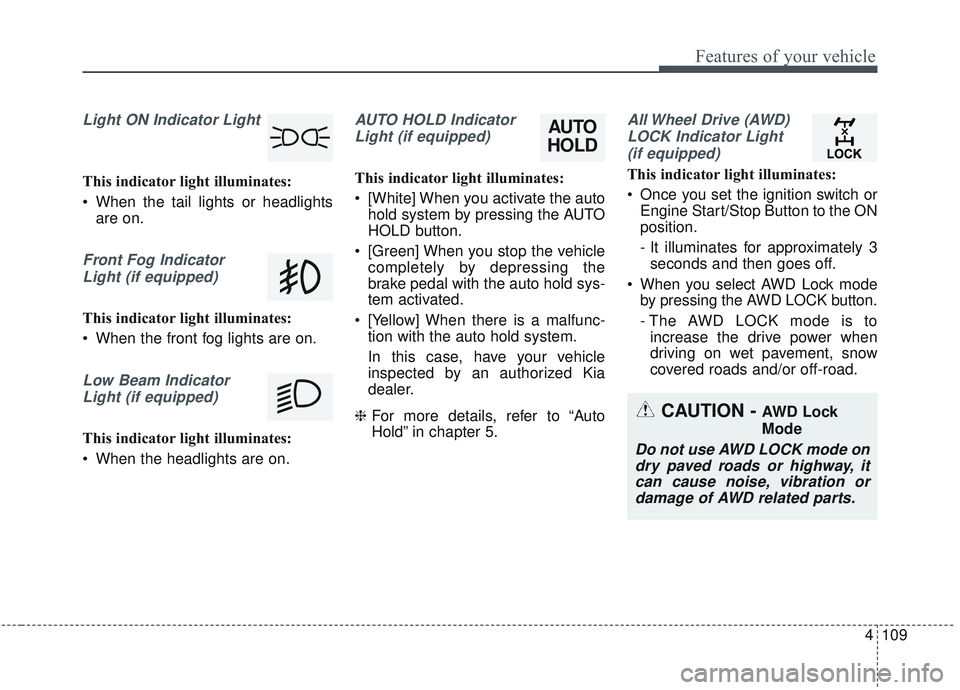
Light ON Indicator Light
This indicator light illuminates:
When the tail lights or headlightsare on.
Front Fog Indicator
Light (if equipped)
This indicator light illuminates:
When the front fog lights are on.
Low Beam IndicatorLight (if equipped)
This indicator light illuminates:
When the headlights are on.
AUTO HOLD IndicatorLight (if equipped)
This indicator light illuminates:
[White] When you activate the auto hold system by pressing the AUTO
HOLD button.
[Green] When you stop the vehicle completely by depressing the
brake pedal with the auto hold sys-
tem activated.
[Yellow] When there is a malfunc- tion with the auto hold system.
In this case, have your vehicle
inspected by an authorized Kia
dealer.
❈ For more details, refer to “Auto
Hold” in chapter 5.
All Wheel Drive (AWD)
LOCK Indicator Light (if equipped)
This indicator light illuminates:
Once you set the ignition switch or Engine Start/Stop Button to the ON
position.
- It illuminates for approximately 3seconds and then goes off.
When you select AWD Lock mode by pressing the AWD LOCK button.
- The AWD LOCK mode is toincrease the drive power when
driving on wet pavement, snow
covered roads and/or off-road.
CAUTION - AWD Lock
Mode
Do not use AWD LOCK mode ondry paved roads or highway, itcan cause noise, vibration ordamage of AWD related parts.
AUTO
HOLD
Page 200 of 573

Features of your vehicle
112
4
This system will activate when
backing up with the ignition switch
ON.
If the vehicle is moving at a speed
over 5 km/h (3 mph), the system
may not be activated correctly.
The sensing distance while the back-up warning system is in oper-
ation is approximately 120 cm (47
in.) at the rear bumper center area,
60 cm (23.5 in.) at the rear bumper
both side area.
When more than two objects are sensed at the same time, the clos-
est one will be recognized first.Types of warning sound
When an object is 120 cm to 61 cm(47 in. to 24 in.) from the rear
bumper: Buzzer beeps intermit-
tently.
When an object is 60 cm to 31 cm (24 in. to 12 in.) from the rear
bumper: Buzzer beeps more fre-
quently.
When an object is within 30 cm (12 in.) of the rear bumper:
Buzzer sounds continuously.
Non-operational conditions of
rear parking assist system
The rear parking assist system
may not operate properly when:
1. Moisture is frozen to the sensor. (It will operate normally when the
moisture has been cleared.)
2. The sensor is covered with foreign matter, such as snow or water, or
the sensor cover is blocked. (It will
operate normally when the materi-
al is removed or the sensor is no
longer blocked.)
3. Driving on uneven road surfaces (unpaved roads, gravel, bumps,
gradient).
4. Objects generating excessive noise (vehicle horns, loud motor-
cycle engines, or truck air brakes)
are within range of the sensor.
5. Heavy rain or water spray exists.
6. Wireless transmitters or mobile phones are within range of the
sensor.
7. The sensor is covered with snow.
8. Trailer towing
Page 205 of 573

4117
Features of your vehicle
✽ ✽NOTICE
• This system can only sense objects
within the range and location of
the sensors; It can not detect
objects in other areas where sen-
sors are not installed. Also, small
or slim objects, such as poles or
objects located between sensors
may not be detected by the sen-
sors. Always visually check behind
the vehicle when backing up.
• Be sure to inform any drivers of the vehicle that may be unfamiliar
with the system regarding the sys-
tems capabilities and limitations.
Non-operational conditions of
parking assist system
Parking assist system may not
operate normally when:
1. Moisture is frozen to the sensor. (It will operate normally when mois-
ture melts.)
2. Sensor is covered with foreign matter, such as snow or water, or
the sensor cover is blocked. (It will
operate normally when the materi-
al is removed or the sensor is no
longer blocked.)
3. Sensor is stained with foreign mat- ter such as snow or water.
(Sensing range will return to nor-
mal when removed.)
4.The parking assist button is off.
There is a possibility of parking assist system malfunction when:
1. Driving on uneven road surfaces such as unpaved roads, gravel,
bumps, or gradient.
2. Objects generating excessive noise such as vehicle horns, loud
motorcycle engines, or truck air
brakes can interfere with the sen-
sor.
3. Heavy rain or water spray.
4. Wireless transmitters or mobile phones present near the sensor.
5. Sensor is covered with snow.
