Page 135 of 550
Features of your vehicle
50
4
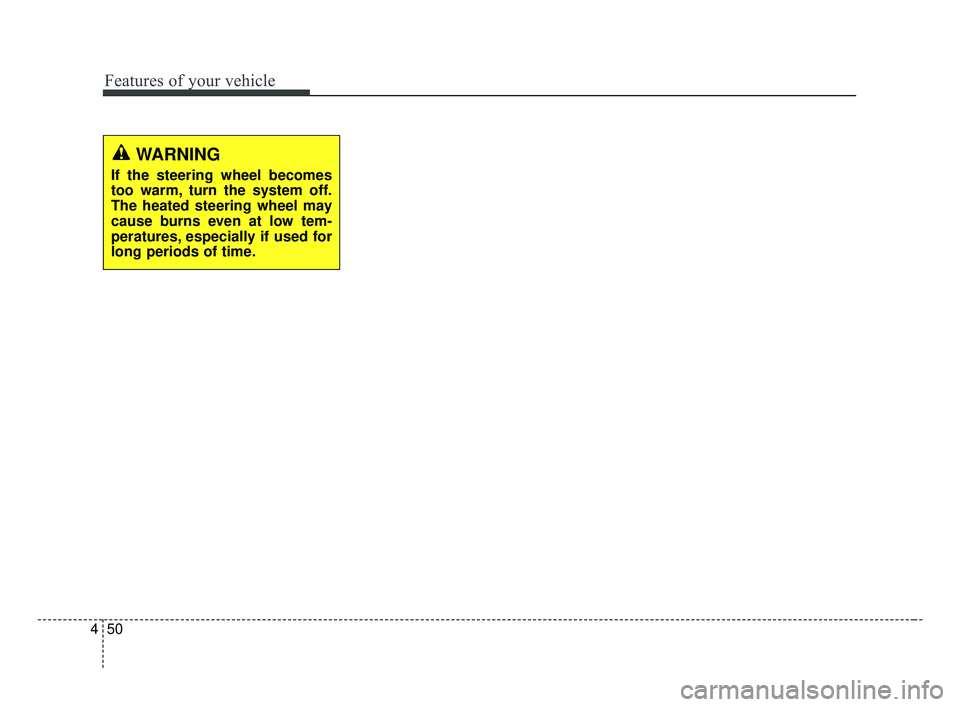
WARNING
If the steering wheel becomes
too warm, turn the system off.
The heated steering wheel may
cause burns even at low tem-
peratures, especially if used for
long periods of time.
BDm CAN (ENG) 4.qxp 7/4/2018 10:05 AM Page 50
Page 143 of 550
![KIA FORTE 2019 Owners Manual Features of your vehicle
58
4
The LCD window modes can be
changed by using the control buttons
on the steering wheel.
[Type A]
(1) TRIP : TRIP button for changing
trip modes
(2) RESET : RESET button f](/manual-img/2/40396/w960_40396-142.png "KIA FORTE 2019 Owners Manual Features of your vehicle
58
4
The LCD window modes can be
changed by using the control buttons
on the steering wheel.
[Type A]
(1) TRIP : TRIP button for changing
trip modes
(2) RESET : RESET button f")
Features of your vehicle
58
4
The LCD window modes can be
changed by using the control buttons
on the steering wheel.
[Type A]
(1) TRIP : TRIP button for changing
trip modes
(2) RESET : RESET button for reset- ting items
[Type B,C]
(1) : MODE button for change the LCD MODES
(2) / : MOVE scroll switch for select the items
(3) OK : SET/RESET button for set the items or reset the items
❈ For the LCD modes, refer to “LCD
window” in this chapter.Gauges
Speedometer
The speedometer indicates the for-
ward speed of the vehicle.
The speedometer is calibrated in
miles per hour and/or kilometers per
hour.
Tachometer
The tachometer indicates the
approximate number of engine revo-
lutions per minute (rpm).
Use the tachometer to select the cor-
rect shift points and to prevent lug-
ging and/or over-revving the engine.
The tachometer pointer may move
slightly when the ignition switch is in
ACC or ON position with the engine
OFF. This movement is normal and
will not affect the accuracy of the
tachometer once the engine is run-
ning.OBDM048162C
OYB046106
BDm CAN (ENG) 4.qxp 7/4/2018 10:06 AM Page 58
Page 150 of 550
465
Features of your vehicle
Trip A/B (For type A cluster)
Tripmeter (1)
The tripmeter is the total drivingdistance since the last tripmeter
reset.
- Distance range : 0 ~ 1599999 km
or 0 ~ 999999 mi.
To reset the tripmeter, press the RESET button on the steering
wheel for more than 1 second
when the tripmeter is displayed.
- 4 hours after ignition off, tripmeterwill be reset automatically. Elapsed Time (2)
The elapsed time is the total driv-
ing time since the last elapsed time
reset.
- Time range (hh:mm) : 00:00 ~99:59
To reset the elapsed time, press the RESET button on the steering
wheel for more than 1 second
when the elapsed time is dis-
played.✽ ✽ NOTICE
Even if the vehicle is not in motion,
the elapsed time keeps going while
the engine is running.
To change the trip mode, scroll the
MOVE scroll switch ( / ) or press
the TRIP button in the trip computer
mode.
OBD048158L
BDm CAN (ENG) 4.qxp 7/4/2018 10:06 AM Page 65
Page 151 of 550

Features of your vehicle
66
4
Average Vehicle Speed (3)
The average vehicle speed is cal-
culated by the total driving dis-
tance and driving time since the
last average vehicle speed reset.
- Speed range : 0 ~ 250 km/h orMPH
To reset the average vehicle speed, press the RESET button
on the steering wheel for more
than 1 second when the average
vehicle speed is displayed.
✽ ✽ NOTICE
• The average vehicle speed is not
displayed if the driving distance is
less than 300 meters (0.2 miles) or
the driving time is less than 10 sec-
onds since the ignition switch is
turned to ON.
• Even if the vehicle is not in motion, the average vehicle speed
keeps going while the engine is
running.
Fuel EconomyAverage Fuel Economy (1)
The average fuel economy is calcu-
lated by the total driving distance
and fuel consumption since the last
average fuel economy reset.
- Fuel economy range:0 ~ 99.9 km/L, L/100 km or MPG
The average fuel economy can be reset both manually and automati-
cally.
✽ ✽ NOTICE
Fuel economy may vary significant-
ly based on driving conditions, driv-
ing habits, and condition of the vehi-
cle.
OBD048143L
OBD048160L
■Type A
■ Type B
BDm CAN (ENG) 4.qxp 7/4/2018 10:06 AM Page 66
Page 152 of 550

467
Features of your vehicle
Manual reset
To clear the average fuel economy
manually, press the RESET or OK
button on the steering wheel for
more than 1 second when the aver-
age fuel economy is displayed.Automatic reset
(For type B, C cluster)
To make the average fuel economy
be reset automatically whenever
refueling, select the “Fuel economy
auto reset” mode in User Setting
menu of the LCD Windows (Refer to
“LCD Windows”).
OFF - You may set to default manu-
ally by using the trip switch reset but-
ton.
After ignition - The vehicle will auto- matically set to default once 4 hours
pass after the Ignition is in OFF.
After refueling - After refueling more than 6 liters (1.6 gallons) and driving
over 1 km/h (1 mph), the vehicle will
reset to default automatically.
- 4 hours after ignition off, tripmeterwill be reset automatically.✽ ✽ NOTICE
The average fuel economy is not dis-
played for more accurate calculation
if the vehicle does not drive more than
10 seconds or 50 meters (0.03 miles)
since the ignition switch or Engine
Start/Stop button is turned to ON.
BDm CAN (ENG) 4.qxp 7/4/2018 10:06 AM Page 67
Page 156 of 550
471
Features of your vehicle
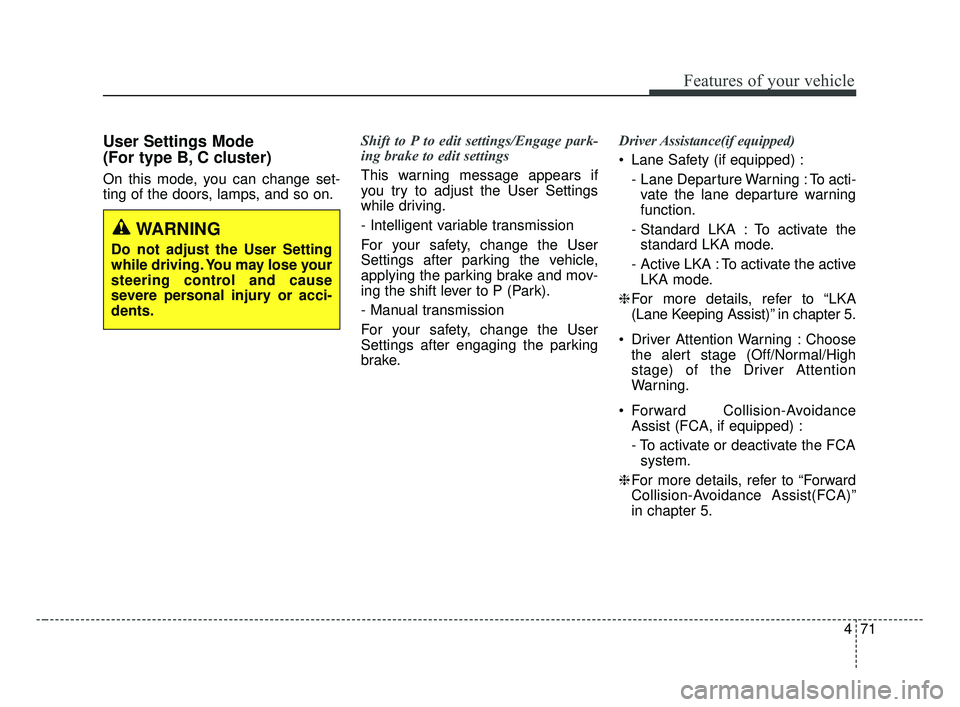
User Settings Mode
(For type B, C cluster)
On this mode, you can change set-
ting of the doors, lamps, and so on.Shift to P to edit settings/Engage park-
ing brake to edit settings
This warning message appears if
you try to adjust the User Settings
while driving.
- Intelligent variable transmission
For your safety, change the User
Settings after parking the vehicle,
applying the parking brake and mov-
ing the shift lever to P (Park).
- Manual transmission
For your safety, change the User
Settings after engaging the parking
brake.Driver Assistance(if equipped)
Lane Safety (if equipped) :
- Lane Departure Warning : To acti-vate the lane departure warning
function.
- Standard LKA : To activate the standard LKA mode.
- Active LKA : To activate the active LKA mode.
❈ For more details, refer to “LKA
(Lane Keeping Assist)” in chapter 5.
Driver Attention Warning : Choose the alert stage (Off/Normal/High
stage) of the Driver Attention
Warning.
Forward Collision-Avoidance Assist (FCA, if equipped) :
- To activate or deactivate the FCAsystem.
❈ For more details, refer to “Forward
Collision-Avoidance Assist(FCA)”
in chapter 5.
WARNING
Do not adjust the User Setting
while driving. You may lose your
steering control and cause
severe personal injury or acci-
dents.
BDm CAN (ENG) 4.qxp 7/4/2018 10:06 AM Page 71
Page 161 of 550

Features of your vehicle
76
4
Engine has overheated
This warning message illuminates
when the engine coolant tempera-
ture is above 120°C (248°F). This
means that the engine is overheated
and may be damaged.
❈ If your vehicle is overheated, refer
to “Overheating” in chapter 6.
Shift to P (for smart key system)
This warning message illuminates if you try to turn off the engine without
the shift lever in P (Park) position.
At this time, the Engine Start/Stop Button turns to the ACC position (If
you press the Engine Start/Stop
Button once more, it will turn to the
ON position). Low Key Battery
(for smart key system)
This warning message illuminates
if the battery of the smart key is
discharged when the Engine
Start/Stop Button changes to the
OFF position.
Press START button while turn steer-
ing (for smart key system)
This warning message illuminates if the steering wheel does not
unlock normally when the Engine
Start/Stop Button is pressed.
It means that you should press the Engine Start/Stop Button while
turning the steering wheel right
and left. Steering wheel unlocked
(for smart key system)
This warning message illuminates
if the steering wheel does not lock
when the Engine Start/Stop Button
changes to the OFF position.
Check Steering Wheel Lock System
(for smart key system)
This warning message illuminates if the steering wheel does not lock
normally when the Engine
Start/Stop Button changes to the
OFF position.
Check power steering (if equipped)
This warning message illuminates when there is a malfunction with
EPS.
BDm CAN (ENG) 4.qxp 7/4/2018 10:07 AM Page 76
Page 168 of 550

483
Features of your vehicle
✽ ✽NOTICE- Electronic Brake
force Distribution (EBD)
System Warning Light
When the ABS Warning Light is on
or both ABS and Parking Brake &
Brake Fluid Warning Lights are on,
the speedometer, odometer, or trip-
meter may not work. Also, the EPS
Warning Light may illuminate and
the steering effort may increase or
decrease.
In this case, have your vehicle inspect-
ed by an authorized Kia dealer as
soon as possible.
Electronic Power Steering (EPS) WarningLight (if equipped)
This warning light illuminates:
Once you set the ignition switch or Engine Start/Stop Button to the ON
position.
- It remains on until the engine isstarted.
When there is a malfunction with the EPS.
In this case, have your vehicle
inspected by an authorized Kia
dealer.
WARNING - ABS/Brake
Light
When both ABS and Parking
Brake & Brake Fluid Warning
Lights are on, the brake system
will not work normally and you
may experience an unexpected
and dangerous situation during
sudden braking thereby increas-
ing the risk of a crash or injury.
In this case, avoid high speed
driving and abrupt braking.
Have your vehicle inspected by
an authorized Kia dealer as
soon as possible.
BDm CAN (ENG) 4.qxp 7/4/2018 10:07 AM Page 83