Page 206 of 491
3-126
Convenient features of your vehicle
Some magnetic items like credit cards, phone cards or rail tickets
may be damaged if left with the
cellular phone during the charg-
ing process.
If the cellular phone without the wireless charging function or
the metallic items are placed on
the charging pad, it may cause
slight noise. This noise does not
affect the cellular phone and the
vehicle, because this noise is an
operating sound during deter-
mining the item on the charging
pad.
If the ignition switch is OFF, the charging also stops.
Information
This device complies with part 15 of
the FCC Rules.
Operation is subject to the following
two conditions:
1. This device may not cause harmful interference, and
2. This device must accept any inter- ference received, including interfer-
ence that may cause undesired
operation.
Clock
Vehicles with Audio system
Select the [SETUP] button on the
audio system ➟ Select [Date/Time].
Set time: Set the time displayed on the audio screen.
Time format: Choose between 12- hour and 24-hour time formats.
Vehicles with Navigation system
Select the Settings menu on the
Navigation system ➟Select
[Date/Time].
GPS time: Displays time according to the received GNSS time.
24-hour: Switches to 12 hour or 24 hour.
i
Do not attempt to adjust the
clock while driving. Doing so
may result in distracted driving
which may lead to an accident
involving personal injury or
death.
WARNING
Page 410 of 491
7-36
Maintenance
By jump starting
After a jump start from a good bat-
tery, drive the vehicle for 20-30 min-
utes before it is shutoff. The vehicle
may not restart if you shut it off
before the battery had a chance to
adequately recharge. See "Jump
Starting" in chapter 6 for more details
on jump starting procedures.
Information
An inappropriately disposedbattery can be harmful to
the environment and human
health. Dispose of the bat-
tery according to your local
law(s) or regulations.
Reset Features
The following items may need to be
reset after the battery has been dis-
charged or the battery has been dis-
connected. See chapter 3 or 4 for:
Power Windows
Trip Computer
Climate Control System
Clock
Audio System
Sunroof
i
Watch the battery during
charging, and stop or reduce
the charging rate if the battery
cells begin boiling violently.
The negative battery cable
must be removed first and
installed last when the battery
is disconnected. Disconnect
the battery charger in the fol-
lowing order:
(1) Turn off the battery charg- er main switch.
(2) Unhook the negative
clamp from the negative
battery terminal.
(3) Unhook the positive clamp from the positive battery
terminal.
Always use a genuine
HYUNDAI approved battery
when you replace the battery.
Page 428 of 491
7-54
Maintenance
Fuse switch
Always, place the fuse switch to the
ON position.
If you move the switch to the OFF
position, some items such as the
audio system and digital clock must
be reset and the smart key may not
work properly.
Information
If the fuse switch is OFF, the above
message will appear.
Always place the fuse switch inthe ON position while driving the
vehicle.
Do not move the fuse switch repeatedly. The fuse switch may
be damaged.
Engine Compartment Panel
Fuse Replacement
1. Turn the engine off.
2. Turn all other switches OFF.
NOTICE
i
OJS078023OOS047142L
OJS078052L
OJS078053L
■ Blade type fuse
■Cartridge type fuse
Page 450 of 491
7-76
Maintenance
6. Remove the bulb by pulling it out.
7. Inset a new bulb by inserting it into the socket.
8. Install the socket in the assembly by aligning the tabs on the socket
with the slots in the assembly.
Push the socket into the assembly
and turn the socket clockwise.
High Mounted Stop Lamp
Replacement
If the high mounted stop lamp does
not operate, have the vehicle
checked by an authorized HYUNDAI
dealer.
License Plate Light Bulb
Replacement
1. Using a flat-blade screwdriver,gently pry the lens cover from the
lamp housing.
2. Remove the bulb by pulling it straight out.
3. Install a new bulb.
4. Reinstall in the reverse order.
OJS078039OJS078040
Page 484 of 491
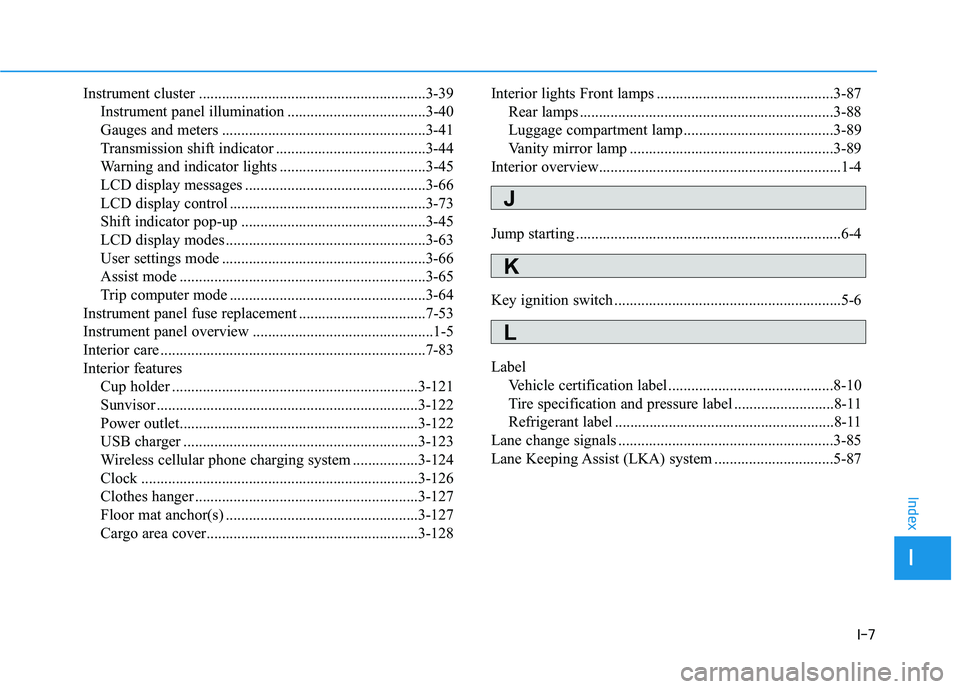
I-7
Instrument cluster ...........................................................3-39Instrument panel illumination ....................................3-40
Gauges and meters .....................................................3-41
Transmission shift indicator .......................................3-44
Warning and indicator lights ......................................3-45
LCD display messages ...............................................3-66
LCD display control ...................................................3-73
Shift indicator pop-up ................................................3-45
LCD display modes ....................................................3-63
User settings mode .....................................................3-66
Assist mode ................................................................3-65
Trip computer mode ...................................................3-64
Instrument panel fuse replacement .................................7-53
Instrument panel overview ...............................................1-5
Interior care .....................................................................7-8\
3
Interior features Cup holder ................................................................3-121
Sunvisor ....................................................................3-12\
2
Power outlet..............................................................3-122
USB charger .............................................................3-123
Wireless cellular phone charging system .................3-124
Clock ........................................................................\
3-126
Clothes hanger ..........................................................3-127
Floor mat anchor(s) ..................................................3-127
Cargo area cover.......................................................3-128 Interior lights Front lamps ..............................................3-87
Rear lamps ..................................................................3-88
Luggage compartment lamp .......................................3-89
Vanity mirror lamp .....................................................3-89
Interior overview...............................................................1-4
Jump starting .....................................................................6-4\
Key ignition switch ...........................................................5-6
Label Vehicle certification label ...........................................8-10
Tire specification and pressure label ..........................8-11
Refrigerant label .........................................................8-11
Lane change signals ........................................................3-85
Lane Keeping Assist (LKA) system ...............................5-87
I
Index
J
K
L