2019 HYUNDAI VELOSTER engine
[x] Cancel search: enginePage 277 of 491
5-65
Driving your vehicle
5
FCA Warning Message and
System Control
The FCA produces warning mes-
sages and warning alarms in accor-
dance with the collision risk levels,
such as abrupt stopping of the vehi-
cle in front or insufficient braking dis-
tance. Also, it controls the brakes in
accordance with the collision risk lev-
els.
The driver can select the initial warn-
ing activation time in the User
Settings in the LCD display. The
options for the initial Forward Collision
Warning include EARLY, NORMAL, or
LATE initial warning time.
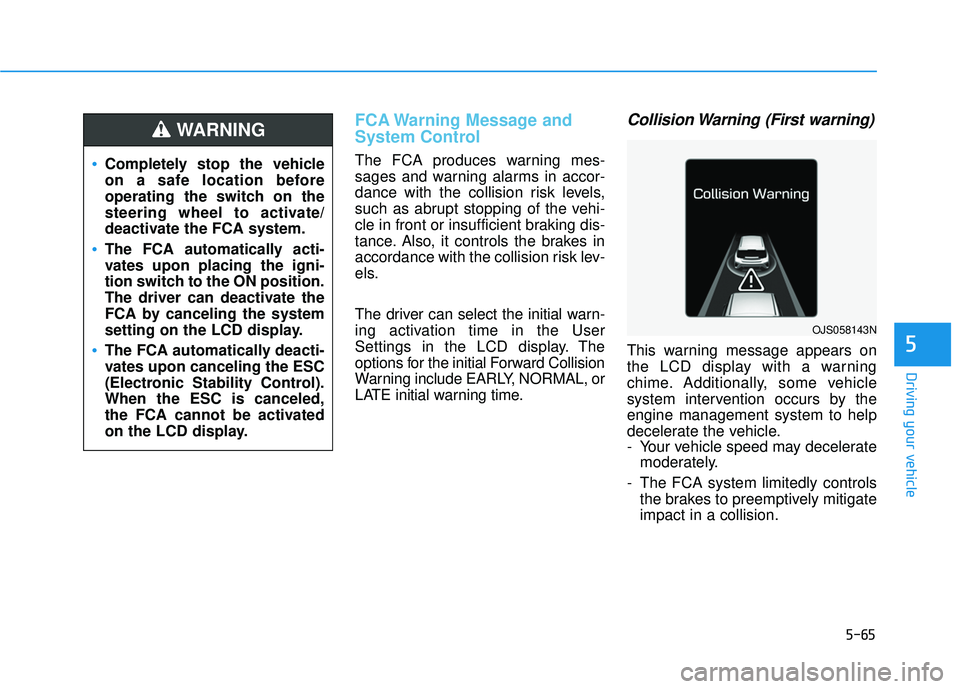
Collision Warning (First warning)
This warning message appears on
the LCD display with a warning
chime. Additionally, some vehicle
system intervention occurs by the
engine management system to help
decelerate the vehicle.
- Your vehicle speed may deceleratemoderately.
- The FCA system limitedly controls the brakes to preemptively mitigate
impact in a collision.
Completely stop the vehicle
on a safe location before
operating the switch on the
steering wheel to activate/
deactivate the FCA system.
The FCA automatically acti-
vates upon placing the igni-
tion switch to the ON position.
The driver can deactivate the
FCA by canceling the system
setting on the LCD display.
The FCA automatically deacti-
vates upon canceling the ESC
(Electronic Stability Control).
When the ESC is canceled,
the FCA cannot be activated
on the LCD display.
WARNING
OJS058143N
Page 278 of 491
5-66
Driving your vehicle
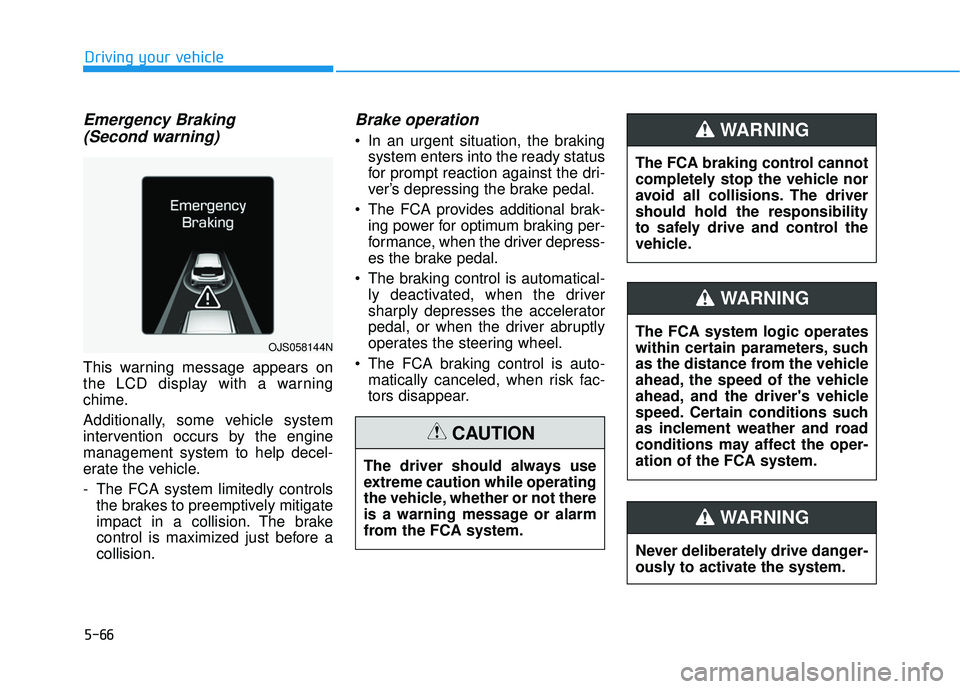
Emergency Braking(Second warning)
This warning message appears on
the LCD display with a warning
chime.
Additionally, some vehicle system
intervention occurs by the engine
management system to help decel-
erate the vehicle.
- The FCA system limitedly controls
the brakes to preemptively mitigate
impact in a collision. The brake
control is maximized just before a
collision.
Brake operation
In an urgent situation, the brakingsystem enters into the ready status
for prompt reaction against the dri-
ver’s depressing the brake pedal.
The FCA provides additional brak- ing power for optimum braking per-
formance, when the driver depress-
es the brake pedal.
The braking control is automatical- ly deactivated, when the driver
sharply depresses the accelerator
pedal, or when the driver abruptly
operates the steering wheel.
The FCA braking control is auto- matically canceled, when risk fac-
tors disappear.
The driver should always use
extreme caution while operating
the vehicle, whether or not there
is a warning message or alarm
from the FCA system.
CAUTION
OJS058144NThe FCA system logic operates
within certain parameters, such
as the distance from the vehicle
ahead, the speed of the vehicle
ahead, and the driver's vehicle
speed. Certain conditions such
as inclement weather and road
conditions may affect the oper-
ation of the FCA system.
WARNING
The FCA braking control cannot
completely stop the vehicle nor
avoid all collisions. The driver
should hold the responsibility
to safely drive and control the
vehicle.
WARNING
Never deliberately drive danger-
ously to activate the system.
WARNING
Page 280 of 491
5-68
Driving your vehicle
Warning message and warninglight
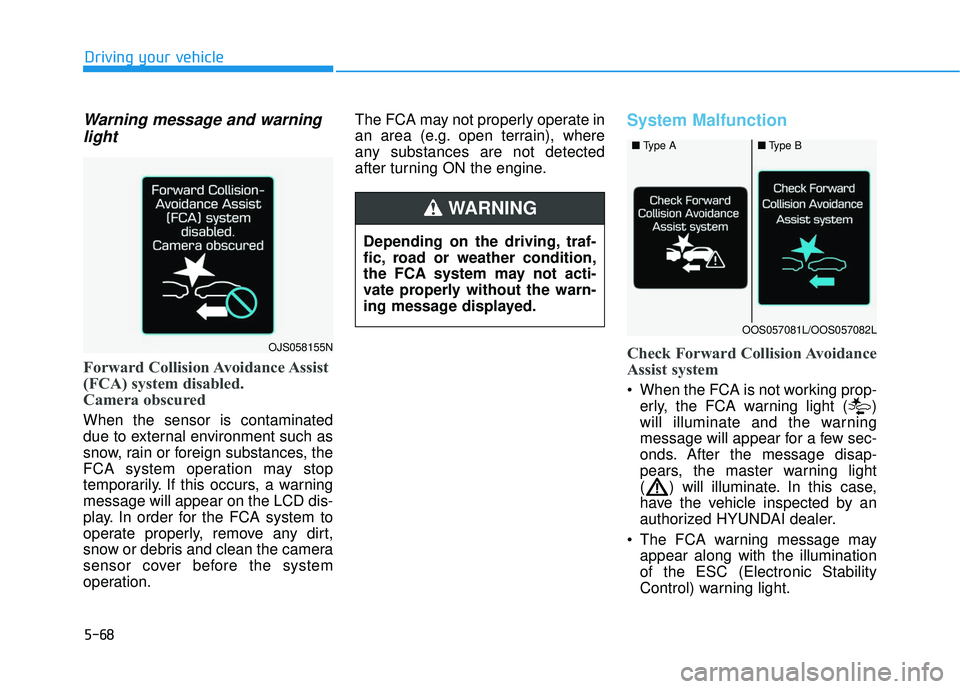
Forward Collision Avoidance Assist
(FCA) system disabled.
Camera obscured
When the sensor is contaminated
due to external environment such as
snow, rain or foreign substances, the
FCA system operation may stop
temporarily. If this occurs, a warning
message will appear on the LCD dis-
play. In order for the FCA system to
operate properly, remove any dirt,
snow or debris and clean the camera
sensor cover before the system
operation. The FCA may not properly operate in
an area (e.g. open terrain), where
any substances are not detected
after turning ON the engine.
System Malfunction
Check Forward Collision Avoidance
Assist system
When the FCA is not working prop-
erly, the FCA warning light ( )
will illuminate and the warning
message will appear for a few sec-
onds. After the message disap-
pears, the master warning light
( ) will illuminate. In this case,
have the vehicle inspected by an
authorized HYUNDAI dealer.
The FCA warning message may appear along with the illumination
of the ESC (Electronic Stability
Control) warning light.
OJS058155N
■ Type A■Type B
OOS057081L/OOS057082L
Depending on the driving, traf-
fic, road or weather condition,
the FCA system may not acti-
vate properly without the warn-
ing message displayed.
WARNING
Page 289 of 491
5-77
Driving your vehicle
5
FCA Warning Message and
System Control
The FCA produces warning mes-
sages and warning alarms in accor-
dance with the collision risk levels,
such as abrupt stopping of the vehi-
cle in front, insufficient braking dis-
tance, or pedestrian detection. Also,
it controls the brakes in accordance
with the collision risk levels.
The driver can select the initial warn-
ing activation time in the User
Settings in the LCD display. The
options for the initial Forward Collision
Warning include EARLY, NORMAL, or
LATE initial warning time.
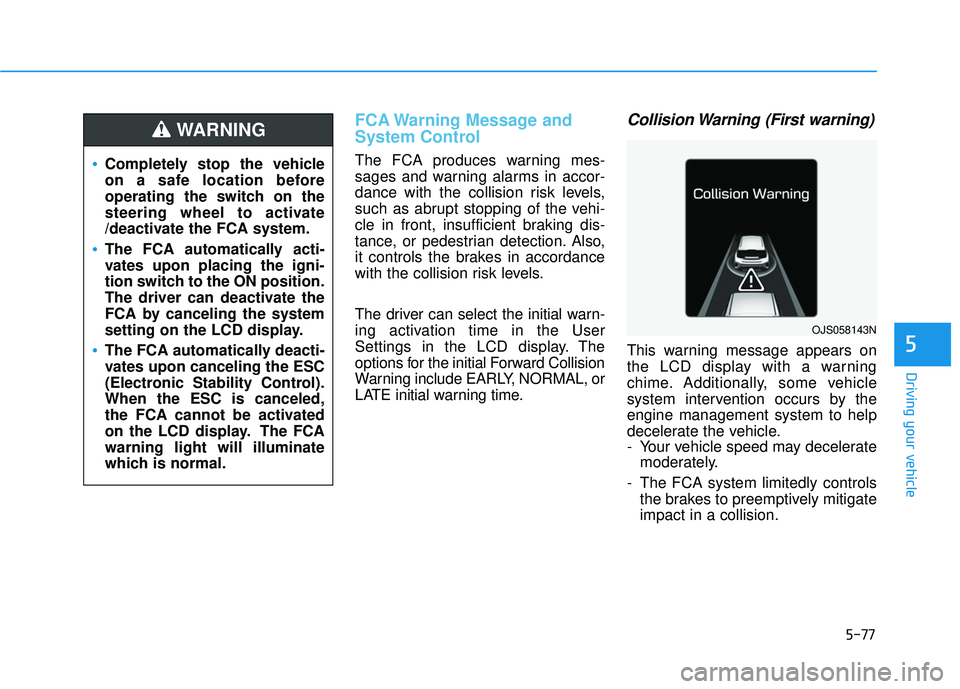
Collision Warning (First warning)
This warning message appears on
the LCD display with a warning
chime. Additionally, some vehicle
system intervention occurs by the
engine management system to help
decelerate the vehicle.
- Your vehicle speed may deceleratemoderately.
- The FCA system limitedly controls the brakes to preemptively mitigate
impact in a collision.
Completely stop the vehicle
on a safe location before
operating the switch on the
steering wheel to activate
/deactivate the FCA system.
The FCA automatically acti-
vates upon placing the igni-
tion switch to the ON position.
The driver can deactivate the
FCA by canceling the system
setting on the LCD display.
The FCA automatically deacti-
vates upon canceling the ESC
(Electronic Stability Control).
When the ESC is canceled,
the FCA cannot be activated
on the LCD display. The FCA
warning light will illuminate
which is normal.
WARNING
OJS058143N
Page 290 of 491
5-78
Driving your vehicle
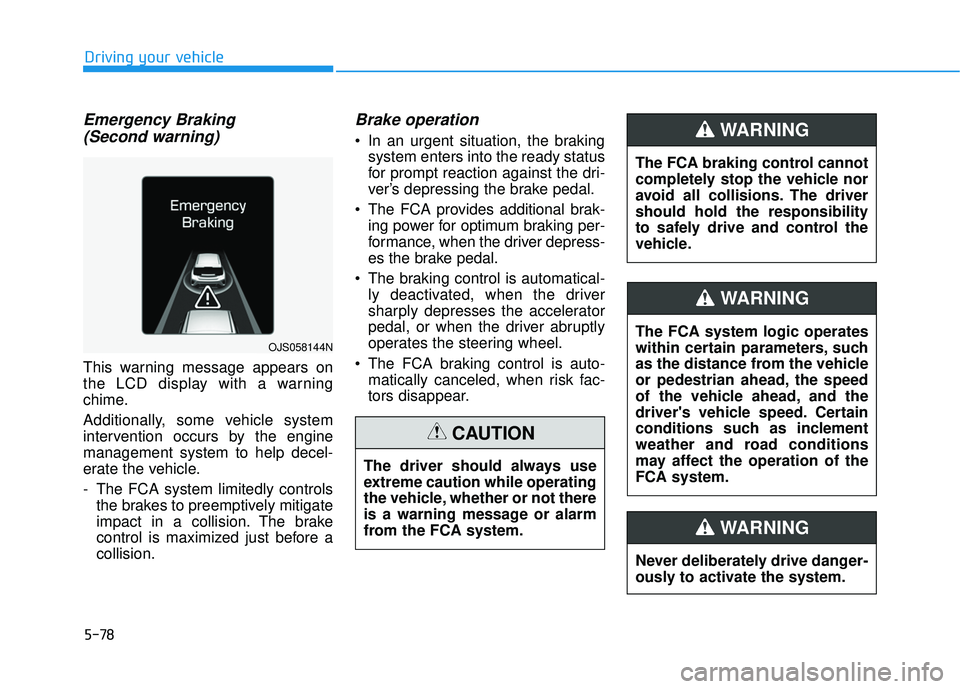
Emergency Braking(Second warning)
This warning message appears on
the LCD display with a warning
chime.
Additionally, some vehicle system
intervention occurs by the engine
management system to help decel-
erate the vehicle.
- The FCA system limitedly controls
the brakes to preemptively mitigate
impact in a collision. The brake
control is maximized just before a
collision.
Brake operation
In an urgent situation, the brakingsystem enters into the ready status
for prompt reaction against the dri-
ver’s depressing the brake pedal.
The FCA provides additional brak- ing power for optimum braking per-
formance, when the driver depress-
es the brake pedal.
The braking control is automatical- ly deactivated, when the driver
sharply depresses the accelerator
pedal, or when the driver abruptly
operates the steering wheel.
The FCA braking control is auto- matically canceled, when risk fac-
tors disappear.
OJS058144N
The driver should always use
extreme caution while operating
the vehicle, whether or not there
is a warning message or alarm
from the FCA system.
CAUTION
The FCA system logic operates
within certain parameters, such
as the distance from the vehicle
or pedestrian ahead, the speed
of the vehicle ahead, and the
driver's vehicle speed. Certain
conditions such as inclement
weather and road conditions
may affect the operation of the
FCA system.
WARNING
The FCA braking control cannot
completely stop the vehicle nor
avoid all collisions. The driver
should hold the responsibility
to safely drive and control the
vehicle.
WARNING
Never deliberately drive danger-
ously to activate the system.
WARNING
Page 292 of 491
5-80
Driving your vehicle
NEVER install any accessories or stickers on the front wind-
shield, nor tint the front wind-
shield.
NEVER locate any reflective objects (i.e. white paper, mirror)
over the dashboard. Any light
reflection may cause a malfunc-
tion of the system.
Pay extreme caution to keep the camera out of water.
NEVER disassemble the camera assembly, nor apply any impact
on the camera assembly.
Playing the vehicle audio sys- tem at high volume may offset
the system warning sounds.
Information
Have the system checked by an
authorized HYUNDAI dealer when:
• The windshield glass is replaced.
• The sensor cover or sensor getsdamaged or replaced.
Warning message and warninglight
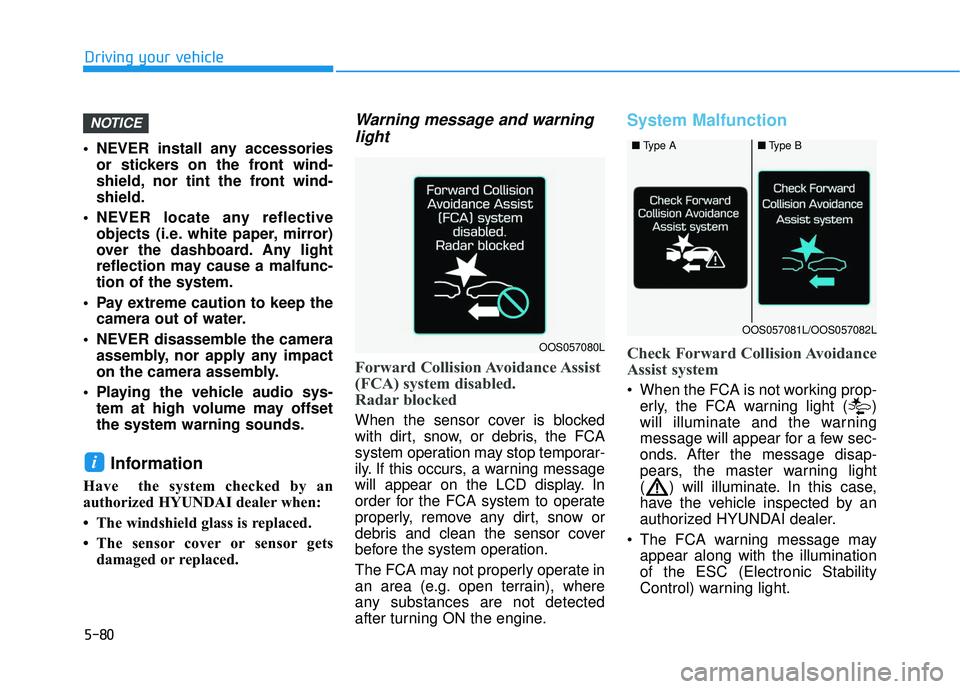
Forward Collision Avoidance Assist
(FCA) system disabled.
Radar blocked
When the sensor cover is blocked
with dirt, snow, or debris, the FCA
system operation may stop temporar-
ily. If this occurs, a warning message
will appear on the LCD display. In
order for the FCA system to operate
properly, remove any dirt, snow or
debris and clean the sensor cover
before the system operation.
The FCA may not properly operate in
an area (e.g. open terrain), where
any substances are not detected
after turning ON the engine.
System Malfunction
Check Forward Collision Avoidance
Assist system
When the FCA is not working prop-
erly, the FCA warning light ( )
will illuminate and the warning
message will appear for a few sec-
onds. After the message disap-
pears, the master warning light
( ) will illuminate. In this case,
have the vehicle inspected by an
authorized HYUNDAI dealer.
The FCA warning message may appear along with the illumination
of the ESC (Electronic Stability
Control) warning light.
i
NOTICE
OOS057080L
■ Type A■Type B
OOS057081L/OOS057082L
Page 304 of 491
5-92
Driving your vehicle
Information
• Even though the steering is assistedby the system, the driver can still
steer to control the steering wheel.
• The steering wheel may feel heavier when the steering wheel is assisted
by the system than when it is not.
Warning Light and Message
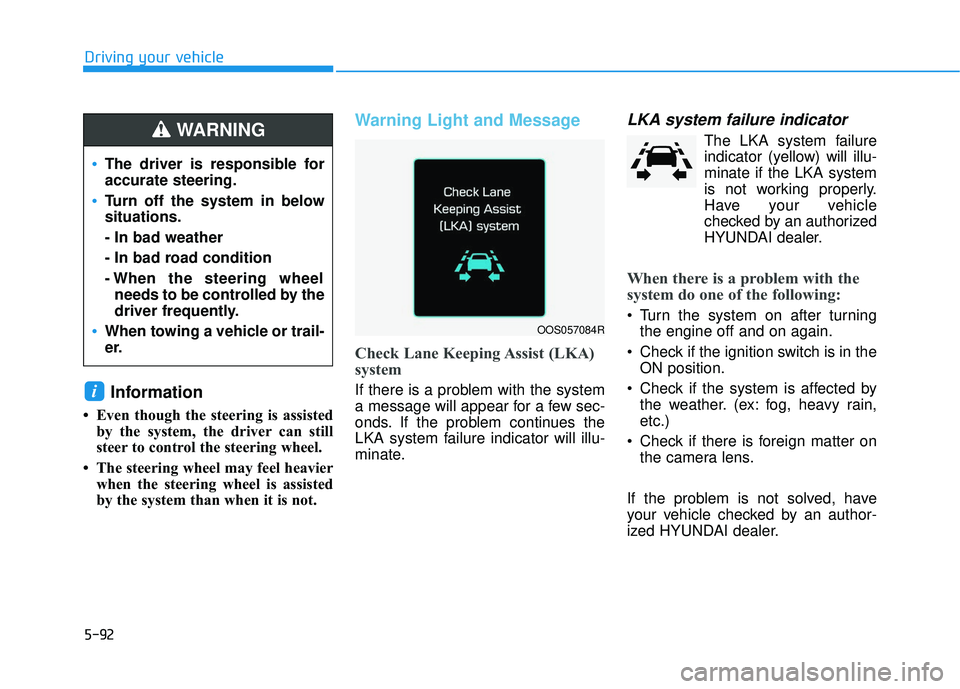
Check Lane Keeping Assist (LKA)
system
If there is a problem with the system
a message will appear for a few sec-
onds. If the problem continues the
LKA system failure indicator will illu-
minate.
LKA system failure indicator
The LKA system failureindicator (y ellow) will illu-
minate if the LKA system
is not working properly.
Have your vehicle
checked by an authorized
HYUNDAI dealer.
When there is a problem with the
system do one of the following:
Turn the system on after turning the engine off and on again.
Check if the ignition switch is in the ON position.
Check if the system is affected by the weather. (ex: fog, heavy rain,
etc.)
Check if there is foreign matter on the camera lens.
If the problem is not solved, have
your vehicle checked by an author-
ized HYUNDAI dealer.
i
OOS057084R
The driver is responsible for
accurate steering.
Turn off the system in below
situations.
- In bad weather
- In bad road condition
- When the steering wheel needs to be controlled by the
driver frequently.
When towing a vehicle or trail-
er.
WARNING
Page 307 of 491
5-95
Driving your vehicle
5
The Driver Attention Warning (DAW)
System is designed as a safety fea-
ture to help reduce drowsy or inat-
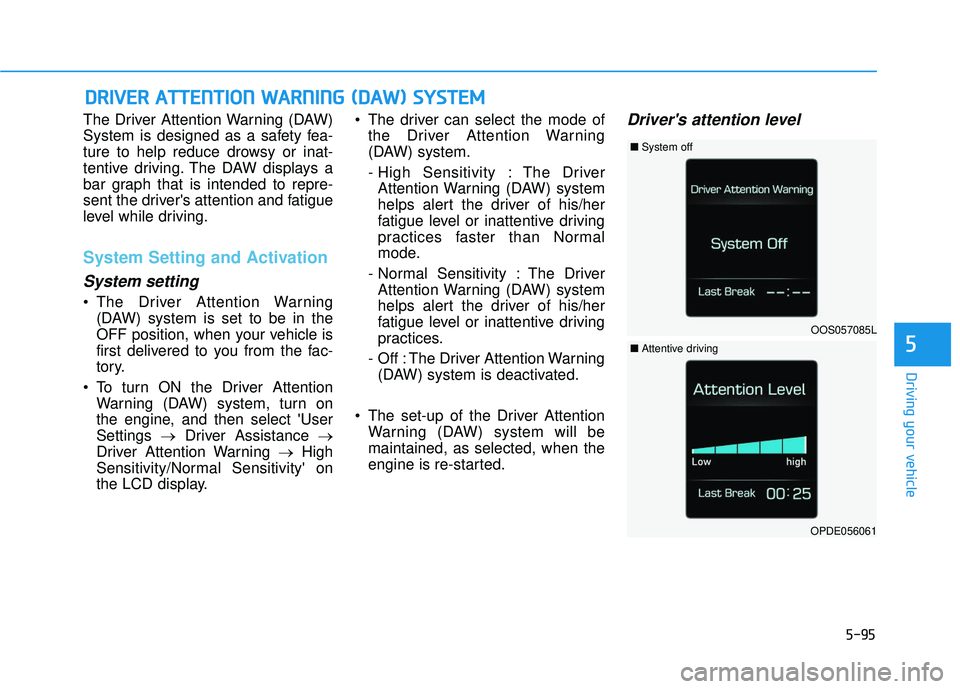
tentive driving. The DAW displays a
bar graph that is intended to repre-
sent the driver's attention and fatigue
level while driving.
System Setting and Activation
System setting
The Driver Attention Warning(DAW) system is set to be in the
OFF position, when your vehicle is
first delivered to you from the fac-
tory.
To turn ON the Driver Attention Warning (DAW) system, turn on
the engine, and then select 'User
Settings →Driver Assistance →
Driver Attention Warning →High
Sensitivity/Normal Sensitivity' on
the LCD display. The driver can select the mode of
the Driver Attention Warning
(DAW) system.
- High Sensitivity : The DriverAttention Warning (DAW) system
helps alert the driver of his/her
fatigue level or inattentive driving
practices faster than Normal
mode.
- Normal Sensitivity : The Driver Attention Warning (DAW) system
helps alert the driver of his/her
fatigue level or inattentive driving
practices.
- Off : The Driver Attention Warning (DAW) system is deactivated.
The set-up of the Driver Attention Warning (DAW) system will be
maintained, as selected, when the
engine is re-started.
Driver's attention level
D DR
RI
IV
V E
ER
R
A
A T
TT
TE
EN
N T
TI
IO
O N
N
W
W A
AR
RN
N I
IN
N G
G
(
( D
D A
A W
W )
)
S
S Y
Y S
ST
T E
EM
M
OOS057085L
■ System off
OPDE056061
■Attentive driving