2019 Hyundai Kona EV Amp
[x] Cancel search: AmpPage 11 of 540
1-2
E
EX
X T
TE
ER
R I
IO
O R
R
O
O V
VE
ER
R V
V I
IE
E W
W
Your vehicle at a glance
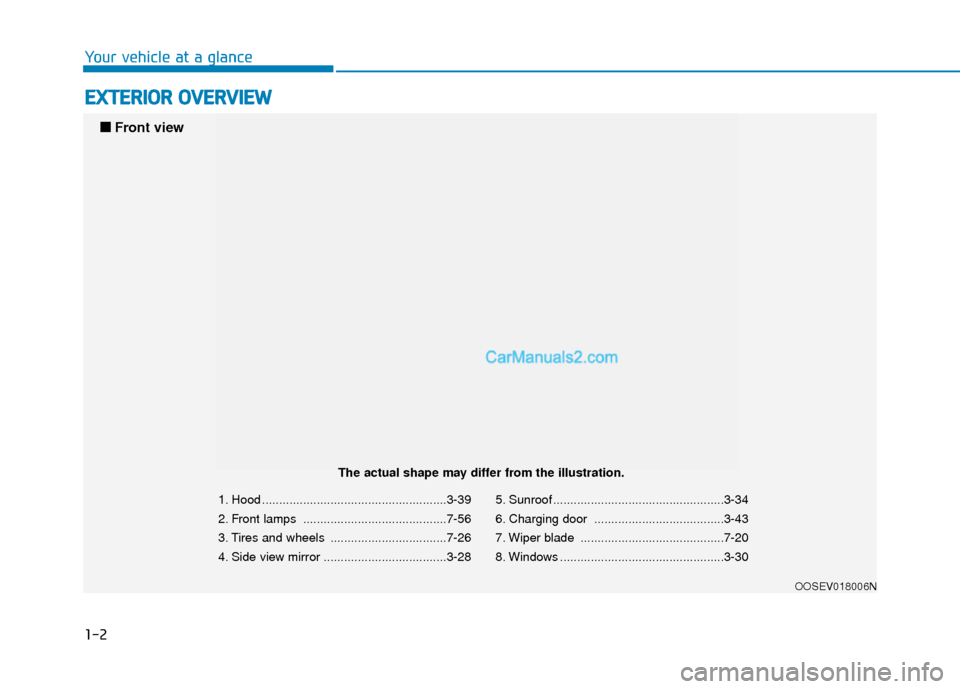
1. Hood ......................................................3-39
2. Front lamps ..........................................7-56
3. Tires and wheels ..................................7-26
4. Side view mirror ....................................3-28 5. Sunroof ..................................................3-34
6. Charging door ......................................3-43
7. Wiper blade ..........................................7-20
8. Windows ................................................3-30
OOSEV018006N
■
■
Front view
The actual shape may differ from the illustration.
Page 12 of 540
1-3
Your vehicle at a glance
1
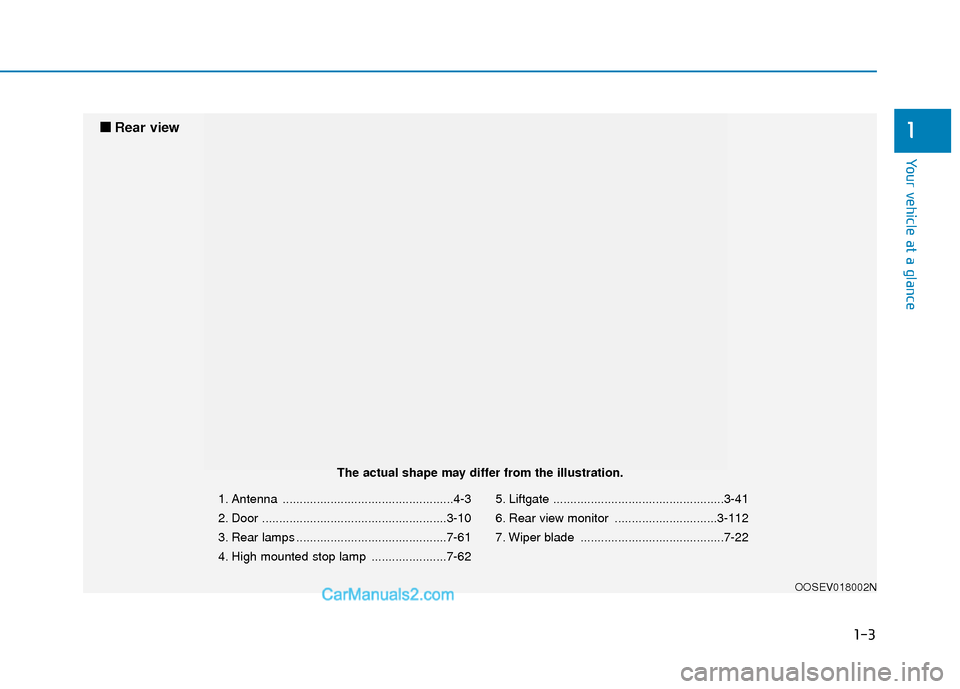
1. Antenna ..................................................4-3
2. Door ......................................................3-10
3. Rear lamps ............................................7-61
4. High mounted stop lamp ......................7-625. Liftgate ..................................................3-41
6. Rear view monitor ..............................3-112
7. Wiper blade ..........................................7-22
OOSEV018002N
■
■
Rear view
The actual shape may differ from the illustration.
Page 73 of 540
2-58
Safety system of your vehicle
Main components of theOccupant Classification System
A detection device located within
the front passenger seat cushion.
Electronic system to determine whether the passenger air bag
systems should be activated or
deactivated.
An indicator light located on the instrument panel which illuminates
the words "PASSENGER AIR BAG
OFF" indicating the front passen-
ger air bag system is deactivated.
The instrument panel air bag indi- cator light is interconnected with
the OCS. The OCS is designed to detect the
presence of a properly-seated front
passenger and determine if the pas-
senger's front air bag should be
enabled (may inflate) or not.
The purpose is to help reduce the
risk of injury or death from an inflat-
ing air bag to certain front passenger
seat occupants, such as children, by
requiring the air bag to be automati-
cally turned OFF.
For example, if a child restraint of the
type specified in the regulations is on
the seat, the occupant classification
sensor can detect it and cause the
air bag to turn OFF.
Front passenger seat adult occu-
pants who are properly seated and
wearing the seat belt properly,
should not cause the passenger air
bag to be automatically turned OFF.
For small adults it may be turned
OFF, however, if the occupant does
not sit in the seat properly (for exam-
ple, by not sitting upright, by sitting
on the edge of the seat, or by other-
wise being out of position), this could
cause the sensor to turn the air bag
OFF. You will find the "PASSENGER AIR
BAG OFF" indicator on the center
facia panel. This system detects the
conditions 1-4 in the following table
and activates or deactivates the front
passenger air bag based on these
conditions.
Page 85 of 540

Convenient features of your vehicle
Accessing Your Vehicle .........................................3-3
Smart Key ........................................................................\
..3-3
Immobilizer System ..........................................................3-8
Door Locks ............................................................3-10
Operating Door Locks from Outside the Vehicle ..3-10
Operating Door Locks from Inside the Vehicle ......3-11
Automatic Door Lock and Unlock Features .............3-13
Child-Protector Rear Door Locks ...............................3-14
Theft-Alarm System ............................................3-15
Steering Wheel .....................................................3-16
Electric Power Steering (EPS) .....................................3-16
Tilt Steering / Telescopic Steering .............................3-17
Horn ........................................................................\
............3-17
Heated Steering Wheel ..................................................3-18
Mirrors ...................................................................3-19
Inside Rearview Mirror ..................................................3-19
Side View Mirrors ...........................................................3-28
Windows ................................................................3-30
Power Windows ...............................................................3-31
Sunroof..................................................................3-34
Sunroof Opening and Closing ......................................3-35
Sliding the Sunroof .........................................................3-35
Tilting the Sunroof .........................................................3-36
Sunshade ........................................................................\
...3-37
Resetting the Sunroof ...................................................3-37
Sunroof Open Warning ..................................................3-38
Exterior Features .................................................3-39
Hood ........................................................................\
...........3-39
Liftgate ........................................................................\
......3-41
Charging Door ..................................................................3-43
Instrument Cluster ...............................................3-44
Instrument Cluster Control............................................3-45
Gauges and Meters ........................................................3-46
Warning and Indicator lights ........................................3-51
LCD Display Messages ..................................................3-63
LCD Display ...........................................................3-76
LCD Display Control ........................................................3-76
LCD Display Modes ......................................................\
..3-77
Trip Computer .......................................................3-90
Head Up Display (HUD) .......................................3-94
Lighting..................................................................3-97
Exterior Lights .................................................................3-97
Smart Cornering Lamp.................................................3-104
Welcome System ...........................................................3-104
Interior Lights ................................................................3-105
Wipers and Washers ........................................3-108
Front Windshield Wipers ...........................................3-108
Front Windshield Washers ........................................3-110
Rear Window Wiper and Washer..............................3-111
3
Page 103 of 540

3-19
Convenient features of your vehicle
3
M
MI
IR
R R
RO
O R
RS
S
Inside Rearview Mirror
Before driving your vehicle, check to
see that your inside rearview mirror
is properly positioned. Adjust the
rearview mirror so that the view
through the rear window is properly
centered.
When cleaning the mirror, use a
paper towel or similar material
dampened with glass cleaner. Do
not spray glass cleaner directly on
the mirror as this may cause the
liquid cleaner to enter the mirror
housing.
Blue Link®center (if equipped)
For details, refer to the Blue Link®
Owner's Guide, Navigation Manual
or Audio Manual.
NOTICE
NEVER adjust the mirror while
driving. This may cause loss of
vehicle control resulting in an
accident.
WARNING
Make sure your line of sight is
not obstructed. Do not place
objects in the rear seat, cargo
area, or behind the rear head-
rests which could interfere with
your vision through the rear
window.
WARNING
To prevent serious injury during
an accident or deployment of
the air bag, do not modify the
rearview mirror and do not
install a wide mirror.
WARNING
OOSEV048039N
Page 119 of 540

3-35
Convenient features of your vehicle
Sunroof Opening and Closing
To open:
Press the sunroof control lever back-
ward to the first detent position.
Release the switch when you want
the sunroof to stop.
To close:
Press the sunroof control lever forward
to the first detent position. Release the
switch when you want the sunroof to
stop.
Sliding the Sunroof
Pressing the sunroof control lever
backward or forward momentarily to
the second detent position complete-
ly opens or closes the sunroof even
when the switch is released. To stop
the sunroof at the desired position
while the sunroof is in operation,
press the sunroof control lever back-
ward or forward and release the
switch.
Information
To minimize wind noise while driving
with the sunroof open, it is recom-
mended that you drive with the sun-
roof slightly closed (i.e. not fully
open). For example, the sunroof will
be about 3 inches before the maxi-
mum open position.
Automatic reverse (if equipped)
If the sunroof senses any obstacle
while it is closing automatically, it will
reverse direction then stop to allow
the object to be cleared.
The auto reverse function does not
work if a small obstacle is between
the sliding glass and the sunroof
sash.
You should always check that all pas-
sengers and objects are away from
the sunroof before closing it.
i
3
OLFC044035CNOOSEV048054L
Page 132 of 540

3-48
Convenient features of your vehicle
When there are only 2 bars remain-
ing on the gauge, the SOC level is
low. The warning lamp turns ON to
alert you that the battery must be
charged soon.
When the warning lamp turns ON,
the vehicle can drive an additional
12~18 miles (20~30 km) depending
on the driving speed, heater/air con-
ditioner, weather, driving style, and
other factors. Charging is required.
When there are 1-2 gauge bars left
for the high voltage battery, the
vehicle speed is limited and then
eventually the vehicle will turn OFF.
Charge the vehicle immediately.
Outside temperature indicator
The outside temperature is shown in
the lower portion of the cluster LCD
display. The units may be displayed
in Fahrenheit (F) or Celsius (C).
- Temperature range : -40°F ~ 140°F
(-40°C ~ 60°C)
Note that the temperature indicated
on the LCD display may not change
as quickly as the outside tempera-
ture (there may be a slight delay
before the temperature changes.) You can change the temperature unit
from °F to °C or °C to °F in the User
Settings mode in the cluster:
- Go to User Settings Mode
➝Other
➝ Temperature Unit.
For vehicles equipped with Automatic
Climate Control, you can also:
- Press the AUTO button while press- ing the OFF button on the climate
control unit for 3 seconds
Both the temperature unit on the
cluster LCD display and climate con-
trol screen will change.
NOTICE
OOSEV048103
OOSEV048104N
Page 139 of 540

3-55
Convenient features of your vehicle
3
Anti-lock Brake System(ABS) Warning Light
This warning light illuminates:
When the POWER button is in the
ON position.
- It illuminates for approximately 3seconds and then goes off.
When there is a malfunction with the ABS (The normal braking sys-
tem will still be operational without
the assistance of the anti-lock
brake system).
If this occurs, have your vehicle
inspected by an authorized HYUNDAI
dealer.
ElectronicBrake ForceDistribution(EBD) System Warning Light
When the ABS Warning and Parking
Brake Warning lamps are on simulta-
neously, it may indicate a problem
with the Electronic Brake Force
Distribution system.
If this occurs, have your vehicle
inspected by an authorized HYUNDAI
dealer.
Information - Electronic
Brake Force Distribution
(EBD) System Warning Light
When the ABS Warning Light is on or
both ABS and Parking Brake & Brake
Fluid Warning Lights are on, the
speedometer, odometer, or tripmeter
may not work. Also, the EPS Warning
Light may illuminate and the steering
effort may increase or decrease.
If this occurs, have your vehicle
inspected by an authorized HYUNDAI
dealer.i
Electronic Brake Force
Distribution (EBD) System
Warning Light
When both ABS and Parking
Brake & Brake Fluid Warning
Lights are on, the brake system
will not work normally and you
may experience an unexpected
and dangerous situation during
sudden braking.
If this occurs, avoid high speed
driving and abrupt braking.
Have your vehicle inspected by
an authorized HYUNDAI dealer.
WARNING