Page 138 of 555
3-53
Convenient features of your vehicle
3
The speedometer is displayed differ-
ently according to the selected drive
mode in the Drive Mode Integrated
Control System.
For more information, refer to
“Drive Mode Integrated Control
System” in chapter 5.ECO guide
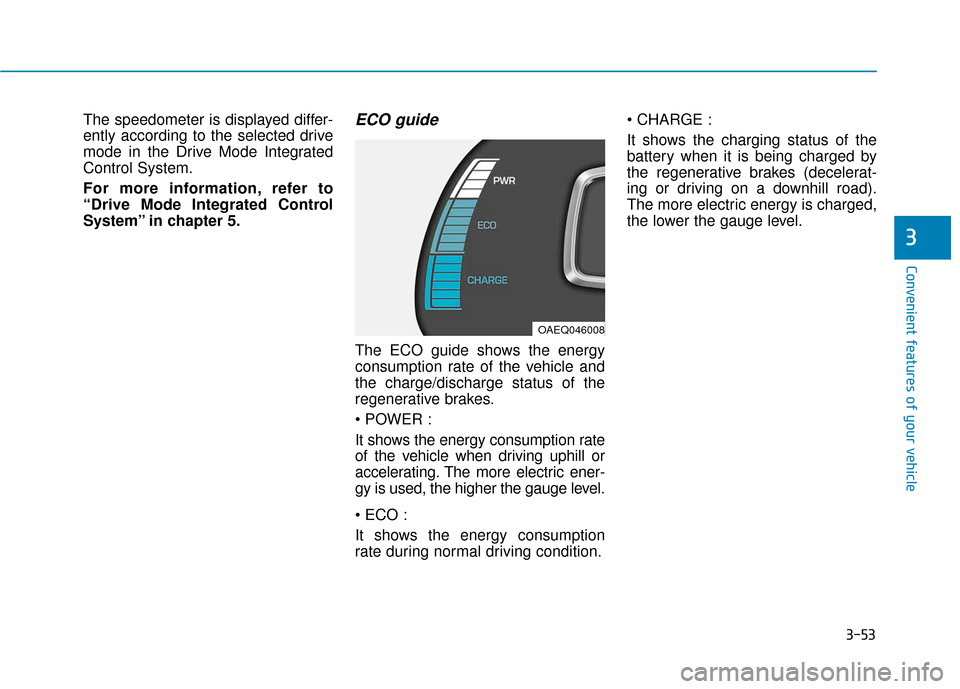
The ECO guide shows the energy
consumption rate of the vehicle and
the charge/discharge status of the
regenerative brakes.
It shows the energy consumption rate
of the vehicle when driving uphill or
accelerating. The more electric ener-
gy is used, the higher the gauge level.
It shows the energy consumption
rate during normal driving condition.
It shows the charging status of the
battery when it is being charged by
the regenerative brakes (decelerat-
ing or driving on a downhill road).
The more electric energy is charged,
the lower the gauge level.
OAEQ046008
Page 140 of 555
3-55
Convenient features of your vehicle
3
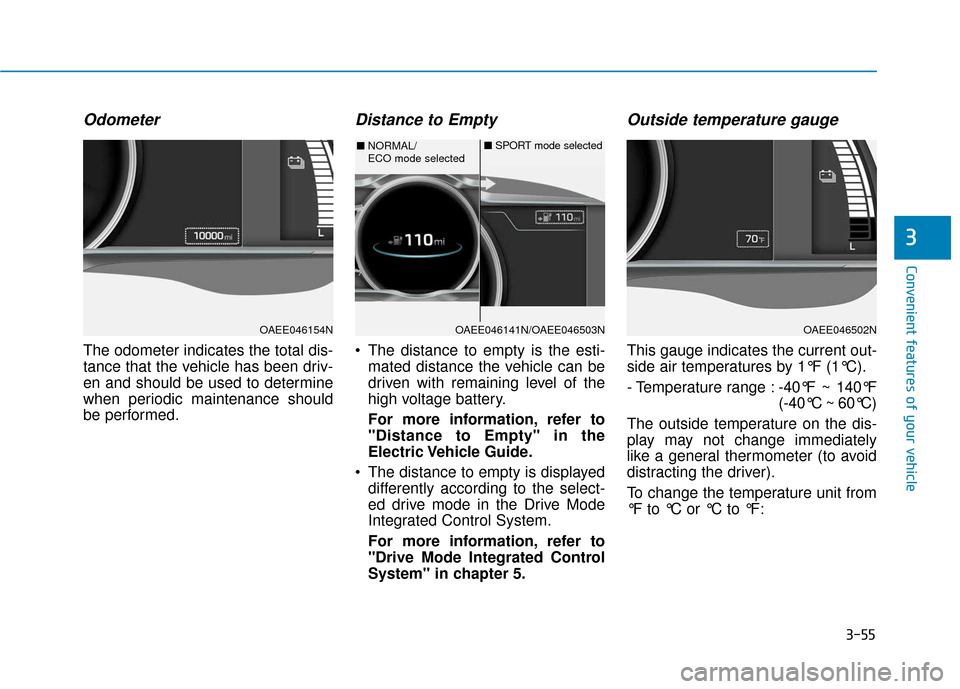
Odometer
The odometer indicates the total dis-
tance that the vehicle has been driv-
en and should be used to determine
when periodic maintenance should
be performed.
Distance to Empty
The distance to empty is the esti-mated distance the vehicle can be
driven with remaining level of the
high voltage battery.
For more information, refer to
"Distance to Empty" in the
Electric Vehicle Guide.
The distance to empty is displayed differently according to the select-
ed drive mode in the Drive Mode
Integrated Control System.
For more information, refer to
"Drive Mode Integrated Control
System" in chapter 5.
Outside temperature gauge
This gauge indicates the current out-
side air temperatures by 1°F (1°C).
- Temperature range : -40°F ~ 140°F
(-40°C ~ 60°C)
The outside temperature on the dis-
play may not change immediately
like a general thermometer (to avoid
distracting the driver).
To change the temperature unit from
°F to °C or °C to °F:
OAEE046154NOAEE046141N/OAEE046503N
■ NORMAL/
ECO mode selected ■
SPORT mode selected
OAEE046502N
Page 141 of 555
3-56
Convenient features of your vehicle
- Go to User Settings Mode ➝Other
Features ➝Temperature Unit.
- Press the AUTO button for 3 sec- onds while pressing the OFF button.
Both the temperature unit on the
cluster LCD display and climate con-
trol screen will change.
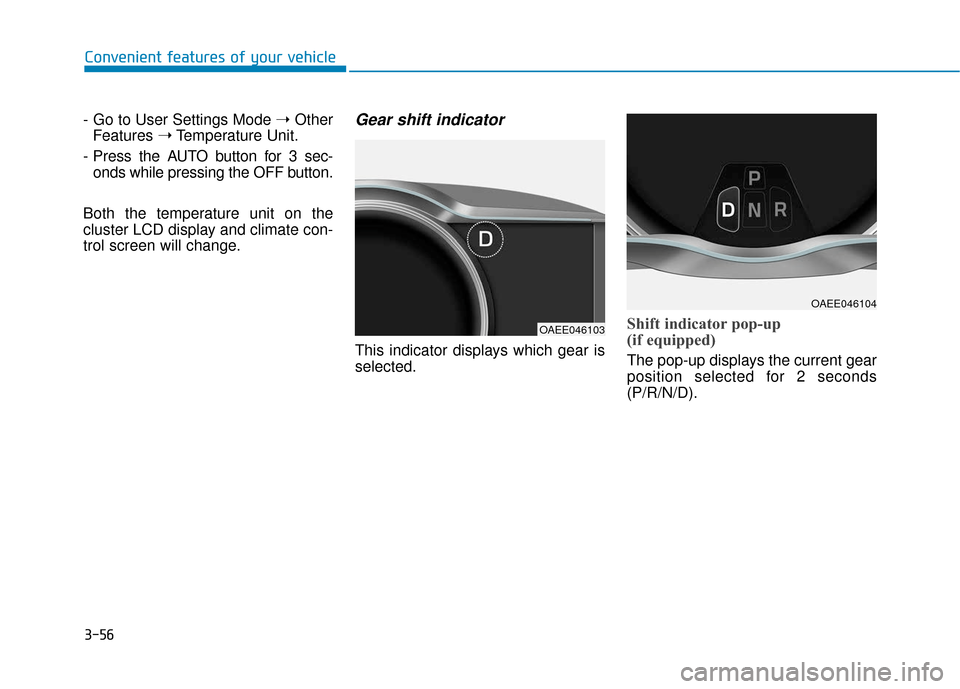
Gear shift indicator
This indicator displays which gear is
selected.
Shift indicator pop-up
(if equipped)
The pop-up displays the current gear
position selected for 2 seconds
(P/R/N/D).
OAEE046103
OAEE046104
Page 147 of 555
3-62
Convenient features of your vehicle
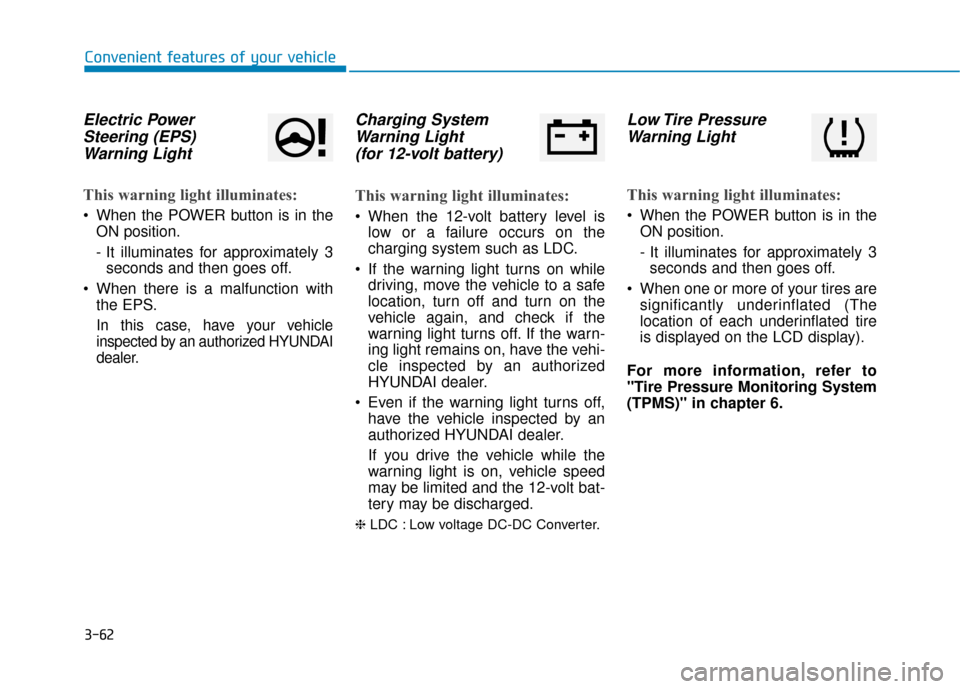
Electric PowerSteering (EPS)Warning Light
This warning light illuminates:
When the POWER button is in the
ON position.
- It illuminates for approximately 3seconds and then goes off.
When there is a malfunction with the EPS.
In this case, have your vehicle
inspected by an authorized HYUNDAI
dealer.
Charging SystemWarning Light(for 12-volt battery)
This warning light illuminates:
When the 12-volt battery level is
low or a failure occurs on the
charging system such as LDC.
If the warning light turns on while driving, move the vehicle to a safe
location, turn off and turn on the
vehicle again, and check if the
warning light turns off. If the warn-
ing light remains on, have the vehi-
cle inspected by an authorized
HYUNDAI dealer.
Even if the warning light turns off, have the vehicle inspected by an
authorized HYUNDAI dealer.
If you drive the vehicle while the
warning light is on, vehicle speed
may be limited and the 12-volt bat-
tery may be discharged.
❈ LDC : Low voltage DC-DC Converter.
Low Tire Pressure
Warning Light
This warning light illuminates:
When the POWER button is in the
ON position.
- It illuminates for approximately 3seconds and then goes off.
When one or more of your tires are significantly underinflated (The
location of each underinflated tire
is displayed on the LCD display).
For more information, refer to
"Tire Pressure Monitoring System
(TPMS)" in chapter 6.
Page 150 of 555
3-65
Convenient features of your vehicle
3
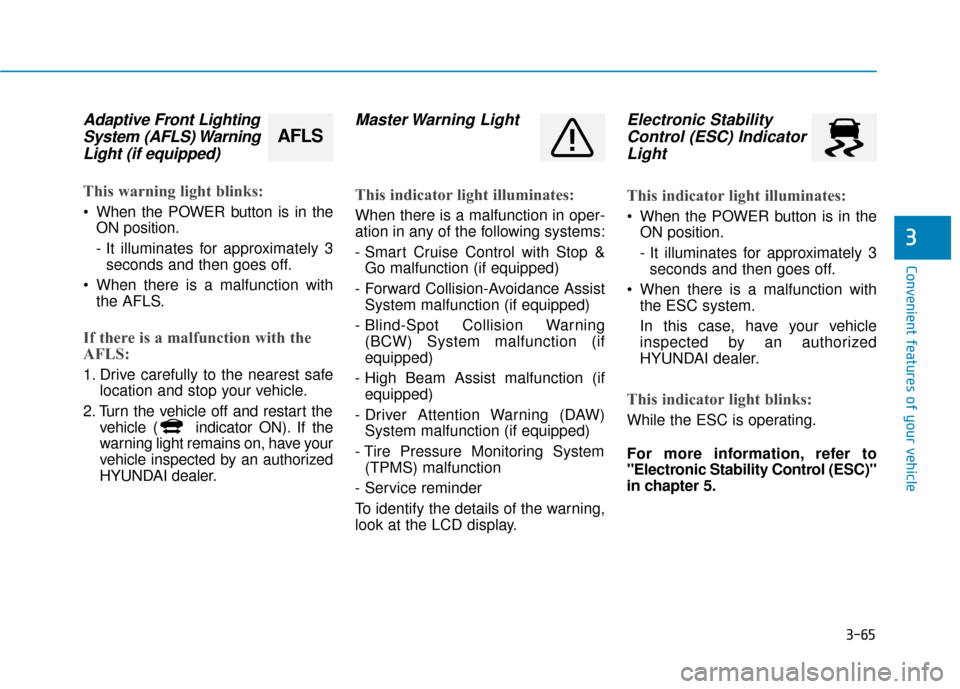
Adaptive Front LightingSystem (AFLS) WarningLight (if equipped)
This warning light blinks:
When the POWER button is in the
ON position.
- It illuminates for approximately 3seconds and then goes off.
When there is a malfunction with the AFLS.
If there is a malfunction with the
AFLS:
1. Drive carefully to the nearest safe location and stop your vehicle.
2. Turn the vehicle off and restart the vehicle ( indicator ON). If the
warning light remains on, have your
vehicle inspected by an authorized
HYUNDAI dealer.
Master Warning Light
This indicator light illuminates:
When there is a malfunction in oper-
ation in any of the following systems:
- Smart Cruise Control with Stop &Go malfunction (if equipped)
- Forward Collision-Avoidance Assist System malfunction (if equipped)
- Blind-Spot Collision Warning (BCW) System malfunction (if
equipped)
- High Beam Assist malfunction (if equipped)
- Driver Attention Warning (DAW) System malfunction (if equipped)
- Tire Pressure Monitoring System (TPMS) malfunction
- Service reminder
To identify the details of the warning,
look at the LCD display.
Electronic Stability Control (ESC) IndicatorLight
This indicator light illuminates:
When the POWER button is in the
ON position.
- It illuminates for approximately 3seconds and then goes off.
When there is a malfunction with the ESC system.
In this case, have your vehicle
inspected by an authorized
HYUNDAI dealer.
This indicator light blinks:
While the ESC is operating.
For more information, refer to
"Electronic Stability Control (ESC)"
in chapter 5.
AFLS
Page 153 of 555
3-68
Convenient features of your vehicle
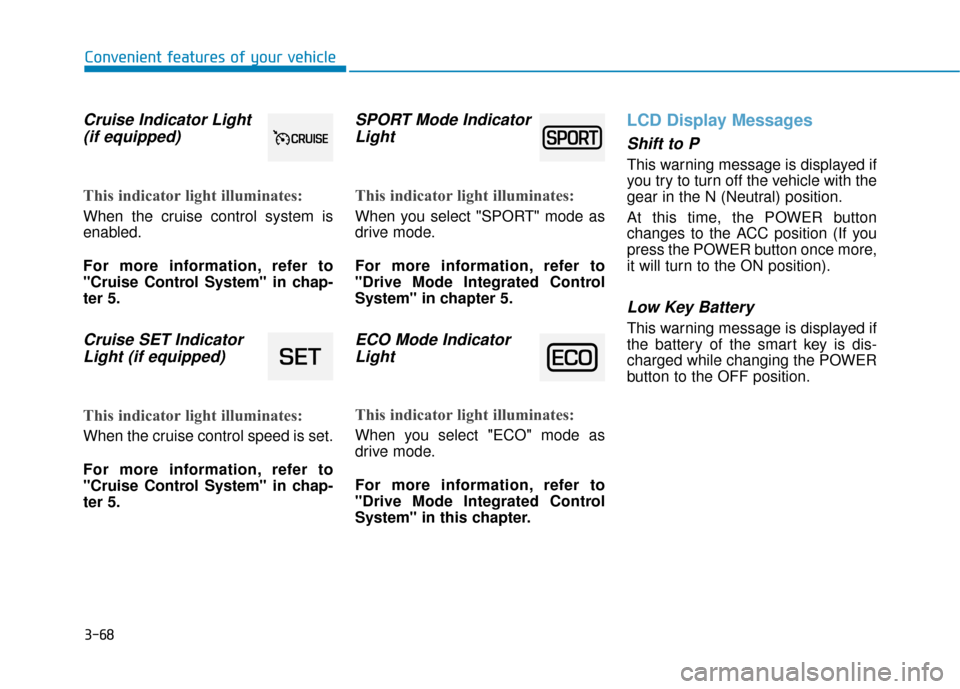
Cruise Indicator Light(if equipped)
This indicator light illuminates:
When the cruise control system is
enabled.
For more information, refer to
"Cruise Control System" in chap-
ter 5.
Cruise SET IndicatorLight (if equipped)
This indicator light illuminates:
When the cruise control speed is set.
For more information, refer to
"Cruise Control System" in chap-
ter 5.
SPORT Mode IndicatorLight
This indicator light illuminates:
When you select "SPORT" mode as
drive mode.
For more information, refer to
"Drive Mode Integrated Control
System" in chapter 5.
ECO Mode IndicatorLight
This indicator light illuminates:
When you select "ECO" mode as
drive mode.
For more information, refer to
"Drive Mode Integrated Control
System" in this chapter.
LCD Display Messages
Shift to P
This warning message is displayed if
you try to turn off the vehicle with the
gear in the N (Neutral) position.
At this time, the POWER button
changes to the ACC position (If you
press the POWER button once more,
it will turn to the ON position).
Low Key Battery
This warning message is displayed if
the battery of the smart key is dis-
charged while changing the POWER
button to the OFF position.
Page 154 of 555
3-69
Convenient features of your vehicle
3
Press POWER button whileturning wheel
This warning message is displayed if
the steering wheel does not unlock
normally when the POWER button is
pressed.
You should press the POWER button
while turning the steering wheel right
and left.
Check Steering Wheel LockSystem
This warning message is displayed if
the steering wheel does not lock nor-
mally while the POWER button
changes to the OFF position.
Press brake pedal to start vehicle
This warning message is displayed if
the POWER button changes to the
ACC position twice by pressing the
button repeatedly without depressing
the brake pedal.
You can start the vehicle by depress-
ing the brake pedal.
Key not in vehicle
This warning message is displayed if
the smart key is not in the vehicle
when you press the POWER button.
When attempting to start the vehicle,
always have the smart key with you.
Key not detected
This warning message is displayed if
the smart key is not detected when
you press the POWER button.
Press POWER button again
This message is displayed if you
were unable to start the vehicle when
the POWER button was pressed.
If this occurs, attempt to start the
vehicle by pressing the POWER but-
ton again.
If the warning message appears
each time you press the POWER
button, have your vehicle inspected
by an authorized HYUNDAI dealer.
Page 155 of 555
3-70
Convenient features of your vehicle
Press POWER button with key
This warning message is displayed if
you press the POWER button while
the warning message "Key not
detected" is displayed.
At this time, the immobilizer indicator
light blinks.
Check BRAKE SWITCH fuse
This warning message is displayed if
the brake switch fuse is disconnected.
You need to replace the fuse with a
new one before starting the vehicle.
If that is not possible, you can start the
vehicle by pressing the POWER but-
ton for 10 seconds in the ACC posi-
tion.
Shift to P to start vehicle
This warning message is displayed if
you try to start the vehicle without
shifting to the P (Park) position.
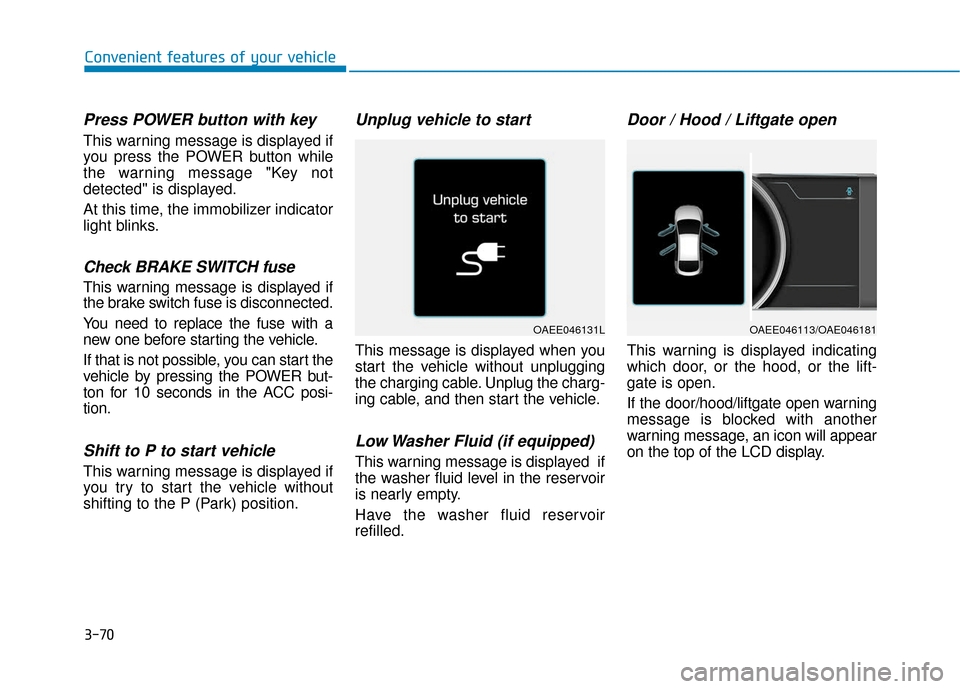
Unplug vehicle to start
This message is displayed when you
start the vehicle without unplugging
the charging cable. Unplug the charg-
ing cable, and then start the vehicle.
Low Washer Fluid (if equipped)
This warning message is displayed if
the washer fluid level in the reservoir
is nearly empty.
Have the washer fluid reservoir
refilled.
Door / Hood / Liftgate open
This warning is displayed indicating
which door, or the hood, or the lift-
gate is open.
If the door/hood/liftgate open warning
message is blocked with another
warning message, an icon will appear
on the top of the LCD display.
OAEE046131LOAEE046113/OAE046181