Page 487 of 767
Continued485
uuBluetooth ® HandsFreeLink ®u HFL Menus
Features
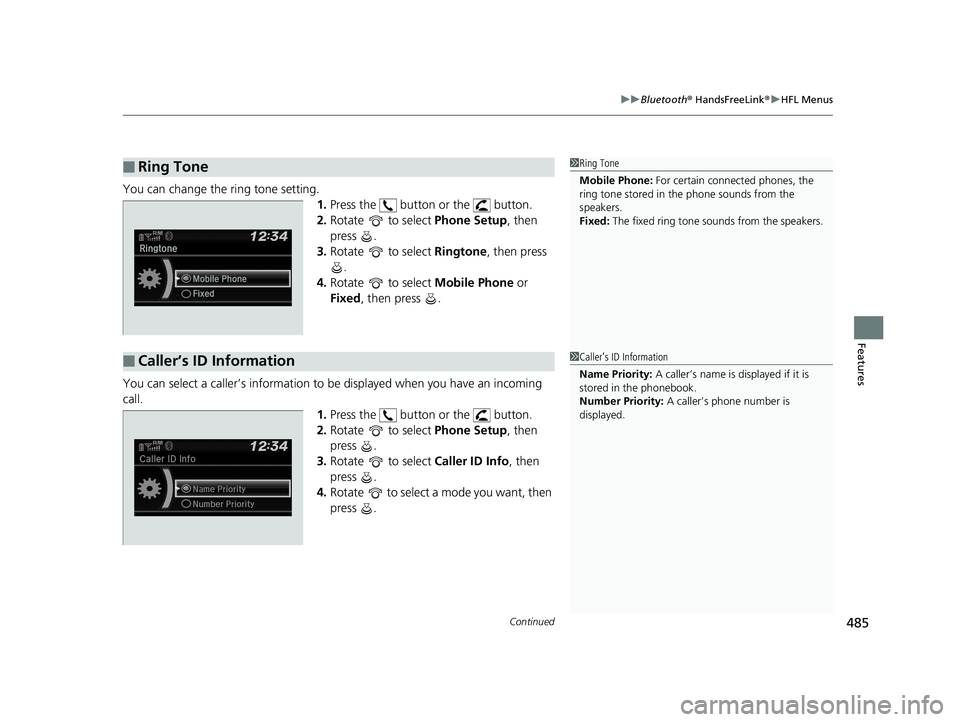
You can change the ring tone setting.
1.Press the button or the button.
2. Rotate to select Phone Setup, then
press .
3. Rotate to select Ringtone, then press
.
4. Rotate to select Mobile Phone or
Fixed , then press .
You can select a caller’s information to be displayed when you have an incoming
call. 1.Press the button or the button.
2. Rotate to select Phone Setup, then
press .
3. Rotate to select Caller ID Info, then
press .
4. Rotate to select a mode you want, then
press .
■Ring Tone1Ring Tone
Mobile Phone: For certain connect ed phones, the
ring tone stored in the phone sounds from the
speakers.
Fixed: The fixed ring tone sounds from the speakers.
■Caller’s ID Information1Caller’s ID Information
Name Priority: A caller’s name is displayed if it is
stored in the phonebook.
Number Priority: A caller’s phone number is
displayed.
19 ODYSSEY-31THR6120.book 485 ページ 2018年12月6日 木曜日 午後4時35分
Page 488 of 767
486
uuBluetooth ® HandsFreeLink ®u HFL Menus
Features
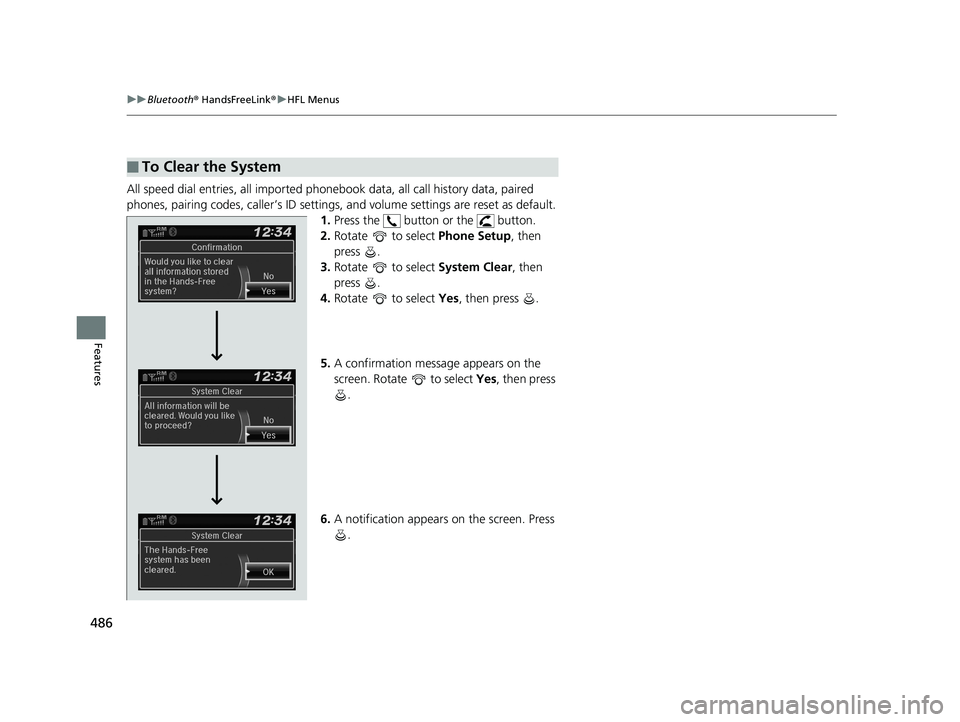
All speed dial entries, all imported phonebook data, all call history data, paired
phones, pairing codes, caller’s ID settings, and volume settings are reset as default.
1. Press the button or the button.
2. Rotate to select Phone Setup, then
press .
3. Rotate to select System Clear, then
press .
4. Rotate to select Yes, then press .
5. A confirmation message appears on the
screen. Rotate to select Yes, then press
.
6. A notification appears on the screen. Press
.
■To Clear the System
19 ODYSSEY-31THR6120.book 486 ページ 2018年12月6日 木曜日 午後4時35分
Page 489 of 767
Continued487
uuBluetooth ® HandsFreeLink ®u HFL Menus
Features
When your phone is paired, the contents of its phonebook and call history are
automatically imported to HFL.
■Automatic Import of Cellular Phonebook and Call History1Automatic Import of Cellular Phonebook and Call History
When you select a name from the list in the cellular
phonebook, you can see up to three category icons.
The icons indicate what types of numbers are stored
for that name.
If a name has four or more numbers, ... appears
instead of category icons.
On some phones, it may not be possible to import the
category icons to HFL.
The phonebook is updated af ter every connection.
Call history is updated after every connection or call.
Pref
Home
Mobile
Pager WorkFax
Car
Voice Other
19 ODYSSEY-31THR6120.book 487 ページ 2018年12月6日 木曜日 午後4時35分
Page 490 of 767
uuBluetooth ® HandsFreeLink ®u HFL Menus
488
Features
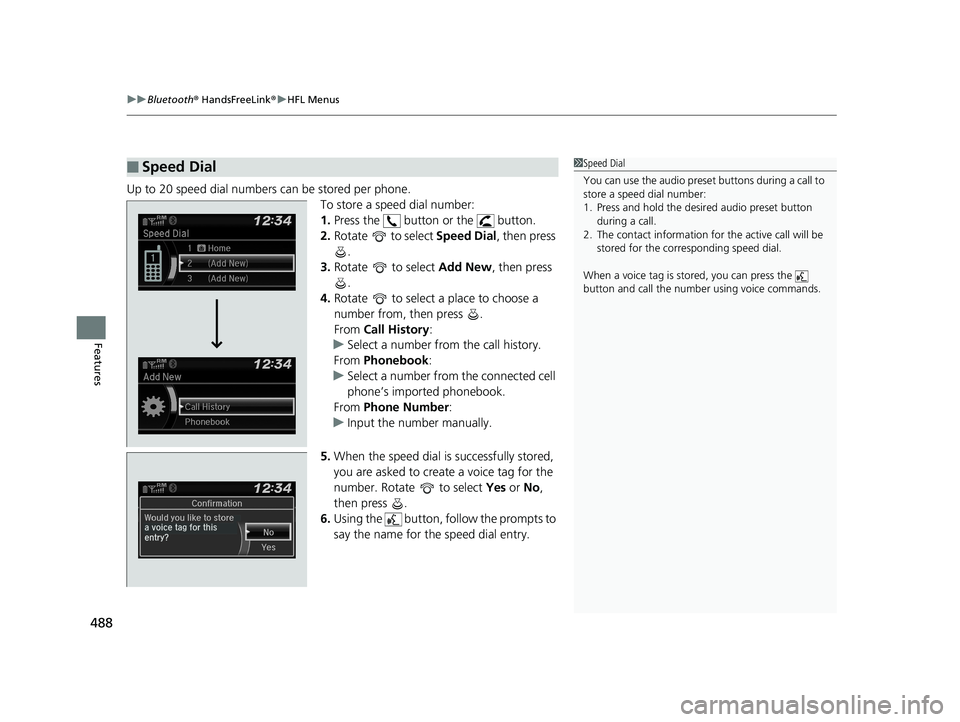
Up to 20 speed dial numbers can be stored per phone.
To store a speed dial number:
1.Press the button or the button.
2. Rotate to select Speed Dial, then press
.
3. Rotate to select Add New, then press
.
4. Rotate to select a place to choose a
number from, then press .
From Call History :
u Select a number from the call history.
From Phonebook :
u Select a number from the connected cell
phone’s imported phonebook.
From Phone Number :
u Input the number manually.
5. When the speed dial is successfully stored,
you are asked to create a voice tag for the
number. Rotate to select Yes or No ,
then press .
6. Using the button, follow the prompts to
say the name for the speed dial entry.
■Speed Dial1Speed Dial
You can use the audio preset buttons during a call to
store a speed dial number:
1. Press and hold the desired audio preset button
during a call.
2. The contact information for the active call will be
stored for the corresponding speed dial.
When a voice tag is stored, you can press the
button and call the numbe r using voice commands.
19 ODYSSEY-31THR6120.book 488 ページ 2018年12月6日 木曜日 午後4時35分
Page 491 of 767
489
uuBluetooth ® HandsFreeLink ®u HFL Menus
Continued
Features
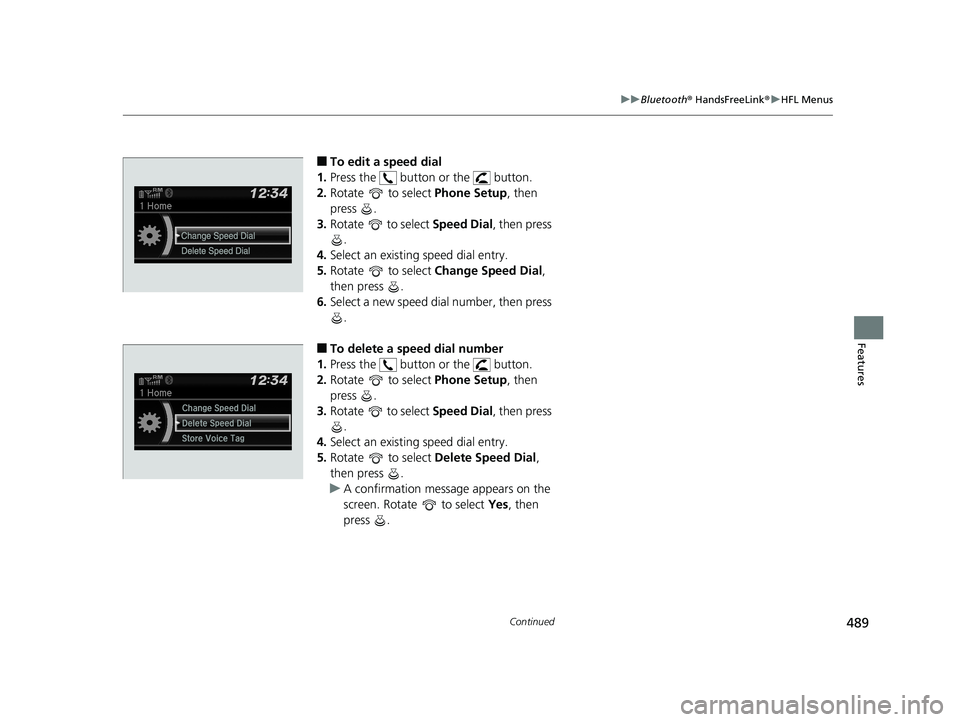
■To edit a speed dial
1. Press the button or the button.
2. Rotate to select Phone Setup, then
press .
3. Rotate to select Speed Dial, then press
.
4. Select an existing speed dial entry.
5. Rotate to select Change Speed Dial,
then press .
6. Select a new speed dial number, then press
.
■To delete a speed dial number
1. Press the button or the button.
2. Rotate to select Phone Setup, then
press .
3. Rotate to select Speed Dial, then press
.
4. Select an existing speed dial entry.
5. Rotate to select Delete Speed Dial,
then press .
u A confirmation message appears on the
screen. Rotate to select Yes, then
press .
19 ODYSSEY-31THR6120.book 489 ページ 2018年12月6日 木曜日 午後4時35分
Page 492 of 767
uuBluetooth ® HandsFreeLink ®u HFL Menus
490
Features
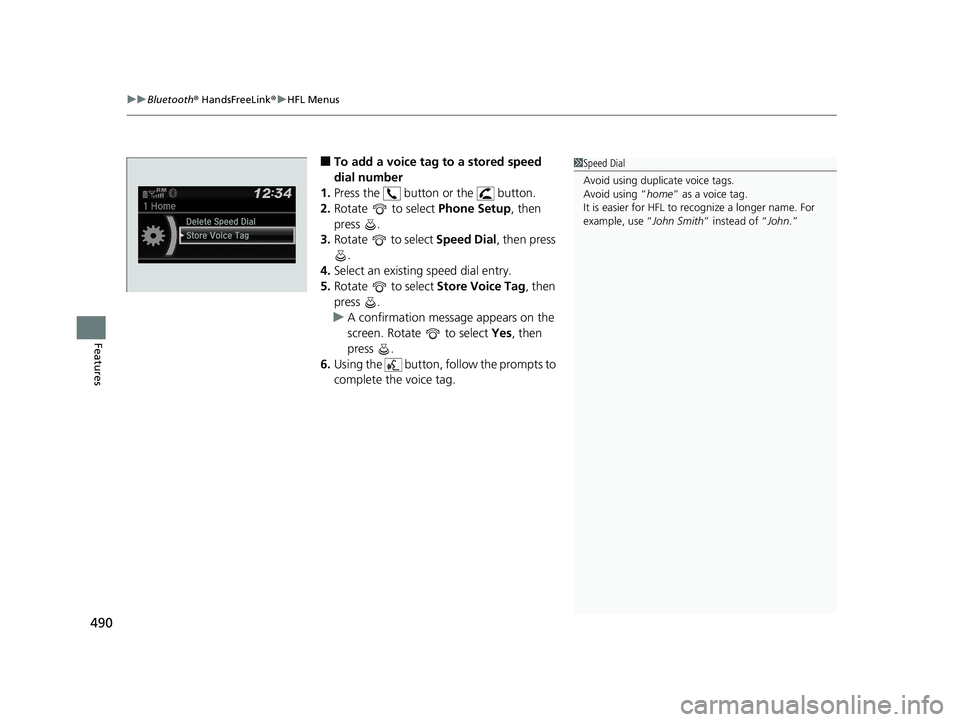
■To add a voice tag to a stored speed
dial number
1. Press the button or the button.
2. Rotate to select Phone Setup, then
press .
3. Rotate to select Speed Dial, then press
.
4. Select an existing speed dial entry.
5. Rotate to select Store Voice Tag , then
press .
u A confirmation message appears on the
screen. Rotate to select Yes, then
press .
6. Using the button, follow the prompts to
complete the voice tag.1Speed Dial
Avoid using duplicate voice tags.
Avoid using “home ” as a voice tag.
It is easier for HFL to re cognize a longer name. For
example, use “ John Smith” instead of “ John.”
19 ODYSSEY-31THR6120.book 490 ページ 2018年12月6日 木曜日 午後4時35分
Page 493 of 767
491
uuBluetooth ® HandsFreeLink ®u HFL Menus
Continued
Features
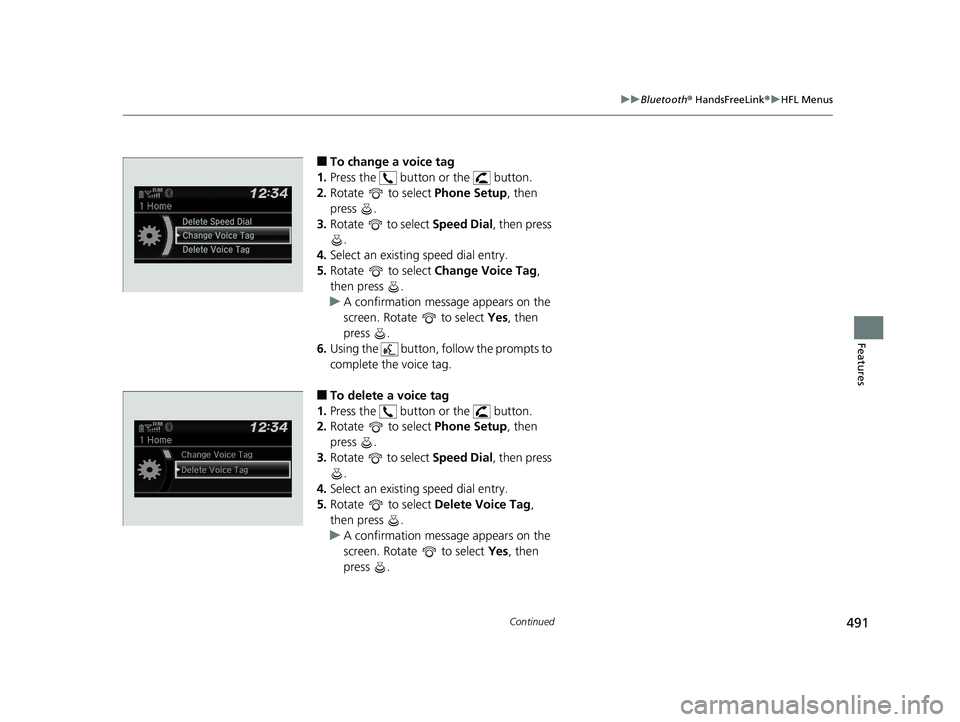
■To change a voice tag
1. Press the button or the button.
2. Rotate to select Phone Setup, then
press .
3. Rotate to select Speed Dial, then press
.
4. Select an existing speed dial entry.
5. Rotate to select Change Voice Tag,
then press .
u A confirmation message appears on the
screen. Rotate to select Yes, then
press .
6. Using the button, follow the prompts to
complete the voice tag.
■To delete a voice tag
1. Press the button or the button.
2. Rotate to select Phone Setup, then
press .
3. Rotate to select Speed Dial, then press
.
4. Select an existing speed dial entry.
5. Rotate to select Delete Voice Tag,
then press .
u A confirmation message appears on the
screen. Rotate to select Yes, then
press .
19 ODYSSEY-31THR6120.book 491 ページ 2018年12月6日 木曜日 午後4時35分
Page 494 of 767
uuBluetooth ® HandsFreeLink ®u HFL Menus
492
Features
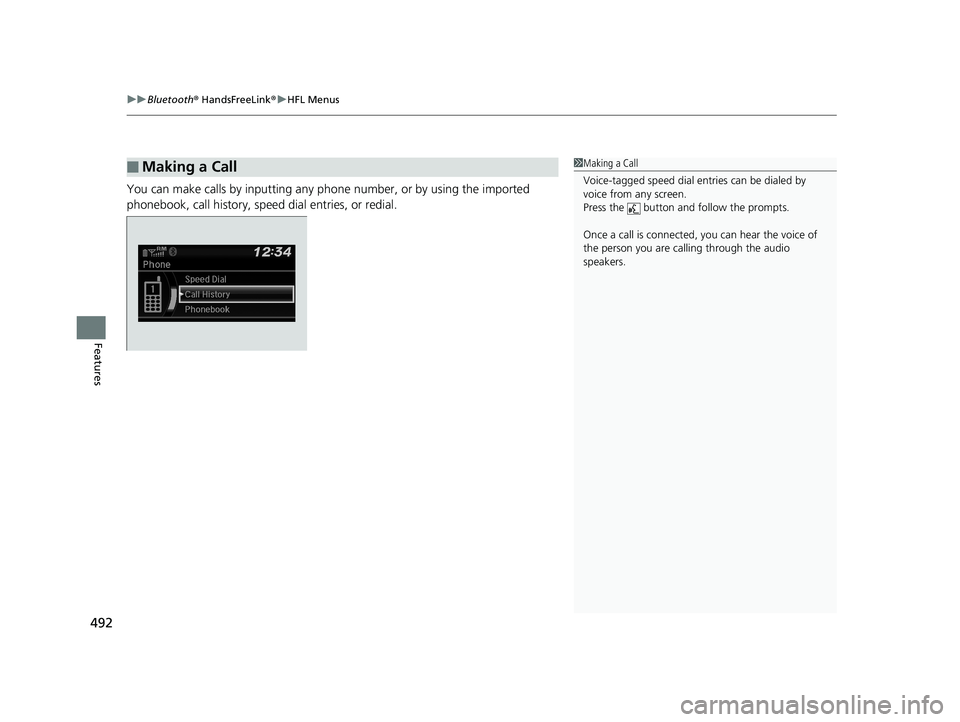
You can make calls by inputting any phone number, or by using the imported
phonebook, call history, speed dial entries, or redial.
■Making a Call1Making a Call
Voice-tagged speed dial en tries can be dialed by
voice from any screen.
Press the button and follow the prompts.
Once a call is connected, you can hear the voice of
the person you are call ing through the audio
speakers.
19 ODYSSEY-31THR6120.book 492 ページ 2018年12月6日 木曜日 午後4時35分