The headlamps do not turn on with the
wipers:
•
During a single wipe.
• When using the windshield washers.
• If the wipers are in intermittent mode.
Note: If you switch autolamps and
autowipers on, the headlamps turn on when
the windshield wipers continuously operate.
INSTRUMENT LIGHTING
DIMMER
Note: If you disconnect and connect the
battery, or fully discharge and charge the
battery, the illuminated components turn
to the maximum setting. Repeatedly press or press and hold it to
adjust the level.
If the vehicle is not equipped with the Dark
Car feature, or is equipped with the Silent
Mode feature and Silent Mode is not
enabled, press and hold the top of the
control to the full on position to turn on the
"dome on" feature. This turns on the
interior courtesy lights. Press and hold the
bottom of the control to switch off the
interior courtesy lights.
On vehicles with the Dark Car or Silent
Mode feature, courtesy illumination turns
off when you switch Silent Mode on. Press
and hold the bottom of the control to
switch the instrument cluster lights off and
the information display illuminates. HEADLAMP EXIT DELAY
Set the delay time to keep the headlamps
on for up to three minutes after switching
off the ignition.
Follow the steps below to change the
delay time:
Note:
Complete steps 1 through 6 within 10
seconds.
1. Switch the ignition off.
2. Select the autolamp position on the lighting control.
3. Switch the lighting control to the off position.
4. Switch the ignition on.
5. Switch the ignition off.
6. Select the autolamp position on the lighting control. The headlamps and
parking lamps turn on.
7. Switch the lighting control to the off position when reaching the required
delay time. The headlamps and parking
lamps turn off.
Set the headlamp exit delay to one of the
following settings:
• Off.
• 10 seconds.
• 20 seconds.
• 120 seconds.
Note: Adjust the time delay using the
display controls in the information display.
See Information Displays (page 74).
63
Police Interceptor (CPH) Police, Canada/United States of America, enUSA, Edition date: 201806, First-Printing LightingE173259
DAYTIME RUNNING LAMPS (If
Equipped) WARNING:
The daytime running
lamps system does not activate the rear
lamps and may not provide adequate
lighting during low visibility driving
conditions. Make sure you switch the
headlamps on, as appropriate, during all
low visibility conditions. Failure to do so
may result in a crash.
The daytime running lamps turn on when:
1. Switching the ignition on.
2. The lighting control is in the off position, parking lamps or the
autolamps position, and the sensor
detects daylight.
3. Your vehicle is in drive (D).
Note: Switch the daytime running lamps
on or off by selecting Police Silent Mode in
the information display. See
General
Information (page 74).
Note: In markets where daytime running
lamps are mandated by law, Silent Mode
does not disable the daytime running lamps.
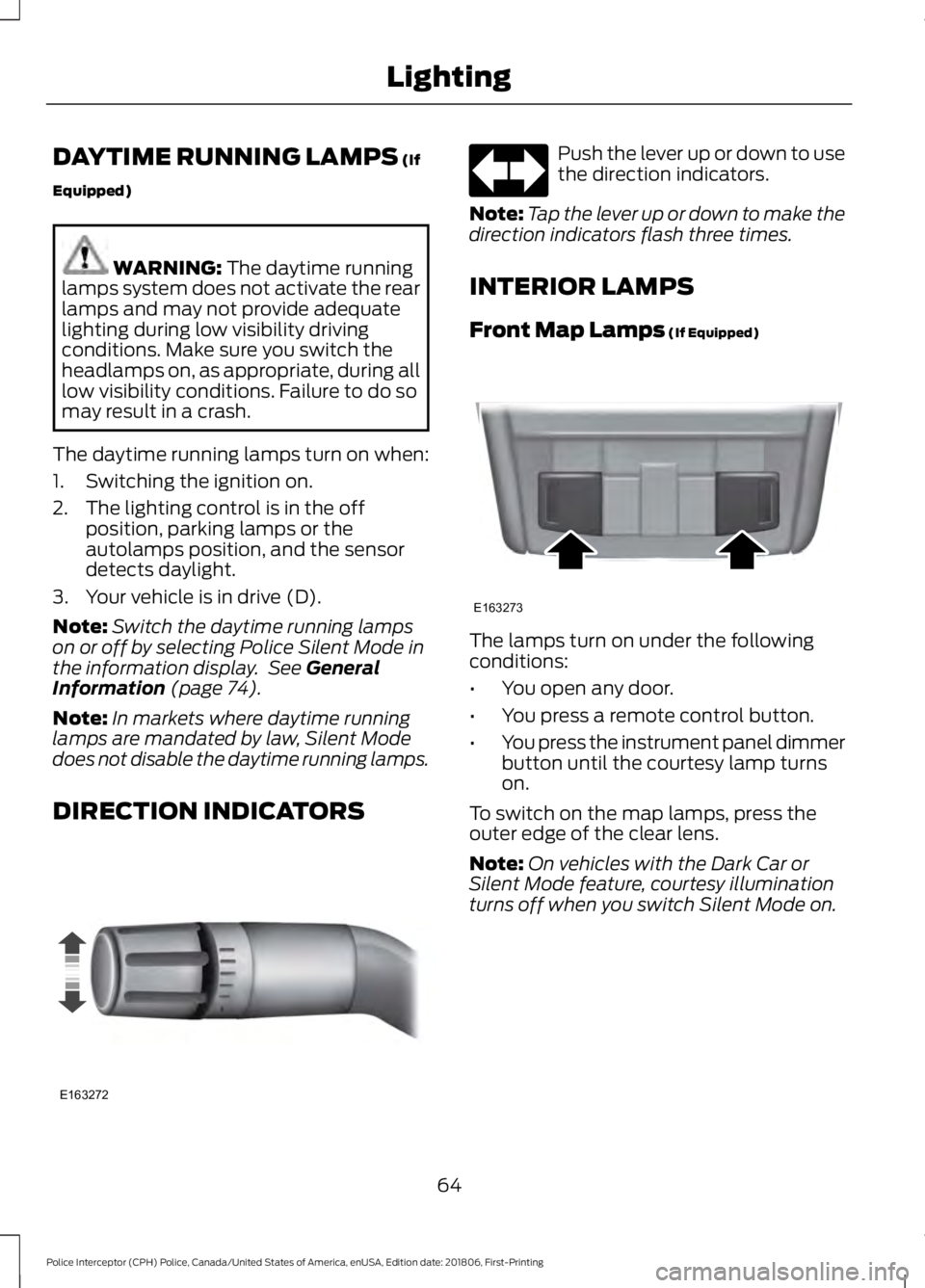
DIRECTION INDICATORS Push the lever up or down to use
the direction indicators.
Note: Tap the lever up or down to make the
direction indicators flash three times.
INTERIOR LAMPS
Front Map Lamps
(If Equipped) The lamps turn on under the following
conditions:
•
You open any door.
• You press a remote control button.
• You press the instrument panel dimmer
button until the courtesy lamp turns
on.
To switch on the map lamps, press the
outer edge of the clear lens.
Note: On vehicles with the Dark Car or
Silent Mode feature, courtesy illumination
turns off when you switch Silent Mode on.
64
Police Interceptor (CPH) Police, Canada/United States of America, enUSA, Edition date: 201806, First-Printing LightingE163272 E163273