2019 FORD FLEX lights
[x] Cancel search: lightsPage 216 of 513

Trailer Lamps
WARNING: Never connect any trailer
lamp wiring to the vehicle's tail lamp
wiring; this may damage the electrical
system resulting in fire. Contact your
authorized dealer as soon as possible for
assistance in proper trailer tow wiring
installation. Additional electrical
equipment may be required.
Trailer lamps are required on most towed
vehicles. Make sure all running lights, brake
lights, turn signals and hazard lights are
working. Before Towing a Trailer
Practice turning, stopping and backing up
to get the feel of your vehicle-trailer
combination before starting on a trip.
When turning, make wider turns so the
trailer wheels clear curbs and other
obstacles.
When Towing a Trailer
•
Do not drive faster than 70 mph
(113 km/h) during the first 500 mi
(800 km).
• Do not make full-throttle starts.
• Check your hitch, electrical connections
and trailer wheel lug nuts thoroughly
after you have traveled 50 mi (80 km).
• When stopped in congested or heavy
traffic during hot weather, place the
gearshift in park (P) to aid engine and
transmission cooling and to help A/C
performance.
• Turn off the speed control with heavy
loads or in hilly terrain. The speed
control may turn off automatically
when you are towing on long, steep
grades.
• Shift to a lower gear when driving down
a long or steep hill. Do not apply the
brakes continuously, as they may
overheat and become less effective.
• If your transmission is equipped with a
Grade Assist or Tow/Haul feature, use
this feature when towing. This provides
engine braking and helps eliminate
excessive transmission shifting for
optimum fuel economy and
transmission cooling.
• Allow more distance for stopping with
a trailer attached. Anticipate stops and
brake gradually.
• Avoid parking on a grade. However, if
you must park on a grade:
1. Turn the steering wheel to point your vehicle tires away from traffic flow.
213
Flex (TP3) , enUSA, Edition date: 201803, Second-Printing TowingE211392
Page 220 of 513

•
Transmissions give their best fuel
economy when operated in the top
cruise gear and with steady pressure
on the gas pedal.
• Four-wheel-drive operation (if
equipped) is less fuel efficient than
two-wheel-drive operation.
• Close the windows for high-speed
driving.
DRIVING THROUGH WATER WARNING: Do not drive through
flowing or deep water as you may lose
control of your vehicle.
Note: Driving through standing water can
cause vehicle damage.
Note: Engine damage can occur if water
enters the air filter.
Before driving through standing water,
check the depth. Never drive through water
that is higher than the bottom of the front
rocker area of your vehicle. When driving through standing water, drive
very slowly and do not stop your vehicle.
Your brake performance and traction may
be limited. After driving through water and
as soon as it is safe to do so: •
Lightly press the brake pedal to dry the
brakes and to check that they work.
• Check that the horn works.
• Check that the exterior lights work.
• Turn the steering wheel to check that
the steering power assist works.
FLOOR MATS WARNING: Use a floor mat designed
to fit the footwell of your vehicle that does
not obstruct the pedal area. Failure to
follow this instruction could result in the
loss of control of your vehicle, personal
injury or death. WARNING:
Pedals that cannot
move freely can cause loss of vehicle
control and increase the risk of serious
personal injury. WARNING:
Secure the floor mat to
both retention devices so that it cannot
slip out of position and interfere with the
pedals. Failure to follow this instruction
could result in the loss of control of your
vehicle, personal injury or death. WARNING:
Do not place additional
floor mats or any other covering on top of
the original floor mats. This could result in
the floor mat interfering with the operation
of the pedals. Failure to follow this
instruction could result in the loss of
control of your vehicle, personal injury or
death. WARNING:
Always make sure that
objects cannot fall into the driver foot well
while your vehicle is moving. Objects that
are loose can become trapped under the
pedals causing a loss of vehicle control.
217
Flex (TP3) , enUSA, Edition date: 201803, Second-Printing Driving HintsE266447
Page 396 of 513

Driver temperature: Touch up
or down to adjust the
temperature.
A
Heated steering wheel: Touch
the heated steering wheel icon
to switch the heated steering
wheel on and off (if equipped).
B
Defrost:
A pop up appears on
the screen to display the defrost
options.
C
MAX Defrost: Touch the button
to maximize defrosting. Outside
air flows through the windshield
vents, the fan automatically
adjusts to the highest speed and
the temperature dial returns to
the full heat position. You can
use this setting to defog or clear
a thin covering of ice from the
windshield. The heated rear
window also automatically turns
on when you select MAX Defrost.
Defrost:
Touch to clear the
windshield of fog and thin ice.
Touch again to return to the
previous airflow selection. When
on, defrost provides outside air
to reduce window fogging and
distributes air through the
windshield defroster vents and
demister vents.
Note:
To prevent window
fogging, you cannot select
recirculated air when Defrost is
on.
Heated rear window: Turns the
heated rear window on and off.
See the Heated Windows and
Mirrors chapter in your owner
manual. AUTO:
Touch the button to
switch on automatic operation.
Select the desired temperature
using the temperature control.
The system adjusts fan speed,
air distribution, air conditioning
operation, and selects outside
air or recirculated air to heat or
cool the vehicle in order to
maintain the desired
temperature.
D
Power:
Touch the button to
switch the system on and off.
Switching off the climate control
system prevents outside air from
entering the vehicle.
E
DUAL:
This button lights up
when the passenger controls are
active. To switch the dual zone
operation off and link the
passenger temperature to the
driver temperature, touch the
DUAL button to switch it off.
F
Passenger temperature:
Touch up or down to adjust the
temperature.
G
Passenger heated and
climate controlled seats:
H
Touch the heated seat icon to
adjust the heated seat off and
on (if equipped).
Touch the climate-controlled
seat icon to adjust the
climate-controlled seat off and
on (if equipped).
Fan speed:
Touch up or down
to increase or decrease the
volume of air circulated in your
vehicle.
I
Rear:
A pop up appears on the
screen to display the rear control
options.
J
393
Flex (TP3) , enUSA, Edition date: 201803, Second-Printing SYNC™ 3
Page 404 of 513

3D city models are complete 3D models
of entire city areas including navigable
roads, parks, rivers and rendered buildings.
3D landmarks and city models appear in
3D map mode only. Coverage of these
varies and improves with updated map
releases.
Select the zoom in icon to see a
closer view of the map.
Select the zoom out icon to see
a farther away view of the map.
You can adjust the view in preset
increments. You can also pinch to zoom in
or out of the map.
The information bar tells you the names
of streets, cities or landmarks as you hover
over them with the crosshair curser.
You can change your view of the map by
tapping on the location indicator icon on
the right hand side of the screen. You can
choose from the following options: Heading up (2D map) This
always shows the direction of
forward travel to be upward on
the screen. This view is available
for map scales up to
3 mi (5 km). North up (2D map)
always
shows the northern direction to
be upward on the screen. 3D map mode
provides an
elevated perspective of the map.
Adjust this viewing angle and
rotate the map 180 degrees by
touching the map twice, and
then dragging your finger along the shaded
bar with arrows at the bottom of the map. Re-center the map by pressing
this icon whenever you scroll the
map away from your vehicle
’s
current location. Mute:
Press to mute the audio
navigation guidance. Press the
button again to un-mute the
guidance. Points of Interest (POI)
grouping icon: You can choose
up to three POI icons to display
on the map. If the chosen POIs
are located close together or are
at the same location a box is used to
display a single category icon instead of
repeating the same icon, in order to reduce
clutter. When you select the box on the
map, a pop-up appears indicating how
many POIs are in this location. Select the
pop up to see a list of the available POIs.
You can scroll through and select POIs
from this list.
If your vehicle is low on charge or fuel,
station icons automatically display on the
map.
If you have subscribed to SiriusXM Traffic
and Travel Link (where available), traffic
flow will be indicated on the map by green
(clear), yellow (slowing), and red
(stopped) road highlights. Traffic flow is
indicated where the information is
available and varies across the US.
You can choose to display traffic icons on
the map representing twelve different
types of incidents. See
Settings (page
411).
You can set a destination by hovering
above a location and selecting:
401
Flex (TP3) , enUSA, Edition date: 201803, Second-Printing SYNC™ 3E207752 E207753 E207750 E207749 E207748 E207751 E251780 E251779 E207754
Page 447 of 513
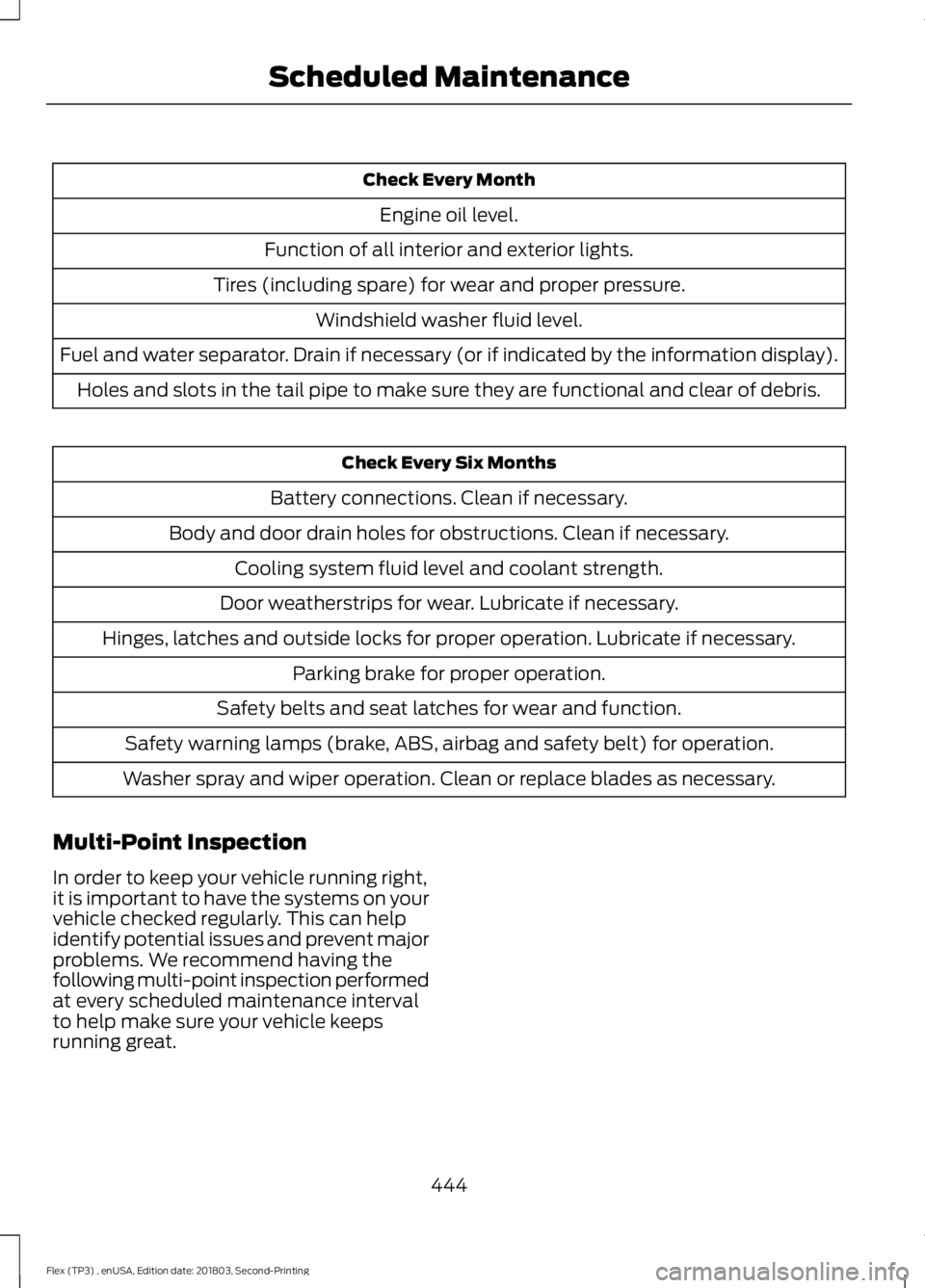
Check Every Month
Engine oil level.
Function of all interior and exterior lights.
Tires (including spare) for wear and proper pressure. Windshield washer fluid level.
Fuel and water separator. Drain if necessary (or if indicated by the information display). Holes and slots in the tail pipe to make sure they are functional and clear of debris. Check Every Six Months
Battery connections. Clean if necessary.
Body and door drain holes for obstructions. Clean if necessary. Cooling system fluid level and coolant strength.
Door weatherstrips for wear. Lubricate if necessary.
Hinges, latches and outside locks for proper operation. Lubricate if necessary. Parking brake for proper operation.
Safety belts and seat latches for wear and function.
Safety warning lamps (brake, ABS, airbag and safety belt) for operation.
Washer spray and wiper operation. Clean or replace blades as necessary.
Multi-Point Inspection
In order to keep your vehicle running right,
it is important to have the systems on your
vehicle checked regularly. This can help
identify potential issues and prevent major
problems. We recommend having the
following multi-point inspection performed
at every scheduled maintenance interval
to help make sure your vehicle keeps
running great.
444
Flex (TP3) , enUSA, Edition date: 201803, Second-Printing Scheduled Maintenance
Page 504 of 513

Capacities and Specifications - 3.5L
Duratec.........................................................305
Alternative Engine Oil for Extremely Cold Climates........................................................... 308
Specifications..................................................... 306
Capacities and Specifications - 3.5L Ecoboost™.................................................309
Alternative Engine Oil for Extremely Cold Climates............................................................ 312
Specifications...................................................... 310
Capacities and Specifications................299
Cargo Nets.....................................................202
Car Wash See: Cleaning the Exterior.............................. 265
Catalytic Converter
......................................159
On-Board Diagnostics (OBD-II)................... 160
Readiness for Inspection and Maintenance (I/M) Testing................................................... 160
Center Console
..............................................143
Console Refrigerator and Freezer.................143
Second Row Center Console.......................... 143
Changing a Bulb..........................................260 Brake and Rear Lamps, Rear Direction
Indicator and Reversing Lamp.................262
Front Direction Indicator and Front Parking Lamp.................................................................. 261
Front Fog Lamp.................................................. 262
Headlamp.............................................................. 261
Headlamp Low Beam and Headlamp High Beam.................................................................. 261
LED Lamps........................................................... 263
License Plate Lamp.......................................... 263
Changing a Fuse............................................241 Fuses....................................................................... 241
Changing a Road Wheel
...........................293
Dissimilar Spare Wheel and Tire Assembly
Information..................................................... 293
Tire Change Procedure.................................... 294
Changing the 12V Battery.........................256
Changing the Engine Air Filter................263
Changing the Wiper Blades
.....................258
Front Wiper Blades........................................... 258
Rear Window Wiper Blade............................. 258
Checking MyKey System Status...............59 MyKey Distance.................................................... 59
Number of Admin Keys...................................... 59
Number of MyKeys.............................................. 59
Checking the Wiper Blades......................257 Child Restraint and Seatbelt
Maintenance..................................................41
Child Restraint Positioning
.........................30
Child Safety........................................................17
General Information............................................. 17
Child Safety Locks..........................................32 Left-Hand Side...................................................... 33
Right-Hand Side................................................... 33
Cleaning Leather Seats
.............................269
Cleaning Products.......................................265 Materials............................................................... 265
Cleaning the Engine....................................267
Cleaning the Exterior..................................265 Cleaning the Headlamps................................ 266
Exterior Chrome Parts..................................... 266
Exterior Plastic Parts........................................ 266
Stripes or Graphics........................................... 266
Underbody........................................................... 266
Under Hood......................................................... 266
Cleaning the Instrument Panel and Instrument Cluster Lens........................268
Cleaning the Interior...................................268 Mirrors.................................................................... 268
Cleaning the Wheels
..................................270
Cleaning the Windows and Wiper Blades............................................................267
Clearing All MyKeys
.......................................58
Climate............................................................392
Climate Control
..............................................112
Climate Controlled Seats..........................135
Cooled Seats........................................................ 135
Heated Seats........................................................ 135
Collision Warning System.........................199 PRINCIPLE OF OPERATION........................... 199
Coolant Check See: Engine Coolant Check............................ 249
Crash Sensors and Airbag Indicator
.......50
Creating a MyKey...........................................58
Programming and Changing Configurable
Settings............................................................... 58
Cross Traffic Alert.........................................196 False Alerts........................................................... 198
Switching the System Off and On...............198
System Errors....................................................... 198
System Lights, Messages and Audible Alerts................................................................... 197
System Limitations............................................ 198
Using the System............................................... 196
501
Flex (TP3) , enUSA, Edition date: 201803, Second-Printing Index
Page 512 of 513

Operating AWD Vehicles With Spare
Tires..................................................................... 167
Using Cruise Control....................................187 Canceling the Set Speed................................. 187
Changing the Set Speed.................................. 187
Resuming the Set Speed................................ 188
Setting the Cruise Speed................................. 187
Switching Cruise Control Off......................... 188
Switching Cruise Control On.......................... 187
Using MyKey With Remote Start Systems..........................................................59
Using Snow Chains.....................................288
Using Stability Control................................177
Using SYNC™ With Your Media Player............................................................344
Accessing Your Play Menu............................. 349
Connecting Your Digital Media Player to the USB Port.......................................................... 344
Media Menu Features....................................... 347
Media Voice Commands................................ 346
System Settings.................................................. 351
What's Playing?................................................. 345
Using SYNC™ With Your Phone
............329
Accessing Features Through the Phone
Menu.................................................................. 333
Accessing Your Phone Settings.................... 337
Making a Call....................................................... 332
Pairing a Cell Phone for the First Time................................................................... 329
Pairing Subsequent Cell Phones.................330
Phone Options during an Active Call.........332
Phone Voice Commands................................ 330
Receiving Calls.................................................... 332
System Settings................................................. 339
Text Messaging................................................... 335
Using Traction Control................................175 Switching the System Off................................ 175
System Indicator Lights and Messages........................................................... 175
Using a Switch...................................................... 175
Using the Information Display Controls............................................................. 175
Using Voice Recognition...........................326 Audio Voice Commands.................................. 376
Climate Voice Commands.............................. 377
Initiating a Voice Session................................ 326
Mobile App Voice Commands..................... 380
Navigation Voice Commands........................ 379Phone Voice Commands.................................
377
SiriusXM Traffic and Travel Link Voice Commands..................................................... 380
System Interaction and Feedback...............327
Voice Settings Commands............................. 381
Utilizing the Mediation/Arbitration Program (Canada Only)
........................228
V
Vehicle Care...................................................265 General Information......................................... 265
Vehicle Certification Label.......................304
Vehicle Identification Number................303
Vehicle Storage.............................................270 Battery..................................................................... 271
Body........................................................................\
270
Brakes...................................................................... 271
Cooling system..................................................... 271
Engine...................................................................... 271
Fuel system........................................................... 271
General.................................................................. 270
Miscellaneous....................................................... 271
Removing Vehicle From Storage................... 271
Tires........................................................................\
.. 271
Ventilation See: Climate Control........................................... 112
VIN See: Vehicle Identification Number............303
Voice Control....................................................75
W
Warning Lamps and Indicators..................91 Adaptive Cruise Control...................................... 91
Airbag Readiness.................................................. 92
Anti-Lock Braking System................................ 92
Battery...................................................................... 92
Brake System......................................................... 92
Charging System.................................................. 92
Cruise Control........................................................ 92
Directional Indicator............................................ 92
Door Ajar.................................................................. 92
Engine Coolant Temperature........................... 92
Engine Oil................................................................ 93
Fasten Seatbelt Warning Lamp...................... 93
Front Airbag............................................................ 93
Front Fog Lamps.................................................. 93
509
Flex (TP3) , enUSA, Edition date: 201803, Second-Printing Index