2019 FORD FIESTA service reset
[x] Cancel search: service resetPage 334 of 443
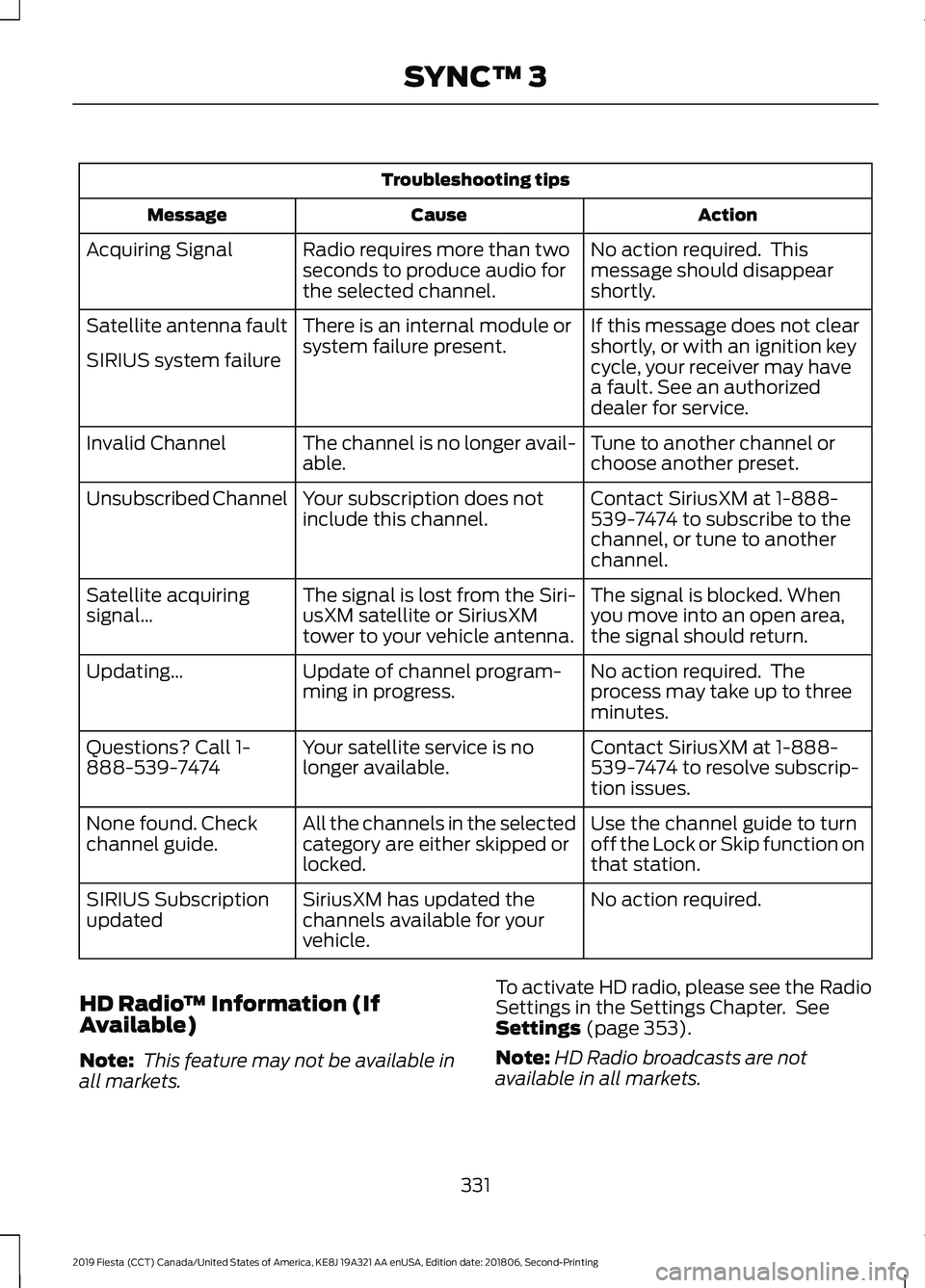
Troubleshooting tips
Action
Cause
Message
No action required. This
message should disappear
shortly.
Radio requires more than two
seconds to produce audio for
the selected channel.
Acquiring Signal
If this message does not clear
shortly, or with an ignition key
cycle, your receiver may have
a fault. See an authorized
dealer for service.
There is an internal module or
system failure present.
Satellite antenna fault
SIRIUS system failure
Tune to another channel or
choose another preset.
The channel is no longer avail-
able.
Invalid Channel
Contact SiriusXM at 1-888-
539-7474 to subscribe to the
channel, or tune to another
channel.
Your subscription does not
include this channel.
Unsubscribed Channel
The signal is blocked. When
you move into an open area,
the signal should return.
The signal is lost from the Siri-
usXM satellite or SiriusXM
tower to your vehicle antenna.
Satellite acquiring
signal…
No action required. The
process may take up to three
minutes.
Update of channel program-
ming in progress.
Updating…
Contact SiriusXM at 1-888-
539-7474 to resolve subscrip-
tion issues.
Your satellite service is no
longer available.
Questions? Call 1-
888-539-7474
Use the channel guide to turn
off the Lock or Skip function on
that station.
All the channels in the selected
category are either skipped or
locked.
None found. Check
channel guide.
No action required.
SiriusXM has updated the
channels available for your
vehicle.
SIRIUS Subscription
updated
HD Radio ™ Information (If
Available)
Note: This feature may not be available in
all markets. To activate HD radio, please see the Radio
Settings in the Settings Chapter. See
Settings (page 353).
Note: HD Radio broadcasts are not
available in all markets.
331
2019 Fiesta (CCT) Canada/United States of America, KE8J 19A321 AA enUSA, Edition date: 201806, Second-Printing SYNC™ 3
Page 337 of 443
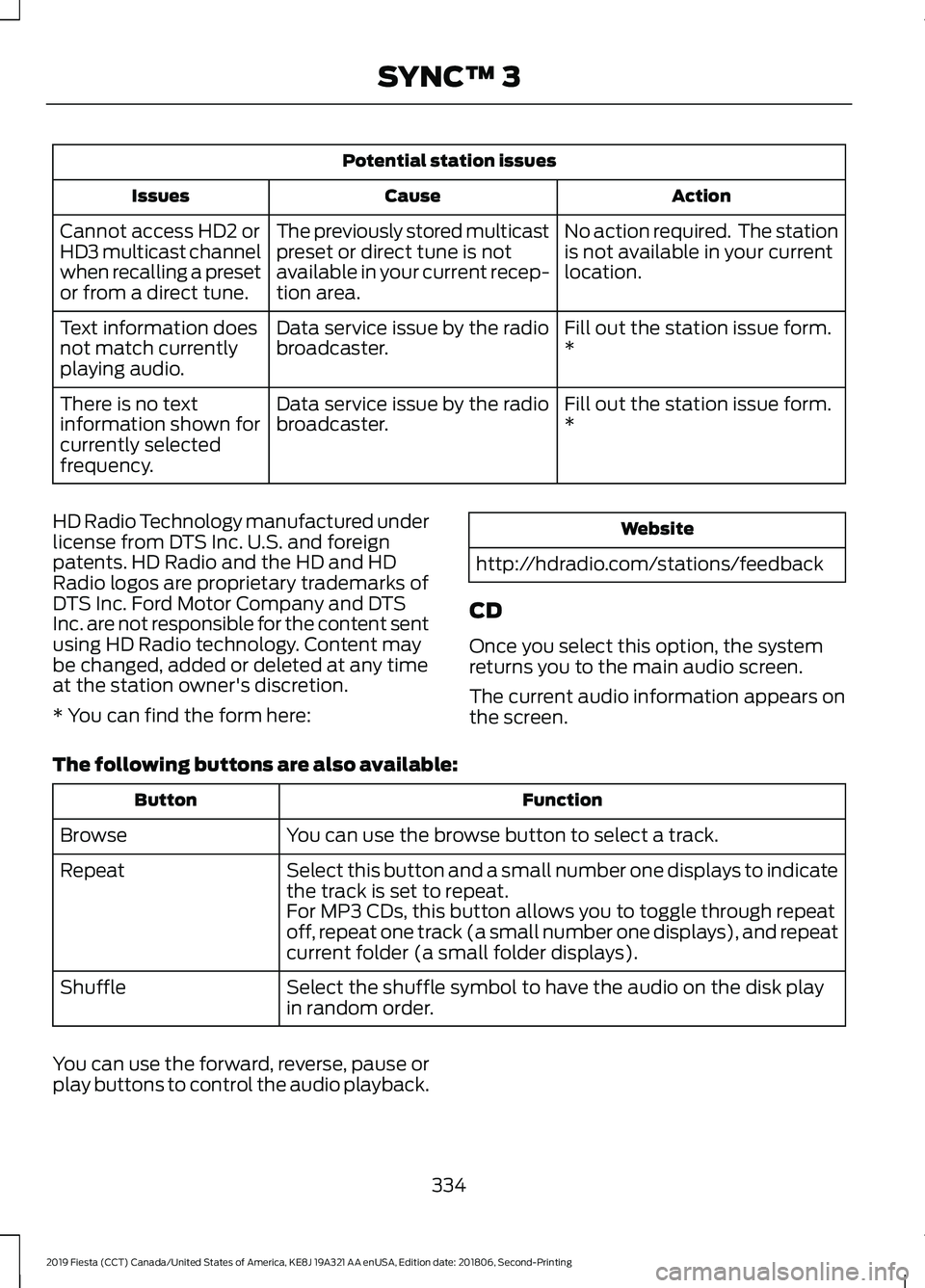
Potential station issues
Action
Cause
Issues
No action required. The station
is not available in your current
location.
The previously stored multicast
preset or direct tune is not
available in your current recep-
tion area.
Cannot access HD2 or
HD3 multicast channel
when recalling a preset
or from a direct tune.
Fill out the station issue form.
*
Data service issue by the radio
broadcaster.
Text information does
not match currently
playing audio.
Fill out the station issue form.
*
Data service issue by the radio
broadcaster.
There is no text
information shown for
currently selected
frequency.
HD Radio Technology manufactured under
license from DTS Inc. U.S. and foreign
patents. HD Radio and the HD and HD
Radio logos are proprietary trademarks of
DTS Inc. Ford Motor Company and DTS
Inc. are not responsible for the content sent
using HD Radio technology. Content may
be changed, added or deleted at any time
at the station owner's discretion.
* You can find the form here: Website
http://hdradio.com/stations/feedback
CD
Once you select this option, the system
returns you to the main audio screen.
The current audio information appears on
the screen.
The following buttons are also available: Function
Button
You can use the browse button to select a track.
Browse
Select this button and a small number one displays to indicate
the track is set to repeat.
Repeat
For MP3 CDs, this button allows you to toggle through repeat
off, repeat one track (a small number one displays), and repeat
current folder (a small folder displays).
Select the shuffle symbol to have the audio on the disk play
in random order.
Shuffle
You can use the forward, reverse, pause or
play buttons to control the audio playback.
334
2019 Fiesta (CCT) Canada/United States of America, KE8J 19A321 AA enUSA, Edition date: 201806, Second-Printing SYNC™ 3
Page 373 of 443
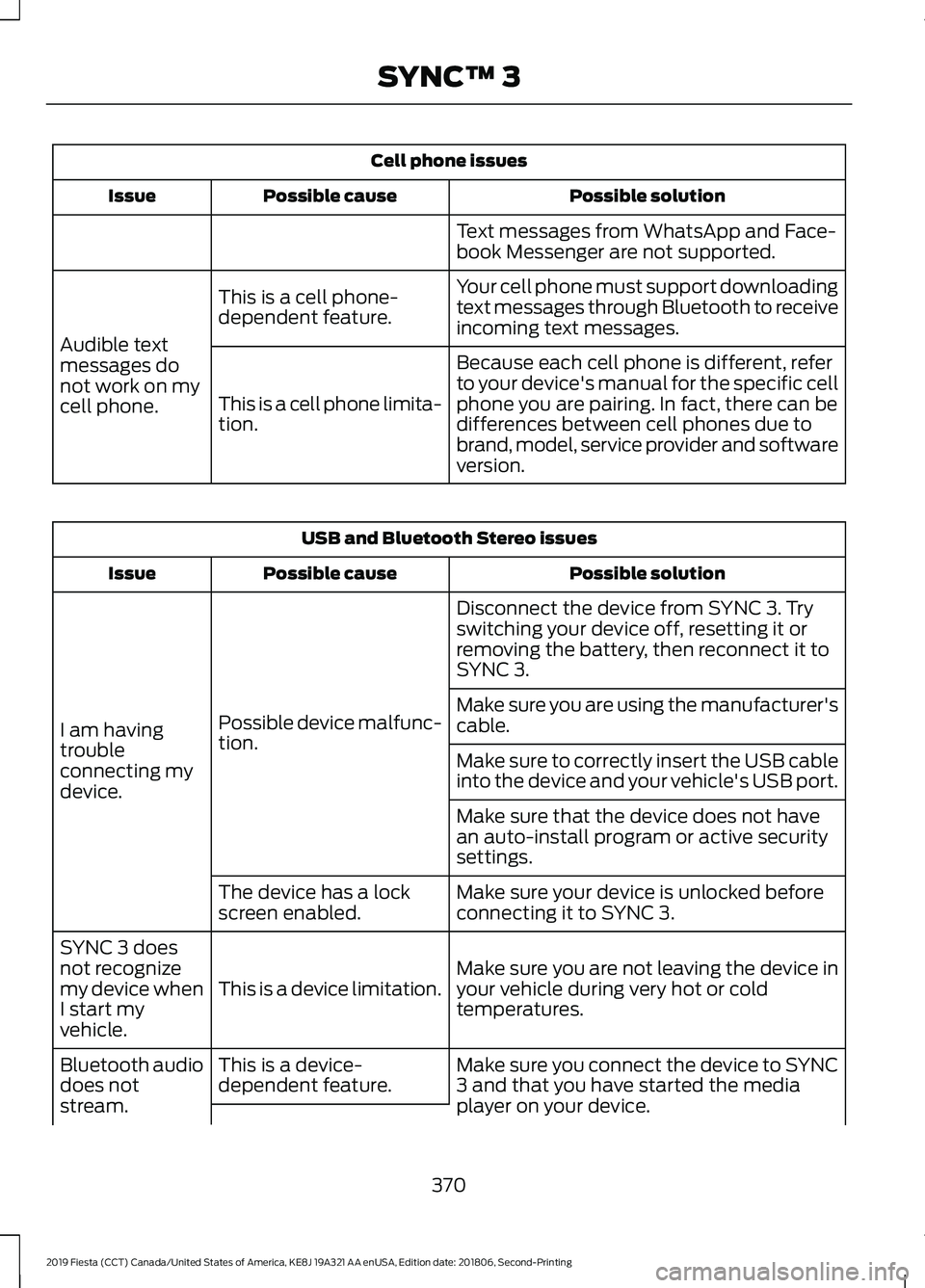
Cell phone issues
Possible solution
Possible cause
Issue
Text messages from WhatsApp and Face-
book Messenger are not supported.
Your cell phone must support downloading
text messages through Bluetooth to receive
incoming text messages.
This is a cell phone-
dependent feature.
Audible text
messages do
not work on my
cell phone. Because each cell phone is different, refer
to your device's manual for the specific cell
phone you are pairing. In fact, there can be
differences between cell phones due to
brand, model, service provider and software
version.
This is a cell phone limita-
tion. USB and Bluetooth Stereo issues
Possible solution
Possible cause
Issue
Disconnect the device from SYNC 3. Try
switching your device off, resetting it or
removing the battery, then reconnect it to
SYNC 3.
Possible device malfunc-
tion.
I am having
trouble
connecting my
device. Make sure you are using the manufacturer's
cable.
Make sure to correctly insert the USB cable
into the device and your vehicle's USB port.
Make sure that the device does not have
an auto-install program or active security
settings.
Make sure your device is unlocked before
connecting it to SYNC 3.
The device has a lock
screen enabled.
Make sure you are not leaving the device in
your vehicle during very hot or cold
temperatures.
This is a device limitation.
SYNC 3 does
not recognize
my device when
I start my
vehicle.
Make sure you connect the device to SYNC
3 and that you have started the media
player on your device.
This is a device-
dependent feature.
Bluetooth audio
does not
stream.
370
2019 Fiesta (CCT) Canada/United States of America, KE8J 19A321 AA enUSA, Edition date: 201806, Second-Printing SYNC™ 3
Page 436 of 443

Cleaning the Interior....................................214
Mirrors..................................................................... 215
Cleaning the Wheels...................................216
Cleaning the Windows and Wiper Blades............................................................214
Clearing All MyKeys.......................................54
Climate Control..............................................96
Clock....................................................................87 Type 1........................................................................\
. 87
Type 2........................................................................\
87
Clutch Fluid Check - Manual Transmission...............................................192
Coolant Check See: Engine Coolant Check............................. 187
Crash Sensors and Airbag Indicator
........45
Creating a MyKey............................................53 Programming/Changing Configurable
Settings............................................................... 53
Cruise Control
.................................................69
Principle of Operation....................................... 146
Cruise control See: Using Cruise Control................................ 146
Customer Assistance
..................................165
D
Data Recording
..................................................9
Comfort, Convenience and Entertainment
Data........................................................................\
11
Event Data................................................................. 11
Service Data............................................................ 10
Services That Third Parties Provide...............12
Services That We Provide.................................. 12
Vehicles With a Modem...................................... 12
Vehicles With SYNC............................................. 12
Declaration of Conformity
.......................429
Radio Frequency Statement......................... 429
Digital Radio..................................................266 HD Radio Reception and Station
Troubleshooting............................................ 267
Direction Indicators........................................74
Doors and Locks..............................................57
Drive Belt Routing - 1.6L Duratec-16V Ti-VCT (Sigma)
.........................................210
Driver and Passenger Airbags...................39 Children and Airbags.......................................... 40
Proper Driver and Front Passenger Seating Adjustment........................................................ 39Driver Knee Airbag
.........................................44
Driving Aids......................................................147
Driving Hints...................................................158
Driving Through Water................................158
E
Eco Mode.........................................................147 Resetting Eco Mode........................................... 147
Type 1....................................................................... 147
Economical Driving......................................158
Electromagnetic Compatibility
...............401
Emission Law.................................................124
Noise Emissions Warranty, Prohibited
Tampering Acts and Maintenance..........125
Tampering With a Noise Control System............................................................... 124
End User License Agreement.................403 VEHICLE SOFTWARE END USER LICENSE
AGREEMENT (EULA) ................................ 403
Engine Block Heater
.....................................115
Using the Engine Block Heater....................... 116
Engine Coolant Check.................................187 Adding Coolant.................................................... 187
Coolant Change.................................................. 189
Engine Coolant Temperature Management.................................................. 190
Fail-Safe Cooling................................................ 189
Recycled Coolant............................................... 189
Severe Climates.................................................. 189
Engine Cooling Fan......................................186
Engine Emission Control............................124
Engine Immobilizer See: Passive Anti-Theft System..................... 65
Engine Oil Check...........................................185 Adding Engine Oil............................................... 185
Engine Oil Dipstick - 1.6L Duratec-16V Ti-VCT (Sigma)
.........................................185
Engine Specifications - 1.6L Duratec-16V Ti-VCT (Sigma)
.........................................243
Entertainment...............................................327 AM/FM Radio...................................................... 328
Apps....................................................................... 336
Bluetooth Stereo or USB................................ 335
CD........................................................................\
.... 334
HD Radio ™ Information (If
Available).......................................................... 331
433
2019 Fiesta (CCT) Canada/United States of America, KE8J 19A321 AA enUSA, Edition date: 201806, Second-Printing Index